
截图
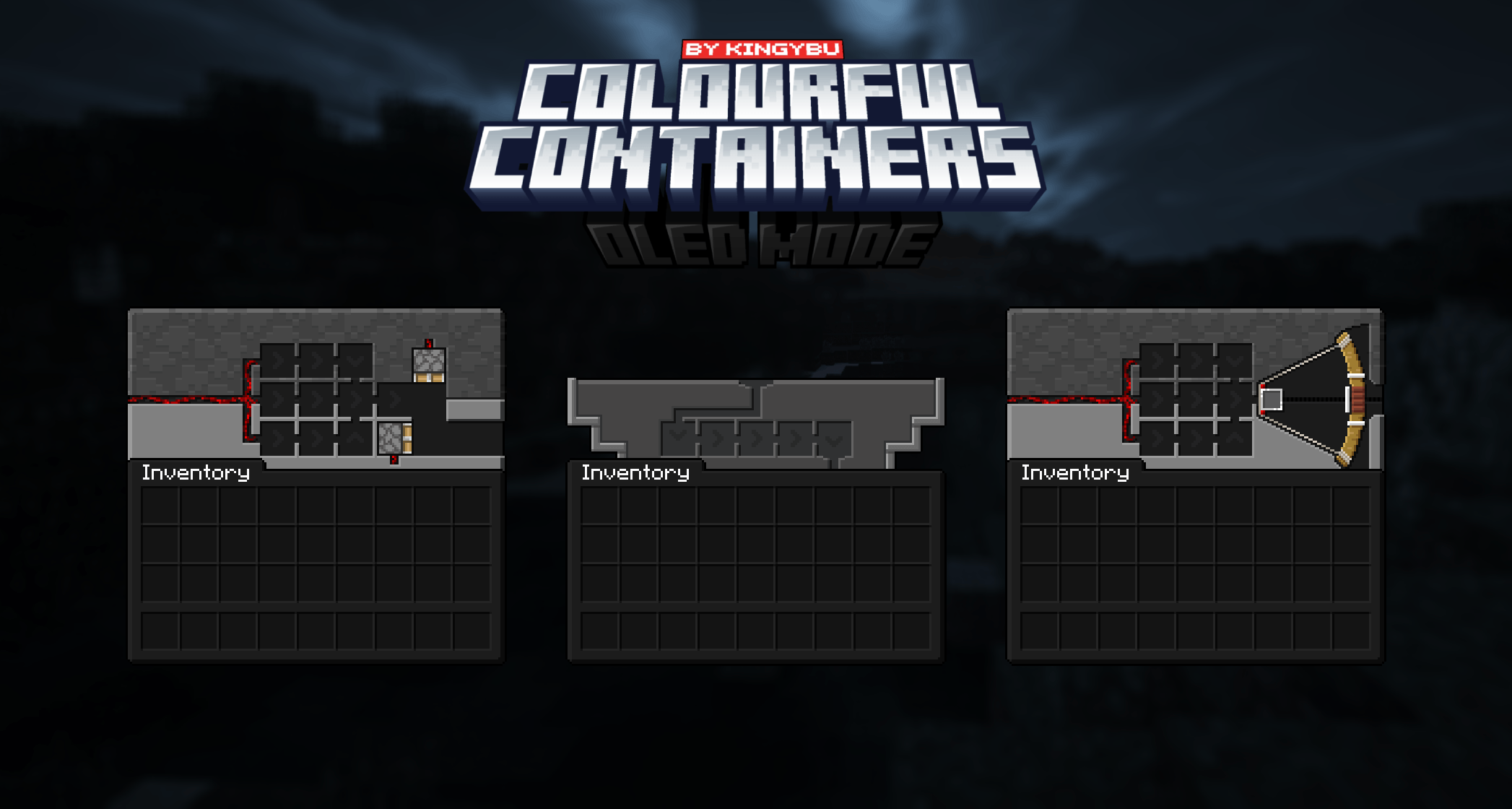
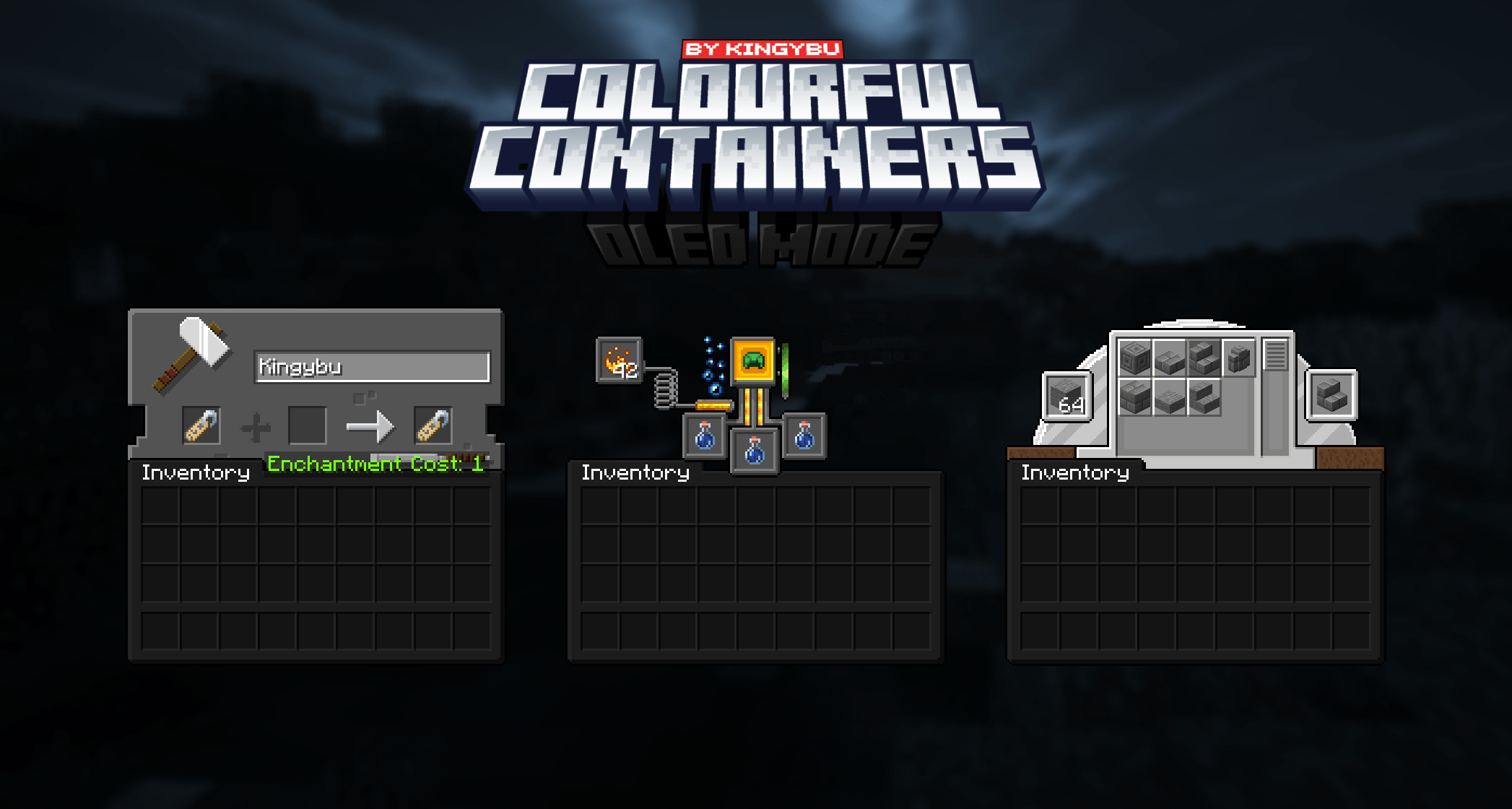
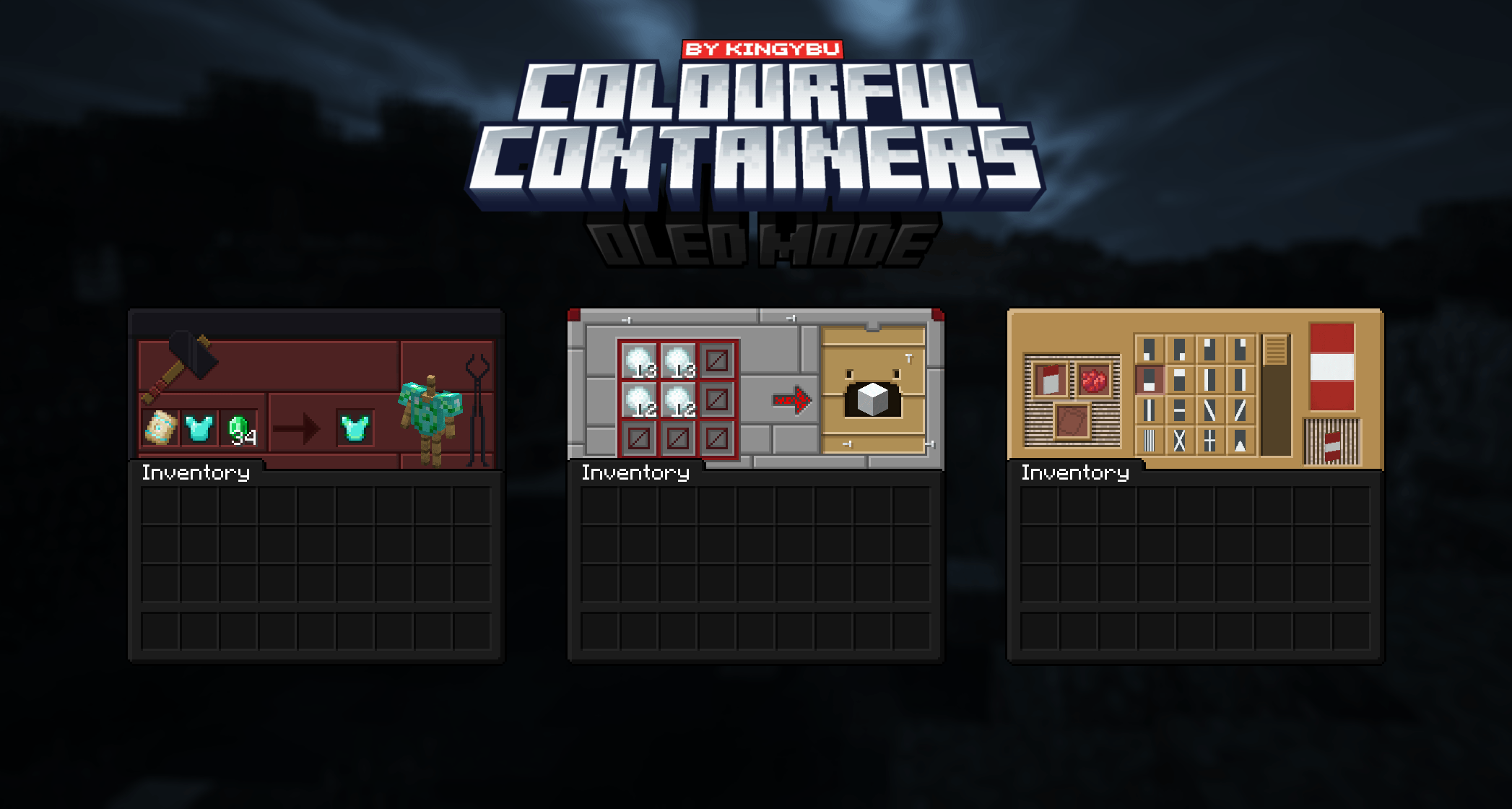
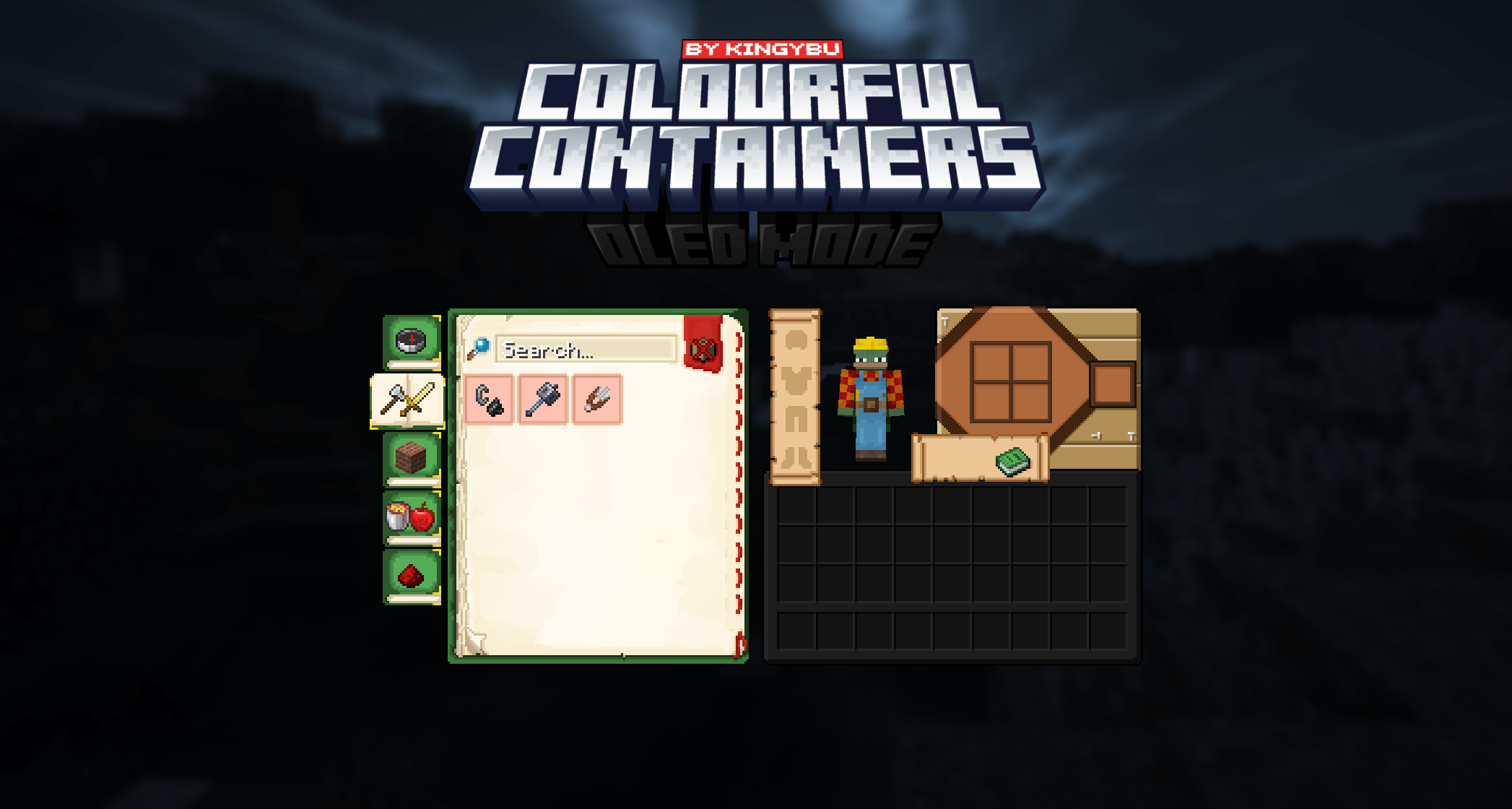
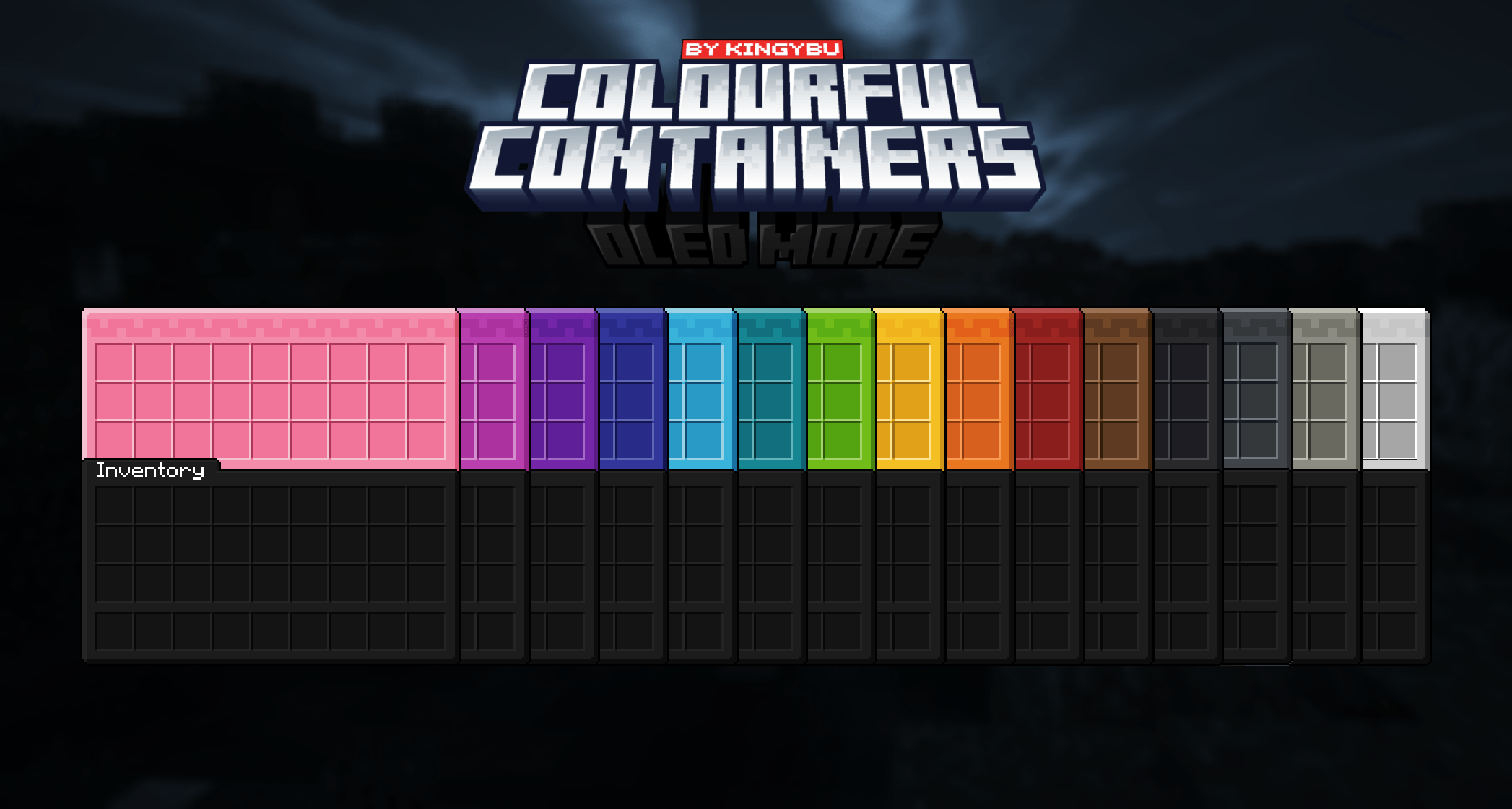
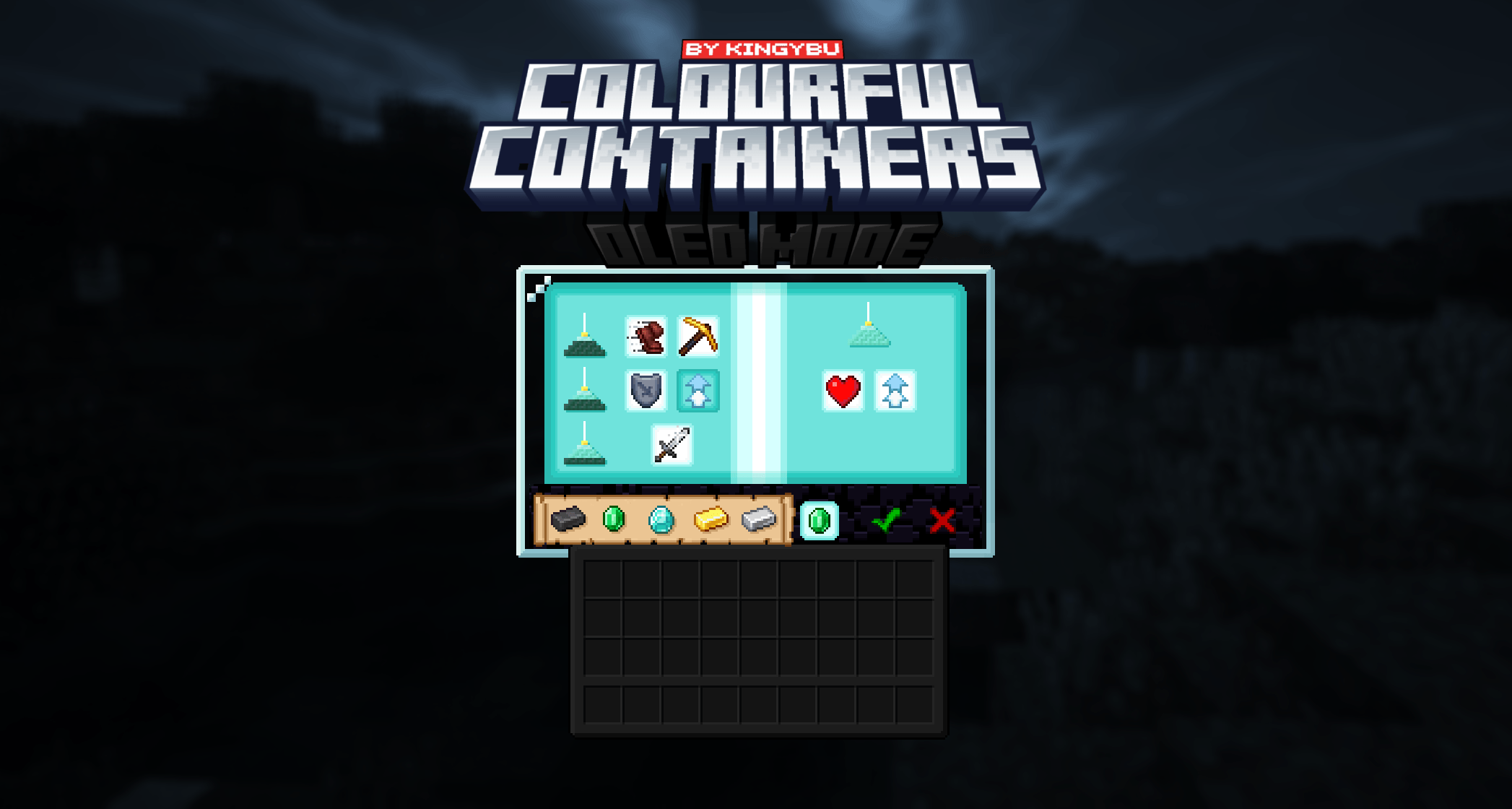
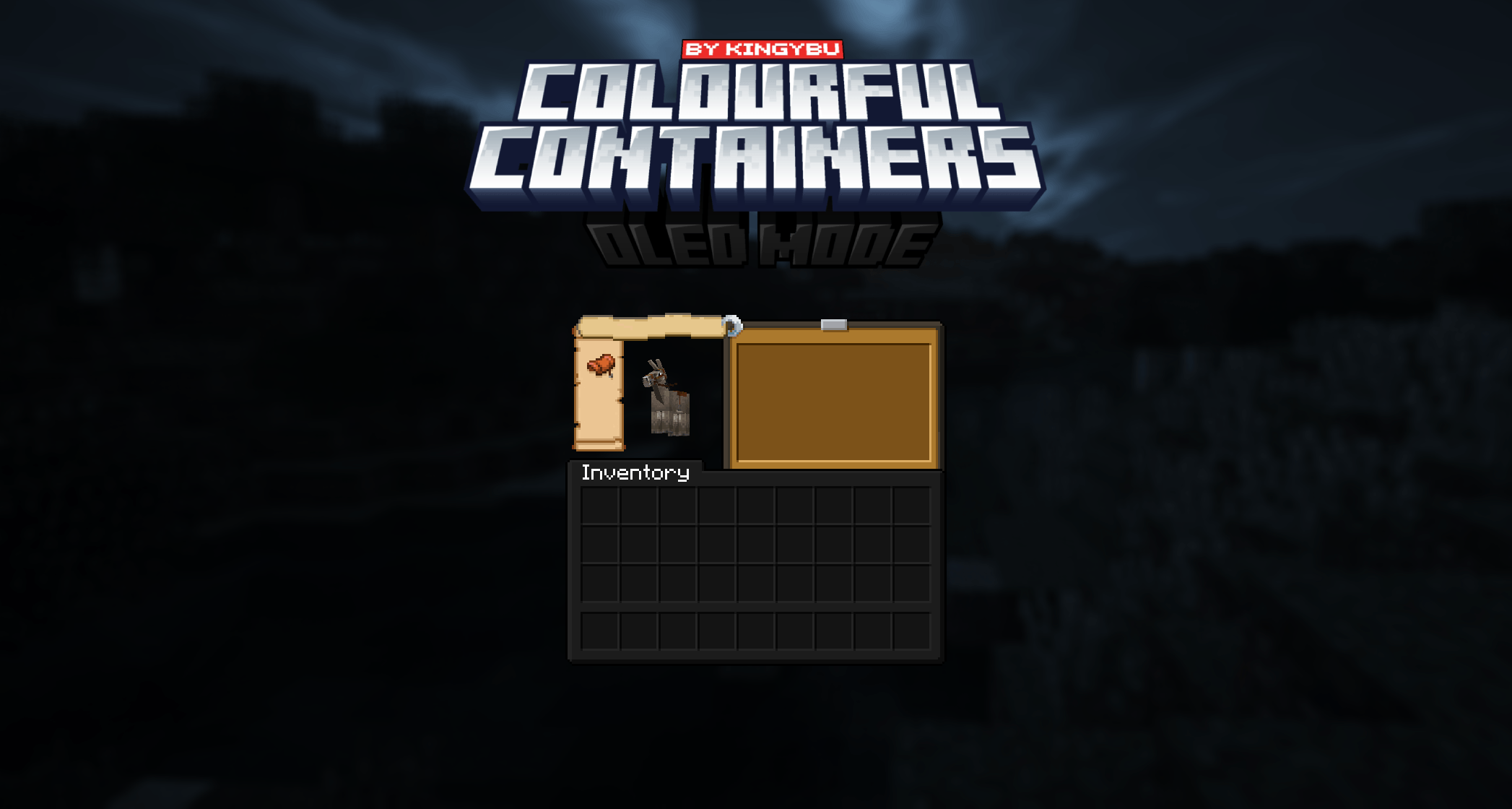
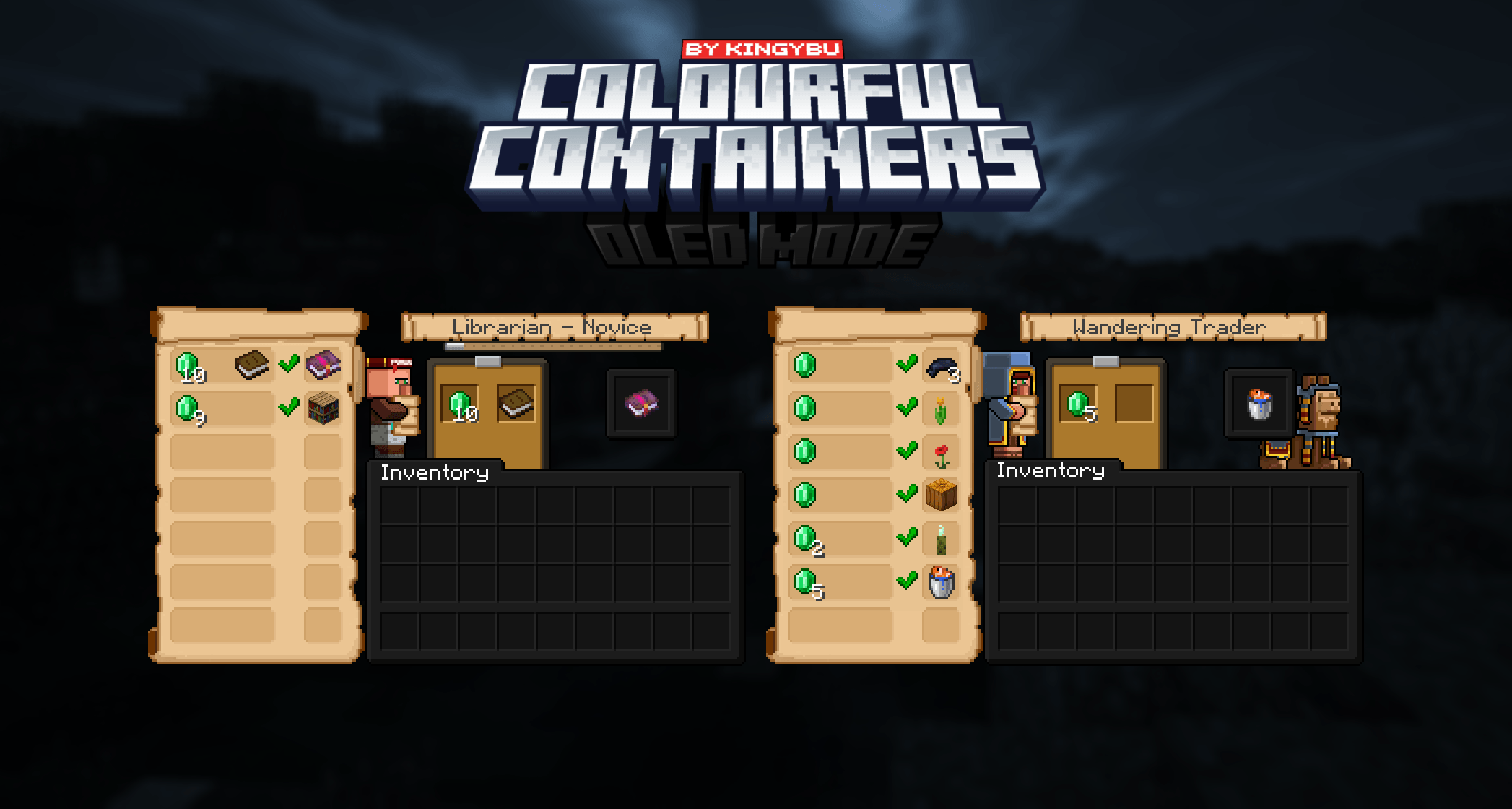
介绍


Bored of Minecraft’s basic user interface?


Sick of approaching your enchanting table only to be presented by the same grey menu as the crafting table? Looking to add some colour into your game? Introducing Colourful Containers, now in dark mode!
A container GUI replacement mod that hopes to match the menu to every one of Minecraft’s colourful interactable blocks.
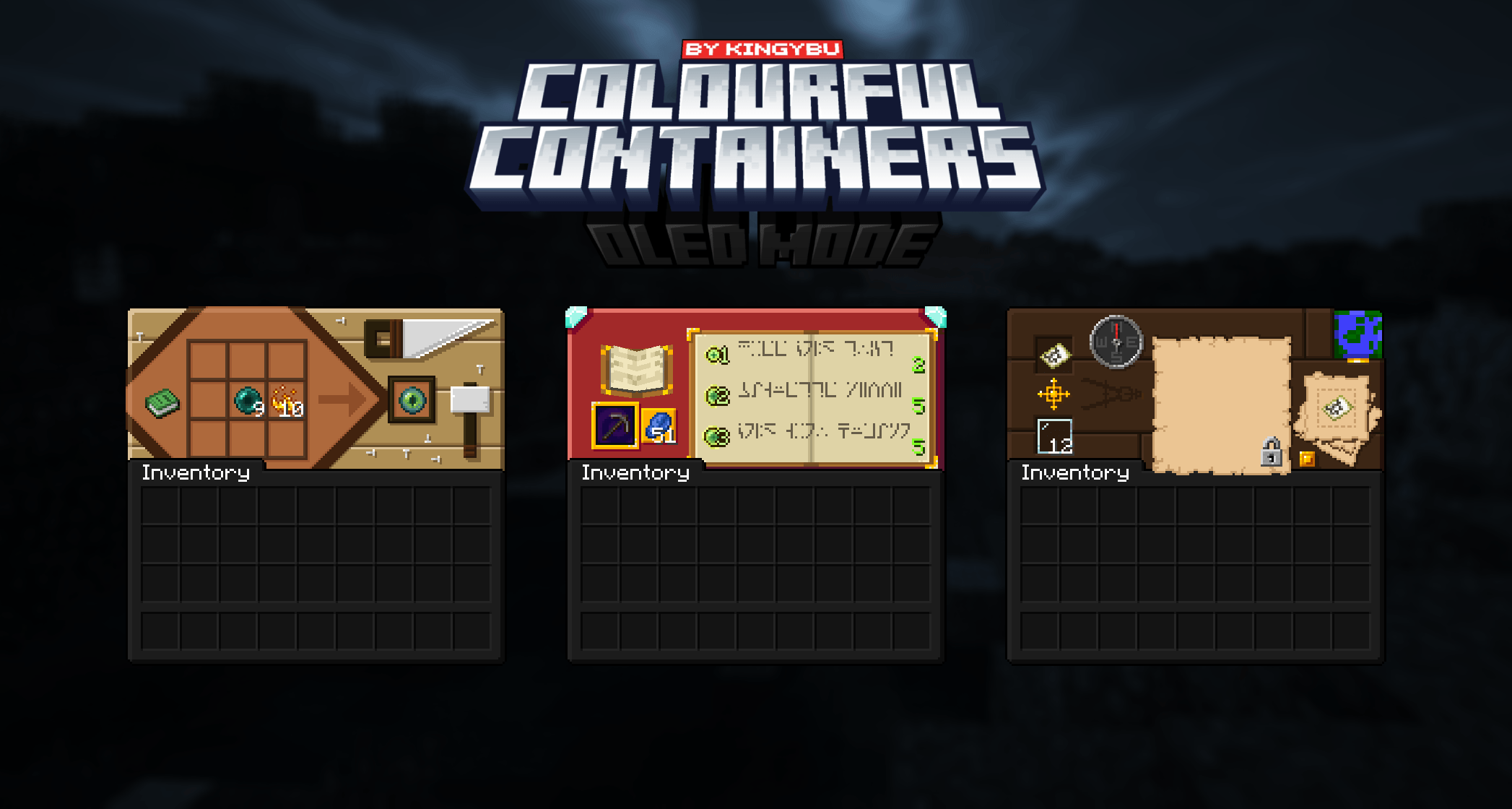
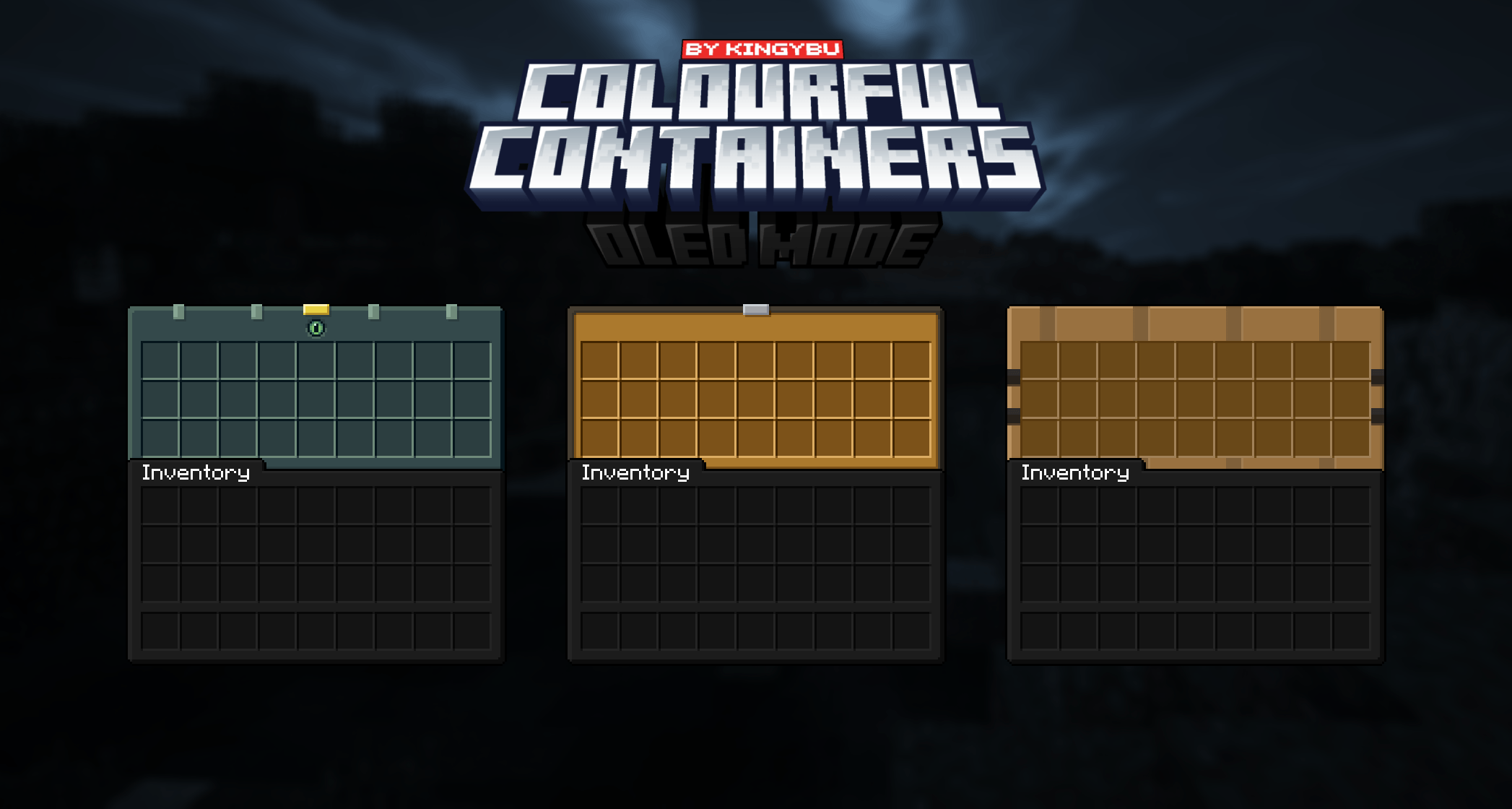
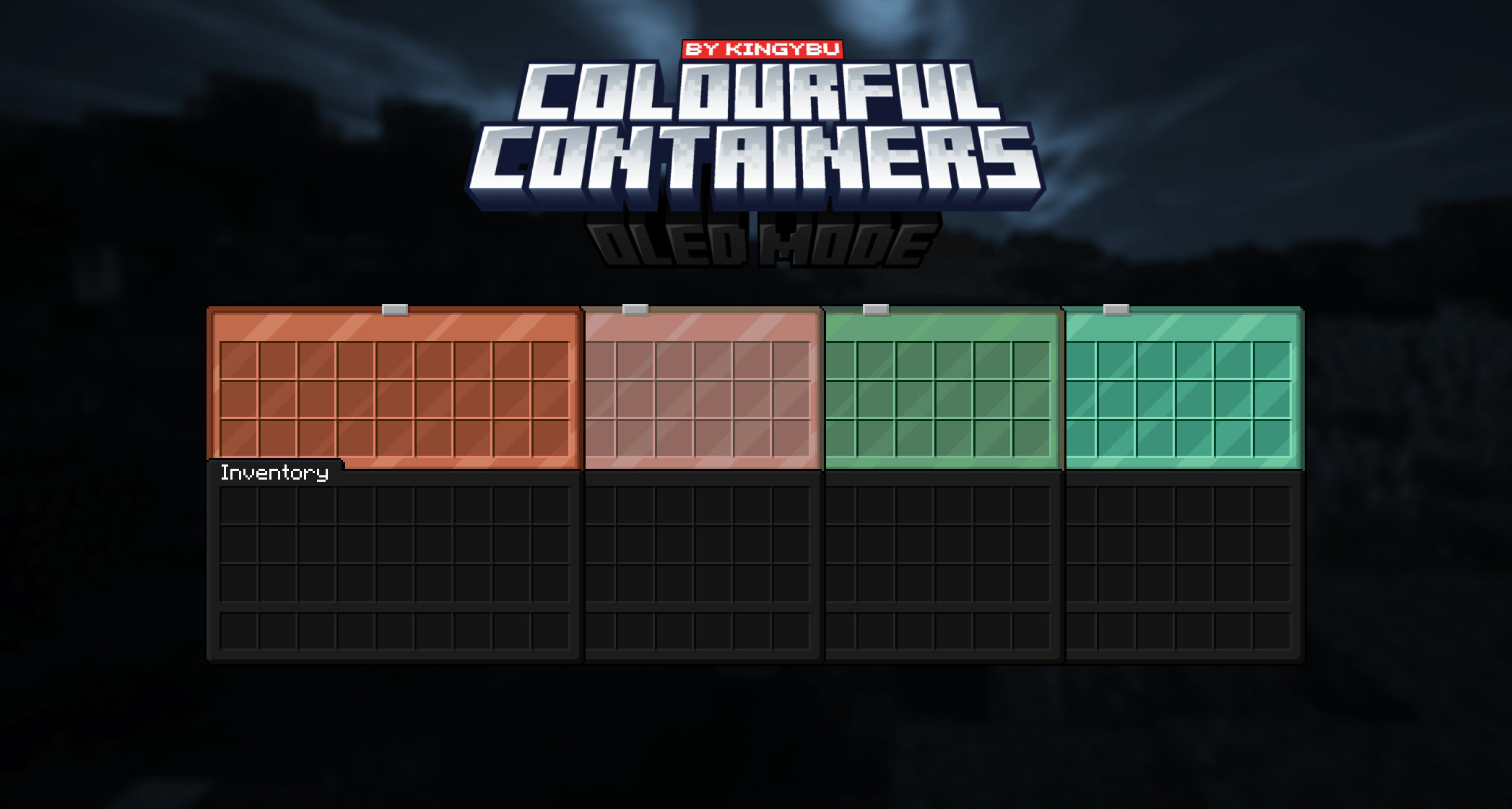
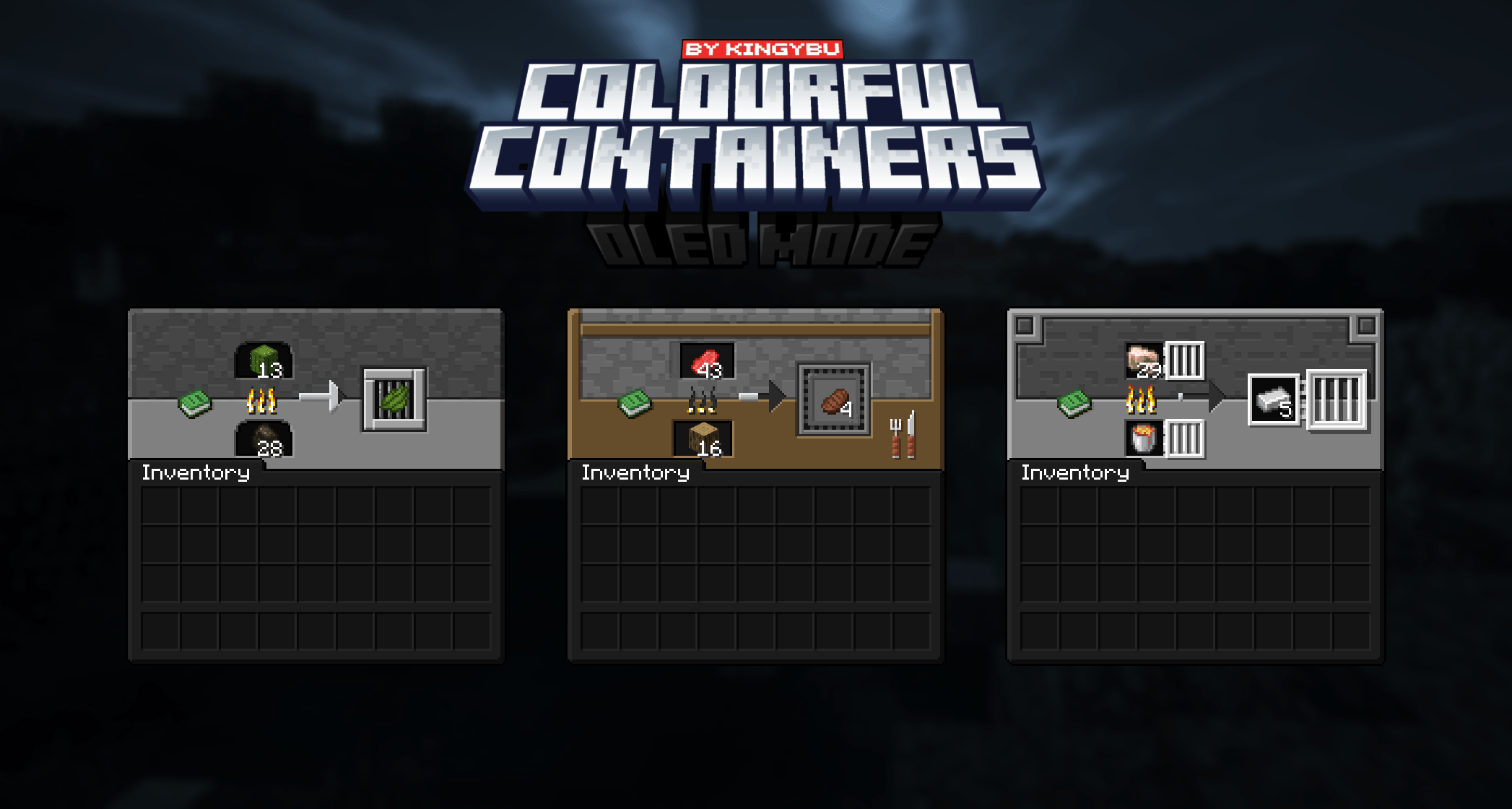
Theatricks aside, this texture pack will replace the GUI of every block like the crafting table and furnace. Each new menu will take inspiration from the block its associated with. Some are even animated!

or Optifine
Crafting Table Ender Chest Anvil

Please read this!
If you are using OptiGUI or Optifine please use any of the Modded languages to prevent bugs
If you are NOT using OptiGUI or Optifine please use the Vanilla language to properly see chests and other textures!

-Recipe Book
– Anvil
– Blast Furnace
– Brewing Stand
– Cartography Table
– Crafter
– Chests (Large, Small, Ender)
– Crafting Table
– Dispenser
– Dropper
– Enchanting Table
– Furnace
– Grindstone
– Hopper
– Loom
– Shulkers (All Colours)
– Smoker
– Stone Cutter
– Smithing Table
– Barrel
– Villager proffesions
– Beacon
Including
– Dark Loading Screen 
– Dark Advancements Menu
–Survival inventory

–Why are some textures are not working?
Make sure you have either Optifine or OptiGUI and Animatica installed. Some textures like the minecart and chestboat GUI’s only work with OptiGUI due to Optifines limitations.
I would always recommend using OptiGUI and Animatica instead of Optifine!
–Can I add your packs to my modpack?
Yes, you can add any of my resource packs to your Modrinth or Curseforge modpacks if you give me proper credits and add my pack as a dependent.
–Where can i post suggestions for either mod support or other things
You can post suggestions on the discord!
–Something isn’t working properly or I have a question.
You can seek help on, you guessed it! the discord!

-Chest Raft 
-Chest Boat

-Creative inventory
-Mod support

Chris_XENO
BurntToast_
Kingybu
Alijic200
special thanks:
Shrimpsnail
BeagleNF404
my supporters 🙂






常见问题
Colourful Containers OLED GUI 支持哪些 Minecraft 版本?
Colourful Containers OLED GUI 支持 Minecraft Java 版 1.18–26.2,共 31 个版本。下载时注意选择和你游戏版本一致的文件。
Colourful Containers OLED GUI 怎么安装?
把下载的 .zip 文件(不用解压)放进游戏目录的 resourcepacks 文件夹,进游戏后在「选项 → 资源包」里把它移到右边启用。
Kingybu 的其他作品
查看全部 →
Colourful Containers Dark Mode GUI
为所有单调的 GUI 界面带来全新外观
Colourful Containers: Modded Dark Mode GUI Compat
为所有无聊的模组界面带来全新外观,现在支持深色模式!

Colourful containers GUI
一个容器界面替换模组,旨在让菜单界面与 Minecraft 中每一种色彩缤纷的可交互方块相匹配。

Brewing Guide
Adds a Brewing Guide next to the GUI
评论
登录后评论和评分