
Cobblemon Interface Embossed Legacy
Embossed Legacy GUI based on Cobblemon Interface / GUI Legacy con Relieve basado en Cobblemon Interface | CIEL
截图
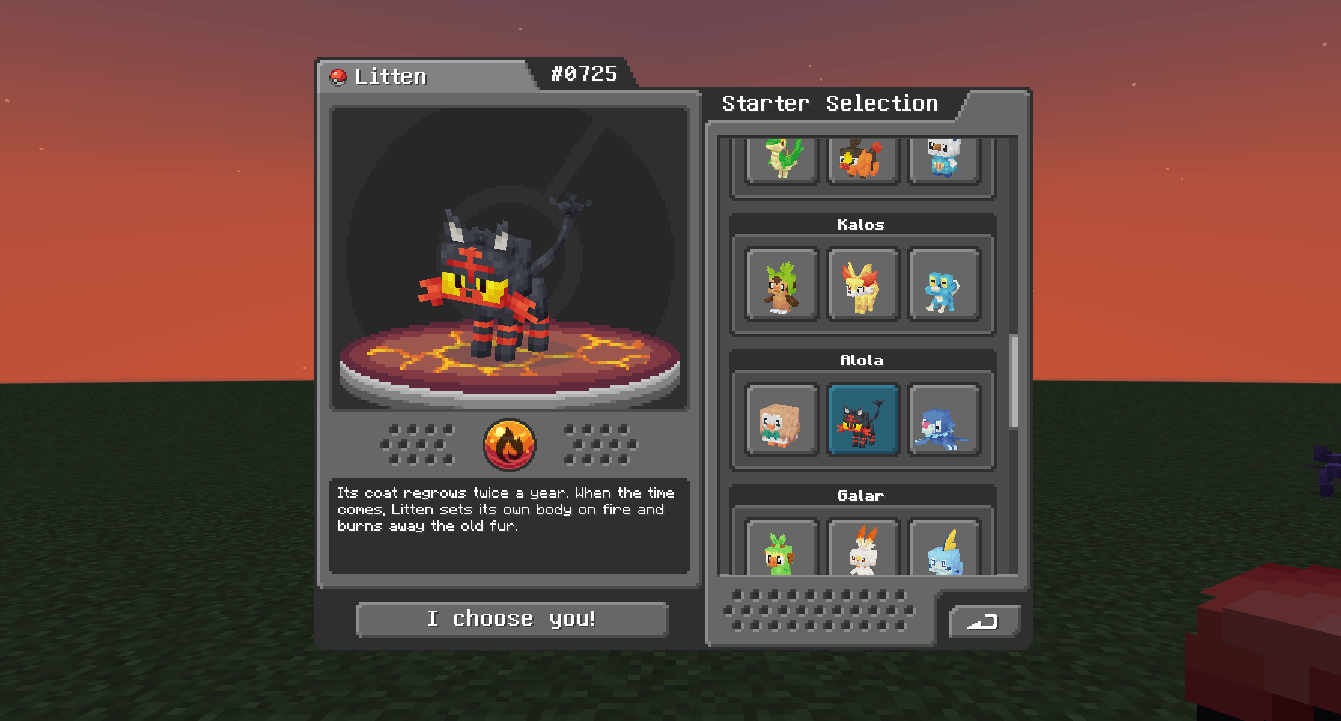
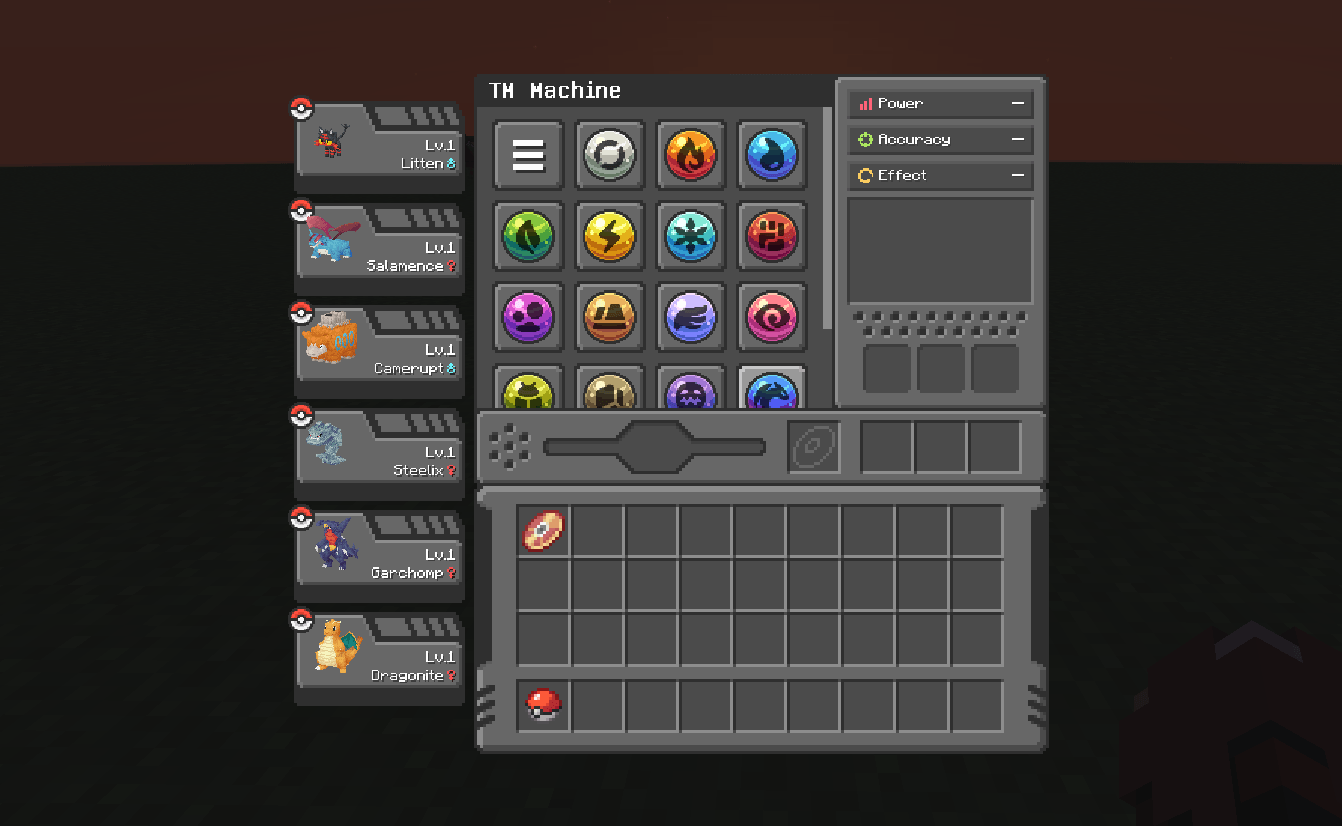
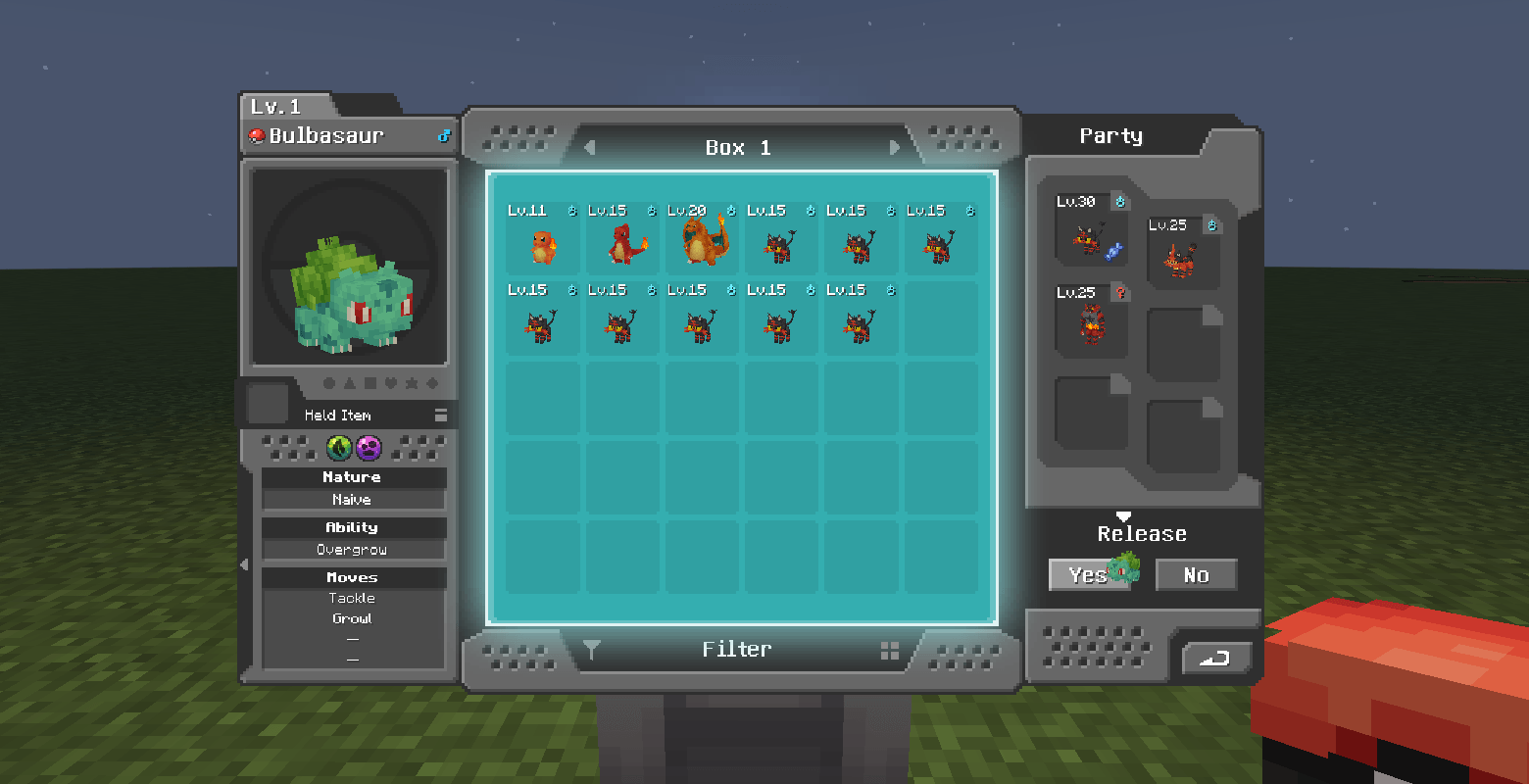
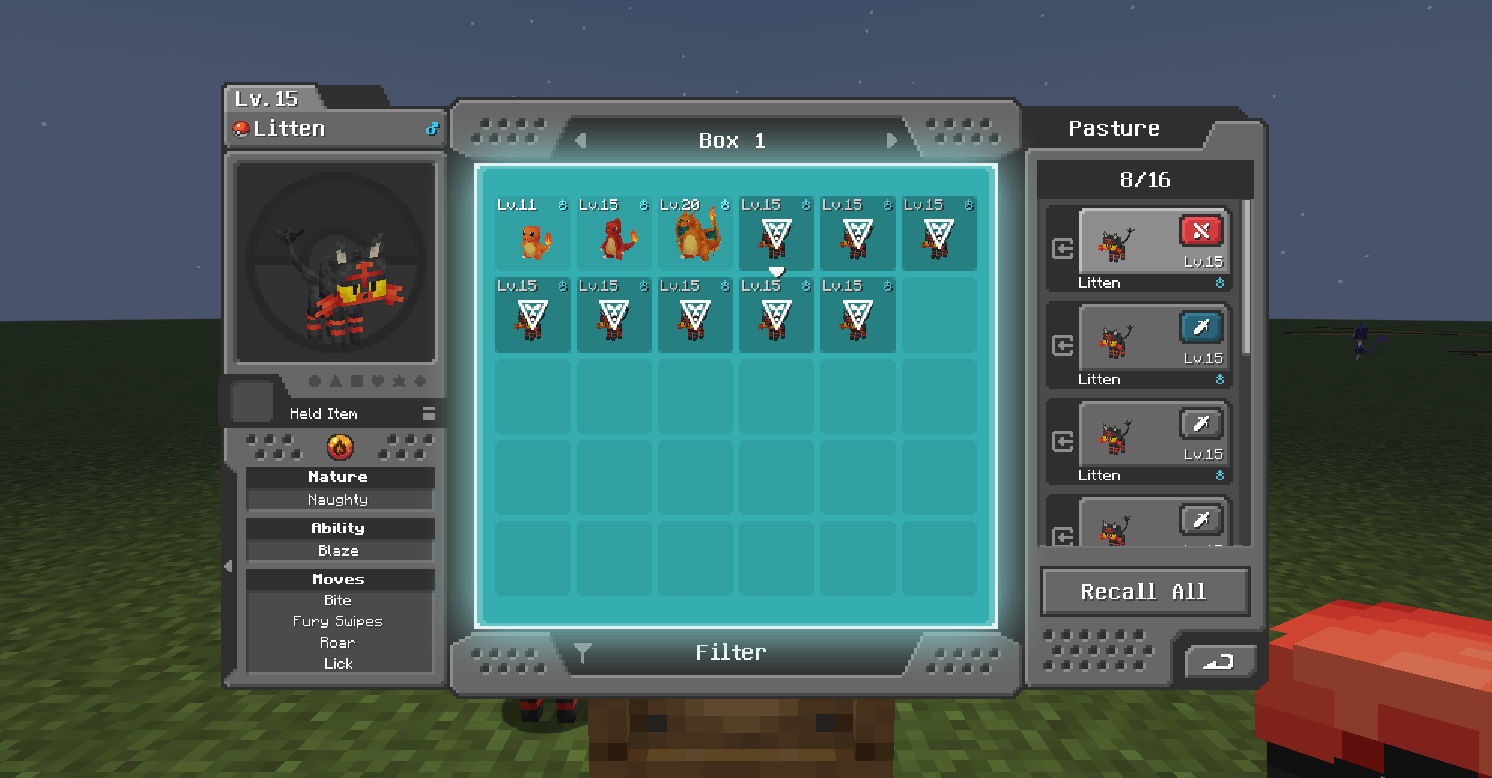
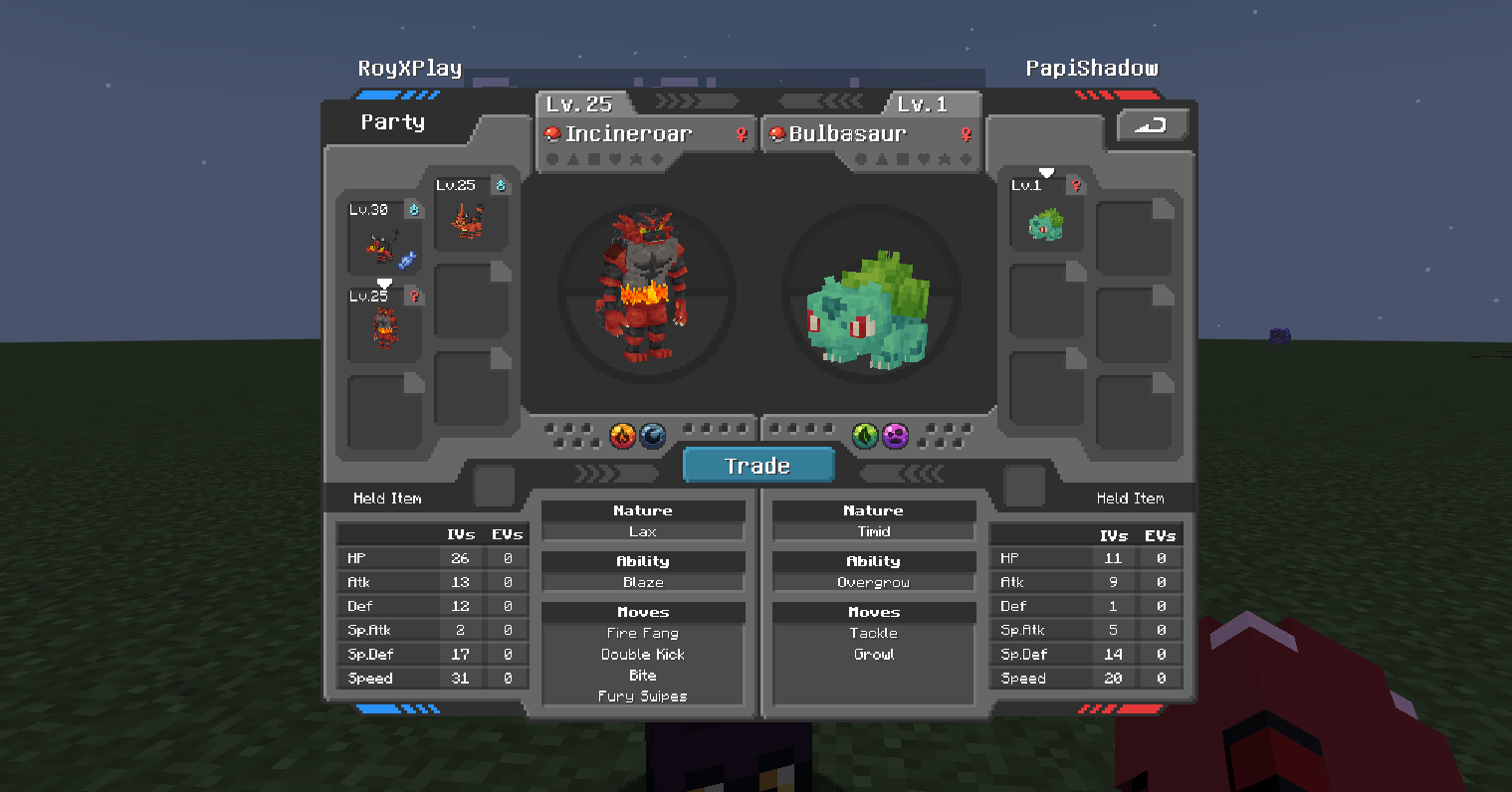
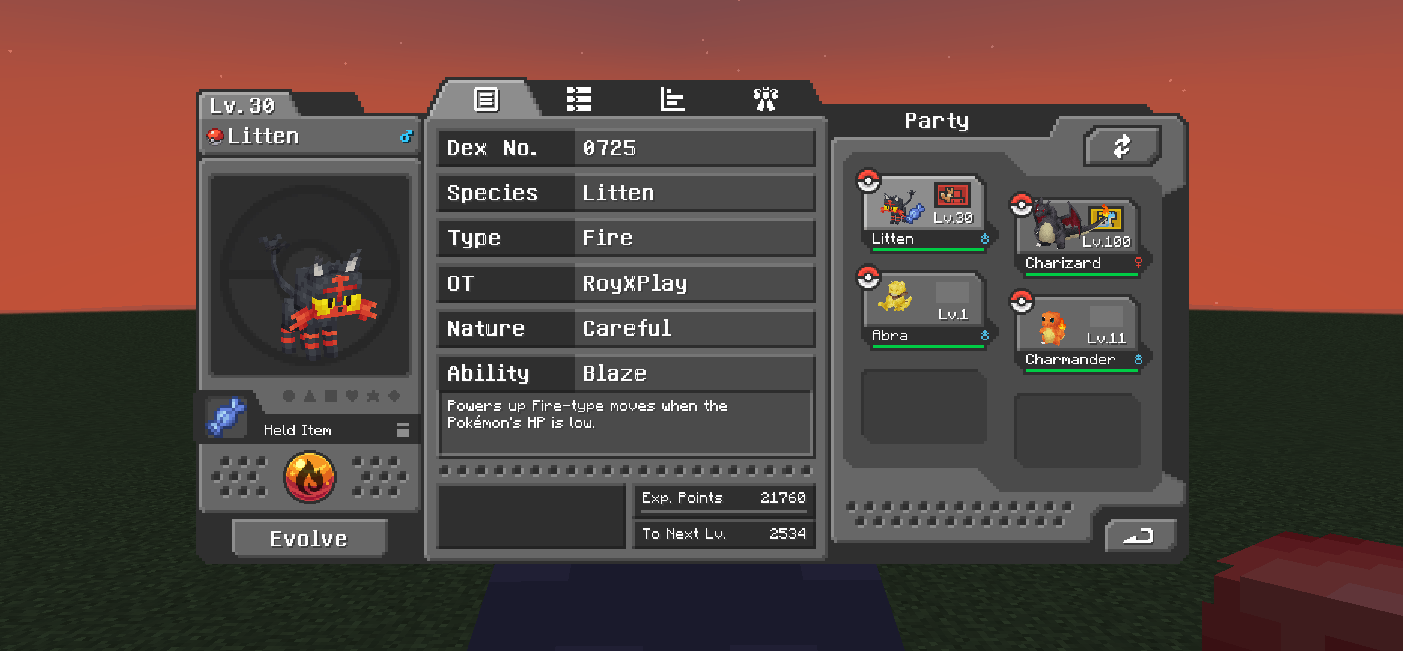
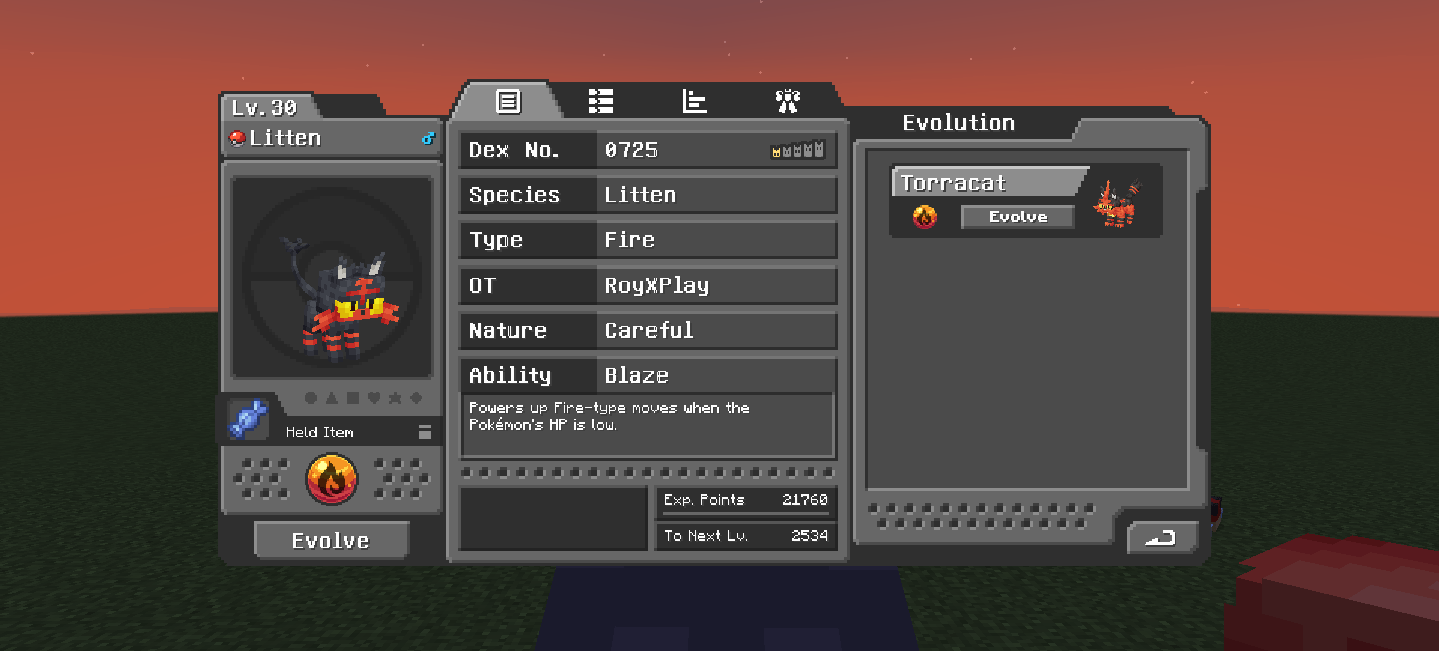
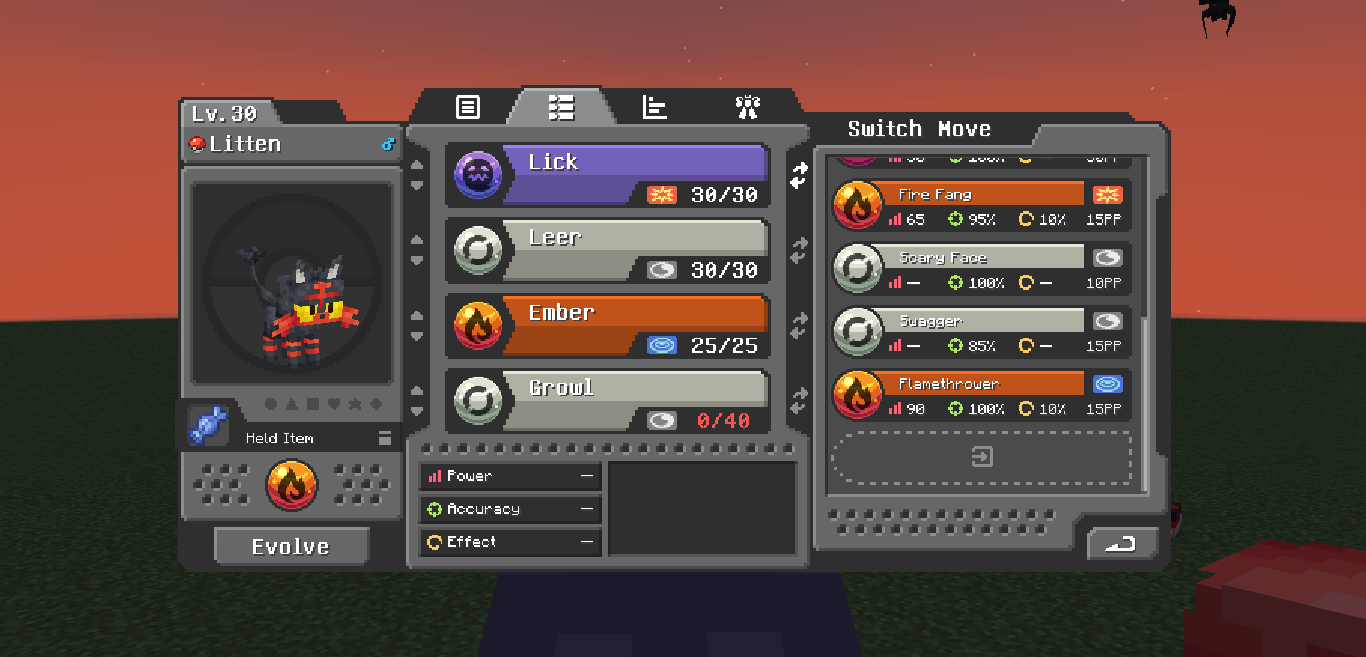
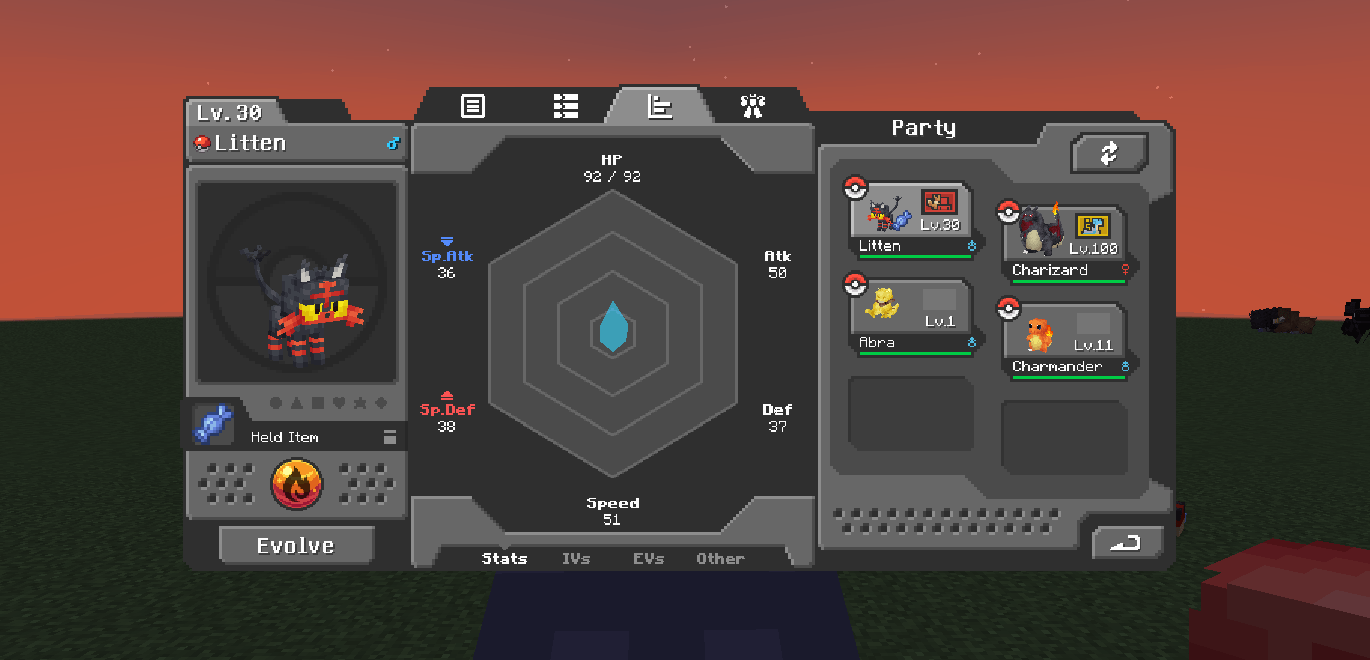
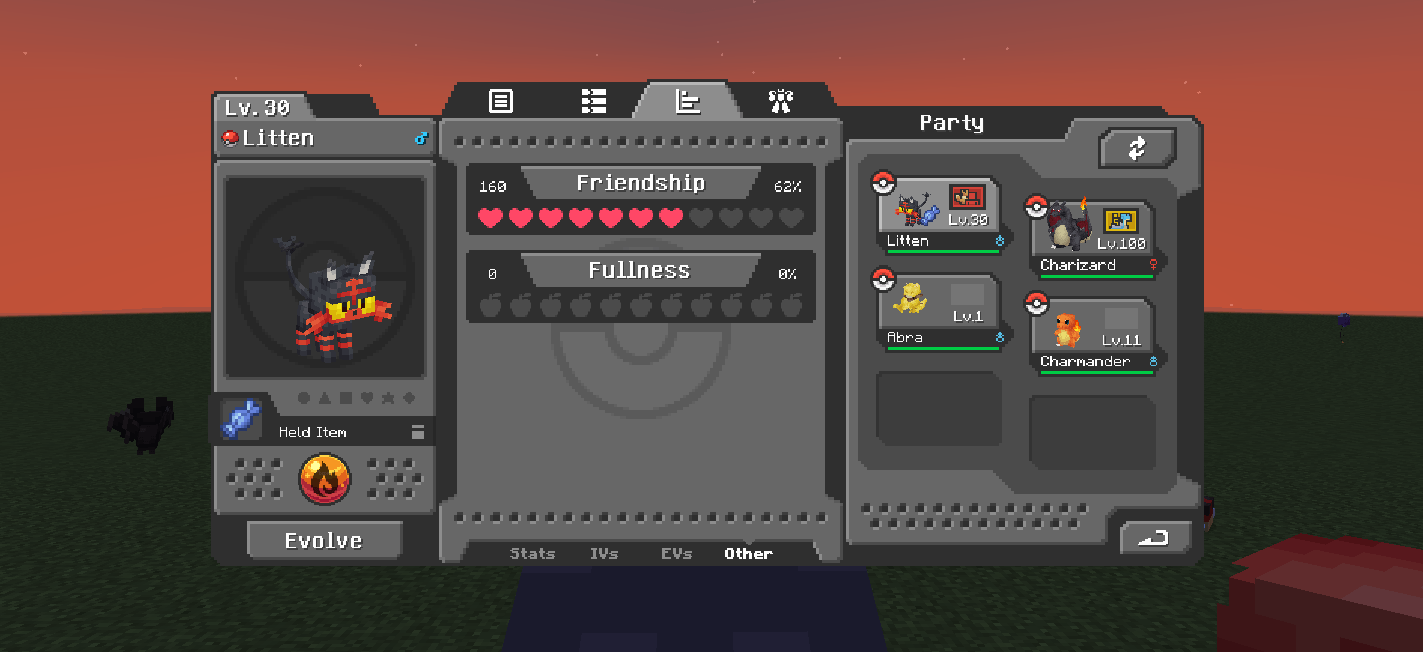
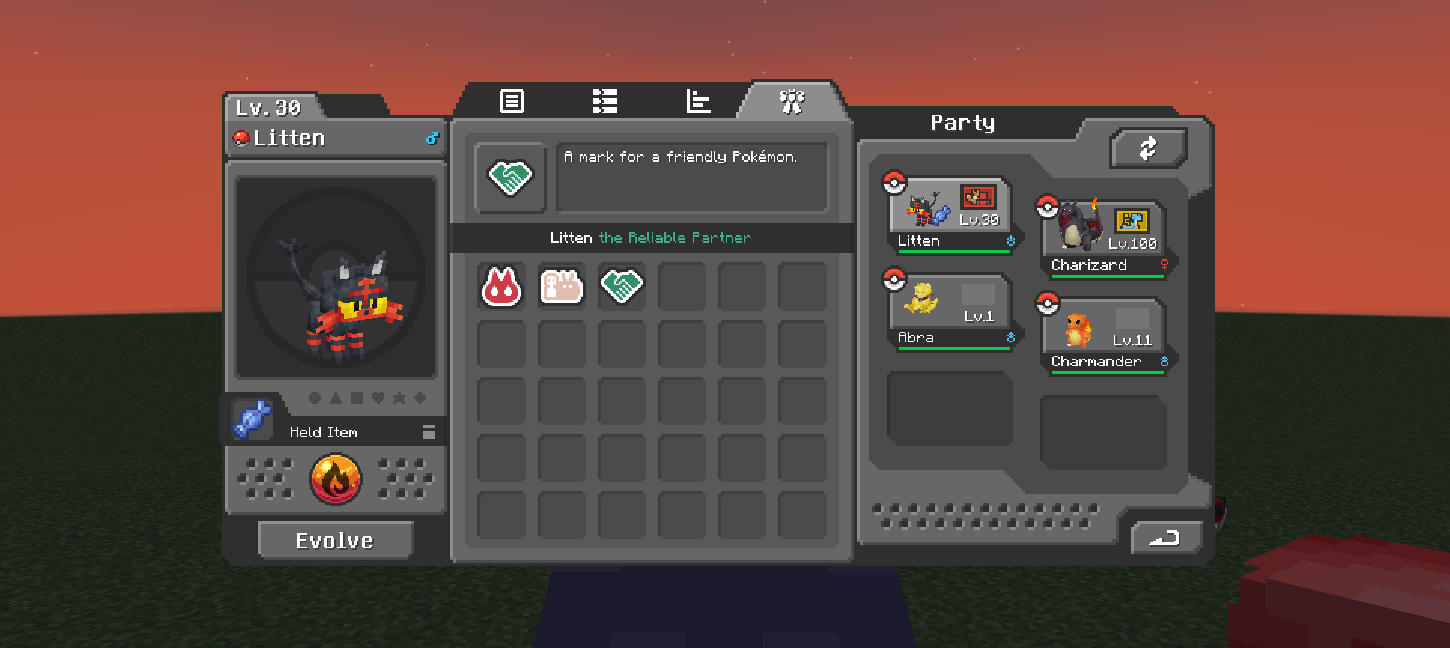
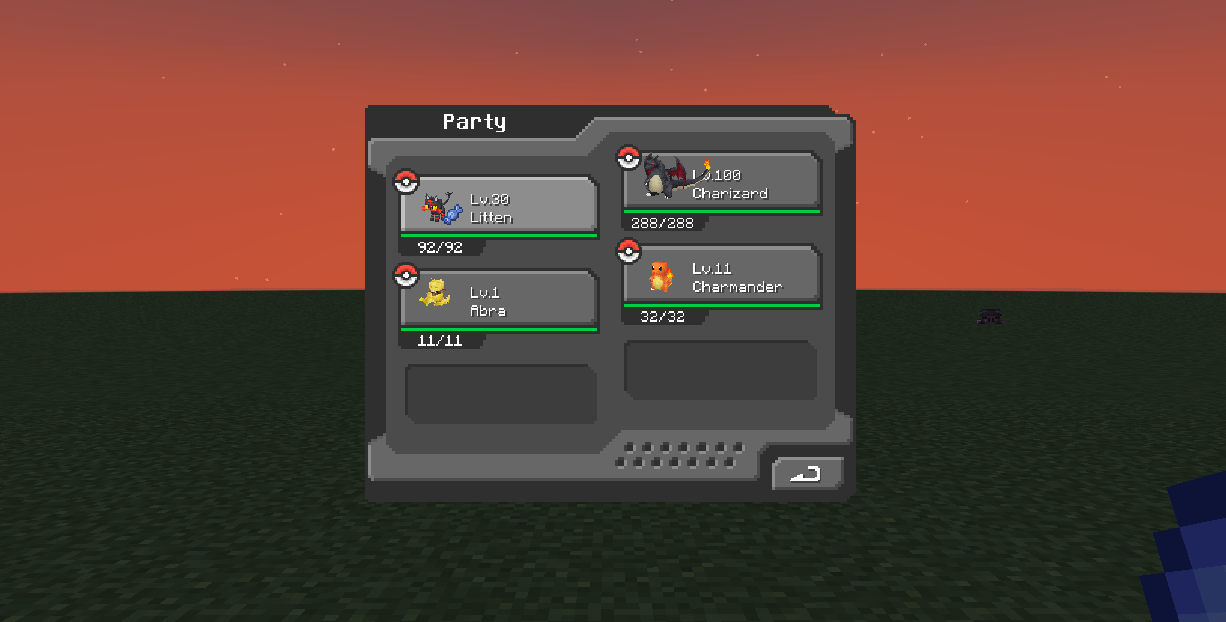
介绍
Cobblemon Interface Embossed Legacy
An aesthetic interface evolution, featuring depth and a classic feel.
Cobblemon Interface Embossed Legacy (CIEL) is a visual overhaul designed to provide a more immersive and polished experience. This pack takes the foundation of Cobblemon interfaces and merges them with the classic Minecraft Vanilla style, adding detailed bevels while maintaining the original color palette that defines the Cobblemon identity.
🎨 Advanced HUD Customization (Respackopts):
This pack includes integration with the Respackopts mod. By installing it, you’ll unlock a configuration menu to personalize your HUD:
- Harmonized Colors: Instantly change the color of the experience bar and hearts from the config menu.
🖼️ Customization Preview with Respackopts: 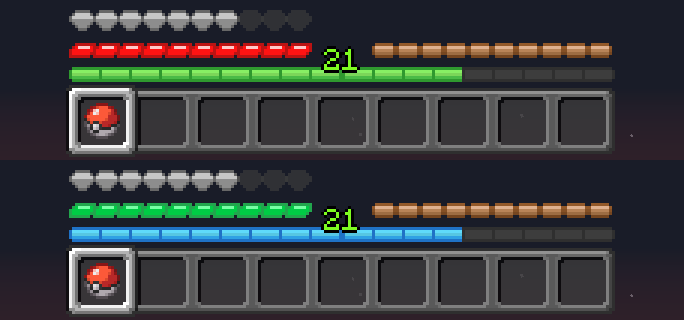
✨ Key Features:
- Beveled Vanilla Style: Every interface has been redesigned to include a relief effect (embossed) that adds depth, mimicking the official Minecraft texture style.
- Fully Redesigned HUD: New look for the health bar (hearts and all variants), food, armor, oxygen bubbles, and experience/jump bars.
- Furnaces with Personality: The Furnace, Blast Furnace, and Smoker now feature unique styles, including custom fire animations for each type.
- Interfaces & Menus: Redesigned creative inventory, Gamemode Switcher, general UI buttons, and Advancements screen.
🤝 Credits & Acknowledgments:
This resource pack is based on the excellent original work of Cobblemon Interface created by VinnyStalck. Original project: Cobblemon Interface by VinnyStalck
常见问题
Cobblemon Interface Embossed Legacy 支持哪些 Minecraft 版本?
Cobblemon Interface Embossed Legacy 支持 Minecraft Java 版 1.21–1.21.1,共 2 个版本。下载时注意选择和你游戏版本一致的文件。
Cobblemon Interface Embossed Legacy 怎么安装?
把下载的 .zip 文件(不用解压)放进游戏目录的 resourcepacks 文件夹,进游戏后在「选项 → 资源包」里把它移到右边启用。
RoyXPlay 的其他作品
查看全部 →
COBBLEVERSE: Traducción al Español
Cobbleverse 整合包的西班牙语翻译。包含 Cobblemon、RCT、Mega Showdown 和装饰内容的文本,以及训练师名称修正。

Cobblemon Interface Embossed Legacy
Embossed Legacy GUI based on Cobblemon Interface / GUI Legacy con Relieve basado en Cobblemon Interface | CIEL

Cobblemon Interface Embossed Legacy: Modded
Mod Support for CI Embossed Legacy GUI / Compatibilidad con Mods para la GUI CI Embossed Legacy | CIEL Modded

Cobblemon Interface Embossed Legacy: Modded
Mod Support for CI Embossed Legacy GUI / Compatibilidad con Mods para la GUI CI Embossed Legacy | CIEL Modded
评论
登录后评论和评分