截图
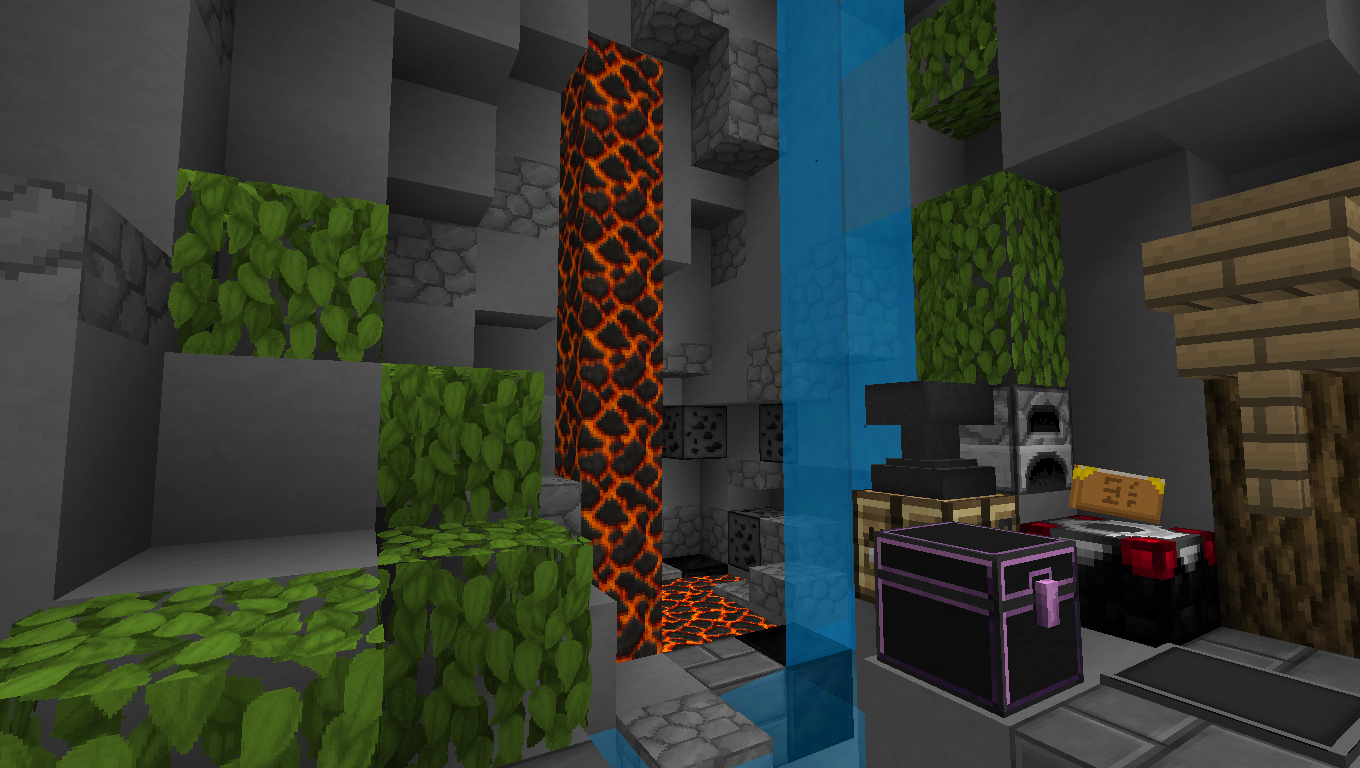
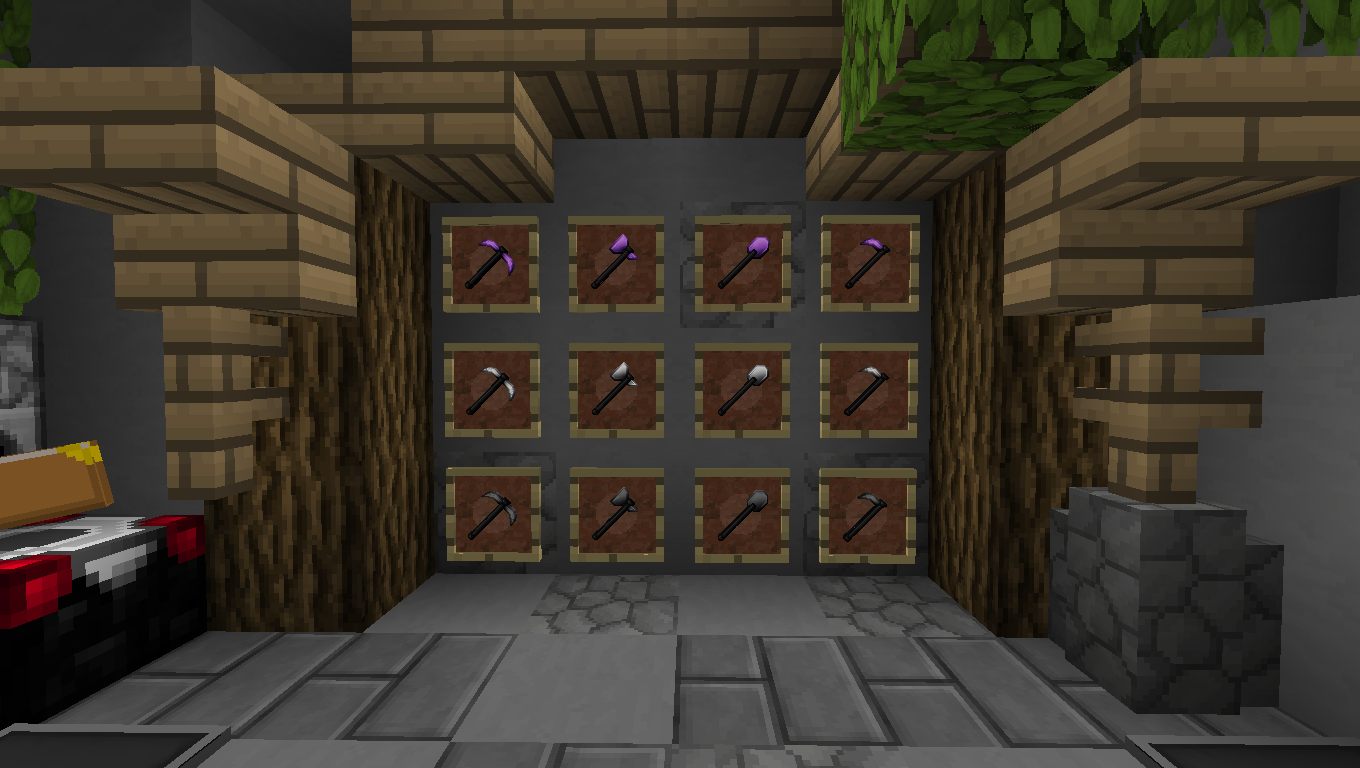
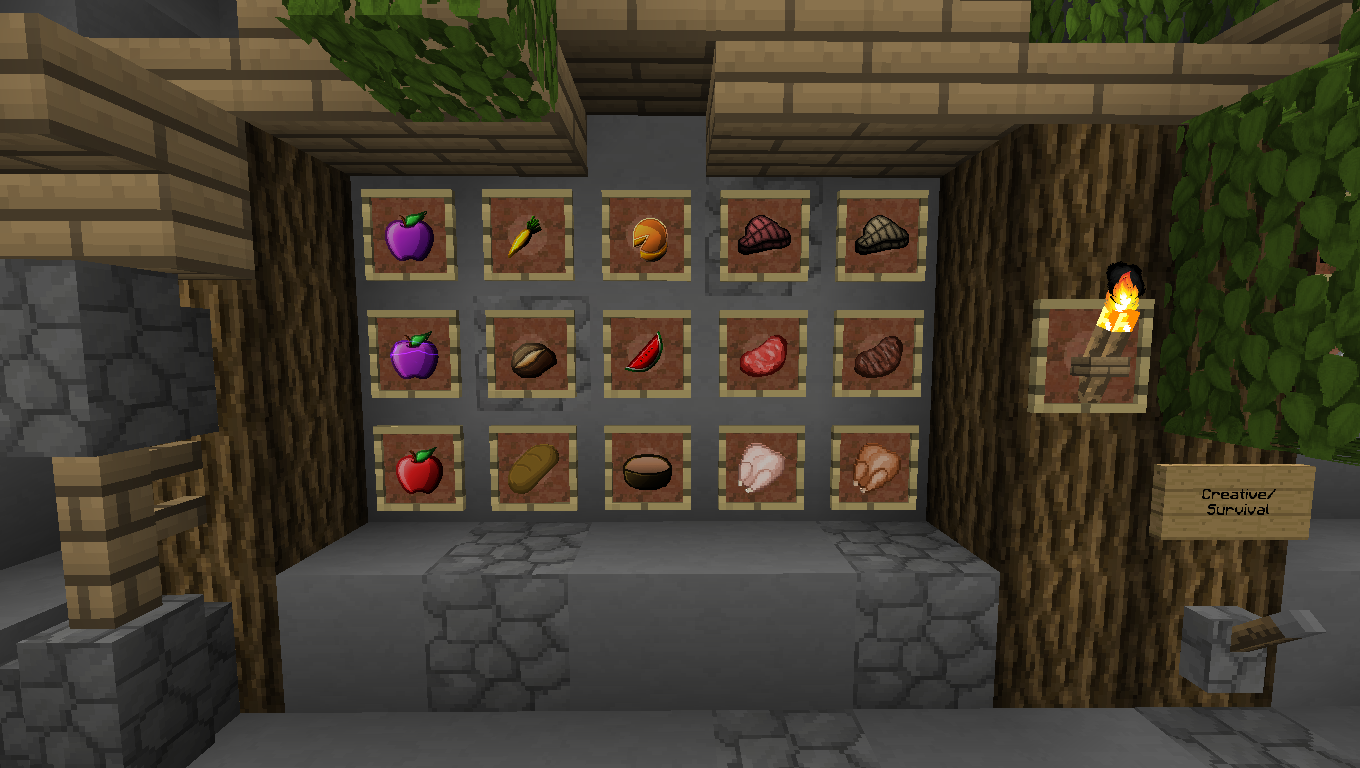
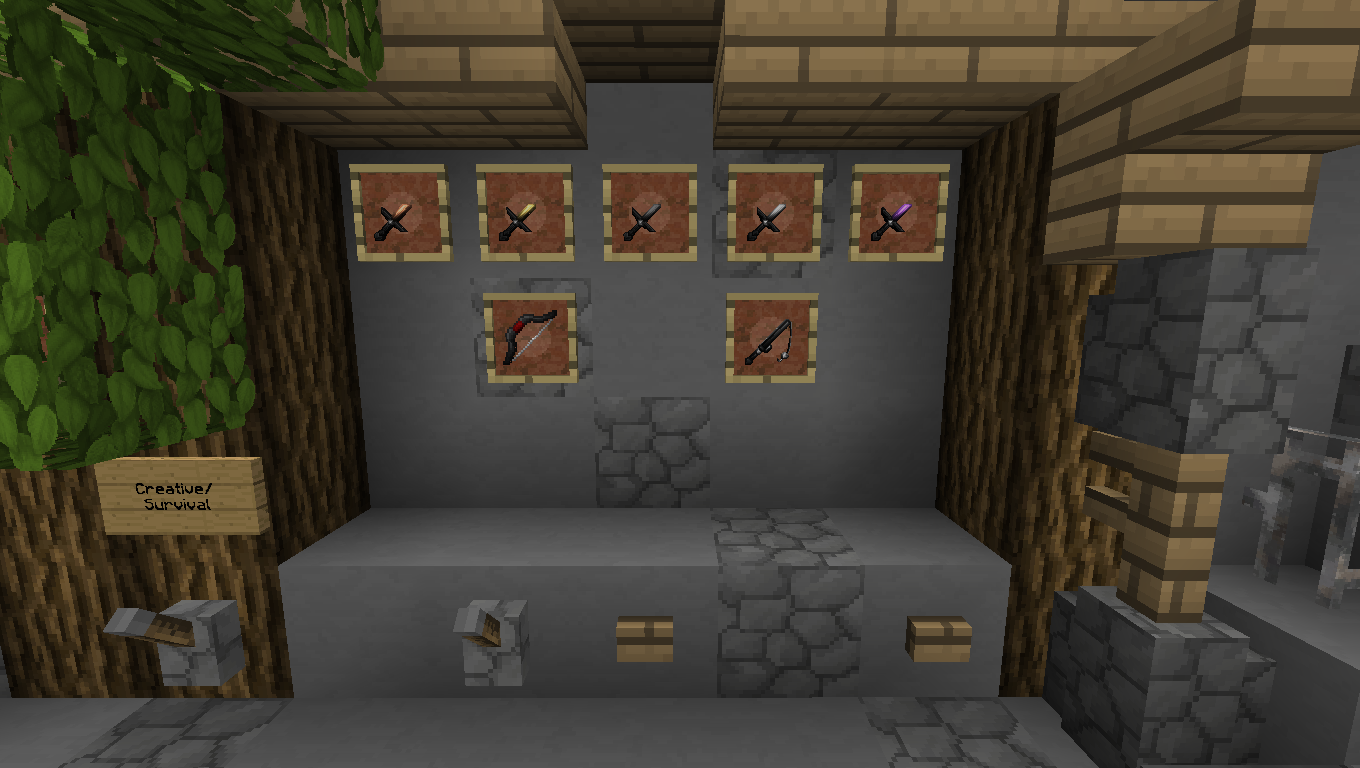
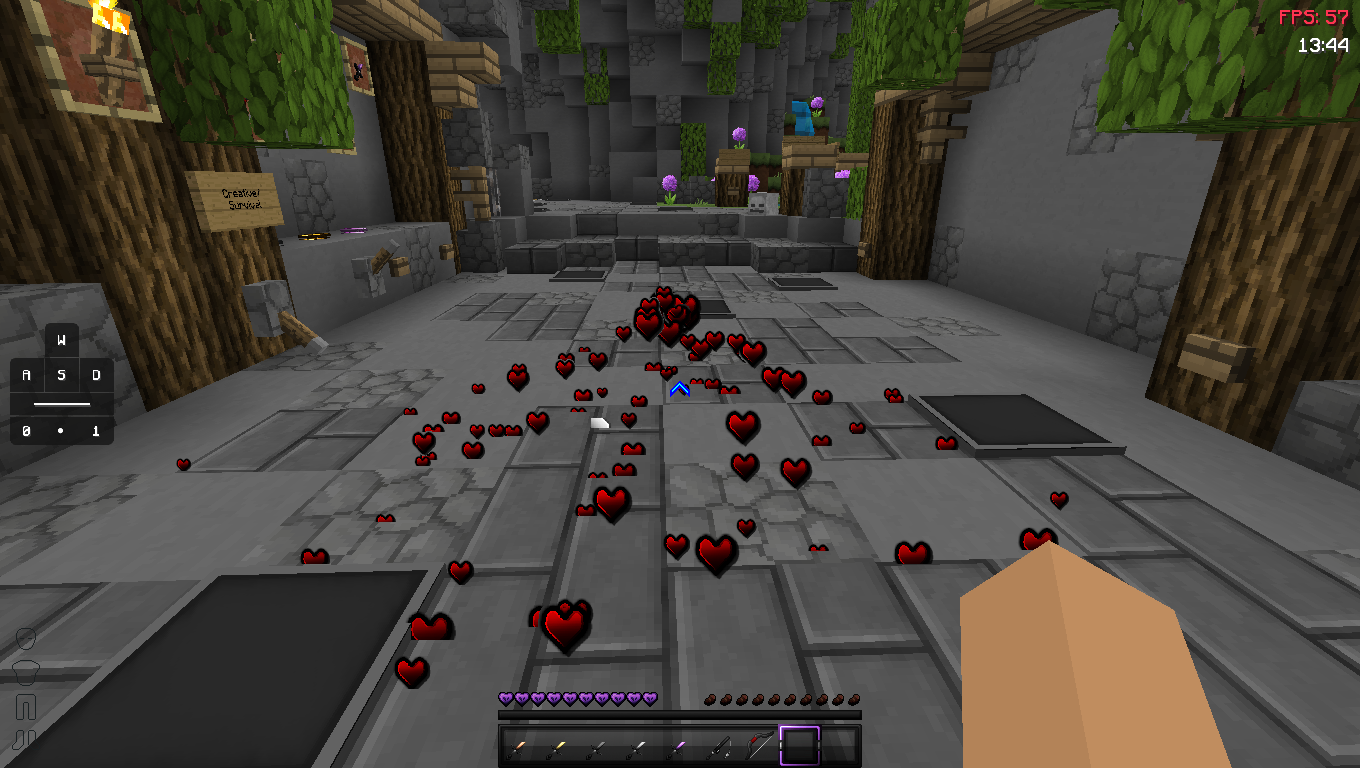
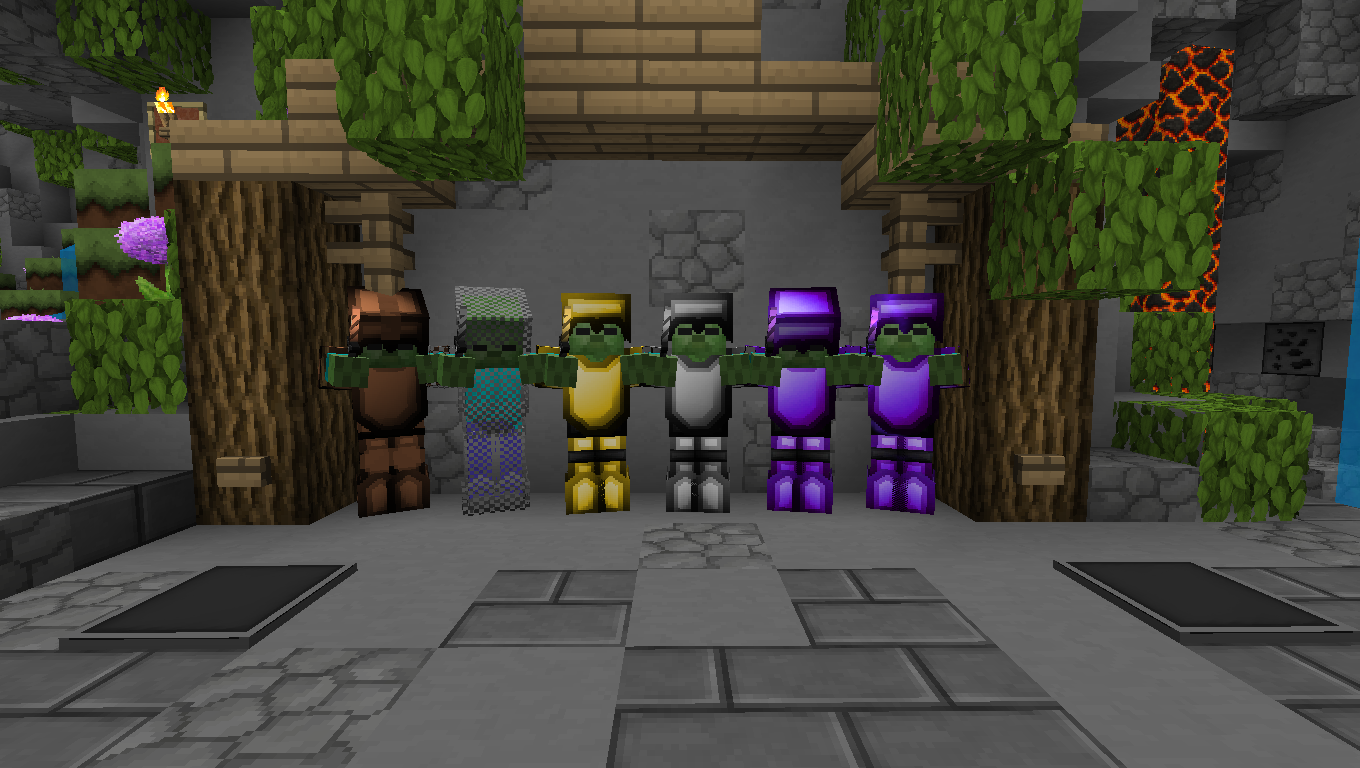
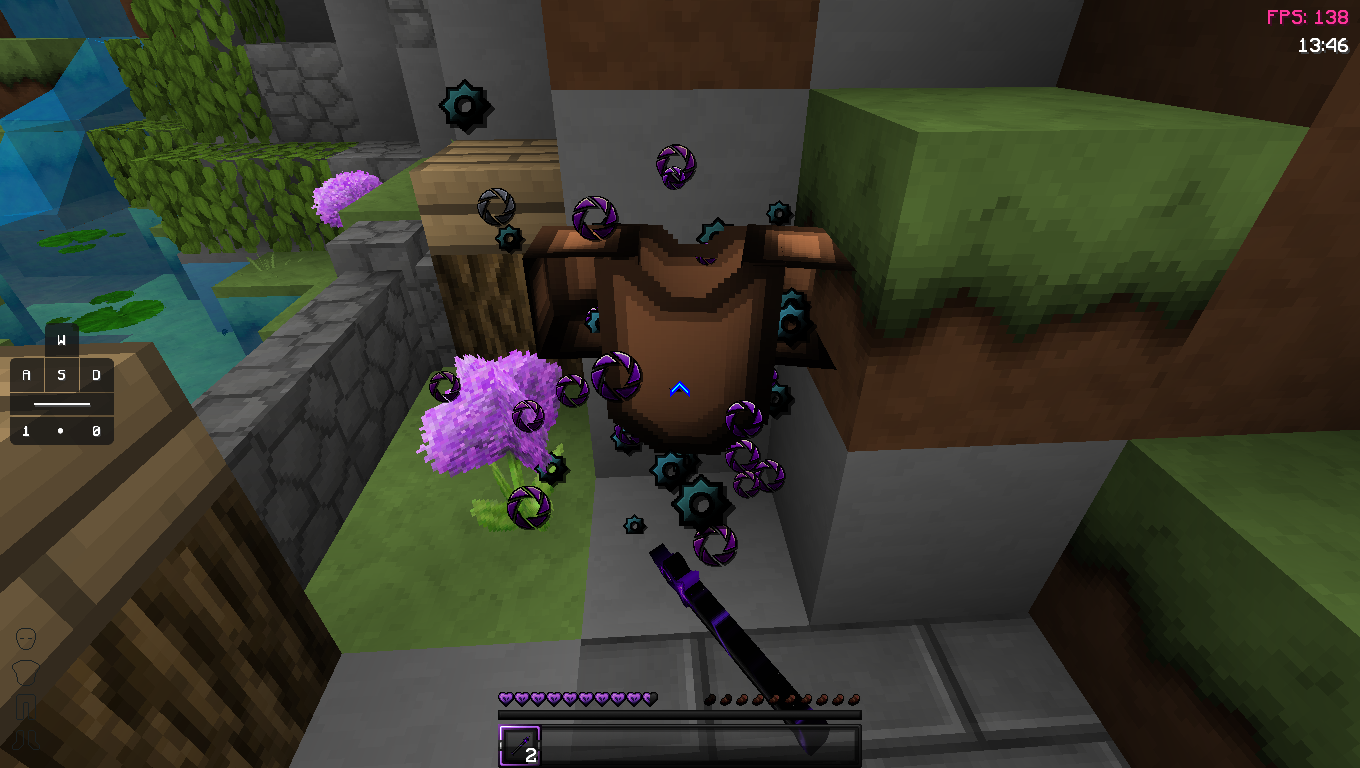

介绍
中文介绍正在准备中,下面暂时显示原文。
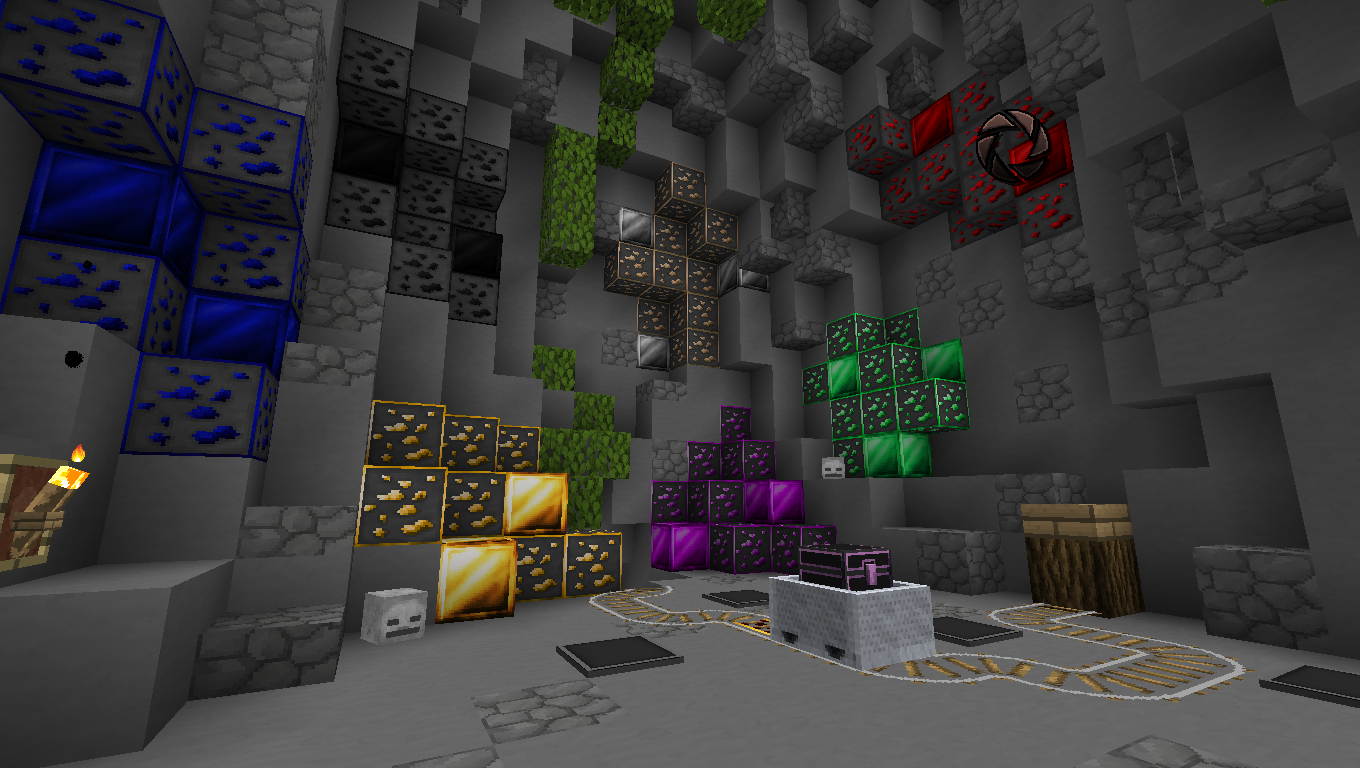
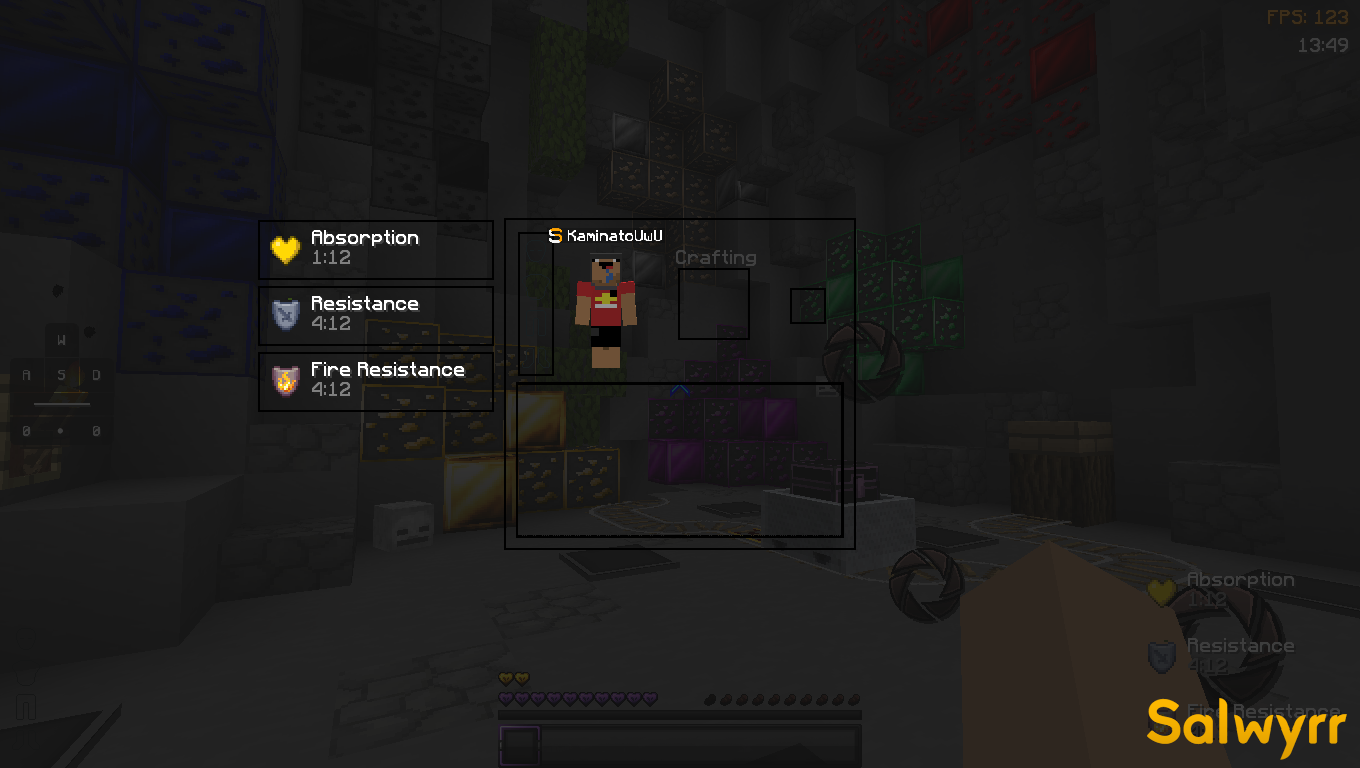
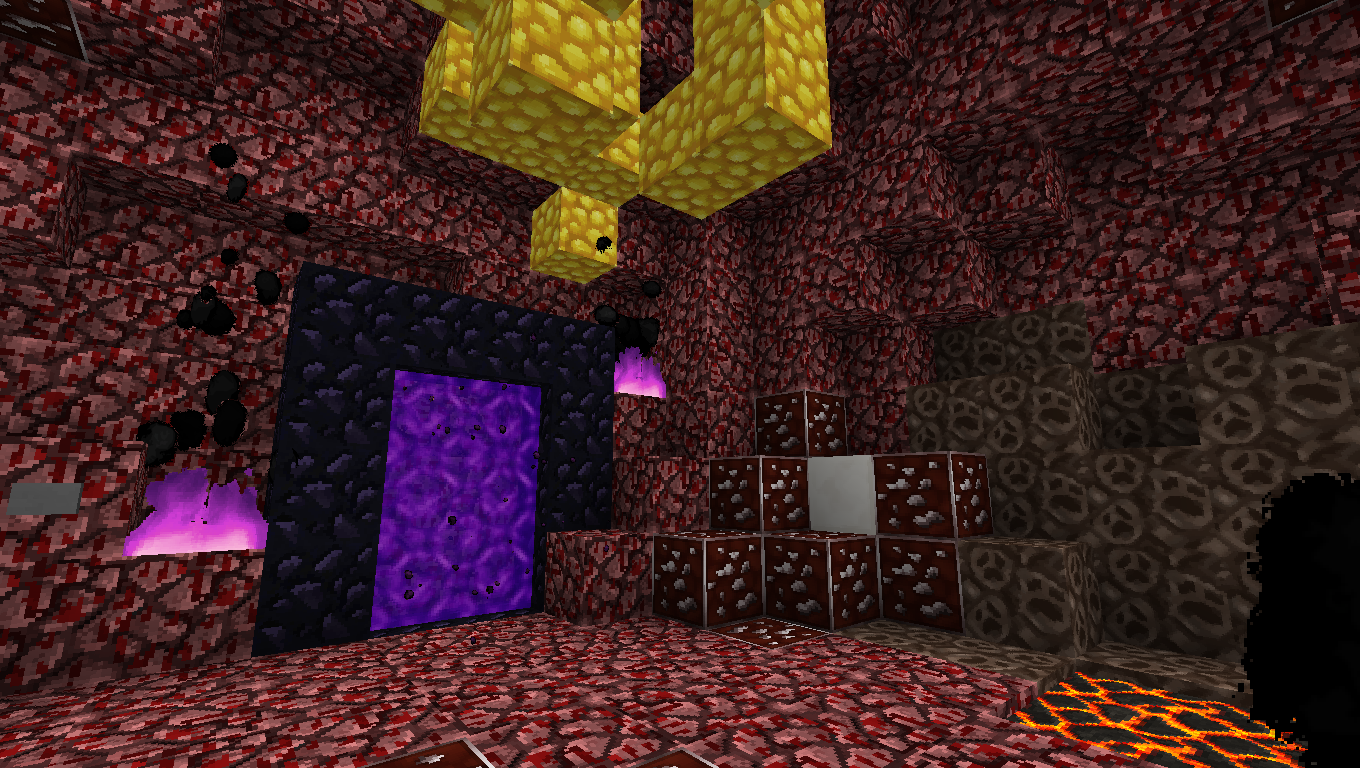
This pack was created by a combination of telly 100k pack and The La Steve 5K
How to load resourpack ?
- Download a resource pack, you should get a .zip file
- Open the folder to which you downloaded the file
- Copy the .zip file
- Open Minecraft
- In Minecraft, click on “Options”, then “Resource Packs”
- Choose “Open resource pack folder”
- Paste the file into the resource folder in Minecraft
- Go back to Minecraft, the resource pack should now be listed (if not listed then go to the main menu by pressing <kbd class="key nowrap">Esc</kbd> and repeat step 5) and you can activate it by choosing it and hitting “Done”. The game will now reload itself.
128x Pack/ credit by Telly edit by Kaminato
version : 1.8.9
feature :
-The sound when placing the block sounds very good and cool !
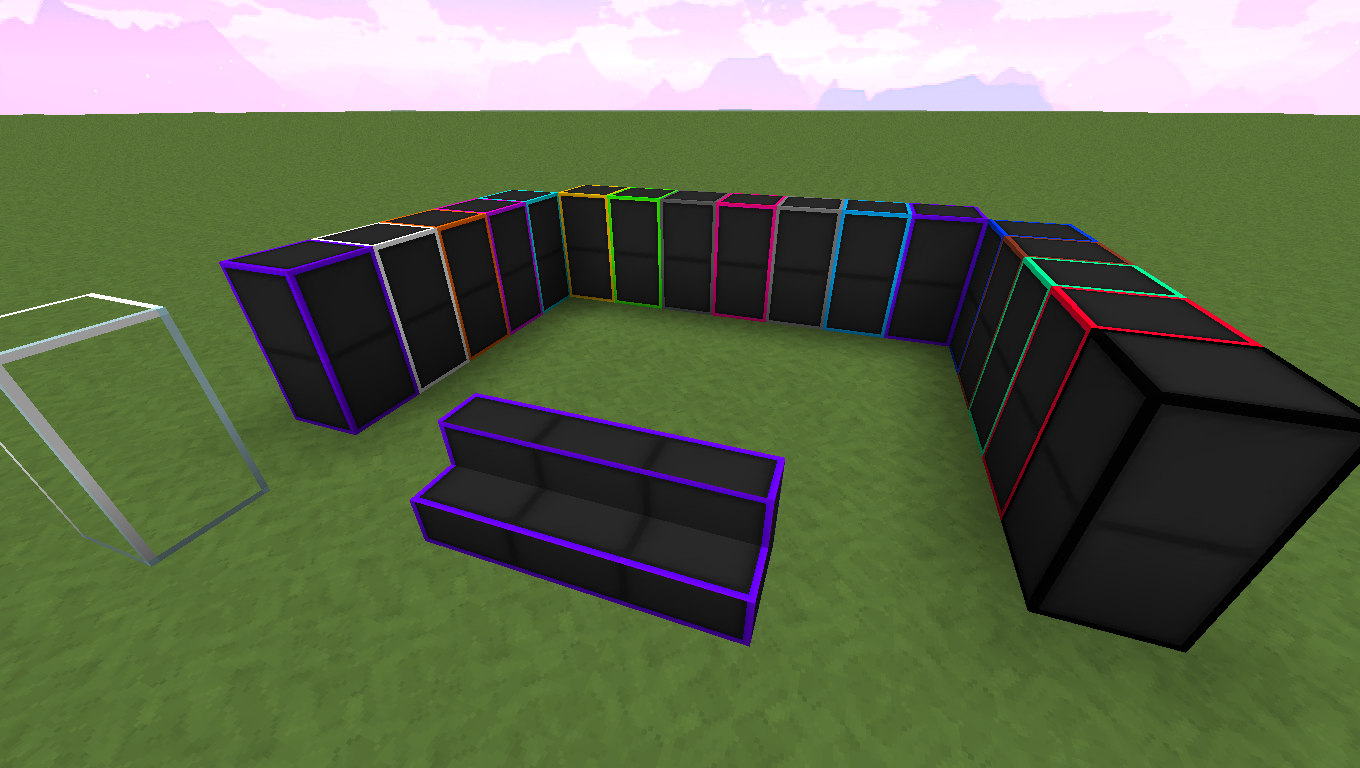
-wool blocks and sandstone blocks have a PvP-like black color
-the color of the diamond will turn purpleand moreMy Youtube Channel : https://www.youtube.com/channel/UCDYYSmYMv_v0AMco6NDl2Uw
常见问题
KienVeyGa Pack 128x 支持哪些 Minecraft 版本?
KienVeyGa Pack 128x 支持 Minecraft Java 版 1.8.9。下载时注意选择和你游戏版本一致的文件。
KienVeyGa Pack 128x 怎么安装?
把下载的 .zip 文件(不用解压)放进游戏目录的 resourcepacks 文件夹,进游戏后在「选项 → 资源包」里把它移到右边启用。
评论
登录后评论和评分