
Command Blocks – Slim Outline
Textures to center the command block panel in the middle of the block. Slim Variant.
截图

介绍
The vanilla command block textures have some weird alignment and shading issues:
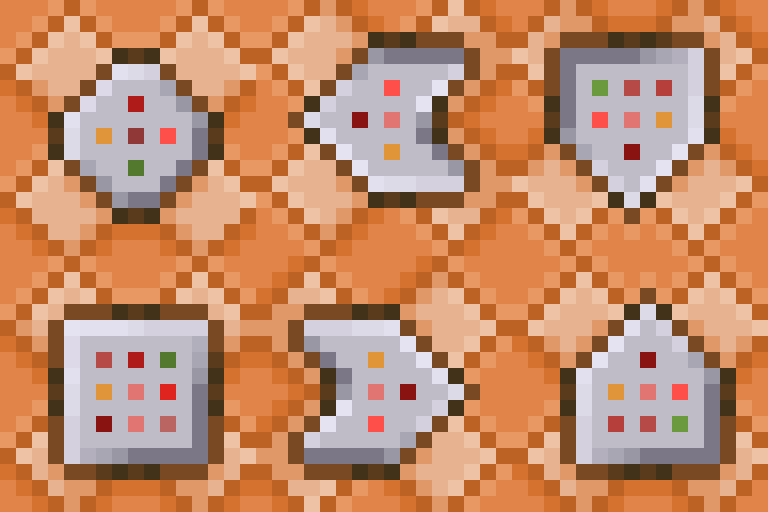
The background pattern of the blocks does not tile properly when blocks are rotated:
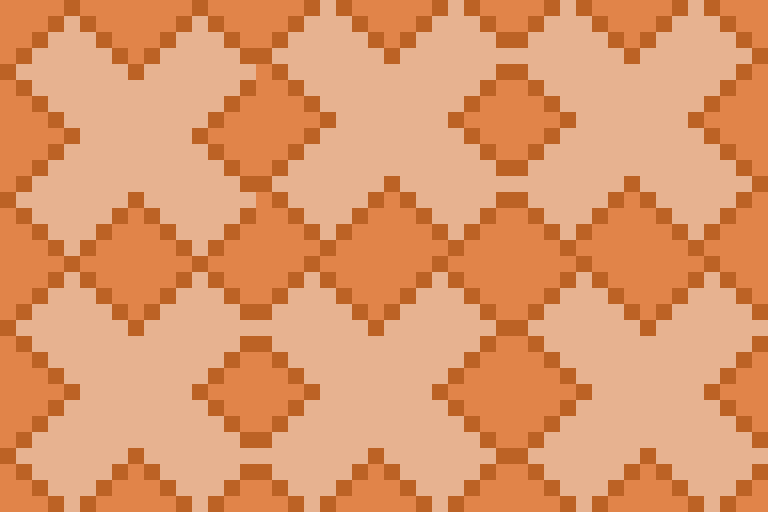
The baked in shading leads to the appearence of light coming from different directions based on the block rotation:
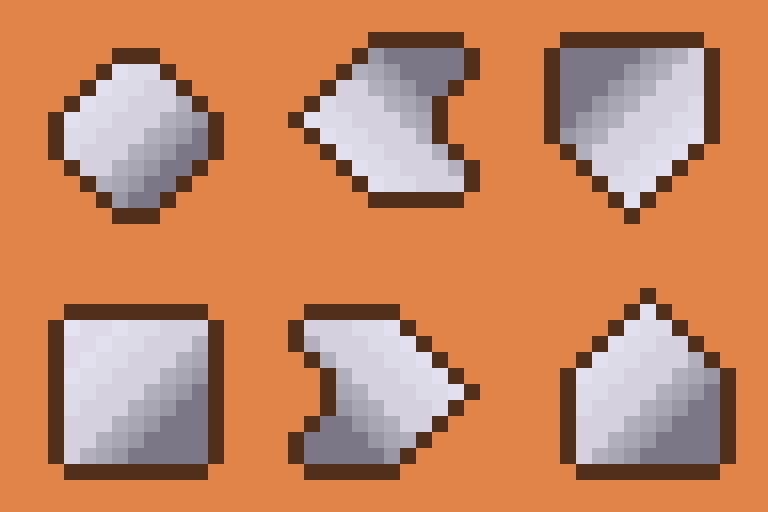
The odd-dimensioned panel on each face has alignment issues, even between the front/back panels and some of the side panels on the same block:
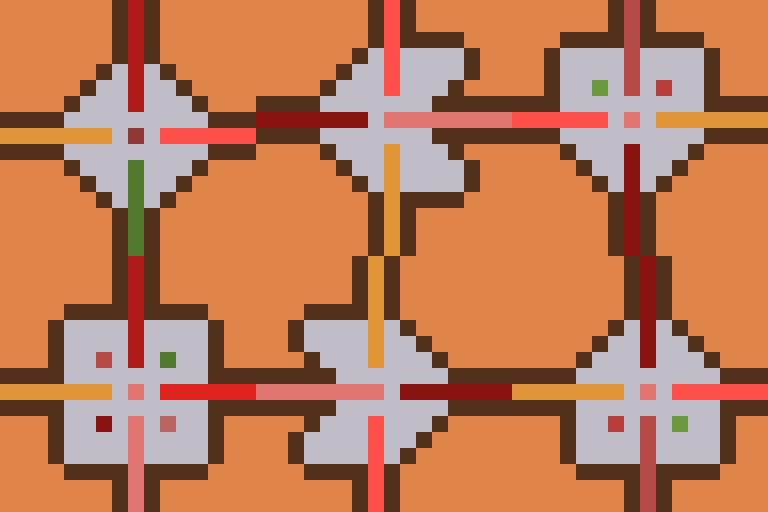
This resource pack aims to address some of these issues by making the overall texture 32×32 pixels, allowing the panel texture to be centered independently of the background texture. The background texture has been updated slightly to tile more evenly, and block states have been updated to use slightly different panel textures based on face orientation:

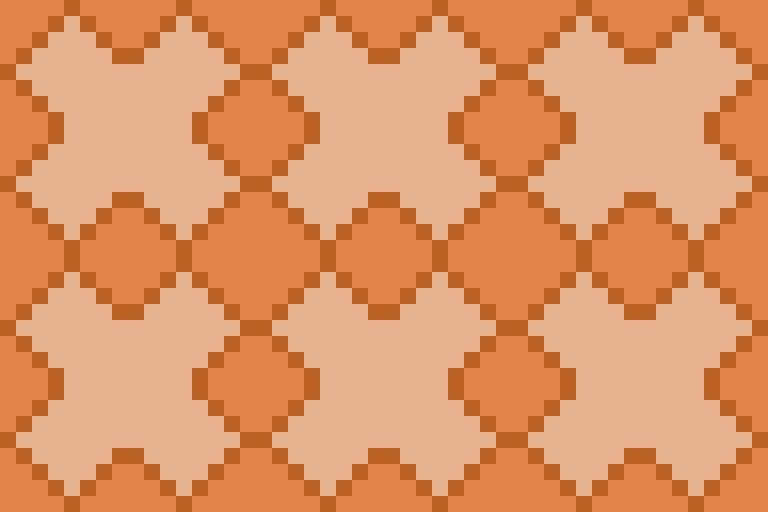


For a similar texture with a thicker, closer-to-vanilla border around the panel, check out the normal variant on Modrinth.
For another texture that fixes the shading and tiling issues while staying 16×16, check out this resource pack.
常见问题
Command Blocks – Slim Outline 支持哪些 Minecraft 版本?
Command Blocks – Slim Outline 支持 Minecraft Java 版 1.20–26.2,共 23 个版本。下载时注意选择和你游戏版本一致的文件。
Command Blocks – Slim Outline 怎么安装?
把下载的 .zip 文件(不用解压)放进游戏目录的 resourcepacks 文件夹,进游戏后在「选项 → 资源包」里把它移到右边启用。
dqwertyc.dev 的其他作品
查看全部 →
Glamour Table
An in-game texture editor for tools and canvases.

Enchanted Elytra
Unique Elytra enchantments to provide more mobility options!

Vanilla Entity Shader Effects
This resource pack allows for the creation of animated entity textures, with effect such as glowing, flowing fluids, end-portal stars, and others! Also includes a demo pack that applies the end portal shader to endermen and dragon wings!

Ore Scanner
A consumable ore scanner that highlights nearby ores through walls.
评论
登录后评论和评分