
截图


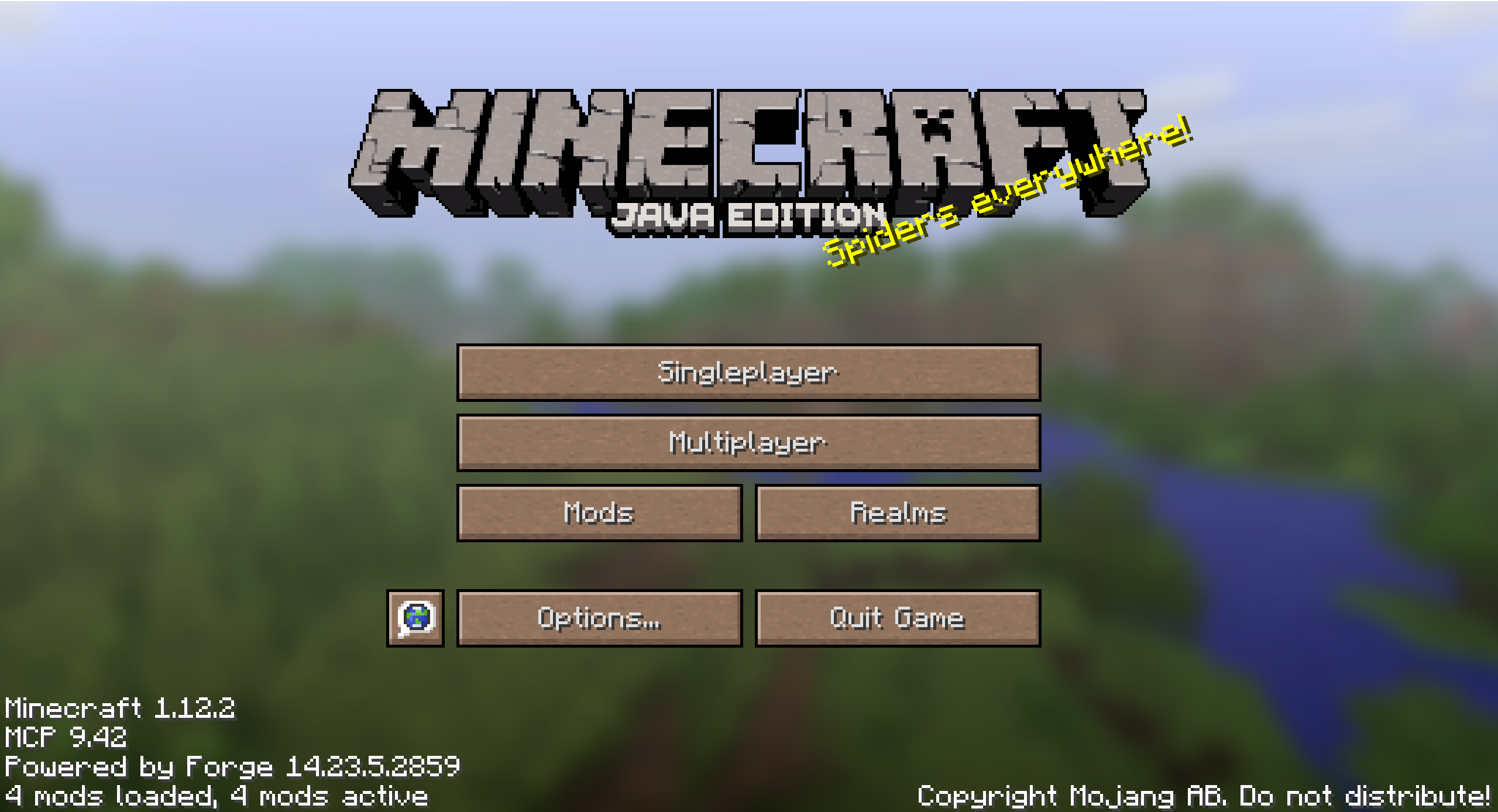


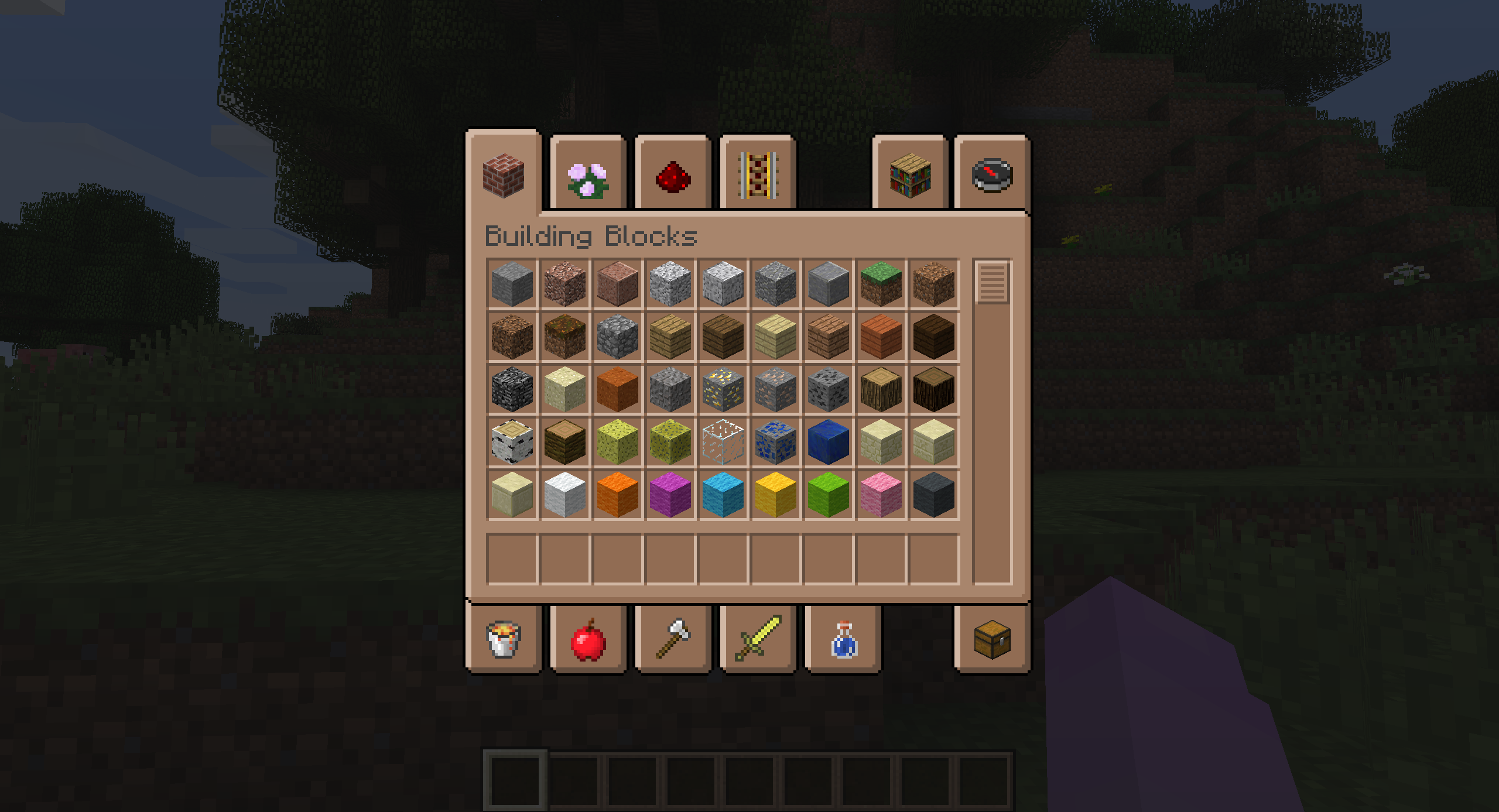
介绍
Brown Mode changes the default GUI to be brown while keeping the vanilla style.
SOURCE
This pack is ONLY on Modrinth, anywhere else is not by me.
COMPATIBILITY
Currently, I only have Java Edition 1.12-1.12.2 available. I’m planning to port to newer versions in the future, but this resource pack is not my top priority at the moment, since I’m working on two other GUI resource packs.
TERMS OF USE
You CAN use this in videos and streams, credit to this pack would be greatly appreciated if you do.
Do NOT upload this to any other site and/or claim this as your own.
Do NOT take and use the textures for your own project, or anything else that reuses the textures for your own purposes.
Credit to HxnterV0ID for the idea/theme for this resource pack.
常见问题
Brown Mode 支持哪些 Minecraft 版本?
Brown Mode 支持 Minecraft Java 版 1.12–1.12.2,共 3 个版本。下载时注意选择和你游戏版本一致的文件。
Brown Mode 怎么安装?
把下载的 .zip 文件(不用解压)放进游戏目录的 resourcepacks 文件夹,进游戏后在「选项 → 资源包」里把它移到右边启用。
YumItsPizza 的其他作品
查看全部 →
Pink Mode
Changes the default gui to be pink.

Purple Mode
Changes the default GUI to be purple.

Pink Dolphin
This resource pack adds a rare pink dolphin variant to your game.

EnderRat
This resource pack replaces the endermite mob with 4 different rat variants.
评论
登录后评论和评分