
截图






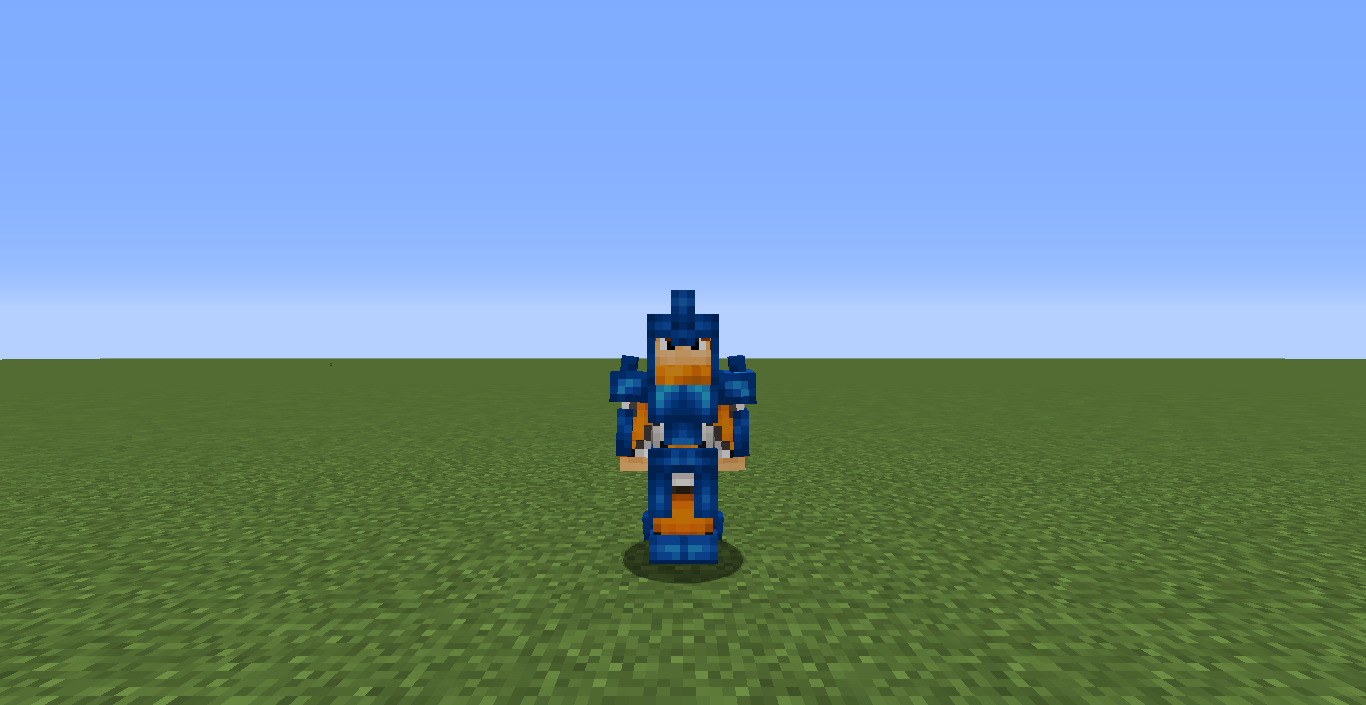
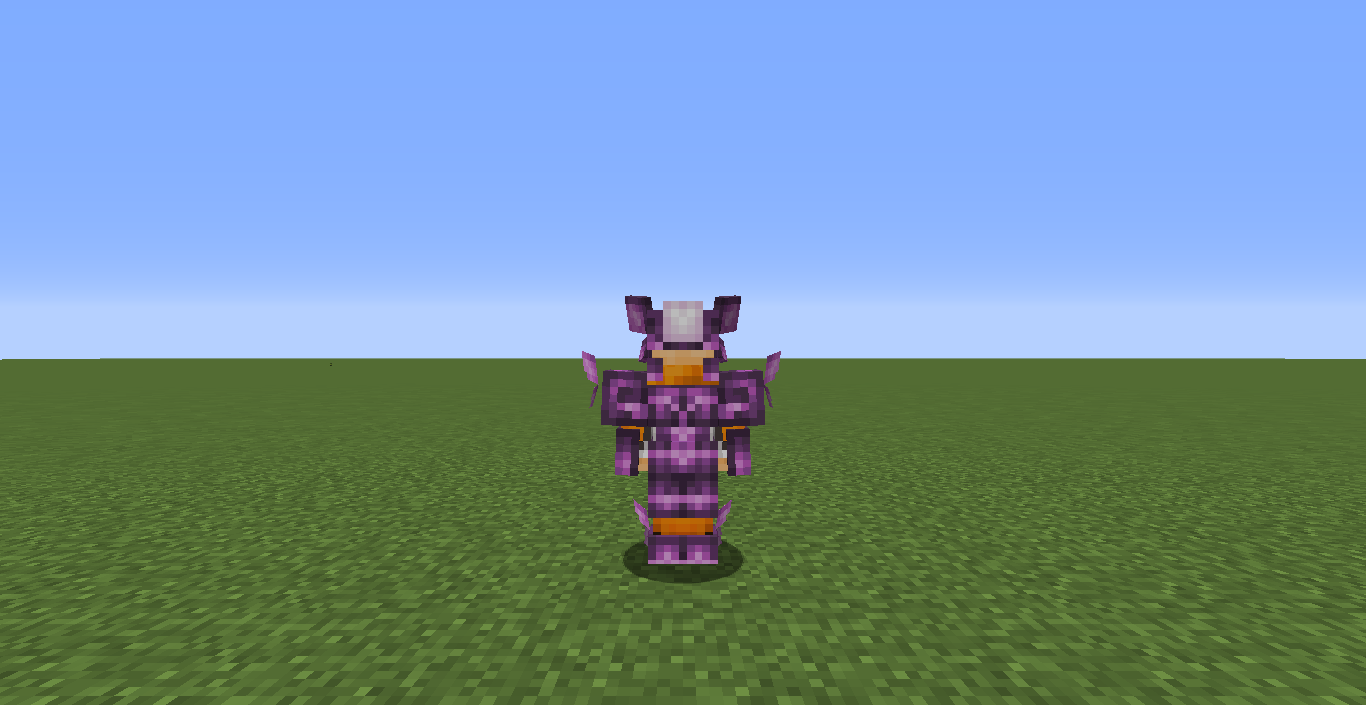
介绍


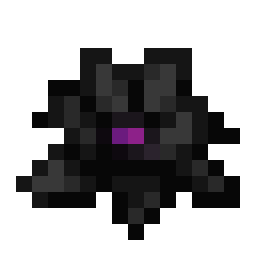
Botania is an amazing mod, but ever thought its textures were a bit lacking? This resource pack aims to solve that issue by improving/modernizing Botania’s textures.
Currently, this resource pack only changes item textures. Block textures are coming soon.
Any feedback is very appreciated.
If you want this resource pack to do anything, you must have Botania installed.
Some textures from Botania Revamped
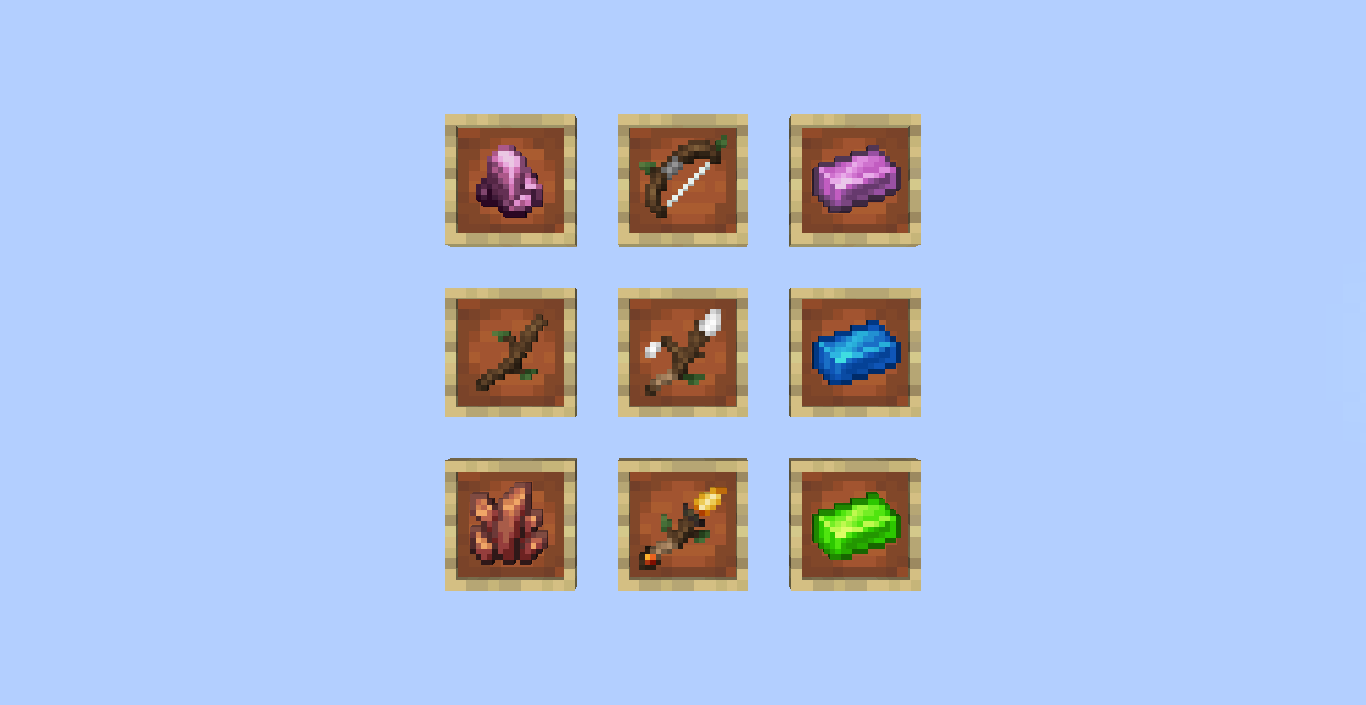
Tool Textures

Rod Textures

Weapons and some tools

Mana Lens

A few accessories
These are the textures as of version 1.1.0. Textures might receive modifications
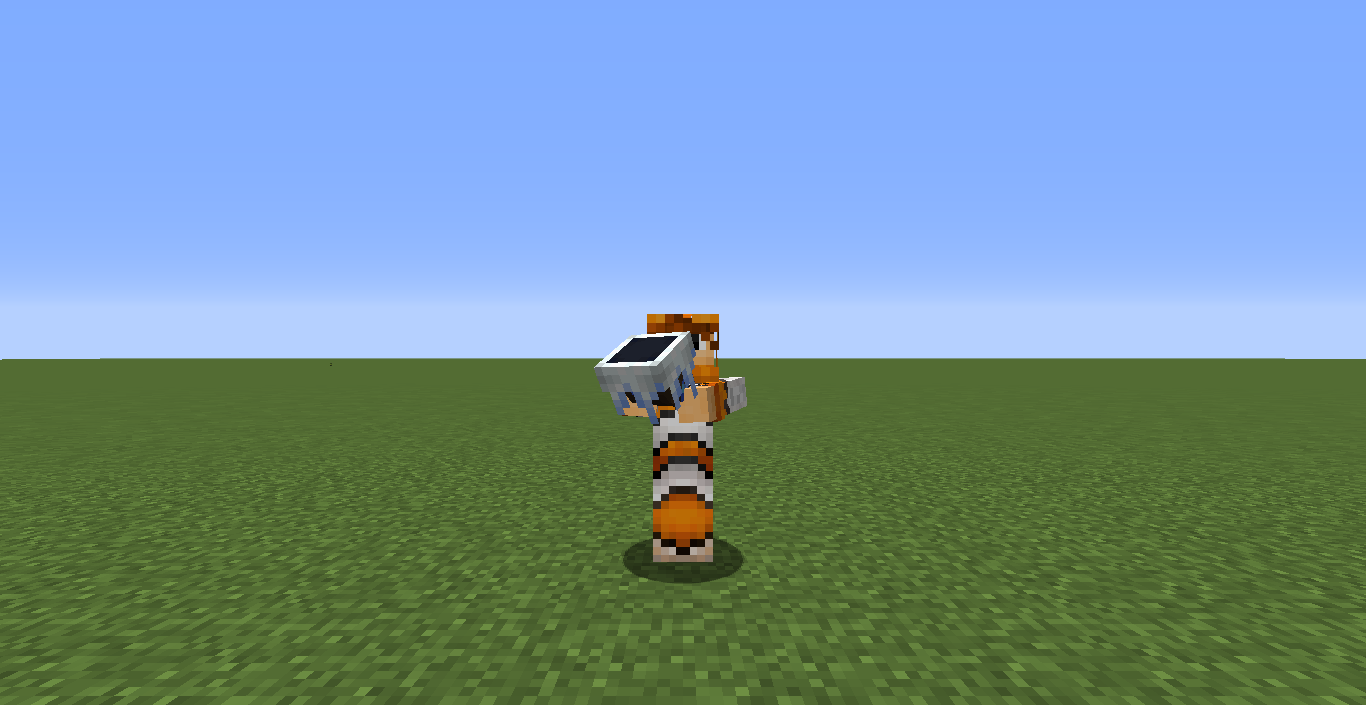
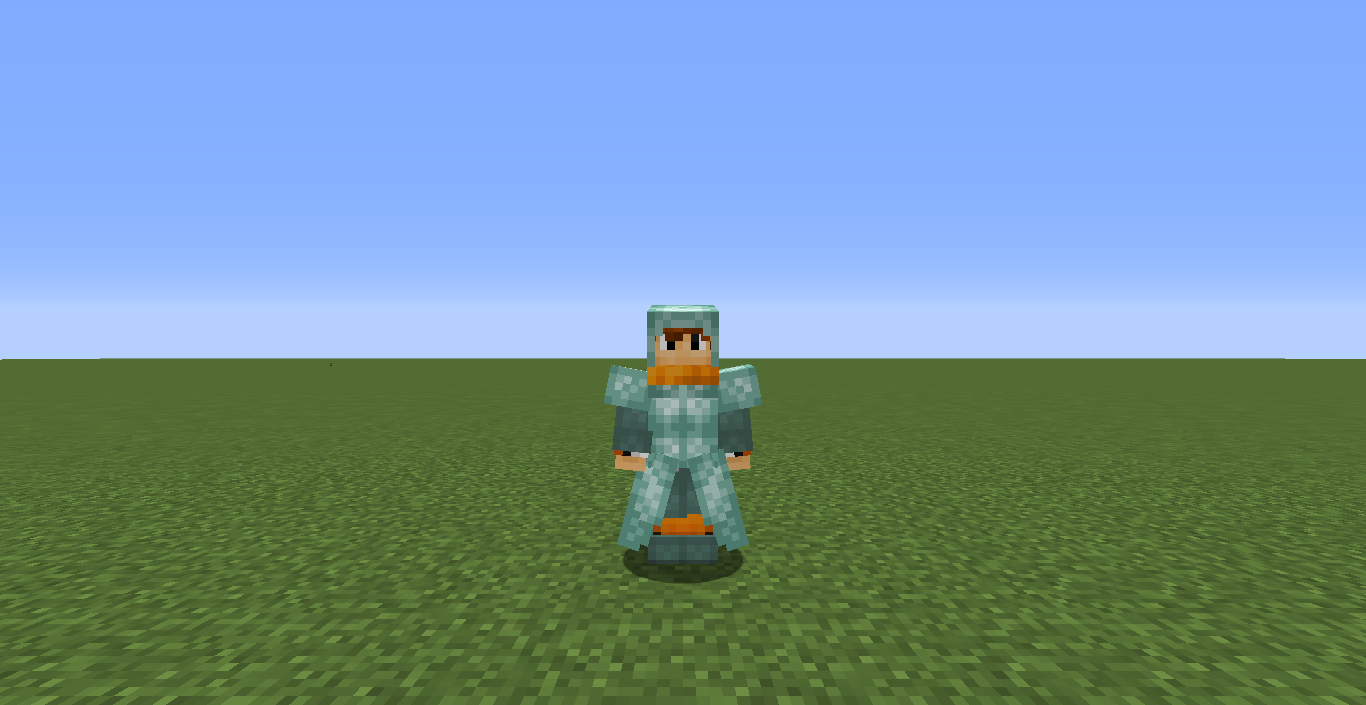
Improved Models
Botania Revamped also includes some model revamps.
Mana Blaster

Mana Blaster (Clip)

Livingwood Slingshot Hand model
The Livingwood Slingshot hand model now looks like how you should be using use a slingshot when firing

Chakrams
Chakrams are now thrown correctly by the player

Horns
Horns are also now used correctly by the player

Worldshaper’s Sextant
Now with a model, and somewhat accurate usage

Worldshaper’s Astrolabe
Also now with a model, and not very accurate usage

Things that are WIP or might get changed
– Horn of the Wild Easter egg (Vuvuzela, forgot to give it a new texture)
Important Note
This resource pack still contains original assets from Botania (Since this resource pack is still WIP). All credit for unoriginal assets goes to the Violet Moon Team. The logo for this resource pack is also heavily inspired by Botania‘s logo.
Feel free to use this in modpacks or anything else!
If you have any feedback, please let me know!

常见问题
Botania Revamped 支持哪些 Minecraft 版本?
Botania Revamped 支持 Minecraft Java 版 1.16–1.18.2,共 9 个版本。下载时注意选择和你游戏版本一致的文件。
Botania Revamped 怎么安装?
把下载的 .zip 文件(不用解压)放进游戏目录的 resourcepacks 文件夹,进游戏后在「选项 → 资源包」里把它移到右边启用。
fishcute 的其他作品
查看全部 →
Celestial
一个适用于Fabric和Forge的Minecraft模组,可让你自定义天空。
Fish Lucky Blocks – Core Mod
The core mod for Fish Lucky Blocks

Celestial Demo Packs
Demo Resource Packs for Celestial

Noooooo
Plays Jen's "Nooooooo" scream when you die. For fabric and forge.
评论
登录后评论和评分