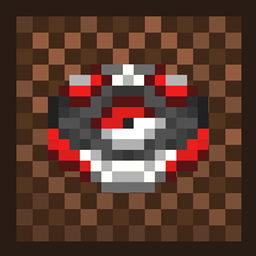
Blumi’s Boombox: Reimagined Tracks
A custom music disc resource pack that brings recognizable tracks and completely redesigned disc visuals into Minecraft.
截图
介绍
🎧 About
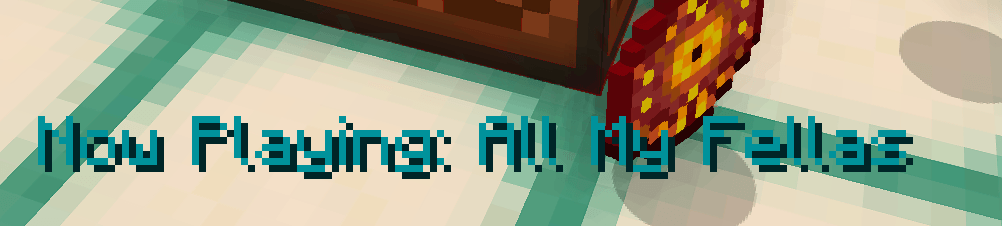
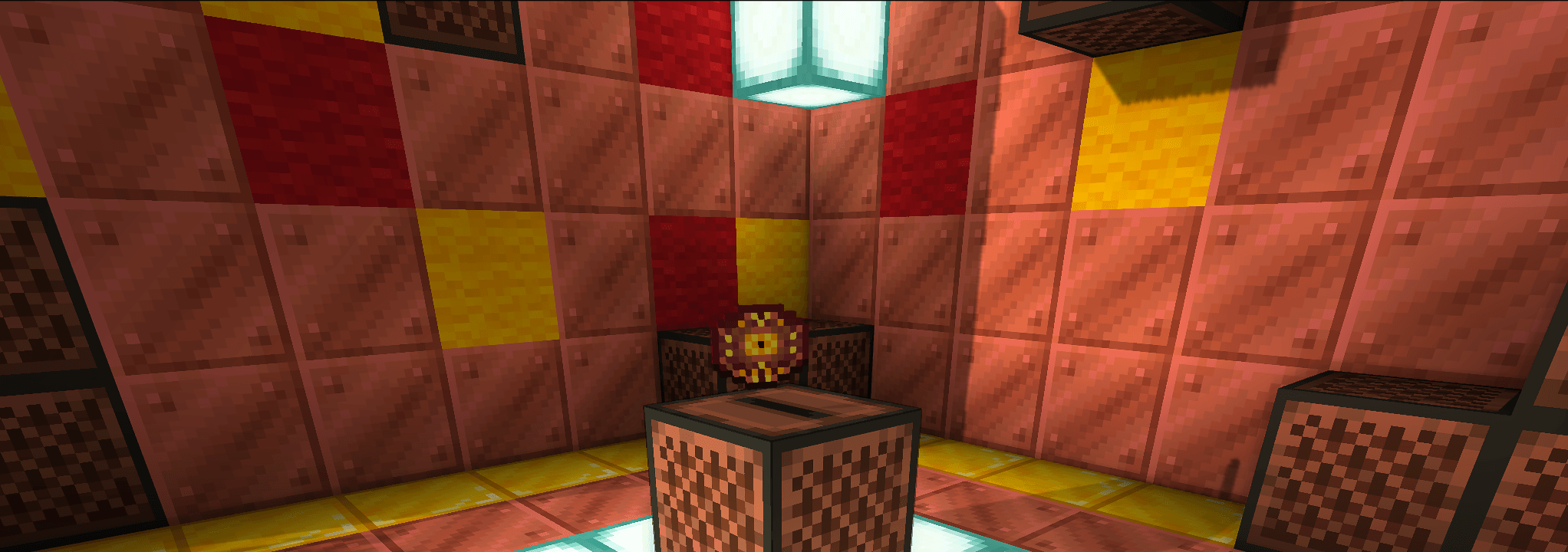
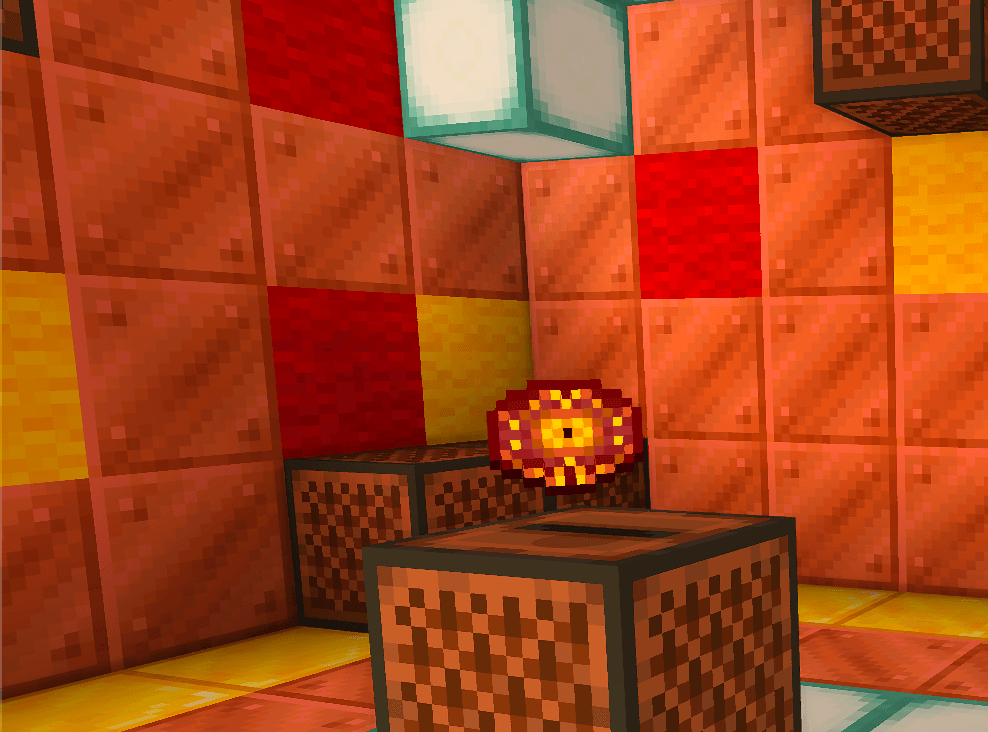
Blumi’s Boombox transforms Minecraft’s jukebox into a modern music experience.
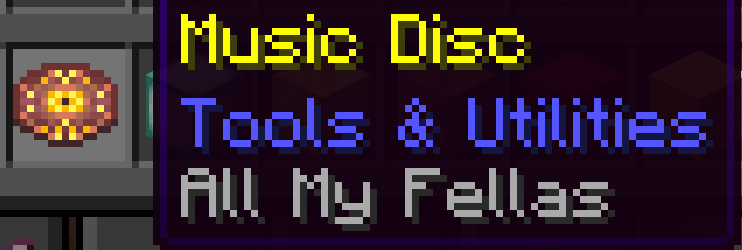
This resource pack replaces vanilla music discs with a growing collection of recognizable tracks, combined with completely redesigned disc visuals. Each disc is carefully customized to create a fresh and unique vibe while still fitting into Minecraft.
Whether you’re building, exploring, or just chilling — your world now has a new soundtrack.
💿 Features
- 🎶 Custom music disc replacements
- 🎨 Completely redesigned disc textures
- 🔊 Recognizable & high-quality tracks
- 📈 Regular updates with new songs
Songs:
All my fellas- by Frizk.
(more comming soon…)❓ How to Use
- Download the resource pack
- Put it into your Minecraft resourcepacks folder
- Activate it in-game
-
Insert a disc into a jukebox and enjoy 🎶
📜 Credits
🎵 Music
- All My Fellas – Frizk
🎨 Disc Designs and Profilpicture Design
- Textures: Apex MuskDisk by Sage_Savge
⚖️ Permissions & Copyright
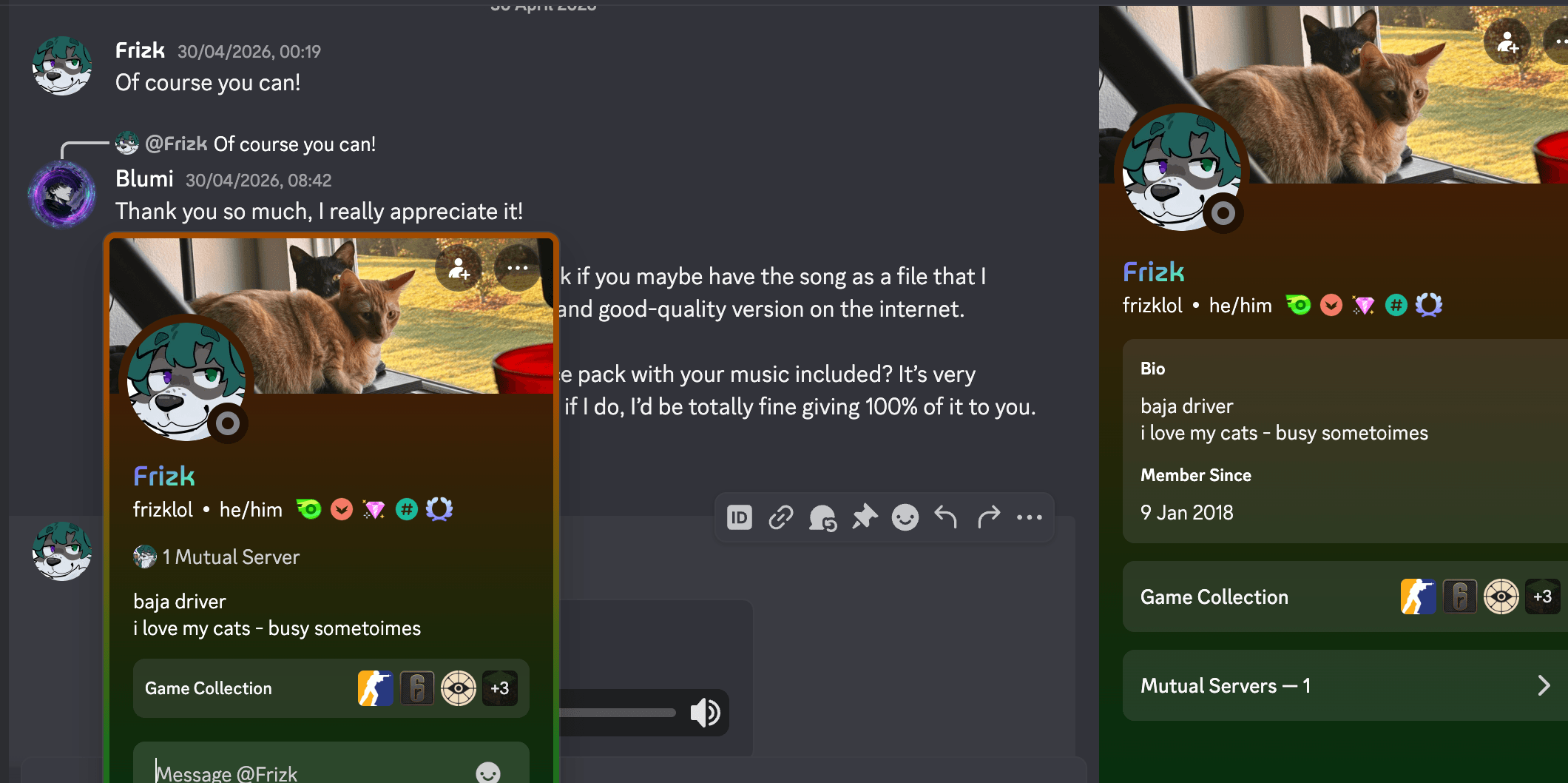
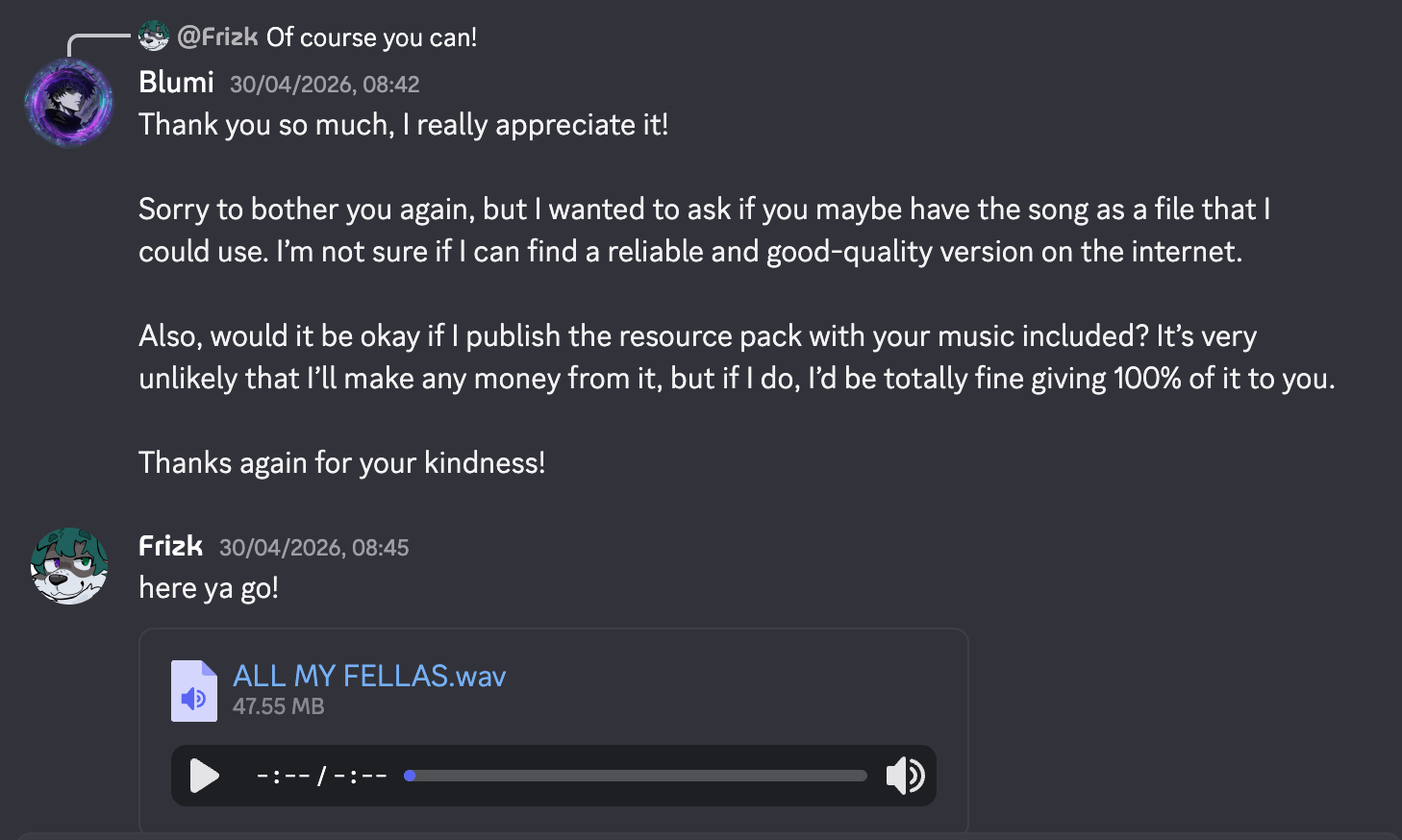
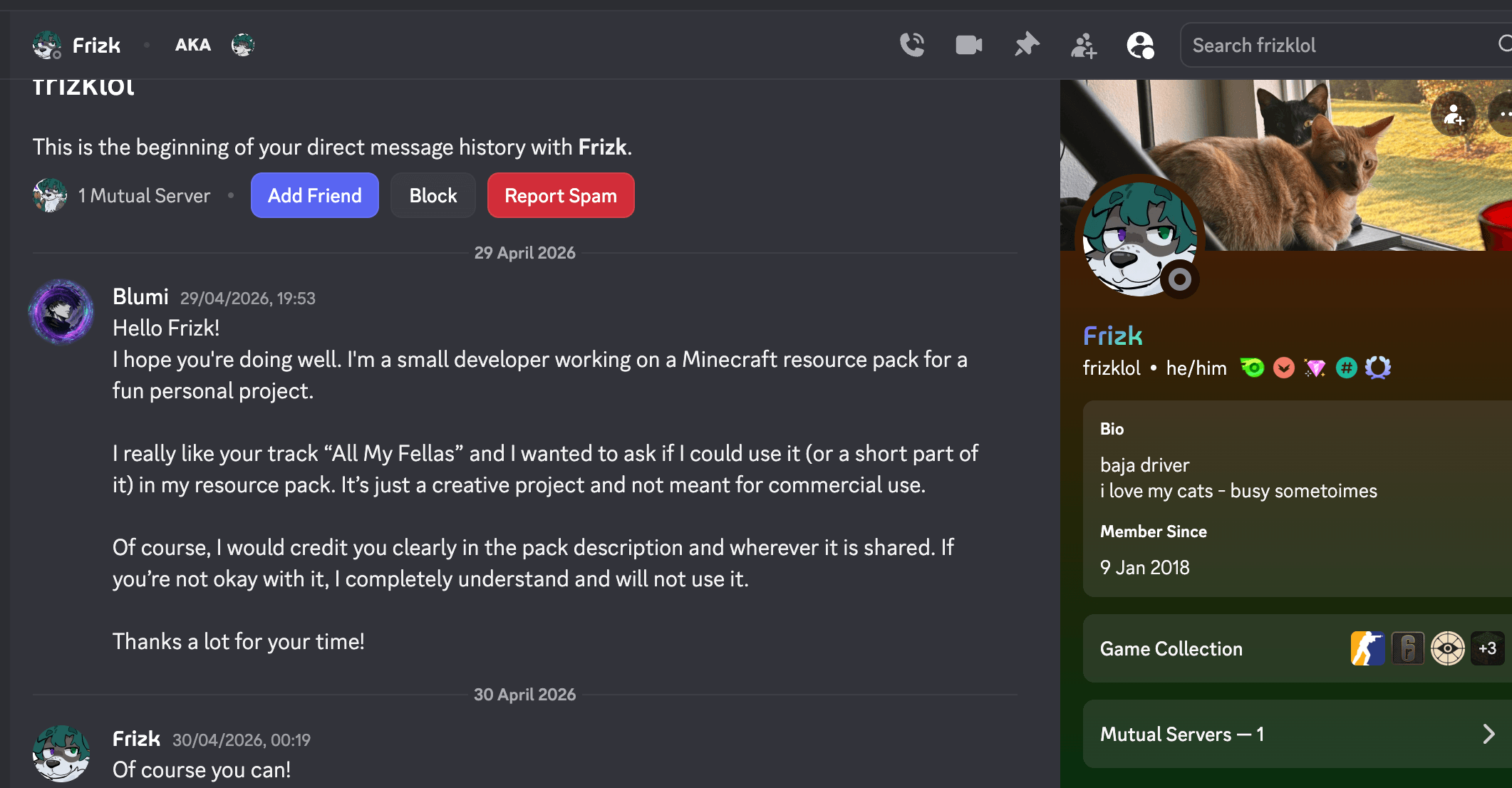
- All music used in this resource pack is included with permission from the respective owners.
- Texture inspiration and usage are credited to the original creator (Sage_Savge).
- All rights remain with their respective owners.
📢 Notes
- More songs and designs will be added over time
- This pack is meant for fun and creative use
- All My Fellas – Frizk
Songs permission are in Media
Contact
If you have questions, suggestions, or feedback, feel free to contact me on Discord:
blumi_04081
常见问题
Blumi’s Boombox: Reimagined Tracks 支持哪些 Minecraft 版本?
Blumi’s Boombox: Reimagined Tracks 支持 Minecraft Java 版 1.21.5–26.1.2,共 10 个版本。下载时注意选择和你游戏版本一致的文件。
Blumi’s Boombox: Reimagined Tracks 怎么安装?
把下载的 .zip 文件(不用解压)放进游戏目录的 resourcepacks 文件夹,进游戏后在「选项 → 资源包」里把它移到右边启用。
评论
登录后评论和评分