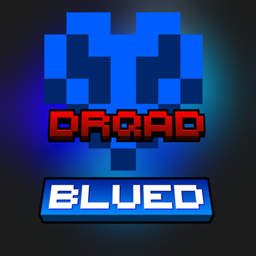
截图


介绍
中文介绍正在准备中,下面暂时显示原文。
Blued GUI by Drqad
Features
Simple retexturing of many GUI aspects such as:
- Buttons
- Hotbar & XP bar
- Hearts & Hunger
- Sweeping explosions and crit particles
Installation
Simply drag and drop the .zip file into your resourcepacks folder.
Or use the Modrinth App, then enable it in the options.
Requirements?
None, but I recommend the Puzzle as well as the Polytone mod for colored level indicator and loading screen.
常见问题
Blued GUI 支持哪些 Minecraft 版本?
Blued GUI 支持 Minecraft Java 版 1.20.6–26.1.1,共 13 个版本。下载时注意选择和你游戏版本一致的文件。
Blued GUI 怎么安装?
把下载的 .zip 文件(不用解压)放进游戏目录的 resourcepacks 文件夹,进游戏后在「选项 → 资源包」里把它移到右边启用。
FreePalestineFckIDF 的其他作品
查看全部 →
Purplefied GUI
by FreePalestineFckIDF
This pack changes Minecrafts General GUI to look more Purple
1.9万
7 个月前
CurseForge
Black n’ White GUI
by FreePalestineFckIDF
Changes the GUI to have a Mix out of Black and White and everything in between!
7,740
7 个月前
CurseForge
Redium GUI
by FreePalestineFckIDF
Makes the GUI RED
4,320
7 个月前
CurseForge
评论
登录后评论和评分