Better High Contrast
I'm working on the High Contrast resource pack because Mojang won't
截图
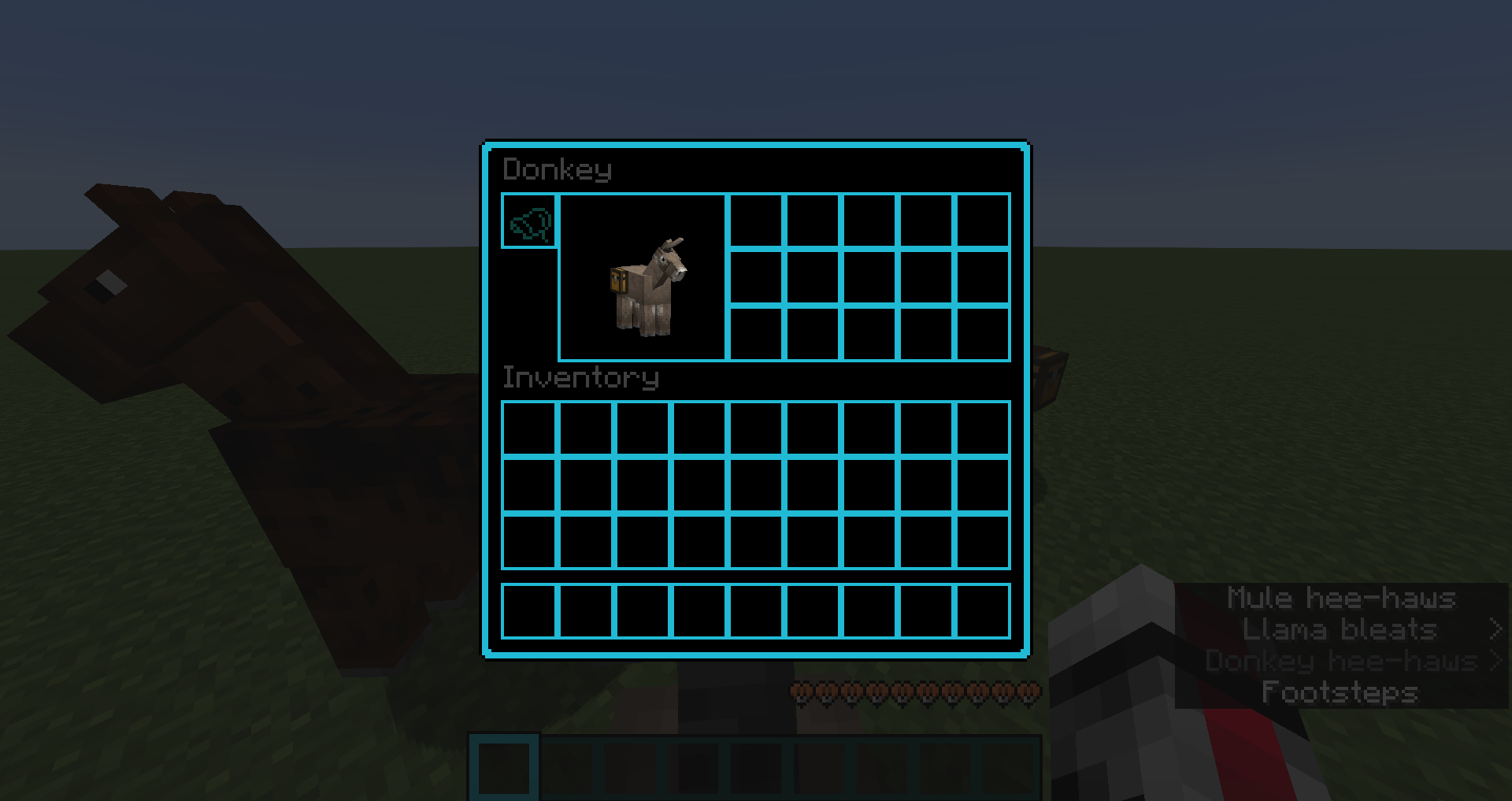
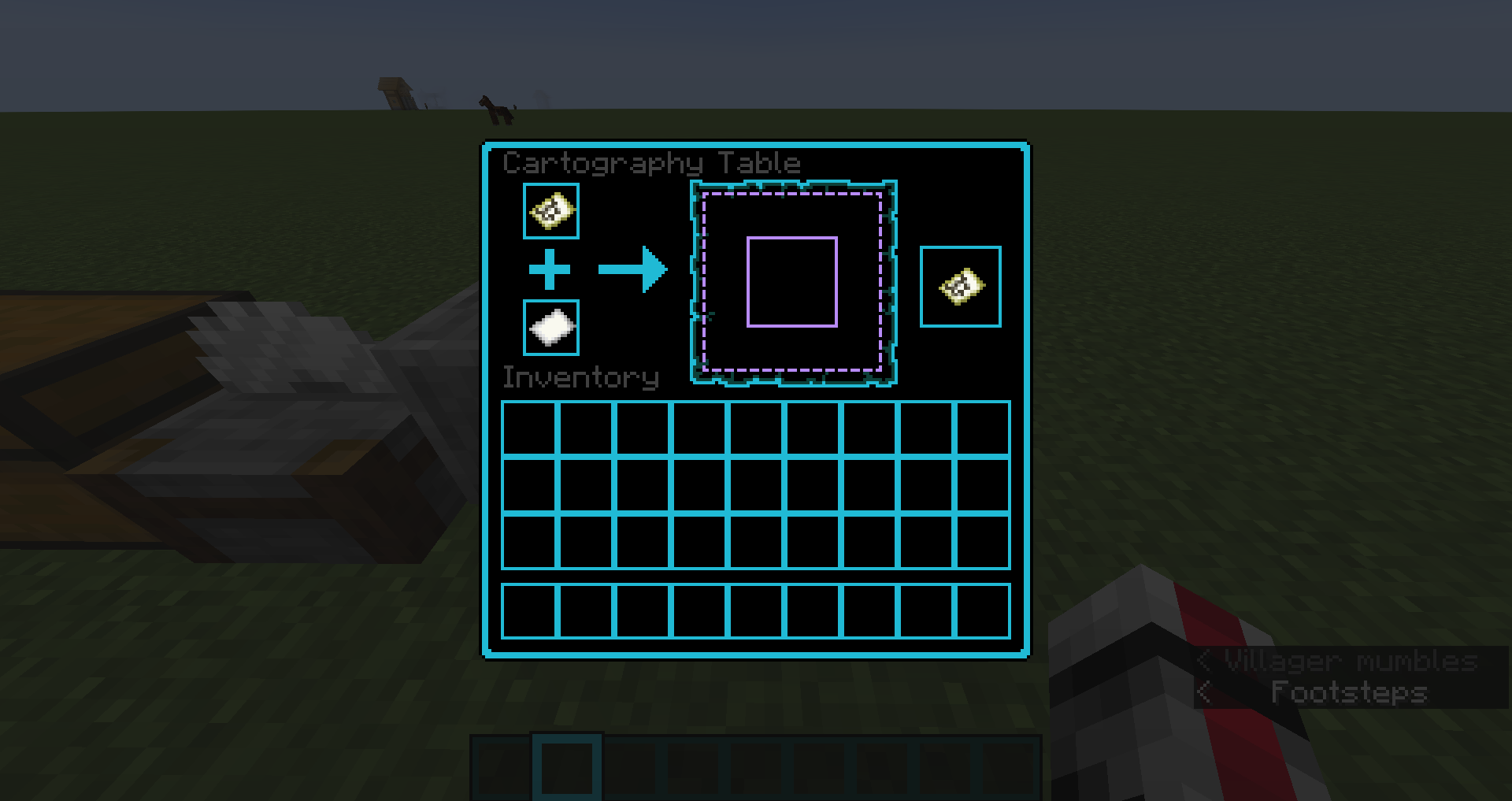
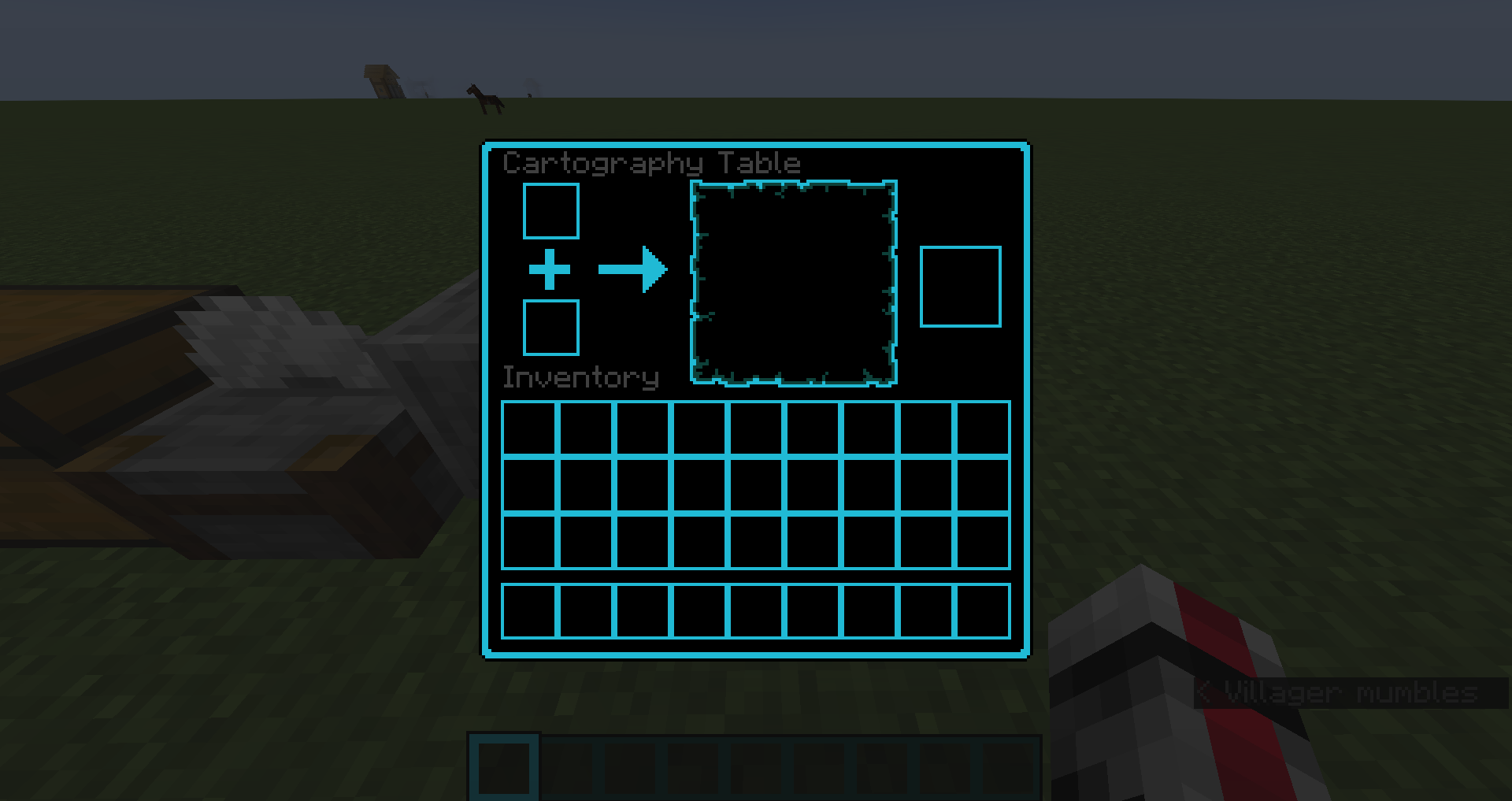
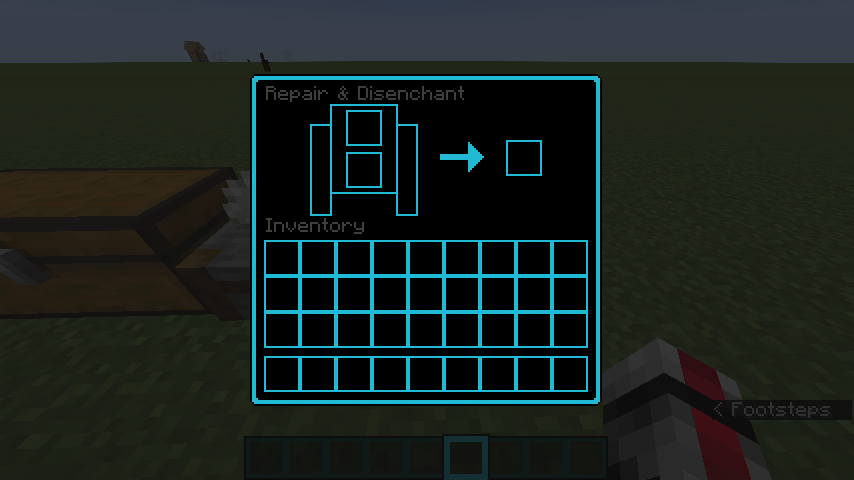
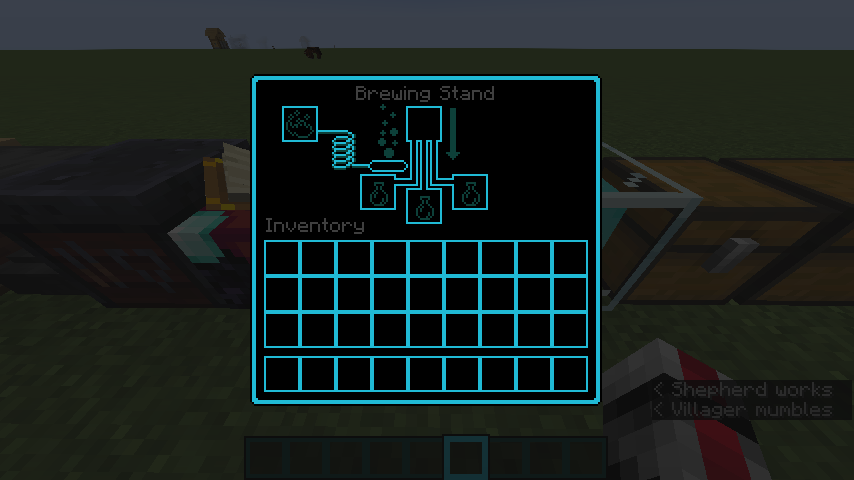
介绍
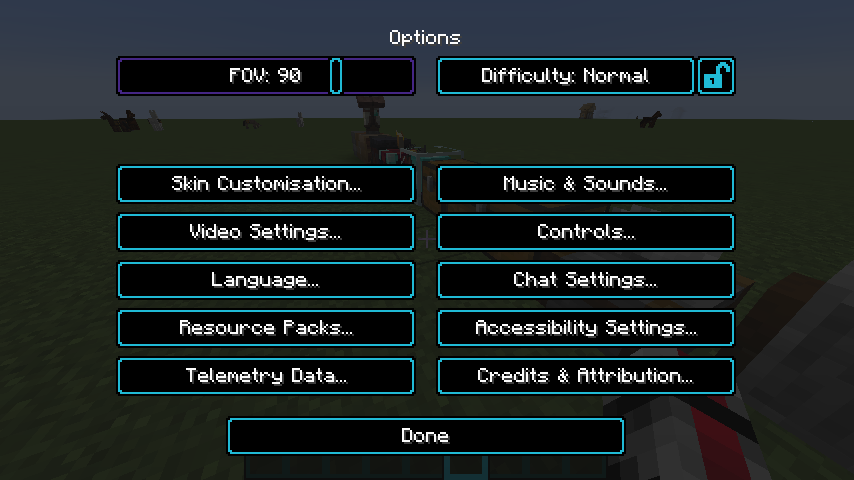
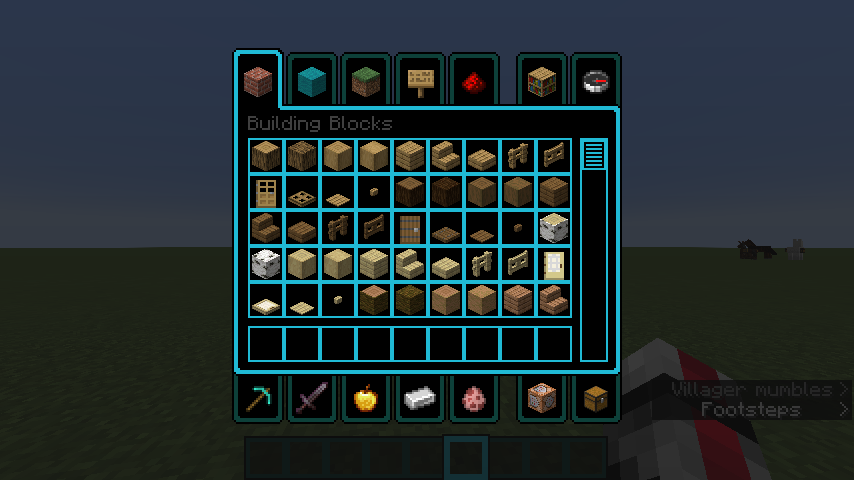
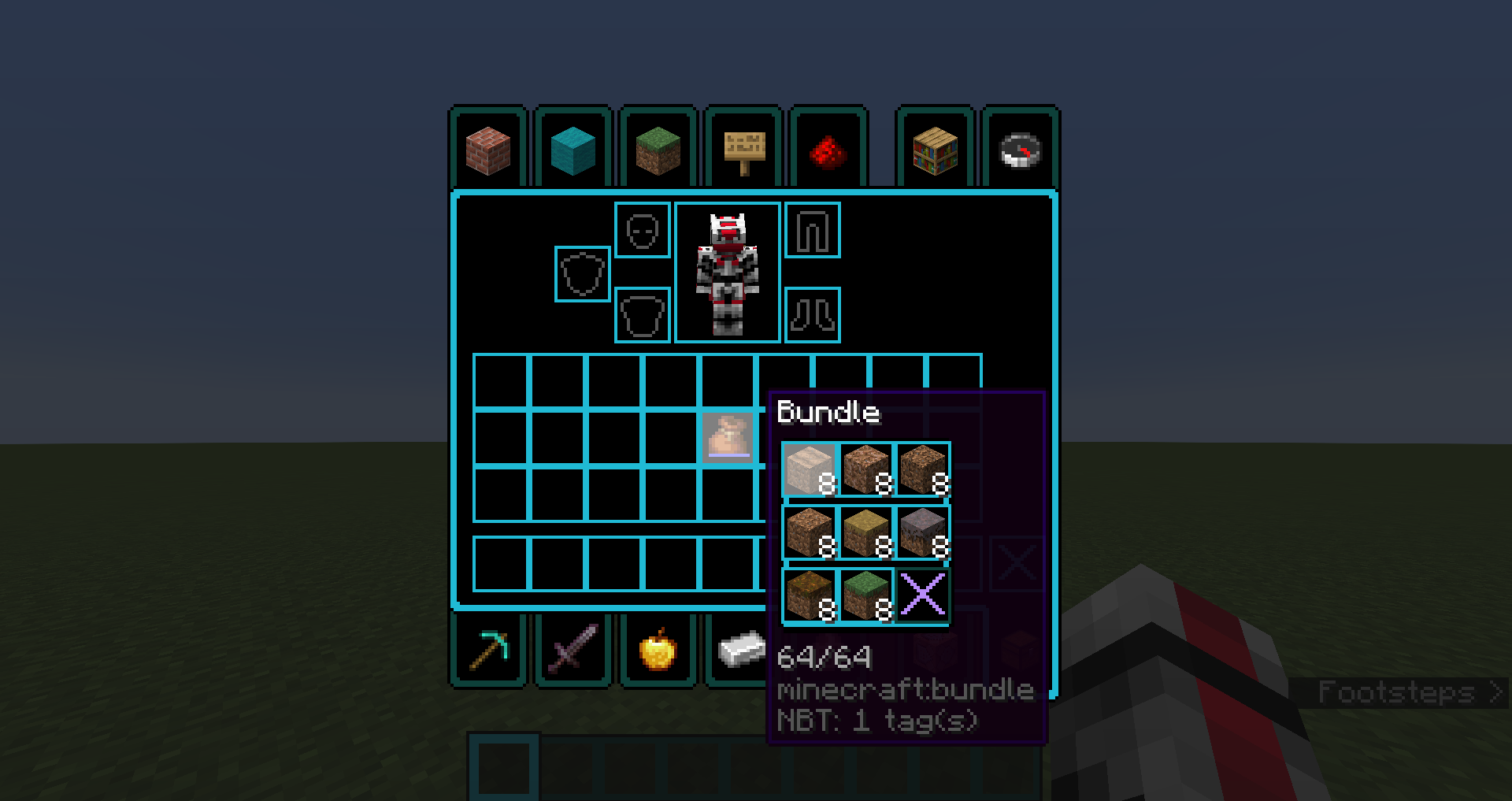
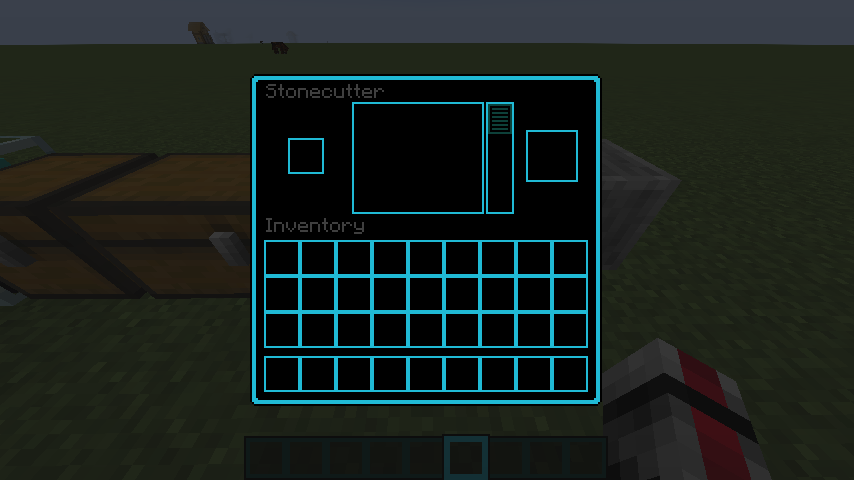
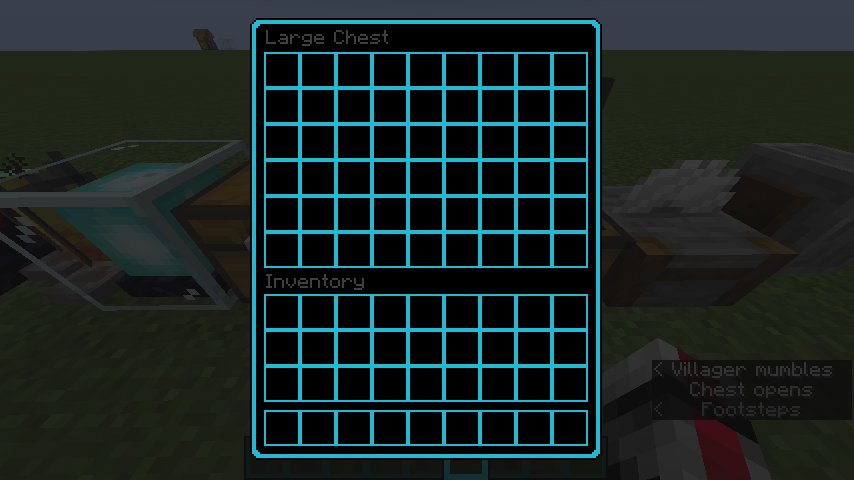
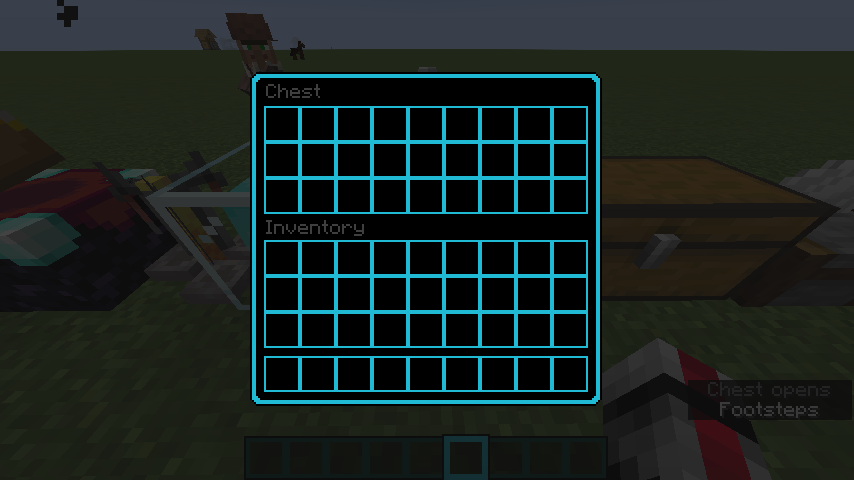
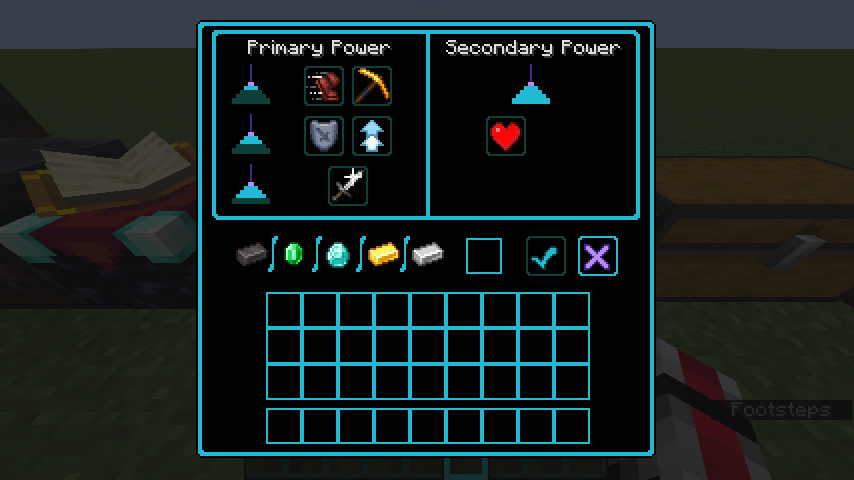
Every GUI and UI has been updates to either closely resemble the High Contrast resource Pack
Doesn’t affect any blocks or items
Still a work in progress, do plan to make it available for earlier versions
Go into Minecraft, go to Options > Resource Packs > Open Pack Folder. Move the file into your “resourcepacks” file. Go back to Minecraft, find the resource pack labeled “Better High Contrast”, and click the arrow to make it active. Click Done in Minecraft and enjoy!
NOTE: I am working on all versions for Minecraft, so I have archived all files, but they will be back soon and better than ever
常见问题
Better High Contrast 支持哪些 Minecraft 版本?
Better High Contrast 支持 Minecraft Java 版 1.6.1–1.8.9,共 22 个版本。下载时注意选择和你游戏版本一致的文件。
Better High Contrast 怎么安装?
把下载的 .zip 文件(不用解压)放进游戏目录的 resourcepacks 文件夹,进游戏后在「选项 → 资源包」里把它移到右边启用。
评论
登录后评论和评分