截图
介绍
中文介绍正在准备中,下面暂时显示原文。
Bedrock Stuff
Bedrock Textures “ported” over to Java
Part 1
UI
Like playing Java but also like the Bedrock UI(user interface)? Well wait no longer!
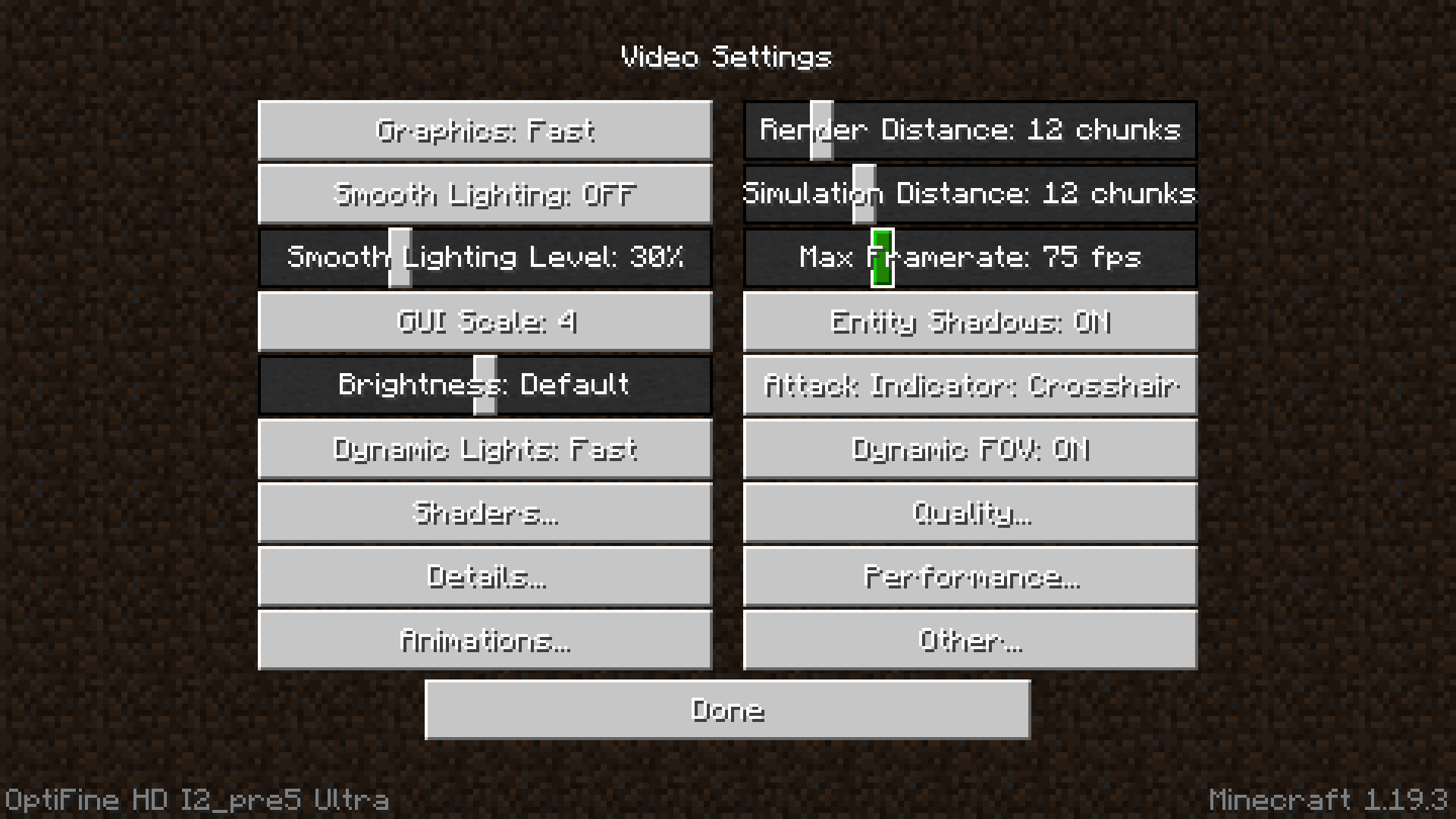
Bedrock Stuff is a experimental resource pack that brings Bedrock’s main UI elements to Java.
Features
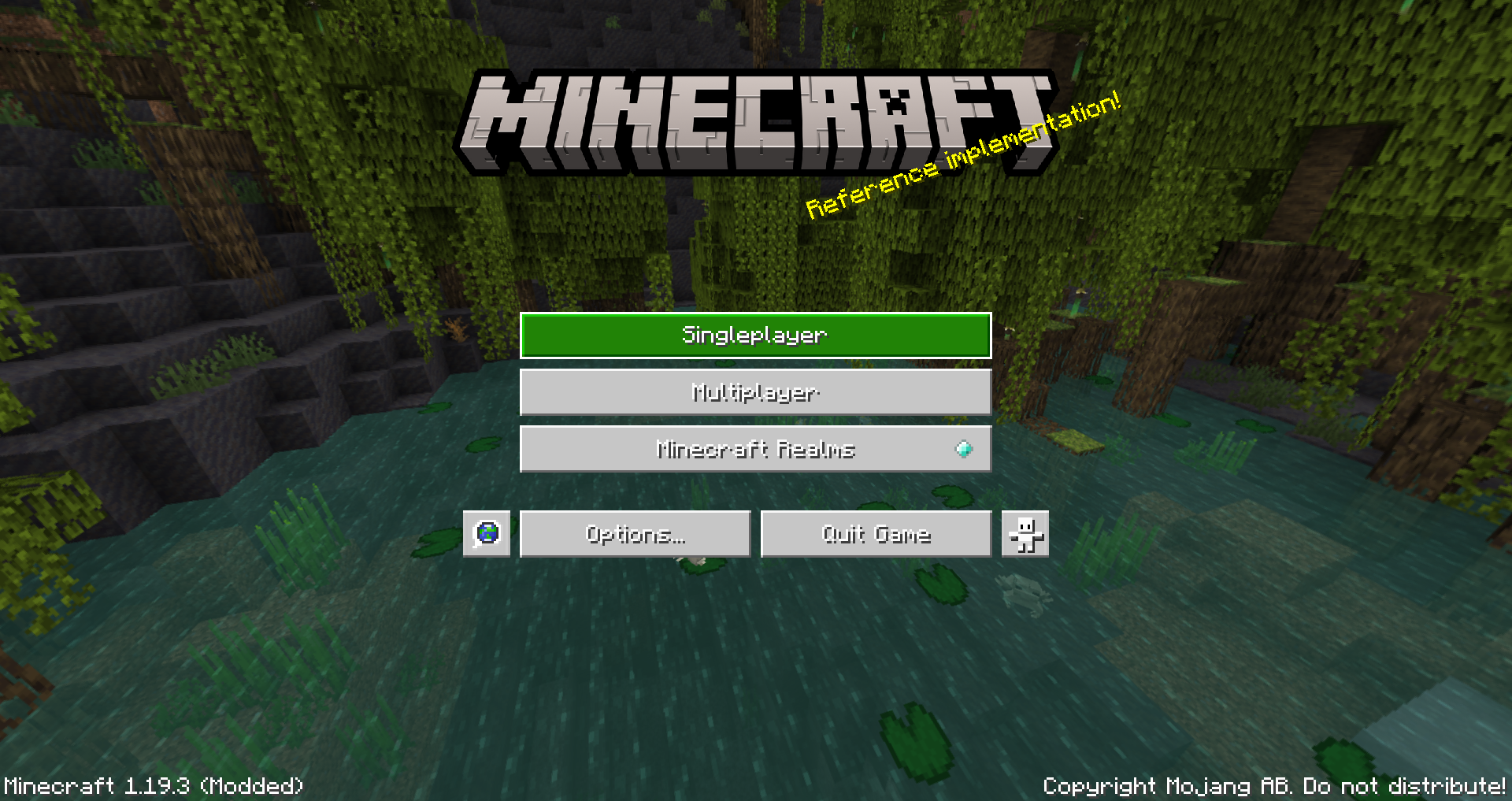
- Modern and Sleek Bedrock Buttons
- The Flat Title Screen Text (not splashes)

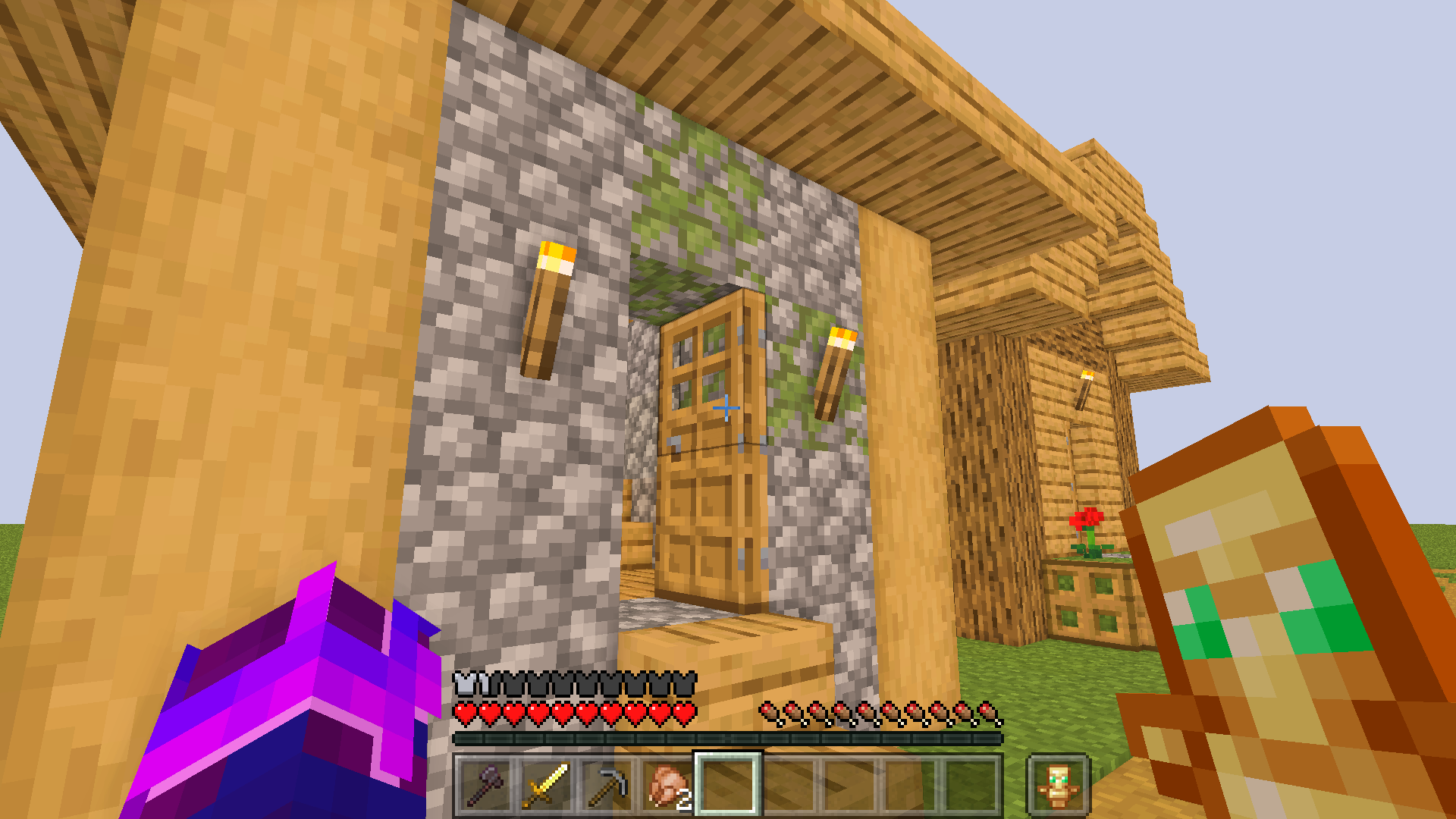
- Transparent Hotbar

Issues
- The button font color cannot be changed to black when unfocused (as I know of)

Buttons for toggling stuff (“View Bobbing” “Graphics: Fancy/Fast/Fabulous”) cannot be simple switches like in Bedrock (because it is impossible)

How To Install
- Download the Pack from CurseForge or PlanetMinecraft
- Open Minecraft 1.19 and click on “Options” in the main menu
- Click on “Resource Packs” in the options menu
- Click on the “Open Resource Pack Folder” button
- Move the downloaded “§dBedRockStuff-Pack-pt1_ui” resource pack file into the resource pack folder
- Go back to Minecraft 1.19 and click on the arrow button next to the “BedRockStuff-Pack-pt1_ui” resource pack
- Click “Done” to finish
These are some of the key UI elements of Bedrock that I liked and wanted over in Java.
This project is still a work in progress!
This is a Java Pack not Bedrock!
常见问题
Bedrock Stuff (Part 1) 支持哪些 Minecraft 版本?
Bedrock Stuff (Part 1) 支持 Minecraft Java 版 1.19–1.19.3,共 4 个版本。下载时注意选择和你游戏版本一致的文件。
Bedrock Stuff (Part 1) 怎么安装?
把下载的 .zip 文件(不用解压)放进游戏目录的 resourcepacks 文件夹,进游戏后在「选项 → 资源包」里把它移到右边启用。
评论
登录后评论和评分