
截图
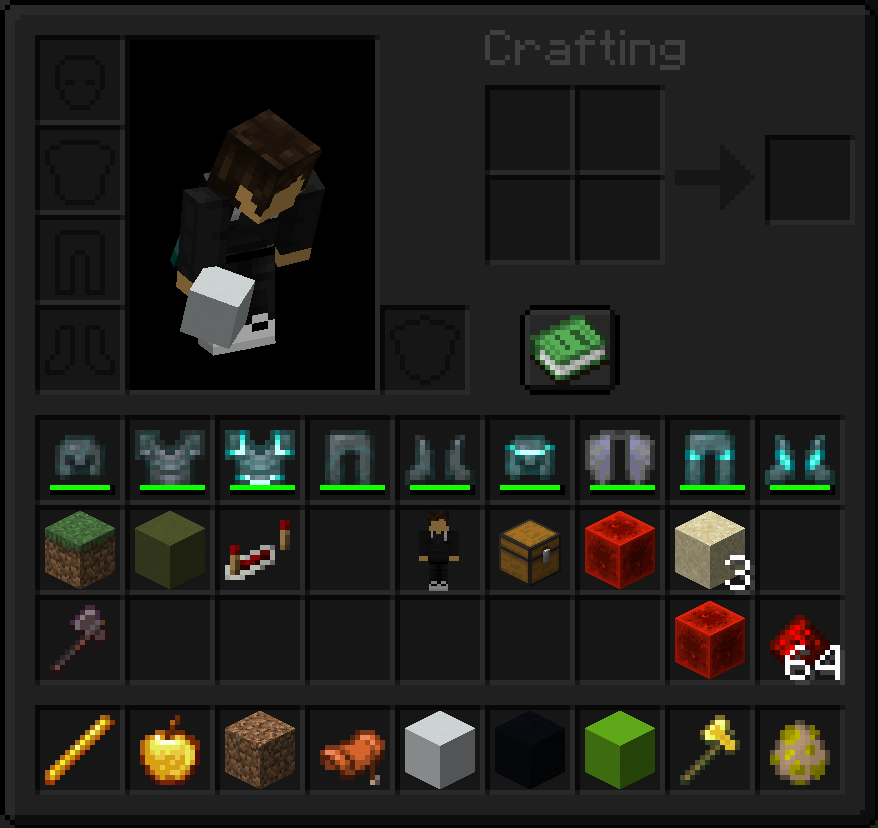

介绍
Aust‘s Custom GUI
Description:
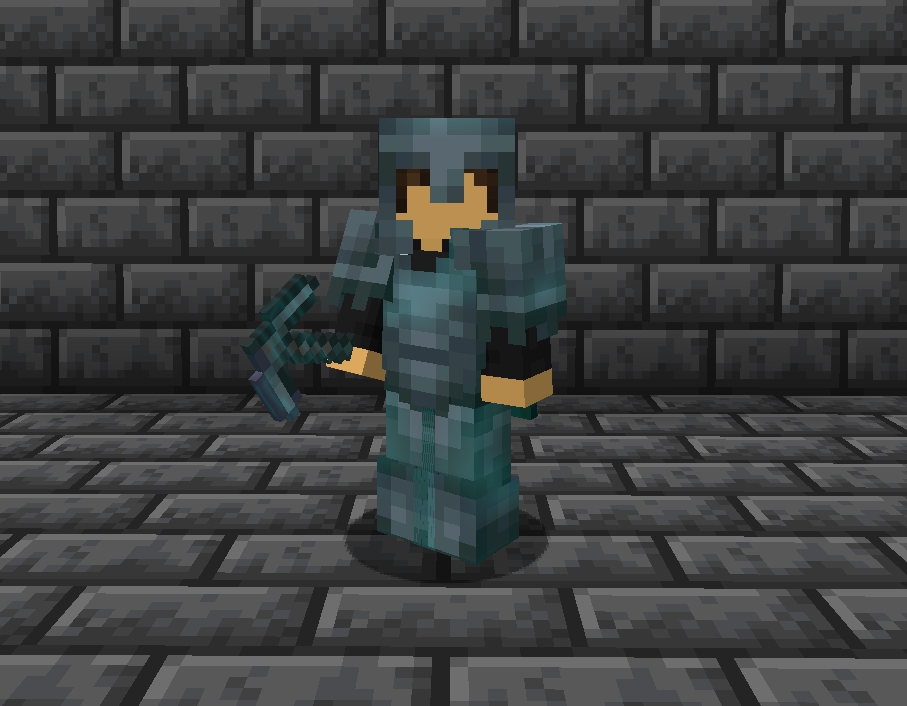
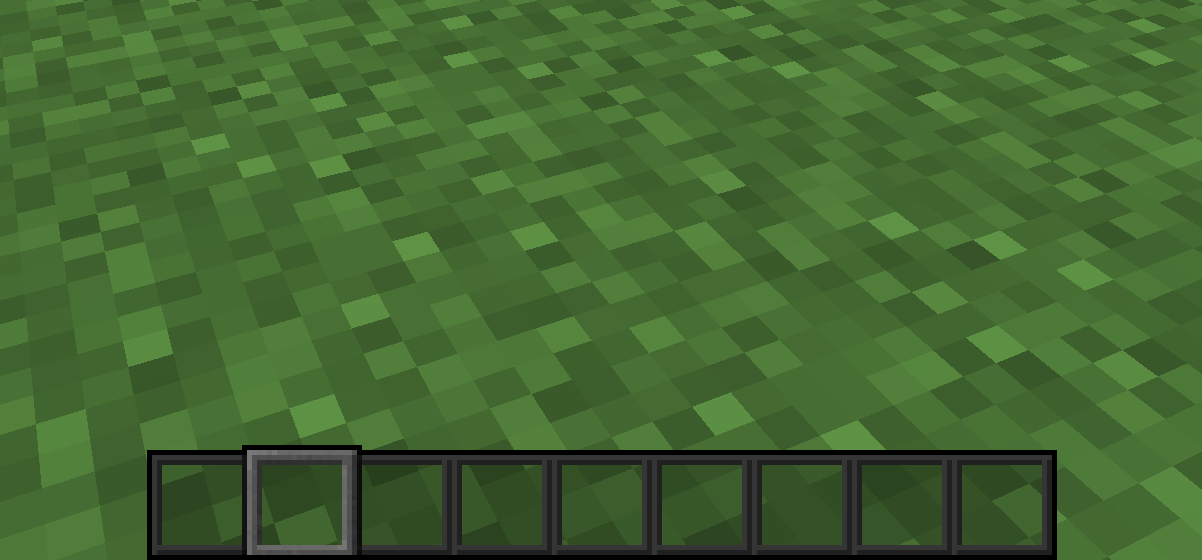
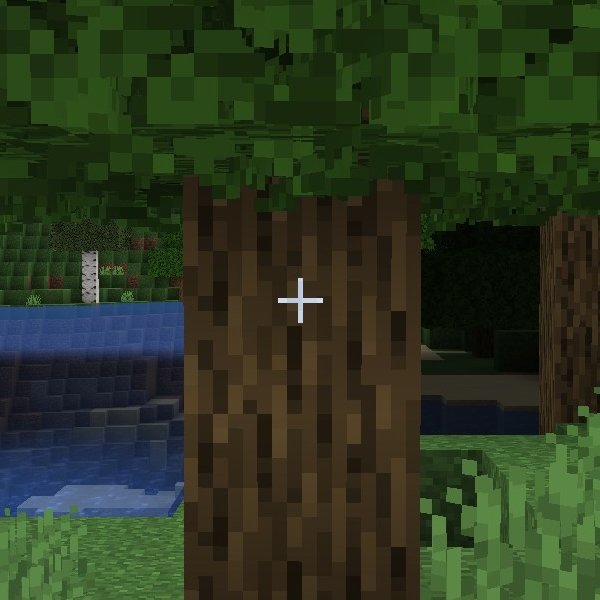
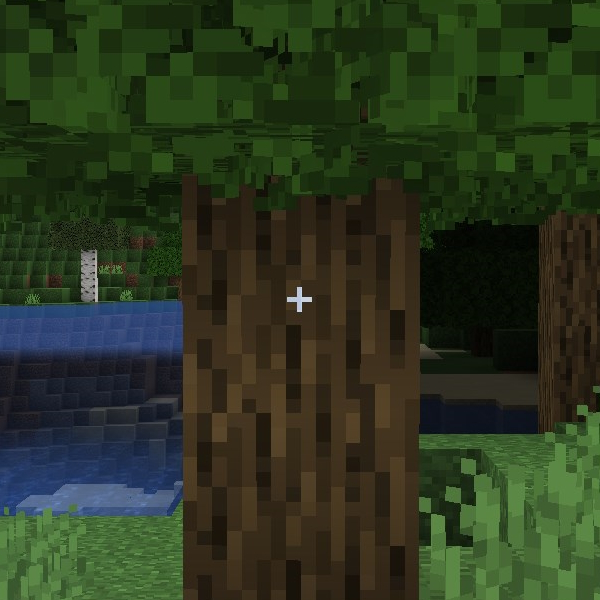
This pack changes the Enchantment Glint, Hotbar, Dark Mode Inventory, and Crosshair.
Requirements:
This pack doesn’t have any requirements, BUT it was built using the Default Dark Mode pack as its foundation. You can find it here. If you want a different looking gui, you can place a Default Dark Mode pack above my pack in the load order.
Compatibility:
This pack may conflict with other resource packs that change the GUI. Loading my pack on top may solve the issue in some cases.
Settings:
To make the enchantment glint look like mine does, you’ll need to change a few accessibility settings:
– Glint Strength = 80%
– Glint Speed = 50%
Versions:
There are three versions of this pack available at the moment:
All in One
– All of my changes in one pack. Exactly what I’m using on my hardcore series.
All in One Legacy
– Same as all in one, except it has the green and blue hearts I used to use in my older videos.
Enchant Glint Only
– Only changes the color of enchantment glint
*Screenshots of each can be found in the images tab 🙂
常见问题
Aust’s Custom GUI 支持哪些 Minecraft 版本?
Aust’s Custom GUI 支持 Minecraft Java 版 1.19.3–1.21.11,共 7 个版本。下载时注意选择和你游戏版本一致的文件。
Aust’s Custom GUI 怎么安装?
把下载的 .zip 文件(不用解压)放进游戏目录的 resourcepacks 文件夹,进游戏后在「选项 → 资源包」里把它移到右边启用。
评论
登录后评论和评分