Auric GUI – hotbar, buttons and more
作者:MIDASYT
A complete gold and blue GUI that changes your hotbar, icons, and all inventories for a premium look.
截图


介绍
中文介绍正在准备中,下面暂时显示原文。
⚡ Auric GUI
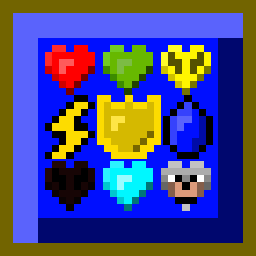
Auric GUI is a complete overhaul of the Minecraft user interface, focusing on a pure gold and blue aesthetic. Designed to give a premium visual experience while maintaining total clarity during gameplay.
✨ Features:
- Redesigned HUD: Redesigned armor icon in gold, redesigned hunger icon in the shape of energy, redesigned xp bar, and similar changes.
- Themed Inventories: Clean blue interfaces with golden borders for your creative inventory, chests, crafting tables, and villager trading menus.
- Custom Achievements Menu: A completely revamped look for your progress and trophies.
- Refined Menus: Clearer buttons, updated server list icons, and polished option screens.
- And more!: Many small details to discover as you play.


🌐 My Socials (Spanish Content / Contenido en Español)
Note: My social media channels and community are entirely in Spanish! You are welcome to join, but please keep the language barrier in mind.
常见问题
Auric GUI – hotbar, buttons and more 支持哪些 Minecraft 版本?
Auric GUI – hotbar, buttons and more 支持 Minecraft Java 版 1.20–26.2,共 23 个版本。下载时注意选择和你游戏版本一致的文件。
Auric GUI – hotbar, buttons and more 怎么安装?
把下载的 .zip 文件(不用解压)放进游戏目录的 resourcepacks 文件夹,进游戏后在「选项 → 资源包」里把它移到右边启用。
评论
登录后评论和评分