
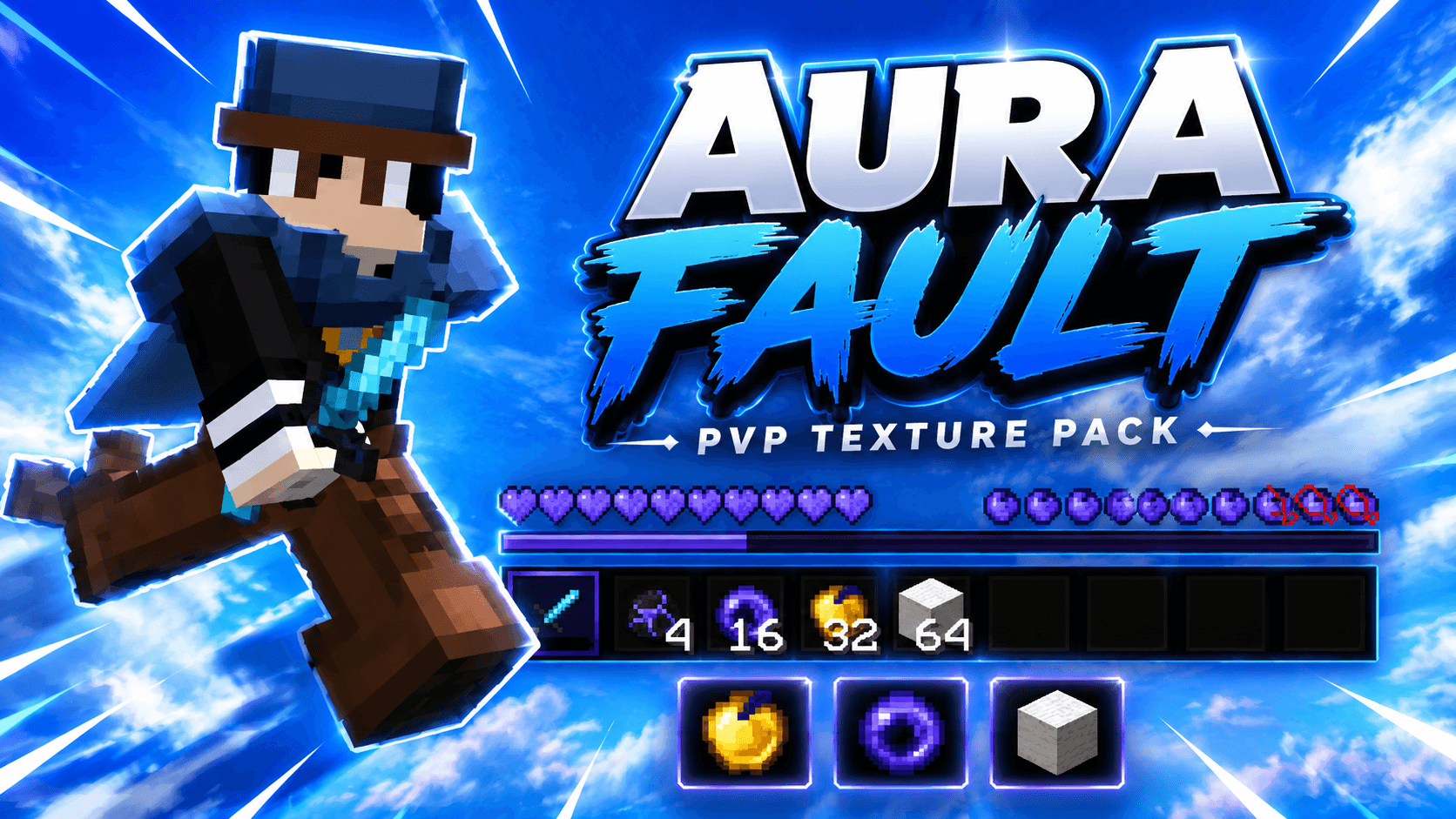
AuraFault 16x
A clean and FPS-friendly 16x texture pack designed for smooth Bedwars and competitive PvP gameplay.
截图


介绍
# AuraFault 16x
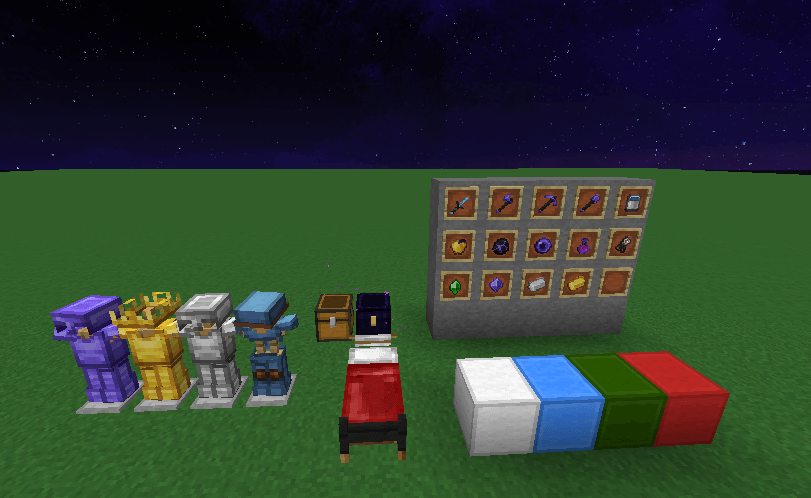
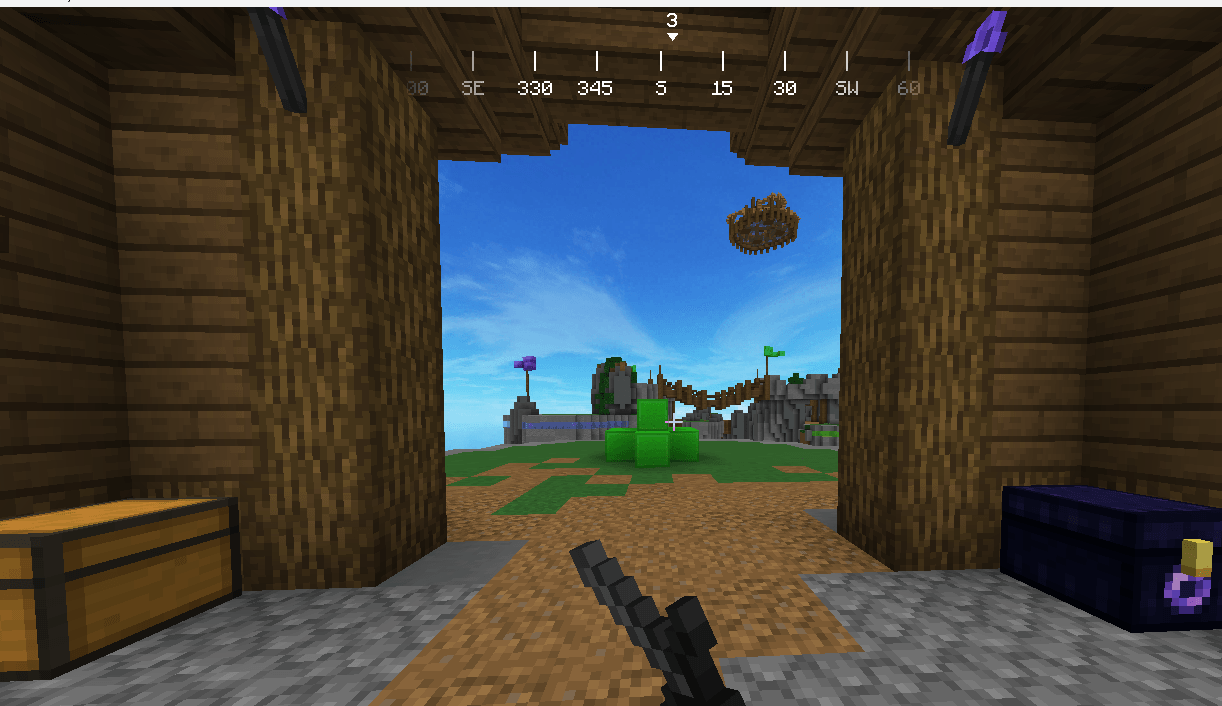
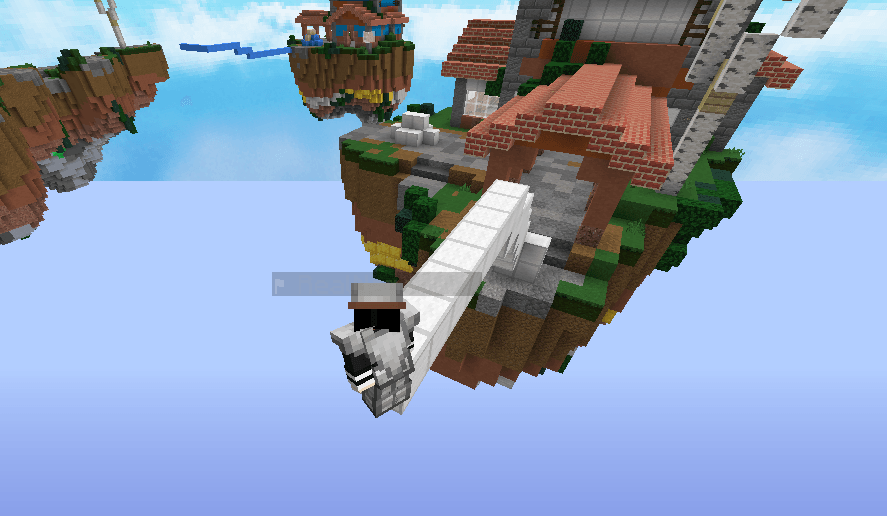
AuraFault 16x is a clean and stylish Minecraft PvP texture pack designed for Bedwars and competitive gameplay on version 1.8.9.
This pack focuses on smooth visuals, FPS-friendly textures, and a modern competitive aesthetic while keeping gameplay clean and comfortable for PvP players.
—
## Features
– FPS Friendly
– Clean PvP Textures
– Short Swords
– Bedwars Optimized
– Smooth GUI
– Competitive Aesthetic
—
## Information
– Version: 1.8.9
– Resolution: 16x
– Category: PvP
—
## Installation
1. Download the texture pack
2. Open Minecraft
3. Go to Resource Packs
4. Open Resource Pack Folder
5. Drag the ZIP file into the folder
6. Enable the pack in-game
—
## Recommended
- OptiFine recommended
– Best for Bedwars and competitive PvP servers - When Optifine used, so textured sky will be visible
—
## Terms of Use
– Do not repost this pack
– Do not claim this pack as your own
– Credit is appreciated if edited or showcased
—
## Discord
[Join Discord](https://discord.gg/wQRgkY77bJ)
常见问题
AuraFault 16x 支持哪些 Minecraft 版本?
AuraFault 16x 支持 Minecraft Java 版 1.8.9。下载时注意选择和你游戏版本一致的文件。
AuraFault 16x 怎么安装?
把下载的 .zip 文件(不用解压)放进游戏目录的 resourcepacks 文件夹,进游戏后在「选项 → 资源包」里把它移到右边启用。
RealNamanYT 的其他作品
查看全部 →
RealNaman FPS PvP Pack [16x]
Lightweight PvP texture pack with low particles, small shield & totem, custom swords, better armor textures, and optimized visuals for smoother gameplay.

NPvP Essentials
A clean PvP resource pack featuring small weapons, tools, food, and shields, plus low fire, clear water, reduced particles, and other visibility improvements for competitive gameplay.

AI Villagers [Gemini]
Give Minecraft villagers a mind of their own.
AuraBridge
Lightweight client-side utility mod for smoother and more comfortable sneak bridging.
评论
登录后评论和评分