Aphmau Phoenix Drop High & Mystreet
A resoursepack used of Aphmau on the Phoenix Drop High and MyStreet series
截图
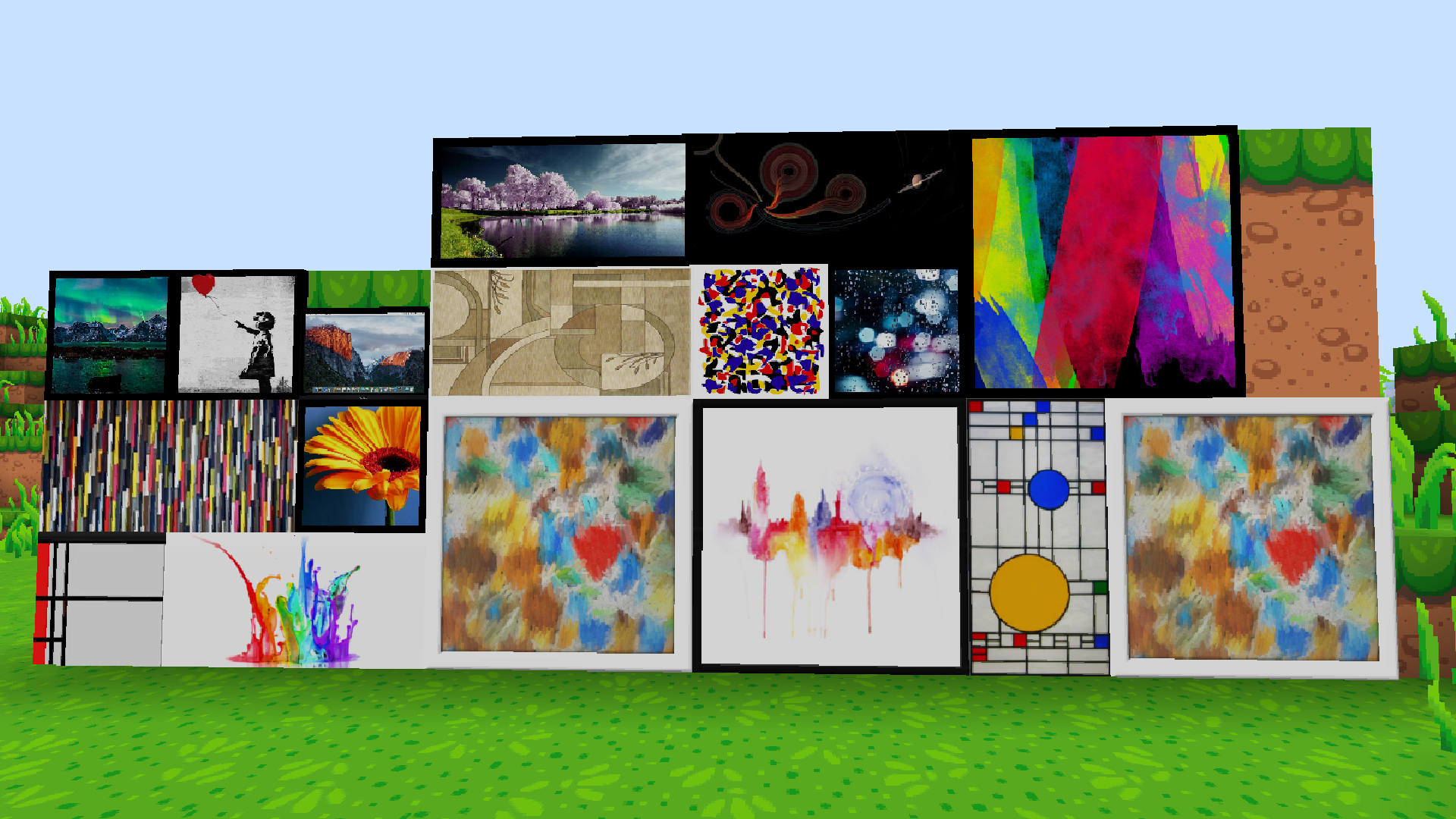
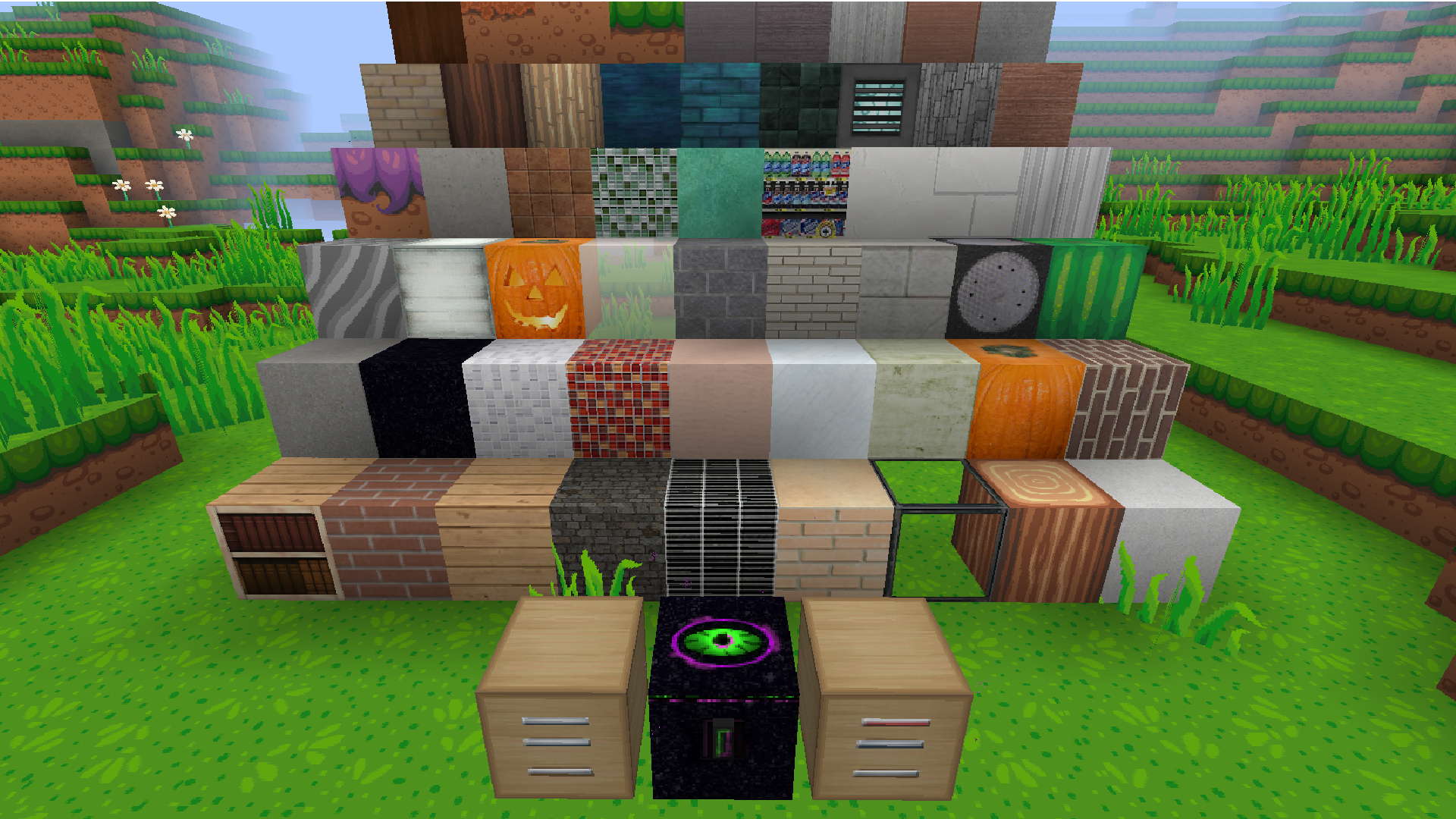
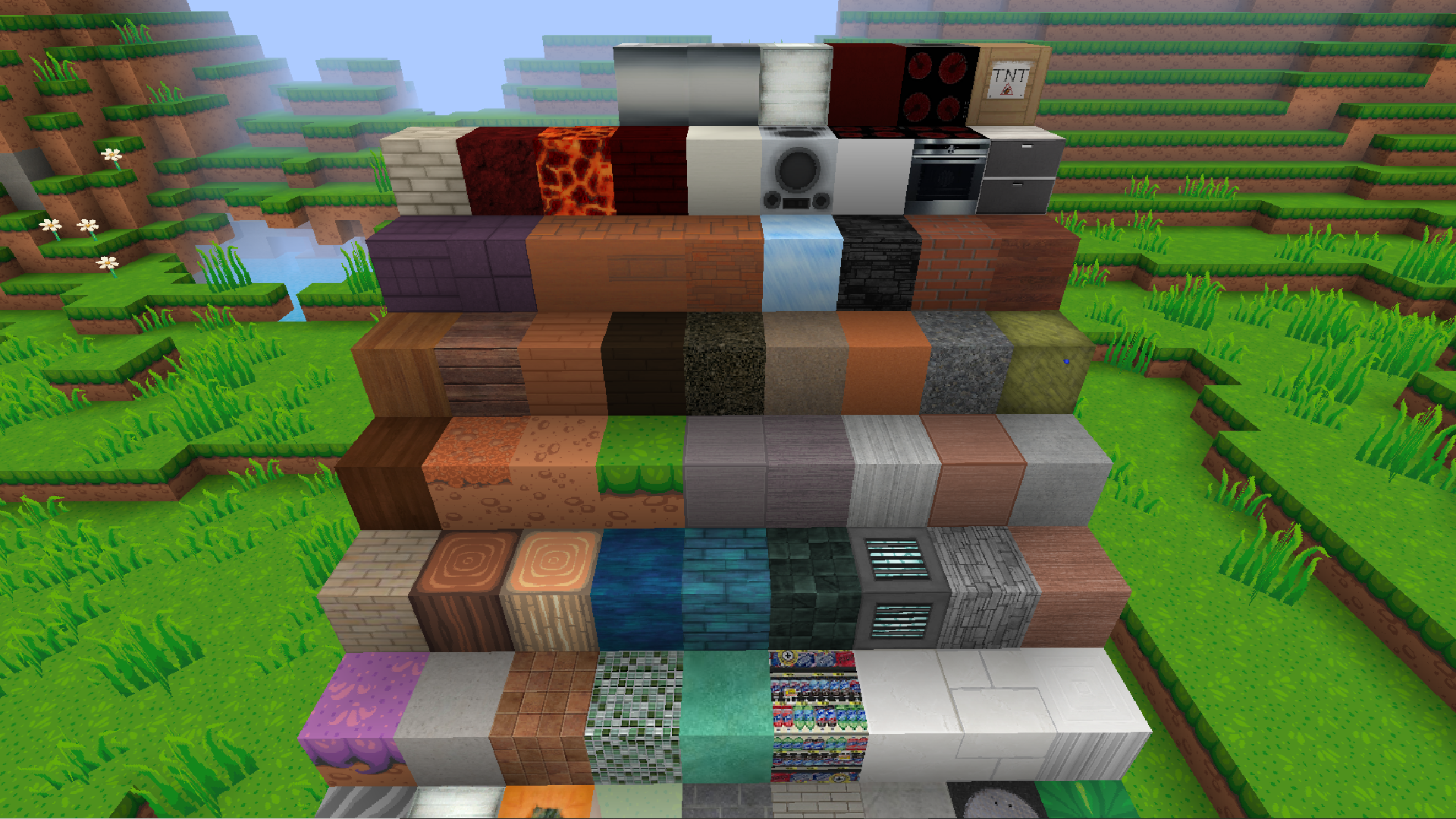
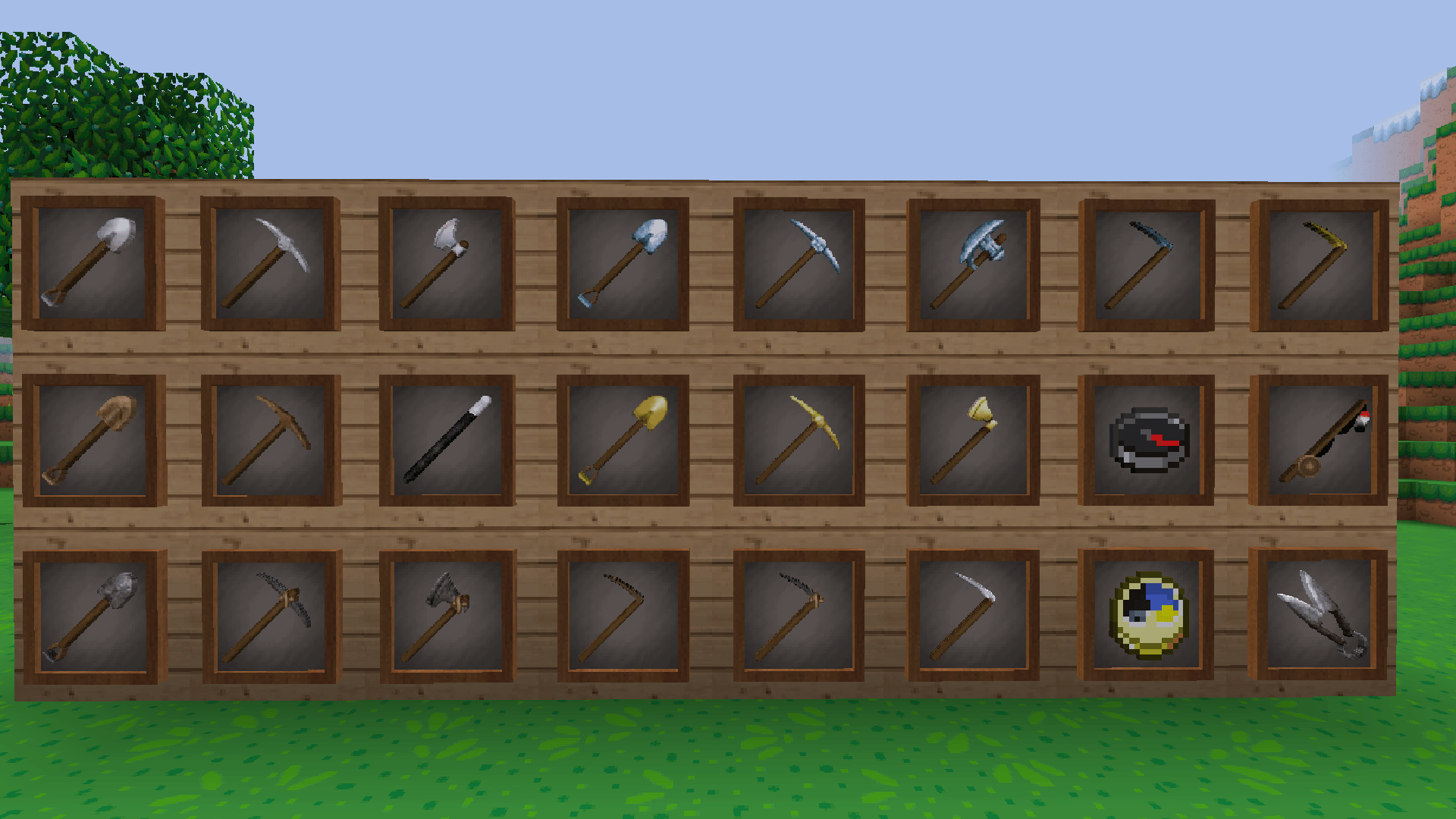
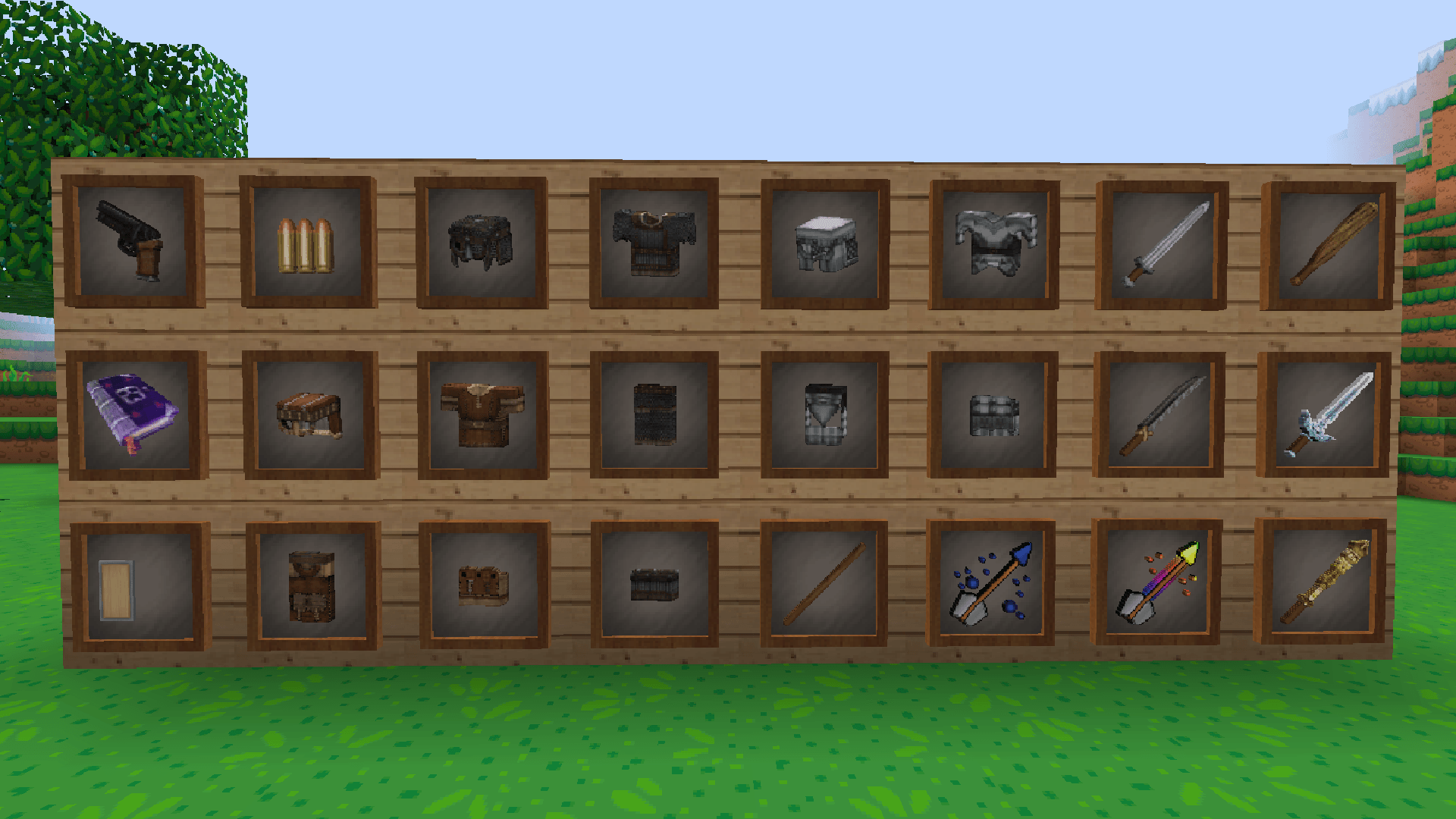
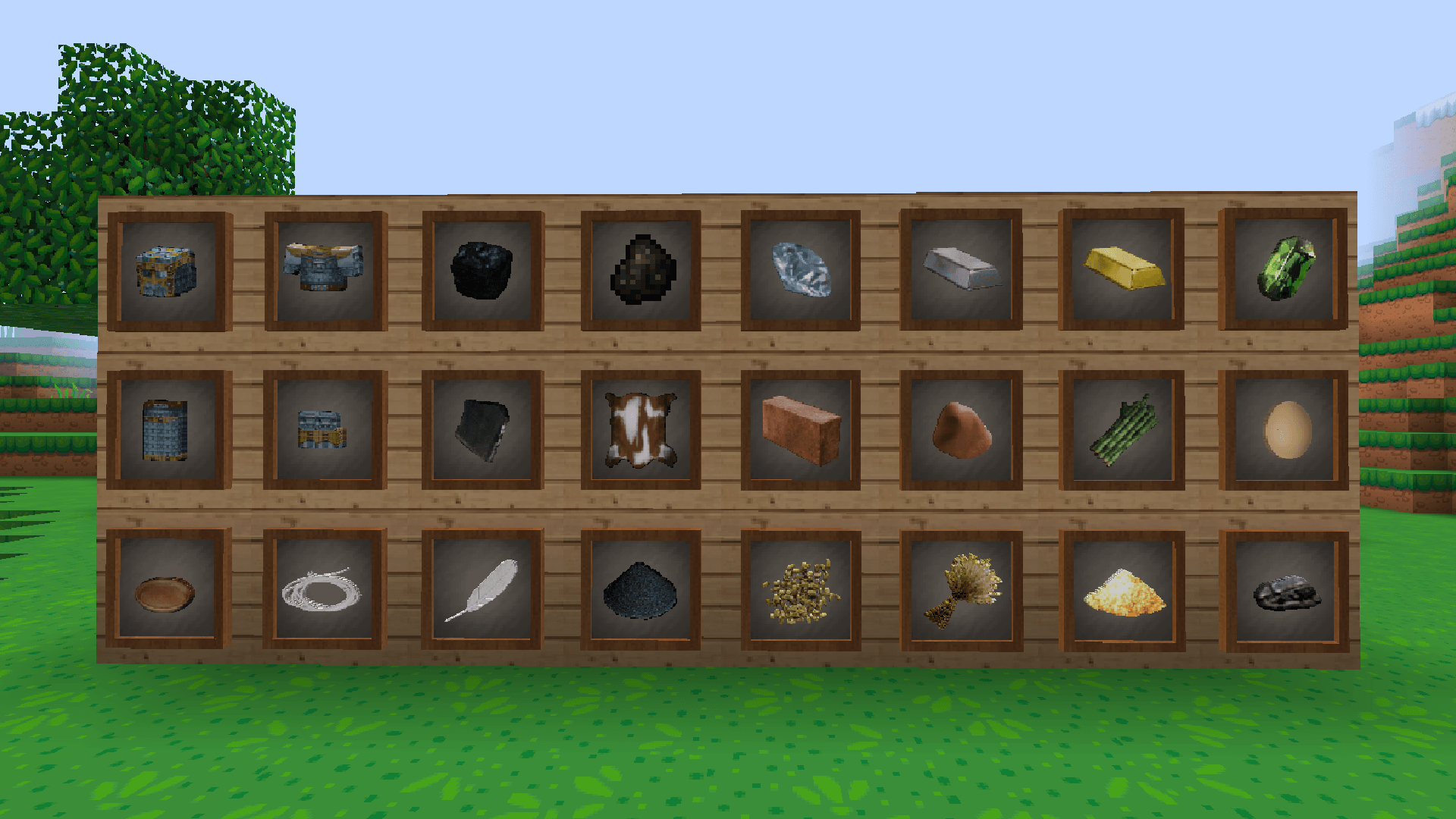
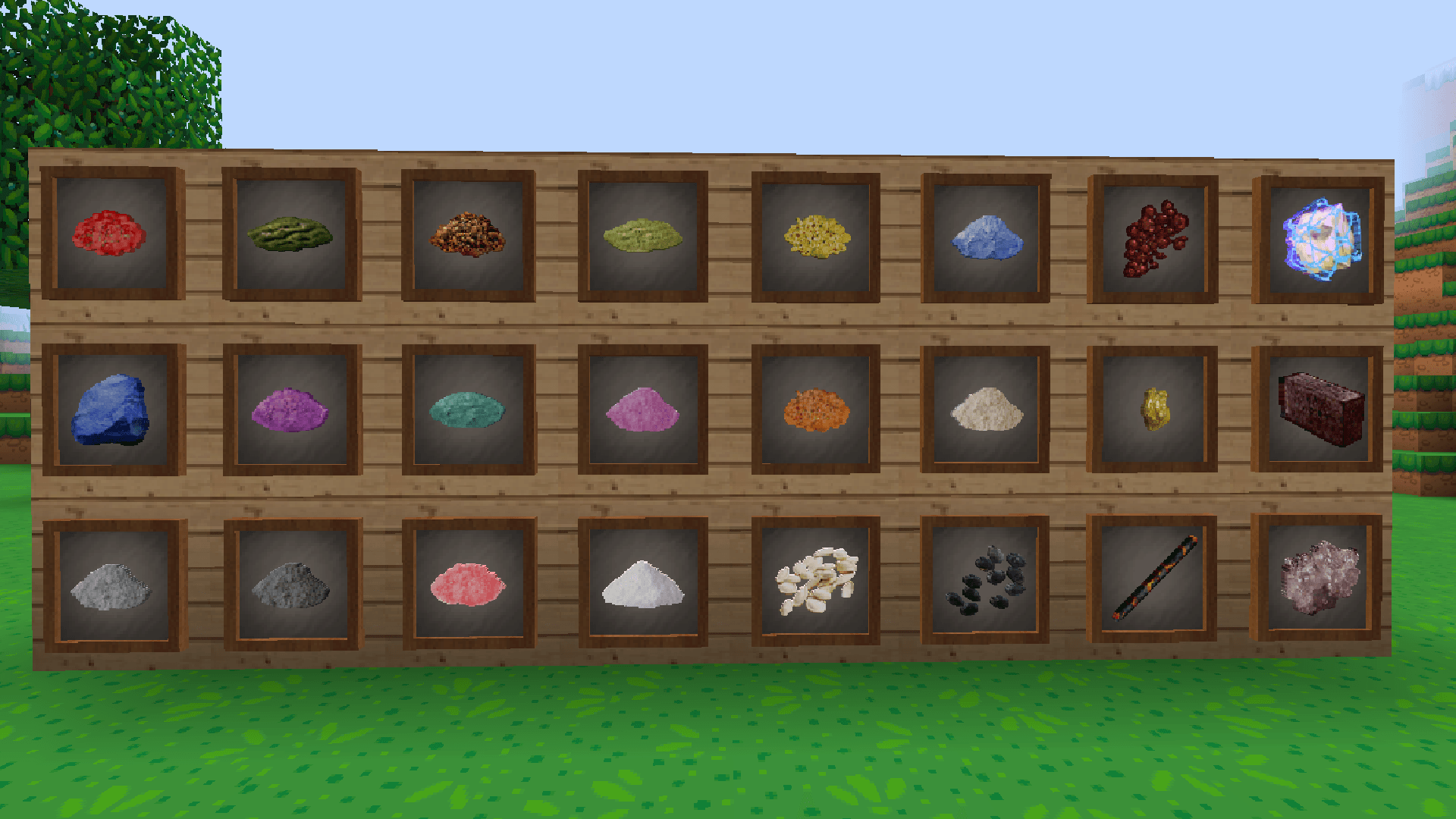
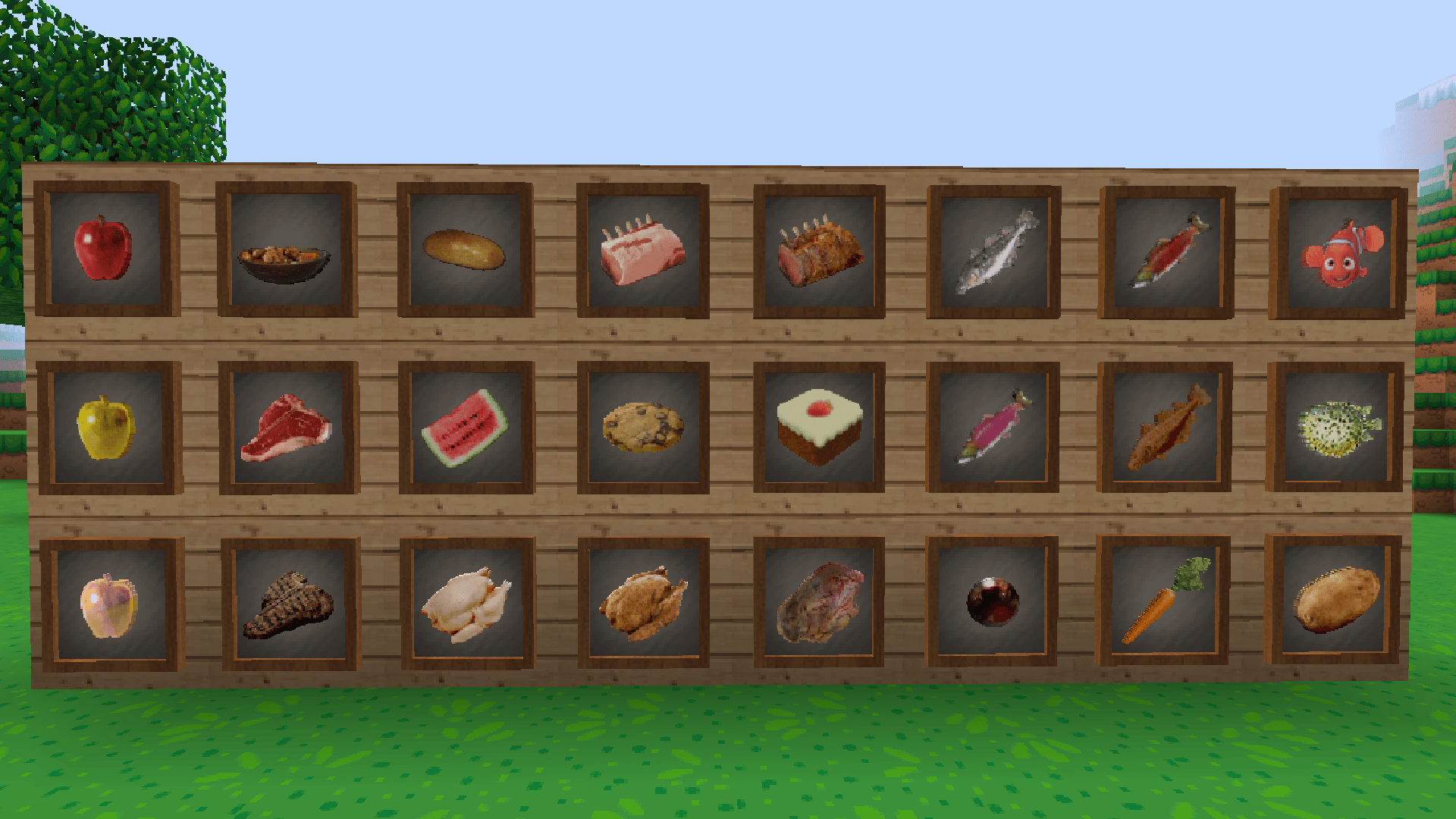
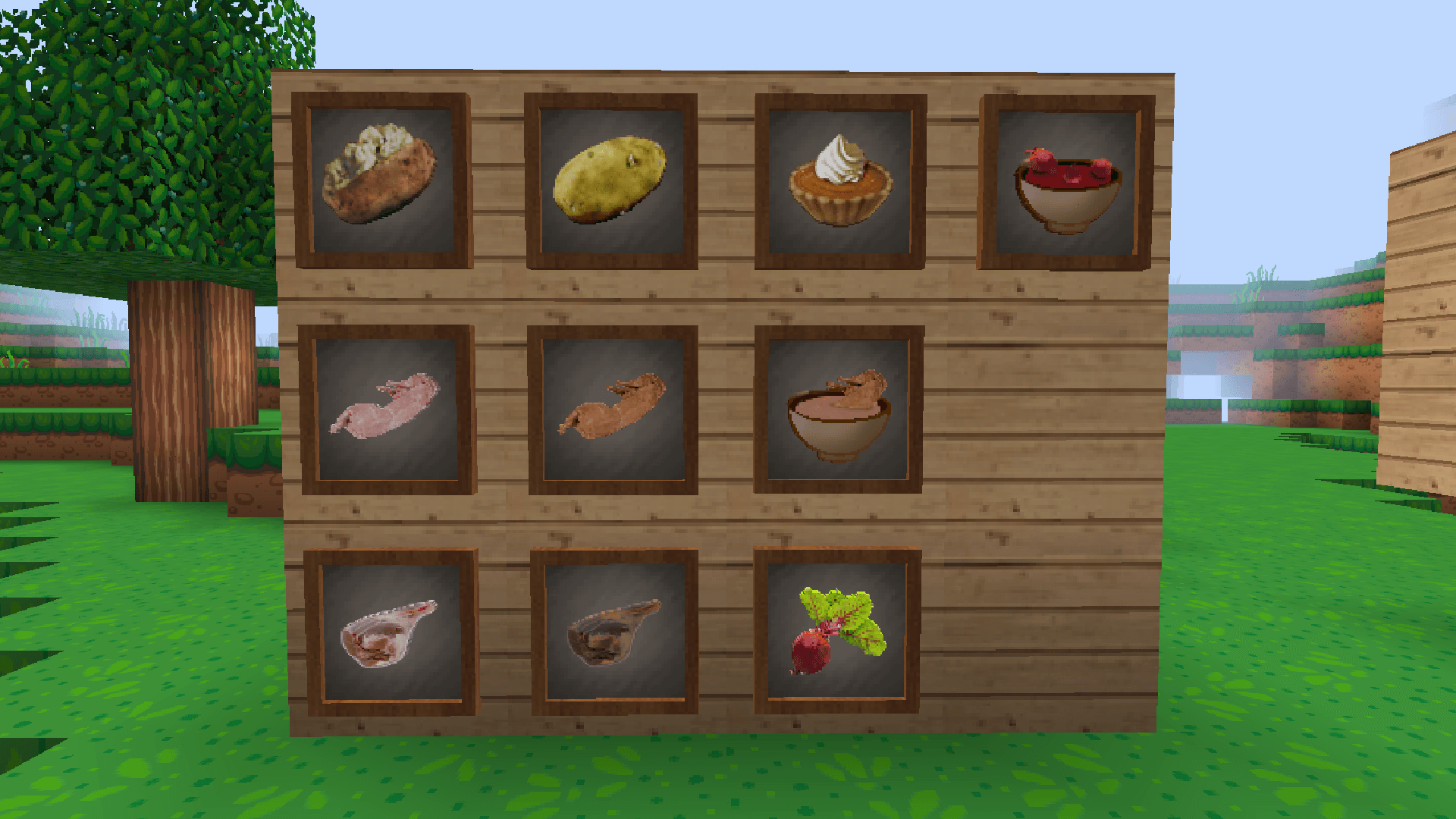
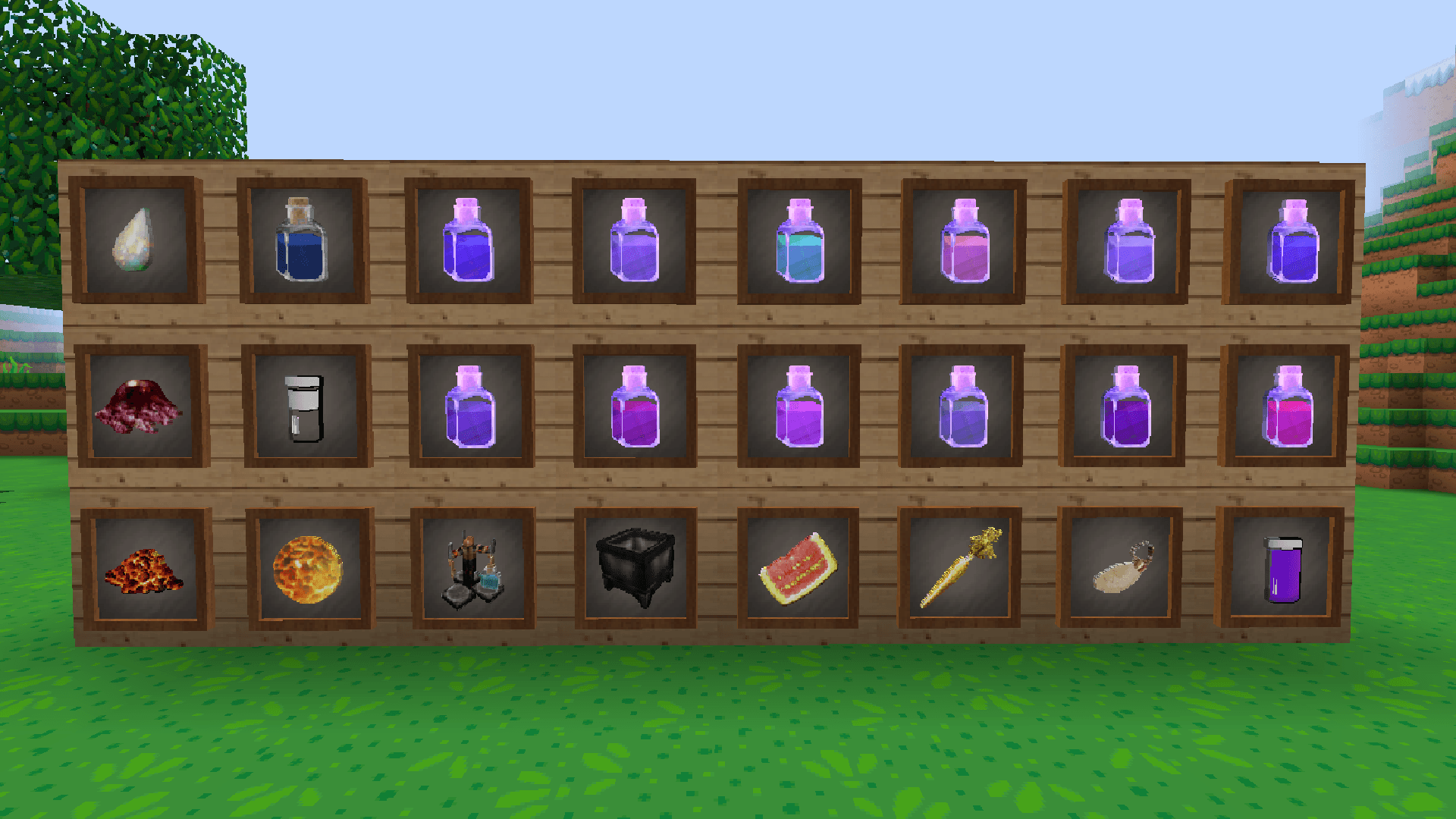
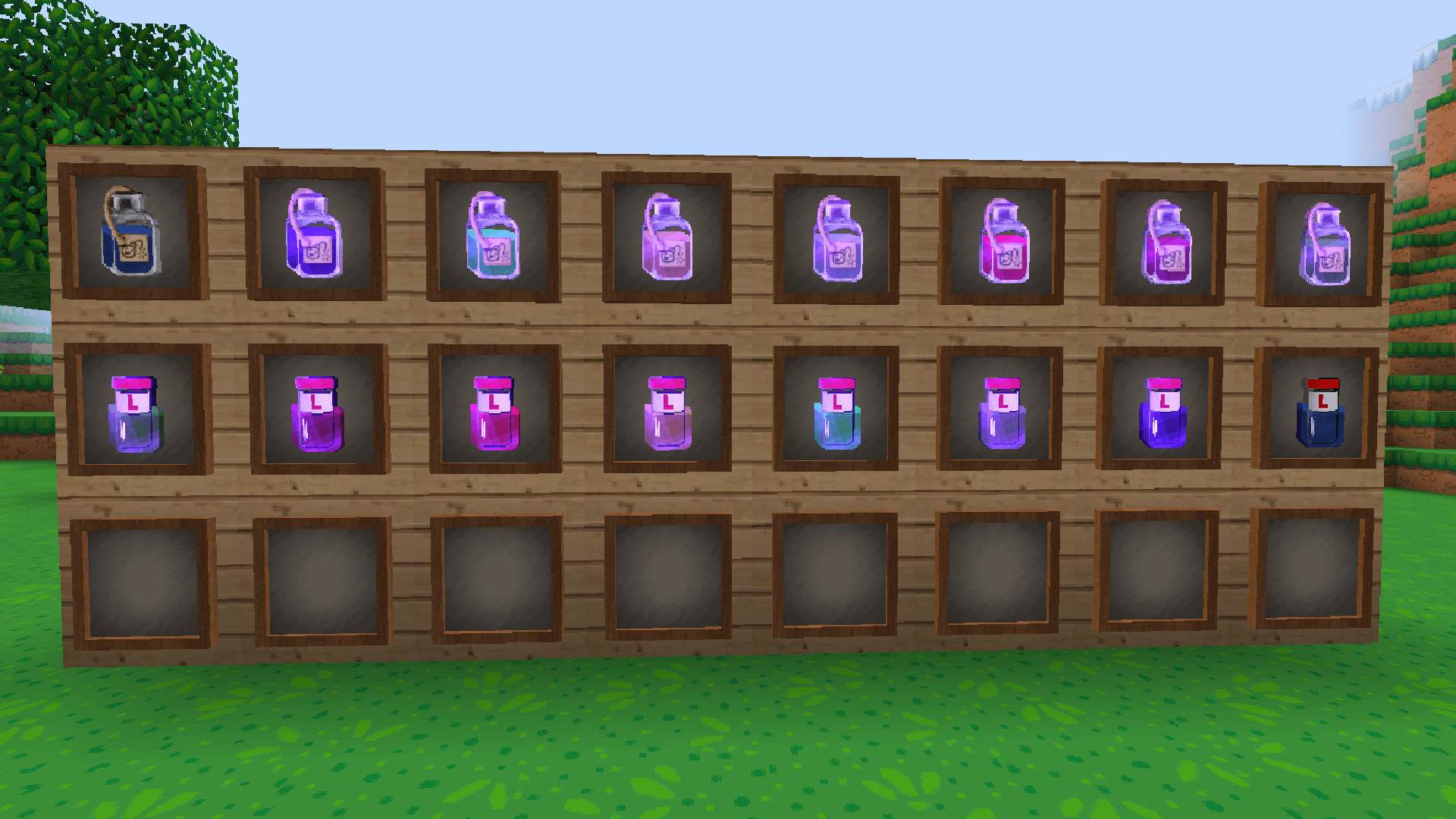
介绍
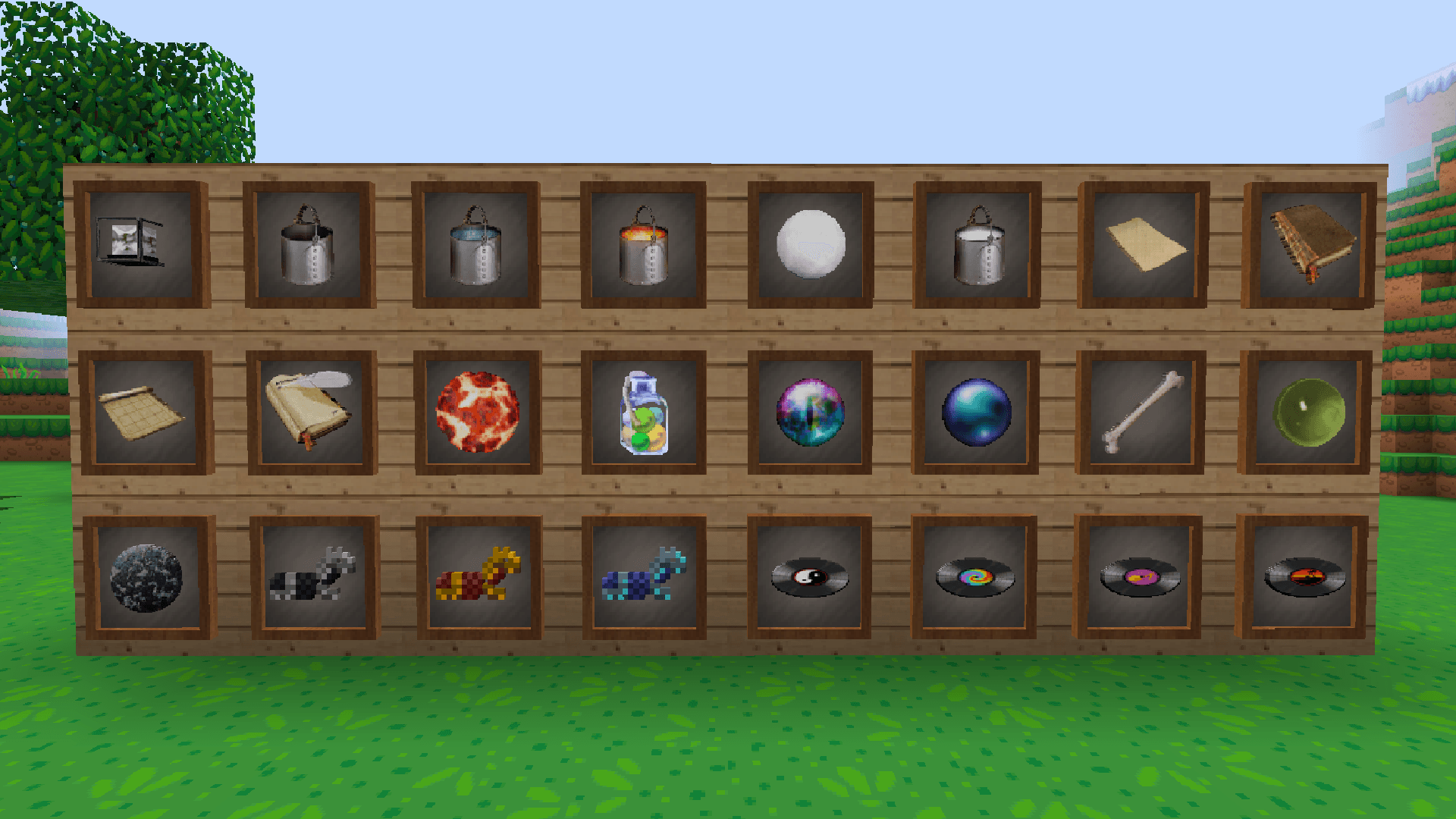
This resource pack is a detailed 64x Minecraft resource pack featuring a large collection of custom textures for blocks, paintings, tools, weapons, items, armor, food, potions, and other objects. The higher 64x resolution gives the textures a more detailed and polished appearance compared to the original 16x Minecraft textures.
The pack has a modern, decorative and slightly realistic style while still keeping the recognizable Minecraft look. It includes many different building blocks, materials, furniture-like textures, colorful paintings, detailed tools and items, different foods, armor, potions and other decorative elements. The large variety of textures makes it especially useful for detailed houses, schools, cities, interiors and roleplay builds.
The paintings add a lot more variety to Minecraft interiors, while the custom blocks and items give builds a more modern and lived-in appearance. The textures are designed to work well together, making it possible to create detailed environments without completely changing the original Minecraft style.
This resource pack is closely associated with Aphmau’s Minecraft roleplay content and is recognizable from the visual style used in series such as Phoenix Drop High and MyStreet. Phoenix Drop High is the high-school setting connected to the MyStreet storyline, which is why the pack works particularly well for school, city and roleplay environments.
With its 64x resolution, modern-looking textures and large selection of blocks, paintings, items, foods and decorative textures, the pack gives Minecraft a more detailed and contemporary appearance while preserving the game’s original character.
常见问题
Aphmau Phoenix Drop High & Mystreet 支持哪些 Minecraft 版本?
Aphmau Phoenix Drop High & Mystreet 支持 Minecraft Java 版 1.10.2–1.20.1,共 35 个版本。下载时注意选择和你游戏版本一致的文件。
Aphmau Phoenix Drop High & Mystreet 怎么安装?
把下载的 .zip 文件(不用解压)放进游戏目录的 resourcepacks 文件夹,进游戏后在「选项 → 资源包」里把它移到右边启用。



评论
登录后评论和评分