
截图
介绍
中文介绍正在准备中,下面暂时显示原文。
🎃 No Pumpkin Blur
A simple Minecraft resource pack that removes the pumpkin blur overlay when wearing a carved pumpkin.
✨ Features
- Removes the annoying pumpkin overlay
- Clean fullscreen view while wearing pumpkins
- Works in survival and multiplayer
- Lightweight and performance friendly
📦 Installation
Minecraft Java Edition
- Download the resource pack
.zip - Open Minecraft
- Go to Options → Resource Packs
- Click Open Pack Folder
- Move the pack into the folder
- Enable the pack in-game
🛠️ Compatibility
- Minecraft Java Edition
- Works on latest versions (26.1+)
📸 What It Does
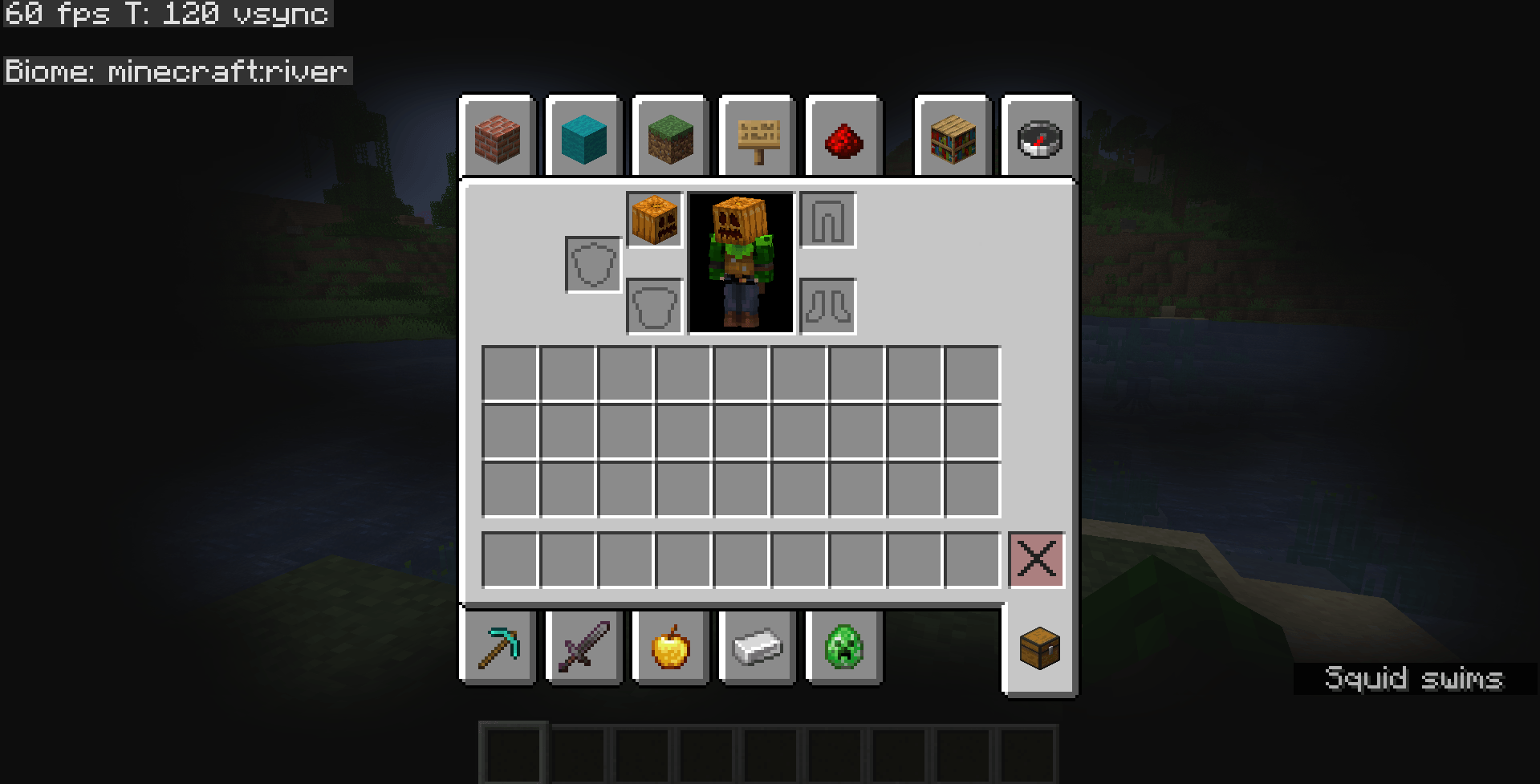
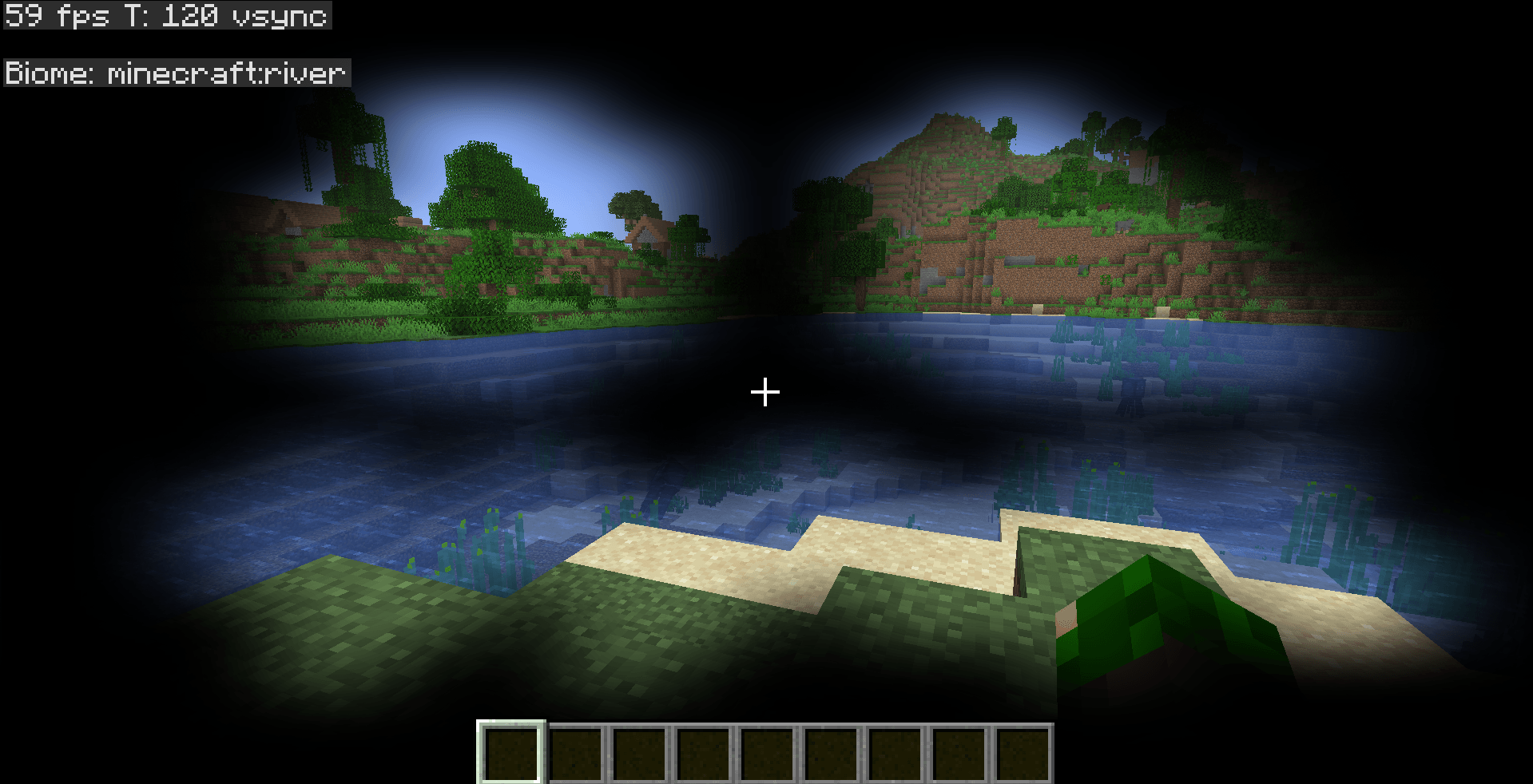
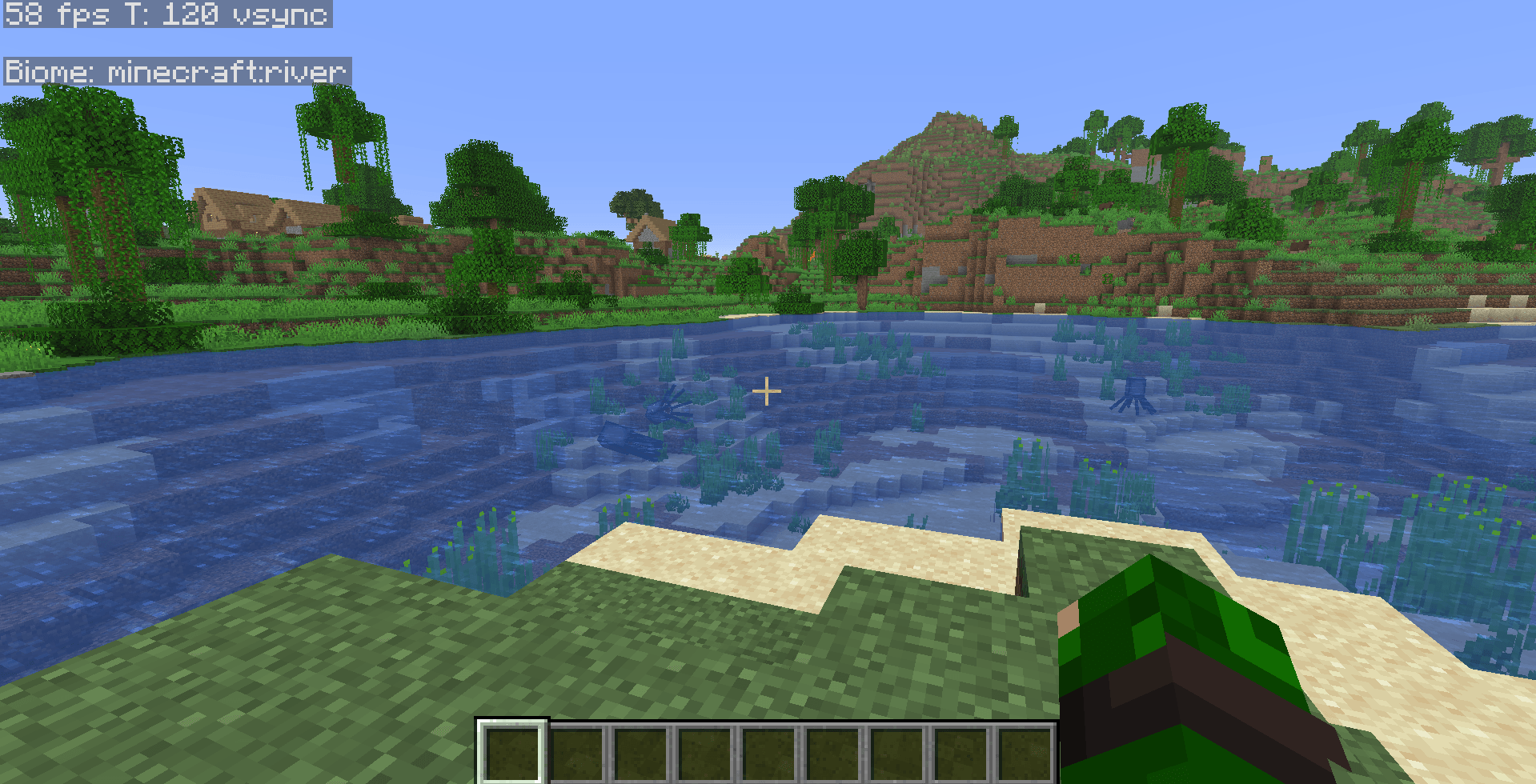
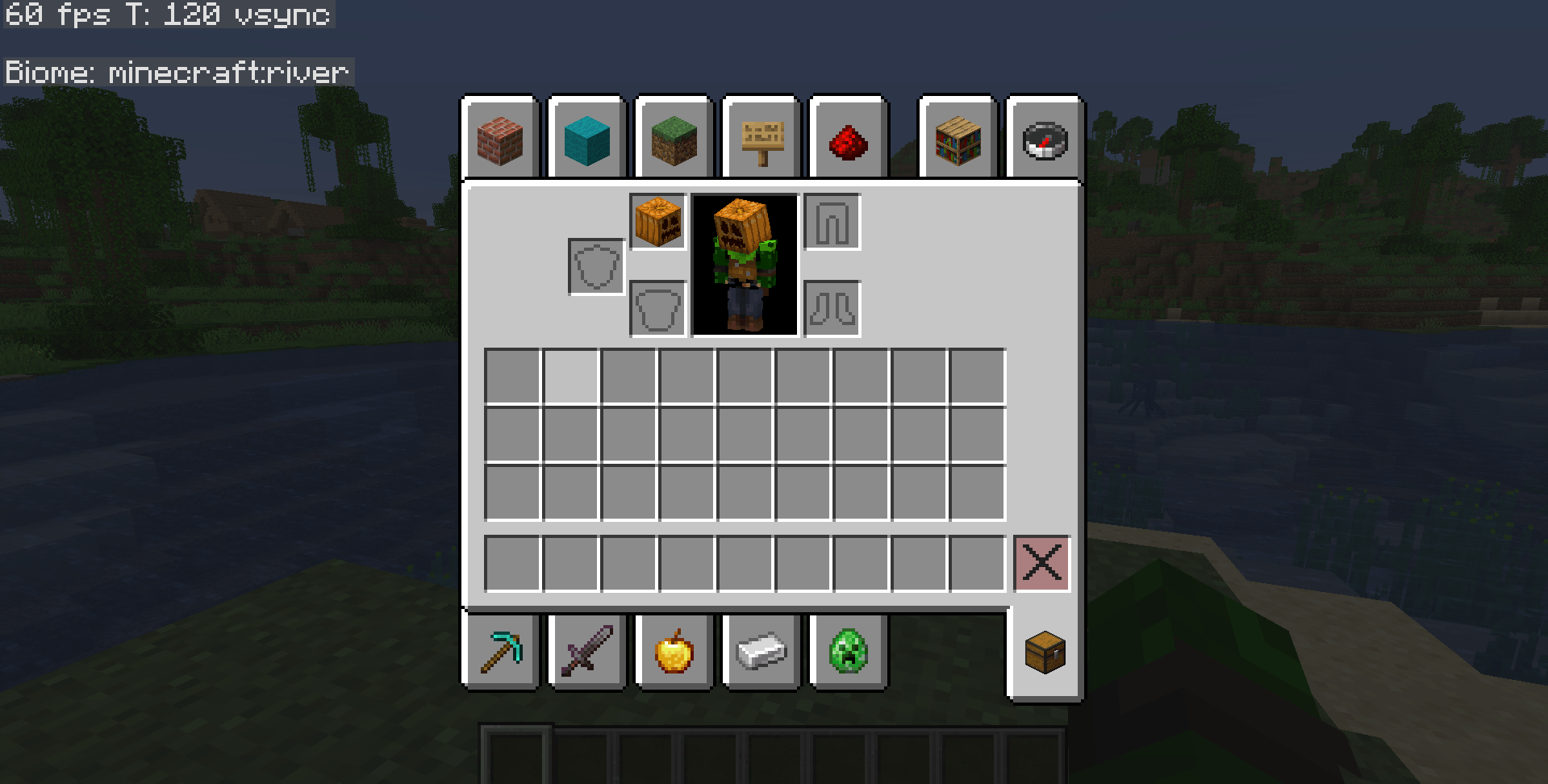
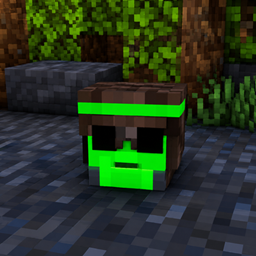
Normally, wearing a carved pumpkin adds a dark blur around your screen.
This pack removes that overlay completely while keeping the pumpkin wearable.
🗒️Notes: Please download the latest version, the older version have some bugs in its .mcmeta file.
👤 Author
Made by ImHungry1480
常见问题
Anti Pumpkin Blur 支持哪些 Minecraft 版本?
Anti Pumpkin Blur 支持 Minecraft Java 版 26.1–26.1.2,共 3 个版本。下载时注意选择和你游戏版本一致的文件。
Anti Pumpkin Blur 怎么安装?
把下载的 .zip 文件(不用解压)放进游戏目录的 resourcepacks 文件夹,进游戏后在「选项 → 资源包」里把它移到右边启用。

评论
登录后评论和评分