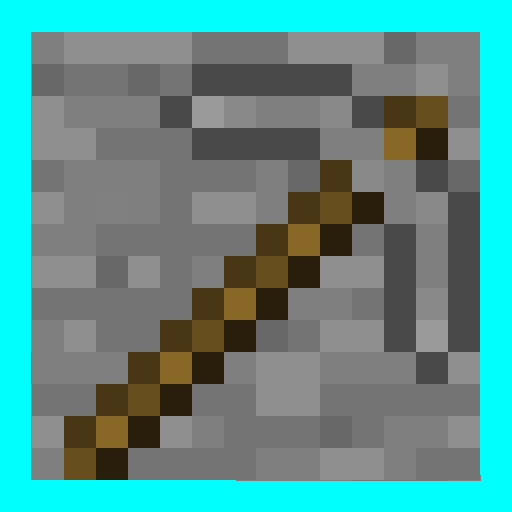
Anachronia Pack
Anachronia Pack is a resource pack for Minecraft 1.21.11 that transforms the game's modern content, bringing back the rustic, noisy, and high-contrast style of the Alpha and Beta eras from 2011.
截图


介绍
Anachronia Pack
Anachronia Pack is an ongoing 16×16 resource pack for Minecraft 1.21.11 that reimagines modern game content through the lens of early development eras. This project targets the visual aesthetic of the Alpha and Beta periods, bringing back the raw, rustic, and high-contrast pixel art style originally established in 2011.
The main goal of this pack is to eliminate smooth gradients and pastel tones from modern textures, replacing them with distinct pixel noise, heavy shading, and a retro atmosphere without sacrificing compatibility with the latest game features.
🎨 Key Features
- Retro Aesthetic Overhaul: Restores the classic 2011 look to fundamental environmental blocks (stone, dirt, planks, and ores), utilizing sharp contrast and classic noise patterns.
- Modern Content Adaptation: Reimagines modern features—such as the Sculk ecosystem—from scratch to guarantee they blend seamlessly into the old-school palette.
- Performance Friendly: Built entirely on the vanilla 16×16 resolution scale, altering the game’s atmosphere completely without causing hardware bottlenecks or dropping frames.
📊 Current Project Status
This resource pack is currently in active development (Beta stage):
- Blocks: ~62% completed (Core terrain, underground systems, and primary vegetation are fully covered).
- Items & Entities: Undergoing active translation to match the block engine style.
🧩 Compatibility
- Version Support: Specifically tailored for Minecraft 1.21.11 and compatible modern iterations.
- Requirements: Standalone asset layer. It does not require OptiFine, Sodium, or custom rendering engines to display correctly.
常见问题
Anachronia Pack 支持哪些 Minecraft 版本?
Anachronia Pack 支持 Minecraft Java 版 1.20.2–1.21.11,共 17 个版本。下载时注意选择和你游戏版本一致的文件。
Anachronia Pack 怎么安装?
把下载的 .zip 文件(不用解压)放进游戏目录的 resourcepacks 文件夹,进游戏后在「选项 → 资源包」里把它移到右边启用。

评论
登录后评论和评分