Alternative Ores
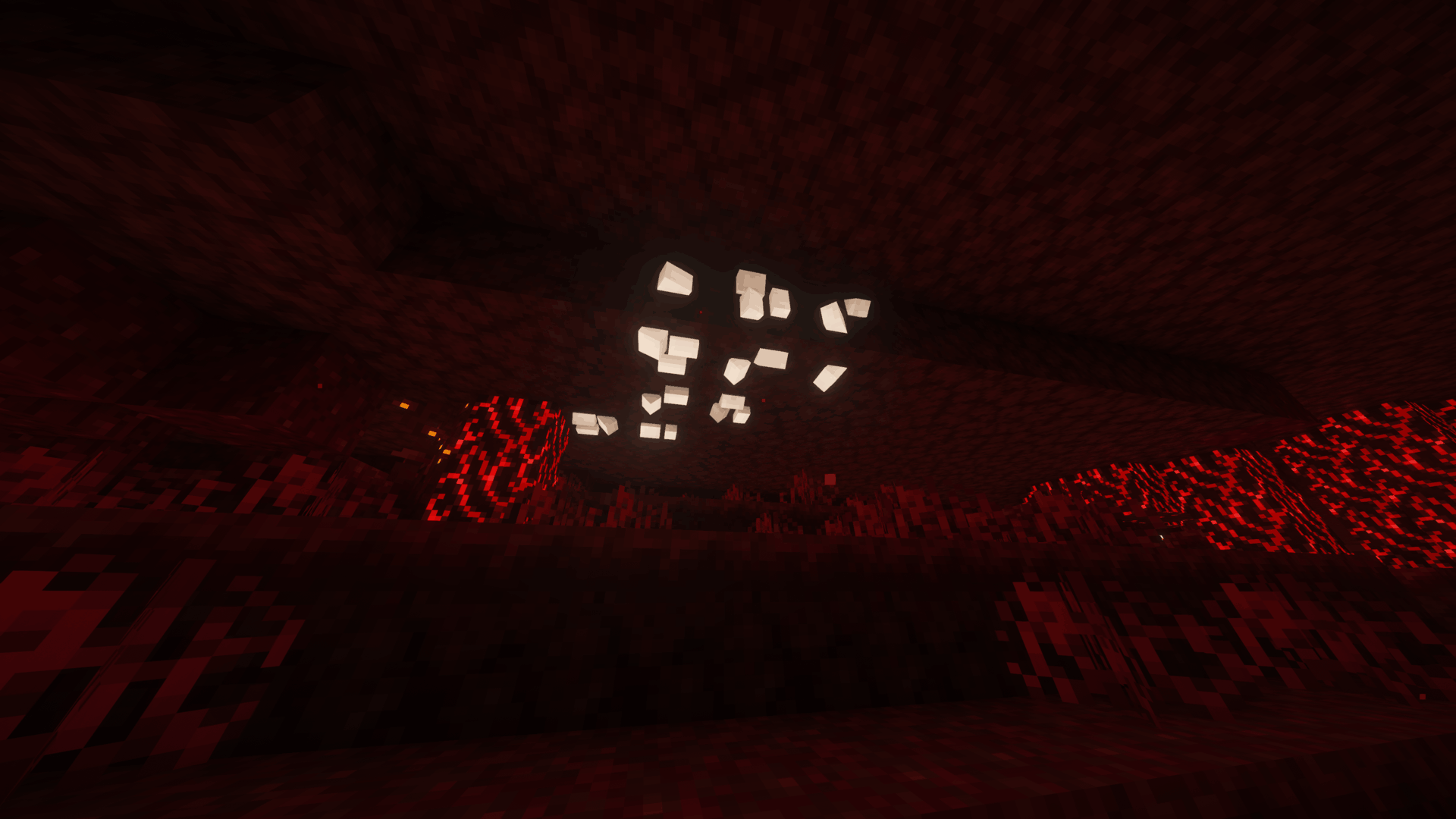
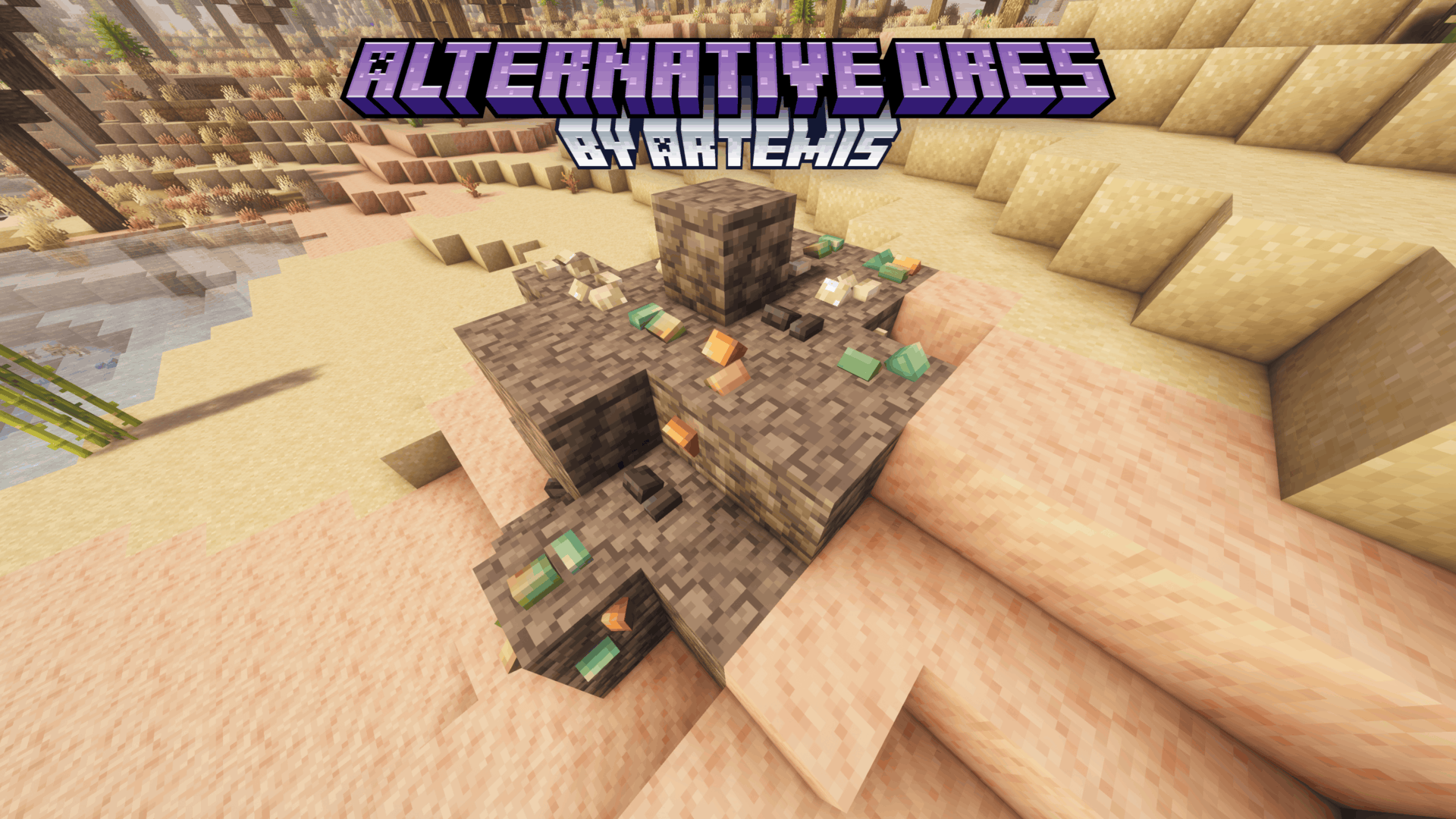
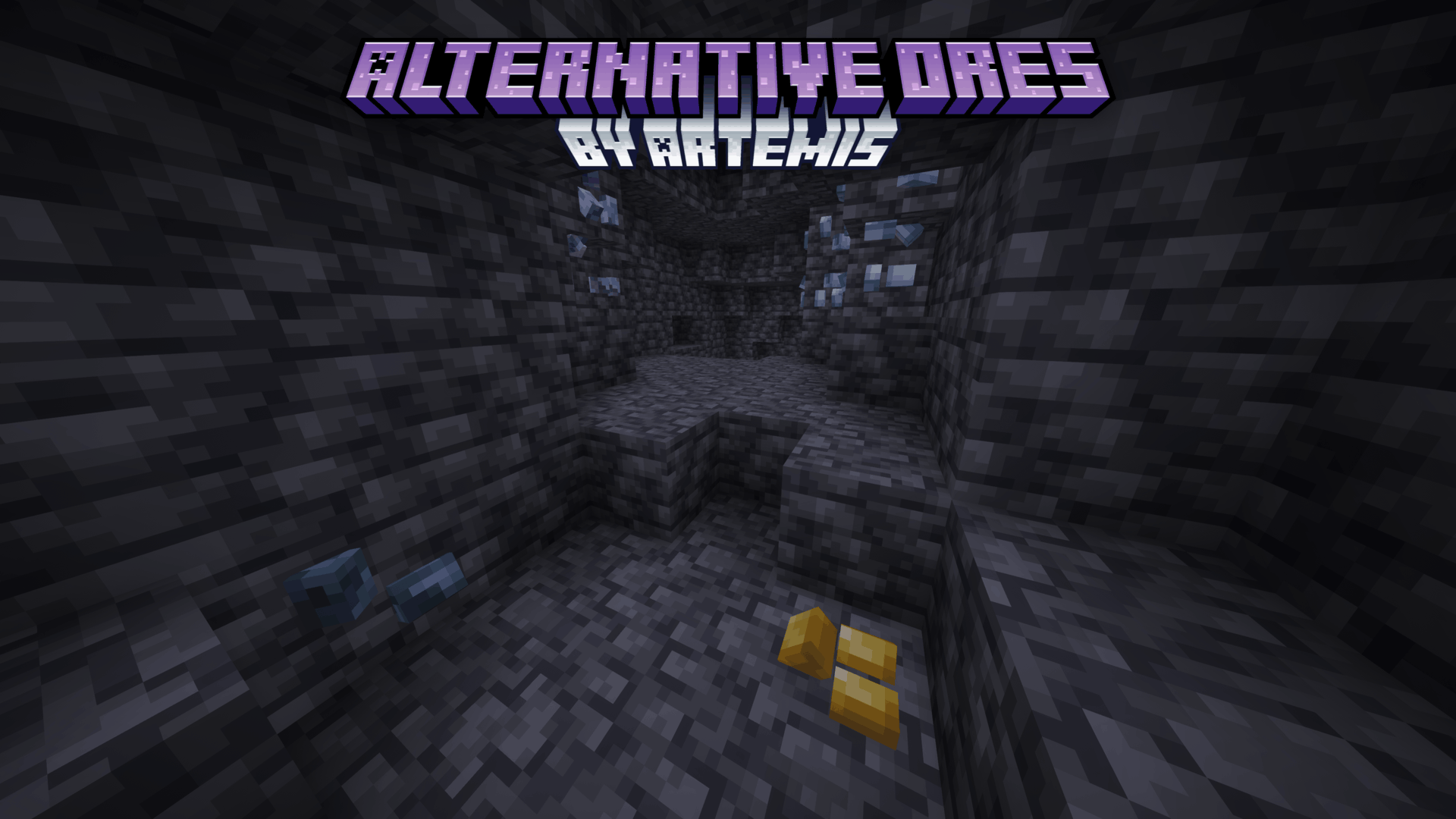
Replaces vanilla ore textures with simple 3D mineral crystals, with varied shapes, orientations, and emissive details.
截图
介绍

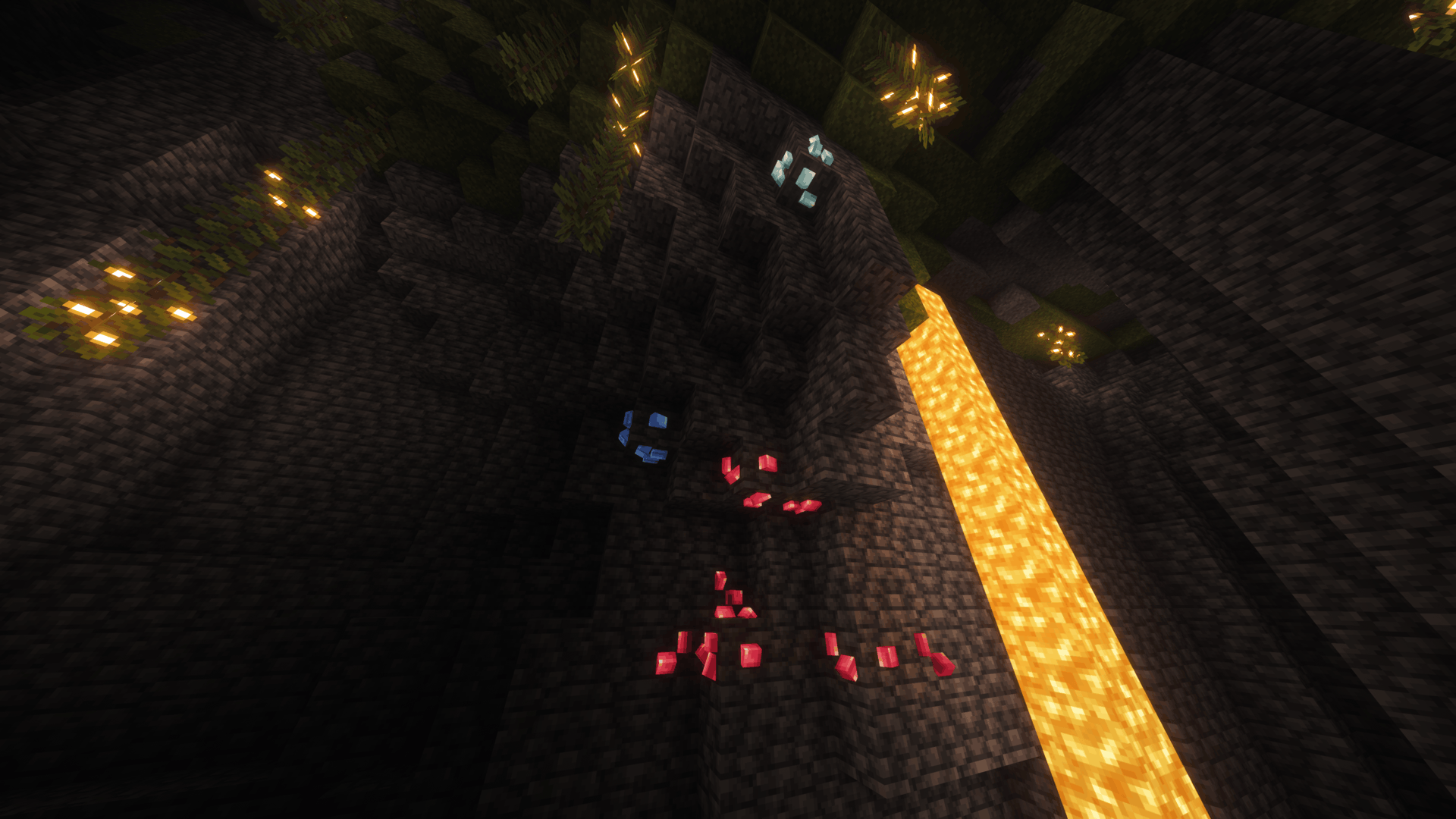
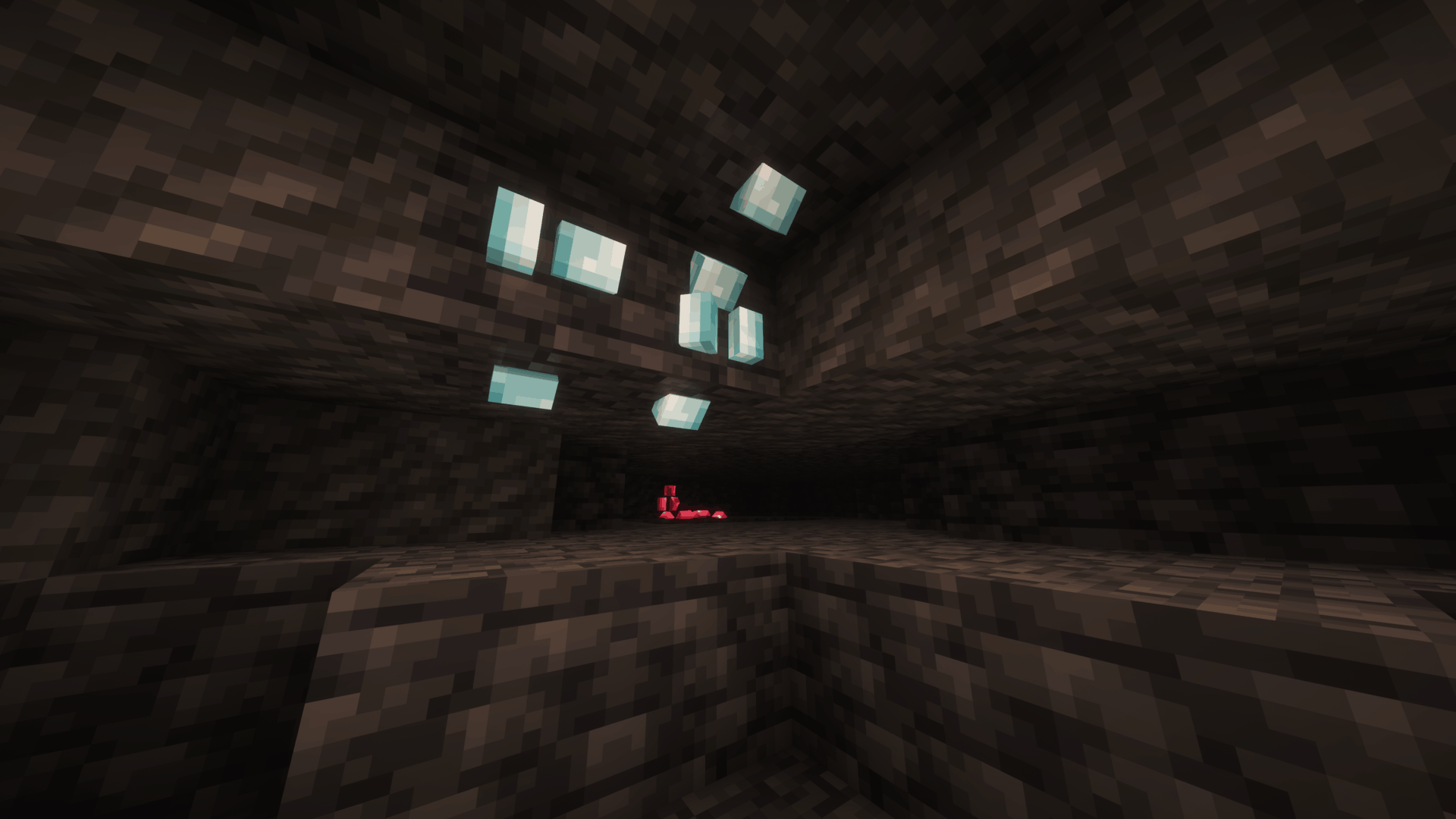
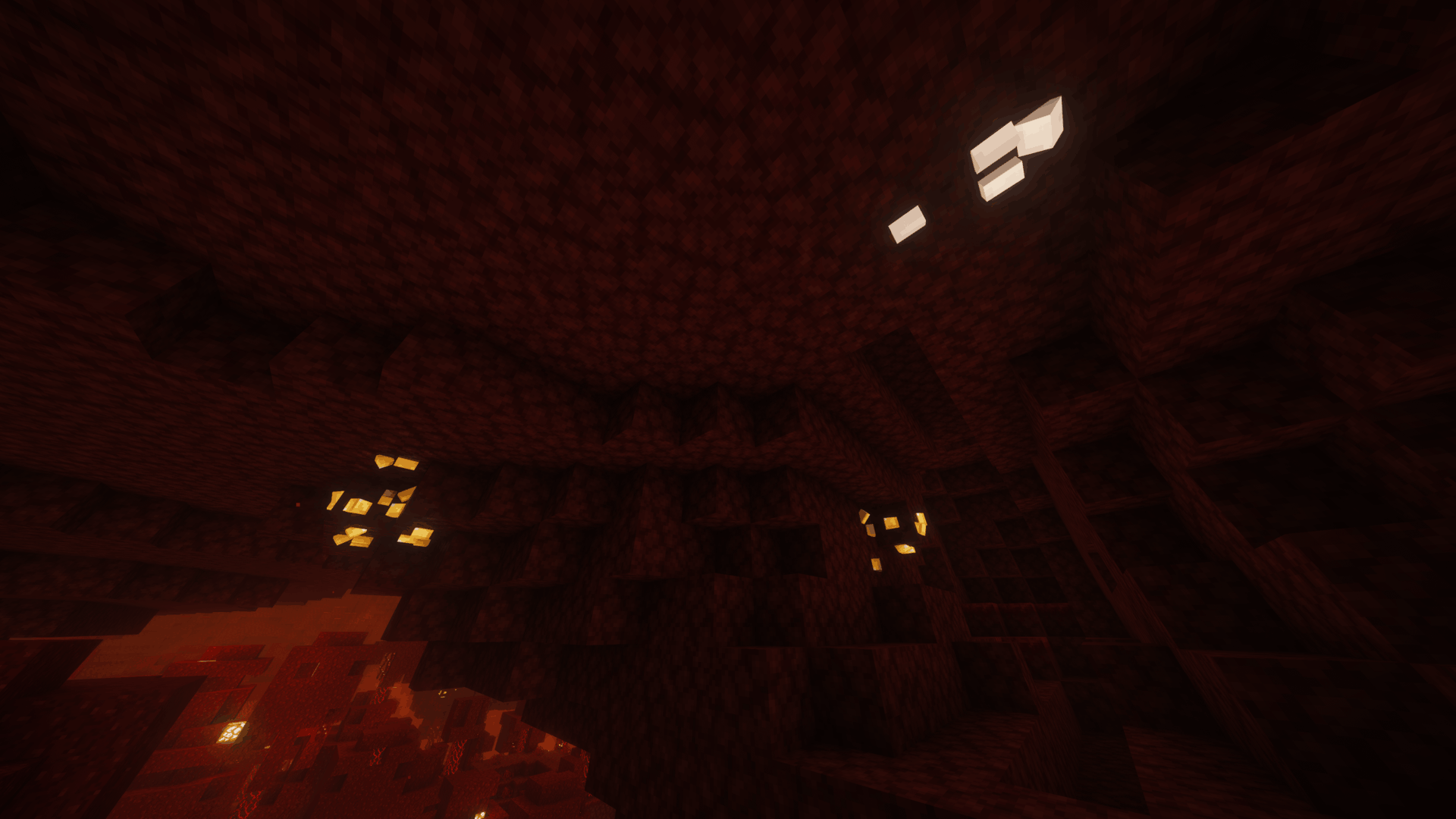
Replaces vanilla ore textures with simple 3D mineral crystals, with varied shapes, orientations and emissive details.

Alternative Ores gives Minecraft’s ores a more distinct appearance by replacing their flat mineral patches with large, simple 3D crystal formations.
Each ore keeps its familiar stone, deepslate or Nether base texture, while the mineral itself protrudes outward from the block in a clean vanilla-style shape.
Different crystal forms, placements and orientations help reduce repetition, giving ore veins a more varied appearance while keeping the overall design simple and readable.
Copper ores also mix fresh, exposed, weathered and oxidized crystal colors, while emissive details help valuable minerals stand out more clearly in darker environments.



Click an image to view it in full size.

| 💎 3D Mineral Crystals | Replaces flat ore details with large crystal formations that protrude from the block surface. |
| ⛏️ All Vanilla Ores | Covers regular ores, deepslate ores, Nether ores and ancient debris. |
| 🔄 Natural Variation | Uses multiple crystal shapes, placements and orientations to reduce visible repetition. |
| 🪨 Original Base Textures | Keeps the normal stone, deepslate and Nether textures underneath the crystals. |
| 🟠 Varied Copper | Mixes fresh, exposed, weathered and oxidized copper crystal colors across copper ore. |
| ✨ Emissive Details | Selected crystal textures glow at full brightness where supported, helping ores stand out in darker areas. |
| 🎨 Vanilla-Scale Pixel Art | Uses custom crystal textures designed around Minecraft’s original 16×16 pixel-art scale. |
📥 Installation
Recommended — CurseForge
The easiest way to install Alternative Ores is directly through CurseForge.
If you use the CurseForge App, simply add Alternative Ores to your Minecraft profile and CurseForge will handle the installation for you.
When browsing on the CurseForge website, use the available install option to open the project directly in the CurseForge App.
This is the recommended installation method, as it makes selecting and managing the correct resource pack version much easier.
Manual Installation
1. Download the Alternative Ores file matching your Minecraft version.
2. Place the downloaded .zip file inside your Minecraft resourcepacks folder.
3. Open Options → Resource Packs in Minecraft.
4. Move Alternative Ores to the active resource packs.
5. Enjoy!
If another resource pack changes ore models or textures, place Alternative Ores above it to prioritize Alternative Ores’s models and crystal textures.

Have feedback, found a problem, or want to follow future projects?
Join the Intelligence Modding community for project updates, previews, support, and general Minecraft modding discussion.




Alternative Ores is created by DoomedArtemis as part of Intelligence Modding.
常见问题
Alternative Ores 支持哪些 Minecraft 版本?
Alternative Ores 支持 Minecraft Java 版 1.13–26.3,共 51 个版本。下载时注意选择和你游戏版本一致的文件。
Alternative Ores 怎么安装?
把下载的 .zip 文件(不用解压)放进游戏目录的 resourcepacks 文件夹,进游戏后在「选项 → 资源包」里把它移到右边启用。
Doomed_Artemis 的其他作品
查看全部 →
Artemis’ Laboratory Blocks
经典实验室方块焕新登场:现代材质、动态细节,连接效果也更加流畅。

Better Carpets
更好的地毯为羊毛、苔藓和苍白苔藓地毯添加了细微的3D悬垂边缘和多样的边缘细节。

Alternative Nether Portal Color
将下界传送门的紫色替换为红色

Swords to Lightsabers
将所有剑替换为不同款式的光剑
评论
登录后评论和评分