
Aeronautics Hot Air Fix
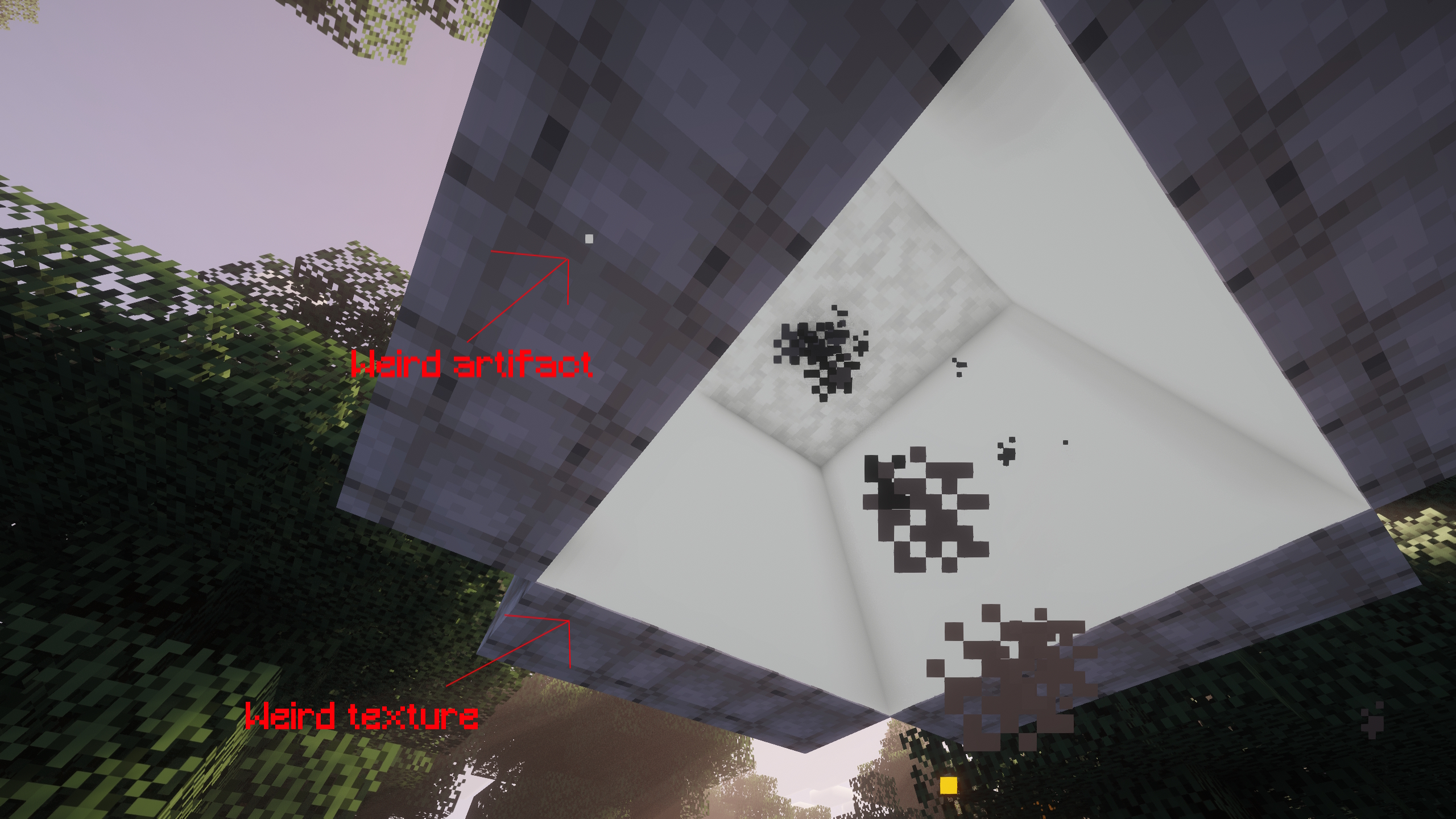
Fixes a shader artifact when using Iris with Create: Aeronautics.
截图

介绍
What does this mod do?
This mod fixes an issue that appears when using Create: Aeronautics with Iris Shaders.
When a hot air envelope is filled with air, a transparent overlay appears. This overlay absolutely does not work well with shaders, and creates a weird artifact in the top left corner that becomes larger as more hot air overlays are present. The transparent overlay also looks weird.
How does this mod fix it?
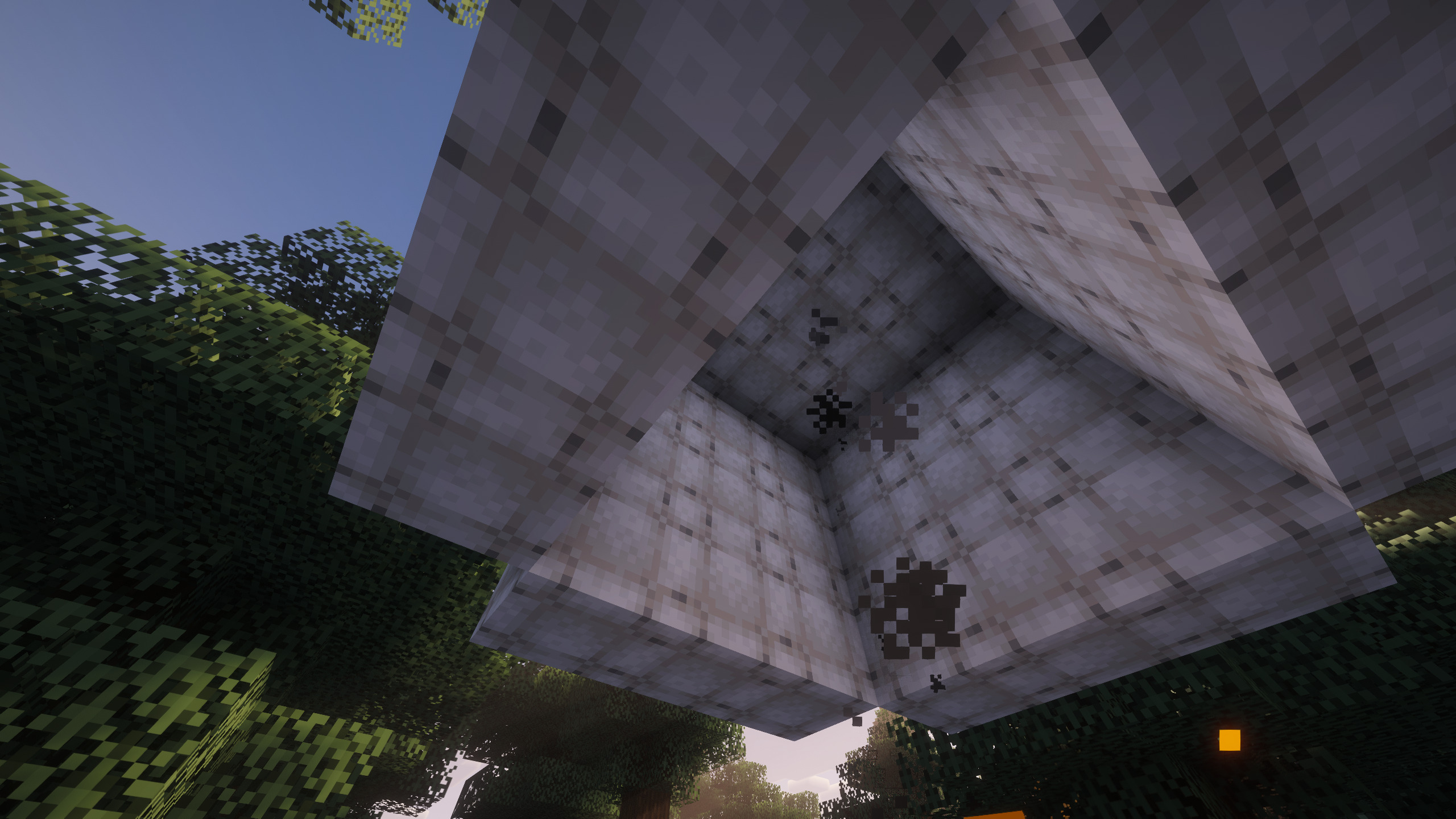
This mod simply disables this overlay using an embedded resource pack.\
As result, the hot air overlay is completely gone, solving the issue.
This mod is available as Neoforge mod and normal resource pack.\
You are allowed to put this mod into your modpack, even outside of modrinth, following the 0BSD License.



常见问题
Aeronautics Hot Air Fix 支持哪些 Minecraft 版本?
Aeronautics Hot Air Fix 支持 Minecraft Java 版 1.21.1,可用的加载器:NeoForge。下载时注意选择和你游戏版本一致的文件。
Aeronautics Hot Air Fix 怎么安装?
把下载的 .zip 文件(不用解压)放进游戏目录的 resourcepacks 文件夹,进游戏后在「选项 → 资源包」里把它移到右边启用。

评论
登录后评论和评分