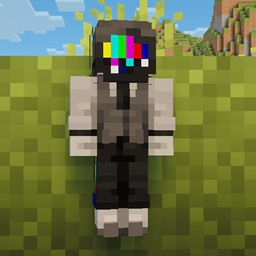
Adrigamer’s Custom Totem (JAVA)
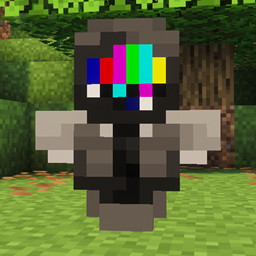
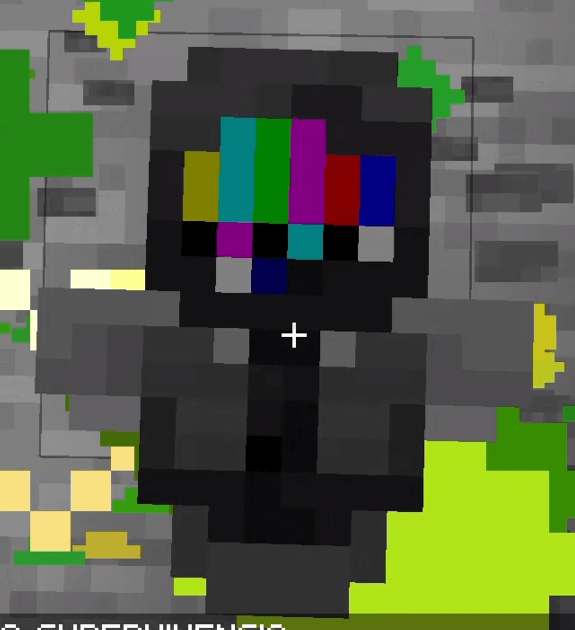
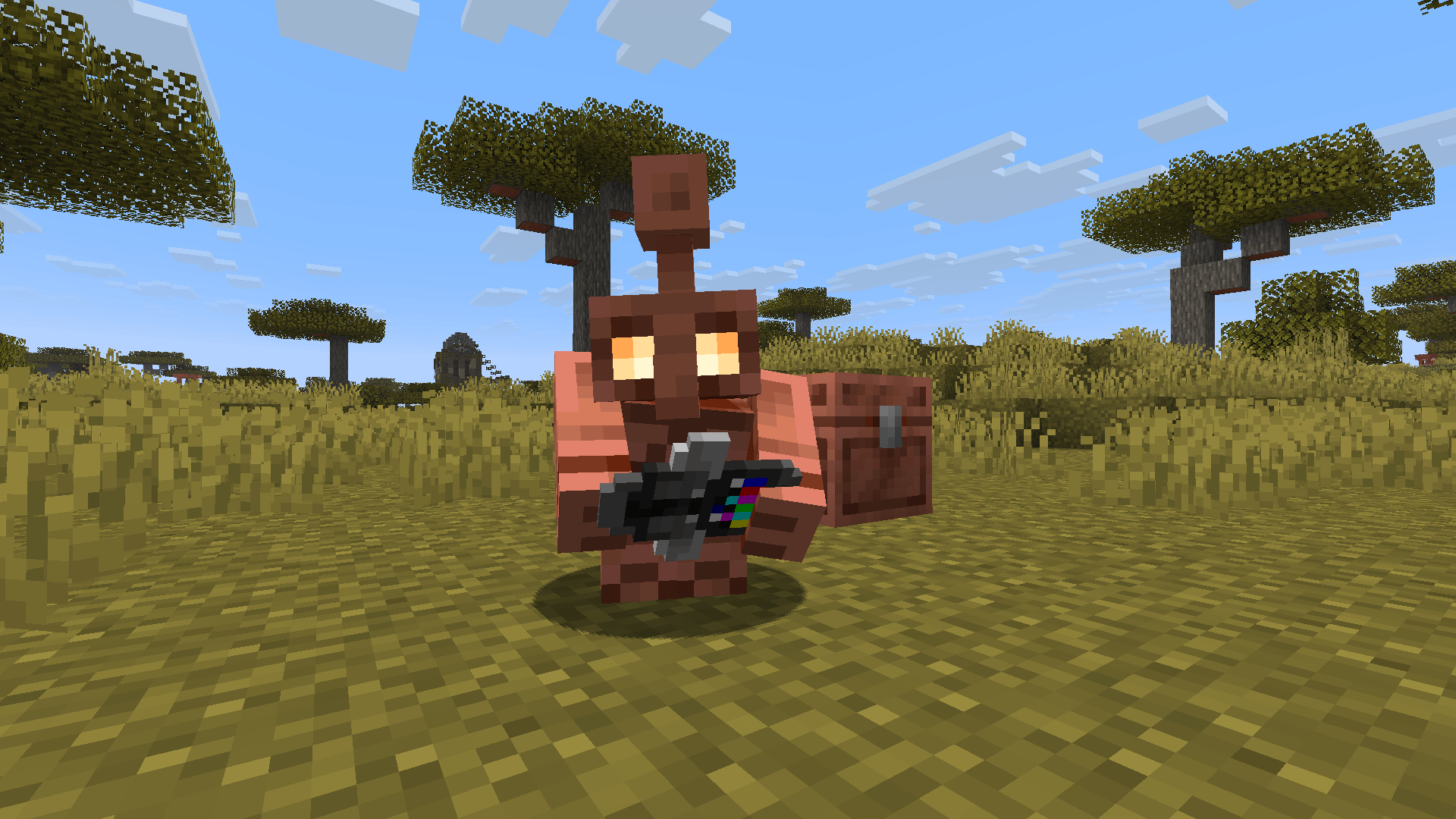
: A custom resource pack that replaces the default Totem of Undying with a unique personal skin design. Perfect for players who want a custom look for their totem!
截图
介绍
# AdriGamer’s Custom Totem
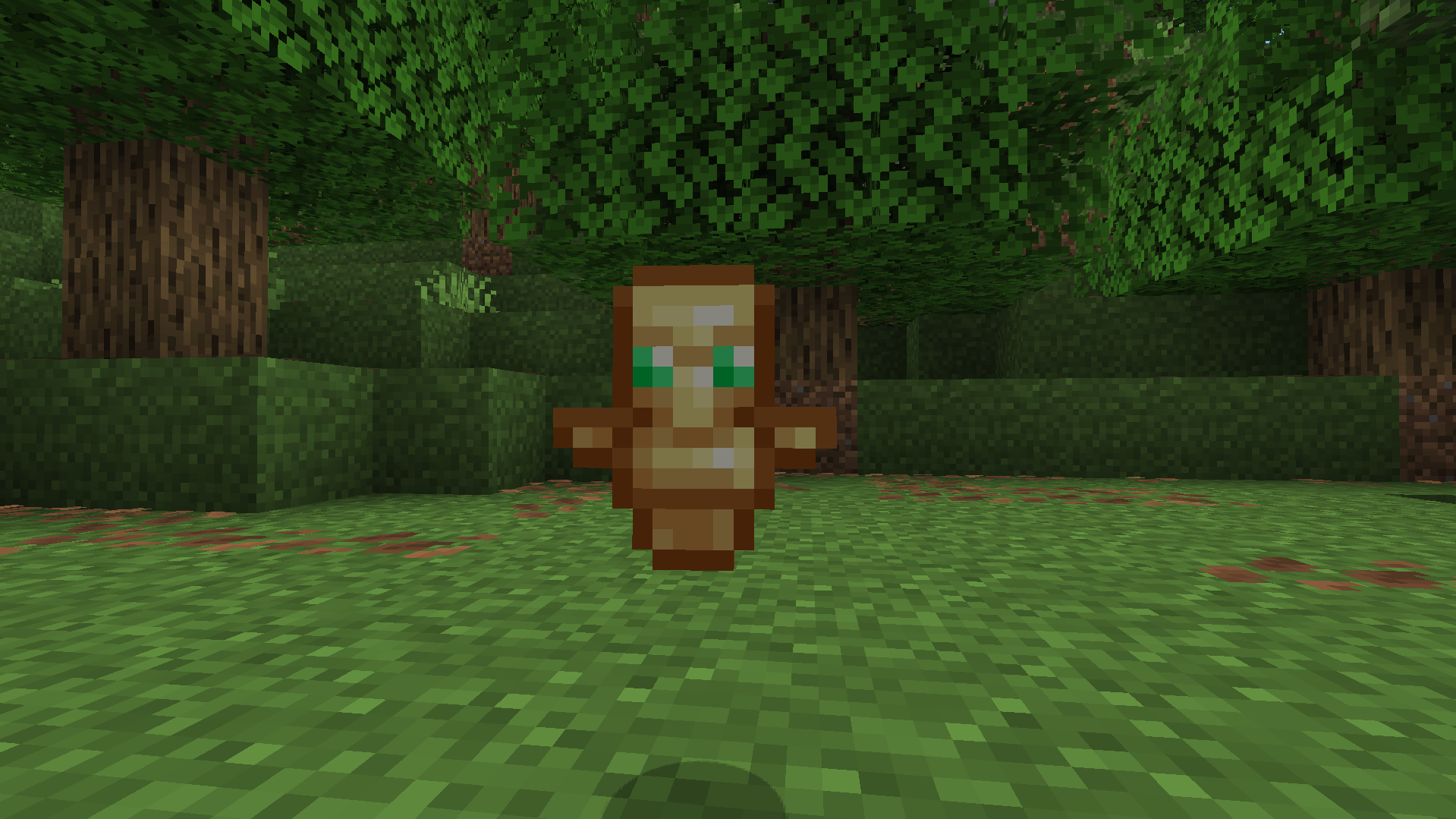
¡Bienvenido a **AdriGamer’s Custom Totem**! Este paquete de recursos reemplaza la textura por defecto del Tótem de la Inmortalidad con un diseño personalizado único, manteniendo la esencia clásica de Minecraft.
### 🌟 Características:
* **Textura personalizada:** Diseño exclusivo para el Tótem de la Inmortalidad.
* **Ligero:** Paquete puramente cosmético que no afecta al rendimiento del juego.
* **Estilo Vanilla:** Se adapta perfectamente a cualquier mundo de supervivencia o servidor PvP.
🎮 Cómo instalarlo:
1. Descarga el archivo `.zip`.
2. Abre Minecraft y ve a **Opciones** > **Paquetes de recursos**.
3. Haz clic en **Abrir la carpeta de paquetes** y arrastra el archivo dentro.
4. Mueve el paquete a la columna de la derecha para activarlo.
SOLO PARA MINECRAFT JAVA
*Creado con cariño por adrigamer_mc.*
_
AdriGamer’s Custom Totem
Welcome to AdriGamer’s Custom Totem! This resource pack replaces the default Totem of Undying texture with a unique custom design, while keeping the classic essence of Minecraft.
🌟 Features:
- Custom Texture: Exclusive design for the Totem of Undying.
- Lightweight: Purely cosmetic pack that does not affect game performance.
- Vanilla Style: Fits perfectly in any survival world or PvP server.
🎮 How to install:
- Download the
.zipfile. - Open Minecraft and go to Options > Resource Packs.
- Click Open Pack Folder and drag the file inside.
- Move the pack to the right column to activate it.
ONLY FOR MINECRAFT JAVA
Created with love by adrigamer_mc.
常见问题
Adrigamer’s Custom Totem (JAVA) 支持哪些 Minecraft 版本?
Adrigamer’s Custom Totem (JAVA) 支持 Minecraft Java 版 26.1.2。下载时注意选择和你游戏版本一致的文件。
Adrigamer’s Custom Totem (JAVA) 怎么安装?
把下载的 .zip 文件(不用解压)放进游戏目录的 resourcepacks 文件夹,进游戏后在「选项 → 资源包」里把它移到右边启用。
评论
登录后评论和评分