
截图


介绍
Ace’s Tweaks is a lightweight Minecraft resource pack focused on improving visibility and overall gameplay while keeping the vanilla Minecraft style intact. It combines several PvP and quality-of-life tweaks into one clean and performance-friendly package.
Features
Lower Fire

Lower Shield

No Pumpkin Overlay

Clearer Wither Hearts
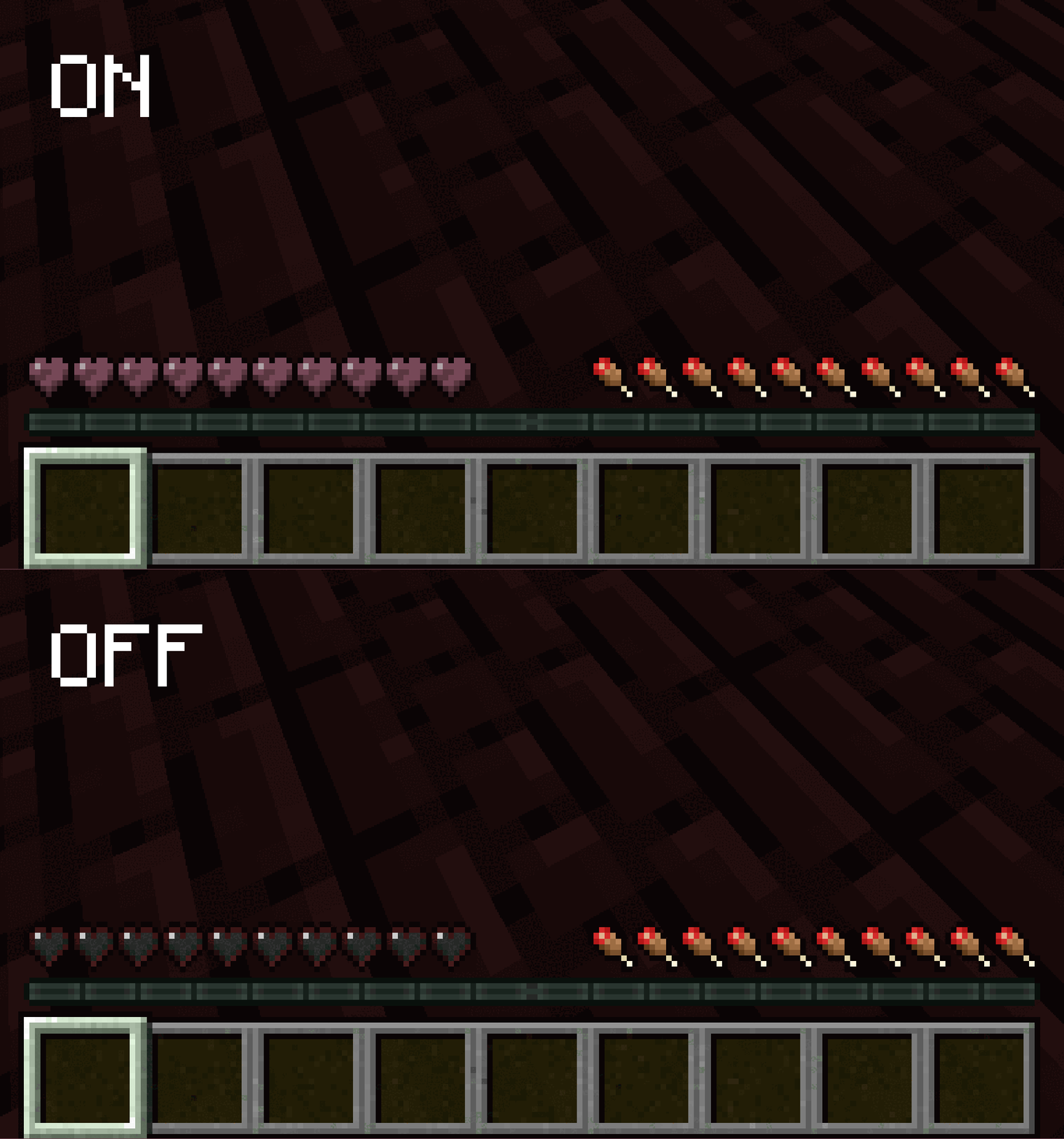
Colored Ping Indicator

Compatibility
- Java Edition 1.20+
- Bedrock Edition support coming soon
Help
Installation
- Download the latest release.
- Open Minecraft and navigate to Options → Resource Packs.
- Click Open Pack Folder.
- Move the downloaded
.zipfile into the folder. - Enable Ace’s Tweaks in the Resource Packs menu.
Support
If you have any questions, suggestions, or issues, feel free to contact me on Discord: @acemc.7
Credits
This project includes modified assets and/or ideas from Vanilla Tweaks.
Vanilla Tweaks — https://vanillatweaks.net
License
This resource pack follows the Vanilla Tweaks Terms and Conditions.
You are allowed to:
- Use this pack privately
- Modify this pack for personal use
- Share modified versions with proper credit
- Use this pack in modpacks or on servers
You may NOT:
- Sell this pack
- Redistribute the pack without proper credit
- Claim Vanilla Tweaks assets as your own work
- Upload unchanged Vanilla Tweaks assets separately
For the complete terms, please refer to the Vanilla Tweaks Terms and Conditions.
常见问题
Ace’s Tweaks 支持哪些 Minecraft 版本?
Ace’s Tweaks 支持 Minecraft Java 版 1.20–26.3,共 24 个版本。下载时注意选择和你游戏版本一致的文件。
Ace’s Tweaks 怎么安装?
把下载的 .zip 文件(不用解压)放进游戏目录的 resourcepacks 文件夹,进游戏后在「选项 → 资源包」里把它移到右边启用。
评论
登录后评论和评分