
截图
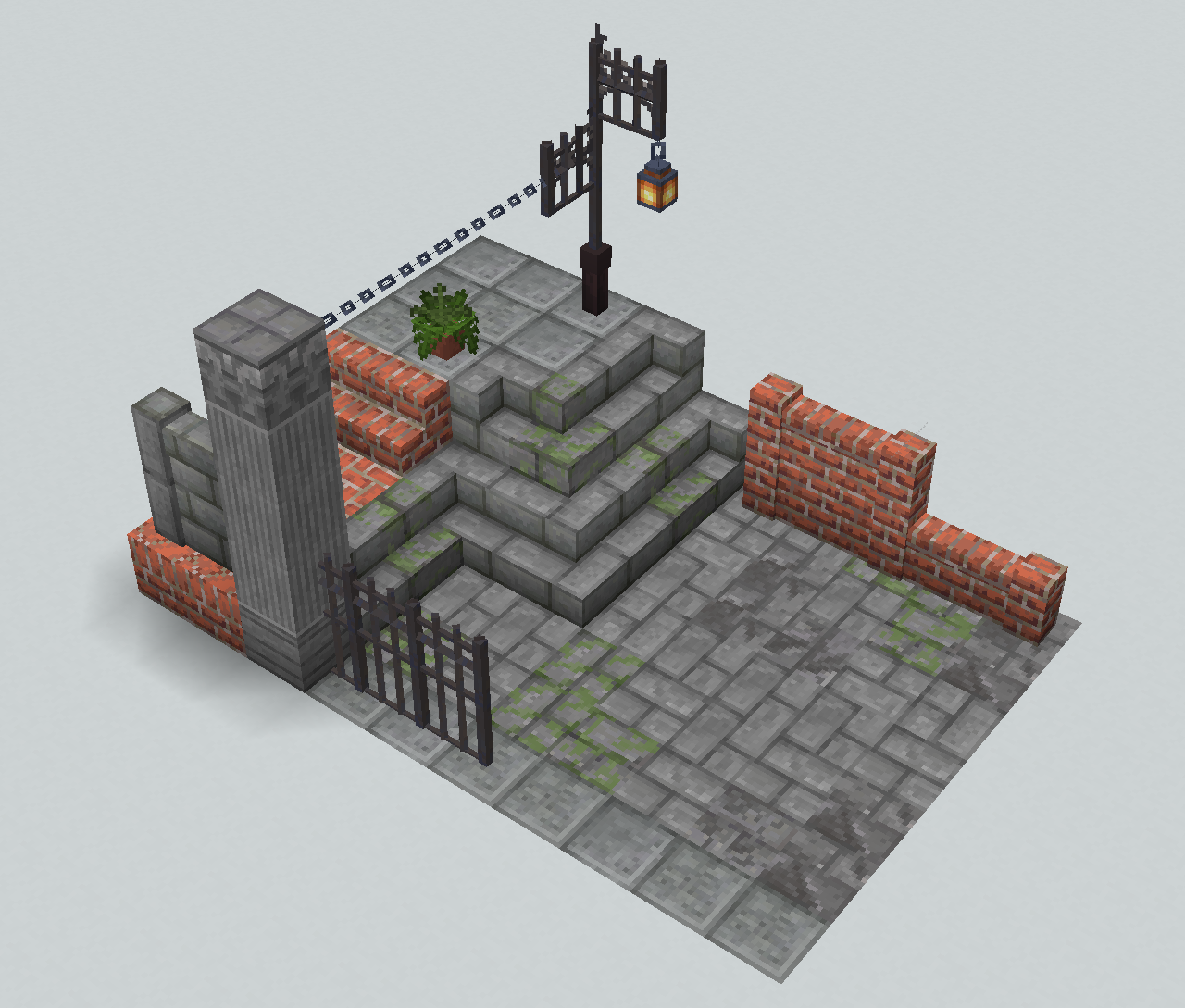
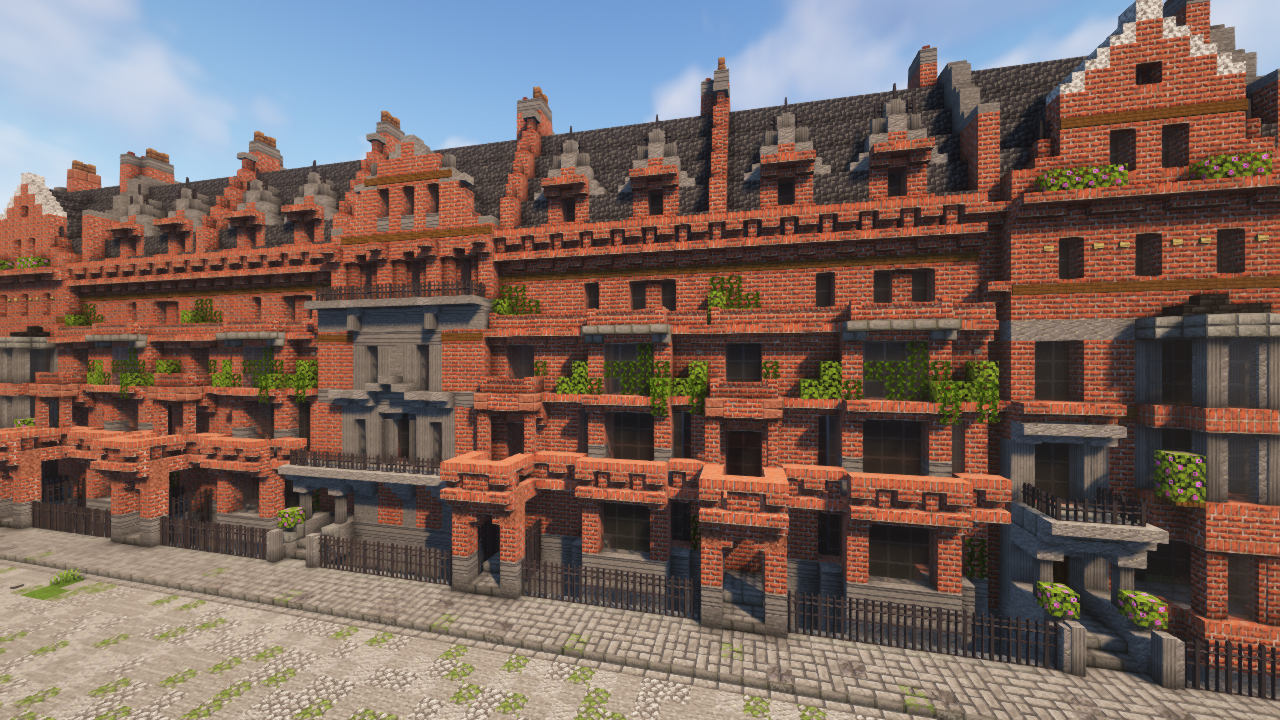
介绍
Accuratecture
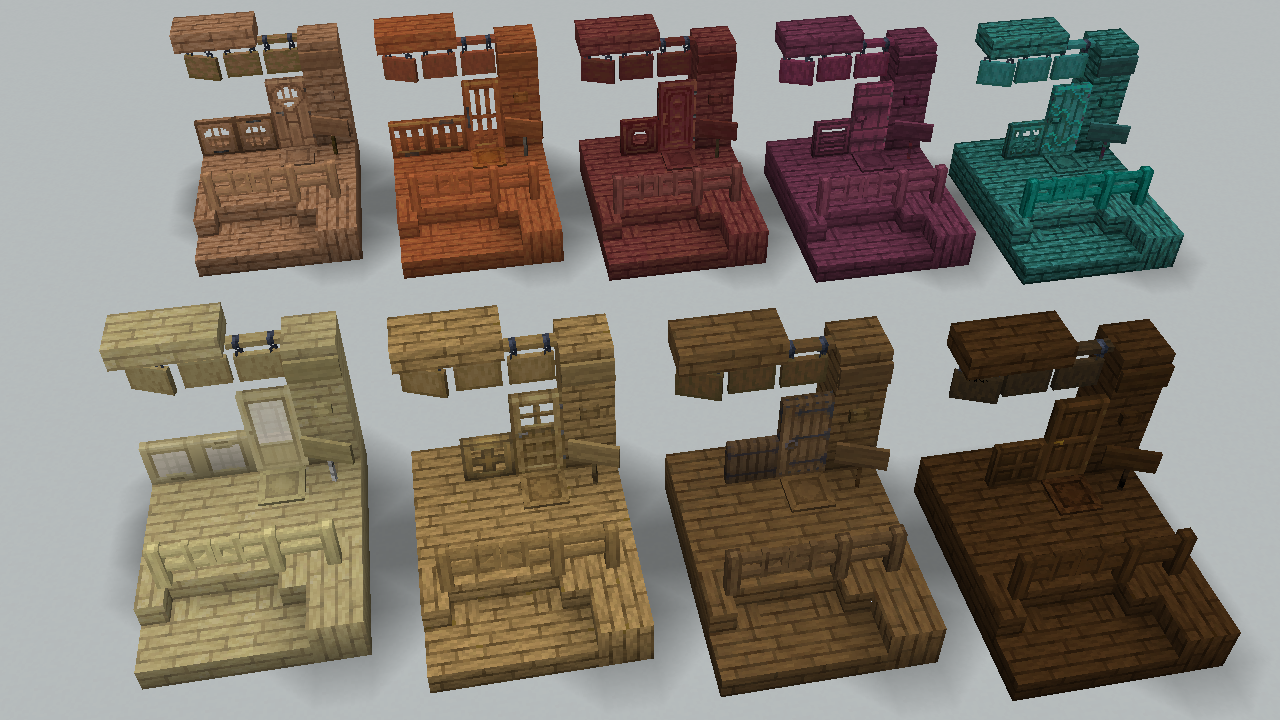
“Accuratecture” is a 16x resource pack that partiallly conform default minecraft resourcepack.This pack is a personal project by βøɯșke’sCraftRoom.
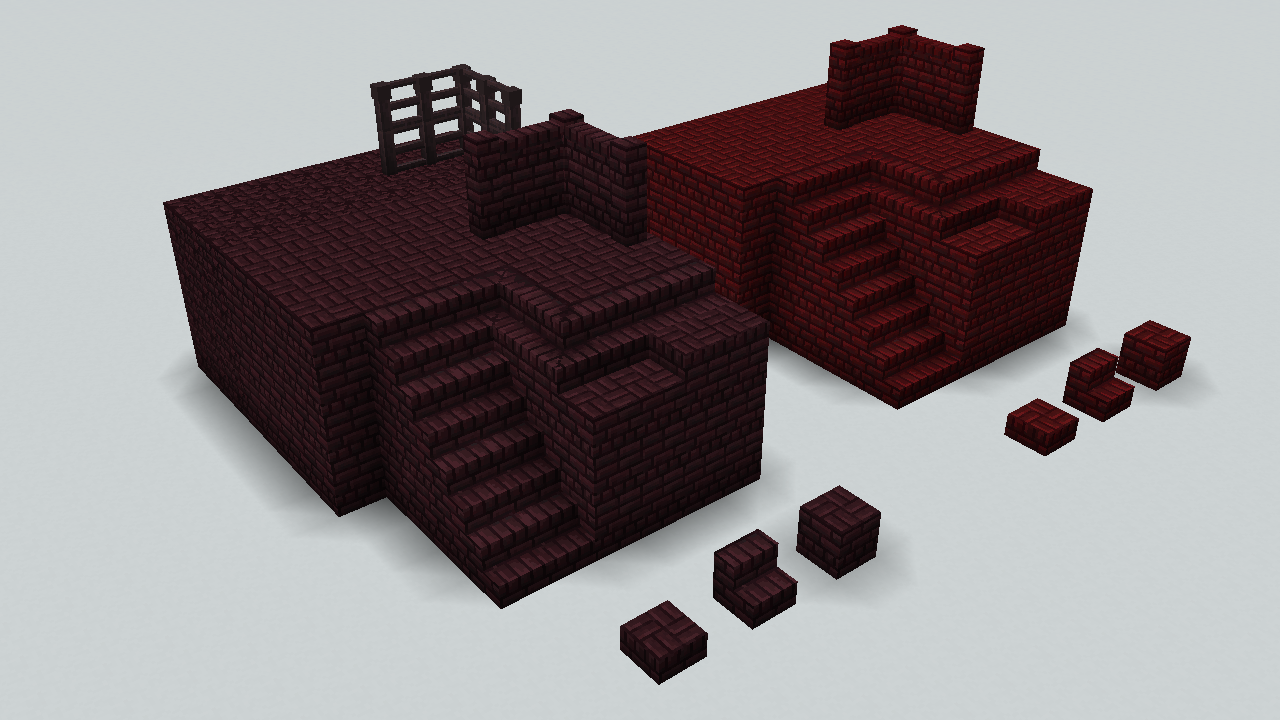
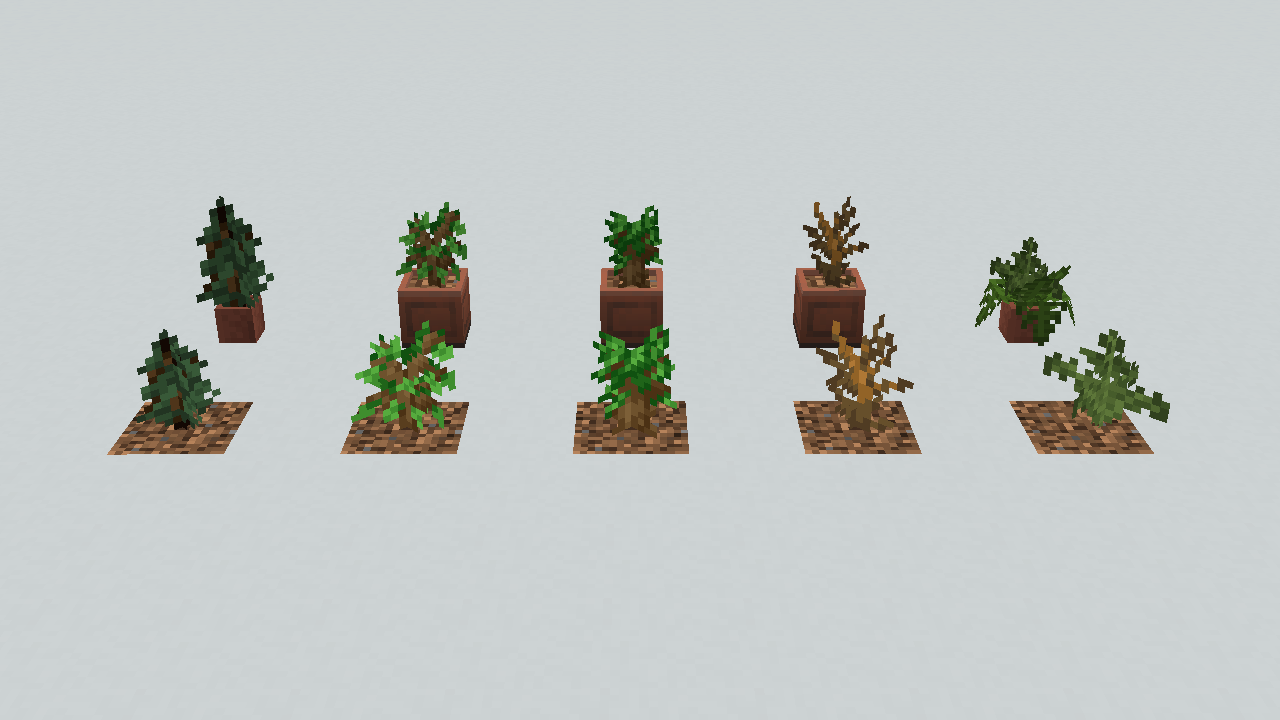
The textures of this pack is like default one in terms of its colors, but the patterns are not. Not all blocks are supported,but there must be little discomfort even when you put blocks together.
This pack don’t assumes another resource packs that changes vanilla blocks. We don’t guarantee the behavior when used with them.
This pack is NOT for Bedrock Edition. For technical reasons, NO future supports for it are planned either.
This pack is under development. Some blocks are not supported yet , but I planning to support eventually.
Features:
-
Better block Appearance
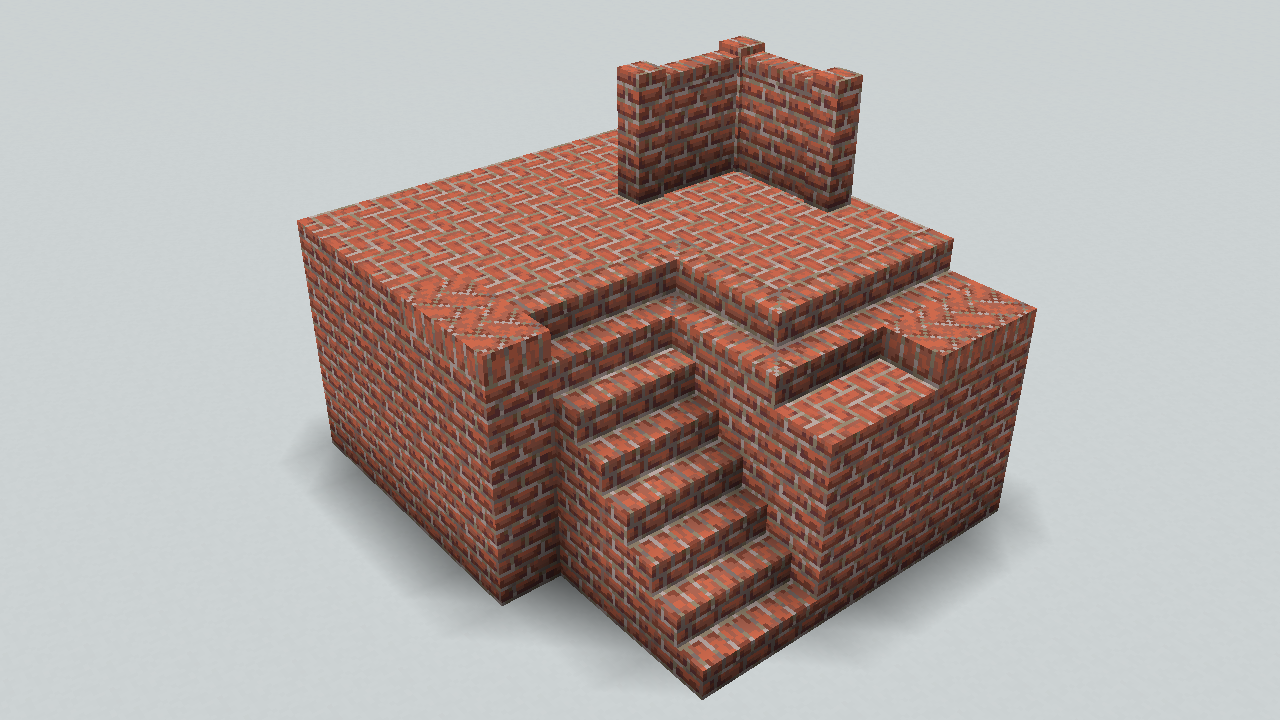
This resourcepack make some blocks more accurately/conveniently.For example,the top face of bricks are changed into fishbone pattern to remove direction dependency.
-
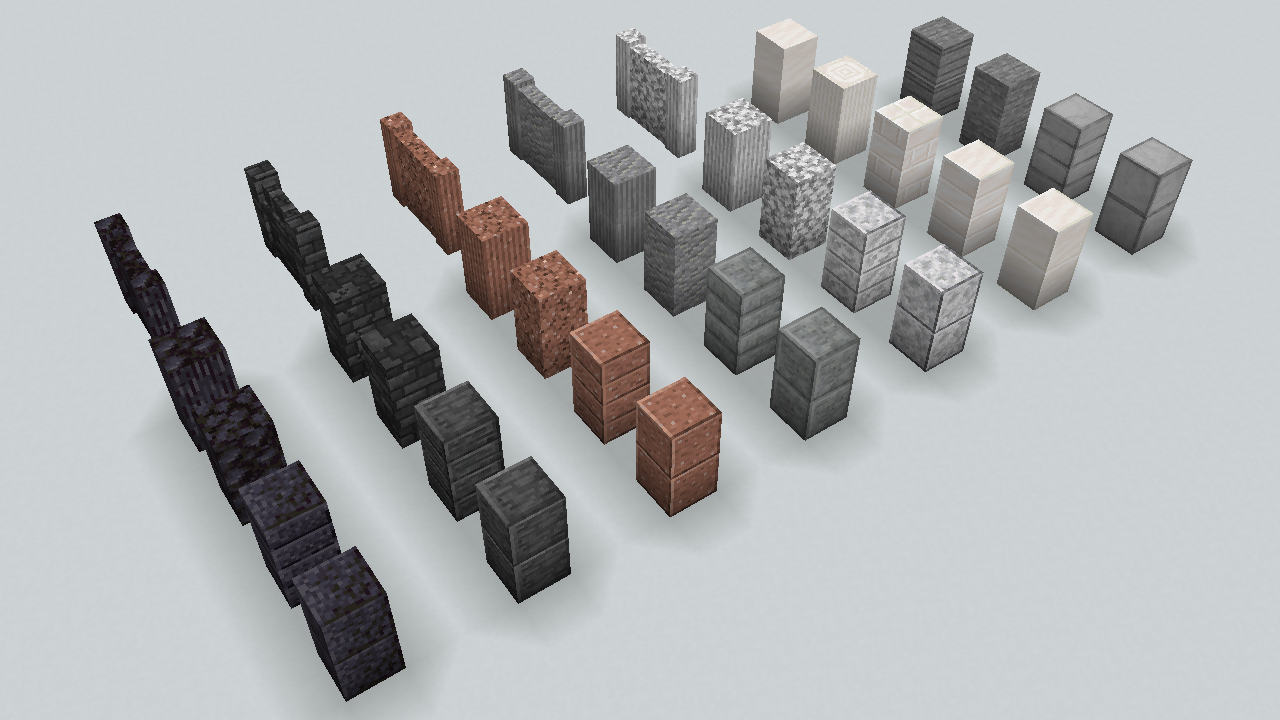
Distincted double slabs
Some double slabs are distincted from original blocks,like smooth stone.
-
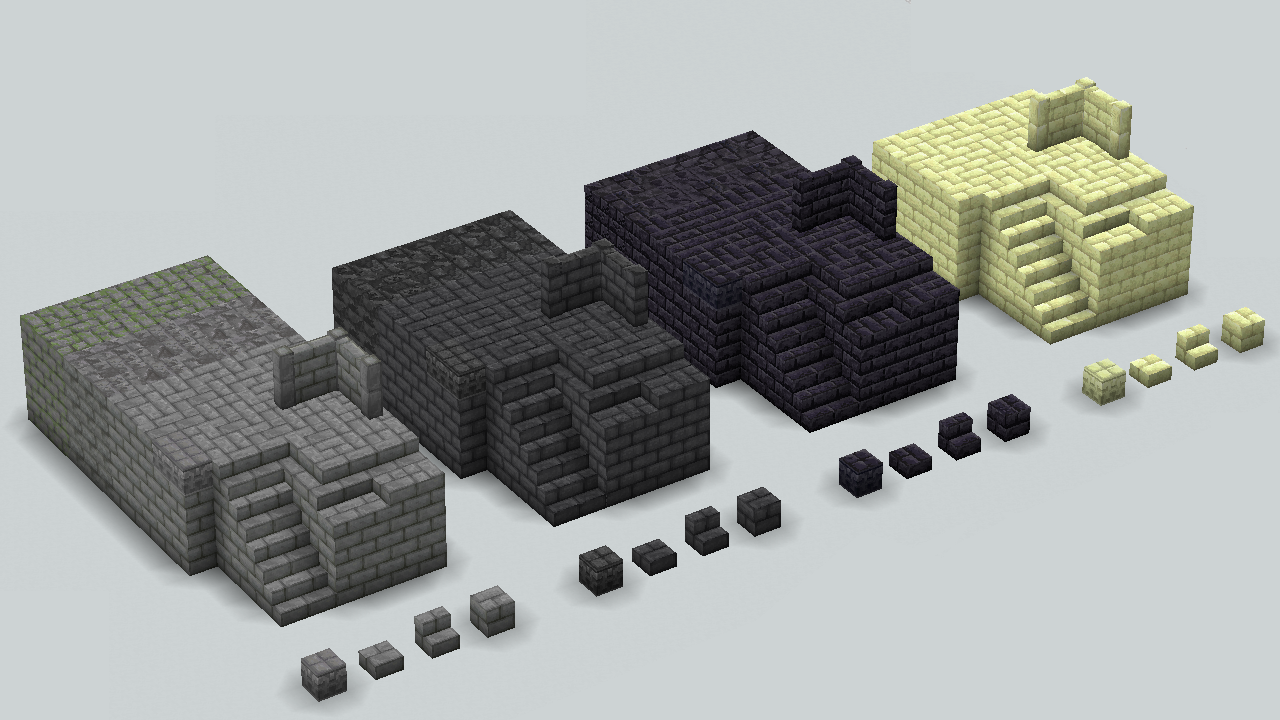
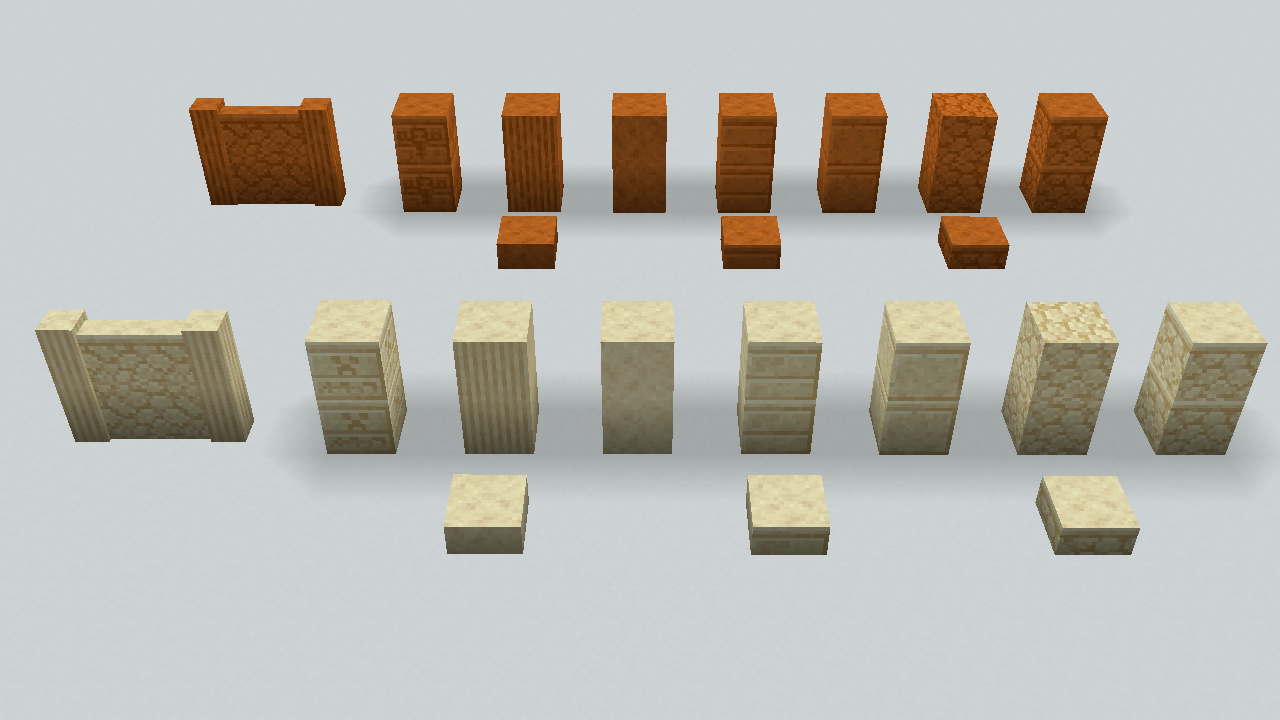
Walls&Stairs
Some gets new appearance,some are stacked more accuratery.
-
PBR support(beta)
Almost all original textures in this pack have 16x normal maps and specular maps that besed on LabPBR standard.Some vanilla textures also have them.
-
CTM support(beta)
Recommended Settings:
-
Shader settings
Recommend Activating PBR(labPBR) or Normal maps.
If possible, activate Parallax Occlusion Mapping ,Parallax ,or POM.
-
Optifine,Optifabric
Enable: Options>Video settings>Details>Alternate Blocks
(Since we couldn’t confirm normal rendering with optifine, do NOT enable CTM with them.)
-
Sodium with Iris, Rubidium with Oculus
Disable: Options>Video settings>Performance>Use Block Face Culling
常见问题
Accuratecture 支持哪些 Minecraft 版本?
Accuratecture 支持 Minecraft Java 版 1.19.3–1.21.7,共 15 个版本。下载时注意选择和你游戏版本一致的文件。
Accuratecture 怎么安装?
把下载的 .zip 文件(不用解压)放进游戏目录的 resourcepacks 文件夹,进游戏后在「选项 → 资源包」里把它移到右边启用。
评论
登录后评论和评分