
截图




介绍
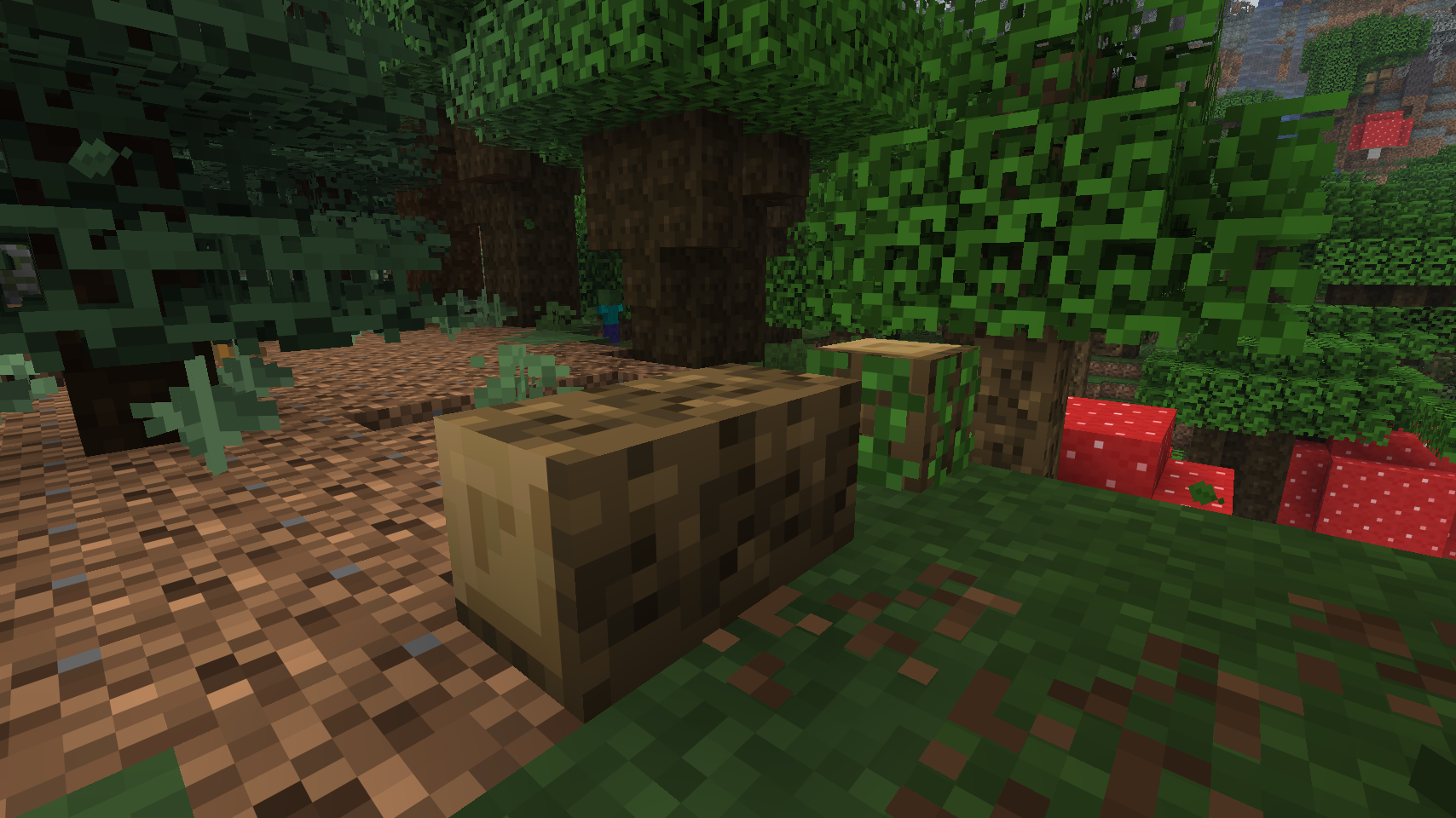
Experience Minecraft stripped down to its core: a world made of blocks. This resource pack downscales all vanilla textures to 8×8 using crisp nearest-neighbor interpolation, creating a clean, retro aesthetic that emphasizes scale and architectural form.
The Aesthetic
By lowering texture resolution, the visual presentation shifts in a few distinct ways:
- The world feels larger: With less detail per block, your perspective adjusts. Mountains feel massive, horizons stretch farther, and builds take on a more monumental scale.
- The geometry stands out: When each block face is 8 pixels wide, the grid structure is impossible to ignore. Edges sharpen, highlighting the pure blocky nature of the game.
- Design becomes intentional: Without high-detail textures to rely on, every block placement and color choice matters more.

Why 8×8?
Performance
- 4x less VRAM usage than vanilla 16×16
- Faster loading times and smoother gameplay
- Ideal for lower-end hardware and integrated graphics
Visuals
- Clear, readable textures with strong geometric shapes
- A classic NES/SNES and early alpha-era retro feel
- Reduced visual noise that focuses attention on shape and form
What Changes
Every texture is downscaled to half the vanilla resolution while maintaining consistency:
- Blocks: Stone, wood, terrain, and structural elements
- Items: Tools, weapons, consumables, and utility items
- Entities: Mobs, player models, and armor
- GUI: Menus, HUD elements, and icons
- Environment: Particles, sky, and atmospheric effects
Compatibility
- Minecraft Version: Designed for 1.21.1 (works across 1.21.x)
- Requirements: None. Works in vanilla Minecraft and with client-side performance mods like OptiFine or Fabric rendering tools.
- Conflicts: Incompatible with other packs that modify vanilla textures or HD resource packs.
_Go retro. Go blocky. Go big._
常见问题
Vanilla 8×8 支持哪些 Minecraft 版本?
Vanilla 8×8 支持 Minecraft Java 版 1.16–26.3,共 40 个版本。下载时注意选择和你游戏版本一致的文件。
Vanilla 8×8 怎么安装?
把下载的 .zip 文件(不用解压)放进游戏目录的 resourcepacks 文件夹,进游戏后在「选项 → 资源包」里把它移到右边启用。
Henry_Shaughnessy 的其他作品
查看全部 →
Better 3D Swords
Makes sword and Mace Models 3D

Glowing Ore +
Makes ores glow in vanilla! (Optifine is not required)

Better Explosions
Makes TNT and creeper explosions way better.

4×4 pvp
A pack for pvp that downscales all minecraft textures to 4x4 pixels. Large performance boost with glowing ores and some highlighted blocks.
评论
登录后评论和评分