截图

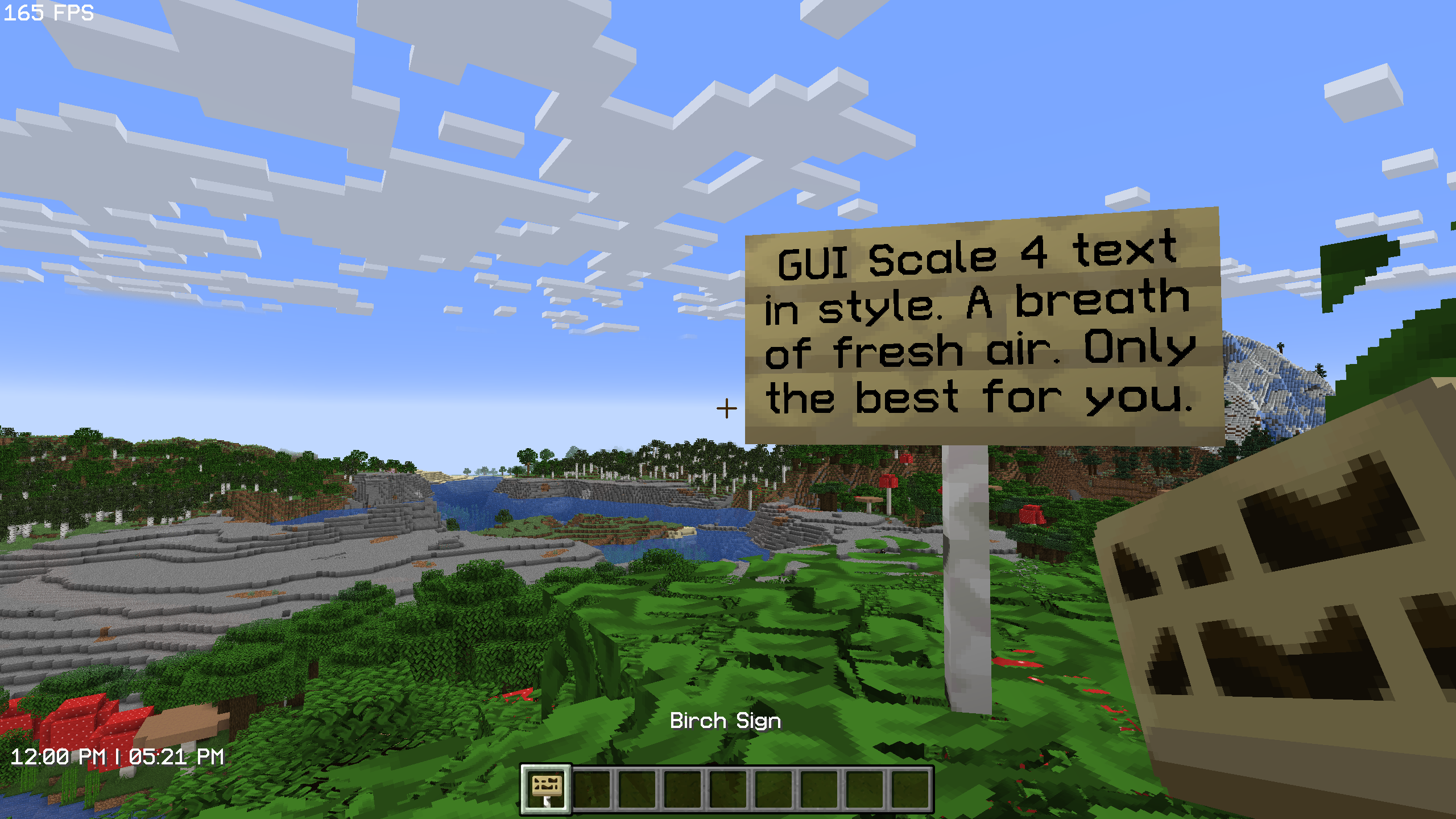
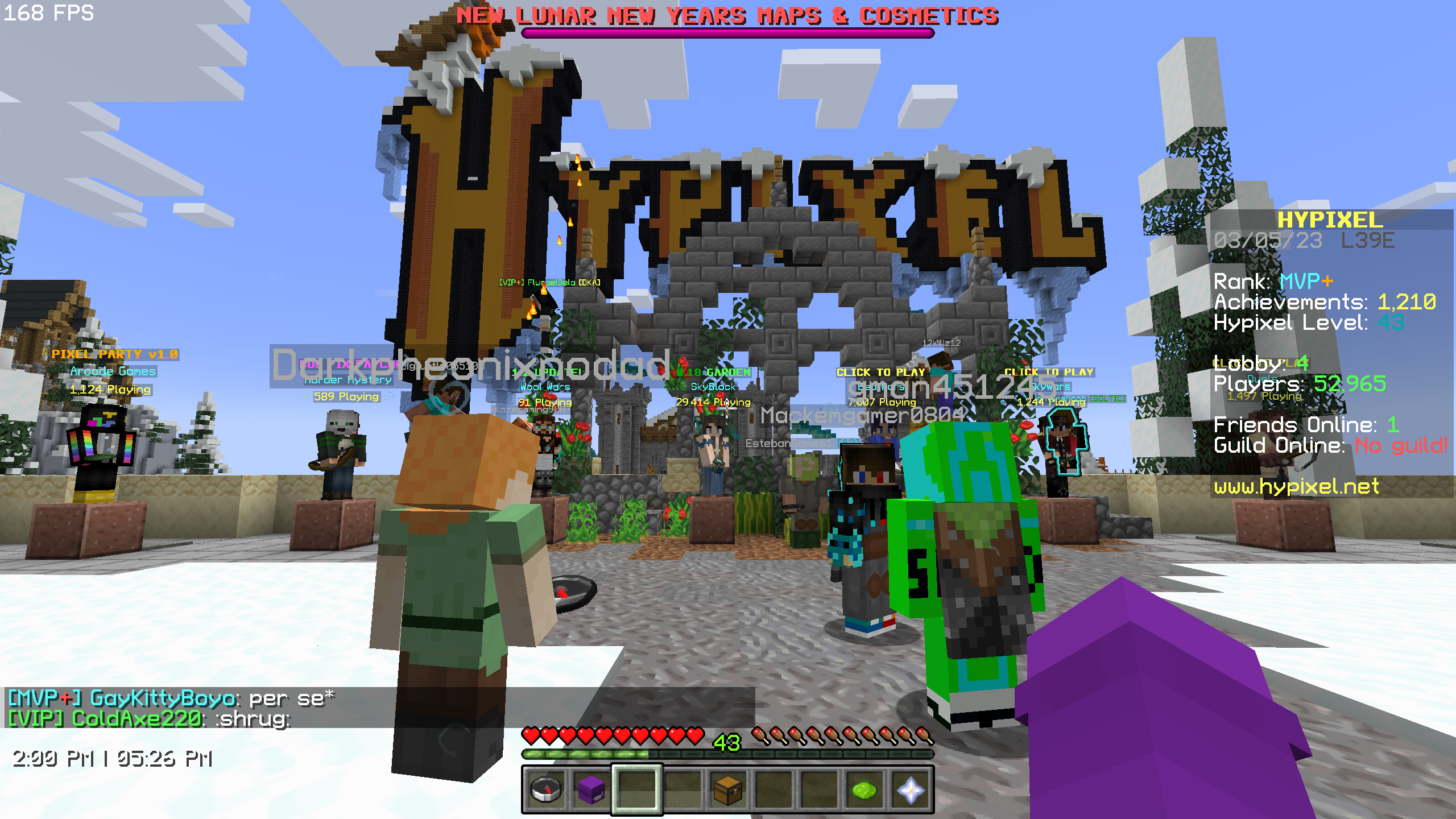
介绍
The perfect font for 1440p.
Back when my computer had a 1080p monitor, I made a heavily stylized 3x Font, due to issues with scaling up/down 32x/64x fonts.
In the process of studying Minecraft’s font system, I found there were several stylistic choices made in Minecraft’s default font (and thereby other vanilla-inspired fonts) that I didn’t particularly like, so I took the liberty of changing them when I created 3x Font.
When I recently switched to a 1440p monitor (and thus GUI scale 4) I decided I’d repeat the process for GUI Scale 4. Behold: the 4x Font project.

Comparison with Alternatives
4x Font: (this font)\




Progress
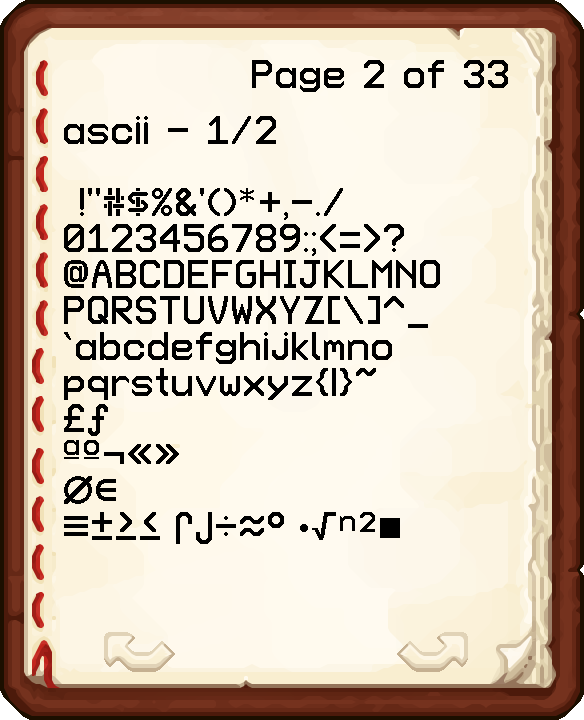
As of Version 1, only basic ASCII has been completed. Future versions will include support for accented characters and nonlatin European characters. I also plan to implement the “replace SGA with English characters” modification just for fun.
常见问题
GUI Scale 4 Font 支持哪些 Minecraft 版本?
GUI Scale 4 Font 支持 Minecraft Java 版 1.19–1.19.4,共 5 个版本。下载时注意选择和你游戏版本一致的文件。
GUI Scale 4 Font 怎么安装?
把下载的 .zip 文件(不用解压)放进游戏目录的 resourcepacks 文件夹,进游戏后在「选项 → 资源包」里把它移到右边启用。

评论
登录后评论和评分