
Actually 3D Workbenches
A Vanilla friendly resourcepack, which makes Workbenches in Minecraft more detailed, smoother and actually 3D! (3D Crafting Table, 3D Crafter, 3D Fletching Table, 3D Stonecutter, 3D Loom, 3D Barrel, 3D tables, etc.)
截图


介绍




This is a standalone Workbench pack of
More details:
Each of the Workbenches (Crafting Table, Crafter, Smithing Table, etc.) has an actually 3D model, that’s really detailed and uses the vanilla textures to be really vanilla friendly!
The 3D Workbench Showcase:
| 3D Crafting Table | 3D Crafter | 3D Cartography Table |
|:———————:|:———————:|:————————-:|
|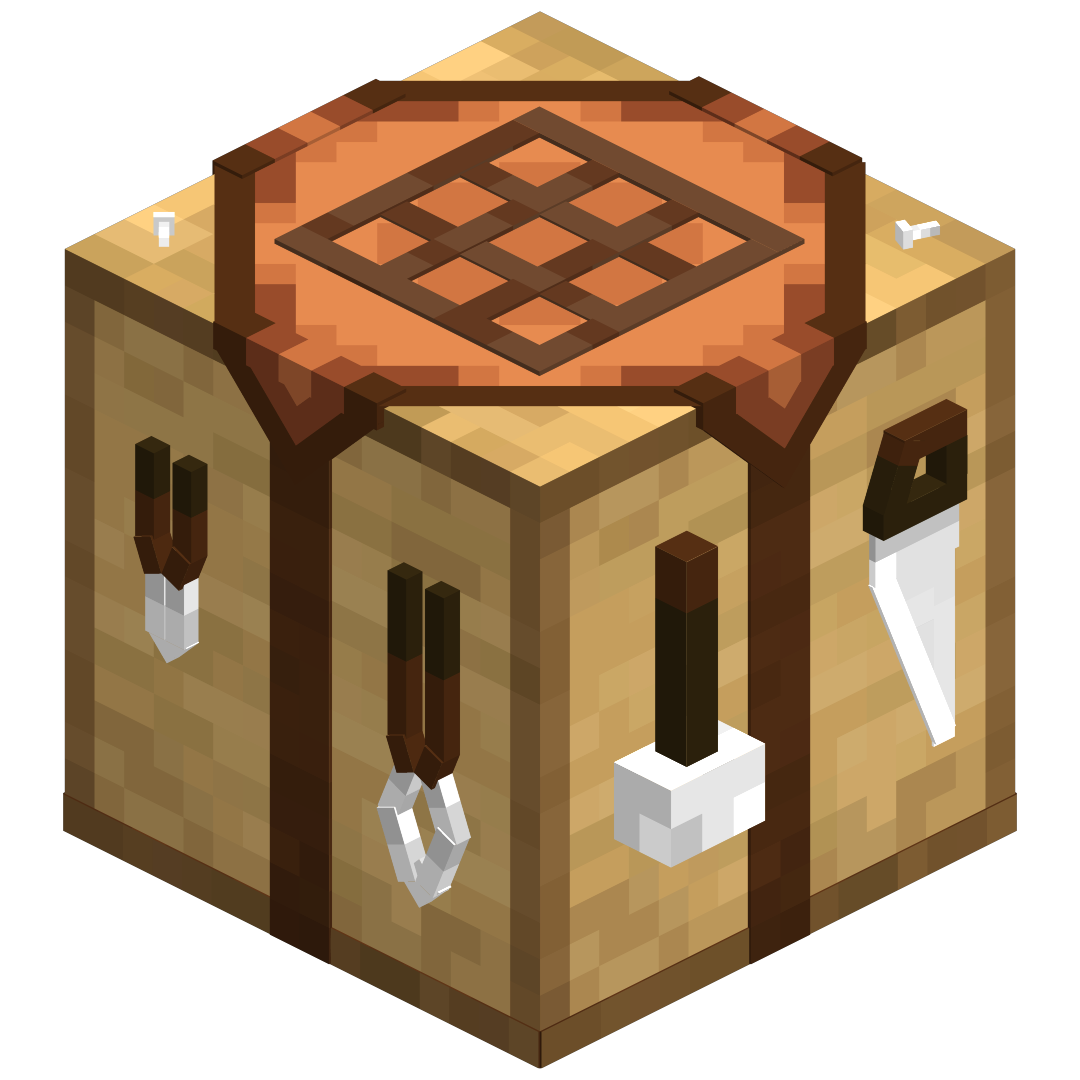 |
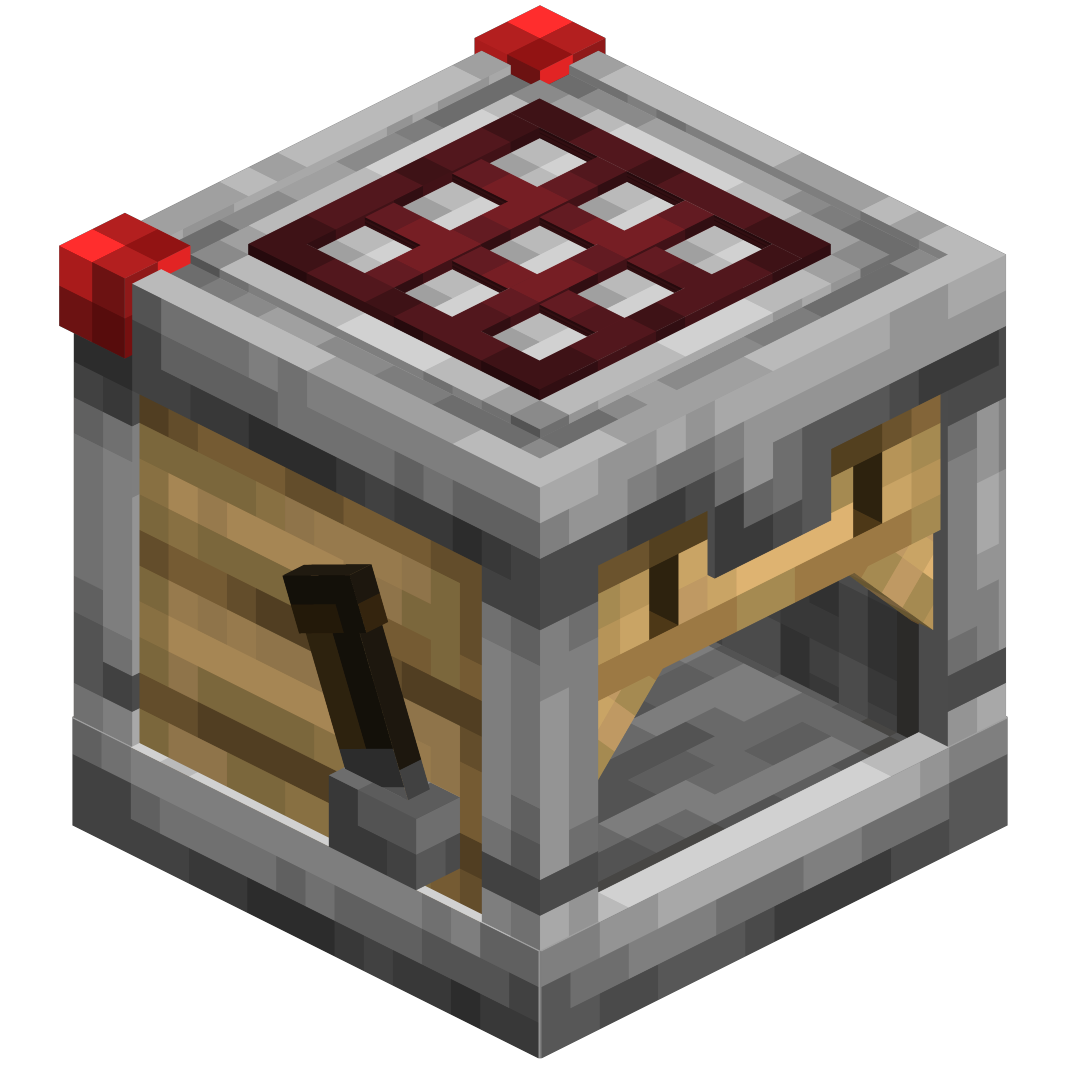 |
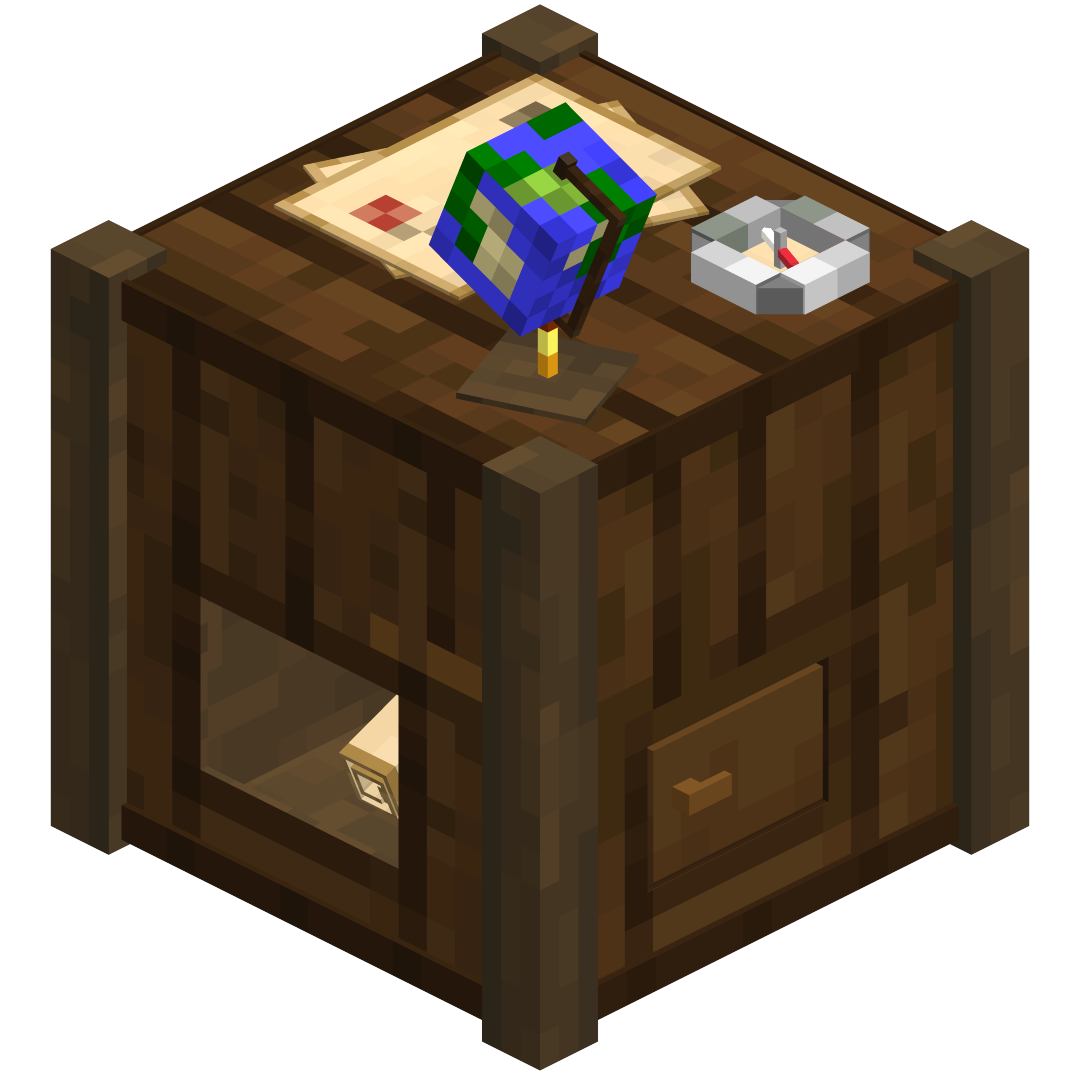 |
|3D Fletching Table|3D Smithing Table|3D Stonecutter|
|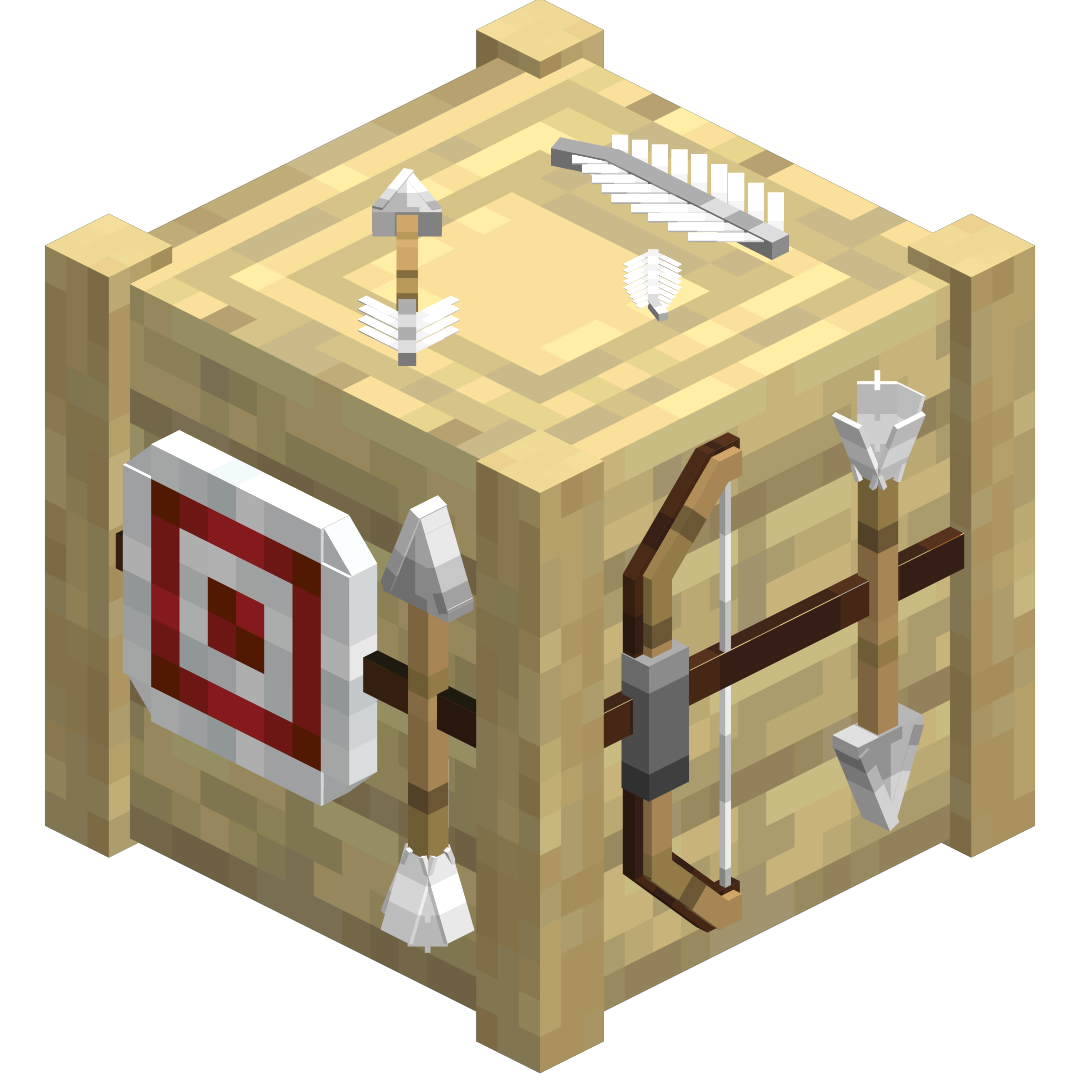 |
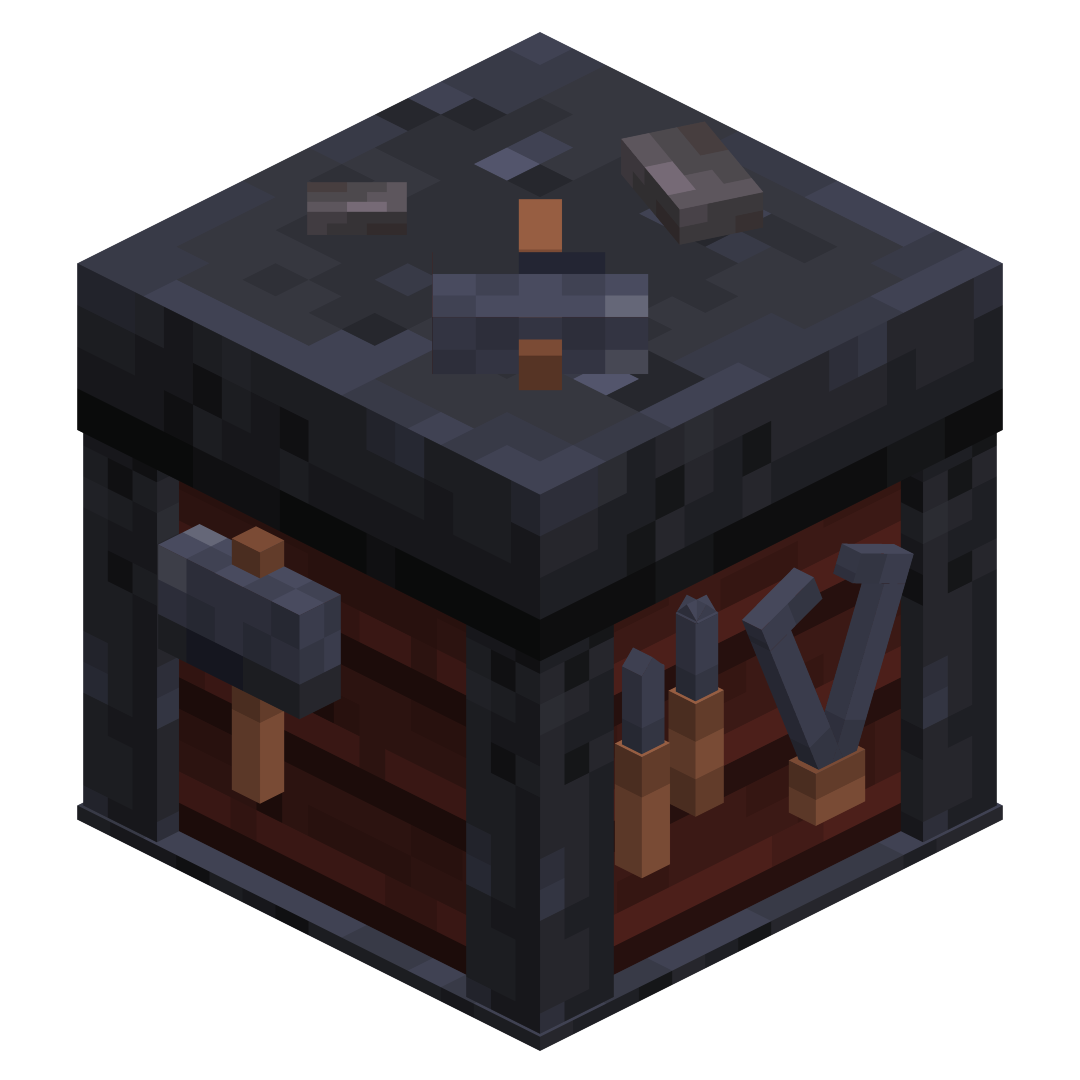 |
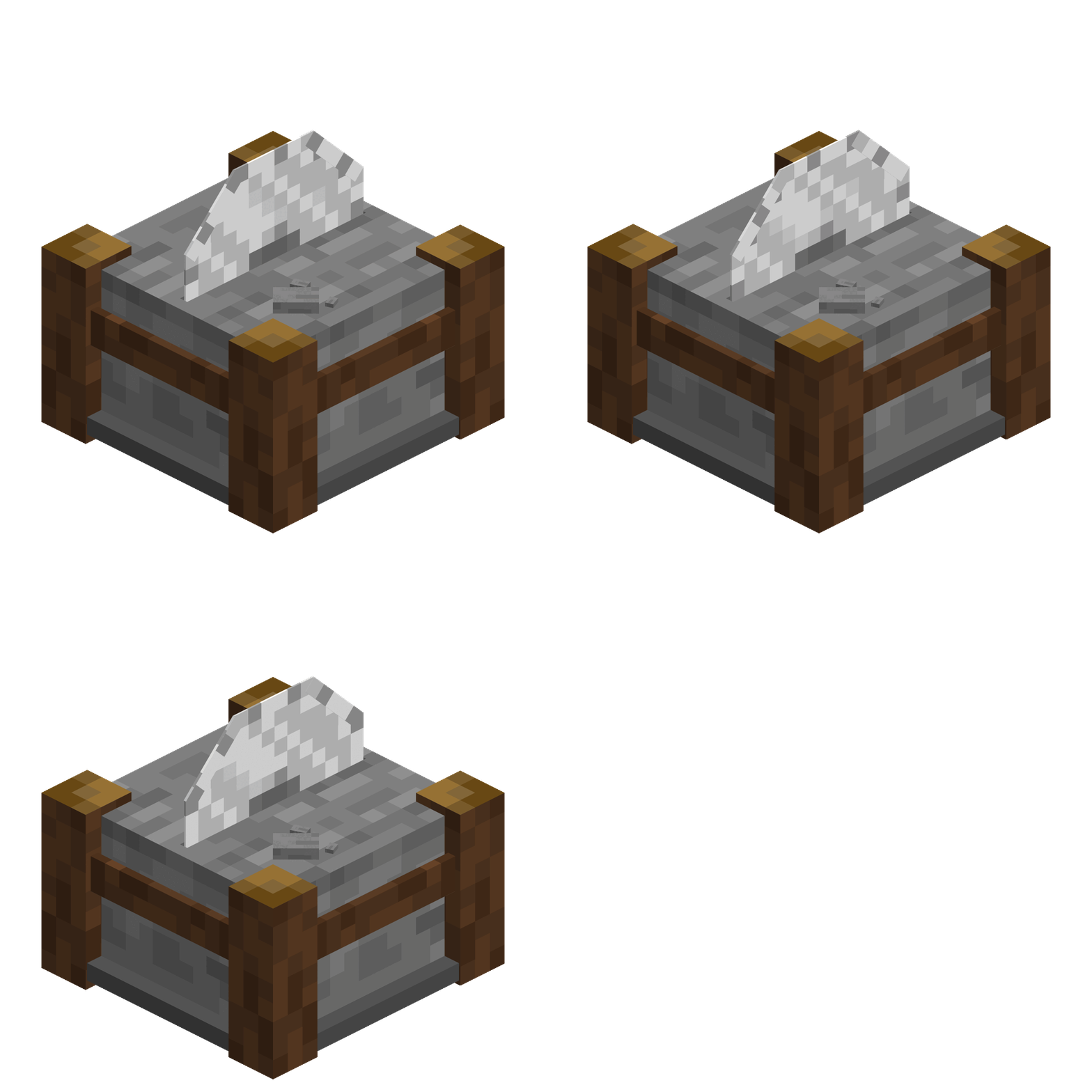 |
| 3D Enchantment Table | 3D Loom | 3D Barrel |
|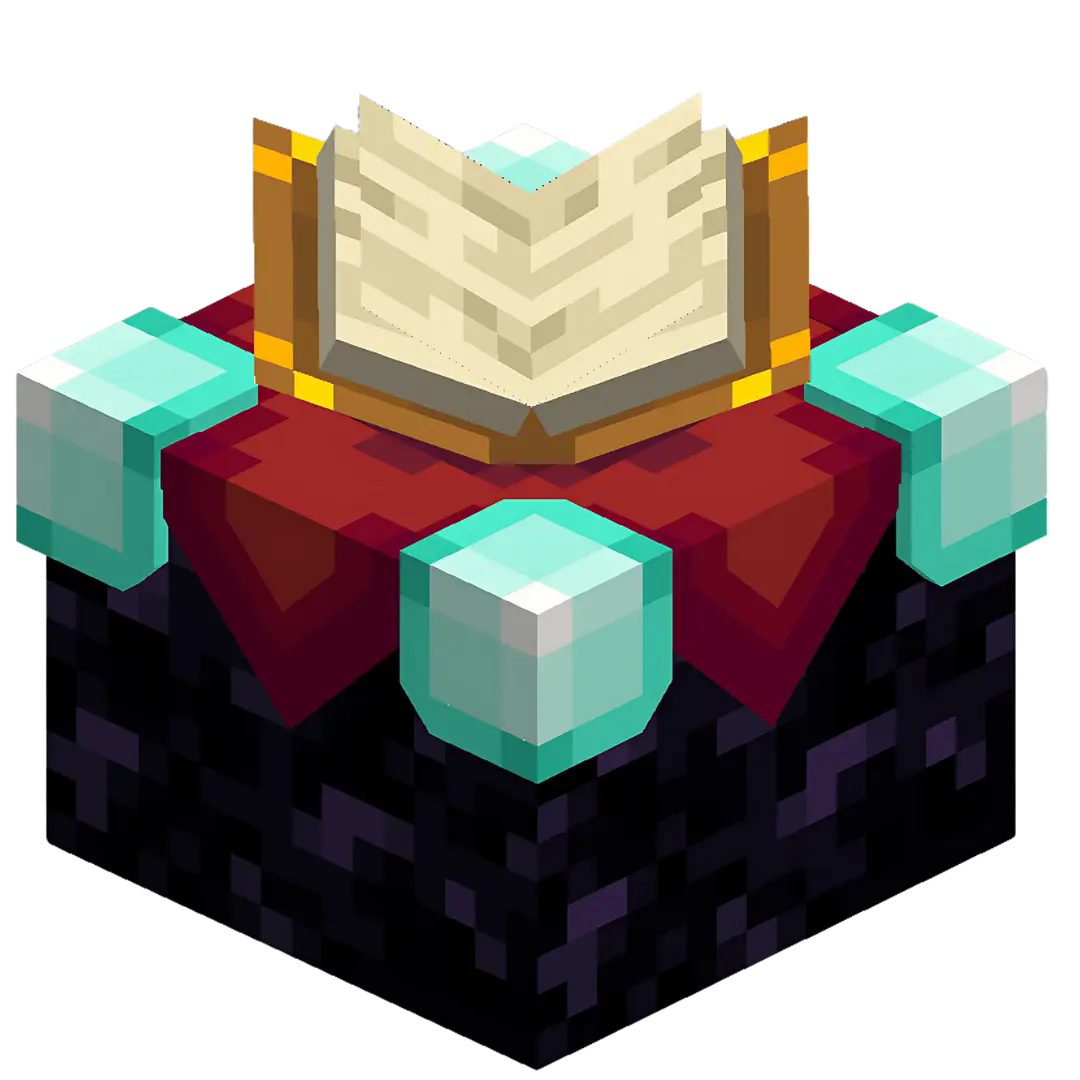 |
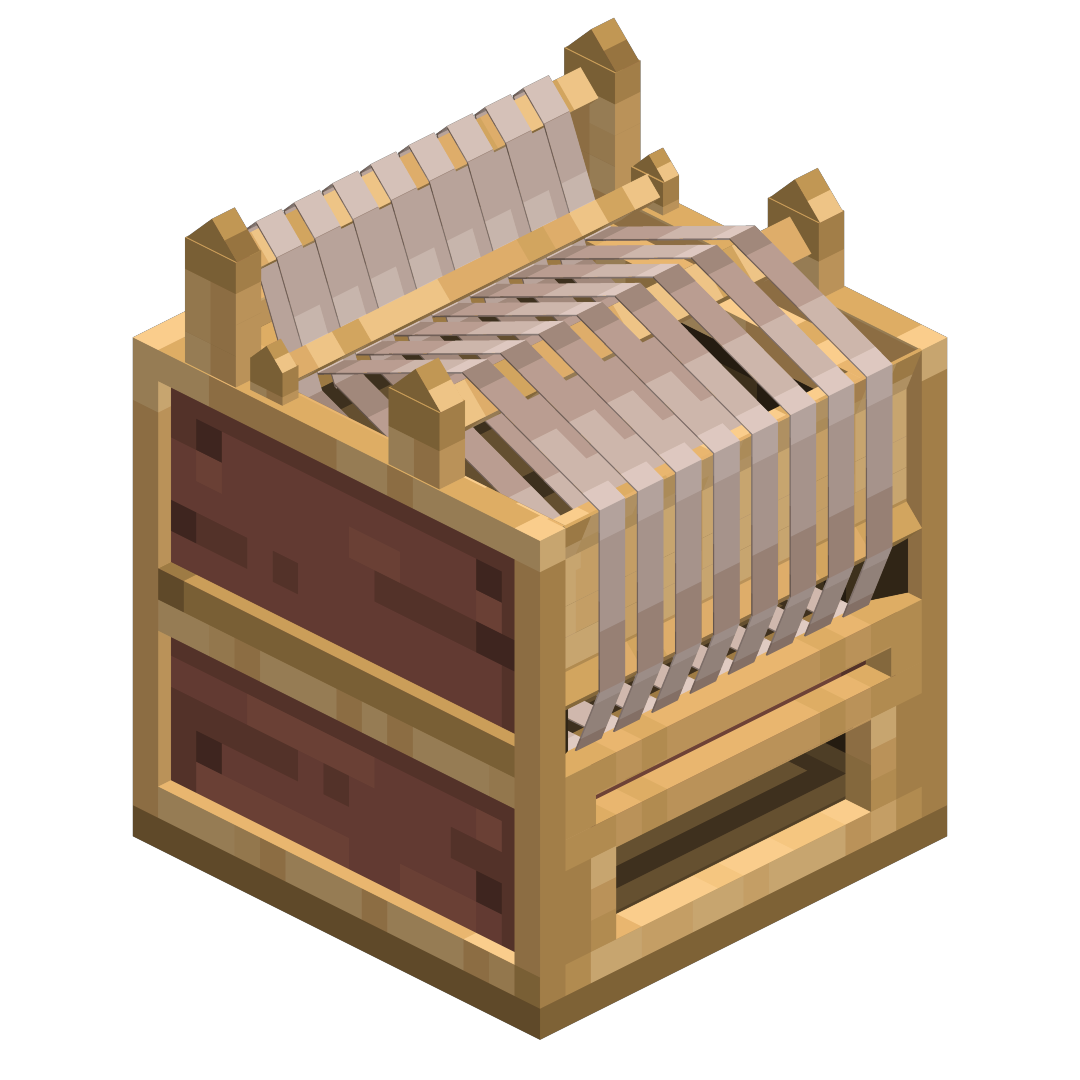 |
 |
|3D Lectern|3D Brewing Stand|
|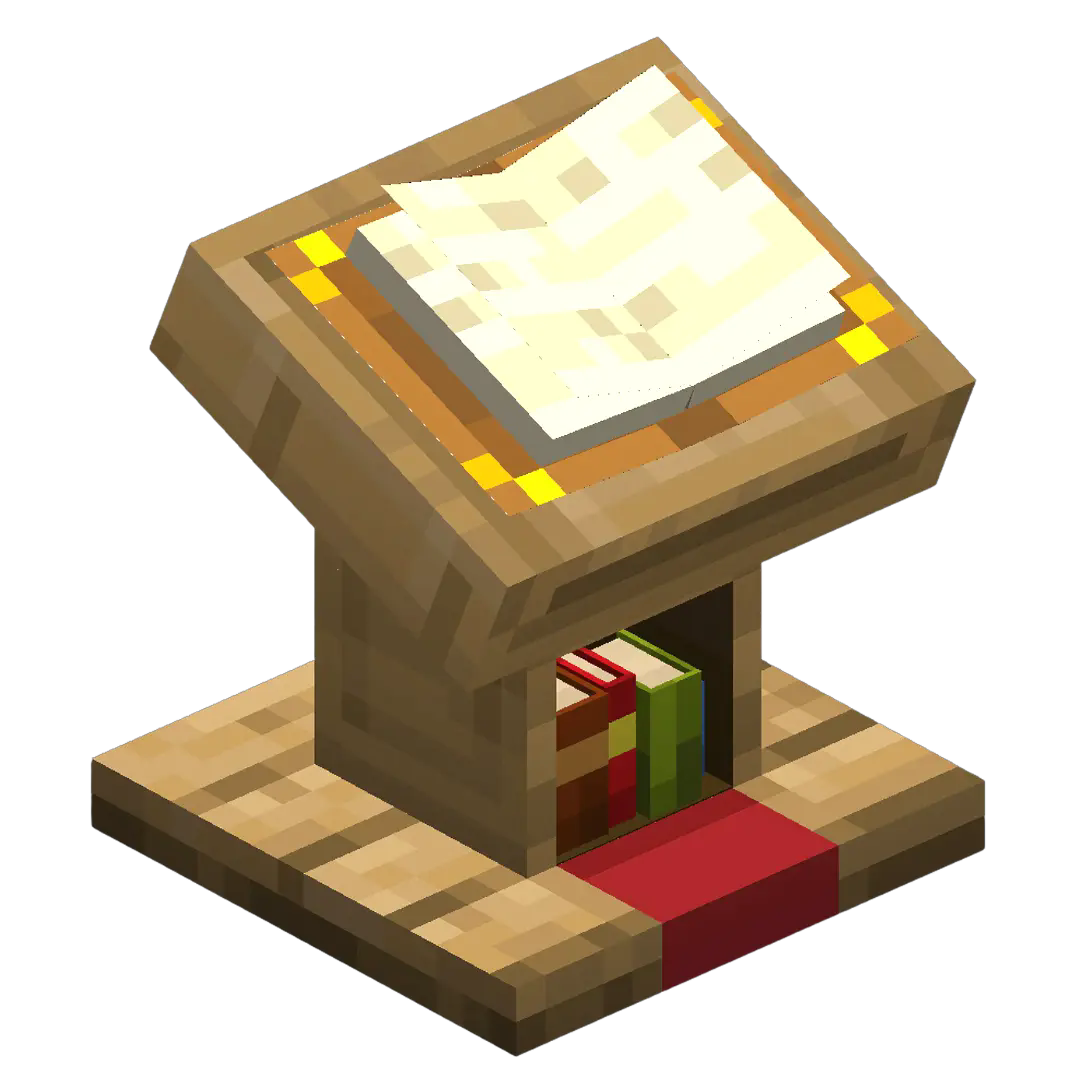 |
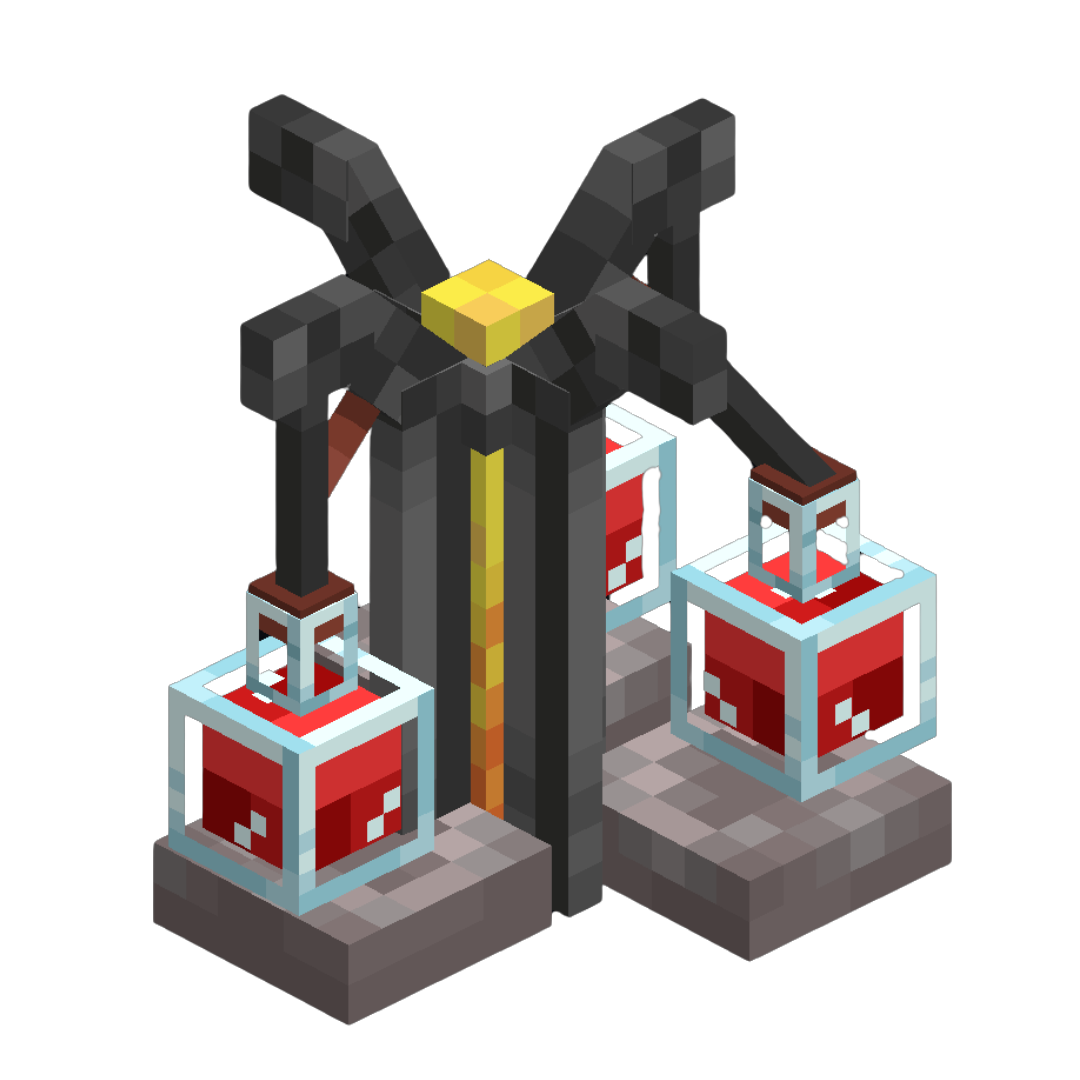 |
See the Gallery for more images!
Get more of my Actually 3D standalone resourcepacks!

CO’s Projects Community
Do you want Behind the Scenes insights, Development Updates and a place to share your thoughts and ideas with me and other members of the community?
The Future Plans:
This is the second pack of my ‘Actually 3D’ resourcepack collection, which will hopefully expand, adding new & detailed 3D models to existing blocks, and even items in the game! I’m planning to release each sub-pack (like: Furnaces, Workbenches, Ores, etc.) on it’s own, while also adding it to the main ‘Actually 3D’ pack which will feature all my ‘Actually 3D’ resourepacks in one.

常见问题
Actually 3D Workbenches 支持哪些 Minecraft 版本?
Actually 3D Workbenches 支持 Minecraft Java 版 1.20–1.21.10,共 18 个版本。下载时注意选择和你游戏版本一致的文件。
Actually 3D Workbenches 怎么安装?
把下载的 .zip 文件(不用解压)放进游戏目录的 resourcepacks 文件夹,进游戏后在「选项 → 资源包」里把它移到右边启用。
MattCrowberry 的其他作品
查看全部 →
Actually 3D Blocks & Items!
3D 资源包,让大量方块和物品变得更加精致、平滑,并真正实现立体化!(3D 熔炉、3D 工作台、3D 花朵、3D 梯子、3D 蘑菇、3D 物品、3D 植物、3D 铁轨、3D 农作物、3D 南瓜、3D 狼牙棒、3D 不死图腾、3D 紫水晶等。)

Actually 3D Blocks & Items!
3D resourcepack, which makes a lot of Blocks and Items more detailed, smoother and Actually 3D! (3D Furnaces, 3D Workbenches, 3D Flowers, 3D Ladders, 3D Items, 3D Plants, 3D Rails, 3D Crops, 3D Doors, 3D Mace, 3D Totems, 3D Amtehyst, and other stuff)

Actually 3D Flowers & Plants
A Vanilla friendly resourcepack, which makes certain Flowers & Foliage in Minecraft more detailed and actually 3D! (3D Plants, 3D Sugar Cane, 3D Pumpkins, 3D Crops, 3D Bushes, 3D Mushrooms, 3D Fungi, 3D Grass, 3D Dead Bush, etc...)

Actually 3D Furnaces
A Vanilla friendly resourcepack, which makes Furnaces in Minecraft more detailed, smoother and actually 3D!
评论
登录后评论和评分