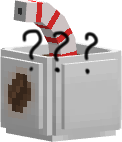
截图
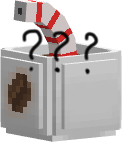


介绍
This resource pack replace the “boring” totem with a 3D Coffee model totem!
⚠ Important Note ⚠
The one that you download is alpha version, I’m planing to add some cool-stuffs like animated texture, more varients and rename to change the model
But because the summer ends and we’re back to school, I don’t have much time to make them.
IF you want, you can customize the model, not just my coffee.
the tutorial is here:
Shout out to both of them.
Here’s are some more step to import the model to the resource pack:
- Click “File > Save Model/Export as Item Model”. You get “model.json” file.
- Right Click the “texture > Save As”. You get the PNG file of the texture.
And here’s the file part, read carefully:
- Open the “.zip” file with WinRAR or something idk.
2.1. Go to: “assets > minecraft > models > item”. Delete the “totem_of_undying.json” file and add your model.json, make sure to rename like mine.
2.2. Open the “.json” file you just add, look for the “0” and “particle”. Delete the “block/texture” in both lines, replace with “item/totem_of_undying”.
2.3. Go back to “minecraft > texture > item”. Also delete the “totem_of_undying.png”. Add yours and rename it like mine.
_And that’s how you get your custom totem!_
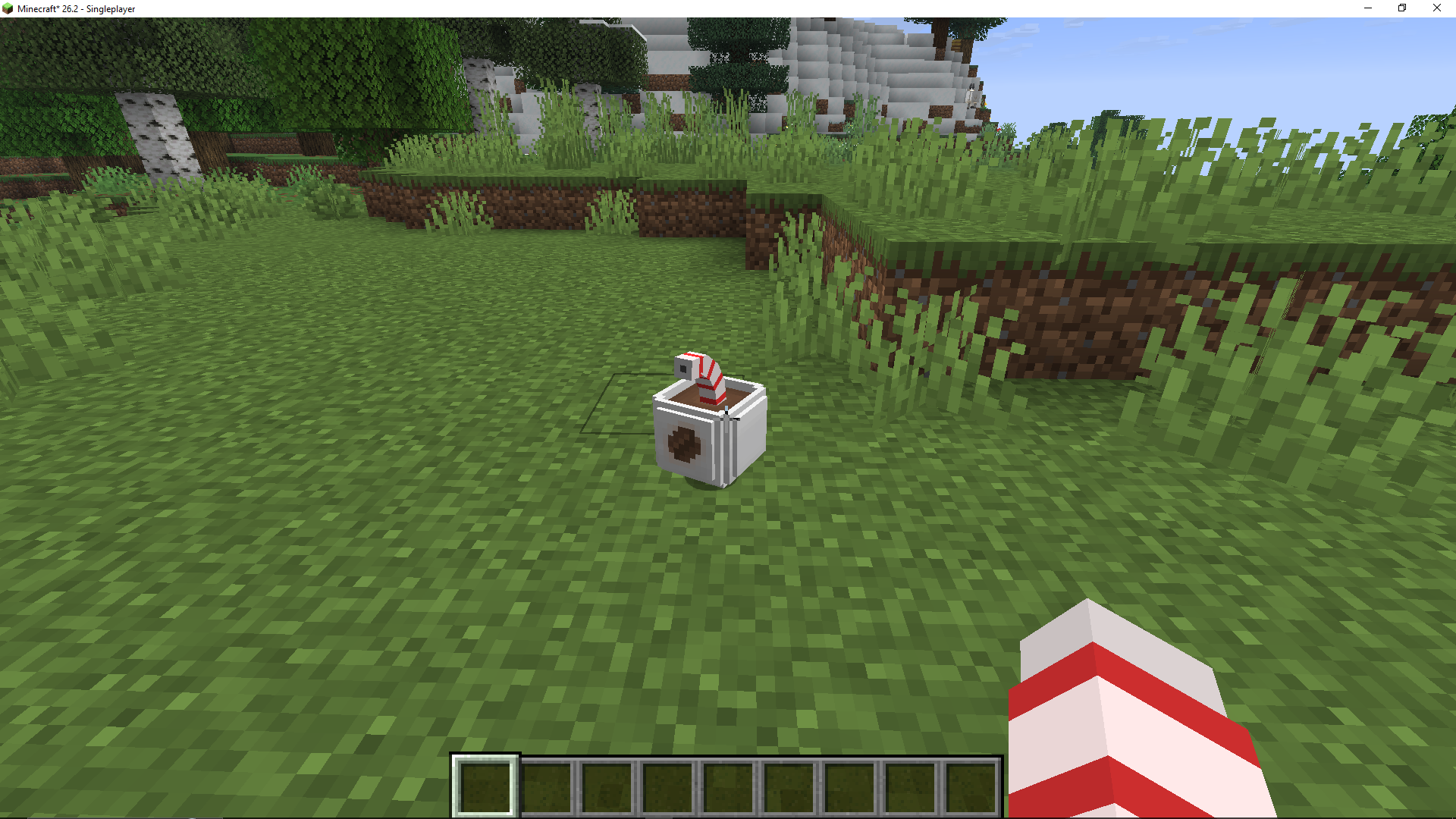
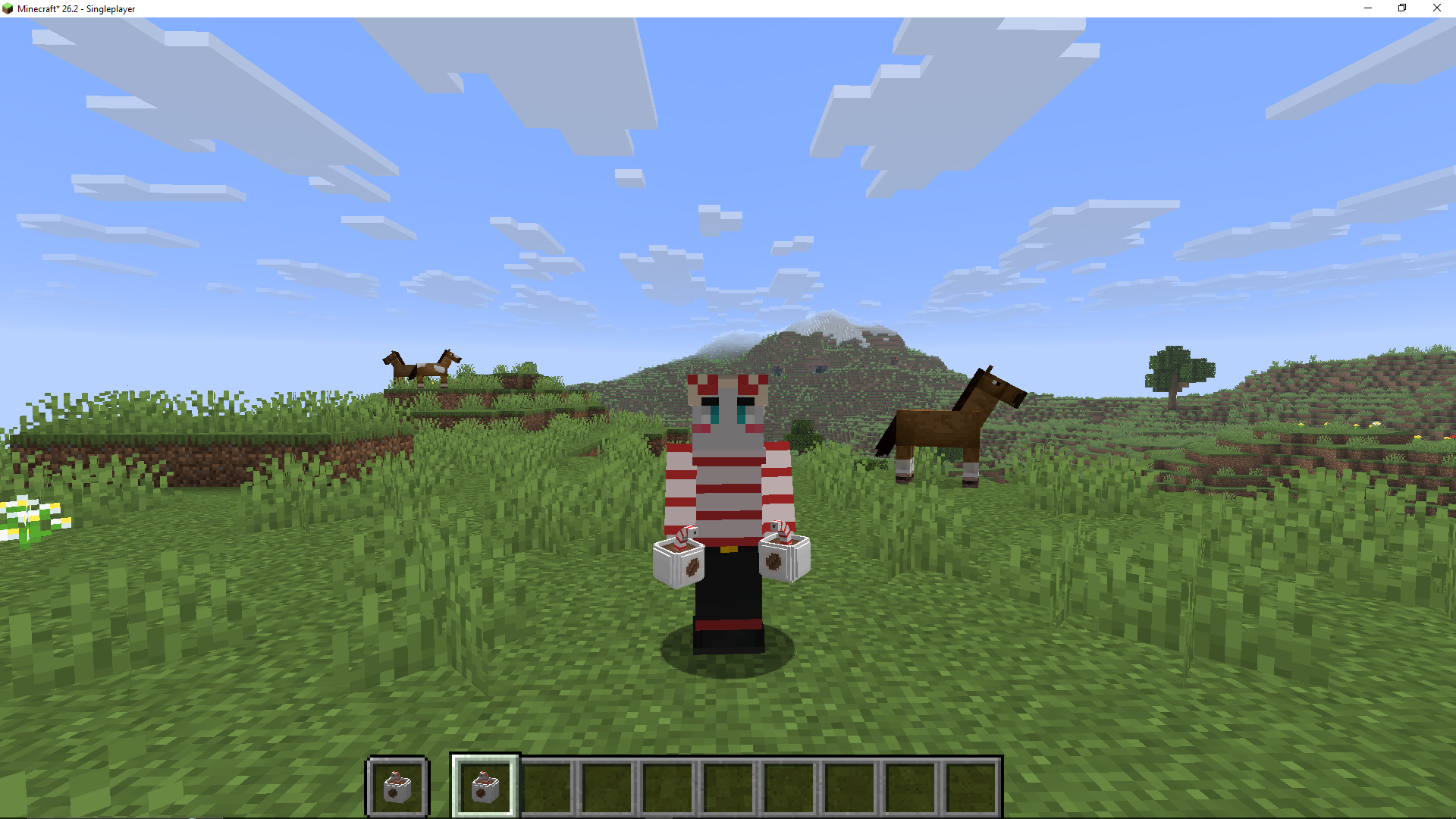
Image In Real Game
Item On The Ground:
In Third-Person
In Hands
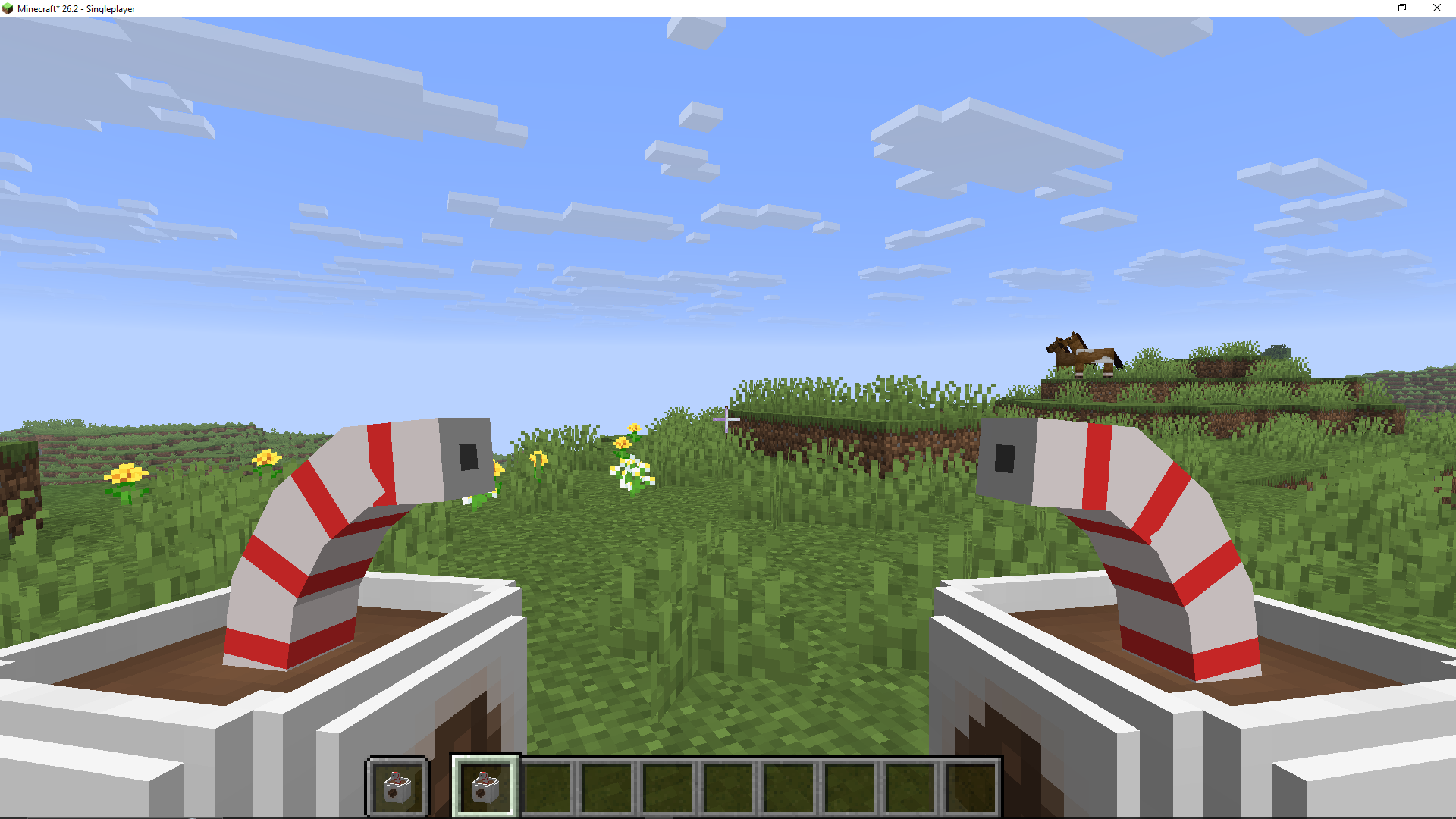
All Rename
Coffee
Strawberry Smoothie
Lemonade
Egg Coffee
_More coming soon~_
If you have any questions or suggestion, DM me in Discord: “justague”
常见问题
3D Drinks Totems! 支持哪些 Minecraft 版本?
3D Drinks Totems! 支持 Minecraft Java 版 26.2。下载时注意选择和你游戏版本一致的文件。
3D Drinks Totems! 怎么安装?
把下载的 .zip 文件(不用解压)放进游戏目录的 resourcepacks 文件夹,进游戏后在「选项 → 资源包」里把它移到右边启用。
评论
登录后评论和评分