Zenith Project: Create & Beyond
Developed through player input, new mods are regularly voted in by the community.
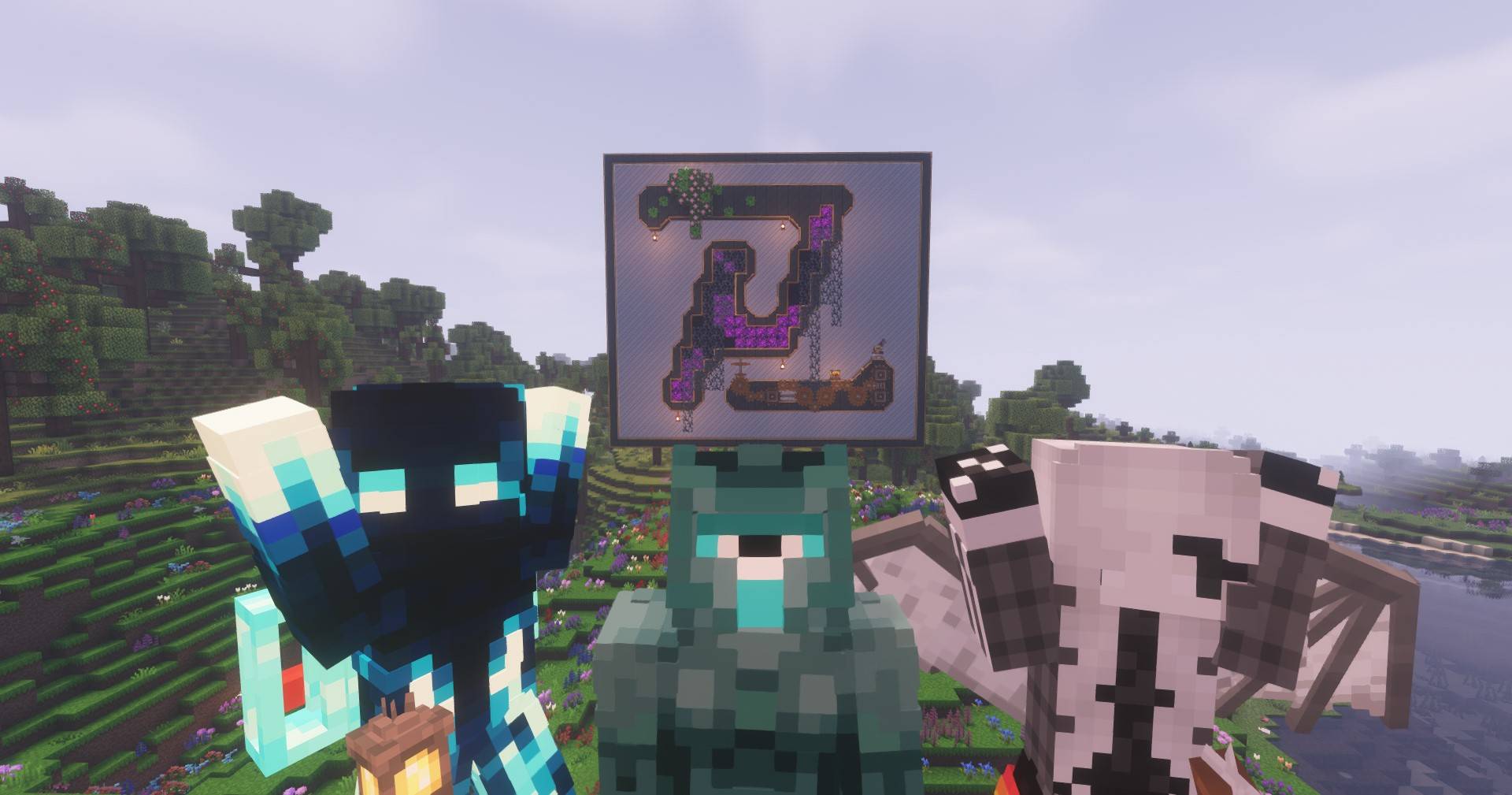
截图
介绍
Zenith Project : Create & Beyond
Welcome to Create & Beyond, a unique and ever-evolving Minecraft modpack where the community takes the lead! This modpack is designed to grow and adapt based on your input, with new mods being voted in regularly. With over 130+ mods already included, this pack is built around the Create mod as its core tech mod, offering a seamless blend of creativity, automation, and exploration.
Features
- Community-Driven: New mods are added based on community votes, ensuring the pack evolves according to player preferences.
- Create-Centric: The Create mod is the heart of the pack, offering intricate machinery, automation, and endless creative possibilities.
- Optimized Performance: Despite the large number of mods, the pack is highly optimized for smooth gameplay.
- Diverse Mods: From magic and exploration to quality-of-life improvements, the pack includes a wide variety of mods to enhance your Minecraft experience.
Social Links
Join our community and stay updated with the latest developments, vote for new mods, and connect with other players!
- Discord: Join our Discord Server
- Website: Visit our Official Website
How to Get Started
- Download the modpack from the CurseForge mod browser.
- Install it using your favorite Minecraft launcher (e.g., CurseForge App, MultiMC, or ATLauncher).
- Join our Discord to participate in mod voting and share your feedback!
Contribute
This modpack thrives on community involvement. Whether you’re suggesting mods, reporting bugs, or sharing your creations, your input is invaluable. Let’s build the ultimate Minecraft experience together!
Create & Beyond is more than just a modpack—it’s a collaborative journey. Join us today and help shape the future of this ever-growing project!
常见问题
Zenith Project: Create & Beyond 支持哪些 Minecraft 版本?
Zenith Project: Create & Beyond 基于 Minecraft Java 版 1.20.1,使用 Fabric 加载器。
Zenith Project: Create & Beyond 怎么安装?
点本页「前往下载」拿到整合包文件(Modrinth 的是 .mrpack,CurseForge 的是 .zip),在 PCL2 或 HMCL 启动器里选择「导入整合包」,启动器会自动装好 Minecraft、加载器和全部模组。建议在启动器里给游戏分配 4–6 GB 内存。
Zenith Project: Create & Beyond 开服需要多大内存?
推荐服务器内存 12 GB。在线人数多、或者建了大量机器和区块加载器时,可以再加 2–4 GB。
怎么和朋友一起玩 Zenith Project: Create & Beyond?
点本页的「一键开服」,选好配置后会自动安装 Zenith Project: Create & Beyond 的服务端,几分钟就能开好。把服务器地址发给朋友,大家用同一个版本的整合包连进去就行。
评论
登录后评论和评分