截图
介绍

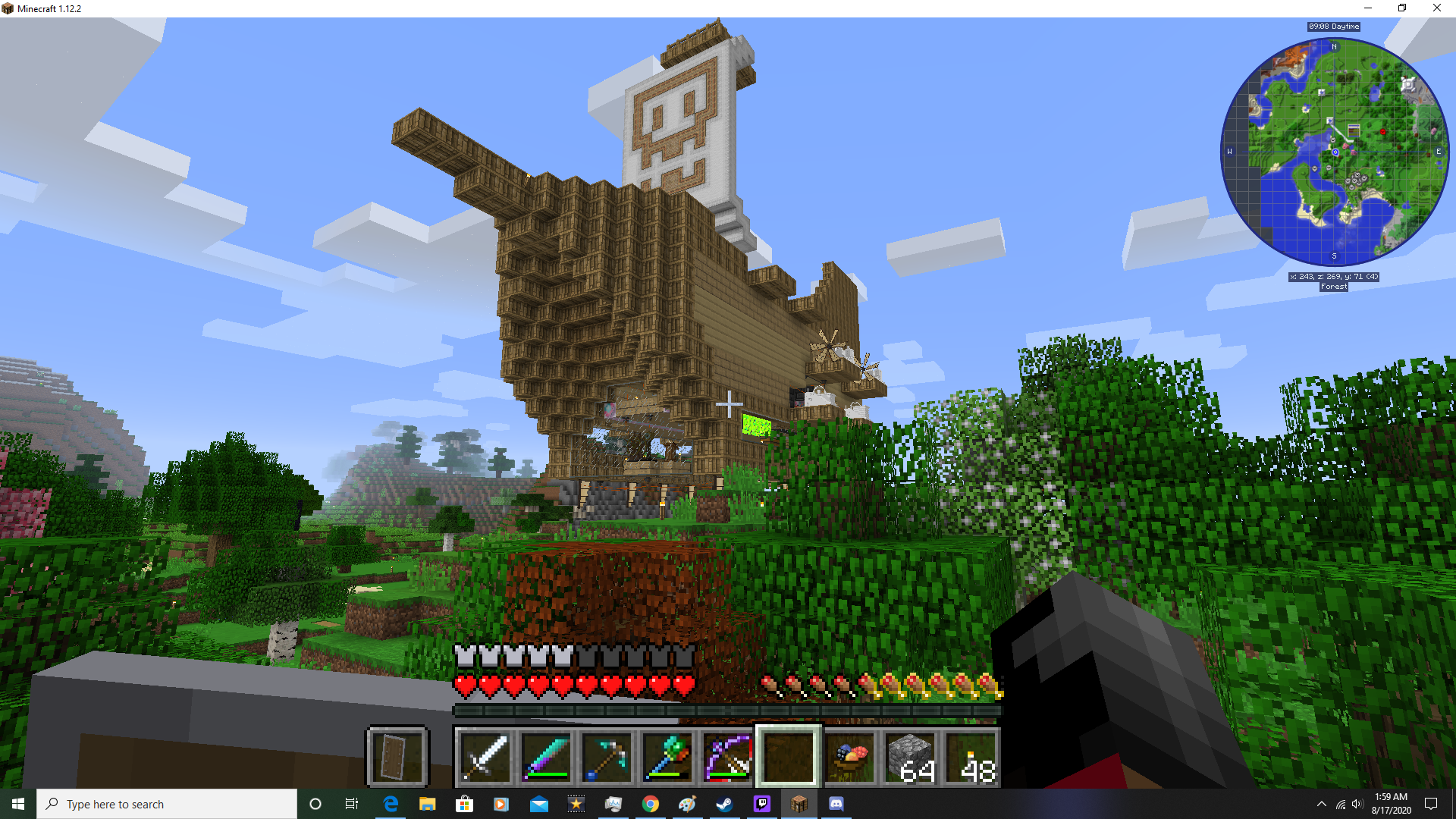
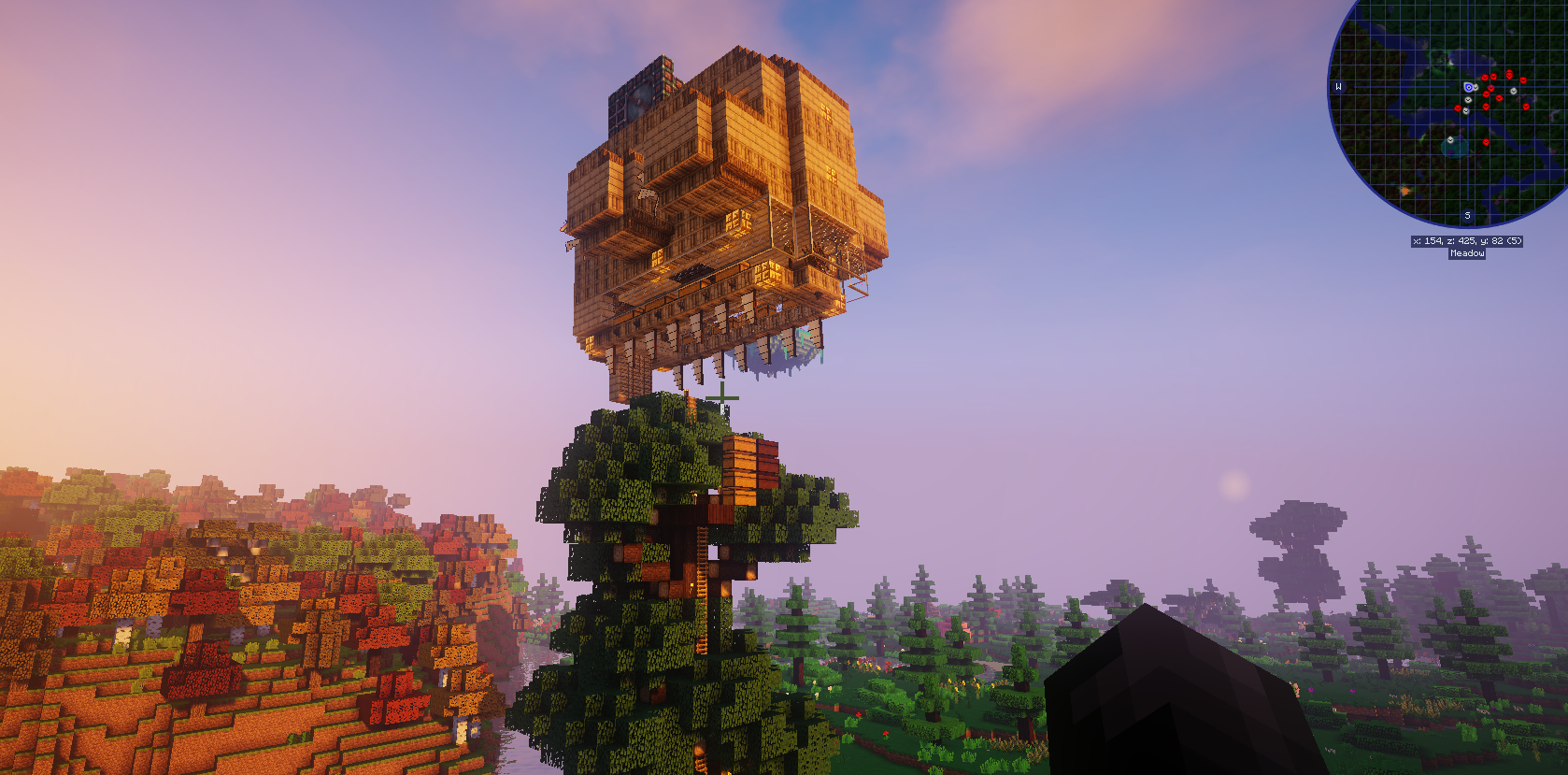
This is the dream pack I’ve always wished someone else would make. Includes the usual magic mods such as Thaumcraft and Blood Magic, as well as Astral Sorcery and some others. Included Immersive Engineering because I love the way it looks, with proper giant machines and whirling gears for your factory, along with some other useful tech mods. But what does one do with the incredibly powerful items from these mods? Use them against incredibly powerful enemies like Ice and Fire dragons, or explore one of the amazing and dangerous dimension-adding mods like The Betweenlands.
The overworld is always an interesting place to explore because of how many new mobs have been added to the game, and how many new biomes and structures decorate your world. Includes beautifully animated mobs from Mowzie’s mobs, fascinating mobs from Fish’s Undeaded Rising, and more natural creatures from Better Animals Plus to fill out every niche biome. The ocean is filled with life, and there are even new biomes underground thanks to Quark, so no place will has been left untouched! For the farmer, Animania and Pam’s Harvest Craft help to make raising animals and preparing food more fun and immersive. For the blacksmith, you can forge custom Tinker’s SlashBlades katanas from materials like thaumium or dragon bones! Lastly there are mods made for convenience or to increase gameplay options, like Wearable Backpacks, OpenBlocks, sleeping bags, Chisel to make things pretty, and Spartan’s Weaponry for more variety! Have fun exploring this amazing world, taming mythical creatures and finding uncraftable loot in dungeons with help from the magic tool’s you’ve researched to create!
Note: I can run this pack with 3gigs of RAM allocated, but I’ve got people who tell me they need 5gigs to get it working. You can allocate more RAM by going opening the Minecraft Launcher, going to the installations tab, hovering over Zegaroth’s Magiverse (forge-14.23.5.2854) and then hitting the “…” button and selecting edit. Go to MORE OPTIONS and under JVM ARGUMENTS where it says -Xmx3228m change the number according how much RAM you want to allocate (3000m is 3 gigs). For a much smaller version of this mod pack, use Magiverse Lite: https://www.curseforge.com/minecraft/modpacks/zegaroths-magiverse-lite
If you use airships, you’ll probably want to turn dragon griefing off lest your airship get roasted. You can change this setting by going to C:\Users\(YOUR_USERNAME)\Twitch\Minecraft\Instances\Zegaroth’s Magiverse\config and finding the Ice and Fire config. Set Dragon Griefing equal to 2 to disable it. You can also reduce the spawn rate of dragon roosts by setting the Generate Dragon Roost Chance to a higher number.
If you plan on using shaders, you’ll need to manually uninstall FoamFix and BetterPortals and install OptiFine. Go to C:\Users\(YOUR_USERNAME)\Twitch\Minecraft\Instances\Zegaroth’s Magiverse\mods and delete the FoamFix and BetterPortals files. Then drag and drop the OptiFine jar file into the mods folder.
One more warning for those who use shaders: most shaders cause the game to malfunction when entering The Betweenlands dimension, since this dimension has its own shaders. Luckily there is a fix for this: go to C:\Users\(YOUR_USERNAME)\Twitch\Minecraft\Instances\Zegaroth’s Magiverse\config\thebetweenlands and open the config file with a text editor. Find rendering, and set B:use_shader to false.
Mod list as of 8/7/2020:
[ANGRY PIXEL] The Betweenlands
Animania
AppleSkin
Applied Energistics 2
Astral Sorcery
AutoRegLib
Baubles
Better Animals Plus
BetterPortals
BiblioCraft
Biomes O’ Plenty
Blood Magic
Botania
BountifulBaubles
Buildcraft
Chameleon
Chisel
CodeChicken Lib 1.8.+
Comforts
ConnectedTexturesMod
Construct’s Armory
Cooking for Blockheads
Craftable Saddles
CraftStudio API
CraftTweaker
Crimson Revelations
Doomlike Dungeons
Ender Storage 1.8.+
Fish’s Undead Rising
FoamFix
Guide-API
Hwyla
Ice and Fire: Dragons in a whole new light!
Immersive Engineering
Immersive Petroleum
Immersive Posts
JourneyMap
Just Enough Items (JEI)
LLibrary
Mahou Tsukai
MalisisCore
MalisisDoors
Mantle
Mouse Tweaks
Mowzie’s Mobs
Multi Mob Library
Mystical World
MysticalLib
Natura
Neat
OpenBlocks
OpenModsLib
Pam’s HarvestCraft
Patchouli
Pewter
Primitive Mobs
Quark
Railcraft
Roots
Shadowfacts’ Forgelin
SlashBlade
Spartan and Fire
Spartan Shields
Spartan Weaponry
Spartan Weaponry Arcana
Storage Drawers
Thaumcraft
Thaumic Augmentation
Thaumic Katana
Thaumic Periphery
Thaumic Tinkerer
The Aether (not aether 2)
The Twilight Forest
Tinker’s SlashBlade
Tinkers Aether
Tinkers Construct
Valkyrien Skies
Waystones
Wearable Backpacks
常见问题
Zegaroth’s Magiverse 支持哪些 Minecraft 版本?
Zegaroth’s Magiverse 基于 Minecraft Java 版 1.12.2,使用 Forge 加载器。
Zegaroth’s Magiverse 怎么安装?
点本页「前往下载」拿到整合包文件(Modrinth 的是 .mrpack,CurseForge 的是 .zip),在 PCL2 或 HMCL 启动器里选择「导入整合包」,启动器会自动装好 Minecraft、加载器和全部模组。建议在启动器里给游戏分配 4–6 GB 内存。
Zegaroth’s Magiverse 开服需要多大内存?
推荐服务器内存 12 GB。在线人数多、或者建了大量机器和区块加载器时,可以再加 2–4 GB。
怎么和朋友一起玩 Zegaroth’s Magiverse?
点本页的「一键开服」,选好配置后会自动安装 Zegaroth’s Magiverse 的服务端,几分钟就能开好。把服务器地址发给朋友,大家用同一个版本的整合包连进去就行。
LordZegaroth 的其他作品
查看全部 →
Epic Fight Universe
以 Epic Fight Mod 为核心!
Epic Fight Universe Lite
以 Epic Fight Mod 为核心!

Epic Fight Universe Ultimate
以 Epic Fight Mod 为核心!
CurseEater
All the magic, all the monsters, legendary weapons
评论
登录后评论和评分