VentureQuest
A lightweight 1.20.1 Forge exploration and RPG adventure! Discover custom structures, hunt rare loot, master unique weapons, and survive with realistic new mobs.
截图
介绍
Welcome to Venture, the perfect modification pack designed to revitalize the classic Minecraft world without putting a heavy load on your PC! This modpack is carefully crafted to transform your ordinary survival journey into a thrilling exploration and light RPG experience.
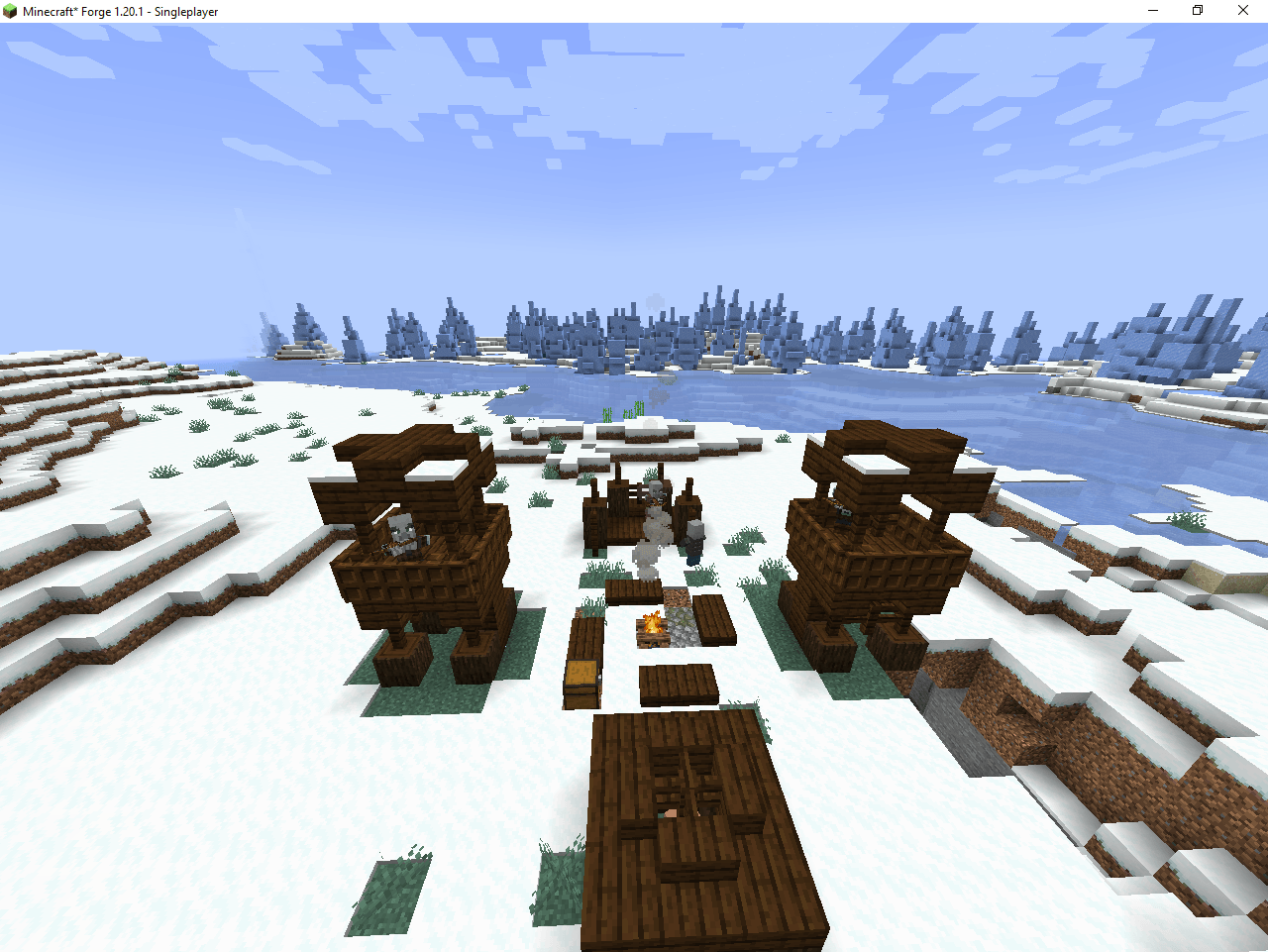
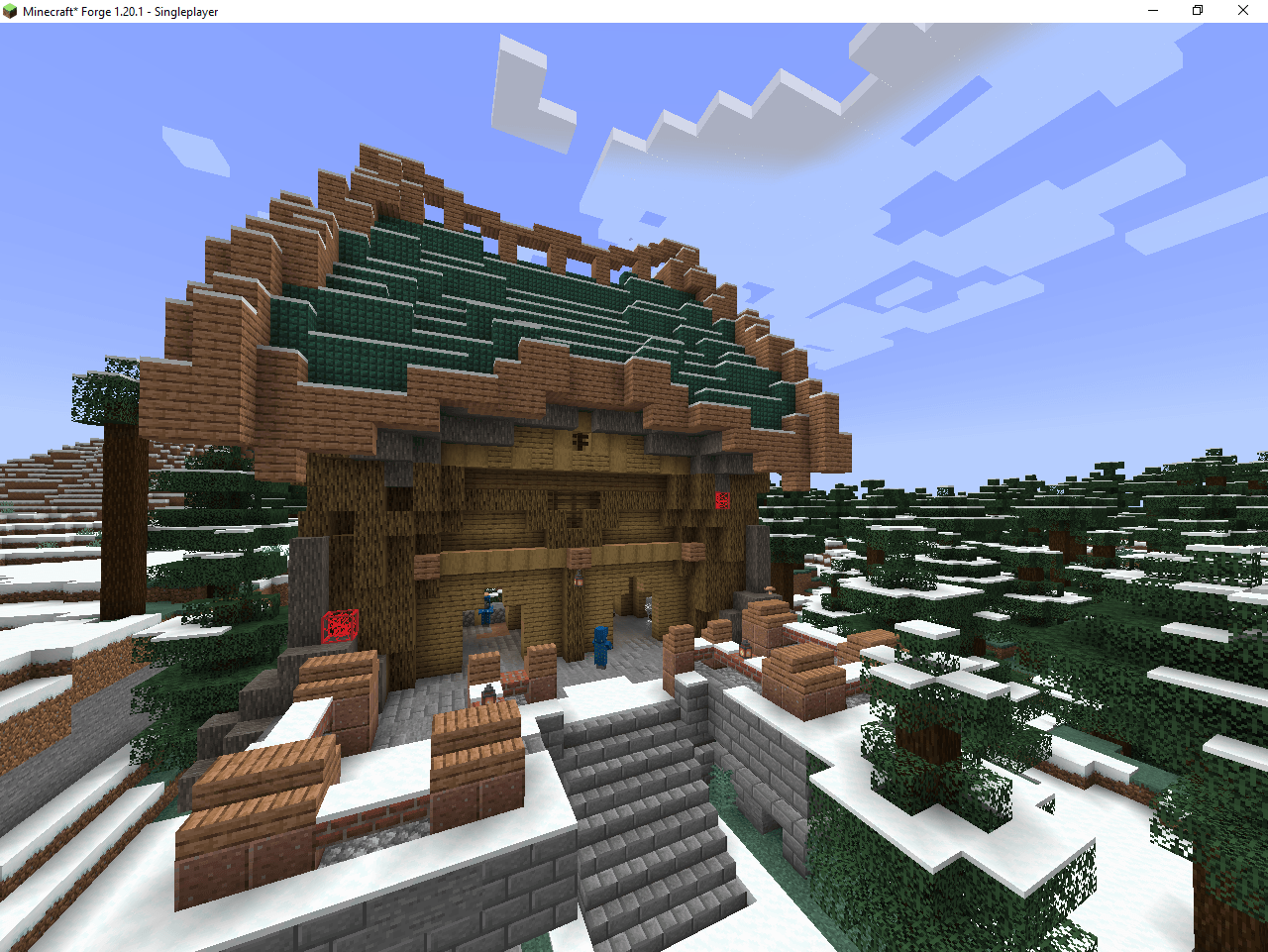
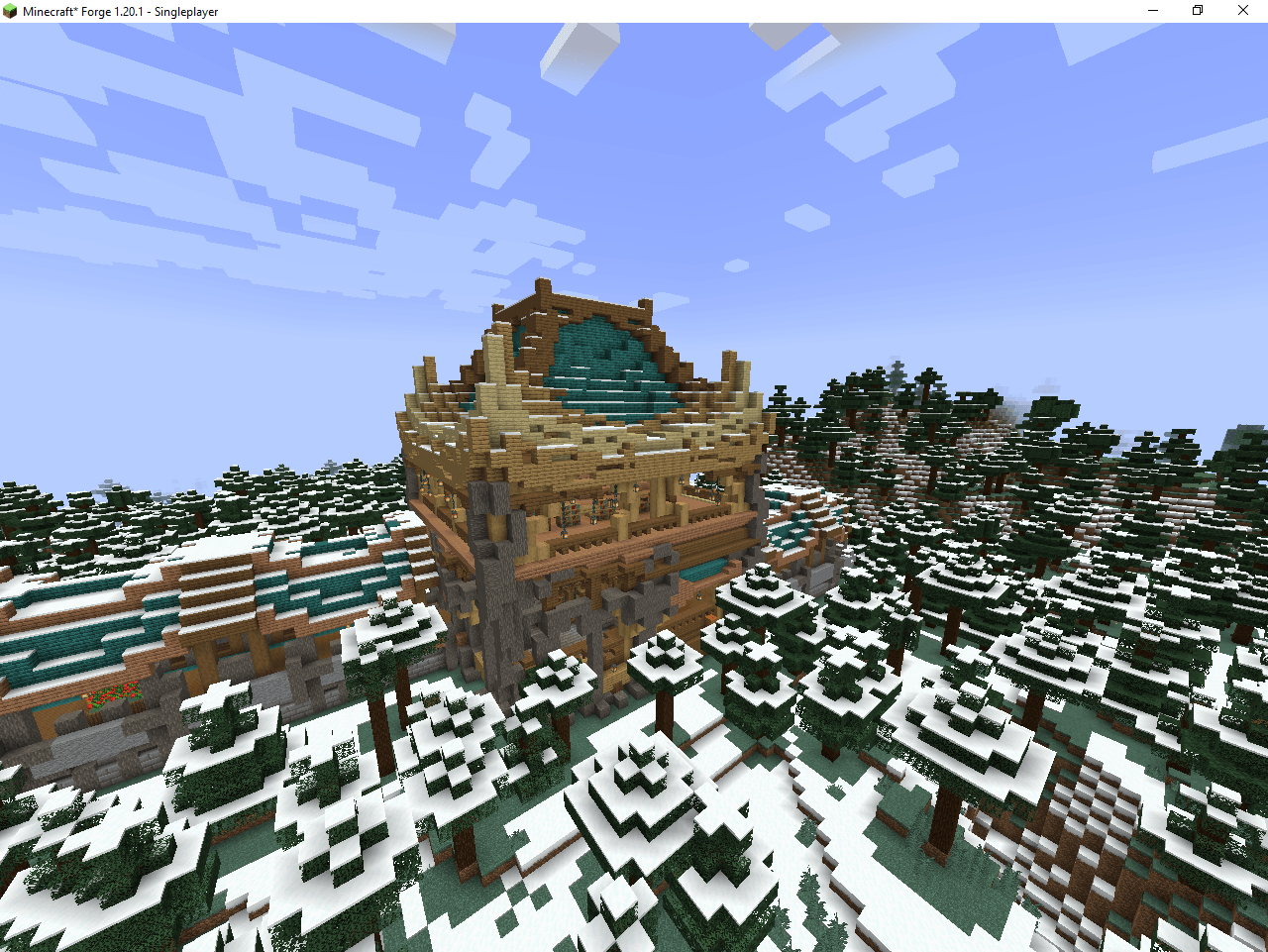
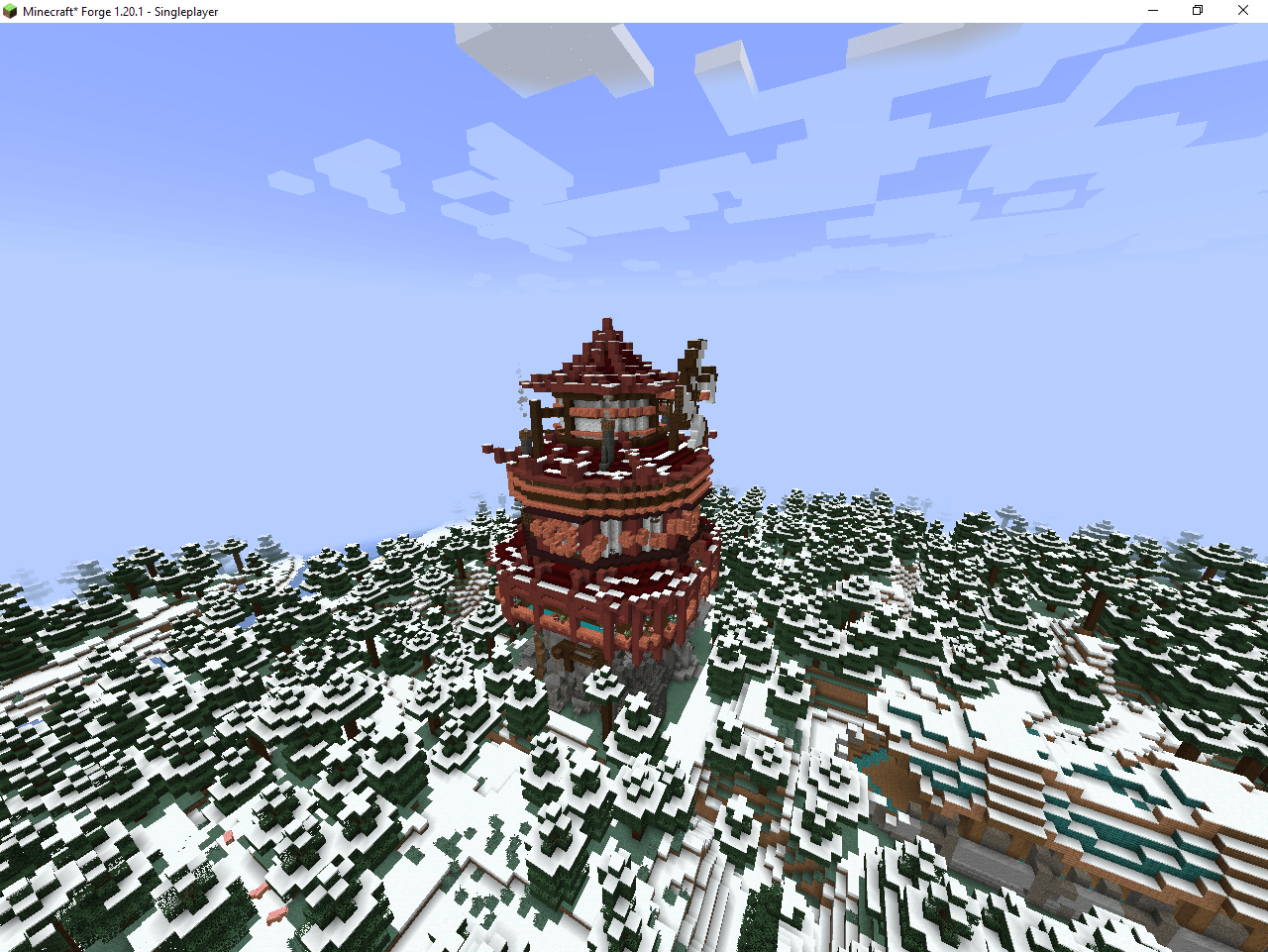
- Custom Structures & Hidden Loot: Explore massive floating airships, hidden towers, and abandoned taverns scattered all across the world. Each structure is packed with unique challenges and rewarding loot chests.
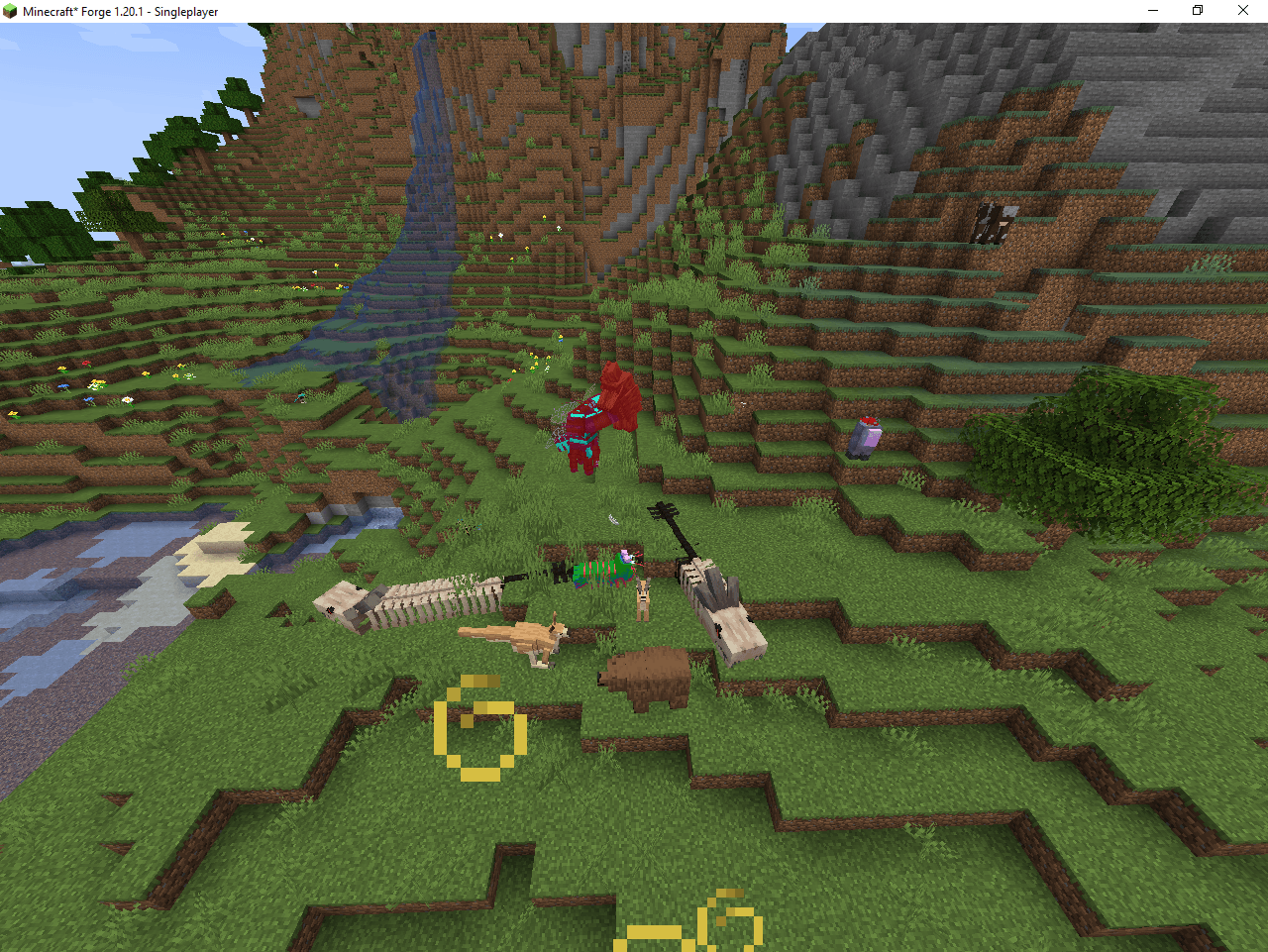
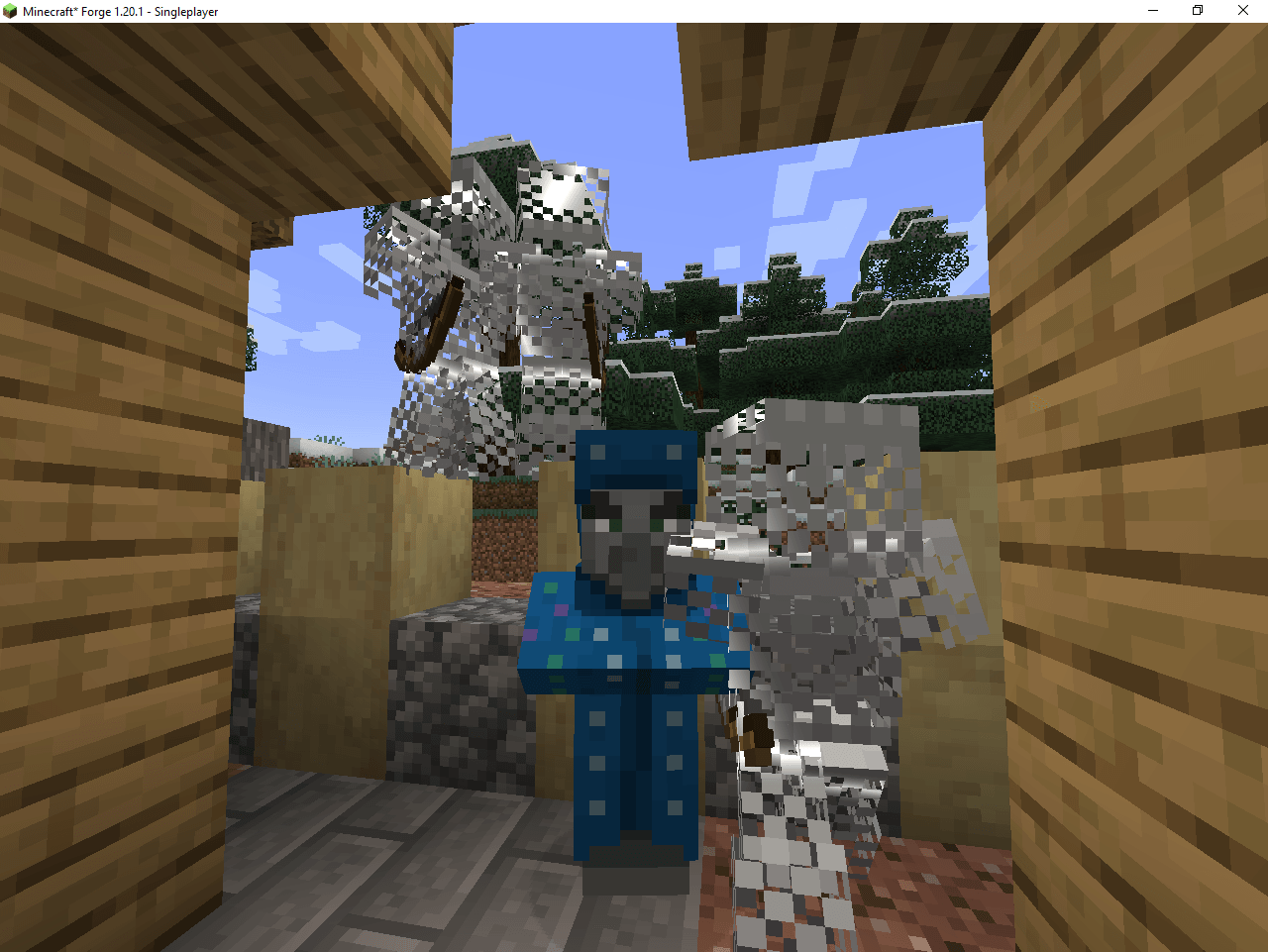
- Realistic Survival Mobs: Encounter over 80+ brand-new, highly interactive animals and mythical creatures spawning naturally in their respective biomes.
- Specialized Combat & Armory: Upgrade your arsenal with a balanced selection of custom tier-based weapons like Daggers, Battleaxes, and Hammers without losing the game’s core vanilla charm.
- Essential Utilities: Includes a handy in-game Mini-map to track coordinates or nearby threats, alongside an extensive Recipe Guide to instantly check how to craft any item.
- Optimized for Low-End PCs: Enhanced with top-tier performance stabilizers to lower RAM consumption and drastically boost your FPS for a completely lag-free experience.
- If you haven’t already, download and install the official CurseForge Desktop App for Windows or Mac.
- Open the CurseForge App and select Minecraft.
- Search for “Venture” in the browse section.
- Click the Install button and wait for the files to download.
- Go to your My Modpacks tab and click Play on this profile.
- The Minecraft Launcher will open with the correct profile selected. Click Play again.
- Once the game loads, click on Singleplayer and select Create New World.
- Make sure that “Generate Structures” is turned ON in the world settings to enjoy the custom houses and dungeons.
- Jump right in and start your ultimate survival adventure!
常见问题
VentureQuest 支持哪些 Minecraft 版本?
VentureQuest 基于 Minecraft Java 版 1.20.1,使用 Forge 加载器。
VentureQuest 怎么安装?
点本页「前往下载」拿到整合包文件(Modrinth 的是 .mrpack,CurseForge 的是 .zip),在 PCL2 或 HMCL 启动器里选择「导入整合包」,启动器会自动装好 Minecraft、加载器和全部模组。建议在启动器里给游戏分配 4–6 GB 内存。
VentureQuest 开服需要多大内存?
推荐服务器内存 12 GB。在线人数多、或者建了大量机器和区块加载器时,可以再加 2–4 GB。
怎么和朋友一起玩 VentureQuest?
点本页的「一键开服」,选好配置后会自动安装 VentureQuest 的服务端,几分钟就能开好。把服务器地址发给朋友,大家用同一个版本的整合包连进去就行。
NoobGamerz 的其他作品
查看全部 →
Ultimate LuckyBlock Skyblock
刺激的空岛生存体验:每一个方块都是幸运方块!试试手气,收集惊人战利品,在虚空中努力生存。

BoxPvP Map
A fast-paced, open-style BoxPvP map! Grind resources, tier up your gear, jump into intense arena fights, and dominate the leaderboard. Perfect for servers and friends!
Cpvp Arena
A high-performance, flat Crystal PvP (CPvP) Arena featuring a clean flat layout, clear purple borders, and dedicated anchor/beacon stations for ultimate explosive combat
Ultimate Mace PvP Arena
A highly strategic Mushroom-themed Mace PvP Arena featuring towering custom shrooms and rocky cliffs designed perfectly for high-altitude smash attacks.
评论
登录后评论和评分