
截图
介绍
————————————————————————————————————————————————————–
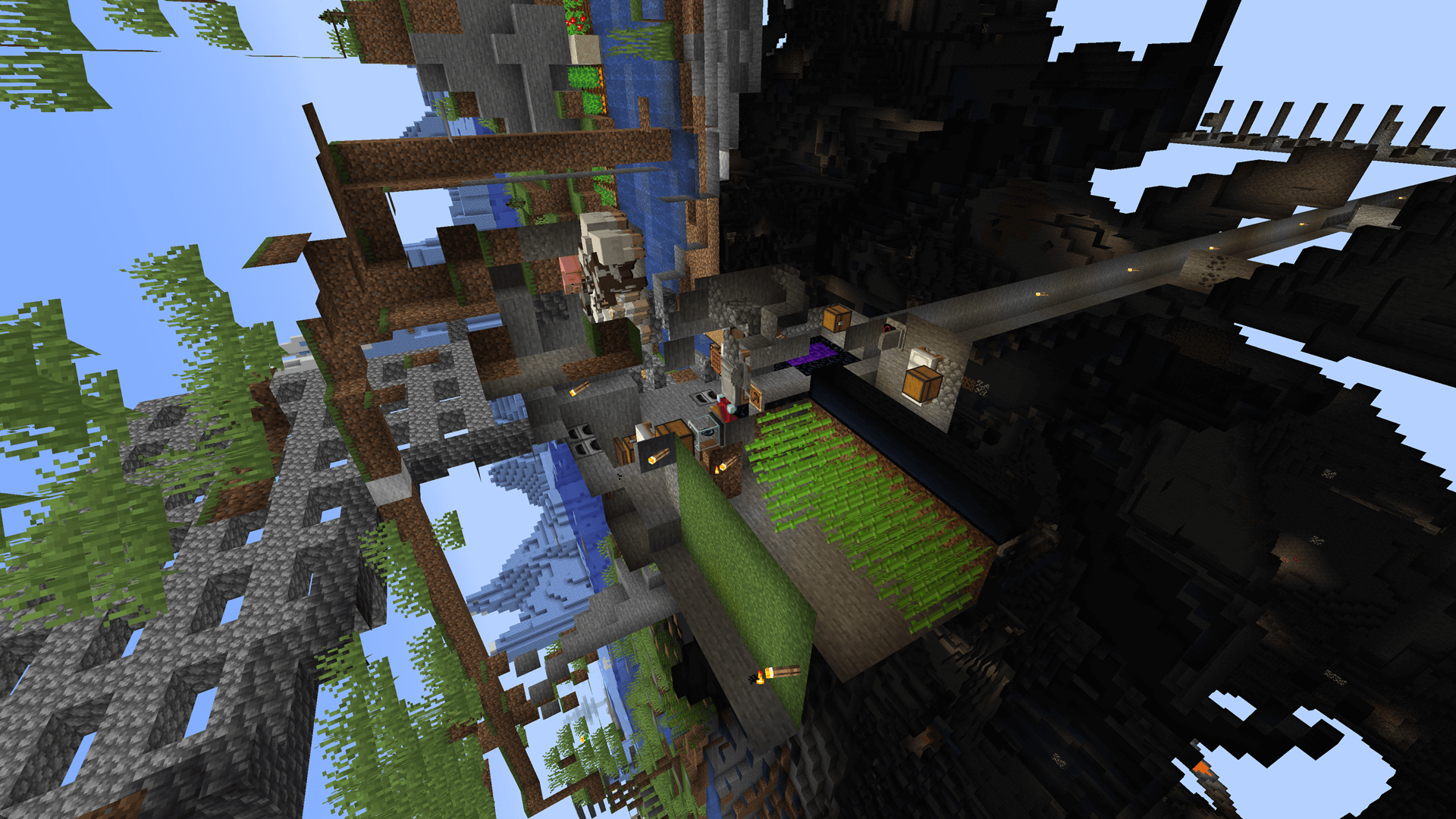
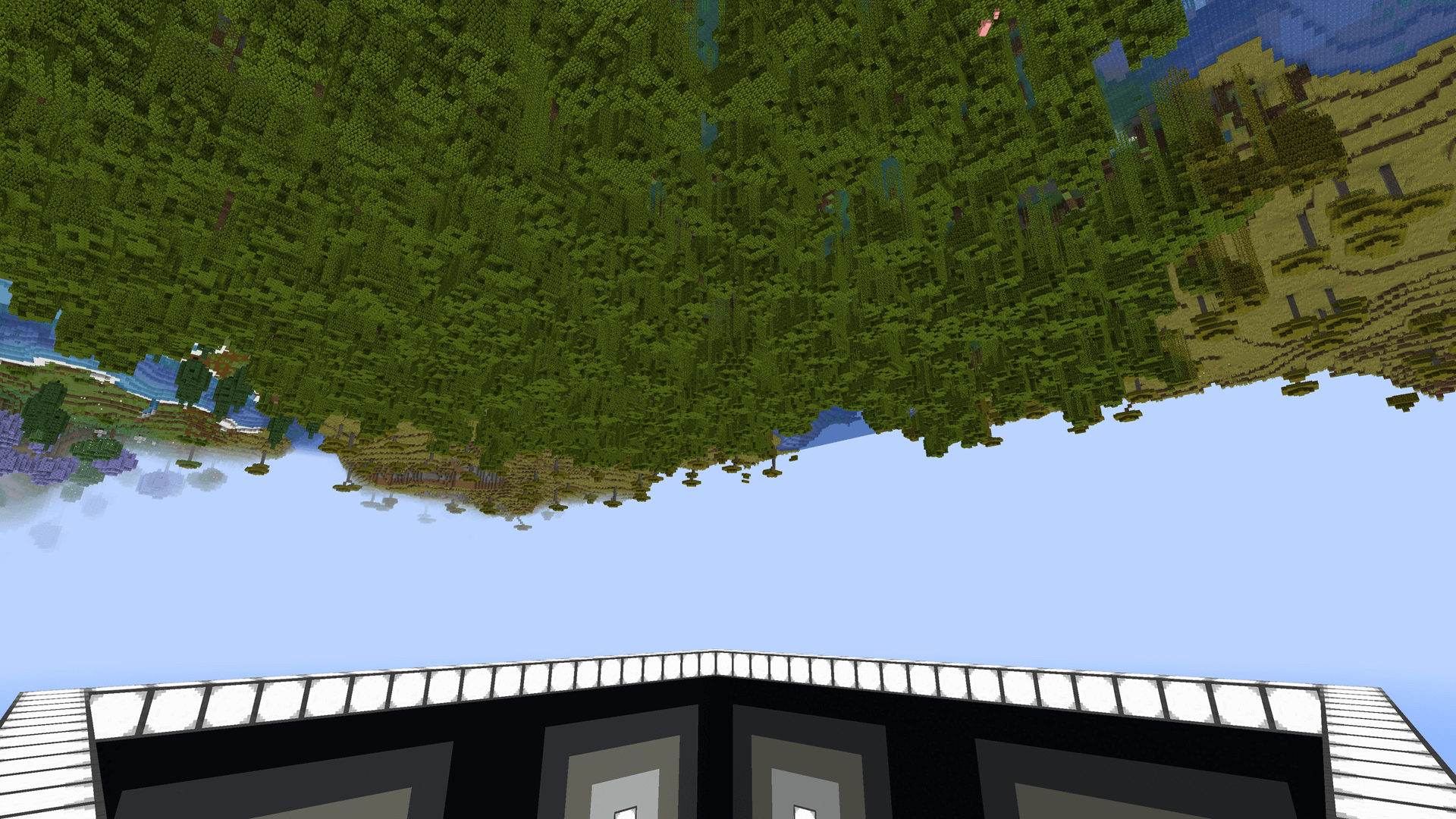
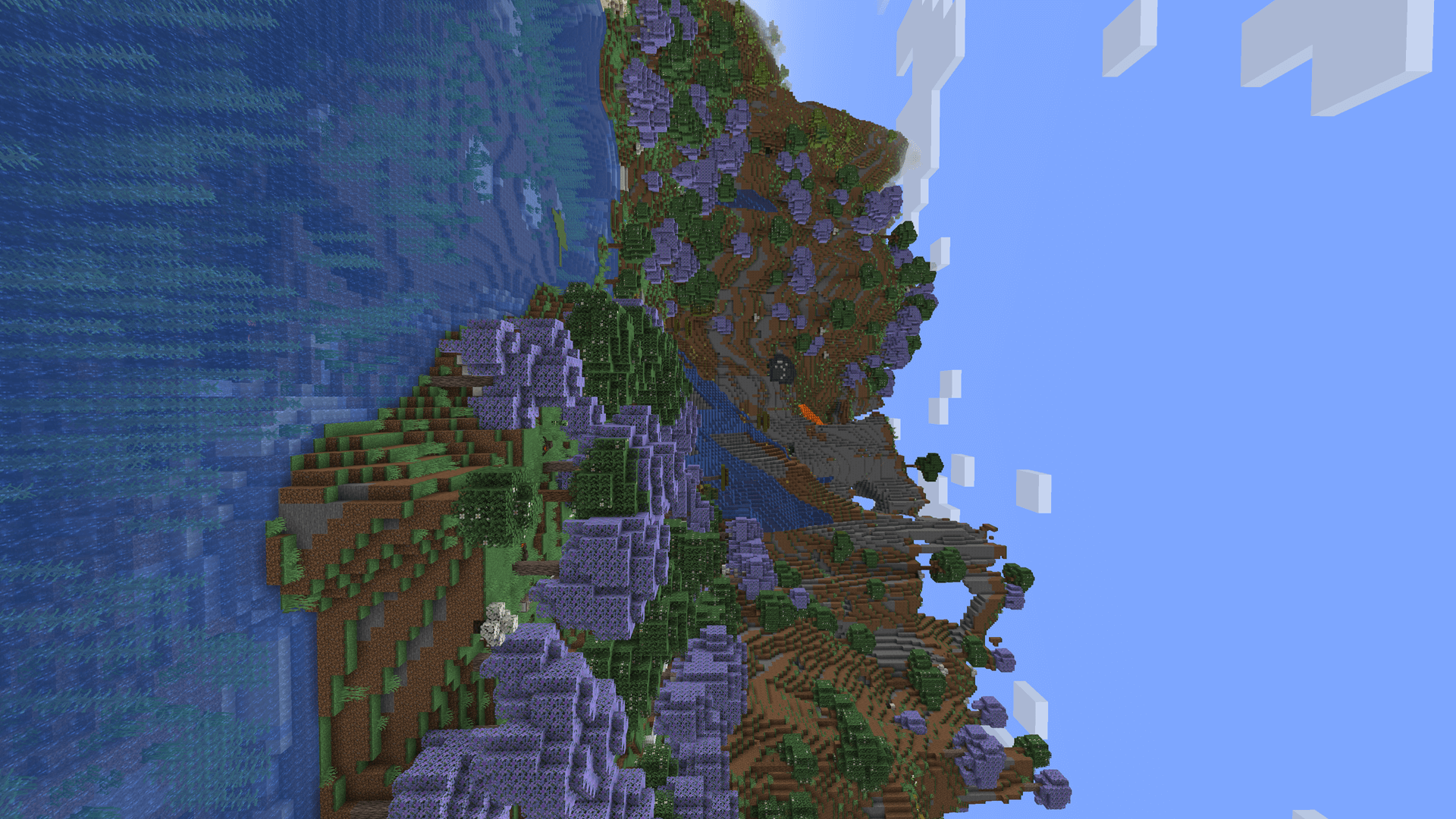
The standard gameplay for minecraft happens assuming you’re pulled towards the planet, what if this wasn’t the case. Introducing Upside, a modpack designed to turn that on its head (literally). Play with a random gravity direction and challenge yourself to beat the game with some gameplay addons to keep it fresh, such as Oritech, Terralith, Ad Astra, and more. For a further extreme challenge, attempt to control gravity yourself with custom recipes to prove yourself a master the game and all it has to offer.
N.B. No guarantees that spawn, or visiting other dimensions will play nicely with your nonstandard gravity direction.
————————————————————————————————————————————————————–
In order to set up your gravity, check the provided questbook with each world.
————————————————————————————————————————————————————–
As per version 1.5-prerelease-1 the credits are to be found in credits.txt which is within the root directory of the modpack.
————————————————————————————————————————————————————–
常见问题
Upside 支持哪些 Minecraft 版本?
Upside 基于 Minecraft Java 版 1.20.4,使用 Fabric 加载器。
Upside 怎么安装?
点本页「前往下载」拿到整合包文件(Modrinth 的是 .mrpack,CurseForge 的是 .zip),在 PCL2 或 HMCL 启动器里选择「导入整合包」,启动器会自动装好 Minecraft、加载器和全部模组。建议在启动器里给游戏分配 4–6 GB 内存。
Upside 开服需要多大内存?
推荐服务器内存 12 GB。在线人数多、或者建了大量机器和区块加载器时,可以再加 2–4 GB。
怎么和朋友一起玩 Upside?
点本页的「一键开服」,选好配置后会自动安装 Upside 的服务端,几分钟就能开好。把服务器地址发给朋友,大家用同一个版本的整合包连进去就行。
评论
登录后评论和评分