
UnBound World
Cozy Vanilla+ Modpack | New dimensions | Decoration Blocks | Some Bosses | Chill exploration.
截图
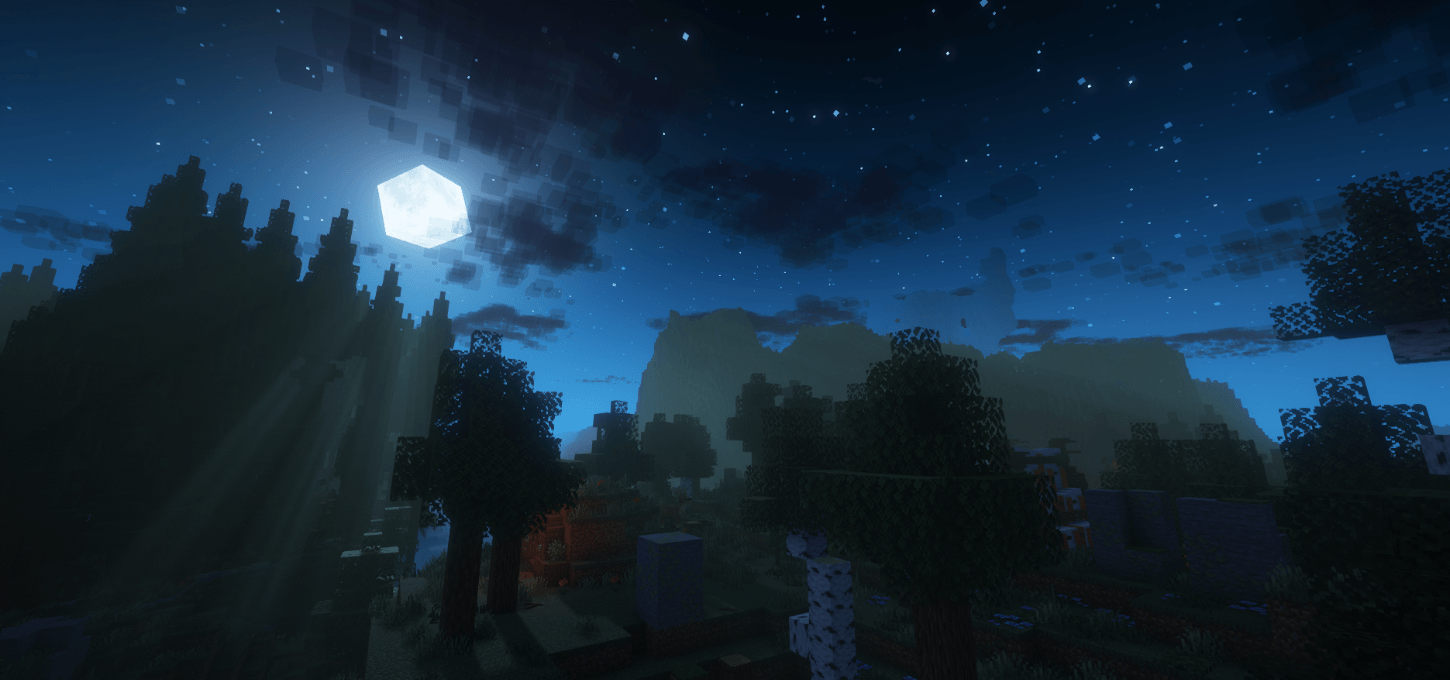
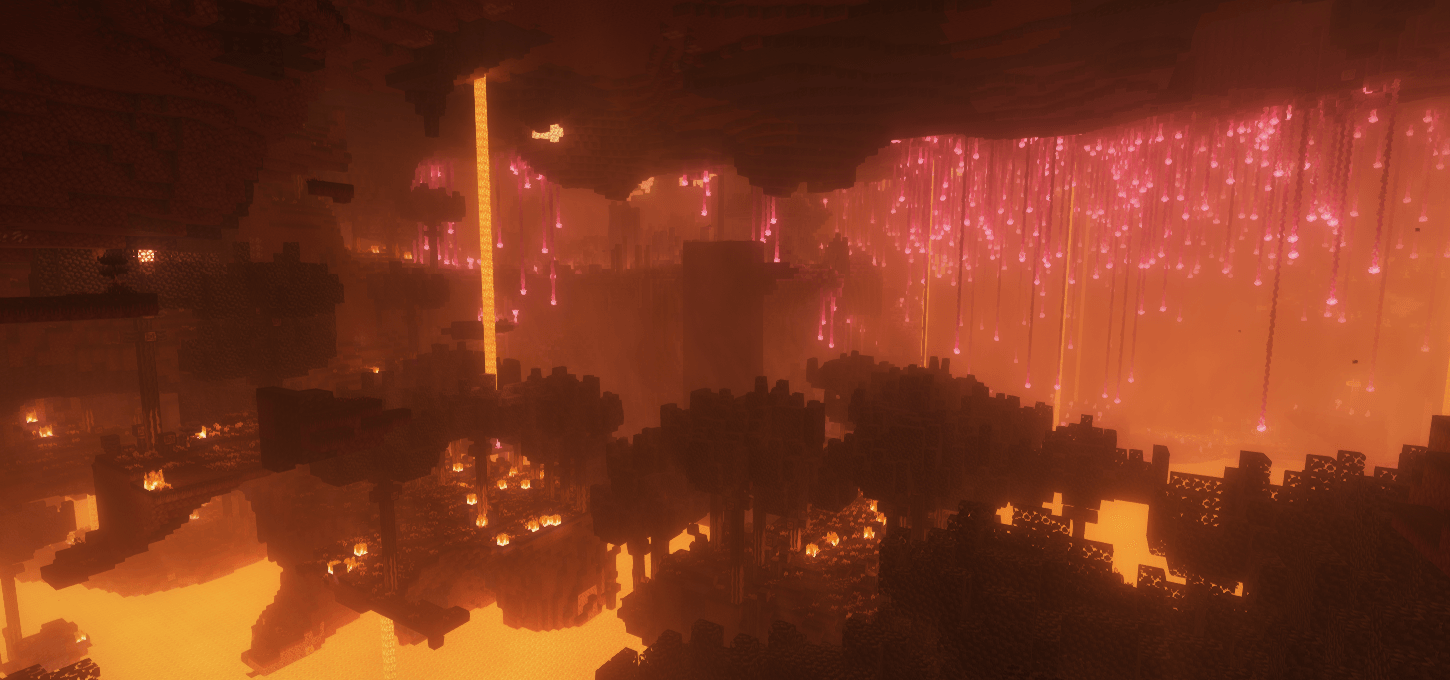
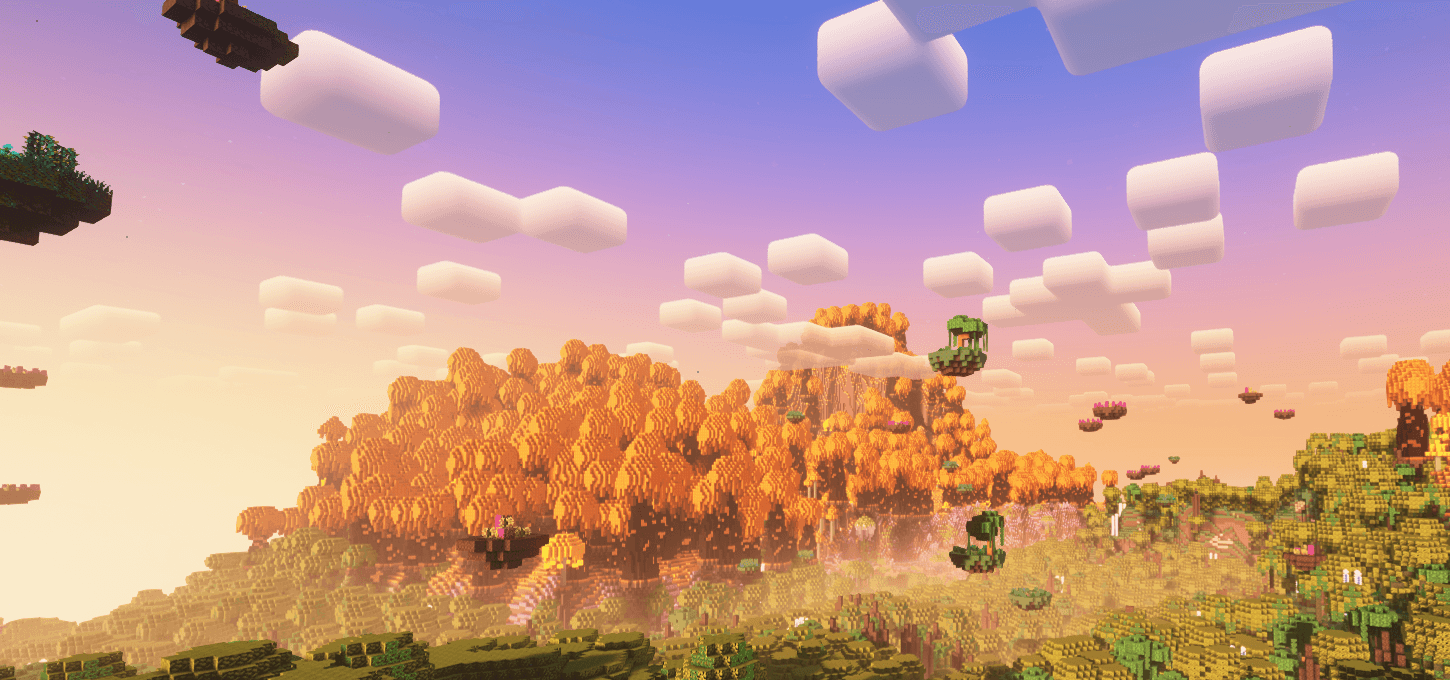
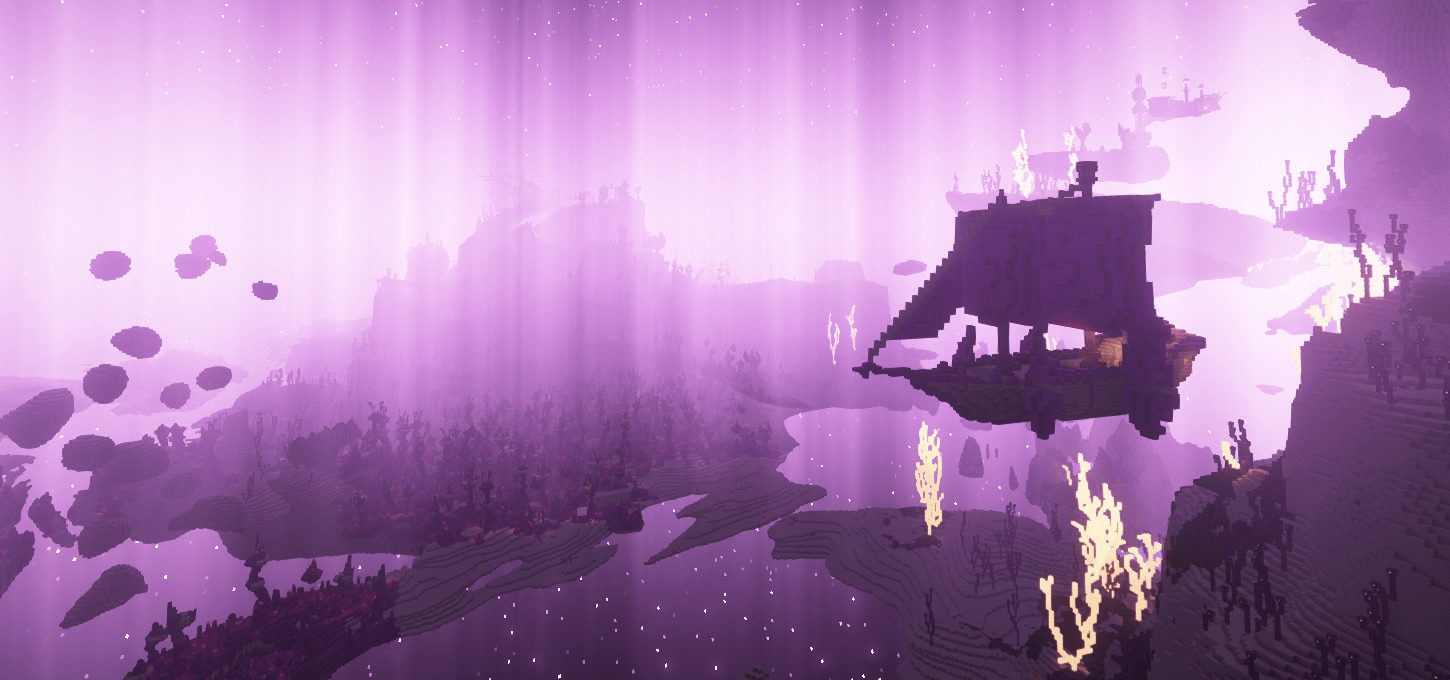
介绍


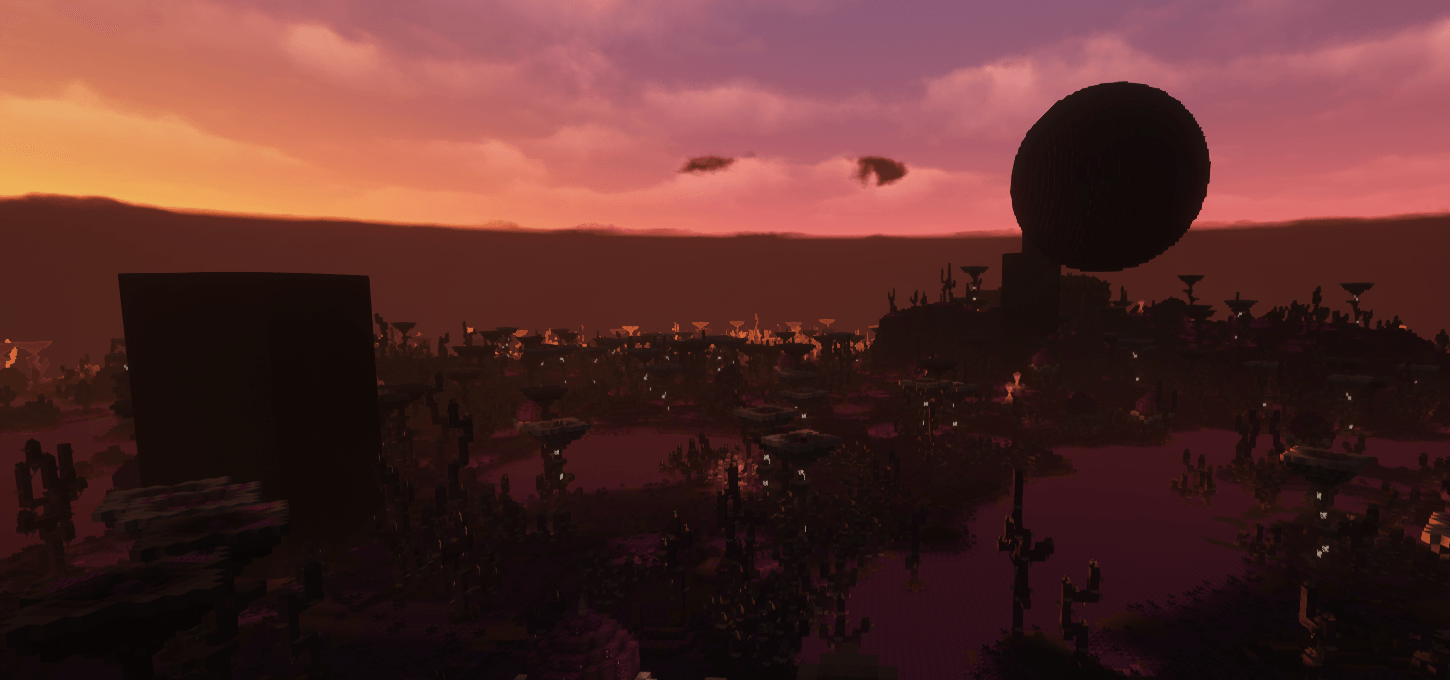
UnBound World is Vanilla+ modpack designed to expand the Minecraft experience. With thoughtfully selected mods, it introduces fresh mechanics, enhanced world generation, improved vanilla gameplay and subtle QOL features that blend seamlessly into the game. Featuring beautiful visuals, immersive environments, unknown gems and a cozy relaxing atmosphere, the pack encourages exploration, creativity and adventure without straying far from the core Minecraft experience. Whether you’re building, exploring or simply enjoying the world.
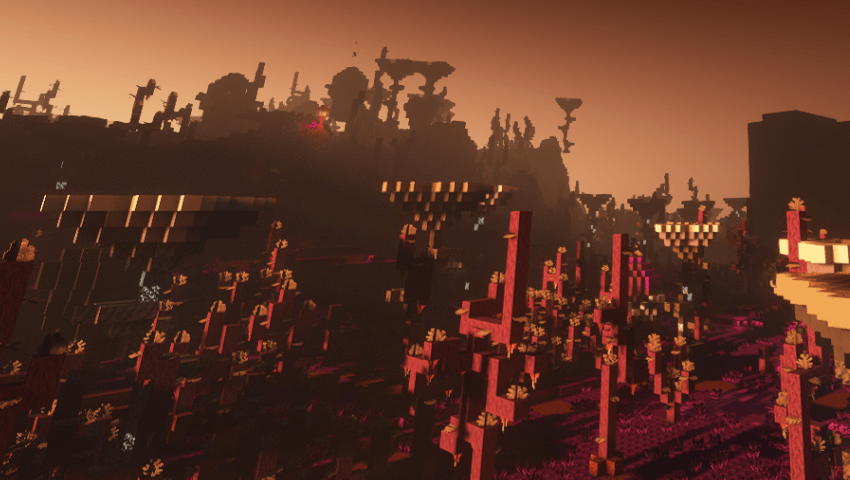
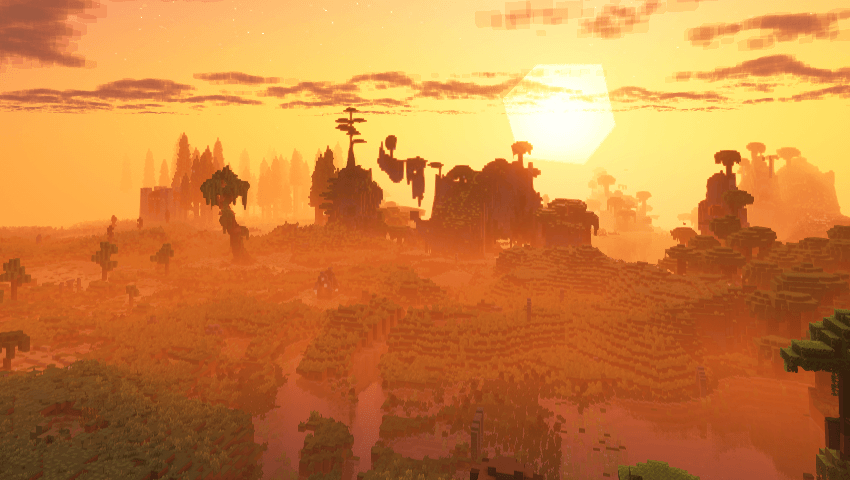 World Overhaul: New biomes, structures as well as revamped Nether and End dimensions.
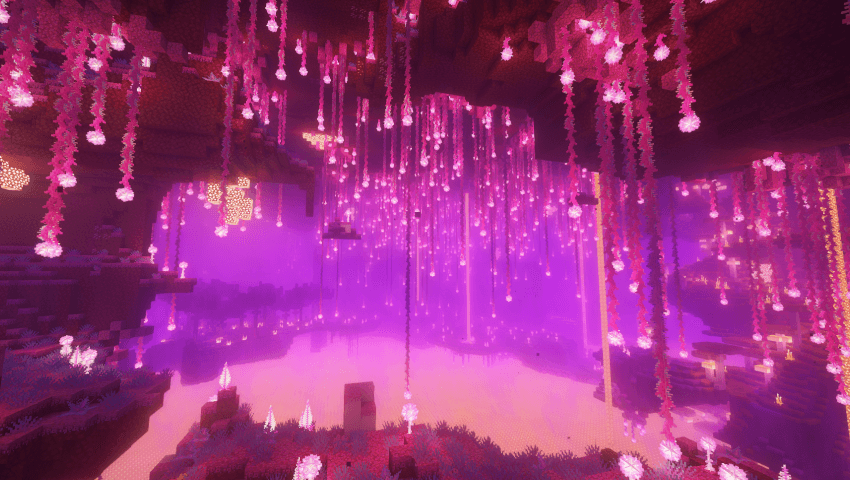
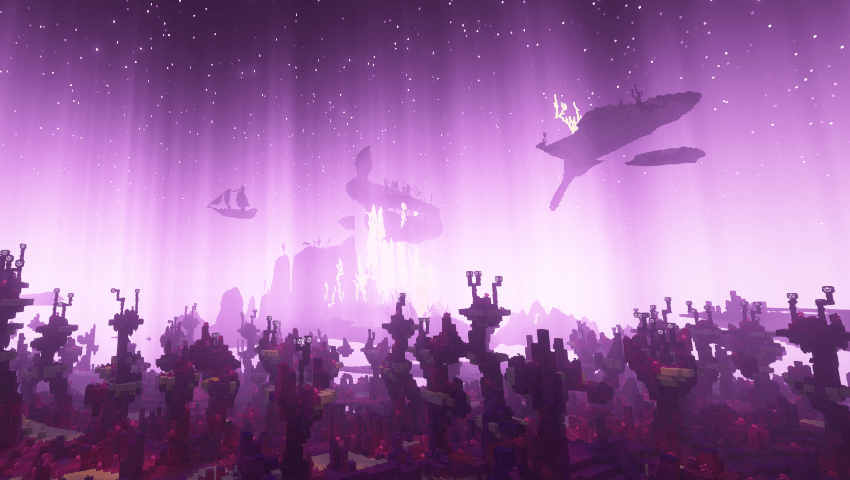
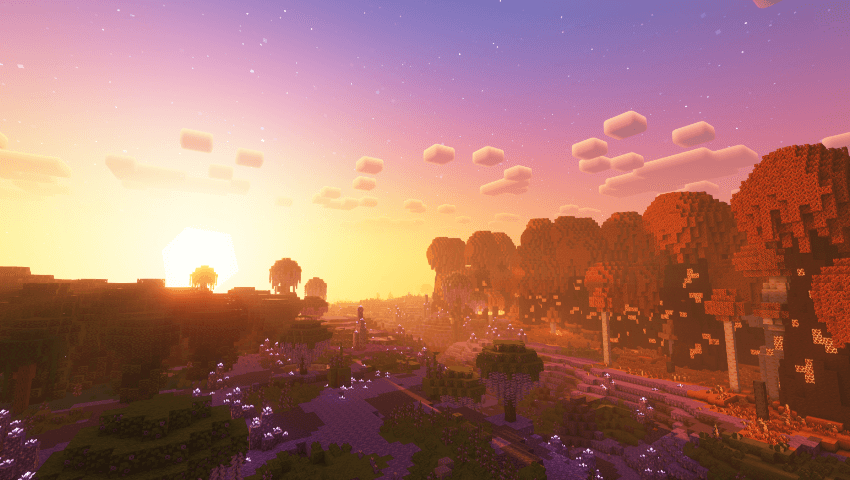
Dimensions: 2 New Dimensions Astral and SetBack
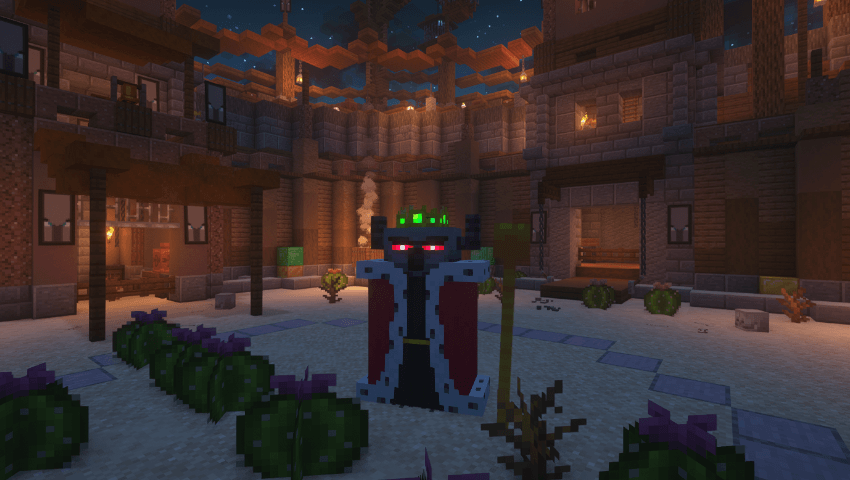
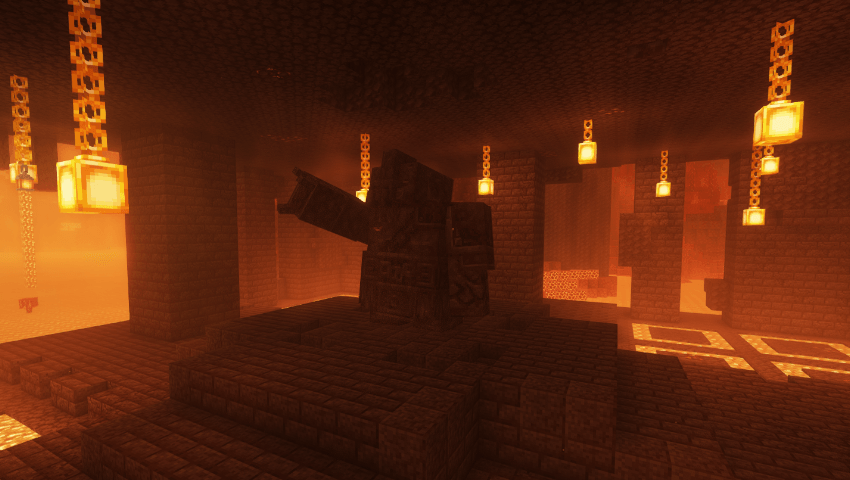 Combat & Progression: Bosses from fights&frights , companions and other mods as well as armor and tool progression
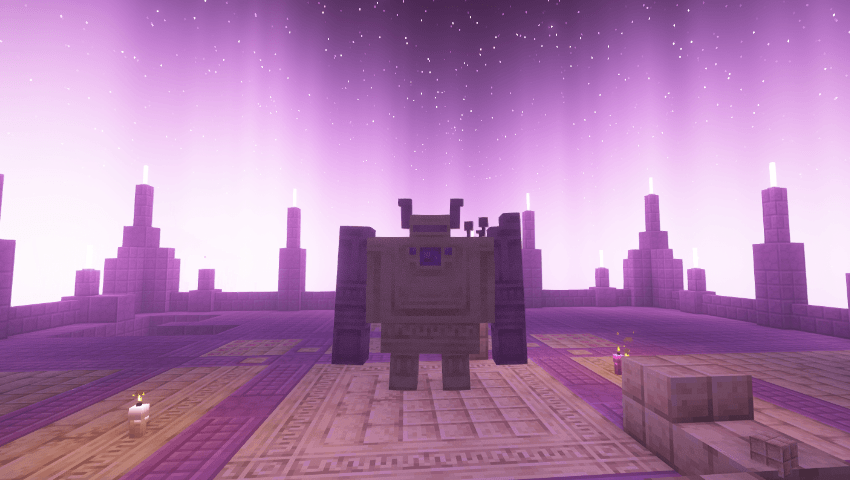
Quality of Life: Features like Xaero’s Minimap, Visual tweaks and inventory improvements are also included.
Multiplayer: FTB Teams, and Quests for multiplayer adventures.

Play With Friends
10+ High Quality Bosses
400+ mods
100+ New Mobs
100+ New Structures
Fully optimized with shader support
Overhauled Vanilla Structures
Overhauled Vanilla Bosses
Overhauled Vanilla Features
Custom recipes
Quests
VR support
Controller support
Much more

– Client Side Requirements –
Recommended 8GB RAM allocated
Minimum 4GB RAM allocated
lower render distance and disable fresh animations along side all it’s extensions.
– Some Keybinds –
Press ] to open quests
Hold C to zoom scroll to zoom in and out
Press F5 for third person
Press R while having mouse cursor on item to know the craft recipe
Press U while having mouse cursor on item to know the uses
Press A while having mouse cursor on item to pin it on the left
Press M to open map
Press B to open backpack
Press P to make a waypoint
Press K to enable / disable the shaders
Press T to enable / disable trashslot
more keybinds are mentioned ingame in general information quest
– Some info –
just wait for modpack updates.
If the modpack gets stuck while loading just restart it.
Music is off by default.
READ!
If you’re looking for a good host i recommend Kinetic
Join the Discord server to Report bugs and get help or find friends and servers.
Don’t Update any mods
Don’t add optifine!
Remove spark if you’re a mac user!
Disable the “Skip Mojang Launcher” option if you’re using curseforge because it causes issues
Quick guide showing how to add certain mods
Essential [Version1.4.1.1] to play with friends
ViveCraft for vr support [Disable “enhanced visuals” mod and press f6 if your hands are too big]
Controllable for controller support [Controllable 0.21.7] [Change controls to your liking before playing]



-Vanilla Changes-
[not everything is mentioned]
-Grindstone repairs weapons up to 33% durability., shift and right click with the item.
-Fletching table has a use now. if you right click it with feather it gives “Arrow Fletching” used to craft more arrows with less feather , also can turn spectral arrow and other special arrow types back to normal arrows if you right click the fletching table while holding them.
-Anvils no longer show the “too expensive” message.
-Crafting table – items now stay inside it , this feature is also included in anvils and enchanting tables.

-Beacons will look better and have few more power ups.
-jumping on crops no longer breaks them, you can right click to harvest now.
-The Wither, Ender Dragon, and Warden are slightly stronger than vanilla version.
Enchanting System Overview:
Enchanting Table:
Now offers rerolls.
Enchanting Infuser:
Offers high-quality enchantments of your choice for an XP cost.
Advanced Infuser provides cheaper XP costs and can repair tools for XP.
Precision Dissipator:
Remove specific enchants and curses from items.
New Bookshelfs
Archiver’s Bookshelves: Provide 1.5 power to the Enchanting Table.
Enchanted Bookshelves: Provide 2.0 power to the Enchanting Table.
crouch right click an item with mending to repair it from your own xp
There is alot more.
-credits-
check relations for the creators in curseforge, for creators outside curseforge
Astraliyte’s animated textures : https://www.planetminecraft.com/texture-pack/astraliyte-s-animated-textures/
Fantasy Shaders Reimagined : https://modrinth.com/shader/fantasy-shaders a modified version of ComplementaryReimagined
-License for [UnBound World]-
All Rights Reserved
This modpack is the property of its creator and is protected under copyright laws. By downloading or using this modpack, you agree to the following terms:
Usage Permissions:
You may share this modpack with your friends.
You may use this modpack to host a server.
You may not distribute, modify, or reupload this modpack in any form without explicit permission the modpack author.
You may make content about the pack, if you modified it in any way mention it in the same video 😀
Restrictions:
Unauthorized redistribution of this modpack isn’t allowed.
Any modification or repackaging of this modpack for public release isn’t allowed.
Contact and Permissions:
For permissions, inquiries or support join the official Discord server
Featured Videos
–October 2026–
常见问题
UnBound World 支持哪些 Minecraft 版本?
UnBound World 基于 Minecraft Java 版 1.20.1,使用 Forge 加载器。
UnBound World 怎么安装?
点本页「前往下载」拿到整合包文件(Modrinth 的是 .mrpack,CurseForge 的是 .zip),在 PCL2 或 HMCL 启动器里选择「导入整合包」,启动器会自动装好 Minecraft、加载器和全部模组。建议在启动器里给游戏分配 4–6 GB 内存。
UnBound World 开服需要多大内存?
推荐服务器内存 12 GB。在线人数多、或者建了大量机器和区块加载器时,可以再加 2–4 GB。
怎么和朋友一起玩 UnBound World?
点本页的「一键开服」,选好配置后会自动安装 UnBound World 的服务端,几分钟就能开好。把服务器地址发给朋友,大家用同一个版本的整合包连进去就行。
blueversal 的其他作品
查看全部 →
Beyond Depth
富有挑战的探索整合包 | 全新维度 | 强力Boss | 强化战斗 | 无尽探索。

Beyond Panorama
沉浸式全景背景

Beyond Ascension
动作满满的冒险整合包|史诗 Boss|Epic Fight|巨龙|魔法|无尽冒险

Beyond Cosmo
动作满满的科幻整合包 | 高科技枪械 | 战争 | 工业进化 | 太空探索
评论
登录后评论和评分