
Ultra Lightweight
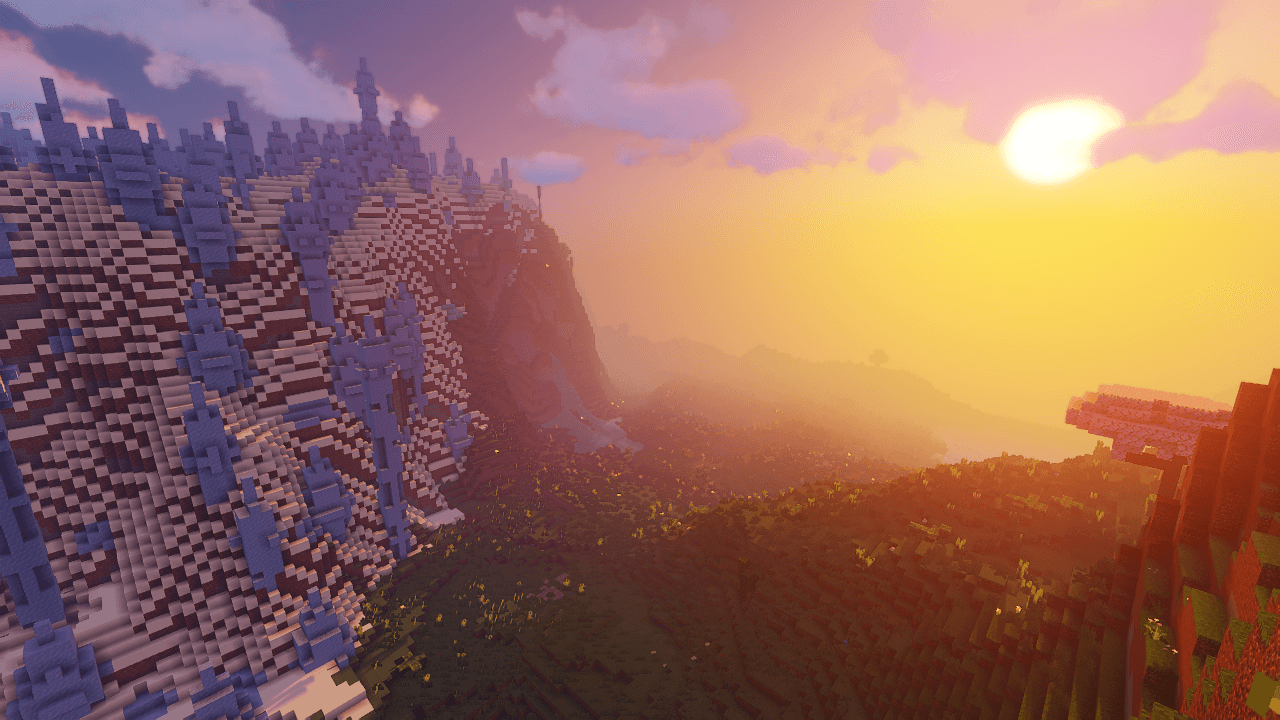
The Enhanced Vanilla Modpack enriches your Minecraft experience with quality-of-life improvements, subtle visual enhancements, and gameplay tweaks while maintaining the core vanilla feel.
截图
介绍
Ultra Lightweight Modpack (Minecraft 1.20.4, Forge)
Ultra Lightweight is a minimalist modpack designed for players who enjoy the core Minecraft experience with subtle enhancements. This modpack maintains the vanilla gameplay while adding minor graphical improvements and quality-of-life features. Ideal for those seeking a lightweight and seamless experience.
Mod Additions and Functions:
- Collective: A library mod providing shared code for other mods.
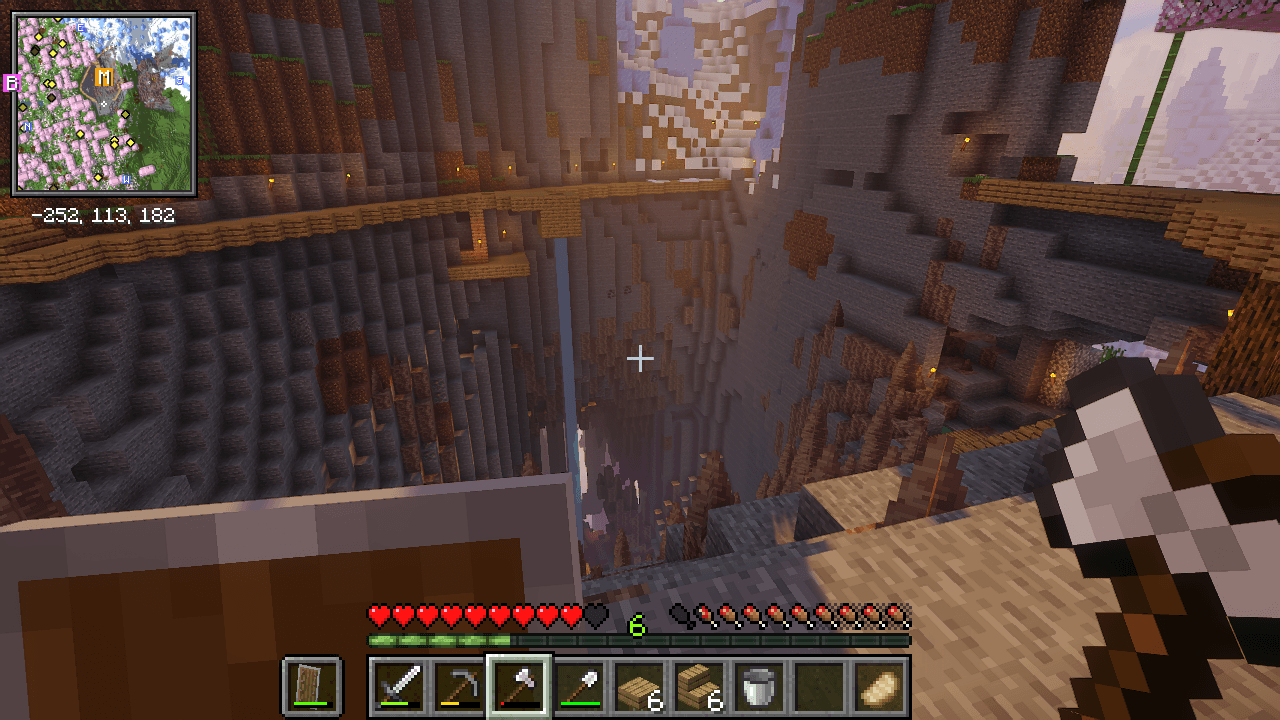
- AppleSkin: Displays detailed food and hunger stats.
- Bookshelf: A library mod providing code for other mods.
- Chat Heads: Shows player heads next to chat messages.
- Clumps: Merges XP orbs into larger ones to reduce lag.
- Controlling: Allows easy search and management of keybinds.
- Enchantment Descriptions: Shows descriptions of enchantments in the tooltips.
- Fast Leaf Decay: Speeds up the decay of leaves after cutting down a tree.
- Geophilic – Vanilla Biome Overhauls: Enhances and expands vanilla biomes with new features.
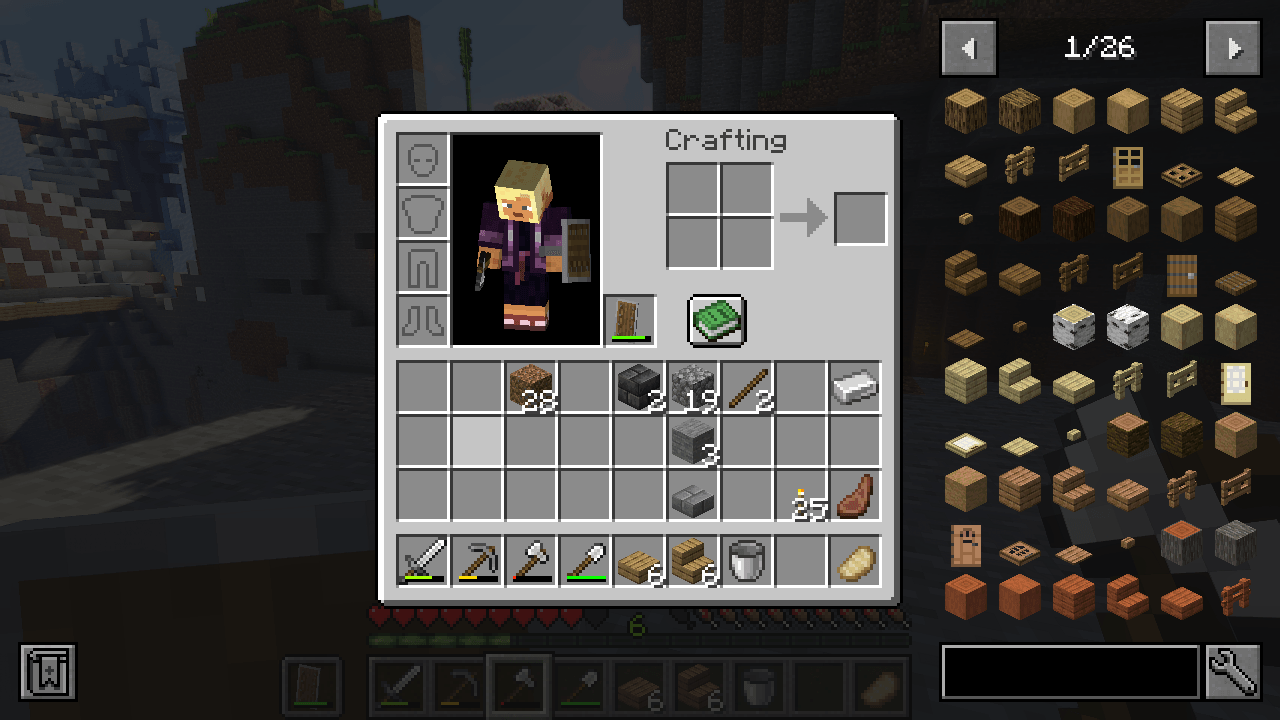
- Just Enough Items (JEI): Provides an in-game recipe viewer.
- mod apk sam: Specific functionality not detailed but included for enhanced features.
- Mouse Tweaks: Enhances inventory management with better mouse controls.
- Puzzles Lib: A library mod providing code for other mods.
- Searchables: Adds a search bar to the inventory and containers.
- Villager Names: Gives villagers unique names for better identification.
- Visual Workbench: Allows you to see items on the crafting table.
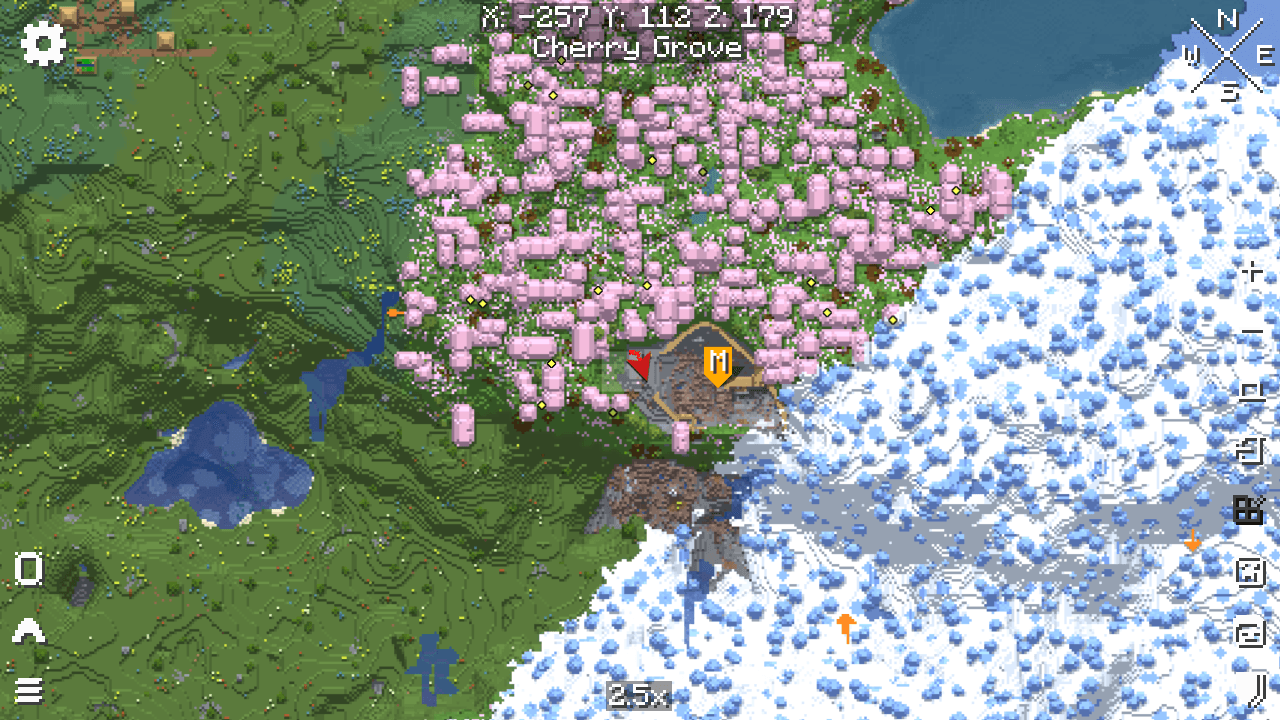
- Xaero’s Minimap: Adds a customizable minimap to the game.
- Xaero’s World Map: Provides an in-game full-screen map.
Resources:
- Clear Glass with Connected Textures! [16x]: Enhances glass blocks with connected textures for a cleaner look.
Shaders:
- Sildur’s Vibrant Shaders: Adds beautiful lighting effects and graphics enhancements, available in various quality levels from low to extreme.
Important Notes:
To run this modpack, you need to manually add Optifine to the mods folder. Follow these steps:
- Download Optifine:
- Go to the Optifine website and download the version compatible with Minecraft 1.20.4.
- Add Optifine to the Modpack:
- Open CurseForge and navigate to Ultra Lightweight’s modpack profile.
- Click on the three dots next to the "Play" button and select "Open Folder."
- Go to the
modsfolder within the opened directory. - Place the Optifine .jar file into this
modsfolder.
To use resources like "Clear Glass with Connected Textures! [16x]," you need to manually activate them in the resource packs menu in Minecraft:
- Go to "Options" -> "Resource Packs" and move the desired resource pack from the left column to the right to enable it.
常见问题
Ultra Lightweight 支持哪些 Minecraft 版本?
Ultra Lightweight 基于 Minecraft Java 版 1.20.4,使用 Forge 加载器。
Ultra Lightweight 怎么安装?
点本页「前往下载」拿到整合包文件(Modrinth 的是 .mrpack,CurseForge 的是 .zip),在 PCL2 或 HMCL 启动器里选择「导入整合包」,启动器会自动装好 Minecraft、加载器和全部模组。建议在启动器里给游戏分配 4–6 GB 内存。
Ultra Lightweight 开服需要多大内存?
推荐服务器内存 12 GB。在线人数多、或者建了大量机器和区块加载器时,可以再加 2–4 GB。
怎么和朋友一起玩 Ultra Lightweight?
点本页的「一键开服」,选好配置后会自动安装 Ultra Lightweight 的服务端,几分钟就能开好。把服务器地址发给朋友,大家用同一个版本的整合包连进去就行。
评论
登录后评论和评分