
截图

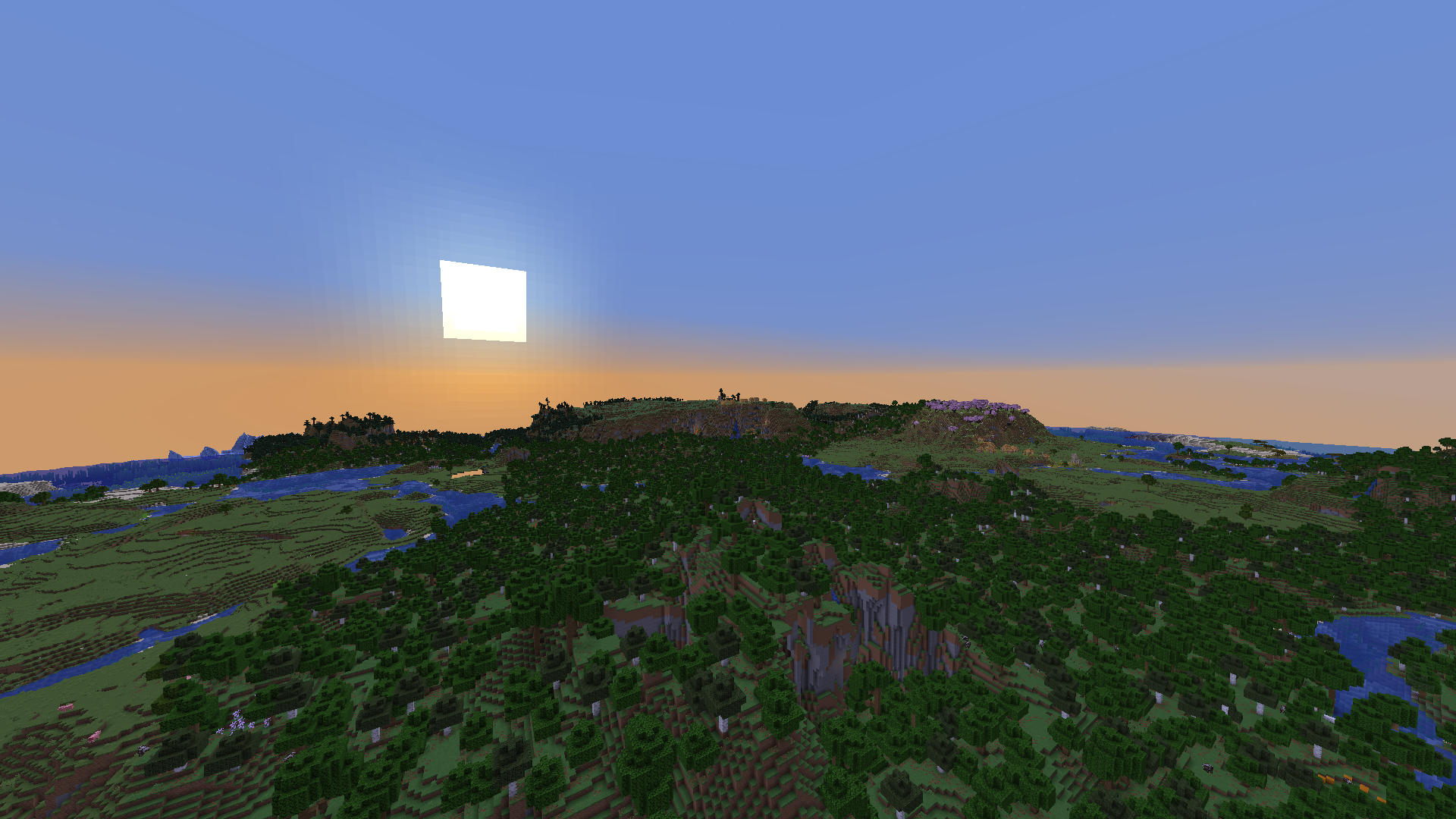
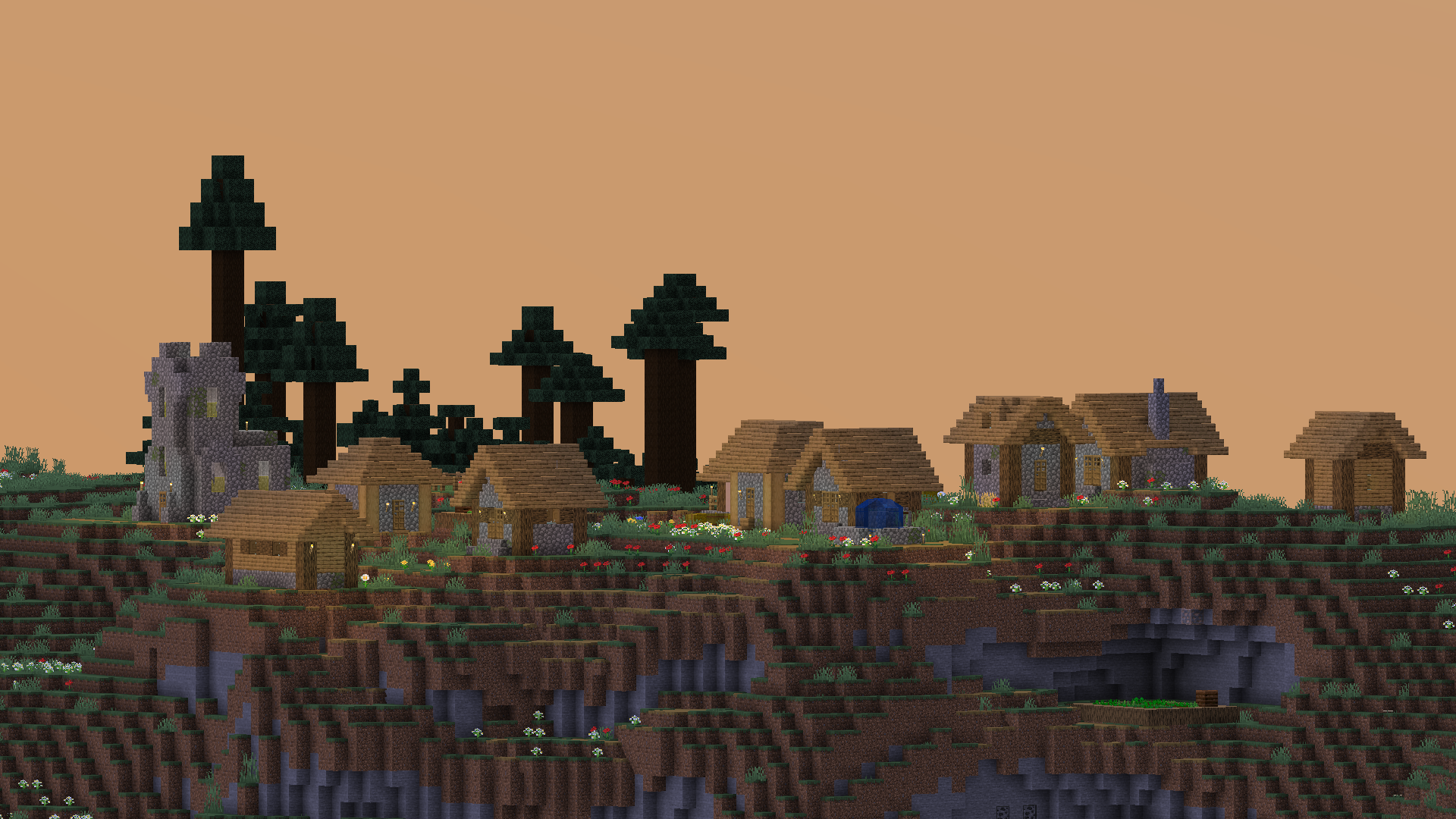
介绍
This modpack is a modpack without any¹ bloat.
Sadly, Thunderbolt does require some setup (read recommended)
This modpack is made SPECIFICALLY for the people who don’t want bloat/want something to base their own modpack off of
Why Thunderbolt?
This modpack has compatibility with android, PC, etc.
This modpack _should_ run better then modpacks like _Fabulously Optimized_
Recommended
Recommended to use these java options (its _ok to skip_ if you dont know what these are):
-XX:+UseZGC -Dchunky.maxWorkingCount=1024..enable c2me OpenCL Acceleration module, disabled by default as it doesnt work on all hardware
Also, if you play with _very high_ render distances (even at 32, but the issue is more prominent at +32), it is recommended to use _Longview_, although that mod _isnt available on all versions_
Additionally, i dont really update this modpack unless theres a _decent_ improvement in performance, as its a pain to download it, change it, upload it, add a changelog, etc, just for a small performance upgrade. So _please_ take your time to click “Update All” or “Check for updates” if you want max performance.
Benchmarks with a _RTX 3070_ and a _Ryzen 5 5500_
Spoiler
INFO

Seed: 1234
Same position
Entities turned off
Tick frozen
Tested WITHOUT Nvidium on thunderbolt
Tested with the 1st version of thunderbolt, so expect performance to be better than this.
Same settings, render distance 16
Time:

TESTS

Thunderbolt: 1117 fps, 1% low 481, 0.1% low 354, average 1070, consistent fps
Adrenaline: 823fps, 1% low 77, 0.1% 41, average 583, VERY inconsistent fps
Fabulously optimized: 731 fps, 1% low 51, 0.1% low 21, average 445, consistent-ish fps
The cons?
if you want the max fps, you have to manually install some mods due to legal reasons
you might have to update mods yourself if the modpack goes unupdated for awhile
DISCLAIMER: This modpack is tuned to _Nvidia gpus_, due to the mod _Nvidium_, however it should still work on AMD and <16xx Nvidia gpus.
¹ besides _OK Zoomer_.
包含的模组 30 个
 Async Logger
 AsyncParticles
BadOptimizations
 C2ME OpenCL Acceleration Module
 Cloth Config API
 Concurrent Chunk Management Engine (Fabric)
 实体剔除
 Fabric API
 Fabric Language Kotlin
 Faster Iris Shadow Mapper [FISM]
 FastQuit
 FerriteCore
 Fzzy Config
 Gnetum
 ImmediatelyFast
 Ixeris
 kennytvs-epic-force-close-loading-screen-mod-for-fabric
 Krypton
 锂
 ModernFix-mVUS
 More Culling
 Nvidium
 Ok Zoomer - It's Zoom!
 Optimized Block Entities [OBE]
 Particle Core
 Resourceful Config
 ScalableLux
 钠
 Sodium Extra
 Structure Layout Optimizer
绿色边框的模组本站有收录,点进去看中文介绍;其余跳转到 Modrinth。
常见问题
Thunderbolt 支持哪些 Minecraft 版本?
Thunderbolt 支持 Minecraft Java 版 1.20.1–26.2,共 5 个版本,可用的加载器:Fabric。下载时注意选择和你游戏版本一致的文件。
Thunderbolt 怎么安装?
点本页「前往下载」拿到整合包文件(Modrinth 的是 .mrpack,CurseForge 的是 .zip),在 PCL2 或 HMCL 启动器里选择「导入整合包」,启动器会自动装好 Minecraft、加载器和全部模组。这个整合包有 30 个模组,建议在启动器里给游戏分配 4–6 GB 内存。
Thunderbolt 开服需要多大内存?
推荐服务器内存 12 GB。在线人数多、或者建了大量机器和区块加载器时,可以再加 2–4 GB。
怎么和朋友一起玩 Thunderbolt?
点本页的「一键开服」,选好配置后会自动安装 Thunderbolt 的服务端,几分钟就能开好。把服务器地址发给朋友,大家用同一个版本的整合包连进去就行。


评论
登录后评论和评分