
The Lost World – Hardcore Prehistoric Survival
Hardcore Prehistoric Survival with a Sub-nautica like aesthetic! Survival - Jurassic - Dinosaur - Multiplayer
截图
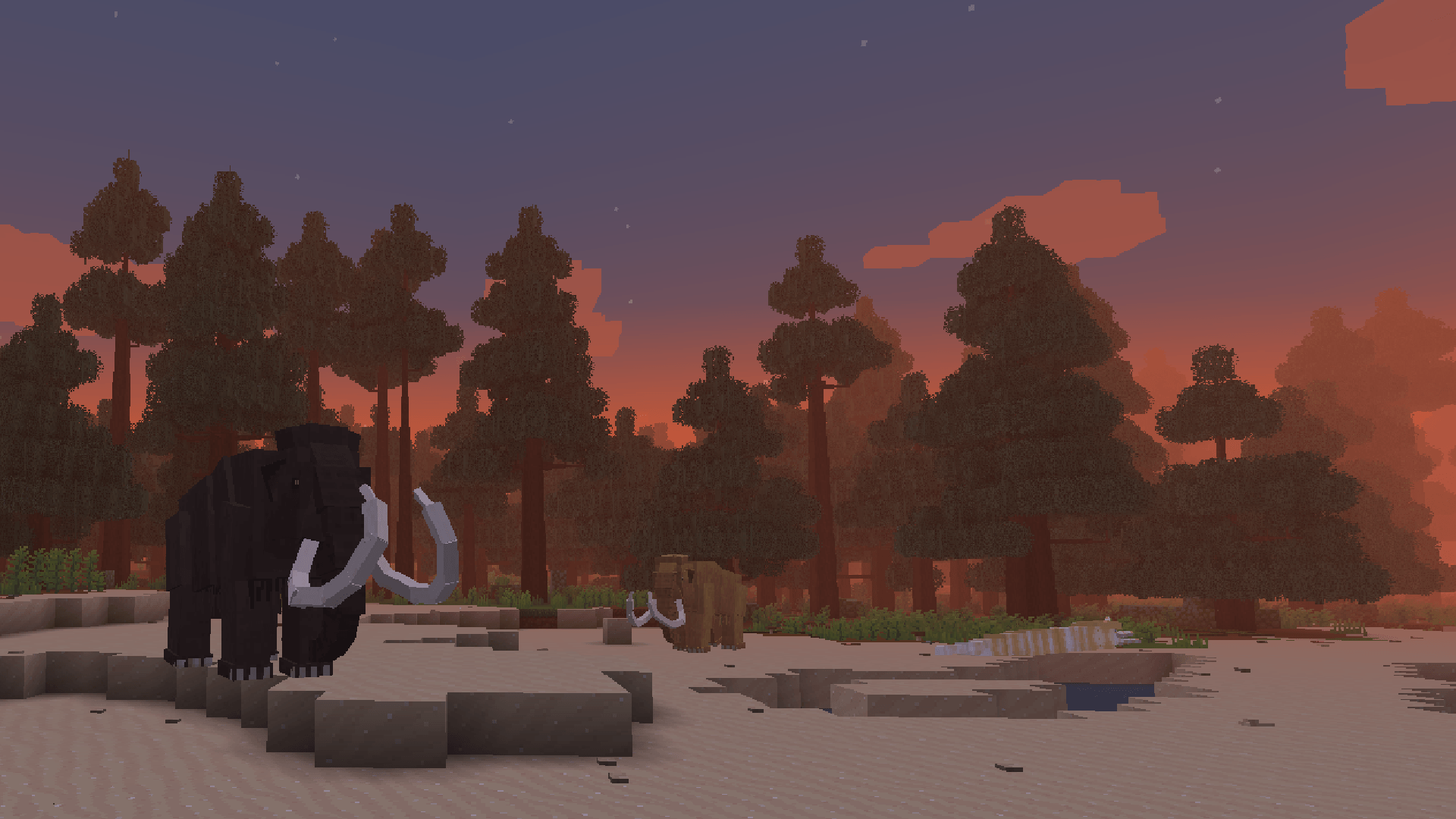
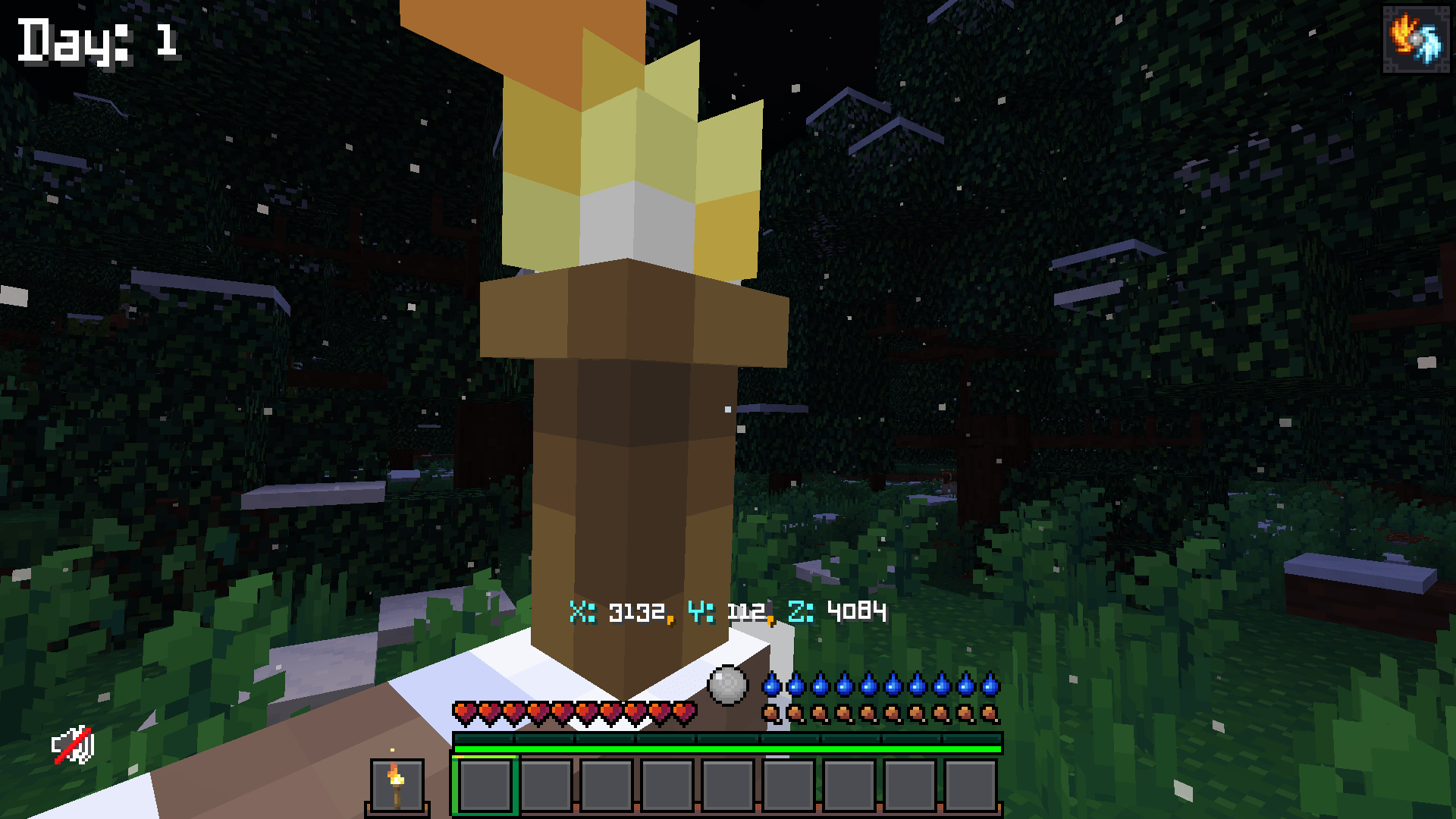
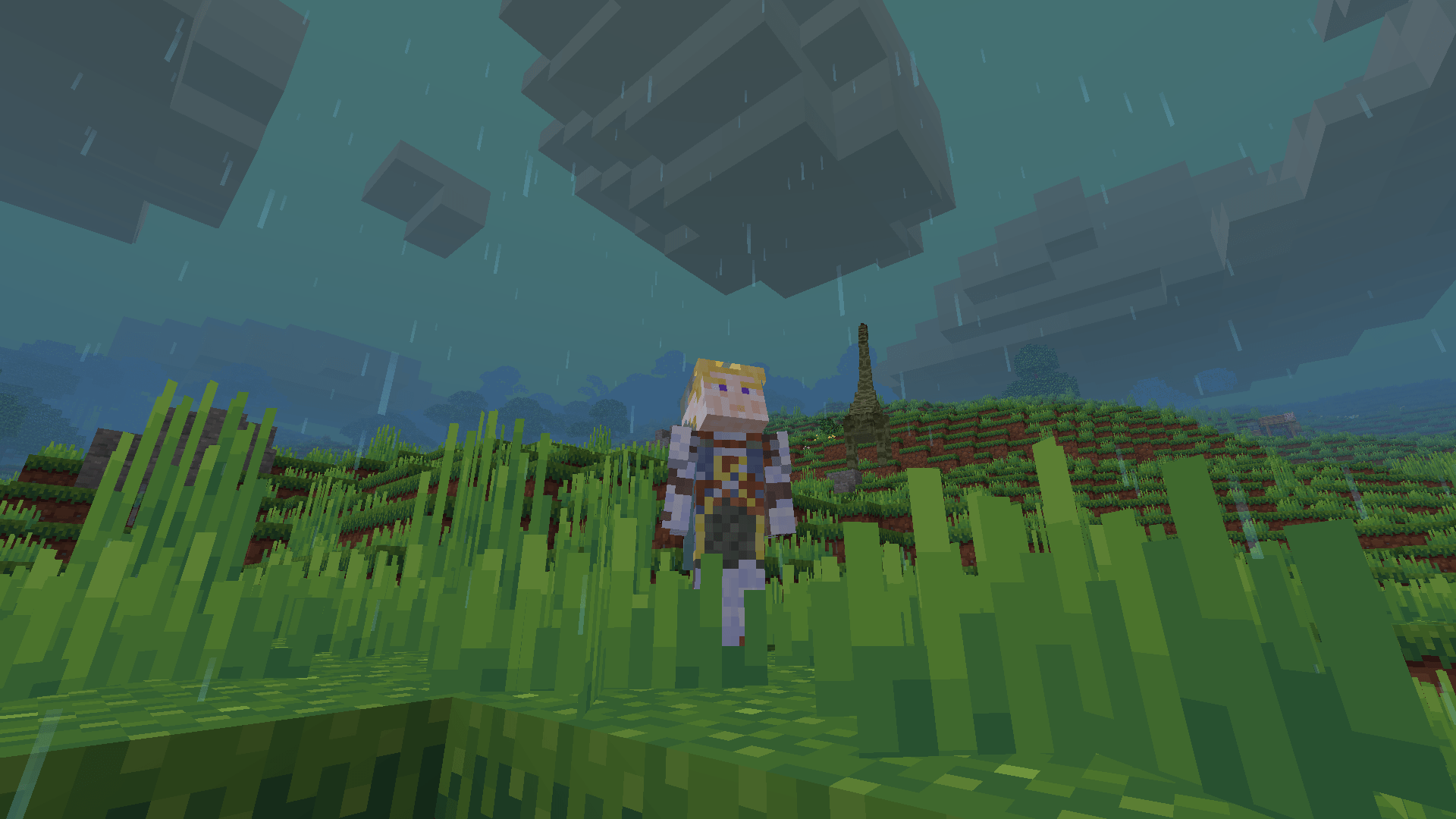
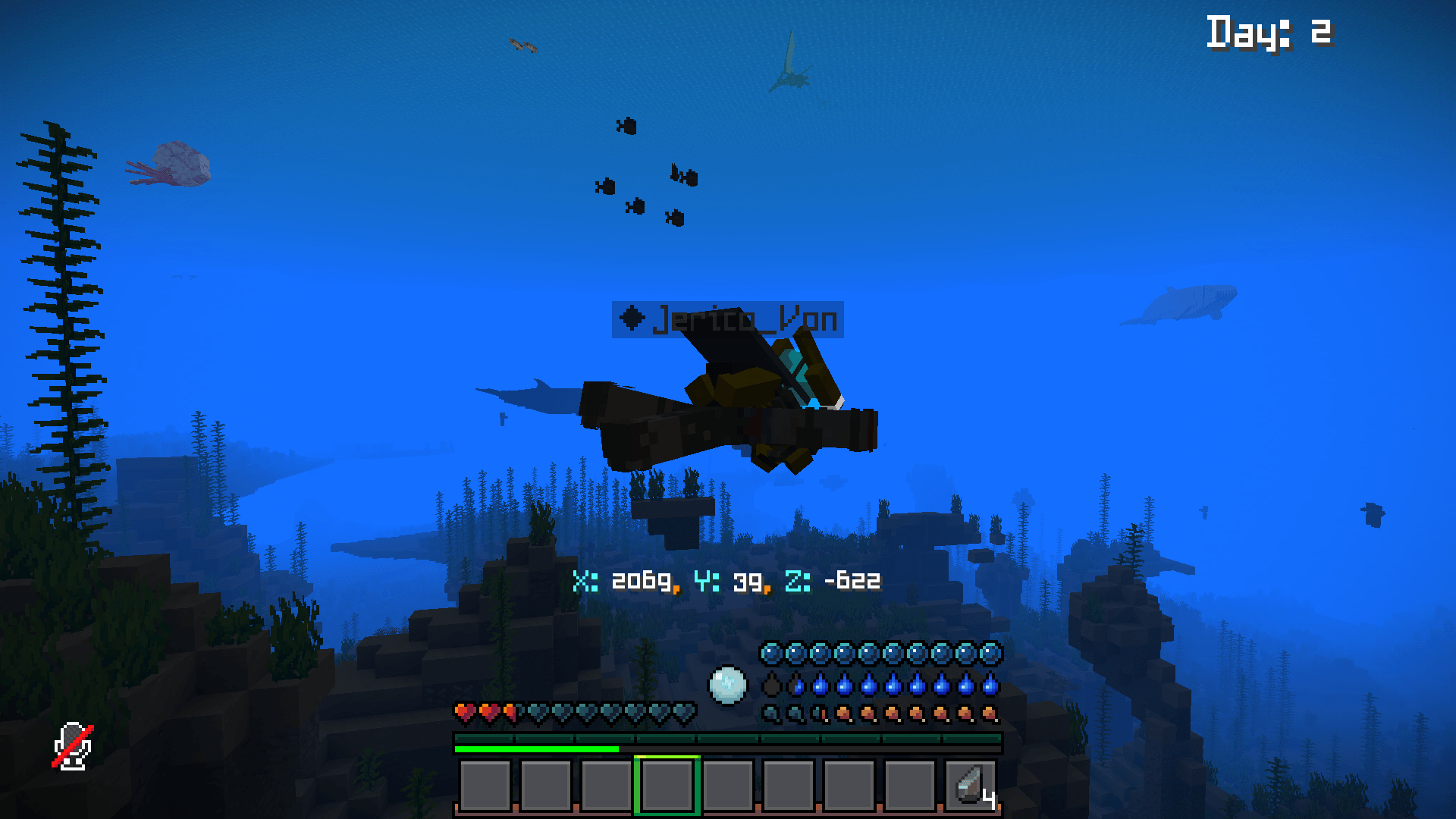
介绍
“Has way too many eggs…”
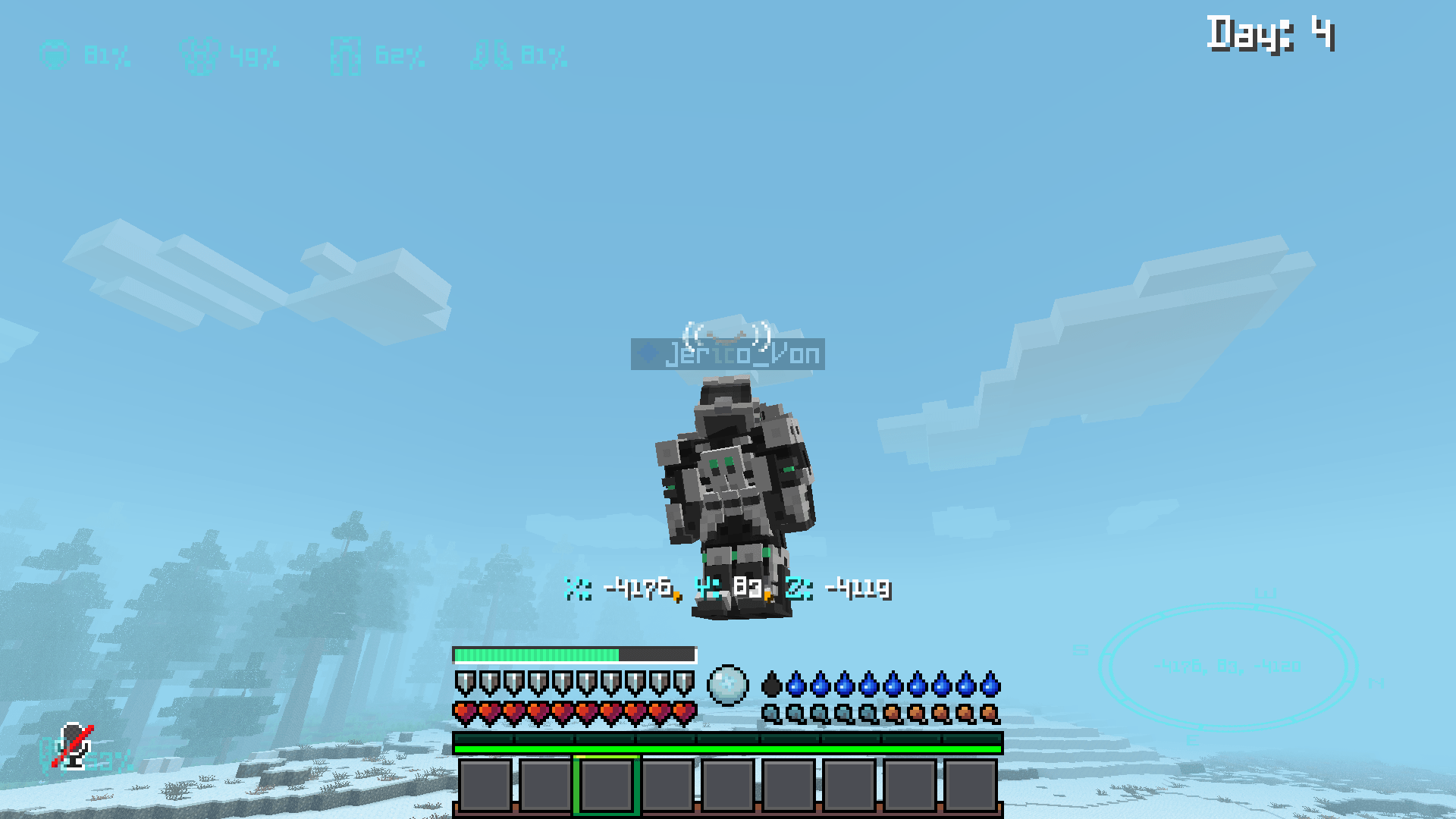
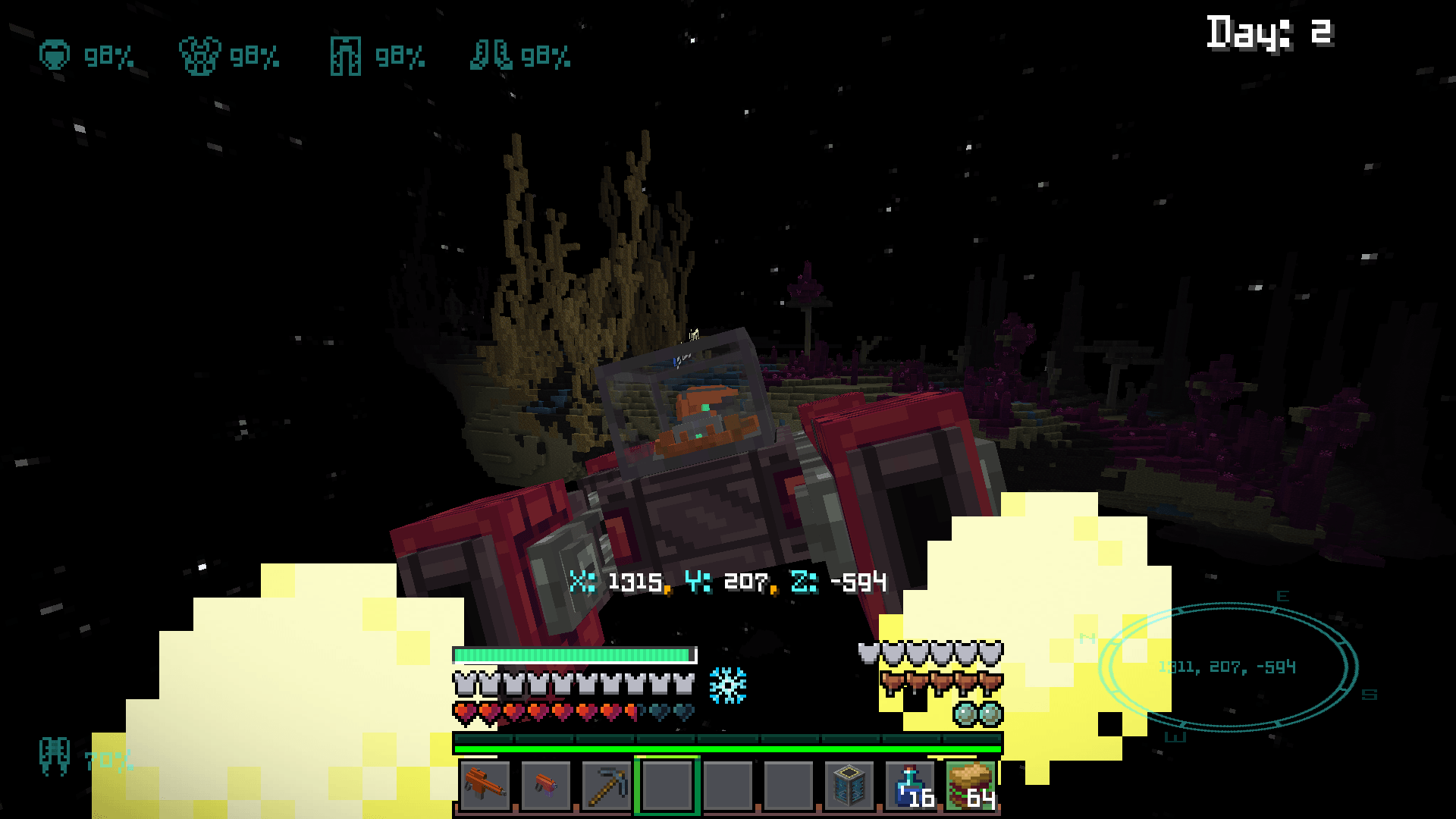
The Lost World is a hardcore prehistoric survival modpack with an emphasis on multiplayer balance, fun mechanics and mobility, and maximum immersion. A land of pure fight or flight, this pack will push you to your very limits. Navigate a prehistoric environment, tame and ride a plethora of prehistoric fauna, craft primitive and modern weaponry, and enjoy a tailored sub-nautica-like gameplay. Intended for experienced players. Play alone or with friends!
Join Our Discord:
Wanna play with more people? We are tying to foster a community where all participants are trusted gamers with a shared sense of sportsmanship!
https://discord.gg/8wQKNGJSM
Configuration:
“Use the curse forge app to download!”
There are three versions:
Random Spawn Version – For if you want to play multiplayer, but have your players start at different points on the map. If you are using random spawns, please be patient when starting new worlds, as it takes a while to locate a safe place…
Normal Spawn Version – For if you want all players to start at the same spawn.
Island Spawn Version – For if you want all players to start on the same island.
Before Creating Your World:
Be sure to add the water splashing datapack and no custom sky datapack to your world in the world creation screen, before starting, or otherwise disable the water splashing resource pack.
The water splashing data pack is located in your (curseforge\minecraft\Instances\Lost To Time\datapacks) folder. As long as you have your curseforge installs set to default, you can easily locate the curseforge folder by selecting your (Profile Name) from the drop down arrow within the file explorer search bar.
The no custom sky datapack must be downloaded seperately:
https://cdn.discordapp.com/attachments/1380963438540361758/1380963439270170786/No_Custom_Sky_All.zip?ex=6a6cdcec&is=6a6b8b6c&hm=2fd06d99b62515af3401c5cb96efe75c9c859c17a1ec58aaca88534e8343ebac&
Simply drag and drop the datapacks into your minecraft tab while the datapacks screen is open from within the world creation screen, or add them from within the world save folder after creation. You can open and close fullscreen with numpad 3 by default.
After Creating Your World: (Optional)
RunCommand: (/pregen gen minecraft:overworld start chunk 0 0 150) – This pregenerates a 4800×4800 chunk area making chunk loading significantly faster. This may take a while… You may also consider generating chunks for the nether.
RunCommand: (/unlockDrops @a) – This unlocks all player loot. (This may need to be done after all players have joined…)
RunCommand: (/pmwa resetworldstatistics) – Resets progressive difficulty timer.
RunCommand: (/timeset 0) – Resets the day/time counter.
Opening To LAN (Multiplayer) (Starting Next Update)
All commands should be done before opening to LAN (This allows cheats to then be disabled)
Access to Spawn Control Menu should be disabled naturally for non admin, but this will still require testing, as well as various command balance tests. Once a world has been opened to LAN, it will generate a public domain. Any player anywhere with access to the public domain can now join your world!
Mod Notes:
Cosmic Horizons:
Space travel is currently slightly buggy, and as such I do not recommend exploring the content without warning! Notably: 1. Players often spawn outside the ship when re-entering atmospheres, and re-entering the ship in time is inconsistent. *If you do wish to explore this content, use a jetpack or fall damage immunity. 2. Added materials found on other planets are not integrated and will have NO functional recipes. (*I couldn’t give them recipes even if I wanted to… Featurify can’t overwrite their generation, and most resources are alt versions of already existing materials – Best I could do is eventually modify planets via datapack – Instead look to the End for late game resource mining…)
Mob Battle Music:
“All music added by this mod is Royalty Free. Please note that the non-aggressive track used in the mod may be Content ID claimed if detected on YouTube, but you are allowed to use it. Please check out this link for more info on how to clear it.”
Special Thanks To All The Mod Developers <3 Trust Me… They Worked Harder Than I…
常见问题
The Lost World – Hardcore Prehistoric Survival 支持哪些 Minecraft 版本?
The Lost World – Hardcore Prehistoric Survival 基于 Minecraft Java 版 1.20.1,使用 Forge 加载器。
The Lost World – Hardcore Prehistoric Survival 怎么安装?
点本页「前往下载」拿到整合包文件(Modrinth 的是 .mrpack,CurseForge 的是 .zip),在 PCL2 或 HMCL 启动器里选择「导入整合包」,启动器会自动装好 Minecraft、加载器和全部模组。建议在启动器里给游戏分配 4–6 GB 内存。
The Lost World – Hardcore Prehistoric Survival 开服需要多大内存?
推荐服务器内存 12 GB。在线人数多、或者建了大量机器和区块加载器时,可以再加 2–4 GB。
怎么和朋友一起玩 The Lost World – Hardcore Prehistoric Survival?
点本页的「一键开服」,选好配置后会自动安装 The Lost World – Hardcore Prehistoric Survival 的服务端,几分钟就能开好。把服务器地址发给朋友,大家用同一个版本的整合包连进去就行。
评论
登录后评论和评分