
截图
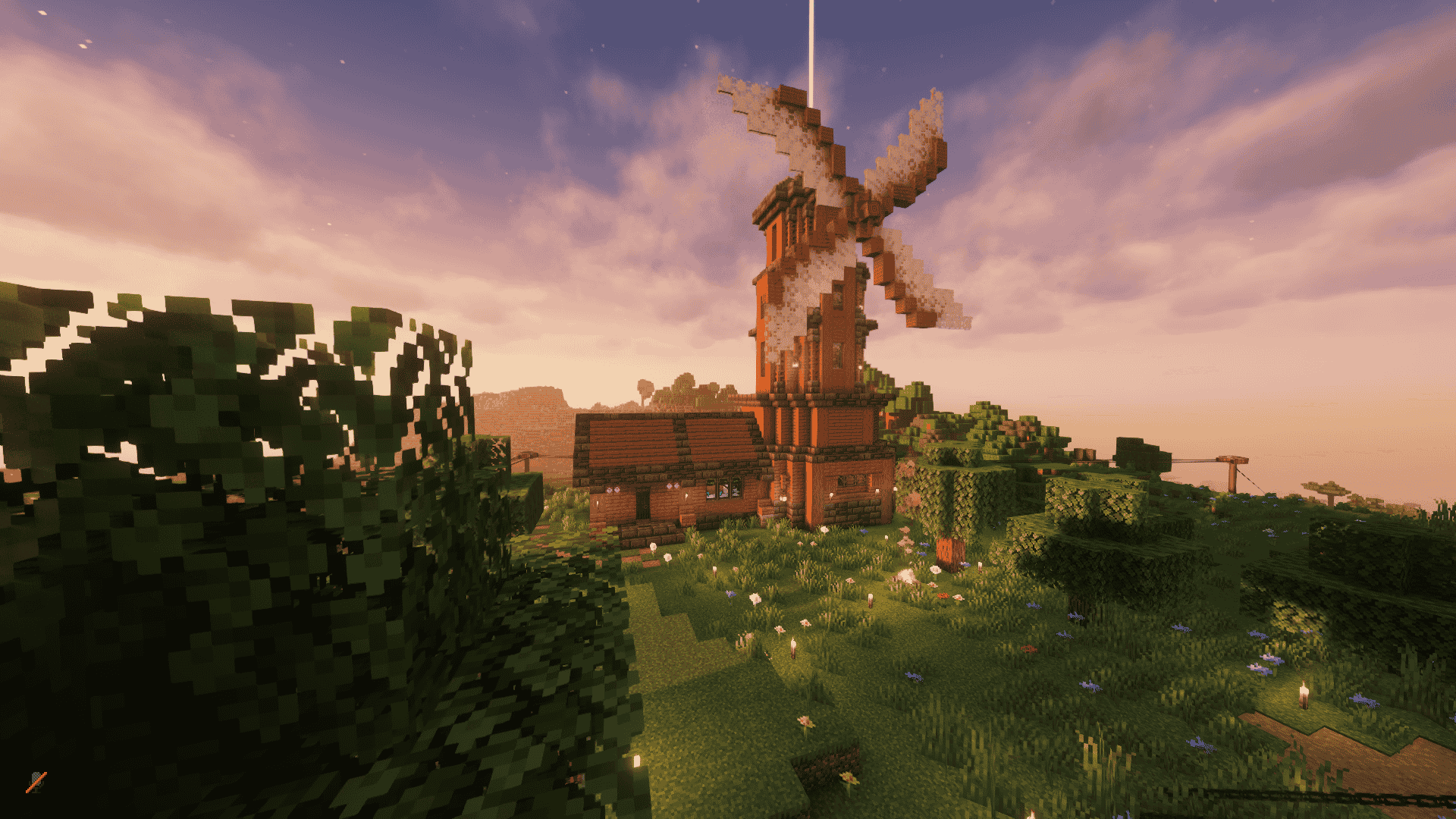
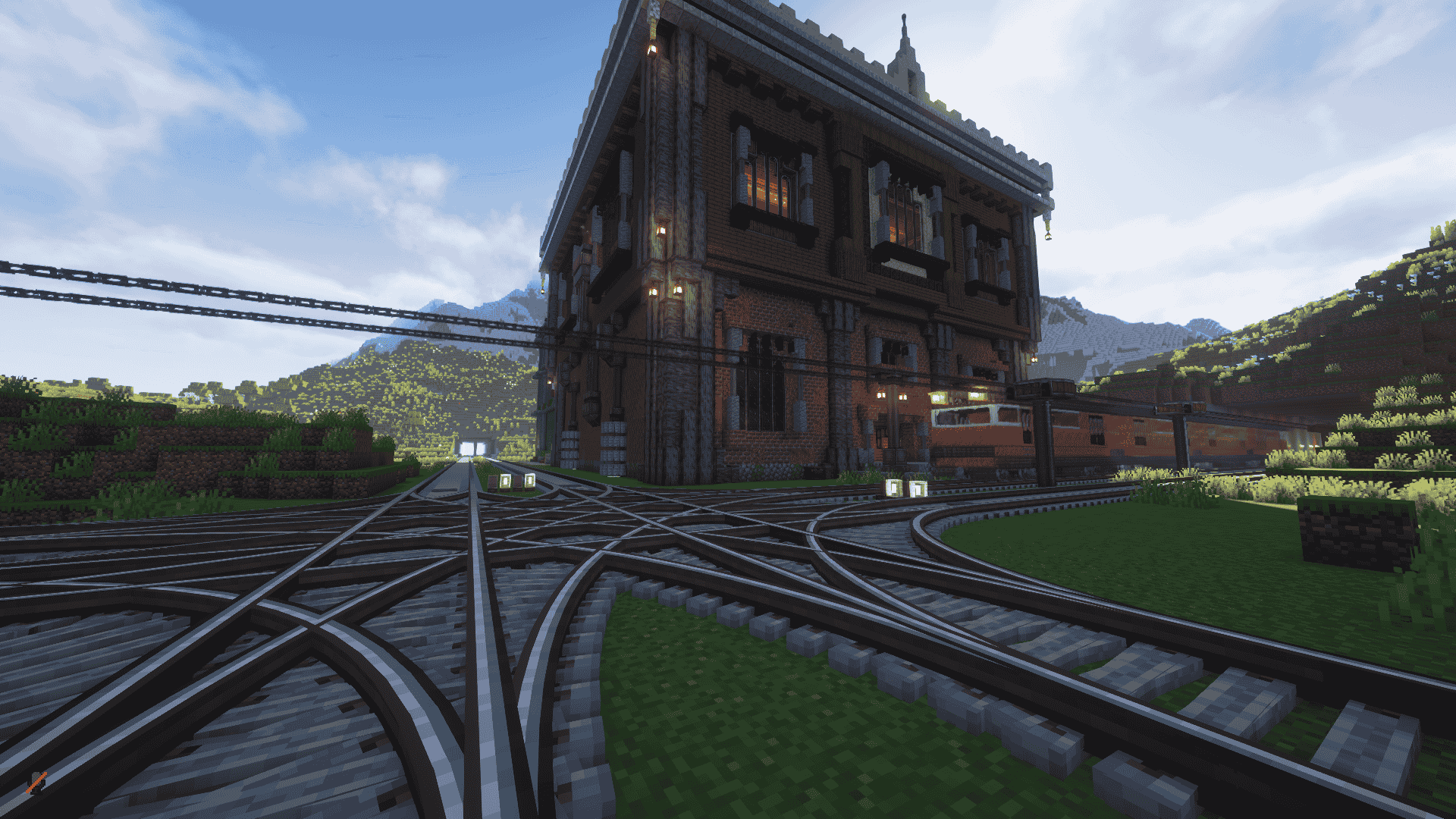
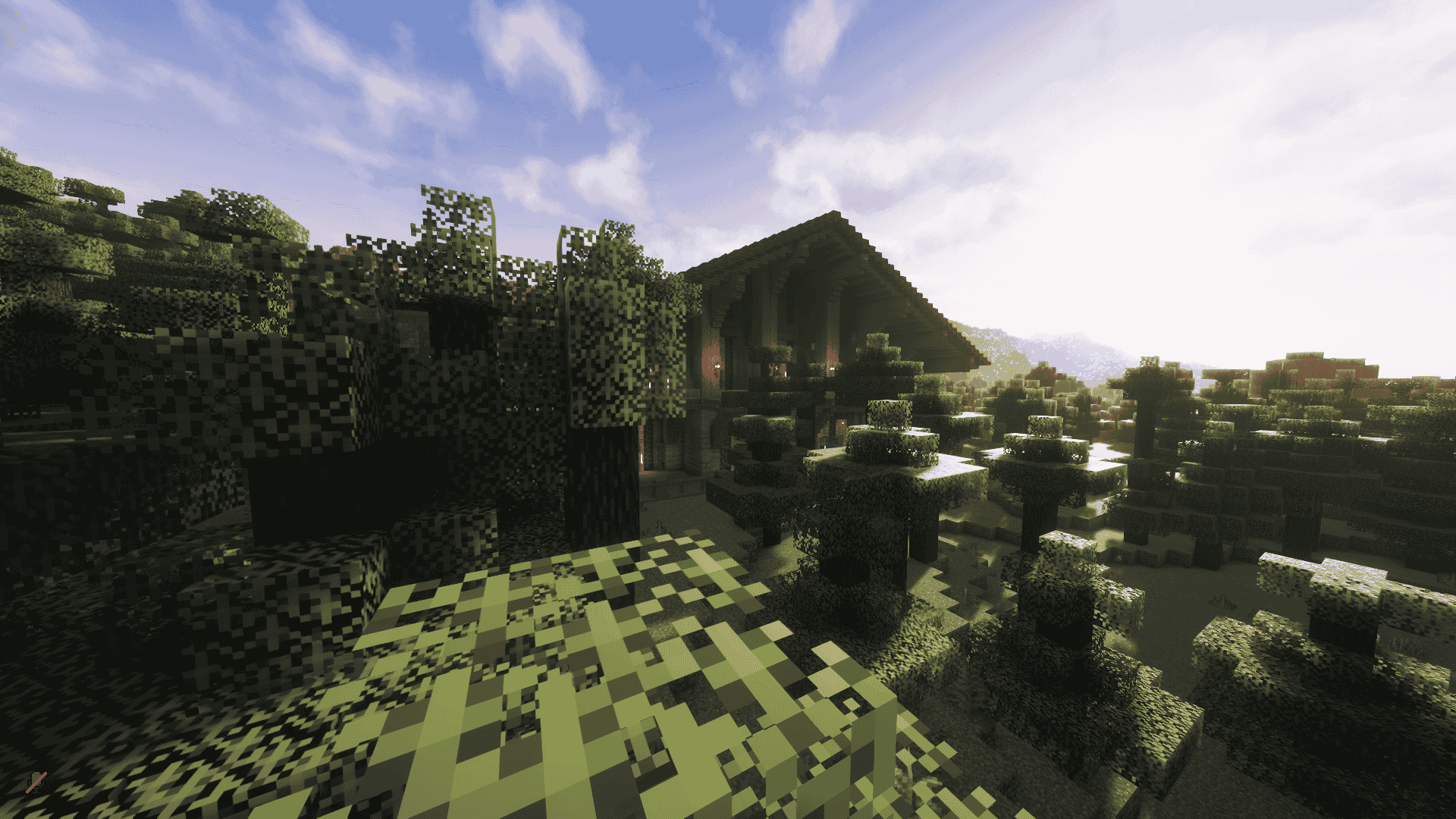
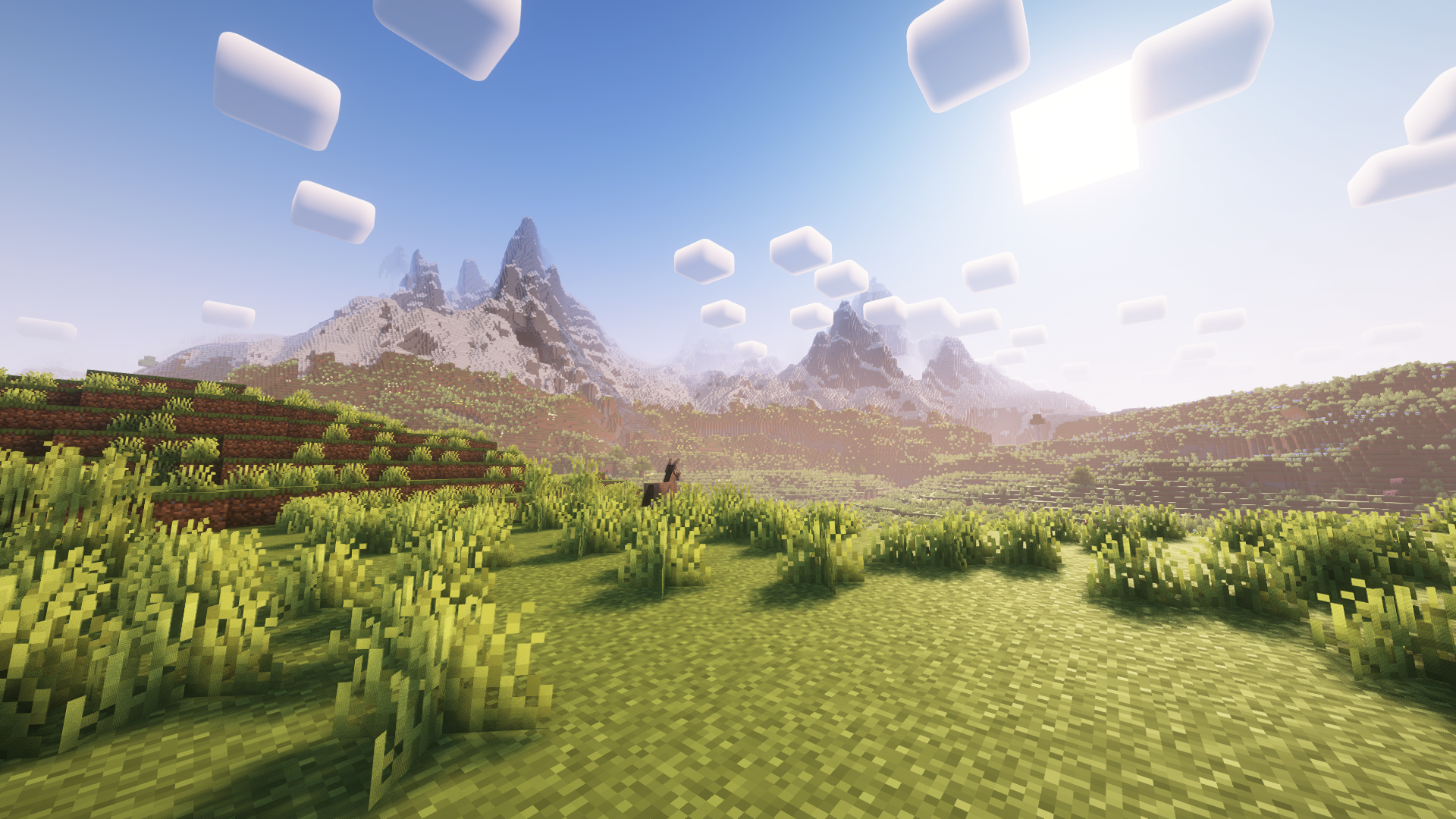
介绍
4rest’s Create SMP – Engineering & Adventure Redefined
A Unique Blend of Creativity, Technology, and Exploration
Welcome to 4rest’s Create SMP, a carefully curated modpack centered around the Create mod, designed to deliver a refined survival experience with mechanical depth and collaborative gameplay.
— CORE FEATURES —
- >> Create & Addons – Fully integrated Create experience with Enchantment Industry, Jetpacks, and Railways
- >> Optimized Performance – Enhanced with Sodium, Iris, and ModernFix for smooth gameplay
- >> Voice & Social – Coordinate builds with Simple Voice Chat and player activity tracking
- >> Quality Tools – Featuring Xaero’s Minimap, Jade, and EMI for better navigation
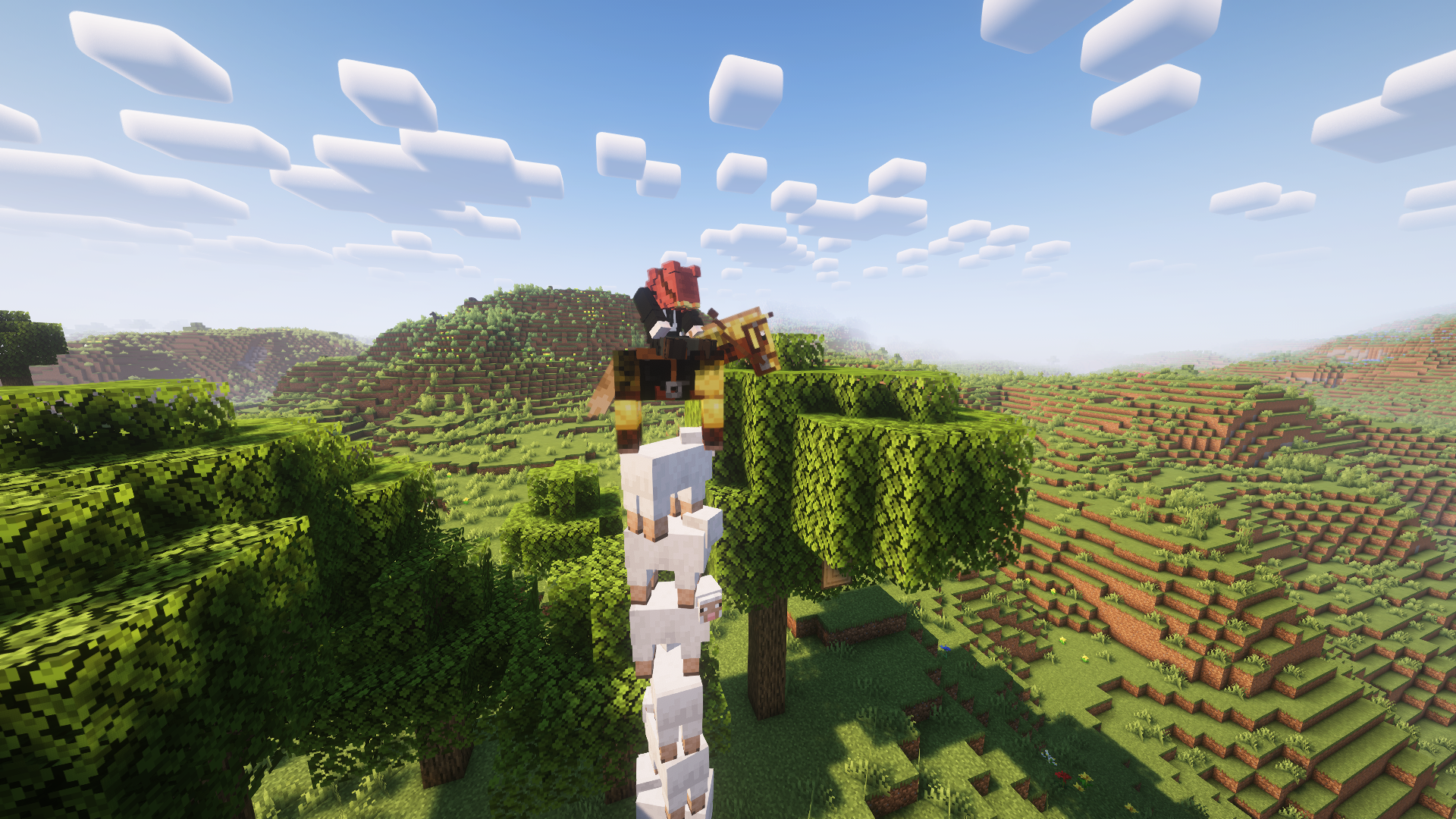
- >> Visual Enhancements – Complementary shaders, 3D skins, and animations
- >> Custom Balance – Adjusted gameplay with Straw Statues and Vanilla Backports
— SERVER HIGHLIGHTS —
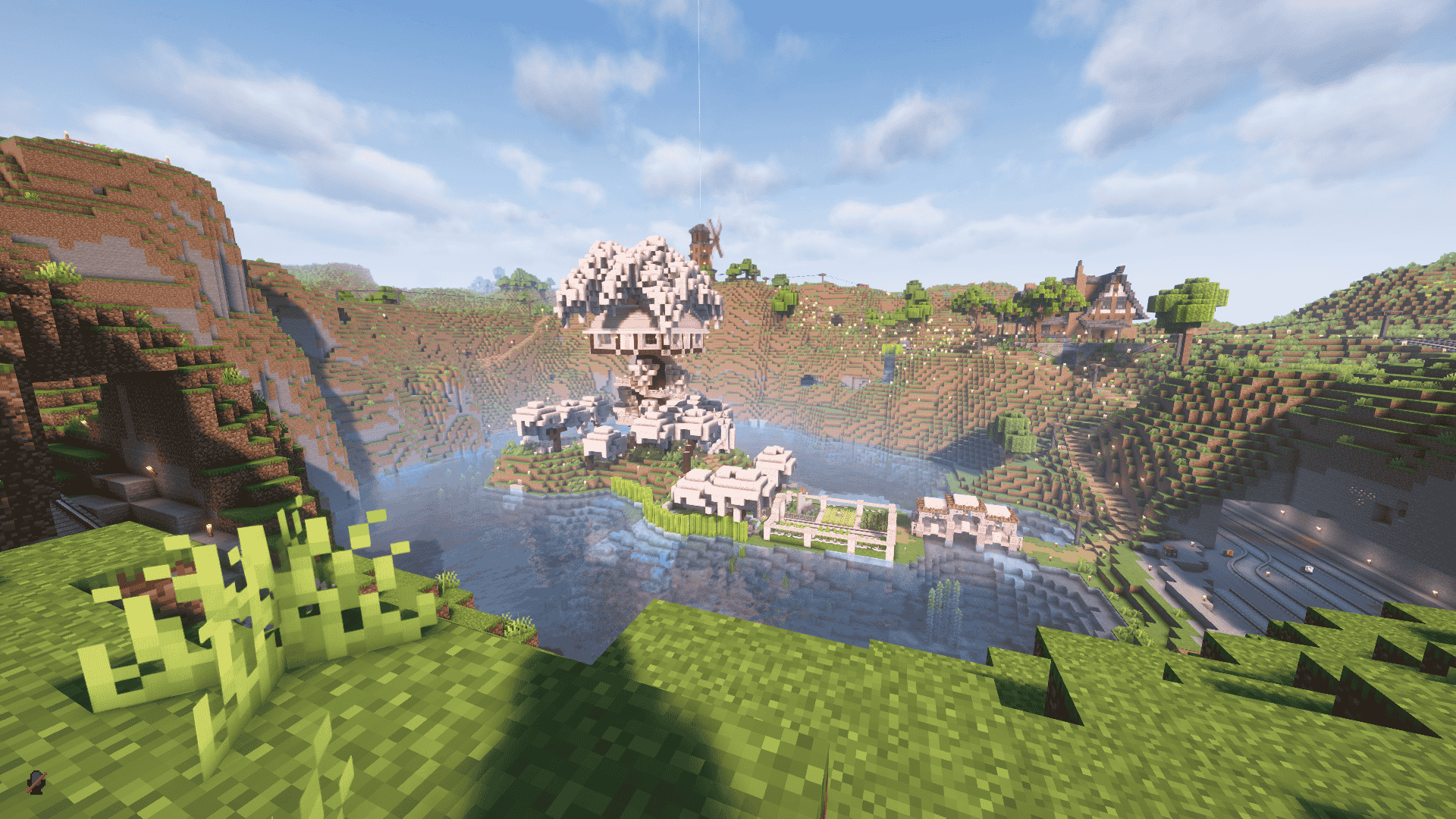
- Collaborative factory building and automation
- Whitelisted community focused on creative builds
- Regular engineering challenges and events
— REQUIREMENTS —
- 6GB+ RAM recommended
- Modern GPU suggested for shaders
My Discord: 4rest
Primary Languages: Ukrainian/Russian (English is understood but rarely spoken in chat).
Please Note:
Most players communicate in Ukrainian or Russian, and the English-speaking community is small. If you’re comfortable with this language barrier, you’re welcome to join!
常见问题
The 4rest Collective – Create SMP 支持哪些 Minecraft 版本?
The 4rest Collective – Create SMP 基于 Minecraft Java 版 1.21.1,使用 NeoForge 加载器。
The 4rest Collective – Create SMP 怎么安装?
点本页「前往下载」拿到整合包文件(Modrinth 的是 .mrpack,CurseForge 的是 .zip),在 PCL2 或 HMCL 启动器里选择「导入整合包」,启动器会自动装好 Minecraft、加载器和全部模组。建议在启动器里给游戏分配 4–6 GB 内存。
The 4rest Collective – Create SMP 开服需要多大内存?
推荐服务器内存 12 GB。在线人数多、或者建了大量机器和区块加载器时,可以再加 2–4 GB。
怎么和朋友一起玩 The 4rest Collective – Create SMP?
点本页的「一键开服」,选好配置后会自动安装 The 4rest Collective – Create SMP 的服务端,几分钟就能开好。把服务器地址发给朋友,大家用同一个版本的整合包连进去就行。
评论
登录后评论和评分