The 128MB Pack
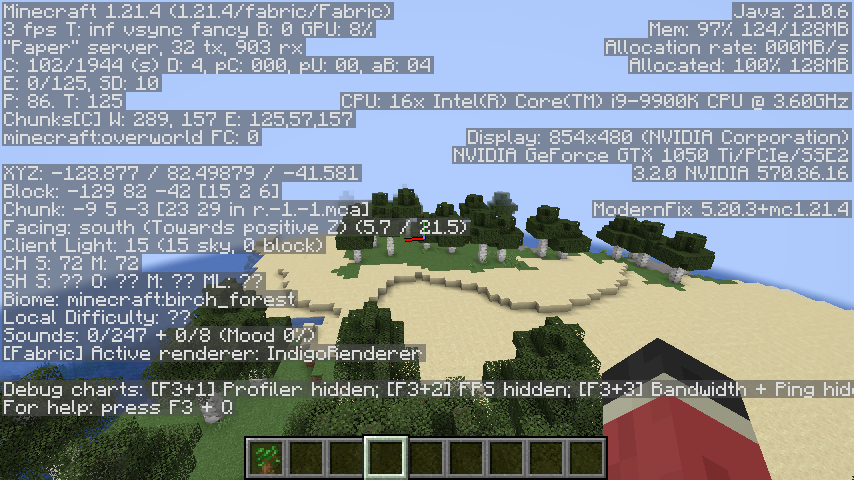
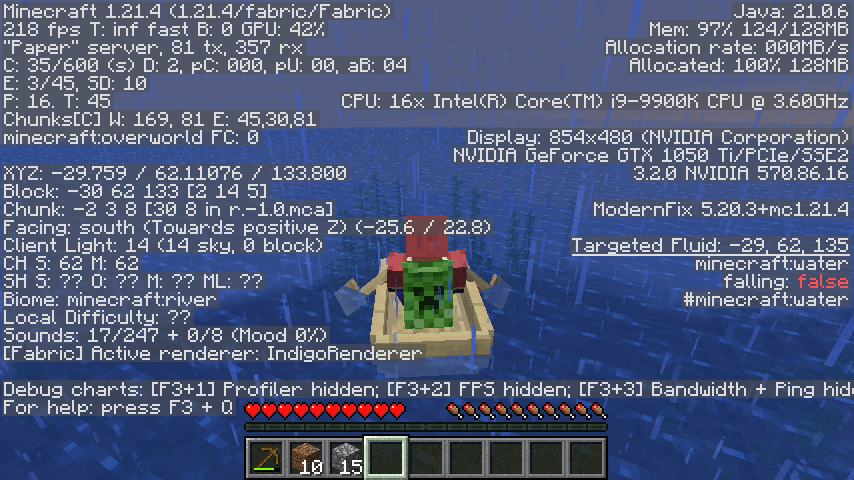
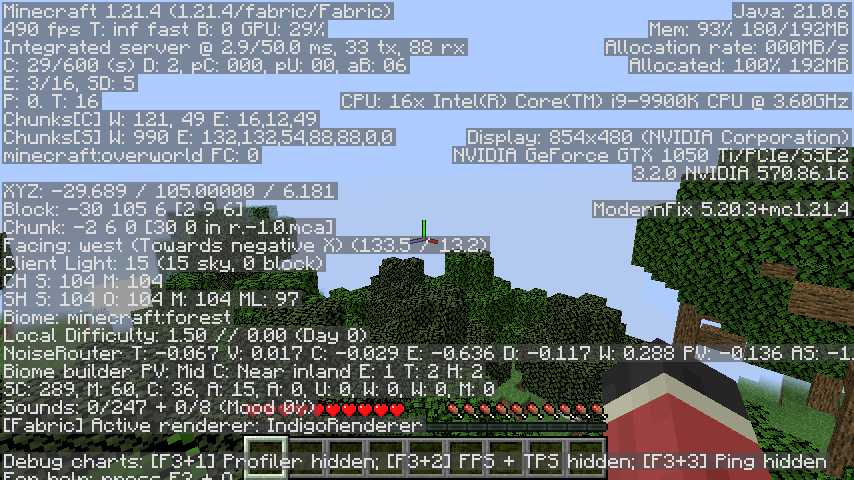
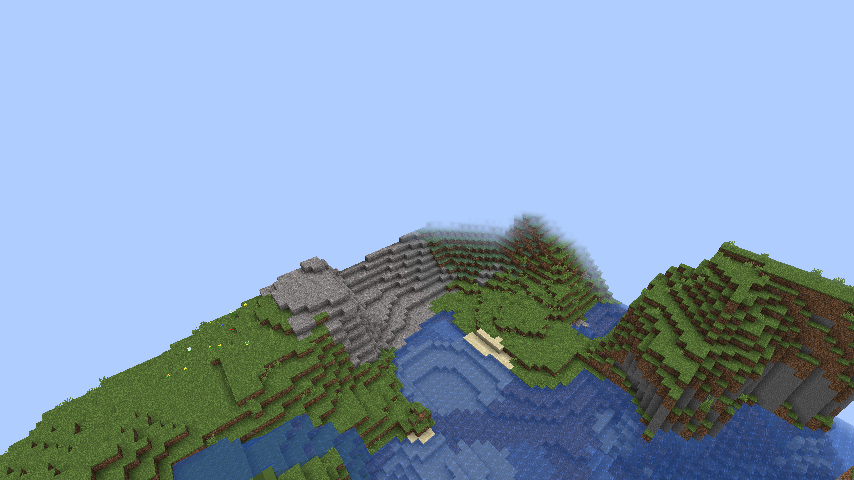
Minecraft on 128MB of allocated memory. It is a bit unstable and can crash quite a bit, but it works nonetheless. For a more playable experience though, you can increase the amount of allocated memory.
截图
介绍
The 128MB Pack
The 128MB pack is a pack that makes Minecraft run on just 128MB of memory while keeping things simple.
Installation (Prism)
On Modrinth, the installation should be extremely straightforward to figure out, but on MultiMC it should likely be the exact same.
- Open “Add Instance”
- Select “Modrinth”
- Search for “The 128MB Pack” and choose the correct version
- Set the amount of allocated memory to at least 512MB
- Launch the game to the title screen
- Close the game and set memory usage down to 128MB
Features
The 128MB pack keeps it simple but has a few useful features too.
Such features are:
- No Telemetry
- Options Profiles
To reduce possible memory related crashes and to stop Microsoft from collecting data about you.
A simple button in the top left corner of the pause and options screen that lets you choose different profiles. Within this modpack there are three profiles for various use cases.
WARNING: Do not switch option profiles in-game, otherwise the game may crash.
Profiles
WARNING: Profiles at the moment will crash the game without Sodium, so for now copy over the options manually.
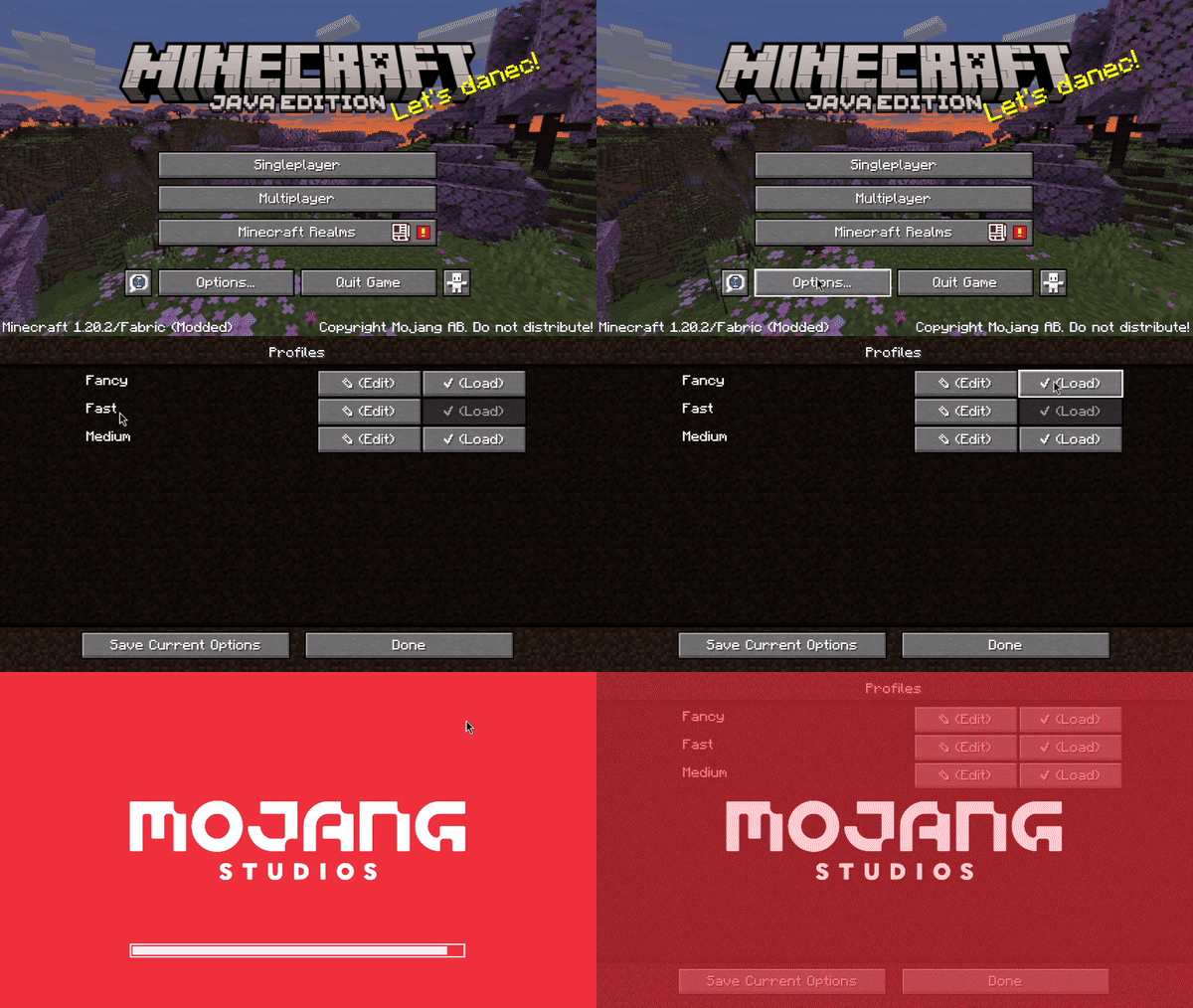
These are the three profiles:
- Fast
- Medium
- Fancy
The least crash prone preset. Use it in scenarios where stability matters most.
A bit of a middle ground between Fast and Fancy. This preset is more crash prone, but is largely usable in multiplayer.
The most intensive out of all of the presets. Has a 6 chunk render distance and all of the vanilla settings. On servers where crashing could occur, use the medium or fast presets. The fancy preset is extremely prone to crashing, so only use it on superflat, or with more allocated memory.
Singleplayer
As of 1.21.4, you will have to increase the amount of allocated memory to create a singleplayer world. From there you can shrink it back down to 128MB, but beware that it will likely be extremely unstable.
1.21.4
This update has put this modpack into near unusable shape.
The modpack will of course continue to exist, but compared to 1.20.2, this modpack is a shell of what it once was.
It’s extremely unstable, and now servers like Hypixel simply will not work.
I am going to try to work on it to see how I can improve it, but the future is not promising as of 2/19/2025.
Credits:
- embeddedt – ModernFix
- FabricMC – Fabric API
- kb1000 – No Telemetry
- AxolotlMaid – Options Profiles
- malte0811 – FerriteCore
All mods in this modpack included by default are FOSS.
Sodium
By default, this modpack does not include Sodium as it uses a lot of memory.
If you want to install it though, simply add it to the instance. You will have to increase the amount of memory allocated to the instance as a result of that, otherwise the game will be extremely unstable.
包含的模组 6 个



绿色边框的模组本站有收录,点进去看中文介绍;其余跳转到 Modrinth。
常见问题
The 128MB Pack 支持哪些 Minecraft 版本?
The 128MB Pack 基于 Minecraft Java 版 1.21.4、1.20.2,使用 Fabric 加载器。
The 128MB Pack 怎么安装?
点本页「前往下载」拿到整合包文件(Modrinth 的是 .mrpack,CurseForge 的是 .zip),在 PCL2 或 HMCL 启动器里选择「导入整合包」,启动器会自动装好 Minecraft、加载器和全部模组。这个整合包有 6 个模组,建议在启动器里给游戏分配 4–6 GB 内存。
The 128MB Pack 开服需要多大内存?
推荐服务器内存 12 GB。在线人数多、或者建了大量机器和区块加载器时,可以再加 2–4 GB。
怎么和朋友一起玩 The 128MB Pack?
点本页的「一键开服」,选好配置后会自动安装 The 128MB Pack 的服务端,几分钟就能开好。把服务器地址发给朋友,大家用同一个版本的整合包连进去就行。
4194304 的其他作品
查看全部 →
XRay+
XRay+ a simpler and easier XRay pack

Bed Client
A minimalistic yet high quality modpack with full control and customization in mind.

ResourceFix
Load packs from 1.19.2 on 1.12.2

EarlyRelease
Transform versions 1.8 - 1.12.2 into 1.2.5!
评论
登录后评论和评分