
TBMB Create: Life-Simple
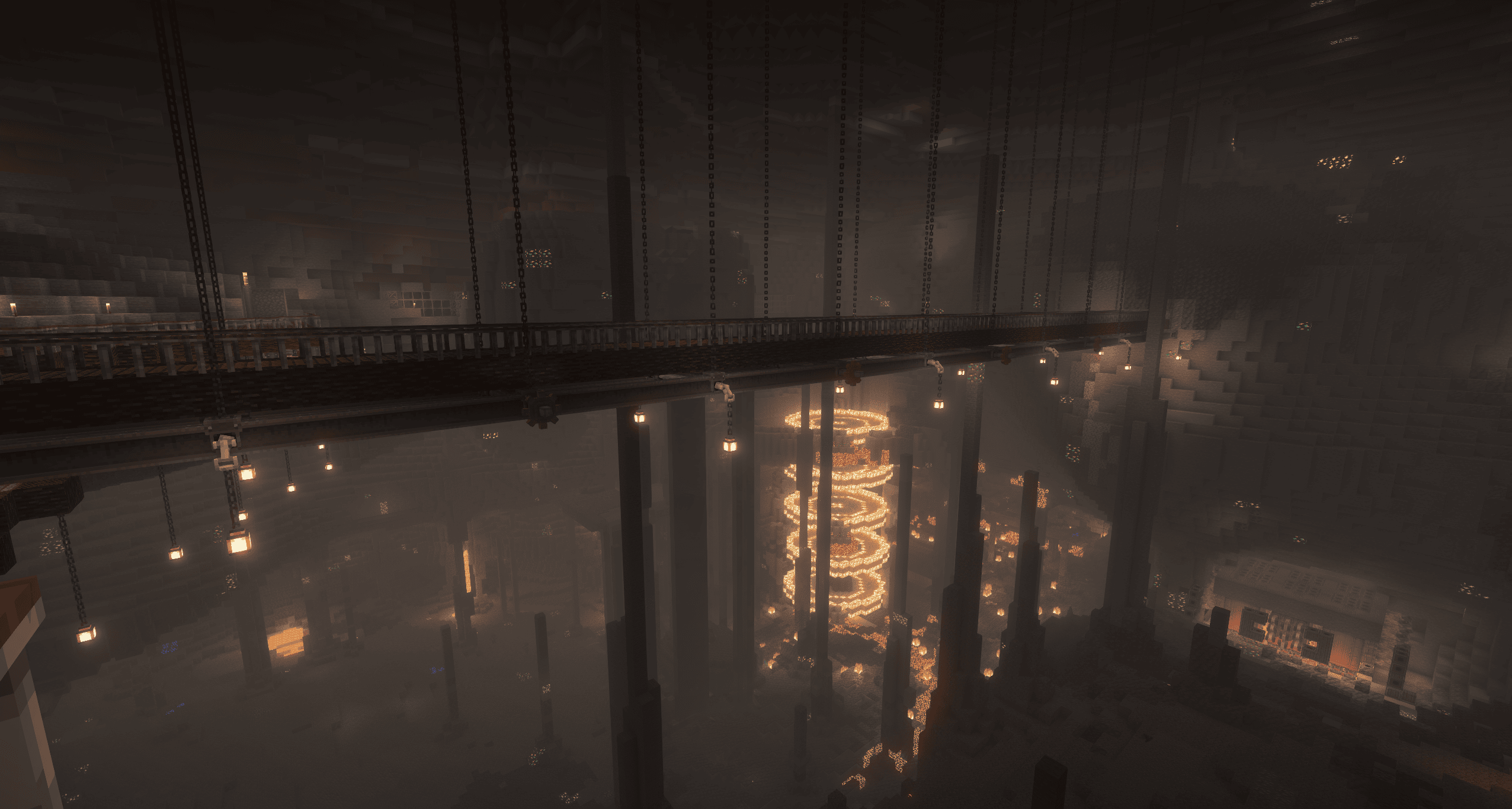
This modpack is a simpler version of my other modpack ( https://www.curseforge.com/minecraft/modpacks/tbmb-create-life ) in order to focus more on the create mod & addons without worrying about performance as much.
截图
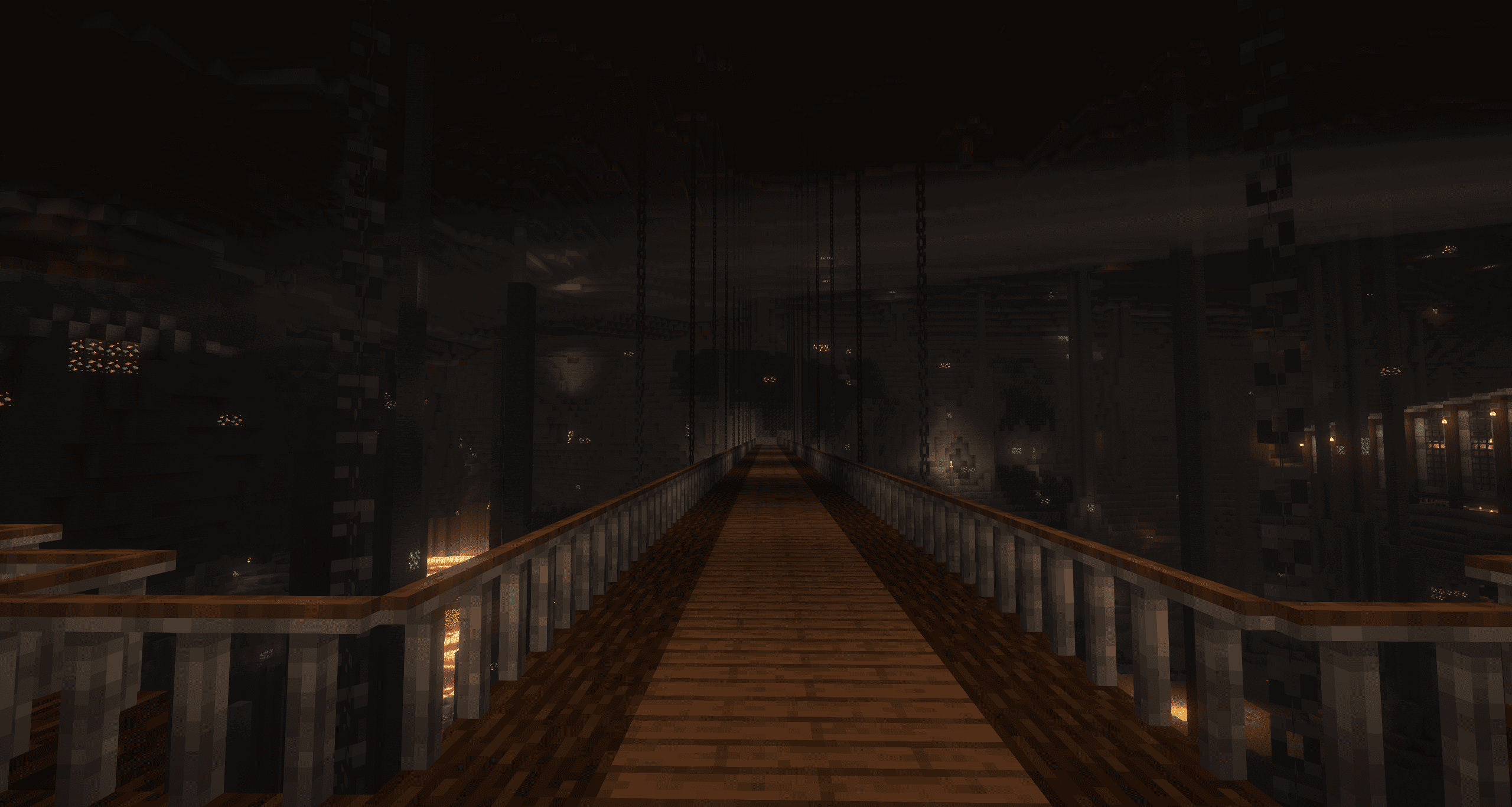
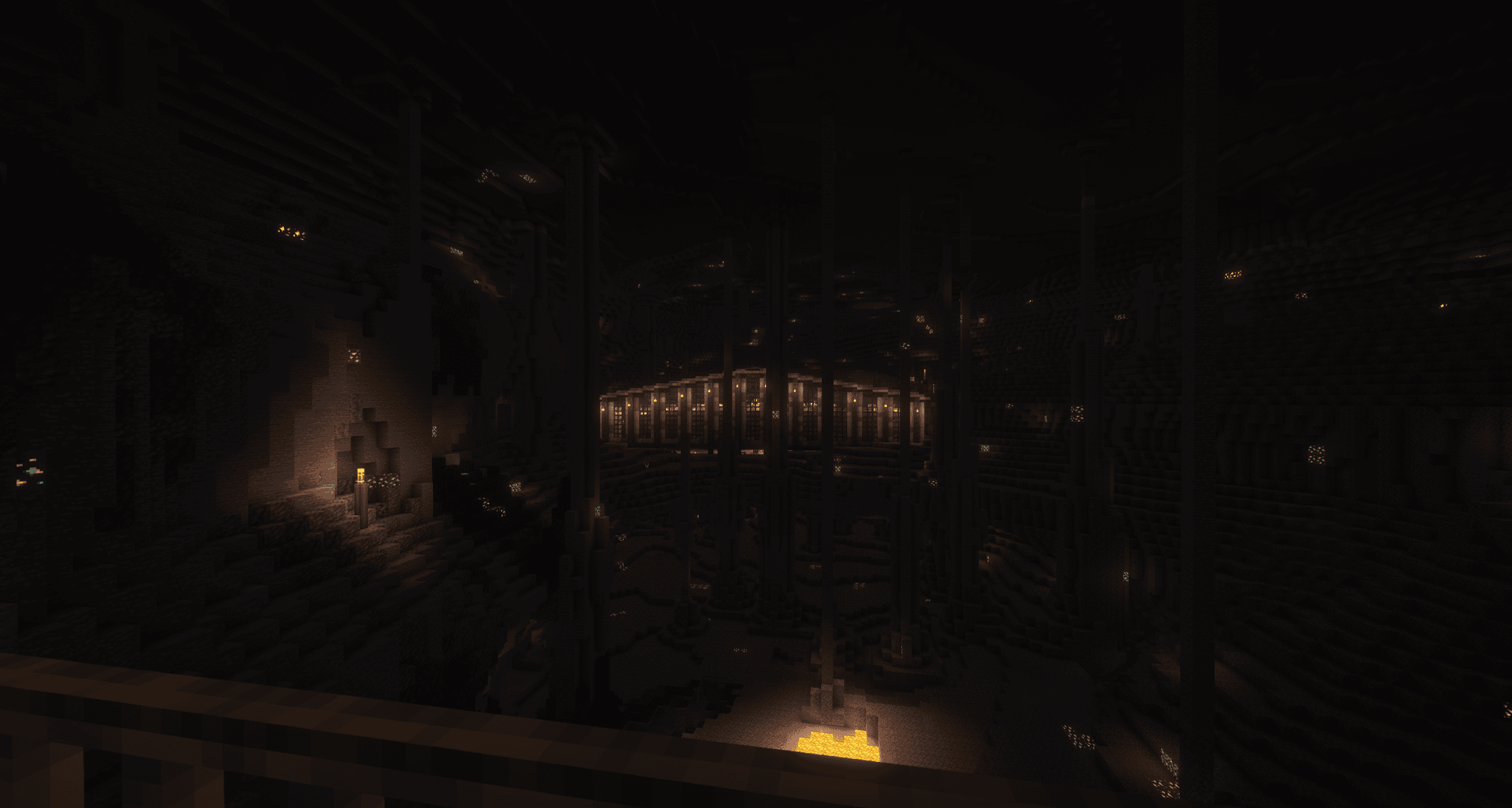
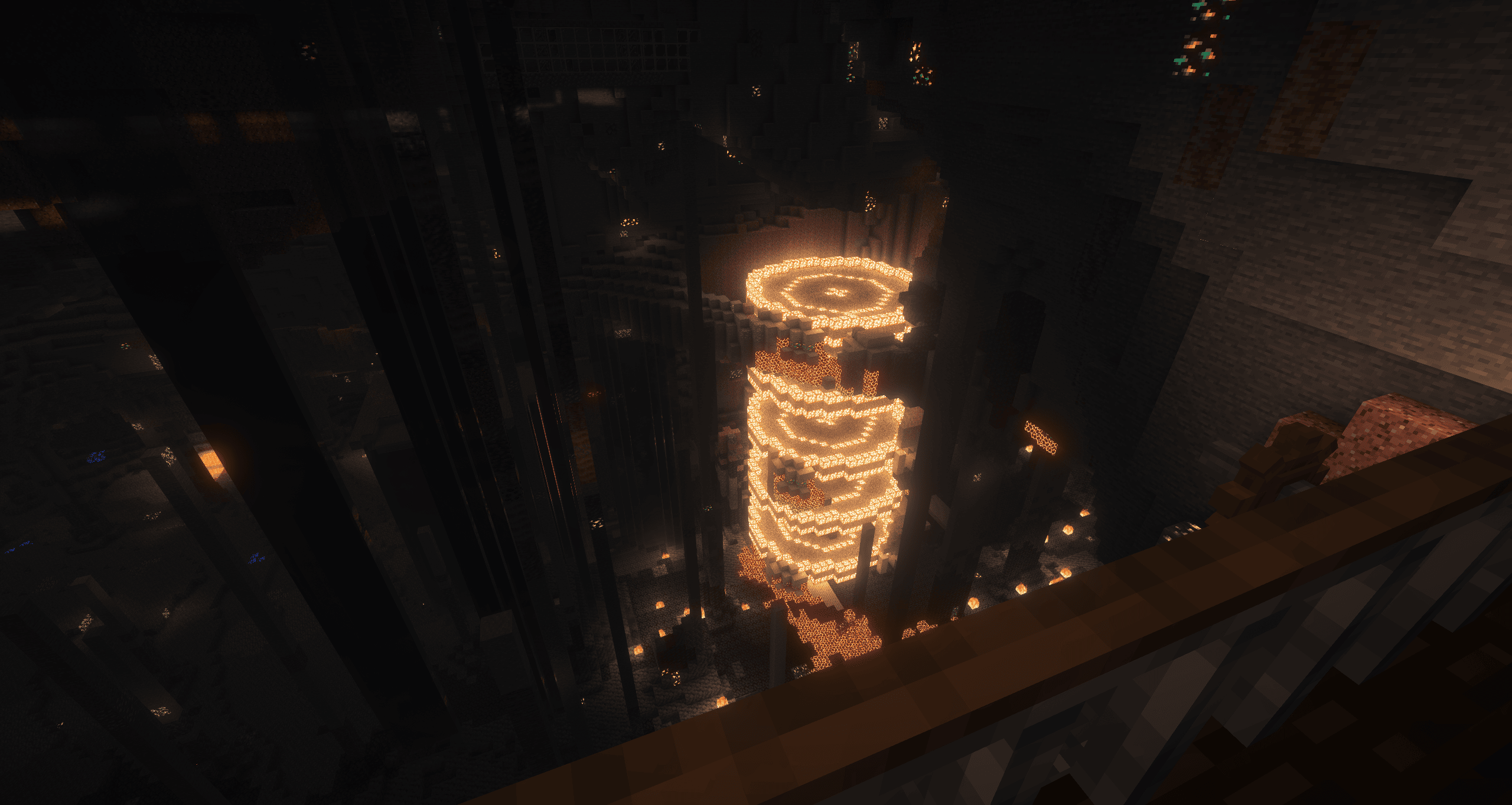
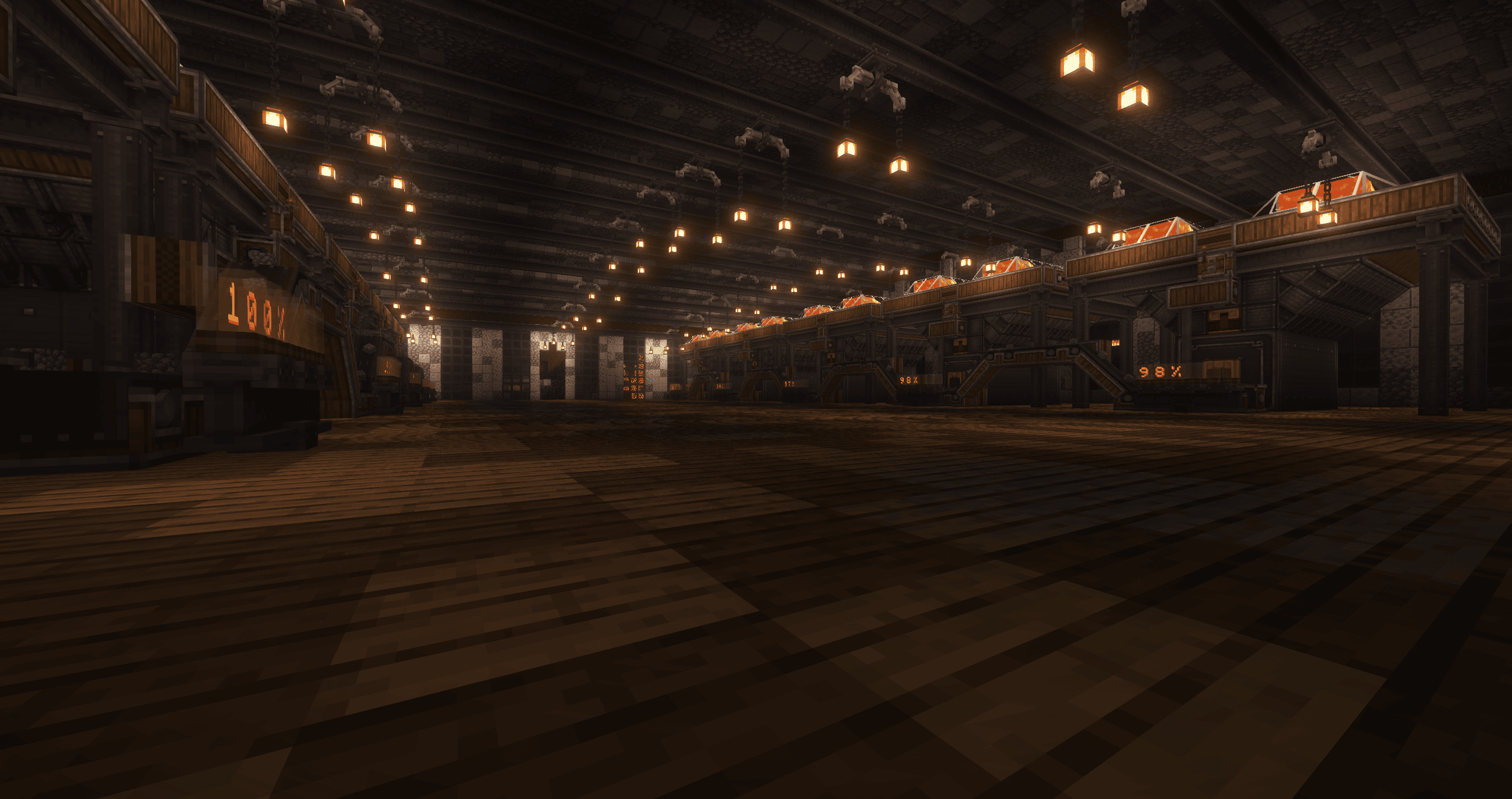
介绍
This modpack is based on my other modpack but made a bit simpler to help with performance and focus on the create mod and addons itself.
Other Modpack: https://www.curseforge.com/minecraft/modpacks/tbmb-create-life
We have the create mod with many addons for your tech wants and needs. Immersive portals for the fun viewing of the nether through a window at any time. There’s still scaling with mobs the higher your stats become and the further from spawn you go.
Some of the mods include:
- create
- 30+ create addons (more to come)
- terralith
- projectMMO
- Immersive portals
- Functional Storage
- Simple Voice Chat
- Farmer’ss Delight
- And more!!
This is a very adventurous and entertaining modpack that will keep you on your toes as you try to progress. I do recommend 4-6GB of ram and if possible, Amplified worlds increase the fun with the terrain generation.
More mods are planned to be added/tweaked in due time such a voice chat for example.
The public server for other modpack will be converted to this one. The ip is down below. There will be a server pack to download as well at a later date.
tbmbcreatelife.dat.gg
Credit for all these mods go to their respective creators.
常见问题
TBMB Create: Life-Simple 支持哪些 Minecraft 版本?
TBMB Create: Life-Simple 基于 Minecraft Java 版 1.20.1,使用 Forge 加载器。
TBMB Create: Life-Simple 怎么安装?
点本页「前往下载」拿到整合包文件(Modrinth 的是 .mrpack,CurseForge 的是 .zip),在 PCL2 或 HMCL 启动器里选择「导入整合包」,启动器会自动装好 Minecraft、加载器和全部模组。建议在启动器里给游戏分配 4–6 GB 内存。
TBMB Create: Life-Simple 开服需要多大内存?
推荐服务器内存 12 GB。在线人数多、或者建了大量机器和区块加载器时,可以再加 2–4 GB。
怎么和朋友一起玩 TBMB Create: Life-Simple?
点本页的「一键开服」,选好配置后会自动安装 TBMB Create: Life-Simple 的服务端,几分钟就能开好。把服务器地址发给朋友,大家用同一个版本的整合包连进去就行。

评论
登录后评论和评分