Starfold Experience
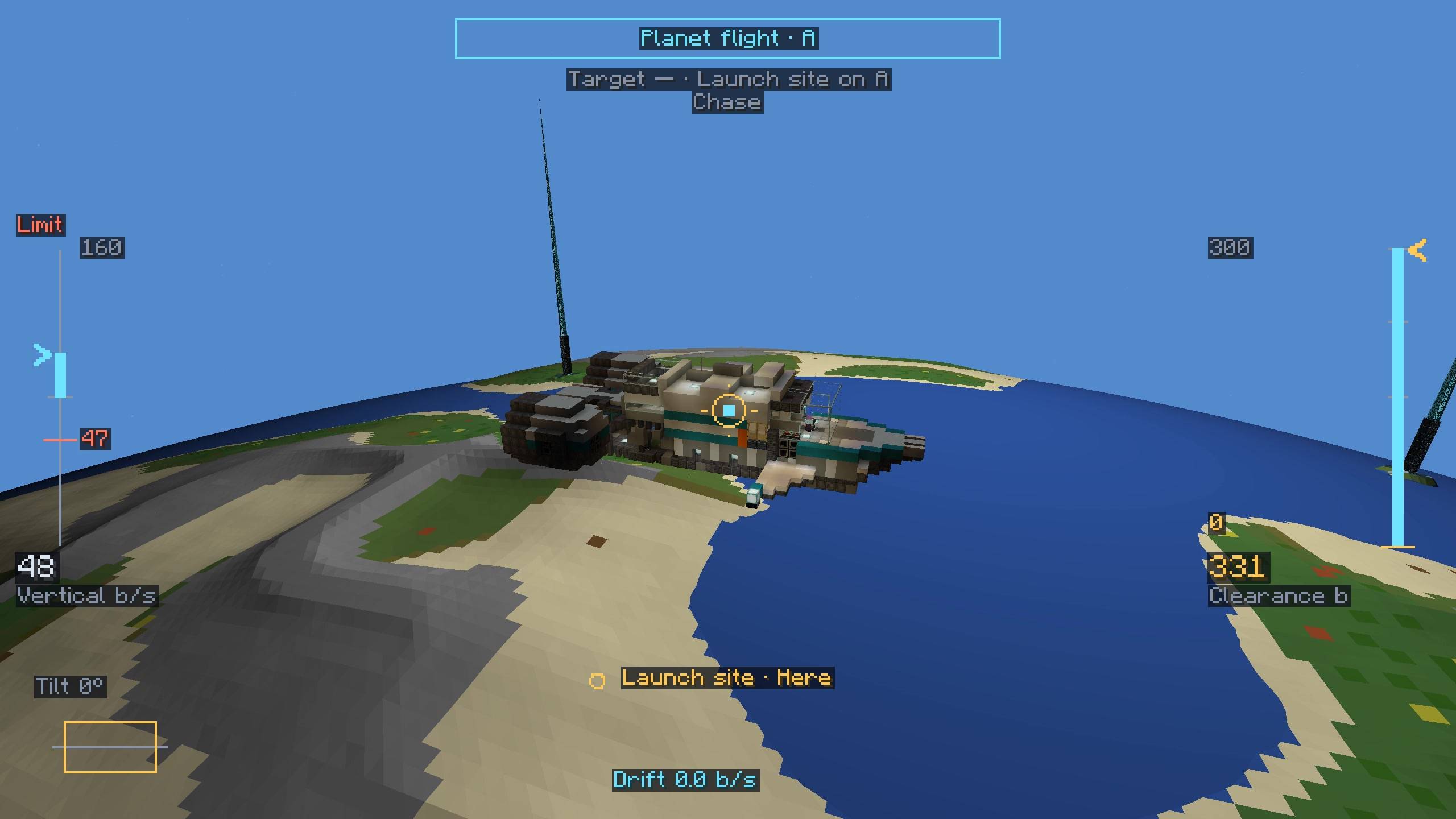
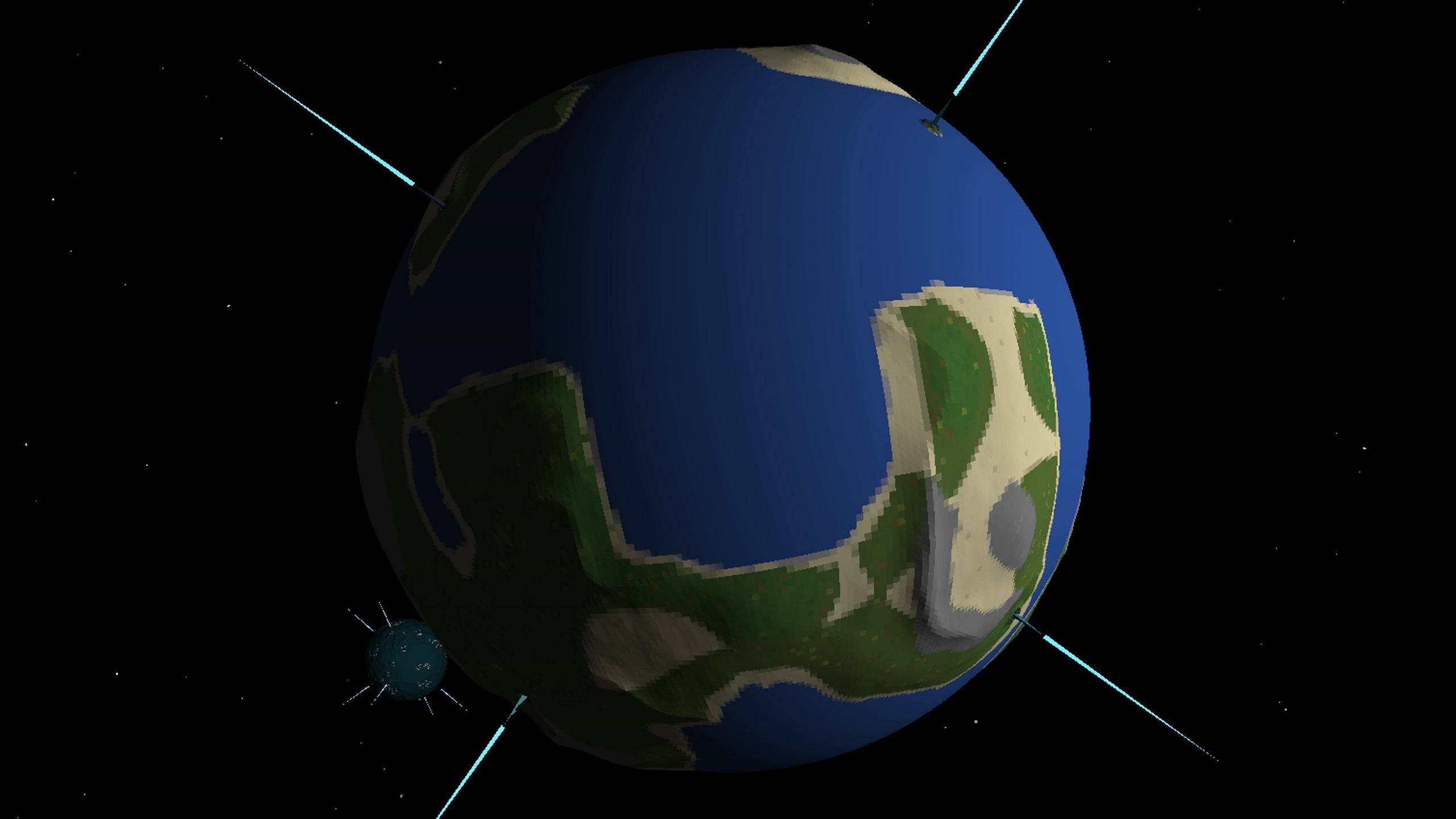
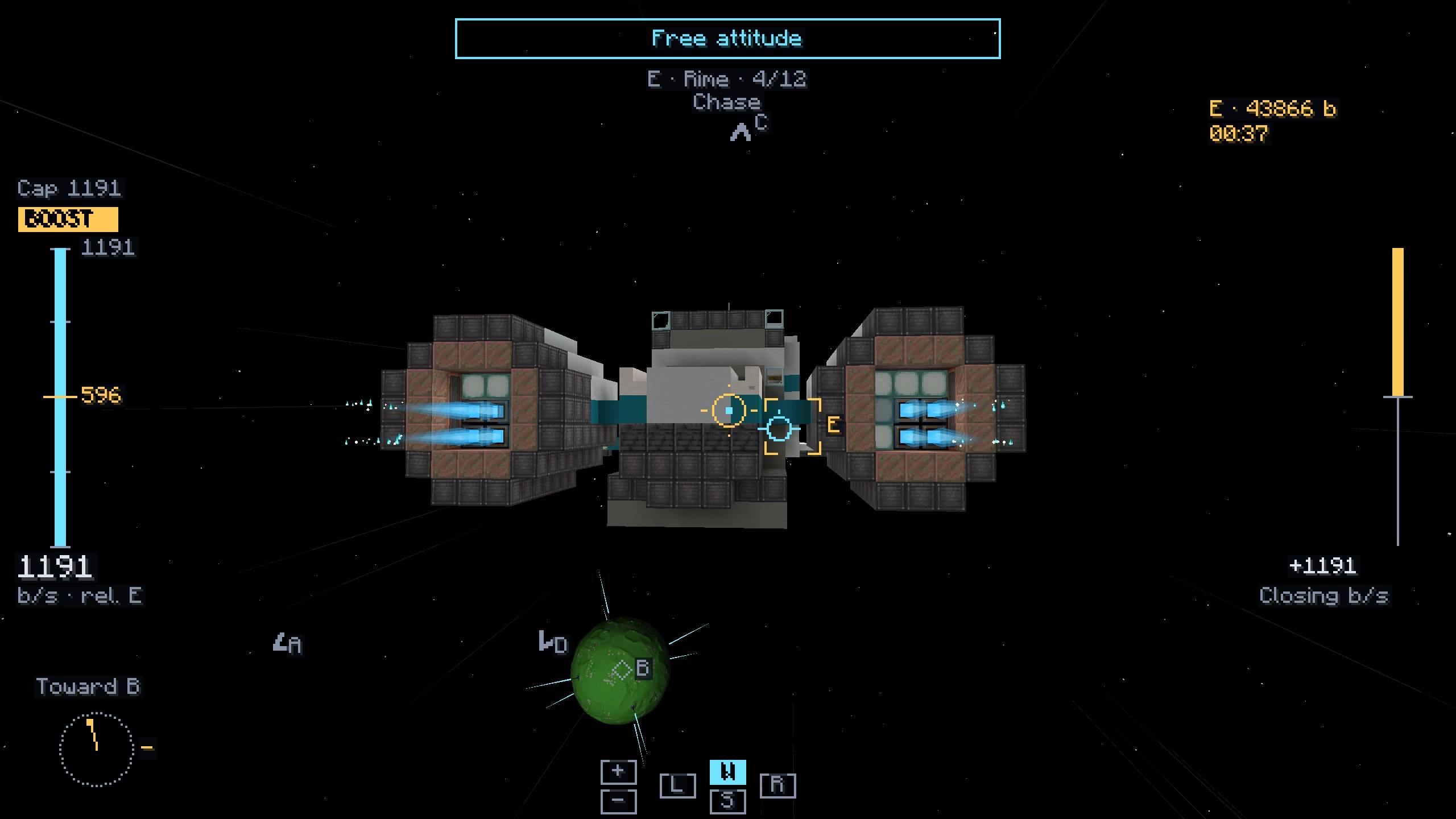
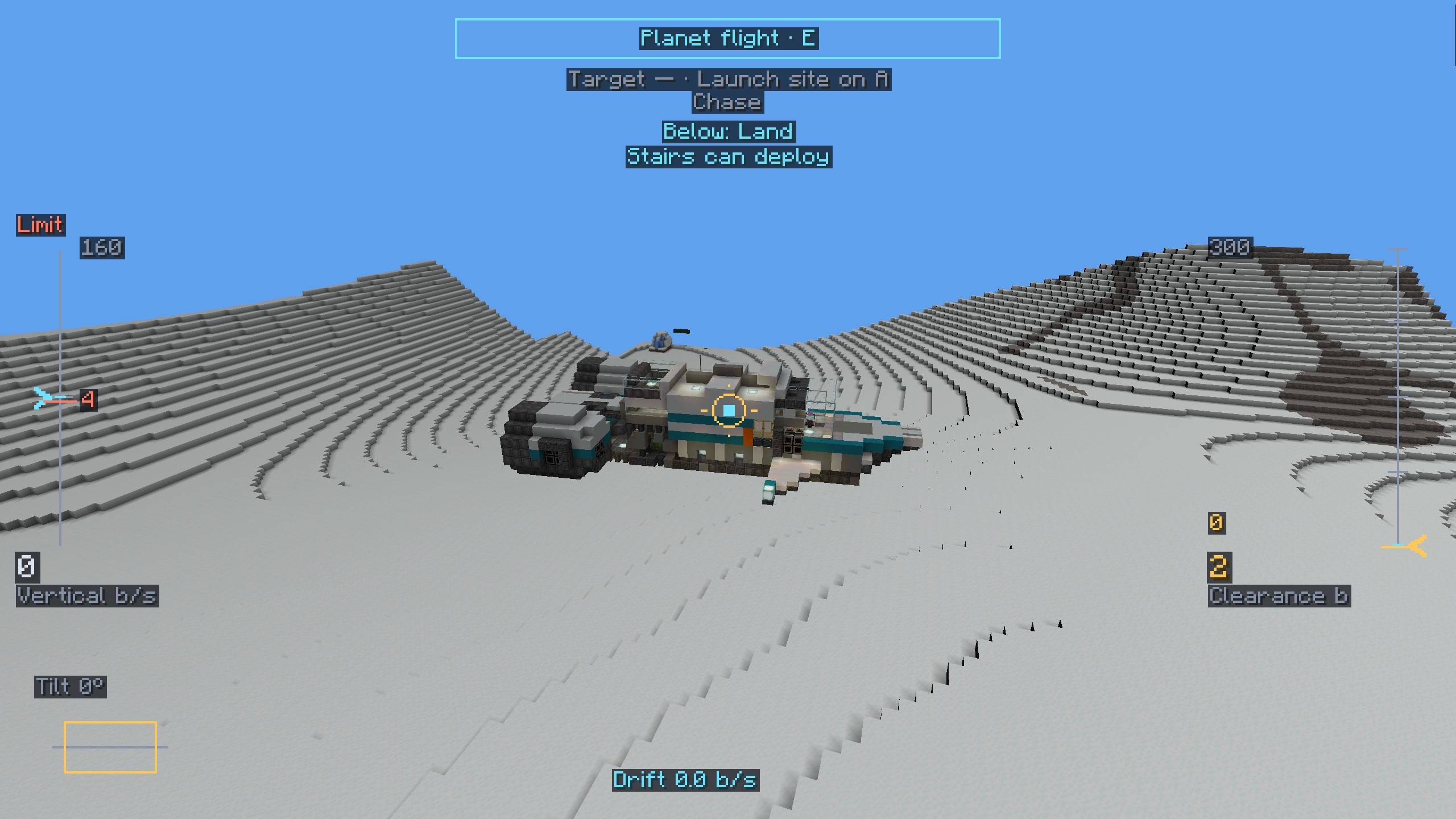
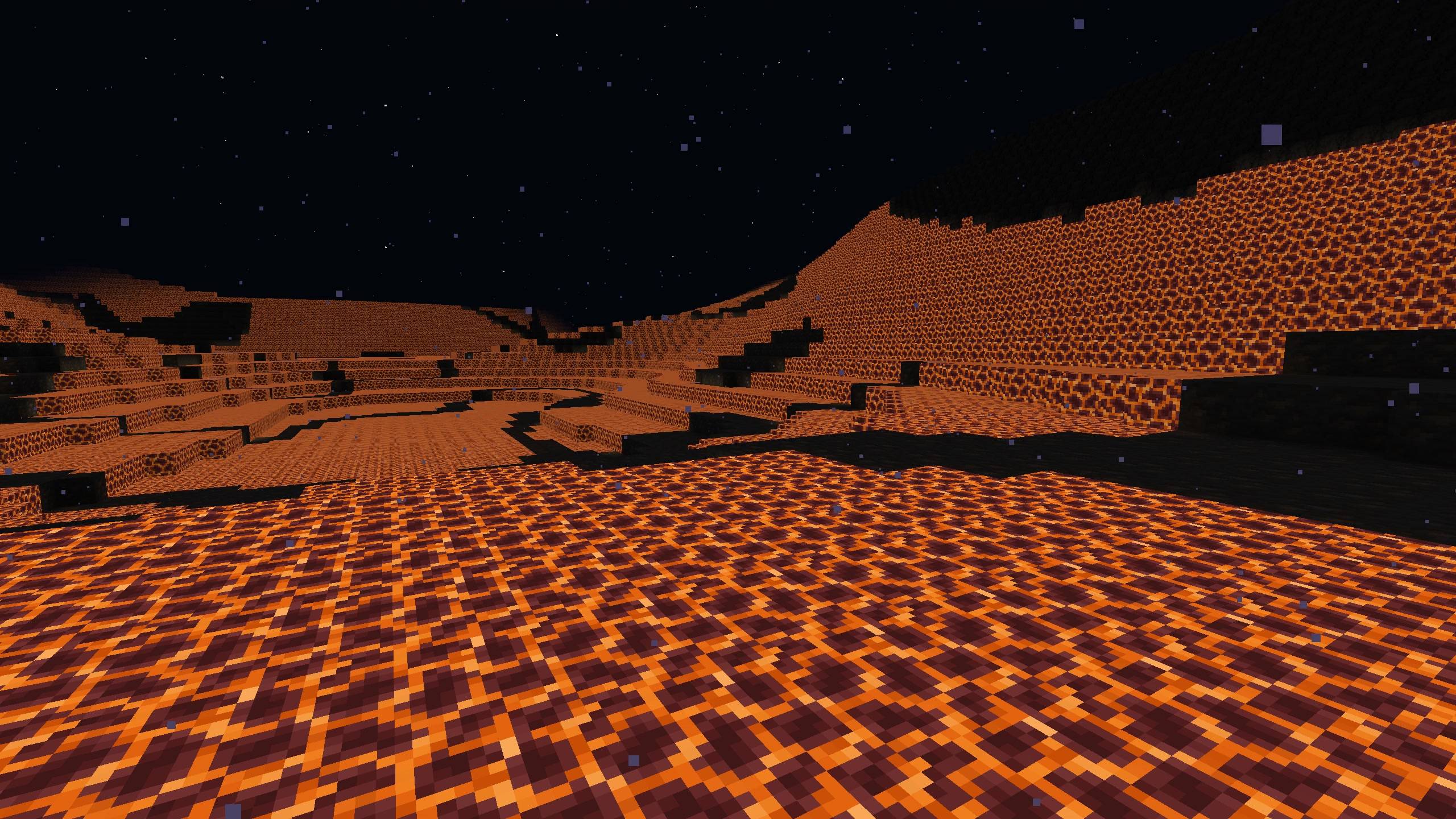
Starfold ready to play: real planets made of vanilla terrain, with Create and Create Aeronautics to build a ship and fly it to another planet.
截图
介绍
Starfold Experience
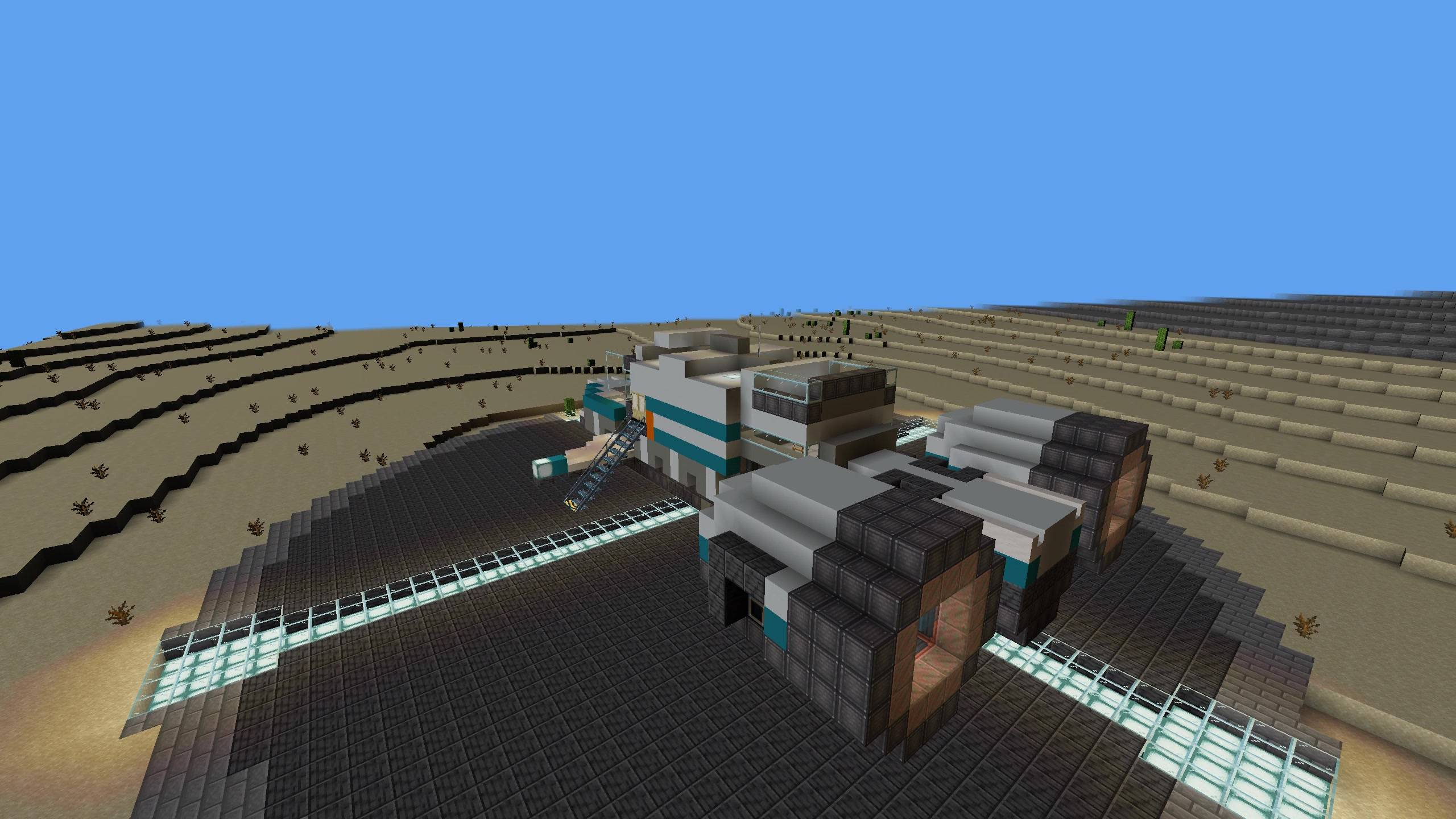
Everything you need to play Starfold, ready to launch: real planets made of vanilla terrain, and a ship to fly from the ground to another planet with no dimension change and no loading screen.
What is in the pack
| Mod | Version | What it does here |
|---|---|---|
| Starfold | 0.1.0 | The planets, space, and the ship parts that reach it |
| Sable | 2.0.5 | Moving ships (required by Starfold) |
| Create | 6.0.10 | Building and powering ships |
| Create Aeronautics | 1.3.2 | Building ships that fly |
| Immersive Aircraft | 1.5.2 | A small aircraft carried on the starter ship |
Minecraft 1.21.1, NeoForge 21.1.247. Nothing else is added and no settings are changed.
How to start
- Install the pack and launch it.
- Create a new world and choose the world type Starfold: Experience. You start beside a ready-made ship on a pad.
- Open the advancements tab and follow Build a ship, or board the starter ship and take off.
To start with nothing and build your own ship, choose Starfold: Generated Universe instead.
Before you play
Starfold is an early version.
- Single-player only for now.
- No shader packs. Do not add Sodium, Iris or Embeddium: the planets are not drawn with them.
- Give the game 4 to 6 GB of memory.
- Saves may not carry over to later versions. Back up worlds you care about.
中文说明
这个整合包包含游玩星海折越(Starfold)所需的全部模组,装好就能玩:由原版地形构成的星球,以及一艘能从地面一路飞到另一颗星球的飞船,没有维度切换,全程无缝加载。
包内模组:Starfold 0.1.0、Sable 2.0.5、机械动力(Create)6.0.10、机械动力:航空学(Create Aeronautics)1.3.2、Immersive Aircraft 1.5.2。Minecraft 1.21.1,NeoForge 21.1.247。
开始游戏:新建世界,世界类型选星海折越:体验,出生点的停机坪上有一艘现成的飞船。想从零开始自己造船,就选星海折越:随机宇宙。
注意:目前只支持单人;不支持光影包,不要加装 Sodium、Iris 或 Embeddium;建议分配 4 到 6 GB 内存;存档不保证能沿用到后续版本。
常见问题
Starfold Experience 支持哪些 Minecraft 版本?
Starfold Experience 基于 Minecraft Java 版 1.21.1,使用 NeoForge 加载器。
Starfold Experience 怎么安装?
点本页「前往下载」拿到整合包文件(Modrinth 的是 .mrpack,CurseForge 的是 .zip),在 PCL2 或 HMCL 启动器里选择「导入整合包」,启动器会自动装好 Minecraft、加载器和全部模组。建议在启动器里给游戏分配 4–6 GB 内存。
Starfold Experience 开服需要多大内存?
推荐服务器内存 12 GB。在线人数多、或者建了大量机器和区块加载器时,可以再加 2–4 GB。
怎么和朋友一起玩 Starfold Experience?
点本页的「一键开服」,选好配置后会自动安装 Starfold Experience 的服务端,几分钟就能开好。把服务器地址发给朋友,大家用同一个版本的整合包连进去就行。
评论
登录后评论和评分