
Shuu’s Complete FPS
The complete Minecraft FPS experience, with game orchestration, movement, and built-in worlds.
截图
介绍
Shuu’s Complete FPS
This is the complete Minecraft FPS experience. It comes with with game orchestration, movement, and built-in worlds.
Controls
Use v to hold onto the edge of blocks (a more manual vaulting), hold t to slide on walls, or run along them, press space a second time to double jump, press CapsLock to dash!
Features
1) Game Mode Orchestration
This game has 2 game modes: Battle Royale and Arena Timed
2) Arena Backup
When you set an area to make your arena (using the init commands), the mod will automatically save that area of your world separately. Once a game ends (running the reset command or the game naturally ends) those chunks will immediately and automatically be restored.
3) Leaderboard
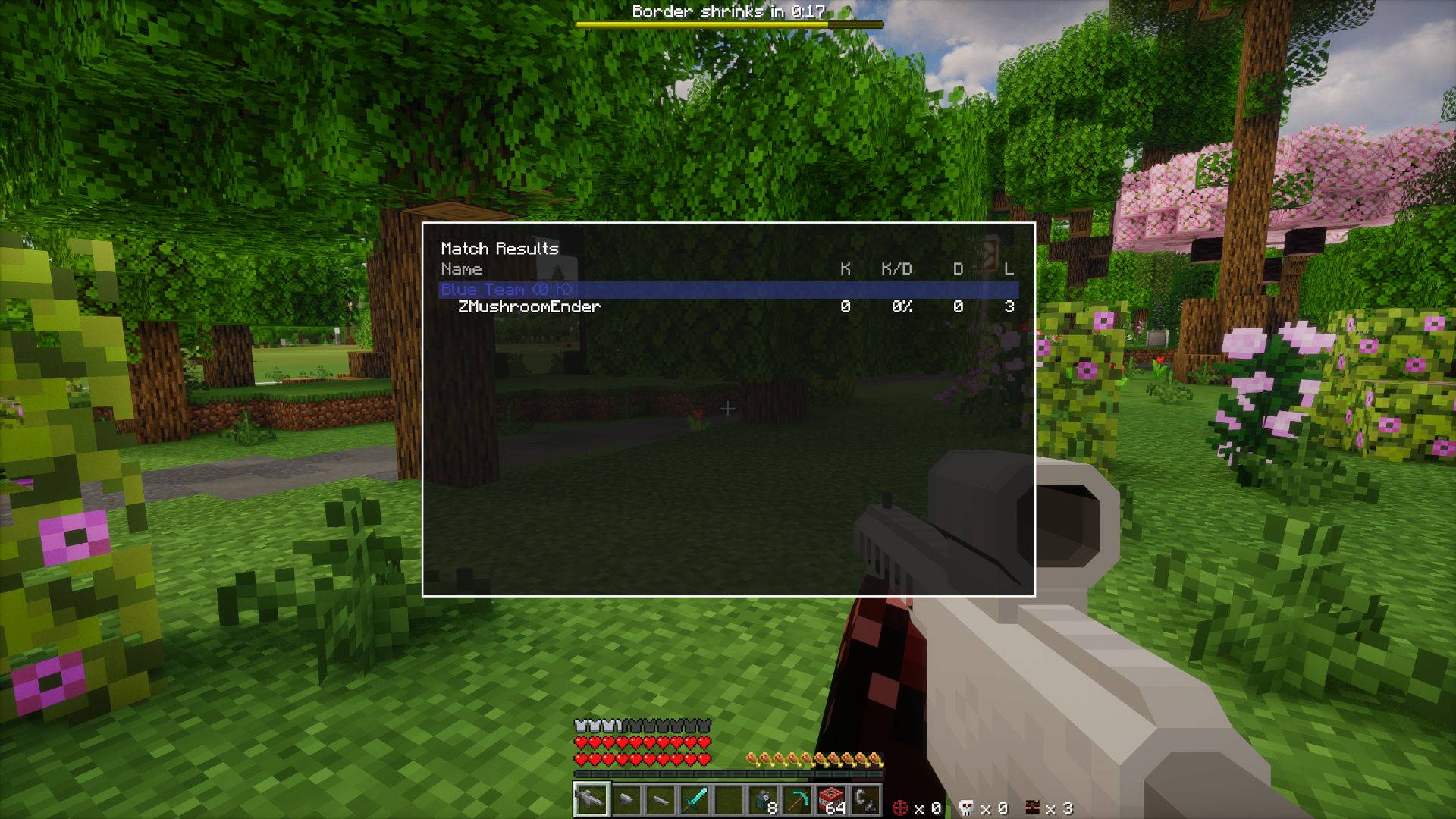
When a game is running, you can view the leaderboard by holding <tab>. It is organized as original FPS intended!
Game Modes
1) Battle Royale (/br)
- Last player or team alive wins.
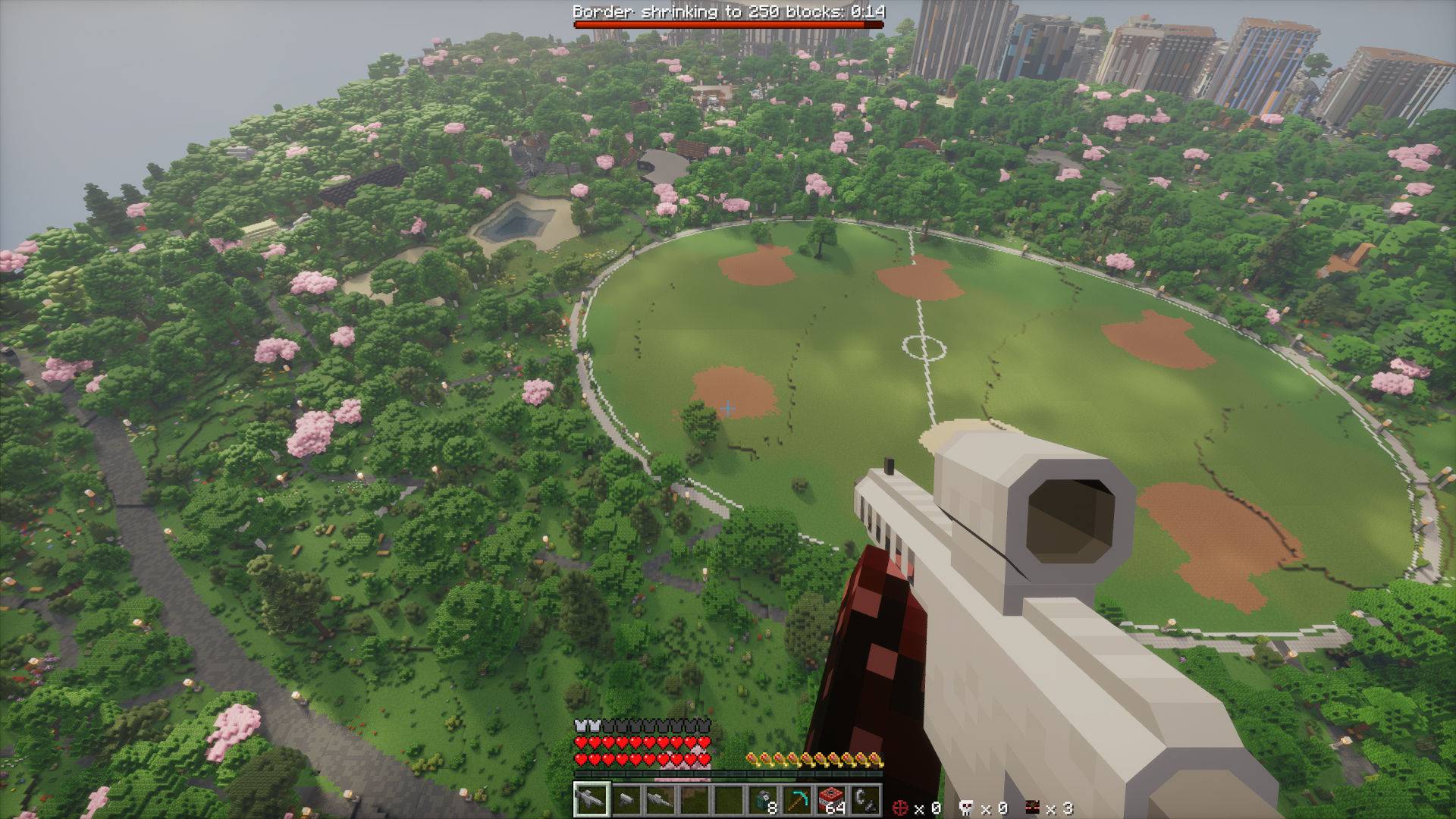
- The world border starts large, then shrinks in steps.
- You can configure war time, shrink amount, shrink timing, and lives.
2) Arena Timed (/at)
- Set a fixed match duration.
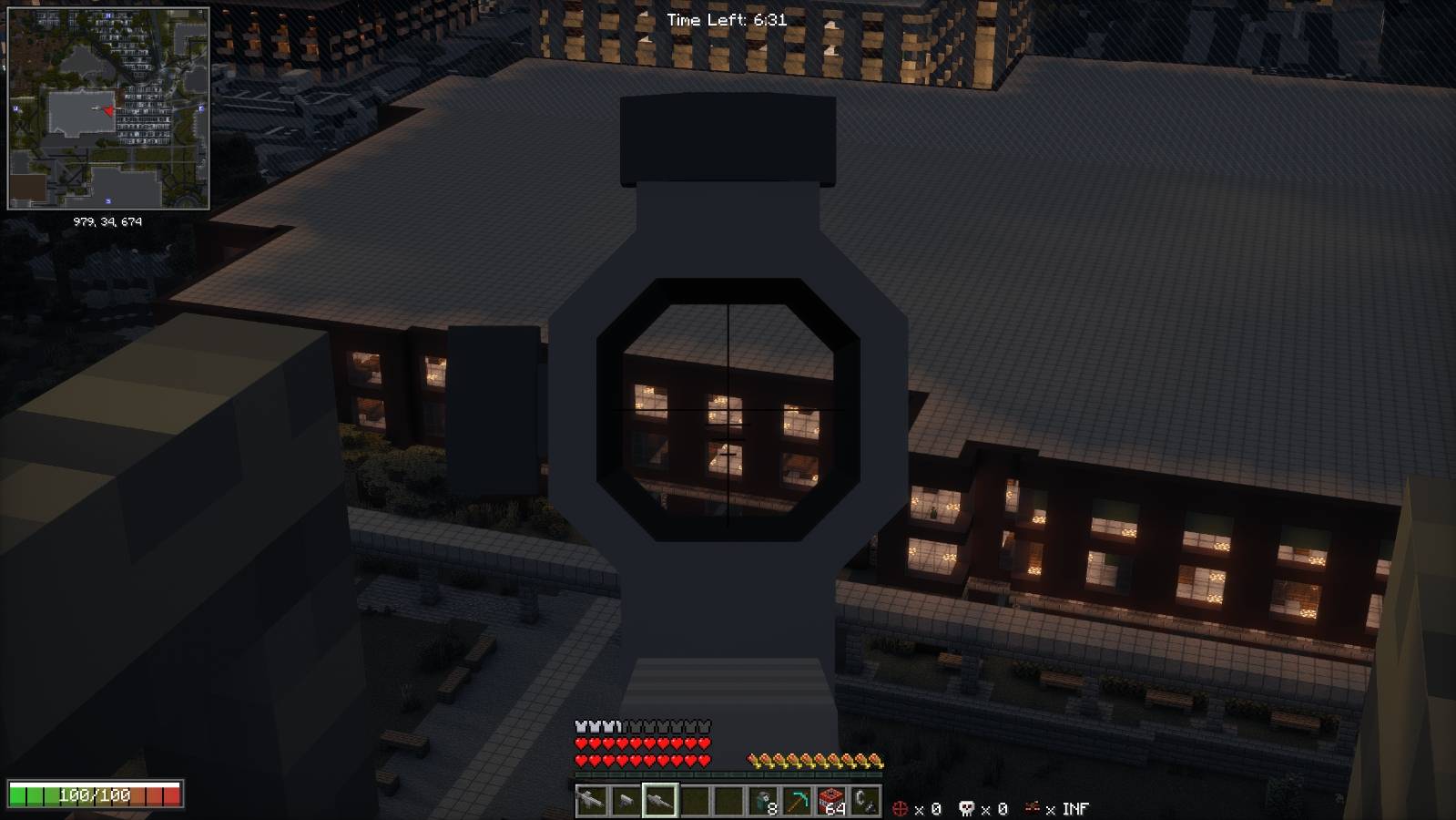
- Rack up kills before the timer ends.
- Winner selection uses match stats at the end of the round.
3) Arena Utilities (/shuufps)
- Manage arena backup and reset flow.
- Keep your map reusable between matches.
Starting Games
All commands below require operator permission (level 2+). Run them in the Overworld.
-
Stand where you want arena center and initialize:
/br init <size> <warTime> <shrinkAmount> <shrinkTime> [lives]Example:
/br init 300 90 25 45 3 -
Start Battle Royale:
/br start -
Stop Battle Royale if needed:
/br stop -
Start Arena Timed for a quick fight:
/at start <durationSeconds> -
Stop Arena Timed if needed:
/at stop -
Make or restore arena backup:
/shuufps backup/shuufps reset
Command Reference
/br (Battle Royale)
-
/br startStarts Battle Royale with the saved arena config and game settings. -
/br stopStops the current Battle Royale and restores gameplay state. -
/br settings warTime <value>Sets the delay (seconds) before border shrinking starts. -
/br settings shrinkAmount <value>Sets how many blocks the border shrinks each cycle. -
/br settings shrinkTime <value>Sets cycle duration (seconds) for each shrink. -
/br settings lives <value>Sets lives per player. -
/br set center <size>Saves your current location as arena center and sets arena size. -
/br init <size>Sets center/size and starts backup initialization. -
/br init <size> <warTime> <shrinkAmount> <shrinkTime> [lives]Sets center, game settings, and starts backup initialization in one command.
/at (Arena Timed)
-
/at start <durationSeconds>Starts a timed match using the saved arena size and center. -
/at stopStops the current Arena Timed match. -
/at set center <size>Saves your current location as arena center and sets arena size. -
/at init <size>Sets center/size and starts backup initialization.
/shuufps (Arena Utilities)
-
/shuufps backupCaptures and saves the current arena so you can reset later. -
/shuufps resetRestores the most recent arena backup.
Match Flow Tips
- Use a medium border (200 to 400) for 6 to 20 players.
- Keep war time short (60 to 120 seconds) to avoid slow starts.
- Use low lives (1 to 3) when you want higher tension.
- Run either
/br init,/at init, or/shuufps backupafter preparing your arena so every round starts clean.
Credits
Maps — Open Street Maps (https://www.openstreetmap.org/) & Arnis (https://arnismc.com/)
Guns — MrCrayfish’s Gun Mod [Unofficial] for the weapons (https://www.curseforge.com/minecraft/mc-mods/mrcrayfishs-gun-mod-unofficial)
FPS Orchestration — ShuuFPS for FPS orchestration and game state (https://www.curseforge.com/minecraft/mc-mods/shuus-fps)
常见问题
Shuu’s Complete FPS 支持哪些 Minecraft 版本?
Shuu’s Complete FPS 基于 Minecraft Java 版 1.20.1,使用 Forge 加载器。
Shuu’s Complete FPS 怎么安装?
点本页「前往下载」拿到整合包文件(Modrinth 的是 .mrpack,CurseForge 的是 .zip),在 PCL2 或 HMCL 启动器里选择「导入整合包」,启动器会自动装好 Minecraft、加载器和全部模组。建议在启动器里给游戏分配 4–6 GB 内存。
Shuu’s Complete FPS 开服需要多大内存?
推荐服务器内存 12 GB。在线人数多、或者建了大量机器和区块加载器时,可以再加 2–4 GB。
怎么和朋友一起玩 Shuu’s Complete FPS?
点本页的「一键开服」,选好配置后会自动安装 Shuu’s Complete FPS 的服务端,几分钟就能开好。把服务器地址发给朋友,大家用同一个版本的整合包连进去就行。
DragonOfShuu 的其他作品
查看全部 →
Shuu’s FPS
A first person orchestrator mod, with multiple game modes to play with friends.

Shuu’s Xaero Map World Border
A world border modification to Xaero's Minimap/Worldmap, great for minigames where the world border becomes important!
评论
登录后评论和评分