
截图
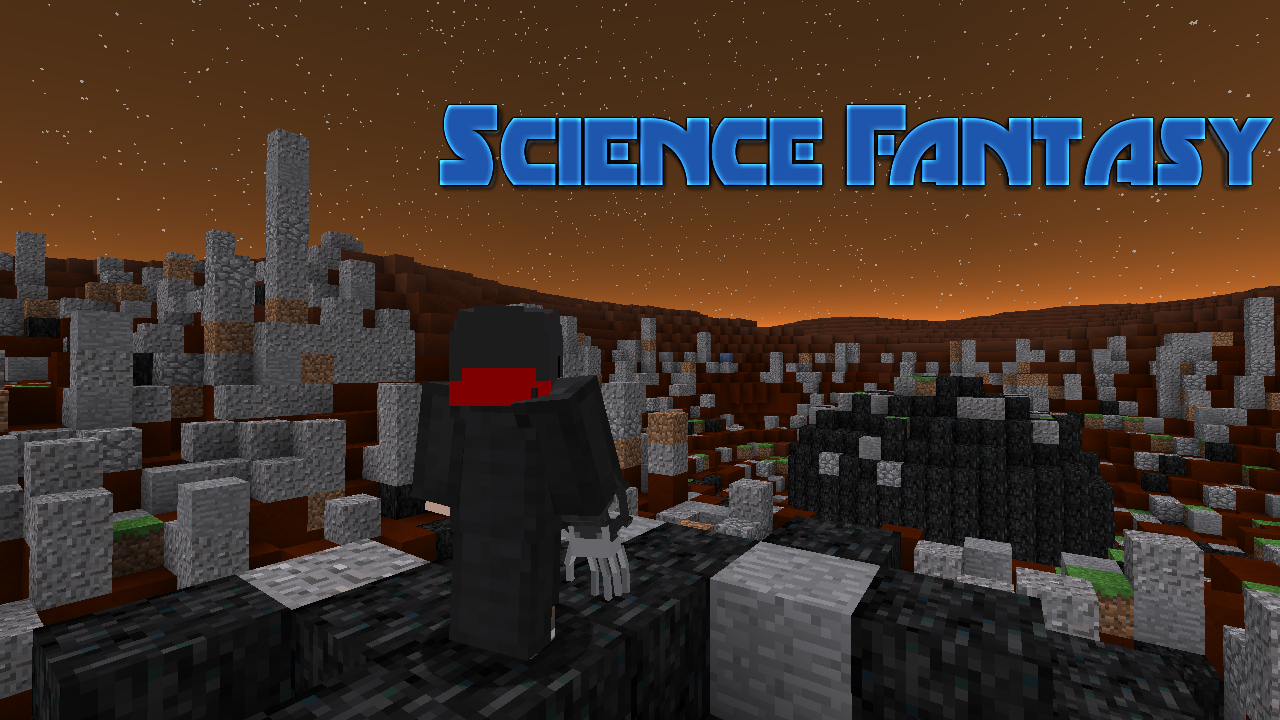
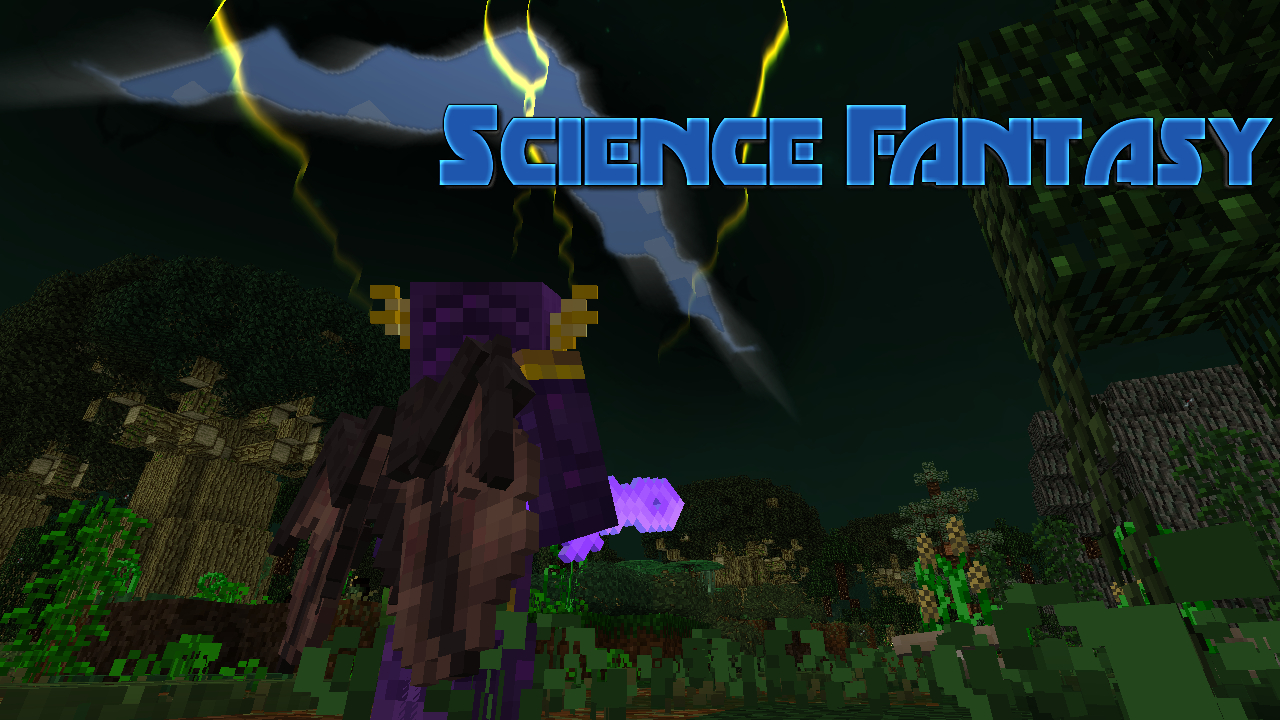
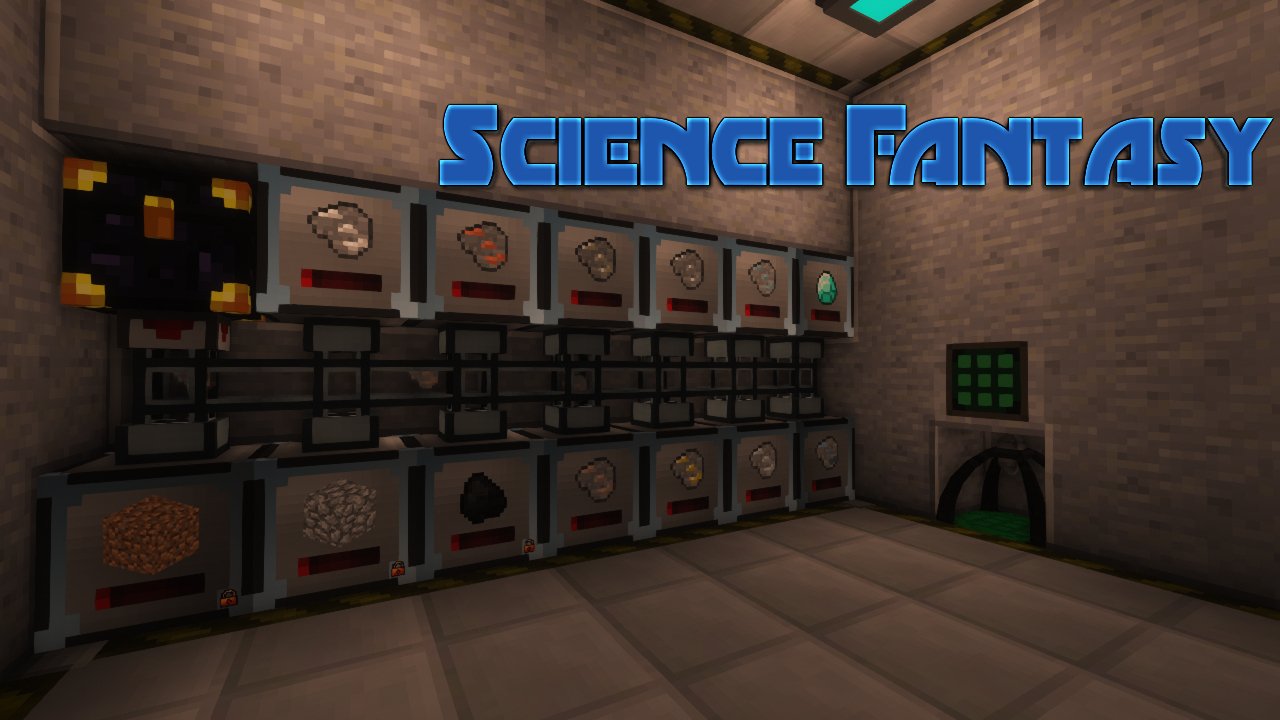
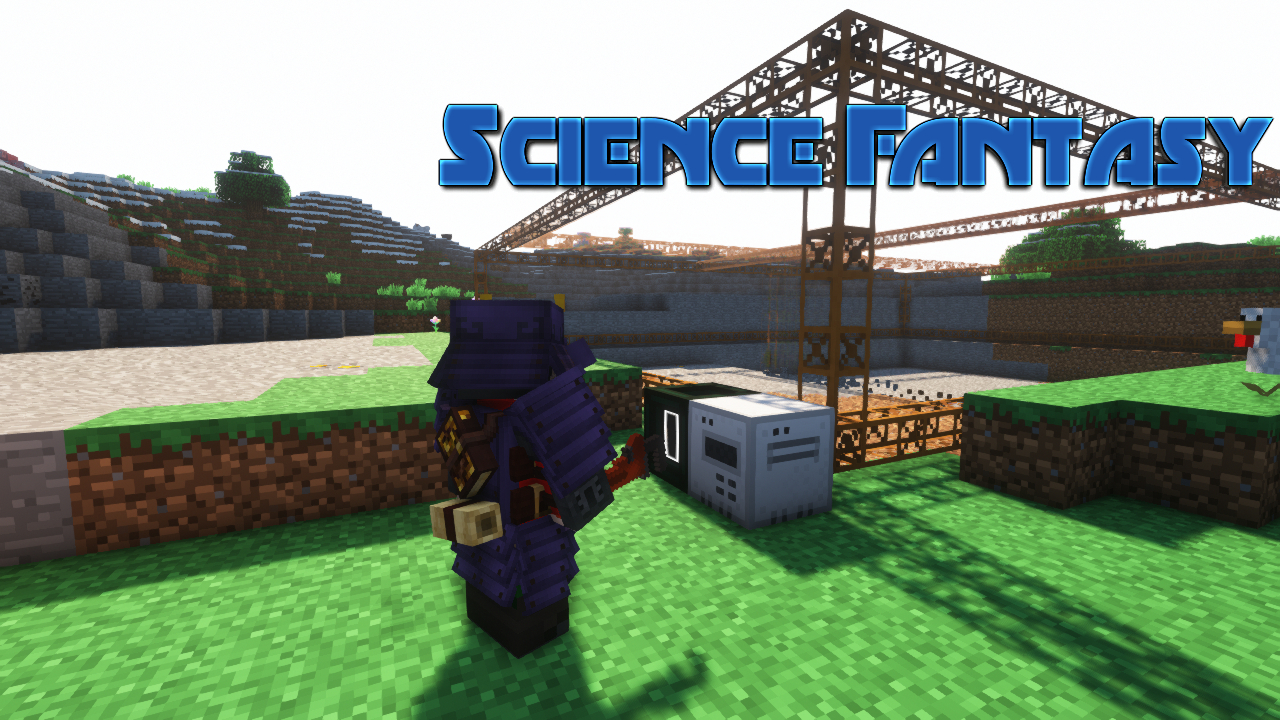
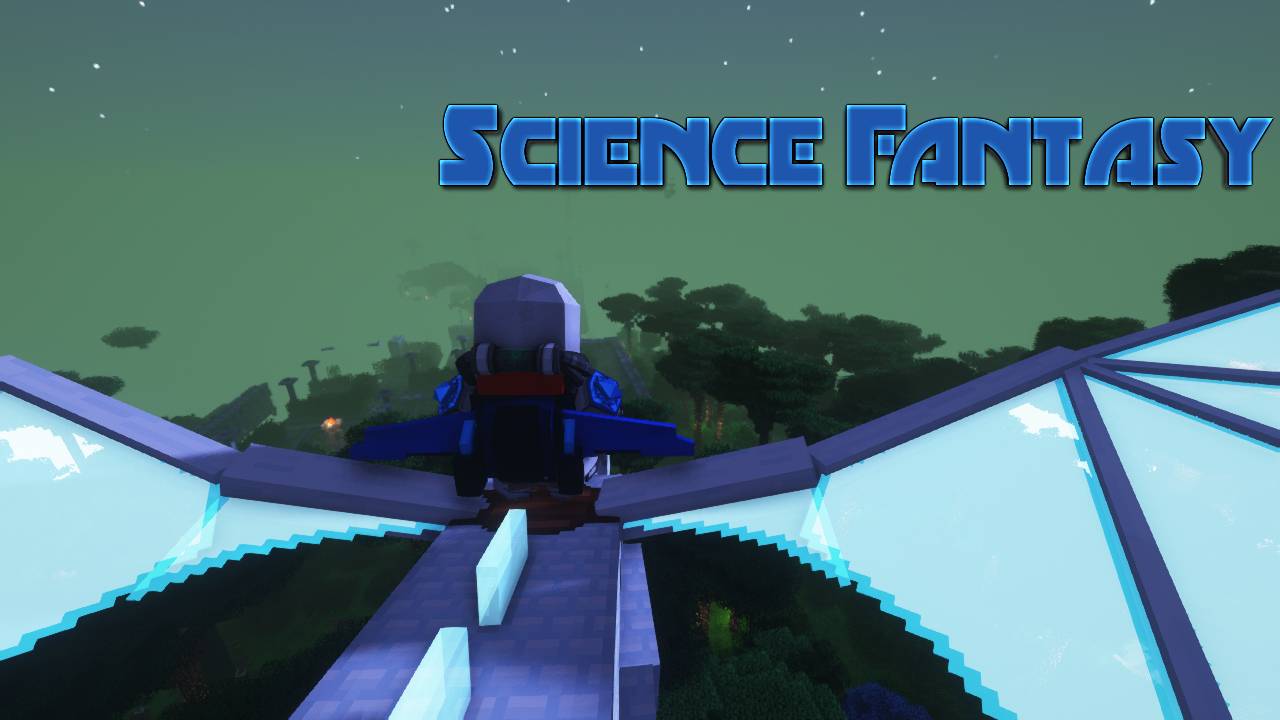
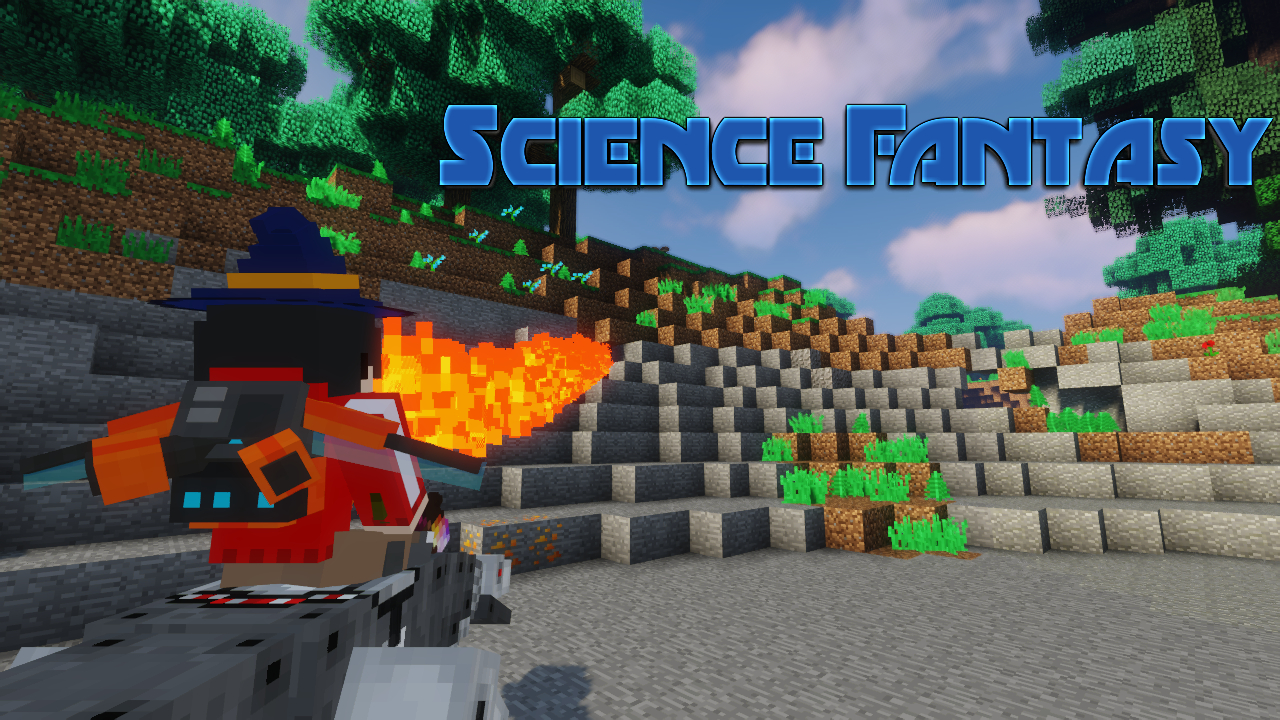
介绍

※덜 완성된 모드팩입니다.※
당신이 할 수 있는 분야는 두 가지 입니다.
하나는 기계들을 만지작거리며 좀 더 상위 티어의 기계들을 다루는 분야고
나머지 하나는 마법을 배워 여러 세상을 탐사하는 분야죠.
여러분이 기계가 좋다면 기계, 마법 또는 탐사가 좋다면 마법을 고르시면 됩니다. 둘 다 하라고 강요하지 않습니다.
그저 두 분야를 다 진행한다면 각 분야에 필요한 자원을 보다 효율적으로 얻을 수 있을 뿐이죠.
친구와 한다면 분야를 나눠 한 명은 마법, 한 명은 기계를 다루는 것도 인상적인 협동 플레이가 될 것입니다.
그런데 어짜피 최종 컨텐츠는 이 두 분야를 다 깨우쳐야할 겁니다.
자, 설치했다면 새로운 맵을 만들고 L을 눌러 퀘스트를 시작하세요.
—
※This is an unfinished mod pack.※
There are two areas you can do.
One is fiddling with machines and dealing with higher-tier machines.
The other is learning magic and exploring different worlds.
If you like machines, you can choose machines, magic or magic if you like exploration. I’m not forcing you to do both.
If you simply pursue both fields, you will be able to obtain the resources required for each field more efficiently.
If you’re playing with a friend, splitting up the disciplines, one playing magic and the other playing machines will be impressive co-op play.
But anyway, the final content will have to understand both of these fields.
Now, once installed, create a new map and press L to start the quest.
—
개발자 연락처 | Developer Contact : (Discord) empty465

常见问题
Science Fantasy 支持哪些 Minecraft 版本?
Science Fantasy 基于 Minecraft Java 版 1.12.2,使用 Forge 加载器。
Science Fantasy 怎么安装?
点本页「前往下载」拿到整合包文件(Modrinth 的是 .mrpack,CurseForge 的是 .zip),在 PCL2 或 HMCL 启动器里选择「导入整合包」,启动器会自动装好 Minecraft、加载器和全部模组。建议在启动器里给游戏分配 4–6 GB 内存。
Science Fantasy 开服需要多大内存?
推荐服务器内存 12 GB。在线人数多、或者建了大量机器和区块加载器时,可以再加 2–4 GB。
怎么和朋友一起玩 Science Fantasy?
点本页的「一键开服」,选好配置后会自动安装 Science Fantasy 的服务端,几分钟就能开好。把服务器地址发给朋友,大家用同一个版本的整合包连进去就行。
똻뛿뚏 的其他作品
查看全部 →
Terrafirma Engineering
테라퍼마 기반의 크리에이트 및 이머시브 엔지니어링 모드를 난이도 있게 즐길 수 있습니다. | You can enjoy the TerraFirma-based Create and Immersive Engineering modes.
Modern Craft 1
마인크래프트 세계를 현대세계로 가꾸어 나갑시다 | Let's cultivate the Minecraft world to the modern world

Zero to Engineering
Having crash-landed in the 'Overworld', you must devise a plan to escape by building machines. | '오버월드'에 불시착한 당신은 기계들을 만들며 탈출할 궁리를 해야 합니다.

Attack of Attacker
Doomlike Mod Map
评论
登录后评论和评分