截图
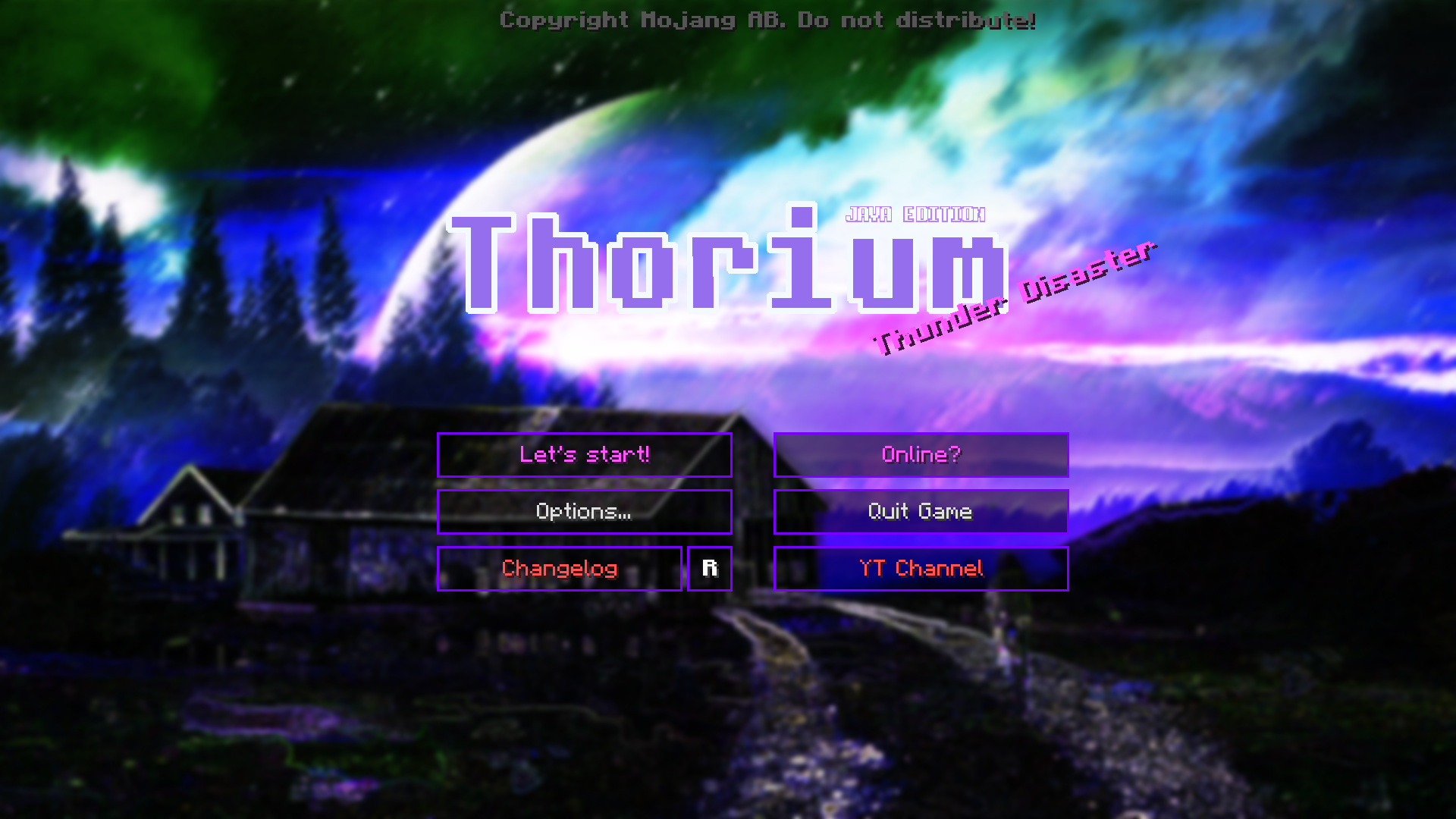
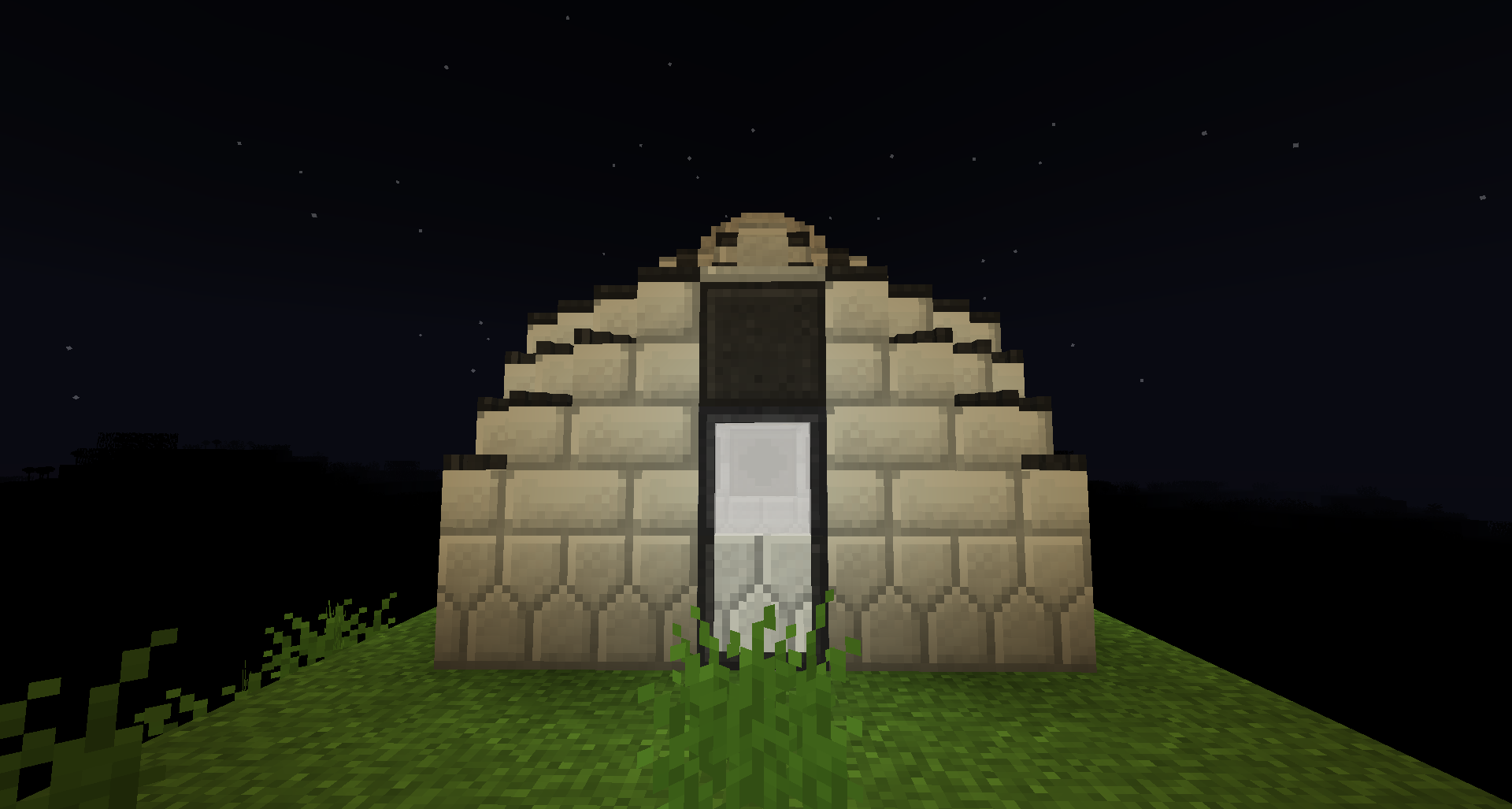
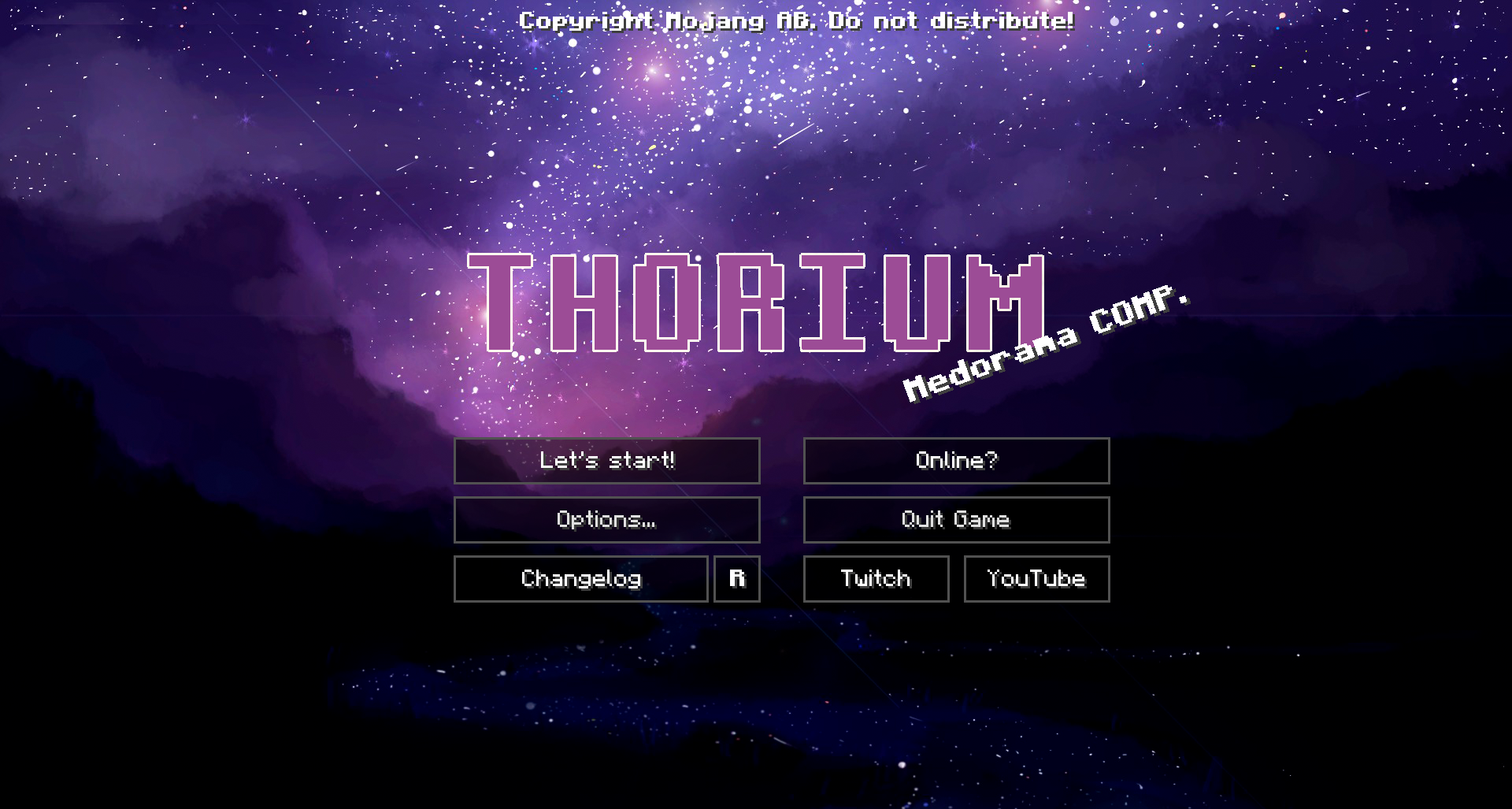
介绍
===========================

===========================
Greetings to you a traveler!
===========================

===========================
You came to the planet “New Earth”! The fact is that our old planet was destroyed as a result of military operations. I’m an artificial intelligence “Thory”. I was created to guide you, travelers, on the right path. If you break the set of rules, then I will have to execute you! Execution is not very sick and fast enough. Your predecessor was not able to resurrect the “New Earth” and it was destroyed. Do not worry, you’re alone on this earth. Your task is to prepare the world for the survival of stupid forms of life.
===========================
I hope that we’ll make friends with you. Only obedience is required of you!
===========================
Unfortunately, this is a new planet and therefore we can not provide you with “gifts” for quests, so you will have to be satisfied with what is. This is a book of tasks. It will be written in brief what you have to do.
Attention!!! My scanners found ….
===========================
Oh yeah, I forgot to say. The main problem of this “World Gen” is its weather. There are terrible hurricanes. Imagine, they can destroy your house! Your primary task is to protect the landing area “Unreasonable form of life is a person”. Make a generator of the power-weather field!

常见问题
RM – Thorium 支持哪些 Minecraft 版本?
RM – Thorium 基于 Minecraft Java 版 1.12.2,使用 Forge 加载器。
RM – Thorium 怎么安装?
点本页「前往下载」拿到整合包文件(Modrinth 的是 .mrpack,CurseForge 的是 .zip),在 PCL2 或 HMCL 启动器里选择「导入整合包」,启动器会自动装好 Minecraft、加载器和全部模组。建议在启动器里给游戏分配 4–6 GB 内存。
RM – Thorium 开服需要多大内存?
推荐服务器内存 12 GB。在线人数多、或者建了大量机器和区块加载器时,可以再加 2–4 GB。
怎么和朋友一起玩 RM – Thorium?
点本页的「一键开服」,选好配置后会自动安装 RM – Thorium 的服务端,几分钟就能开好。把服务器地址发给朋友,大家用同一个版本的整合包连进去就行。
评论
登录后评论和评分