
截图
介绍
Welcome to Purely Better!
About:
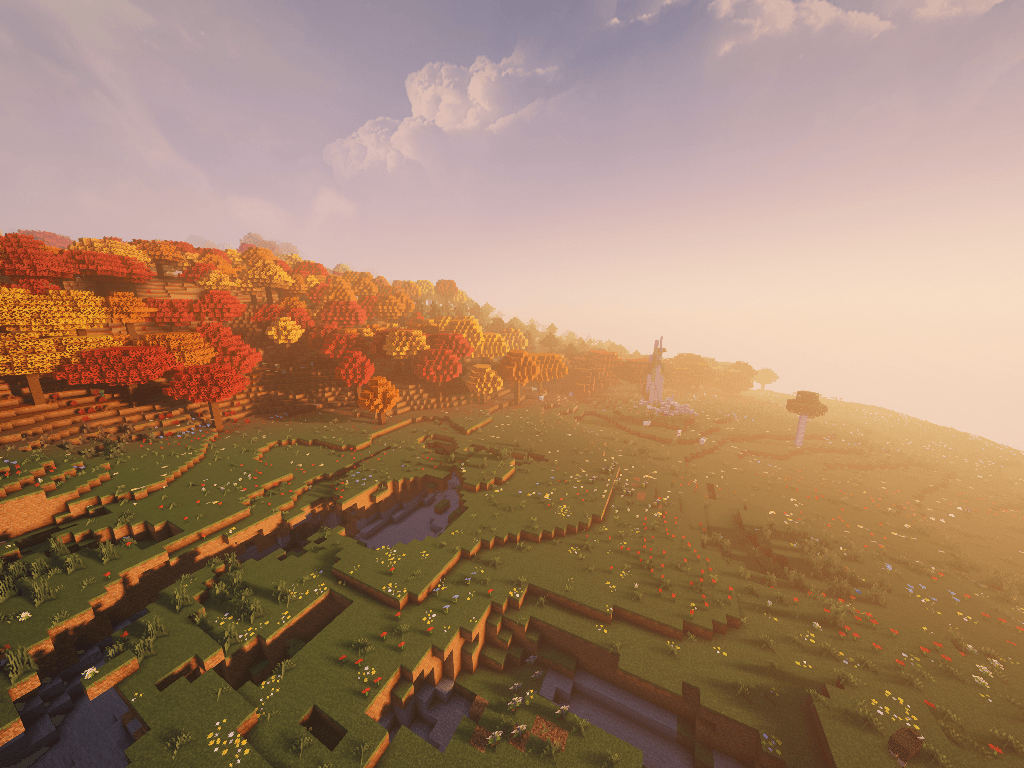
This modpack’s goal is to add quality of life features to Minecraft, while still preserving the vanilla feel. Built with the latest performance mods to ensure playability for all devices. Minecraft, but Purely Better!
Expected to receive both major and minor updates for the planned future!
Main Content:
The highlights of the pack are:
- Create Fly Mod (Yes it’s over-used, but it fits the pack)
- CompactStorage mod and Tom’s Simple Storage mod(storage is a must)
- Farmers Delight mod
- Backported Falldrop 26.3
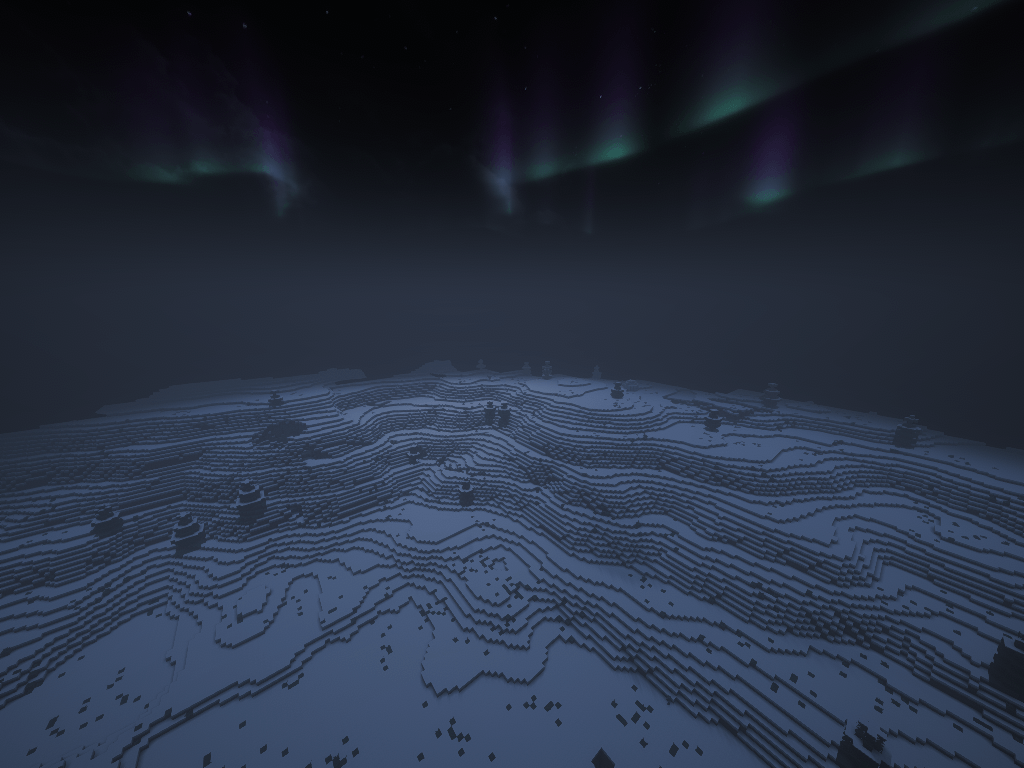
- Overhauled Worldgen (Tectonic, Incendium, Nullscape, etc.)
- Quality-of-Life additions to most vanilla features
- Visual Overhaul with resource packs and mods
- Immersive experience
- Pre-configured options, controls, resource packs and data packs. (Video settings configured for a medium-performance machine, settings can always be changed later)
- Lots of love put into it!
Vulkan API:
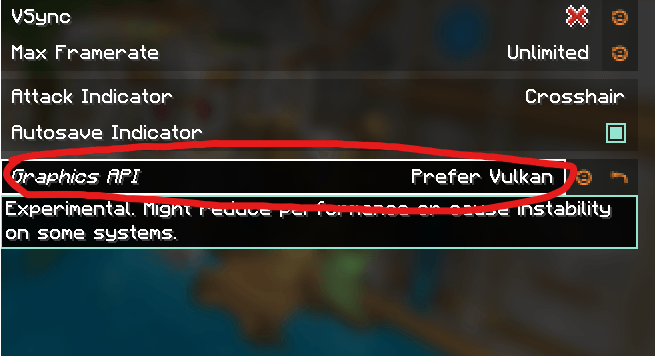
Minecraft is switching from OpenGL to Vulkan API. Sodium (0.9.1) recently added Vulkan support, using both its own renderer along with Vulkan backend. This allows for blazing fast performance, better than any OpenGL setup. However, before using, make sure your device supports Vulkan, as it is for modern hardware. This pack loads defaultly with OpenGL, and has to manually be changed (for broad compatibility)
Also beware, currently there is no shader support for Vulkan, and Iris shaders will be disabled when switching. This is because all of the shaders currently operate on the old system. This pack will get updated in the future when Vulkan shader support becomes stable and publically avalible. To make sure everything goes smoothly, it is recommended to fully delete iris shaders before relaunching the game with Vulkan.
To use, go to Options > Video Settings > Sodium General > Graphics API and switch to Prefer Vulkan. After doing so, restart your game and enjoy!
Disclaimers:
– Why is my game crashing after exiting?
The game crashes for no reason. (Due to Create Fly, don’t know how to fix yet). However, the crash doesn’t corrupt anything since everything is already saved, and shutting down by the time it crashes, so it is just a slight annoyance.
– Why does my game crash when switching from/to Vulkan/OpenGL?
Sometimes it has to do with this version of the Create Mod. The simplest way to fix it if you don’t want to edit the config files manually, is to just delete them and let them regen next time you launch.
– My game is laggy and unplayable when using the default configs, and Vulkan doesn’t work well.
As stated, the configs is an estimate of an average pc/laptop, and isn’t perfect. The best way, if available, is to allocate more RAM to the instance. Easily change that in the CurseForge launcher (Try 6-8 gigs max, Minecraft doesn’t need more) If allocating more RAM isn’t viable, try lowering some settings like render and simulation distance to see if it helps. Additionally, unassigning some visual resource packs like Fresh’s Animations, etc. might also improve performance.
If you have any other issues, please report them on that tab, not under comments, thank you!
Enjoy!
常见问题
Purely Better 支持哪些 Minecraft 版本?
Purely Better 基于 Minecraft Java 版 26.2,使用 Fabric 加载器。
Purely Better 怎么安装?
点本页「前往下载」拿到整合包文件(Modrinth 的是 .mrpack,CurseForge 的是 .zip),在 PCL2 或 HMCL 启动器里选择「导入整合包」,启动器会自动装好 Minecraft、加载器和全部模组。建议在启动器里给游戏分配 4–6 GB 内存。
Purely Better 开服需要多大内存?
推荐服务器内存 12 GB。在线人数多、或者建了大量机器和区块加载器时,可以再加 2–4 GB。
怎么和朋友一起玩 Purely Better?
点本页的「一键开服」,选好配置后会自动安装 Purely Better 的服务端,几分钟就能开好。把服务器地址发给朋友,大家用同一个版本的整合包连进去就行。
评论
登录后评论和评分