Project Afterlight
Turn a lone sky island into an automated empire through quests, industry, magic, and space exploration.
截图
介绍
Project Afterlight
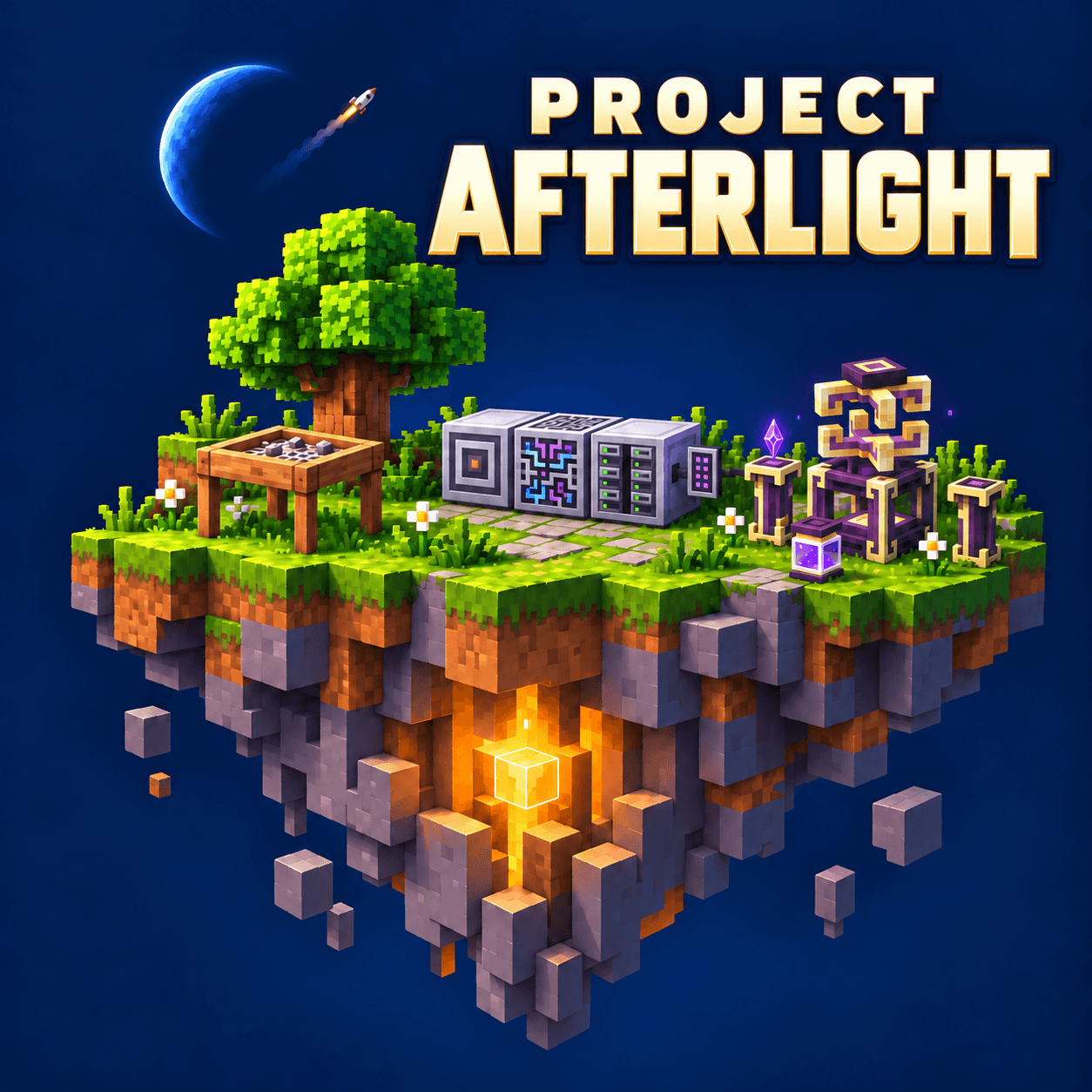
Start with a tree. Build a world above the void.
Project Afterlight is a Minecraft 1.21.1 NeoForge skyblock pack about turning a tiny island into a home, a workshop, and eventually a world of industry and magic. Sieve your first resources, build your first machines, and grow into automated factories, spellcraft, and ambitious floating builds.
Join the Project Afterlight Discord · Support our projects on Ko-fi
A connected journey
Custom recipes bring materials from different mods together, giving your factories and magical workshops a shared purpose. Five main chapters guide the campaign:
- Starting Out: Establish your island and produce essential resources through Ex Deorum.
- First Machines: Build power systems and work toward Steel, Plastic, and your first industrial machines.
- Working Together: Connect AE2 processors, Ars Nouveau essences, and industrial materials for advanced manufacturing.
- Advanced Crafting: Reach the End and progress through End Steel, Draconic materials, and Extended Crafting.
- Final milestone: Unlock late-game ProjectE and craft the pack’s Beacon trophy to celebrate completing the campaign.
Your island, your approach
Grow resources with Mystical Agriculture, Productive Bees, and Botany Pots. Explore Ars Nouveau, Forbidden and Arcanus, and Iron’s Spells. Build a compact workshop or a sprawling settlement with Chisel, Chipped, Rechiseled, Macaw’s mods, and plenty of decorative tools.
Create, Create Aeronautics, Oritech, Psi, Occultism, and space travel are optional branches. Follow what interests you; finishing the main campaign does not require completing every quest.
Play solo or bring friends
Choose a small grassy island or a classic Skyfactory-style tree and Dirt block. Use /skyblock gui to create an island or manage your island team. Share quest progress through FTB Teams and protect your builds with FTB Chunks.
Getting started: Use Java 21, start with about 8 GB of allocated memory if your computer has enough available RAM, create a Skyblock Builder world, and open the quest book.
Come help shape Project Afterlight
Join the Project Afterlight Discord to share your builds, ask questions, and tell us how the pack feels to play. Read the rules and react with 👍 to unlock the community channels.
- #bug-reports: Broken recipes, crashes, or quests that will not complete. Include your pack version, what happened, and steps to reproduce it. Screenshots and relevant logs help.
- #feedback-and-ideas: Suggestions, confusing moments, and feedback on progression or pacing. You do not need a fully worked-out solution.
Prefer GitHub? You can also browse existing issues or submit a report there.
Support our little corner of Minecraft
Project Afterlight is a passion project from FC Tech Labs. We enjoy making things, playing with ideas, and sharing what we build.
If you are enjoying the pack and would like to help with the time and costs behind projects like this, you can buy us a coffee on Ko-fi.
Support is always optional. Playing, sharing your builds, and telling us what could be better mean a lot too.
Project Afterlight would not exist without its mod creators. Please consider supporting your favorite creators directly as well.
Development status: Early public release. Balance, performance, and multiplayer playtesting are ongoing. Expect changes and back up your worlds before updating.
常见问题
Project Afterlight 支持哪些 Minecraft 版本?
Project Afterlight 基于 Minecraft Java 版 1.21.1,使用 NeoForge 加载器。
Project Afterlight 怎么安装?
点本页「前往下载」拿到整合包文件(Modrinth 的是 .mrpack,CurseForge 的是 .zip),在 PCL2 或 HMCL 启动器里选择「导入整合包」,启动器会自动装好 Minecraft、加载器和全部模组。建议在启动器里给游戏分配 4–6 GB 内存。
Project Afterlight 开服需要多大内存?
推荐服务器内存 12 GB。在线人数多、或者建了大量机器和区块加载器时,可以再加 2–4 GB。
怎么和朋友一起玩 Project Afterlight?
点本页的「一键开服」,选好配置后会自动安装 Project Afterlight 的服务端,几分钟就能开好。把服务器地址发给朋友,大家用同一个版本的整合包连进去就行。
评论
登录后评论和评分