
截图
介绍


🚀 OFI [Fabric] – Optimization, Fixes, and Improvements for Minecraft!
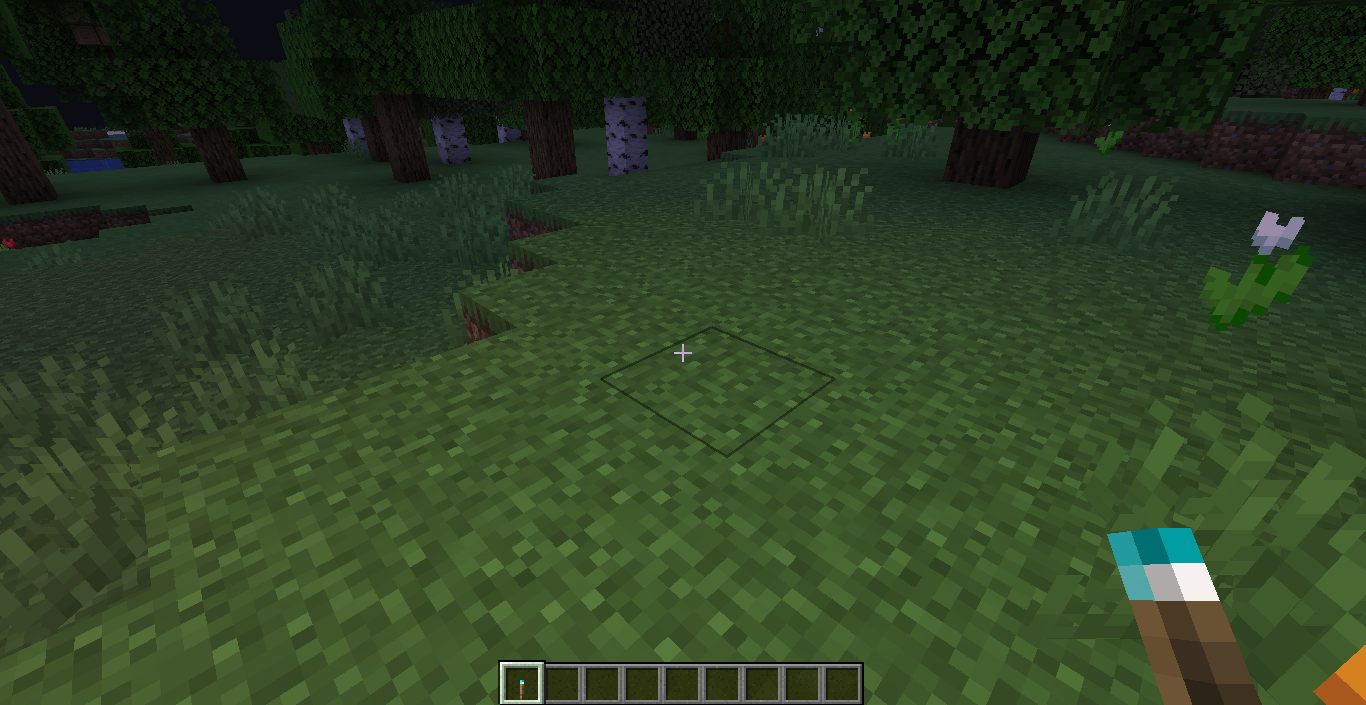
✨ OFI modpack is the perfect choice for players looking to optimize Minecraft, fix annoying bugs, and introduce small quality-of-life enhancements while keeping a vanilla feel and supporting almost all Optifine features!
⚡ Optimization:
🖥️ Automatically reduces system load when Minecraft is inactive
🌳 Does not render unnecessary blocks and entities, saving resources
💾 Efficient RAM usage
🌈 Lightweight shaders with minimal impact on performance
🌐 Enhanced network stack performance
🎲 Instant language switching
🧠 Improved game physics, mob AI, and block ticking
🐞 Bug Fixes:
🛠️ Fixes for over 40 official Minecraft bugs, including:
MC-577 – Mouse buttons block all inventory controls that are not default
MC-4490 – Fishing line not attached to fishing rod in third person while crouching
MC-22882 – Ctrl + Q won’t work on Mac (disabled by default)
MC-12829 – Flying through ladders/vines/scaffolding in creative mode slows you down
MC-26757 – Large item tooltips can get cut off at the edges of the screen
MC-46766 – Mining a block in Survival, then changing to Spectator creates a breaking animation and sound
MC-55347 – Title with long duration shows in other world
MC-59810 – Cannot break blocks while sprinting (Ctrl+Click = right click on macOS) (macOS only)
MC-79545 – The experience bar disappears when too many levels are given to the player
MC-80859 – Starting to drag item stacks over other compatible stacks makes the latter invisible until appearance change (stack size increases)
MC-90683 – “Received unknown passenger” – Entities with differing render distances as passengers outputs error
MC-93384 – Bubbles appear at the feet of drowning mobs
MC-108948 – Boat on top of slime blocks hover over block
MC-111516 – Player flickers/turns invisible when flying at high speeds
MC-112730 – Beacon beam and structure block render twice per frame
MC-116379 – Punching with a cast fishing rod in the off-hand detaches fishing line from rod
MC-121772 – Can’t scroll while holding SHIFT on macOS
MC-122627 – Tab suggestion box has missing padding on right side
MC-123739 – Recipe book entries are not sorted in any meaningful manner. In fact, the order can even change randomly after a reload.
MC-122477 – Linux/GNU: Opening chat sometimes writes ‘t
MC-127970 – Using riptide on a trident with an item in your off-hand causes visual glitch with the item in your offhand
MC-135973 – Can’t hold Q to drop items rapidly from container inventories
MC-140646 – Text fields don’t scroll while selecting text with Shift
MC-143474 – Respawning causes your hotbar to reset to the first space
MC-145748 – Clicking a settings button when there’s a slider under the mouse in the next screen plays the click sound twice
MC-147605 – Text cursors can exist in multiple fields
MC-151412 – “Edit Server Info” window does not focus “Server Name” text field automatically
MC-159163 – Quickly pressing the sneak key causes the sneak animation to play twice
MC-162253 – Lag spike when crossing certain chunk borders
MC-165381 – Block breaking can be delayed by dropping/throwing the tool while breaking a block
MC-165595 – Guardian beam does not render when over a certain “Time” in level.dat
MC-176559 – Breaking process resets when a pickaxe enchanted with Mending mends by XP / Mending slows down breaking blocks again
MC-183776 – After switching gamemodes using F3+F4, you need to press F3 twice to toggle the debug screen
MC-197260 – Armor Stand renders itself and armor dark if its head is in a solid block
MC-215531 – The carved pumpkin overlay isn’t removed when switching into spectator mode
MC-217716 – The green nausea overlay isn’t removed when switching into spectator mode
MC-227169 – The main hand is broken when you hold a crossbow loaded into the secondary hand
MC-228976 – Entity collision is run on render thread
MC-231097 – Holding the “Use” button continues to slow down the player even after the used item has been dropped
MC-233042 – Server Address field isn’t focused when Direct Connection menu is opened
MC-237493 – Telemetry cannot be disabled
MC-249059 – Loading terrain screen cannot close before 2 seconds have passed
[1.16.1 – 1.16.2]
MC-192362 – Certain mobs cause log error spam in Mob Spawners
MC-189565 – Some entities do not render inside of spawners and producing error log spam in console, potentially causing lag
🔥 Gameplay Enhancements:
📏 Customizable fire height when burning
📦 View coordinates and inventory after death
🎒 Quick view of shulker box contents in inventory
🗺️ Use maps directly while in boats
📌 Open chests through signs
🐴 Detailed horse statistics
📶 Player ping visible in the TAB list
🍗 Food saturation indicator
📥 Automatic inventory sorting
💬 Expanded chat history
🛡️ Improved shield visibility
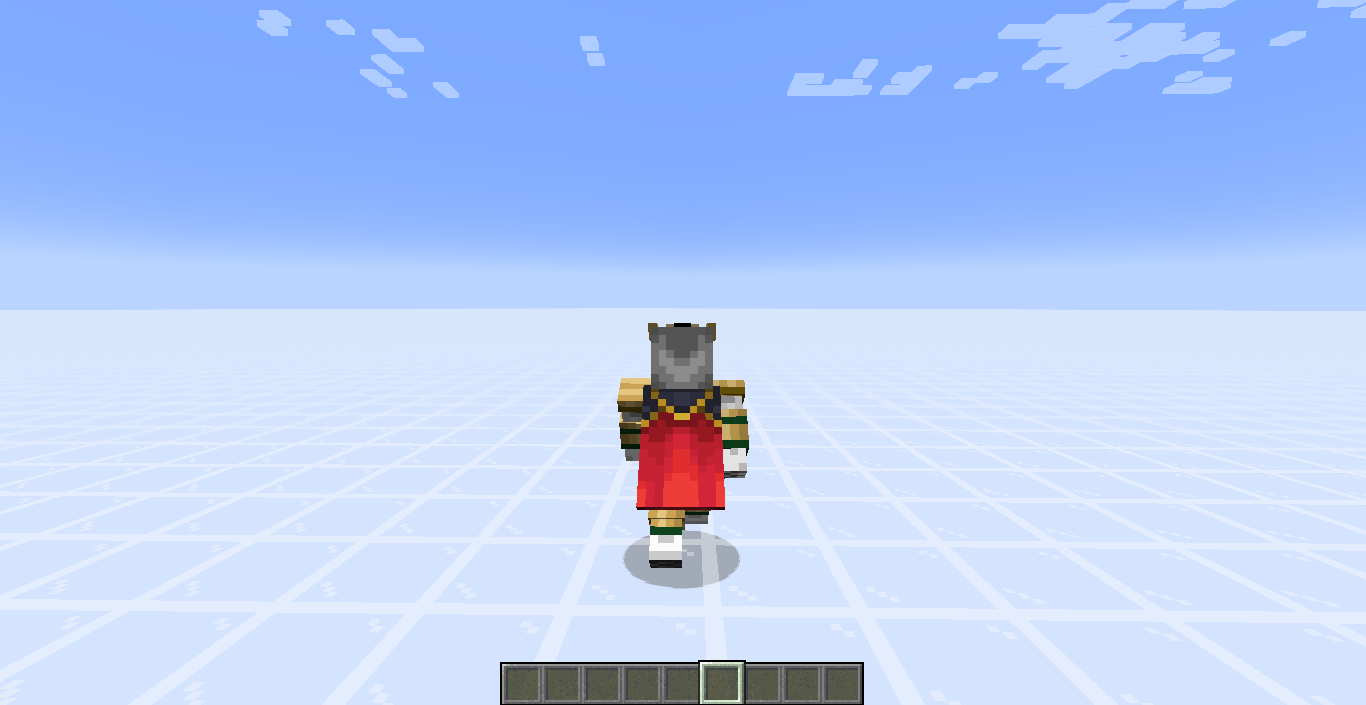
👤 Realistic 3D skins
🧭 Convenient minimap

常见问题
OFI – [Fabric] 支持哪些 Minecraft 版本?
OFI – [Fabric] 支持 Minecraft Java 版 1.16.1–1.21.5,共 28 个版本,可用的加载器:Fabric。下载时注意选择和你游戏版本一致的文件。
OFI – [Fabric] 怎么安装?
点本页「前往下载」拿到整合包文件(Modrinth 的是 .mrpack,CurseForge 的是 .zip),在 PCL2 或 HMCL 启动器里选择「导入整合包」,启动器会自动装好 Minecraft、加载器和全部模组。建议在启动器里给游戏分配 4–6 GB 内存。
OFI – [Fabric] 开服需要多大内存?
推荐服务器内存 12 GB。在线人数多、或者建了大量机器和区块加载器时,可以再加 2–4 GB。
怎么和朋友一起玩 OFI – [Fabric]?
点本页的「一键开服」,选好配置后会自动安装 OFI – [Fabric] 的服务端,几分钟就能开好。把服务器地址发给朋友,大家用同一个版本的整合包连进去就行。




评论
登录后评论和评分