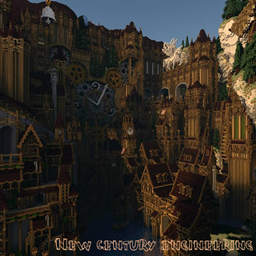
截图
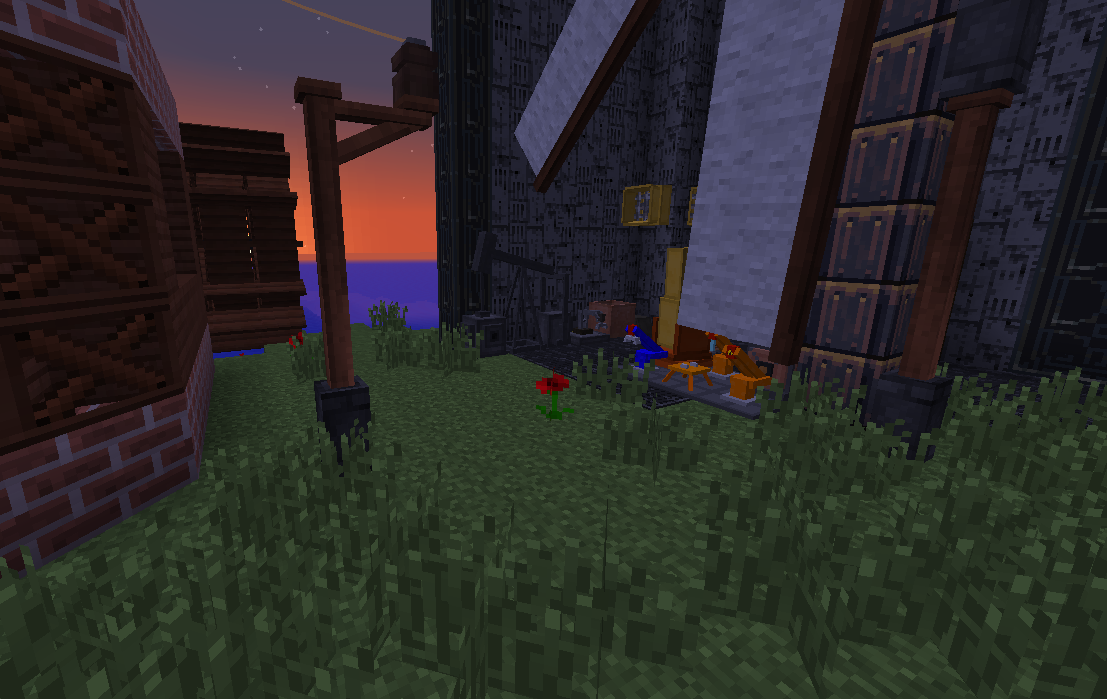
介绍
Milestones welcome fans of minecraft today I would like to present to your attention the Assembly of a New century engineering
This build gives you the privilege to experience, though not completely but still immersed in the world of steampunk.
Here you can see the water wheel, windmills, steam machines, units and so on. And a bit of advanced engineering without which it would be difficult to imagine this Assembly the way it is now.
Modifications contained in this Assembly
- AppleCore
- BuildCraft|Core
- BuildCraft|Factory
- BuildCraft|Builders
- BuildCraft|Silicon
- BuildCraft|Transport
- BuildCraft|Robotics
- BuildCraft|Energy
- Carpenter’s Blocks
- Chisel
- CodeChickenCore
- CoFH Core
- Convenient Recipes
- Cooking for Blockheads
- CTMLib
- EnderCore
- Ender Storage
- FastCraft
- Forge Multipart Integration
- Flaxbeard’s Steam Power
- GraveStone Mod
- Hardcore Wither
- Immersive Engineering
- Inventory Tweaks
- Jabba
- JourneyMap
- KleeSlabs
- Forge Multi Part
- Magneticraft
- Minefactory Reloaded
- MineTweaker3
- Morpheus
- MrCrayfish’s Furniture Mod
- NotEnoughItems
- NuclearCraft
- Pam’s HarvestCraft
- PneumaticCraft
- Railcraft
- Thermal Foundation
- Thermal Dynamics
- Thermal Expansion
- Waila
- WAILA Plugins
- Waila Harvestability
- Wawla – What Are We Looking At
- Witchery
- Steve’s Carts 2
- BiblioCraft
- Ender IO
- Iron Chests
- LLibrary
- Fossils and Archeology Revival
常见问题
New century engineering 支持哪些 Minecraft 版本?
New century engineering 基于 Minecraft Java 版 1.7.10,使用 Forge 加载器。
New century engineering 怎么安装?
点本页「前往下载」拿到整合包文件(Modrinth 的是 .mrpack,CurseForge 的是 .zip),在 PCL2 或 HMCL 启动器里选择「导入整合包」,启动器会自动装好 Minecraft、加载器和全部模组。建议在启动器里给游戏分配 4–6 GB 内存。
New century engineering 开服需要多大内存?
推荐服务器内存 12 GB。在线人数多、或者建了大量机器和区块加载器时,可以再加 2–4 GB。
怎么和朋友一起玩 New century engineering?
点本页的「一键开服」,选好配置后会自动安装 New century engineering 的服务端,几分钟就能开好。把服务器地址发给朋友,大家用同一个版本的整合包连进去就行。


评论
登录后评论和评分