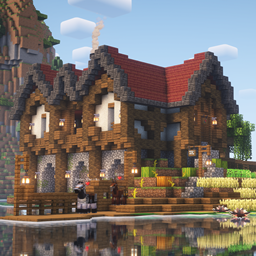
Mythic Fantasy
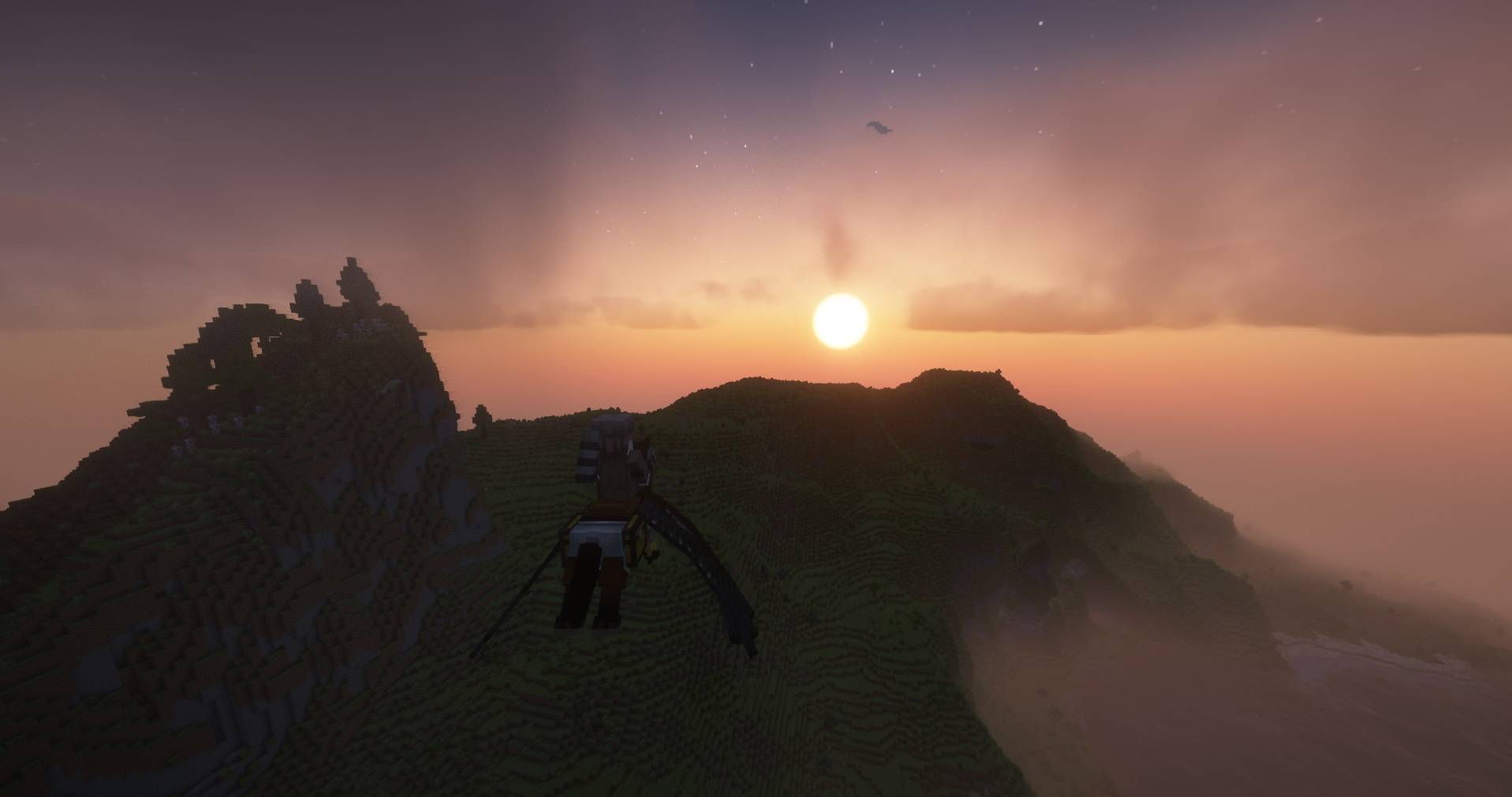
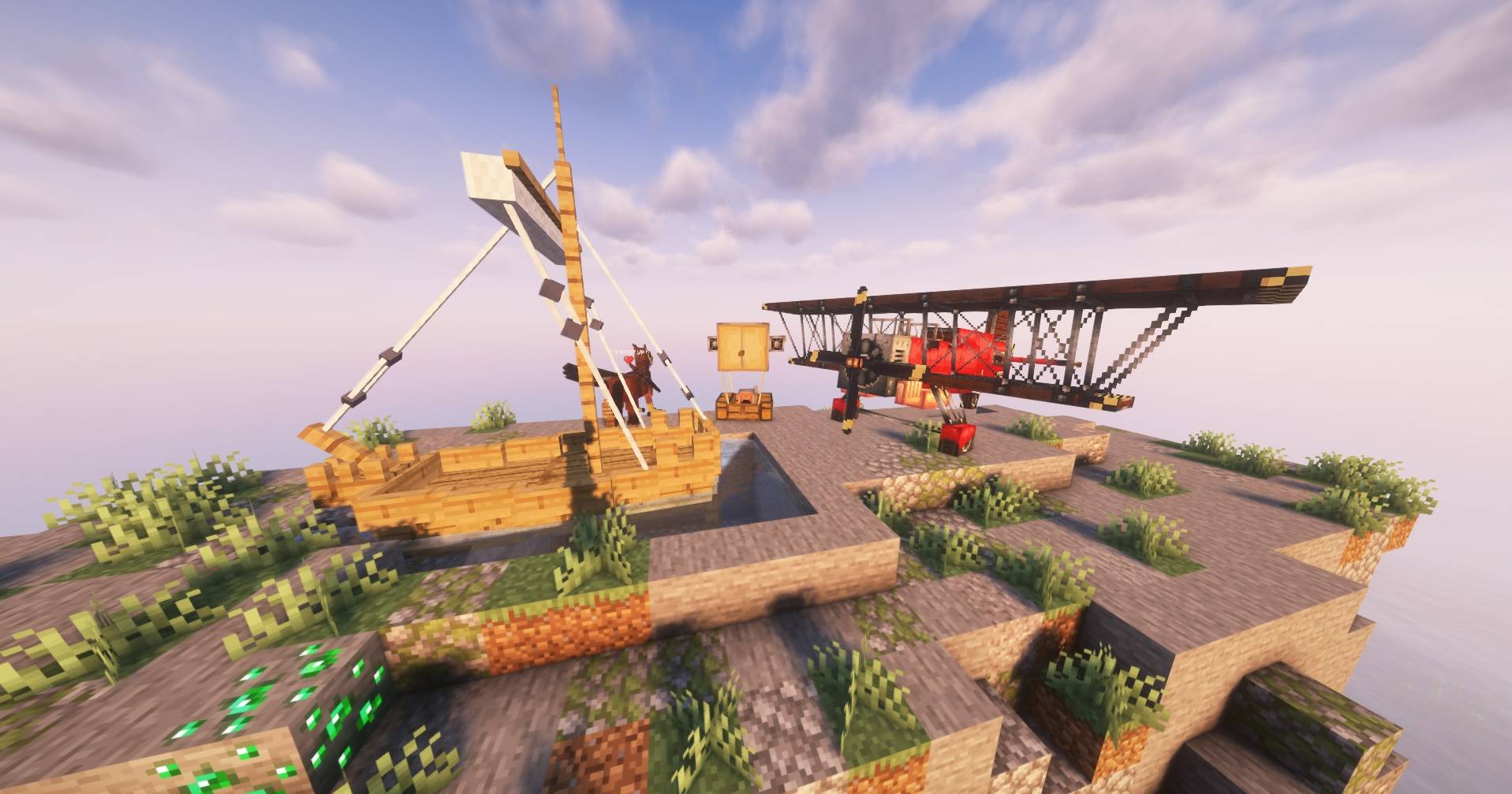
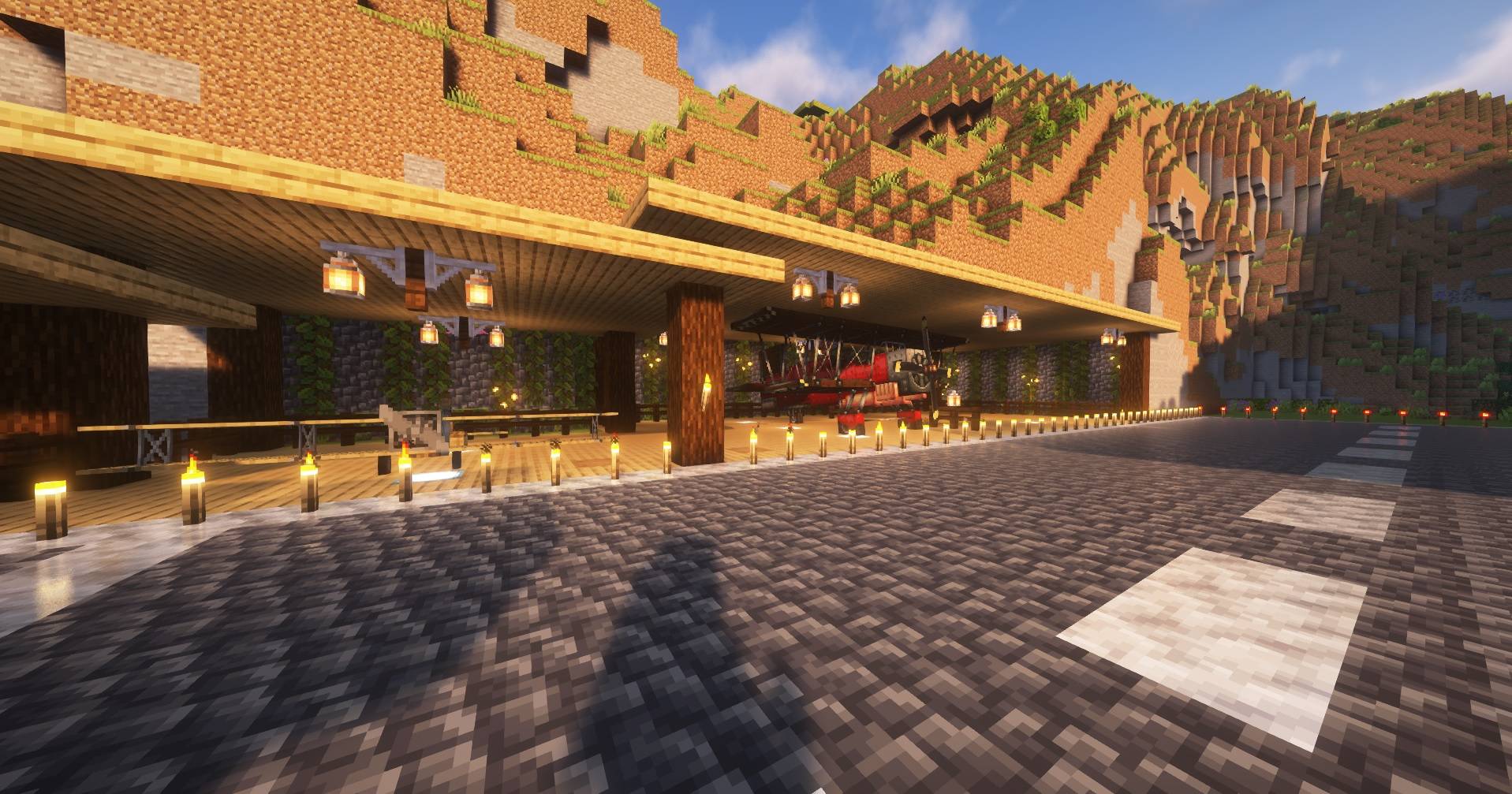
Modpack focused on exploring with new world gen, biomes and creatures. You can traverse this world with planes and ships. Lot of small visual improvements are here to be enjoyed. Enchating system is also overhauled and same is true about the combat.
截图
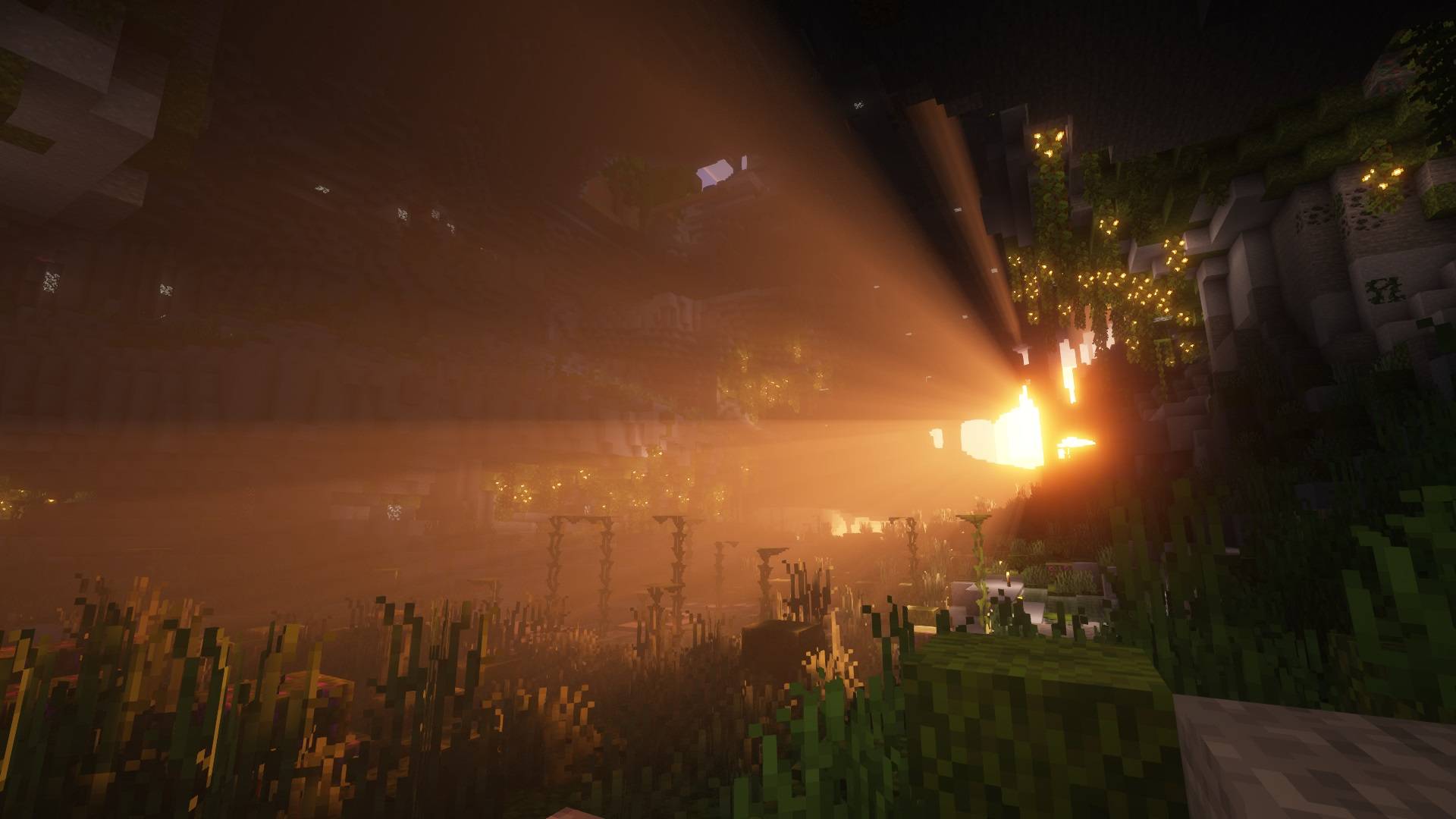
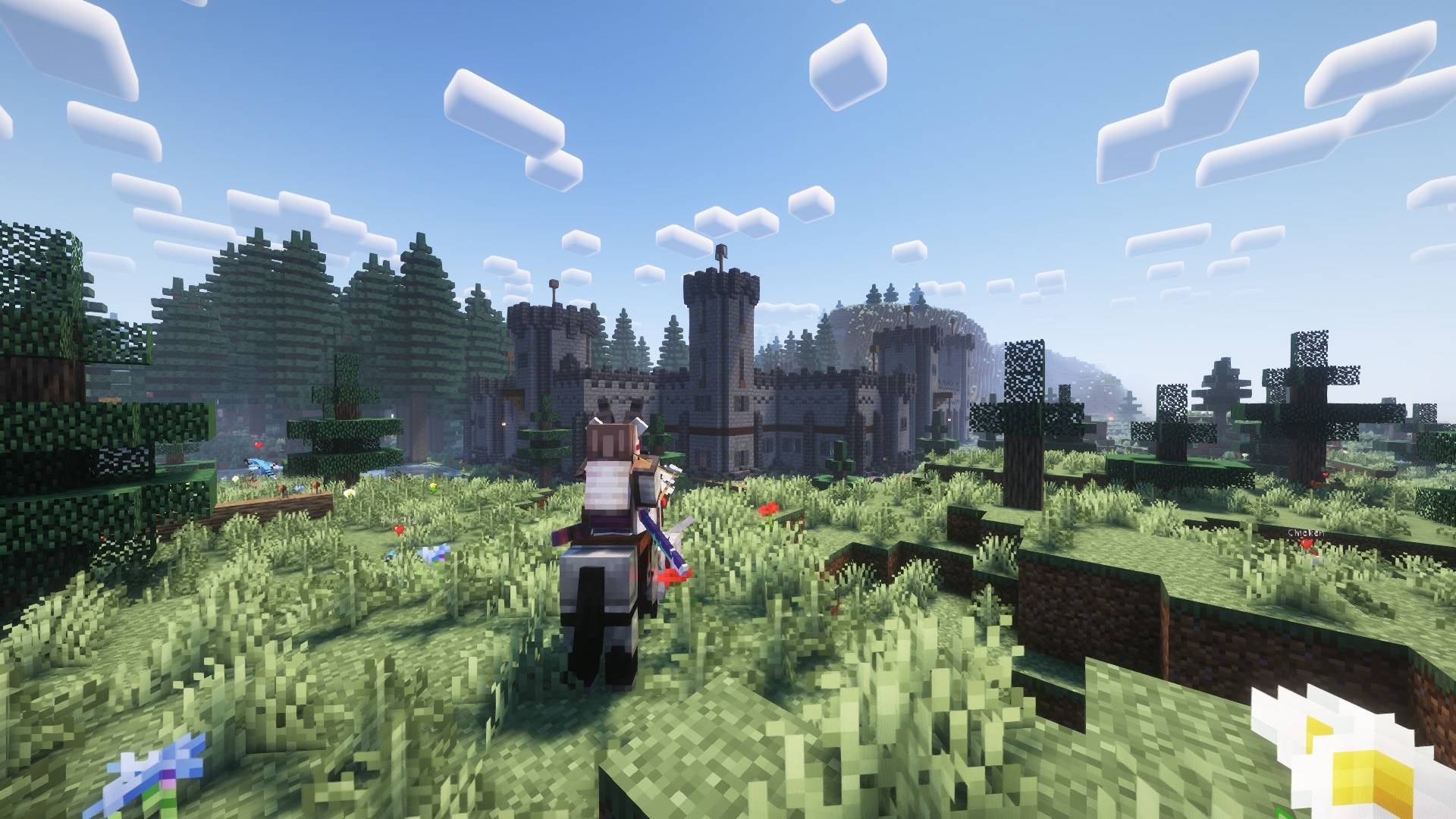

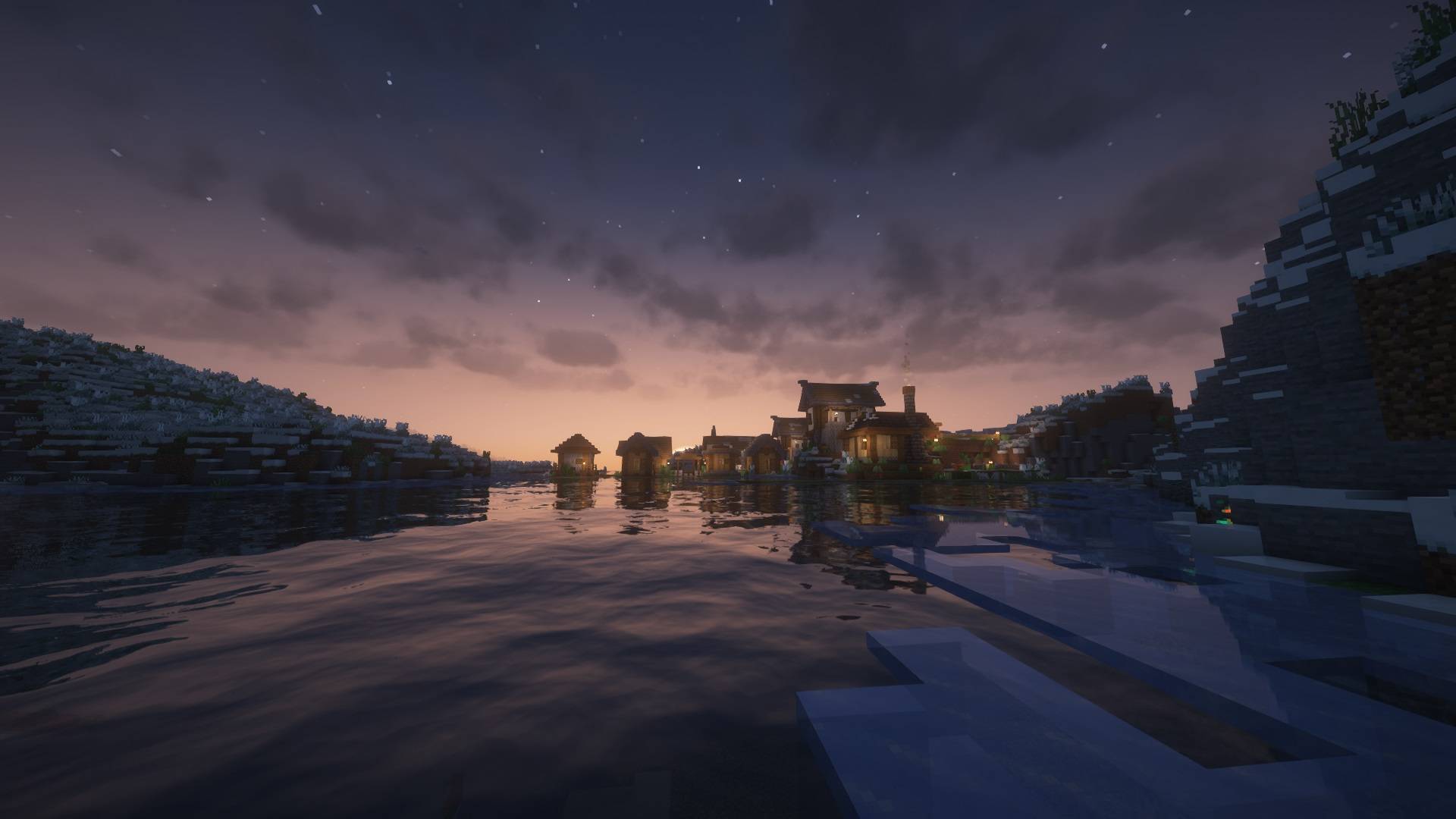

介绍
This modpack seeks to make exploration incredible with new world generation, new biomes, new structures, new foes to defeat and new ways to travel(planes, ships and animals). The world also feels more alive thanks to real life animals now in minecraft.
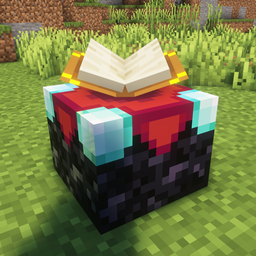
Combat has been overhauled to give a more satisfying experiance with combat roll, shield parry, new player and mob animations and new weapons like the katana, naginata, kunai and others. Use the new samurai armor to be better protected against dragons, sea serpents, wild animals and lots more mobs. Enchant your gear with materials and mob loot and choose which one you want! (I recomended using datapack that changes the material cost of enchantments ESOchanges by Wenceslaus)
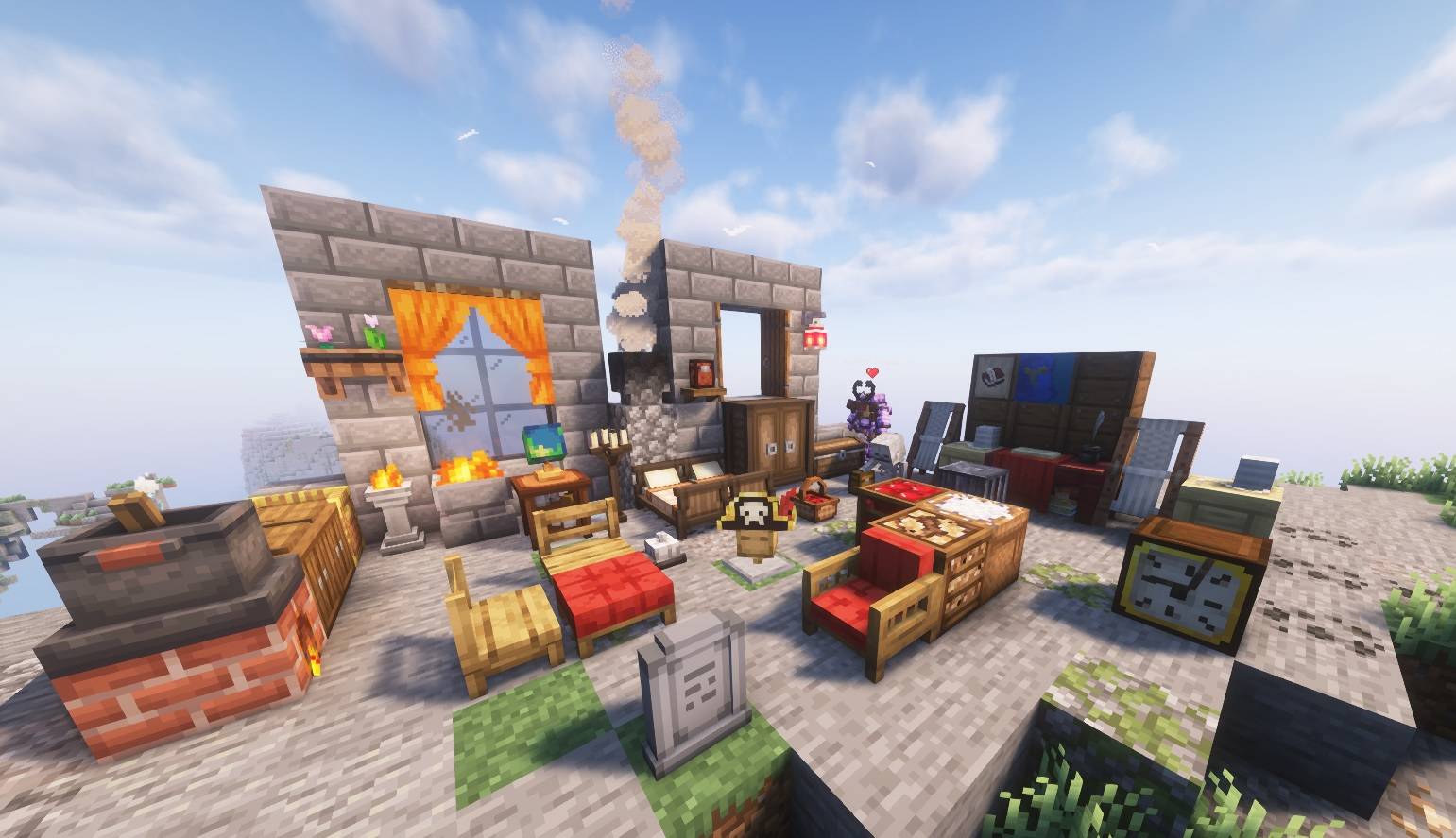
Don’t forget to build too! There are many new building blocks, especially for making great interiors.
You will also like the visual improvements with new animations and gui changes and turn on shaders for extra immersion. If you want to play on a server, than you will surely appreciate the proximity voice chat. You can also embrace your fashion sense with a whole bunch of cosmetic mods!
Thank you to all the modders for making their awesome mods in this modpack.
Modlist(v1):
- [ETF] Entity Texture Features – [Fabric & Forge] by traben_0
- Amendments by plantspookable
- Artifacts by ochotonida
- AzureLib by AzureDoomC
- Bookshelf by DarkhaxDev
- Breezy by Coda1552
- Butchery by jmods
- Embeddium by embeddedt
- Embeddium++ by SrRapero720
- GeckoLib by Gecko
- Chat Heads by dzwdz
- Inventory HUD+ by dmitrylovin
- Just Enough Items (JEI) by mezz
- Kotlin for Forge by thedarkcolour
- Moonlight Lib by MehVahdJukaar
- Mysterious Mountain Lib by sz0999312
- Not Enough Animations by tr7zw
- Placebo by Shadows_of_Fire
- Sawmill by MehVahdJukaar
- Simple Voice Chat by henkelmax
- Small Ships [Fabric & Forge] by talhanation
- Supplementaries by MehVahdJukaar
- Xaero’s Minimap by xaero96
- [EMF] Entity Model Features [Fabric & Forge] by traben_0
- A Good Place by enjarai
- Additional Lights by mgen256
- Additional Lanterns by SuperMartijn642
- Advancement Plaques [Forge] by Grend_G
- Alex’s Mobs by sbom_xela
- Another Furniture by Starfish_Studios
- AppleSkin by squeek502
- Areas by Serilum
- Architectury API (Fabric/Forge/NeoForge) by shedaniel
- Athena by CodexAdrian
- Backpacked by MrCrayfish
- Backpacked Patch by LavenderAz
- Balm (Forge Edition) by BlayTheNinth
- Better Advancements by way2muchnoise
- Better Burning by DarkhaxDev
- Better Combat [Fabric & Forge] by daedelus_dev
- Better Ping Display by Quintinity
- Better Treasure Map by Raycoms
- Better Tridents [Forge & Fabric] by Fuzs
- BetterF3 by cominixo
- Biomes O’ Plenty by Forstride
- Blur by dimadencep
- Bountiful by Ejektaflex
- Cake’s Cosmetics by Cakeman
- Callable Horses by Tschipp
- CERBON’s API [Forge | Fabric | NeoForge] by Cerbon
- CERBON’s Better Beacons [Forge | Fabric | NeoForge] by Cerbon
- Citadel by sbom_xela
- Clean Tooltips by Stal
- Cloth Config API (Fabric/Forge/NeoForge) by shedaniel
- Collective by Serilum
- Combat Roll [Fabric & Forge] by daedelus_dev
- Comforts (Fabric/Forge/Quilt) by TheIllusiveC4
- Companion 🐕 (Forge) by Snownee
- Connected Glass by SuperMartijn642
- Controlling by Jaredlll08
- Corn Delight[Forge] by sz0999312
- CoroUtil by Corosus
- Cosmetic Armor Reworked by LainMI
- Crafting Tweaks by BlayTheNinth
- Crate Delight (Forge) by axperty
- Cristel Lib by Cristelknight
- Cupboard by someaddon
- Curios API (Forge/NeoForge) by TheIllusiveC4
- Customizable Elytra by Hidoni
- DeathQuotes / Death Quotes by lordcazsius
- Do a Barrel Roll by enjarai
- Durability Tooltip by SuperMartijn642
- Easier Sleeping by GeheimagentNr1
- Easy Anvils [Forge & Fabric] by Fuzs
- Eating Animation [Forge] by matyrobbrt
- Enchanting System Overhaul by CmdrJane
- Epic Samurai’s – Forge by VeroxUniverse
- Equipment Compare [Forge] by Grend_G
- Explorer’s Compass by Chaosyr
- FallingTree by rakambda
- Fantasy’s Furniture by ApexModder
- Farmer’s Delight by vectorwing
- Fast Leaf Decay by olafskiii
- Fast Paintings by MehVahdJukaar
- FastConfigAPI by infinituum17
- FastSuite by Shadows_of_Fire
- Framework by MrCrayfish
- Friendly Fire by DarkhaxDev
- Fusion (Connected Textures) by SuperMartijn642
- GroovyModLoader (GML) by matyrobbrt
- Chipped by terrariumearth
- Ice and Fire: Dragons by sbom_xela
- Iceberg [Forge] by Grend_G
- Immersive Aircraft [Fabric/Forge] by Conczin
- Immersive Melodies [Fabric/Forge] by Conczin
- Inventory Tweaks – ReFoxed by LobsterJonn
- It Takes a Pillage by izofar
- Item Highlighter [Forge] by Grend_G
- Jade 🔍 by Snownee
- JeremySeq’s Damage Indicator by JeremySeq
- Just Enough Advancements (JEA) by MelanX
- Just Enough Archaeology by LobsterJonn
- Just Enough Beacons Reforged [Forge | Fabric | NeoForge] by Cerbon
- Just Enough Breeding (JEBr) by Christofmeg
- Just Enough Effect Descriptions (JEED) by MehVahdJukaar
- Just Enough Professions (JEP) by Mrbysco
- Just Enough Resources (JER) by way2muchnoise
- Kambrik by Ejektaflex
- Kiwi 🥝 (Forge) by Snownee
- Labelling Containers by infinituum17
- Leawind’s Third Person by Leawind
- Legendary Tooltips [Forge] by Grend_G
- LibX by noeppinoeppi
- Loading Backgrounds by Lupin
- Loot Journal by Obscuria
- Lucky’s Wardrobe by LuckyOwl
- Man of Many Planes by Conczin
- Map Atlases [Forge] by MehVahdJukaar
- Model Gap Fix by MehVahdJukaar
- Momentum Protection Enchantment [Forge] by shutdoor
- More Mob Variants by nyuppo
- Mouse Tweaks by YaLTeR
- Multi Mine by atomicstrykergrumpy
- Nature’s Compass by Chaosyr
- Oculus by Asek3
- Overloaded Armor Bar by tfarecnim
- Passive Shield by Serilum
- playerAnimator by KosmX
- Polymorph (Fabric/Forge/Quilt) by TheIllusiveC4
- Prism [Forge] by Grend_G
- Puzzles Lib [Forge & Fabric] by Fuzs
- Radiant Gear (Fabric/Forge/Quilt) by TheIllusiveC4
- Random Village Names by Serilum
- Realm RPG: Fallen Adventurers by nocubeyt
- Reap Mod by henkelmax
- Resourceful Lib by ThatGravyBoat
- Responsive Shields by Revvilo
- Searchables by Jaredlll08
- Shield Expansion by InfernalStudios
- Shiny Horses Forge – Enchantable Horse Armor by tinytransfem
- Shulker Box Tooltip [Fabric/Forge] by MisterPeModder
- Simple Netherite Horse Armor by JerryLu086
- Simply Graves by Flanks255
- Sitting+ by SaltyWater
- Snow! Real Magic! ⛄ (Forge) by Snownee
- Sooty Chimneys by mortuusars
- Sound Physics Remastered by henkelmax
- Spyglass Improvements: Zoom, Quick Access… [Fabric/Forge] by Im_JC52
- StackablePotions [Forge] by Cursed1nferno
- Starlight (Forge) by Spottedstar
- Storage Delight (Forge) by axperty
- Structory by botanydev
- Structory: Towers by botanydev
- Structure Essentials[Forge/Fabric] by someaddon
- SuperMartijn642’s Config Lib by SuperMartijn642
- SuperMartijn642’s Core Lib by SuperMartijn642
- Tax’ Village Architect by Taknax
- TerraBlender (Forge) by TheAdubbz
- Terralith by Starmute
- The New Shutters by nudlauflauch
- Tiny Item Animations by Trivaxy
- Traveler’s Titles (Forge) by YUNGNICKYOUNG
- Visual Workbench [Forge & Fabric] by Fuzs
- Visuality: Reforged by DragonsPlus
- Wares by mortuusars
- What Are They Up To (Watut) by Corosus
- YDM’s MobHealthBar by YourDailyModderx
- YUNG’s API (Forge) by YUNGNICKYOUNG
- YUNG’s Better Desert Temples (Forge) by YUNGNICKYOUNG
- YUNG’s Better Dungeons (Forge) by YUNGNICKYOUNG
- YUNG’s Better End Island (Forge) by YUNGNICKYOUNG
- YUNG’s Better Jungle Temples (Forge) by YUNGNICKYOUNG
- YUNG’s Better Mineshafts (Forge) by YUNGNICKYOUNG
- YUNG’s Better Nether Fortresses (Forge) by YUNGNICKYOUNG
- YUNG’s Better Ocean Monuments (Forge) by YUNGNICKYOUNG
- YUNG’s Better Strongholds (Forge) by YUNGNICKYOUNG
- YUNG’s Better Witch Huts (Forge) by YUNGNICKYOUNG
- Poke Ball by _sE
- Chest Search Bar by cgcm
Resource packs:
- Fresh Animations by FreshLX
- More Mob Variants x Fresh Animations by nyuppo
- Serified Font by bebebea_loste
- Fresh Animations Extensions by FreshLX
- Fresh Moves by TrasTick
- Loading backgrounds MF by Wenceslaus
Shader packs:
常见问题
Mythic Fantasy 支持哪些 Minecraft 版本?
Mythic Fantasy 基于 Minecraft Java 版 1.20.1,使用 Forge 加载器。
Mythic Fantasy 怎么安装?
点本页「前往下载」拿到整合包文件(Modrinth 的是 .mrpack,CurseForge 的是 .zip),在 PCL2 或 HMCL 启动器里选择「导入整合包」,启动器会自动装好 Minecraft、加载器和全部模组。建议在启动器里给游戏分配 4–6 GB 内存。
Mythic Fantasy 开服需要多大内存?
推荐服务器内存 12 GB。在线人数多、或者建了大量机器和区块加载器时,可以再加 2–4 GB。
怎么和朋友一起玩 Mythic Fantasy?
点本页的「一键开服」,选好配置后会自动安装 Mythic Fantasy 的服务端,几分钟就能开好。把服务器地址发给朋友,大家用同一个版本的整合包连进去就行。
评论
登录后评论和评分