
MrOptimizer: Legend Edition
We looked at the other modpack Mrjakedar Optimization and evaluated the mods to optimize it even more so your potato PC wouldn't lag. So this is the ultimate optimization modpack = Mr.Optimizer: Legend Edition
截图

介绍
We looked at the other modpack Mrjakedar Optimization and evaluated the mods to optimize it even more so your potato PC wouldn’t lag. So this is the ultimate optimization modpack = Mr.Optimizer: Legend Edition
Many optimization mods have been removed because we looked into it and found that using too many would lower FPS and optimize performance. So we looked for the most compatible options, and this is the best.
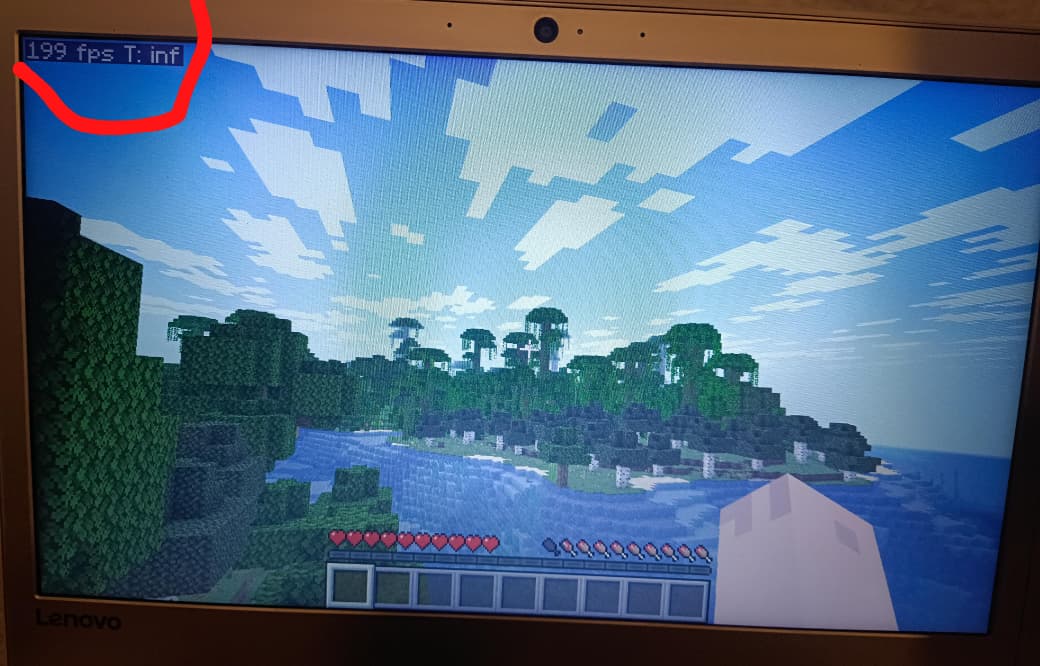
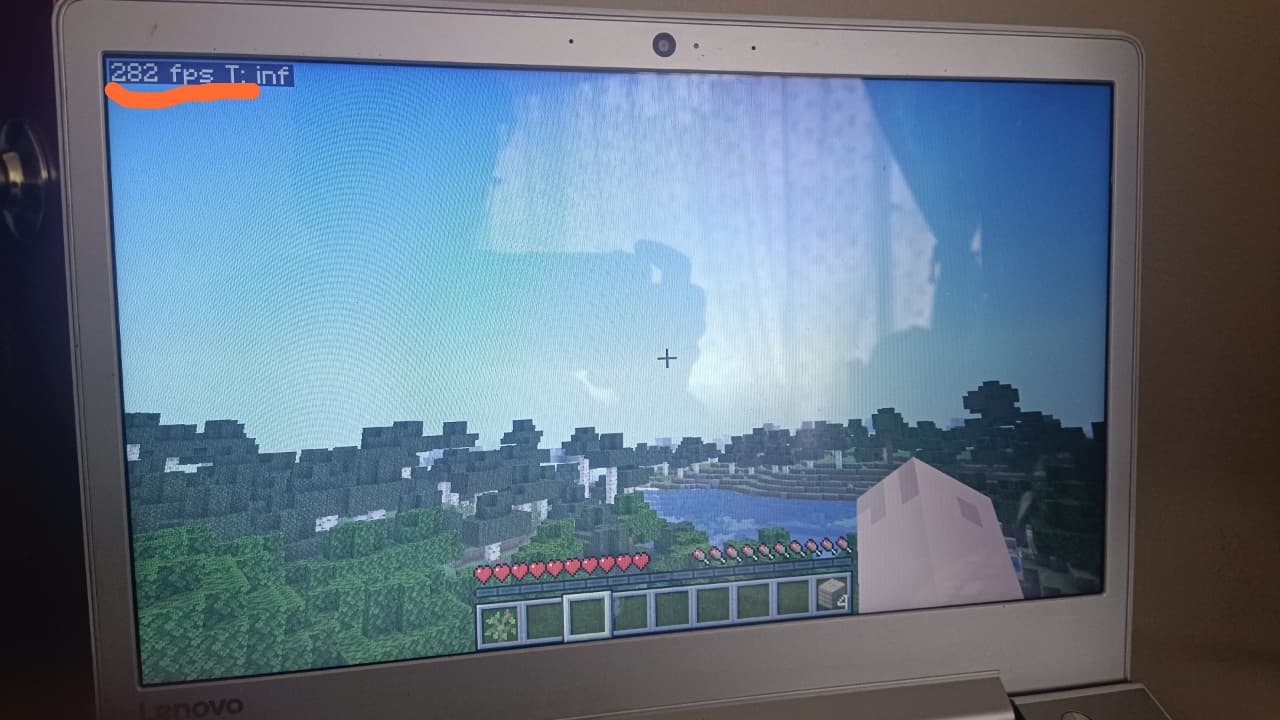
This has been tested on my potato PC. Before, it ran at a maximum of 50-60 fps, but now with the modpack and our custom configuration, it runs at 170-280 fps on my potato PC.
These are just optimization mods. I promise you’ll have a great gaming experience. I recommend you don’t set unlimited FPS; it’s better to limit it to avoid overloading your PC. I recommend limiting it to 100 FPS or 60 FPS IF YOU LIKE.
包含的模组 8 个




左侧绿标的模组本站有收录,点进去看中文介绍;其余跳转到 Modrinth。
常见问题
MrOptimizer: Legend Edition 支持哪些 Minecraft 版本?
MrOptimizer: Legend Edition 支持 Minecraft Java 版 1.21.10–26.2,共 4 个版本,可用的加载器:Fabric。下载时注意选择和你游戏版本一致的文件。
MrOptimizer: Legend Edition 怎么安装?
点本页「前往下载」拿到整合包文件(Modrinth 的是 .mrpack,CurseForge 的是 .zip),在 PCL2 或 HMCL 启动器里选择「导入整合包」,启动器会自动装好 Minecraft、加载器和全部模组。这个整合包有 8 个模组,建议在启动器里给游戏分配 4–6 GB 内存。
MrOptimizer: Legend Edition 开服需要多大内存?
推荐服务器内存 12 GB。在线人数多、或者建了大量机器和区块加载器时,可以再加 2–4 GB。
怎么和朋友一起玩 MrOptimizer: Legend Edition?
点本页的「一键开服」,选好配置后会自动安装 MrOptimizer: Legend Edition 的服务端,几分钟就能开好。把服务器地址发给朋友,大家用同一个版本的整合包连进去就行。
mrjakedar 的其他作品
查看全部 →
MrOptituber
Optimization and YouTuber Mods: This mod will help you get more FPS and also adds mods used by YouTubers, such as Zoomify, texture packs, etc. You can make your own videos or experiment with mods that YouTubers use.

Mrjakedar_Optimization_
This modpack is for optimization only; it doesn't include shaders, just optimizations, and it's like vanilla, so you can play smoothly and comfortably with everything optimized.
Mrjakedar_Optimization_
This modpack is for optimization only; it doesn't include shaders, just optimizations, and it's like vanilla, so you can play smoothly and comfortably with everything optimized.
评论
登录后评论和评分