
MedievalisM | Come have a journey
“A tale is but half told when only one person tells it.” ~ from The Saga of Grettir the Strong
截图
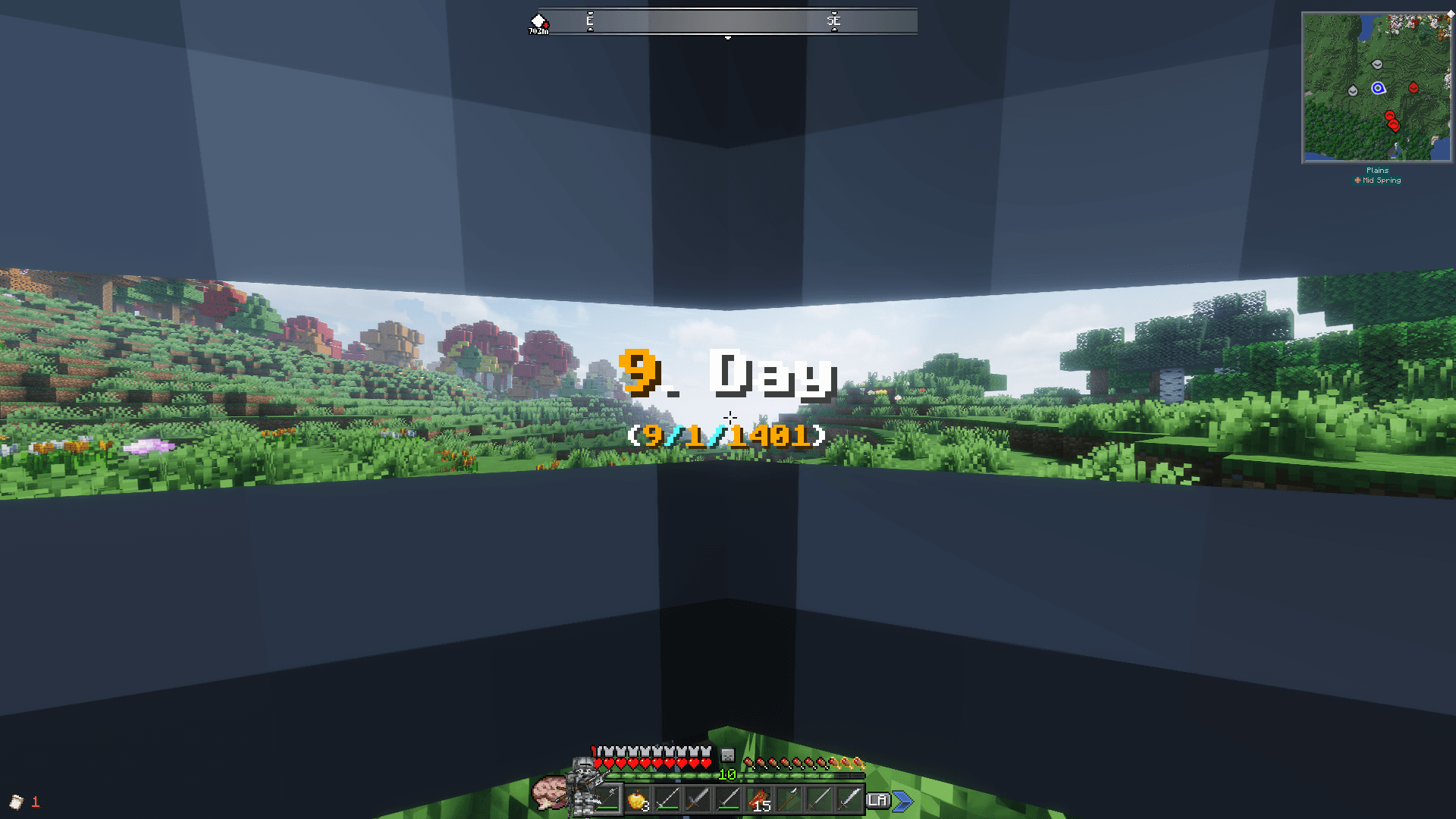
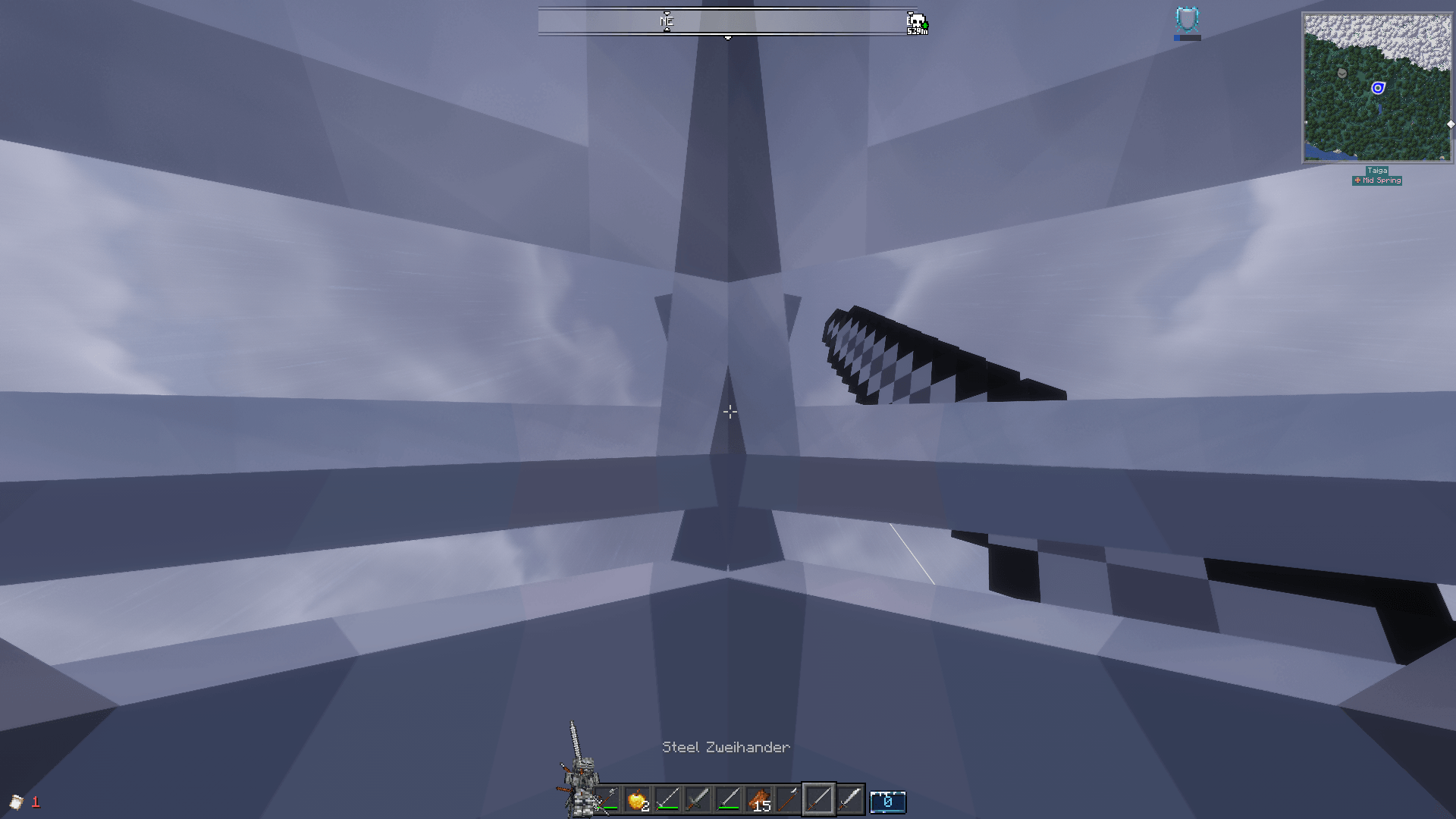
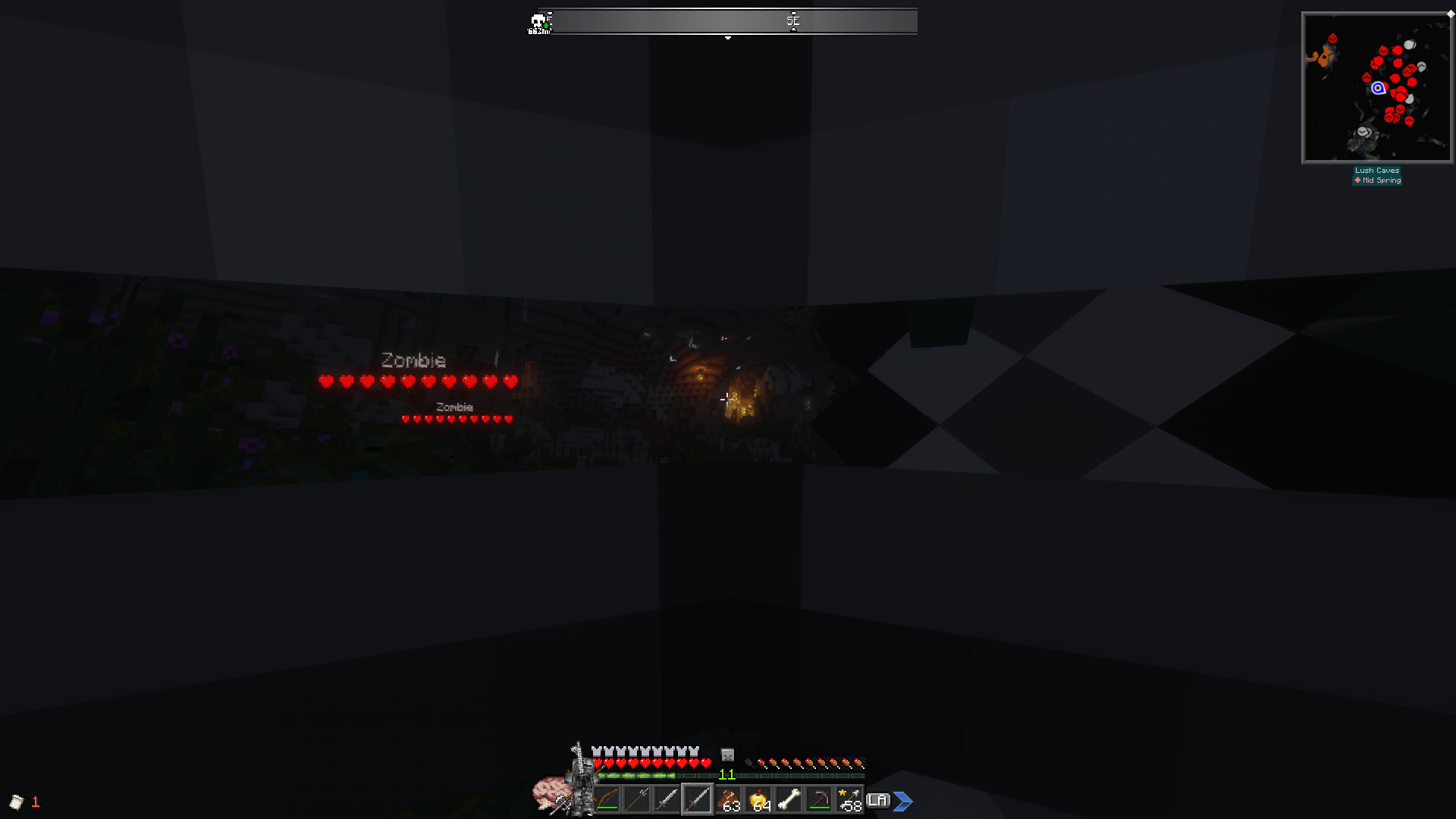
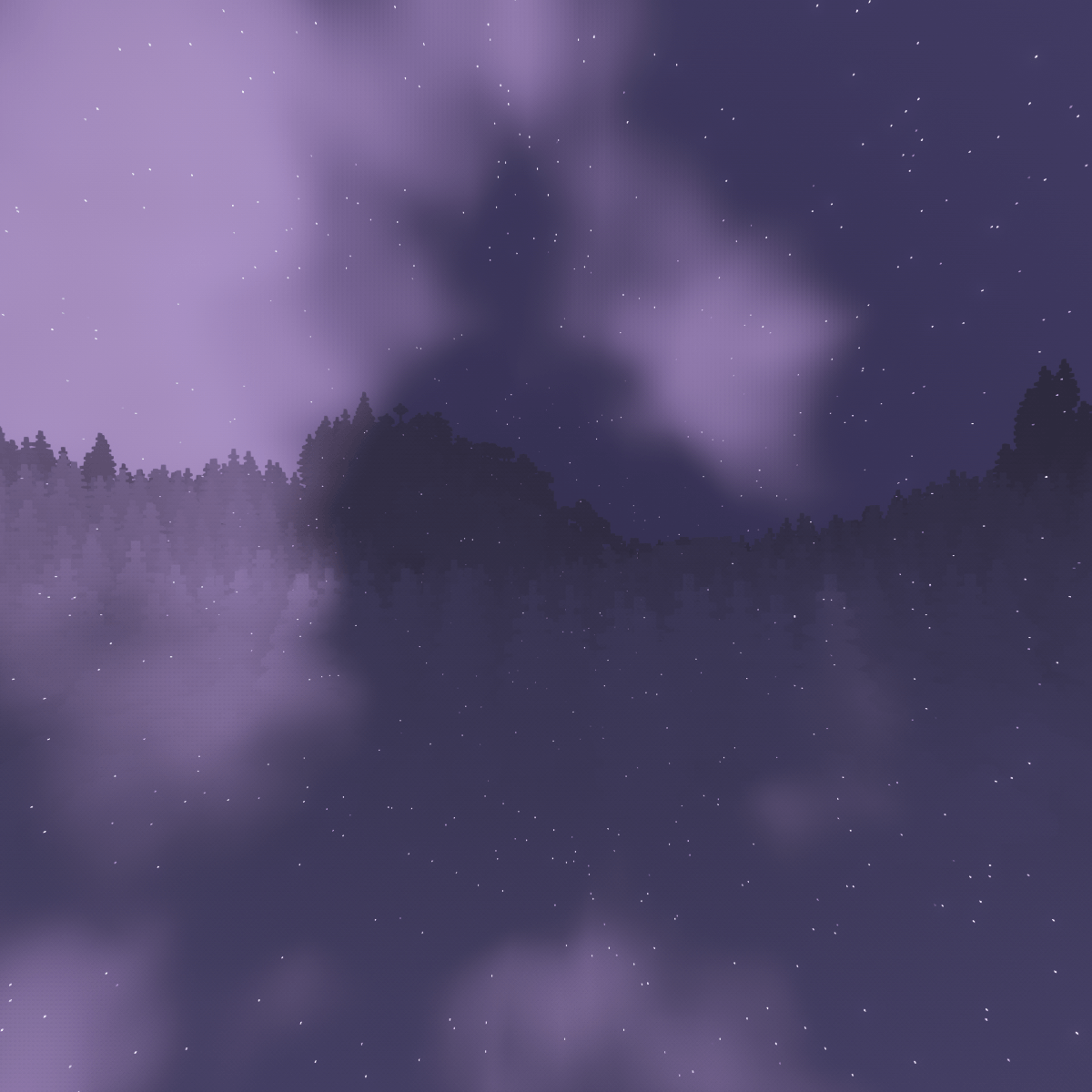
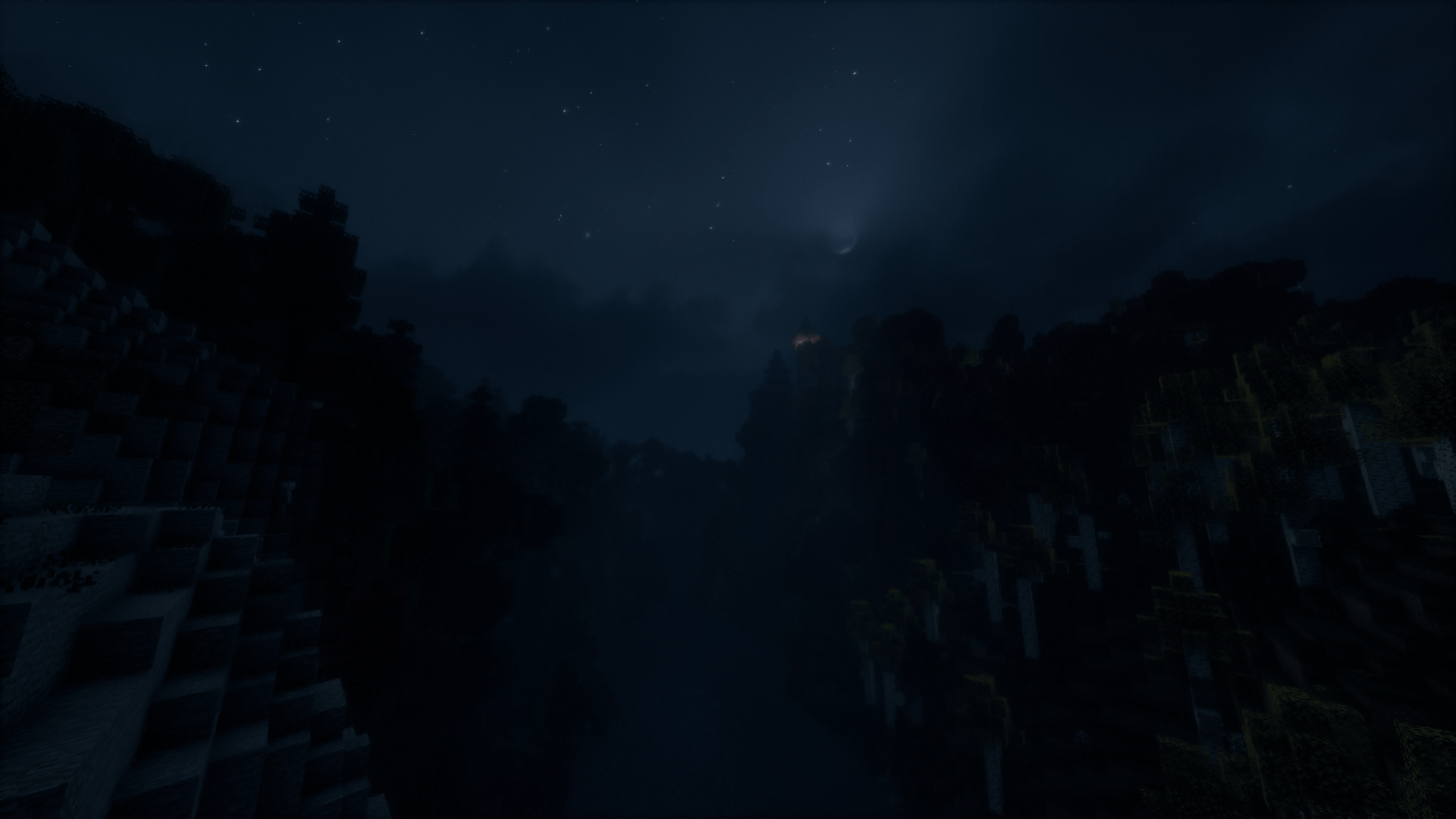

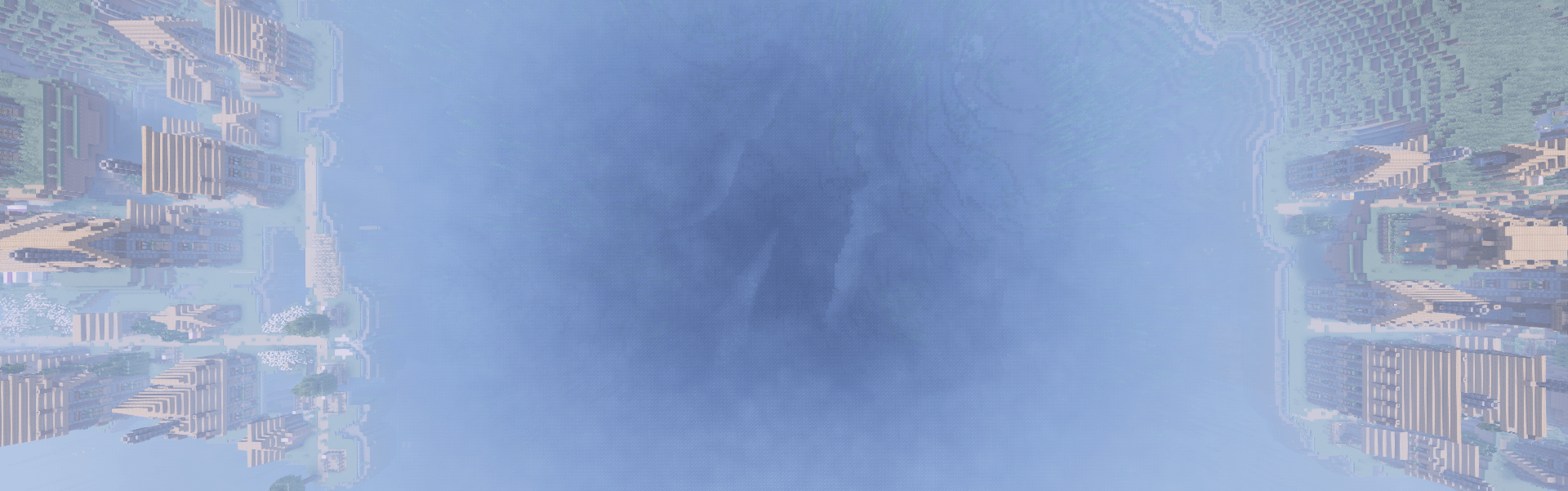
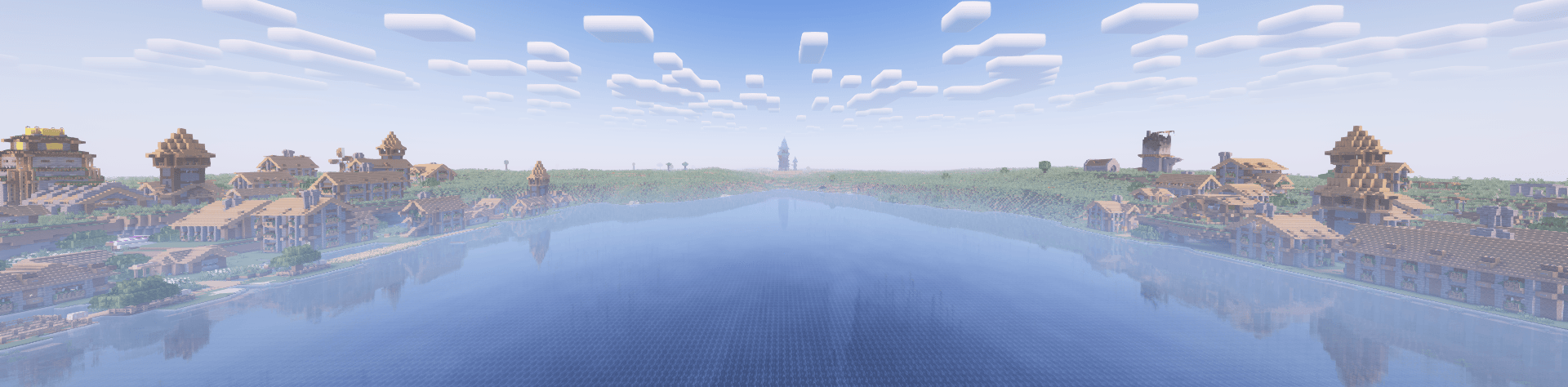
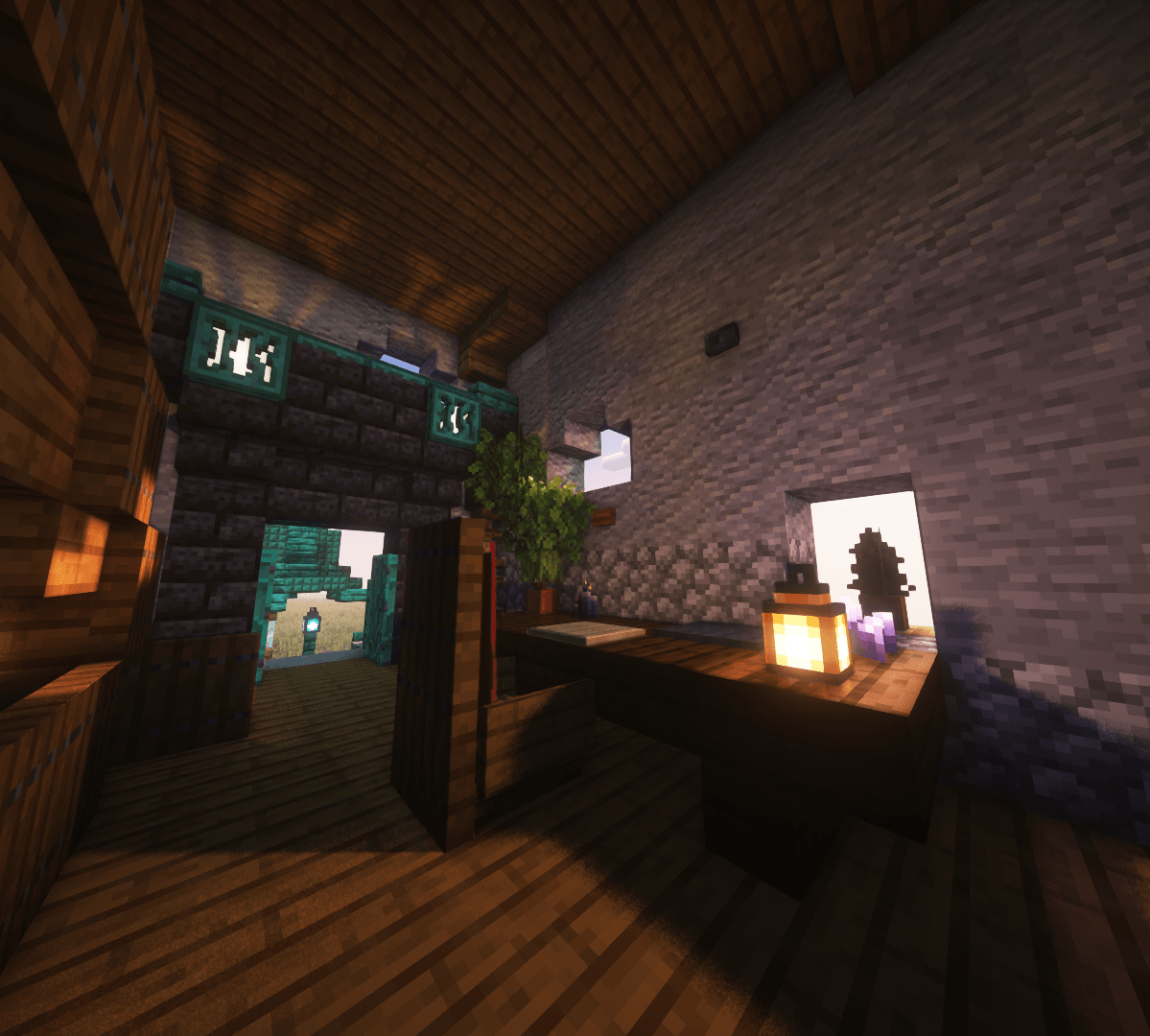
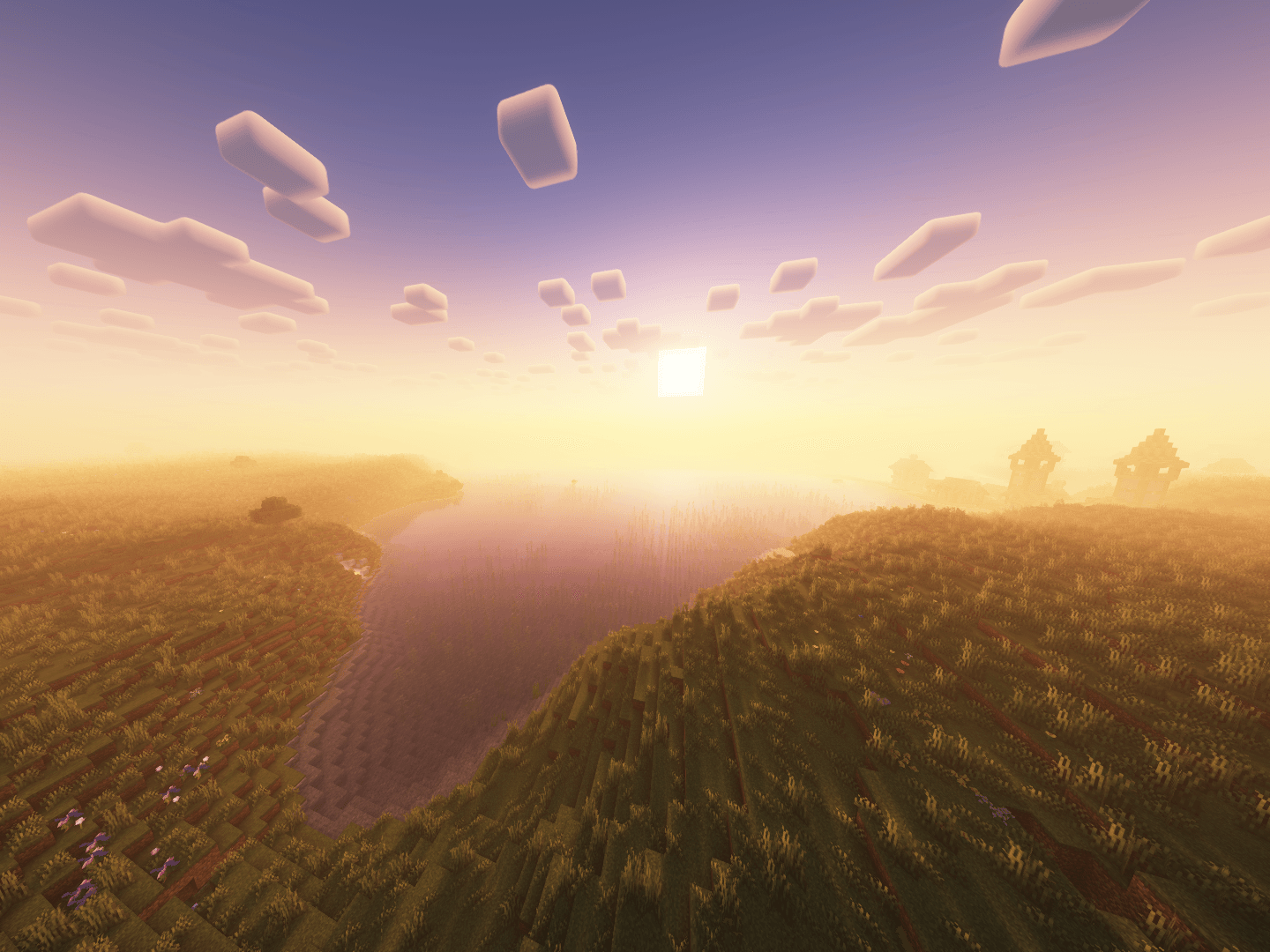
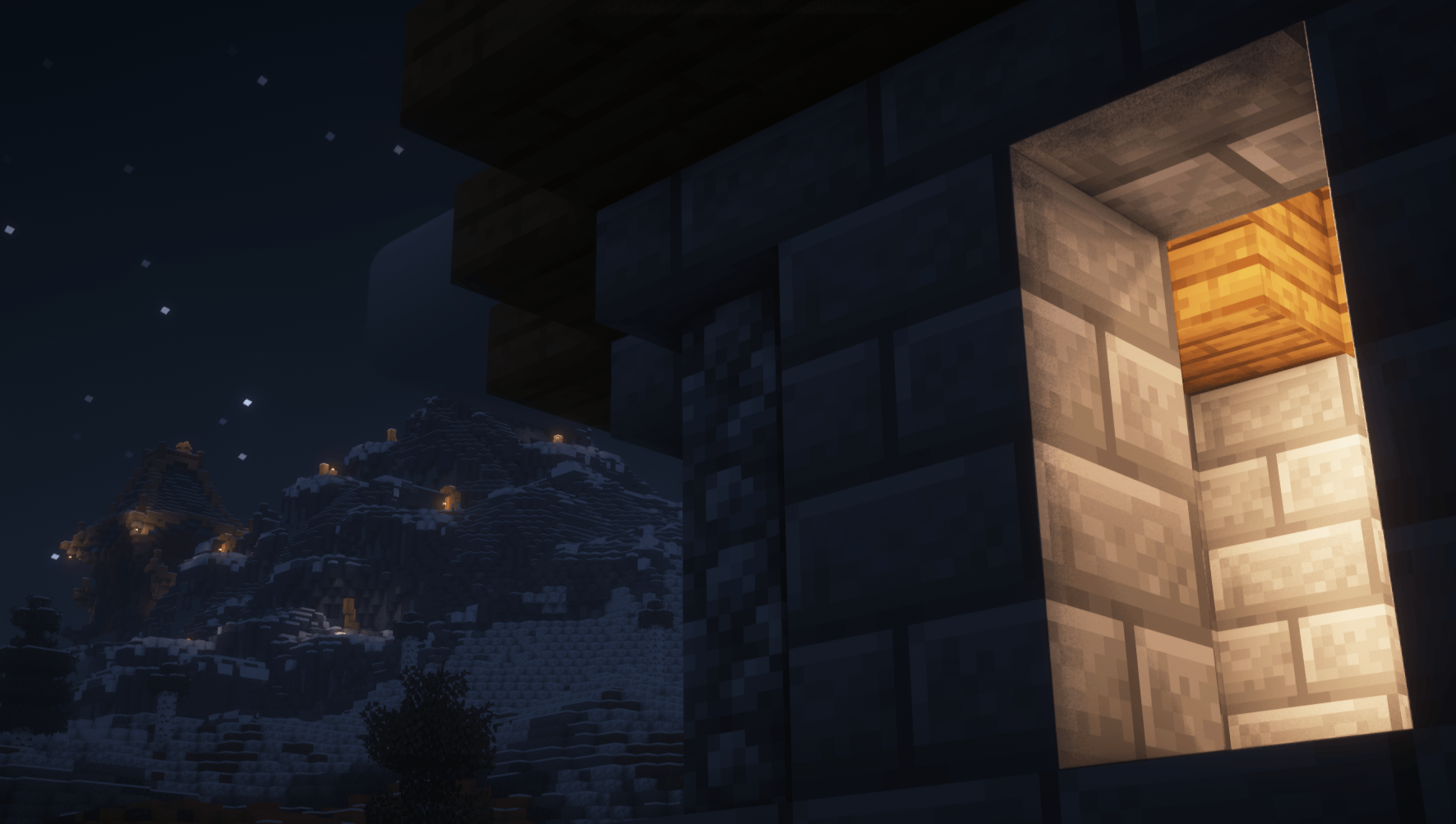
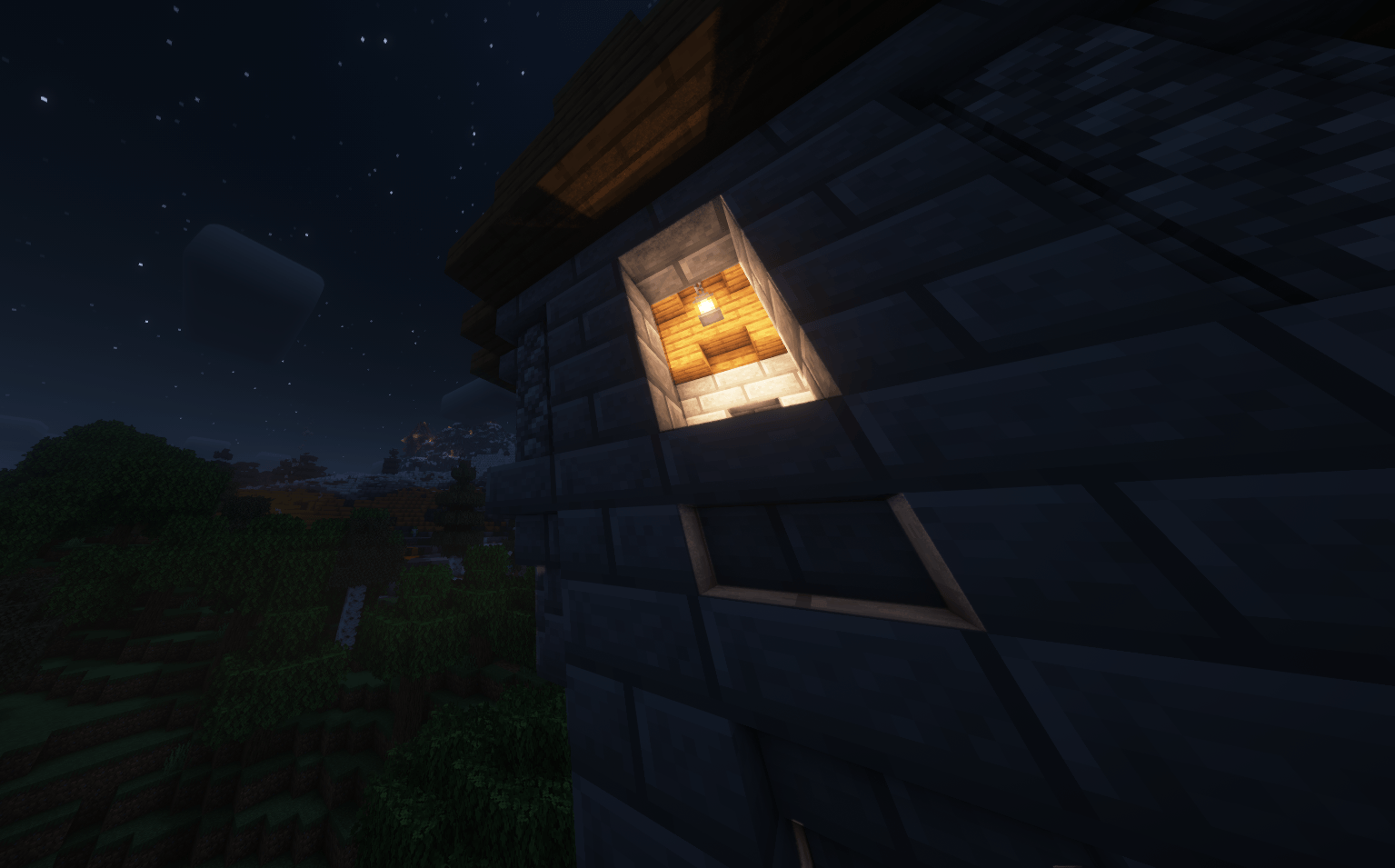
介绍

Pre-loaded with ‘Essential Mod’ (multiplayer mod)
Dynamic voice chat with ‘Simple Voice Chat’
[Over 180 manually tuned mods!]
{||||||||||||||}Please Read Before Playing!{||||||||||||||}
[Reporting issues with the modpack in the Issues tab will be greatly appreciated.]
*Accessibility and Disclaimer*
You can disable any of these features in the mod settings/config.
The Explosion Overhaul mod contains intense explosion sound effects that can be quite loud and realistic. These sounds may startle or cause panic in some users and may be unpleasant for sensitive hearing. especially in environments where loud noises may cause discomfort or unwanted reactions.
(If you are having lag spikes; you need to allocate more RAM.)
To Disable the Camera Smoothing/Roll (if you are Nauseous), go to:
Roll: Game Menu \ Mods \ CameraOverhaul \ Config \ [Enable the mod’s effects=No].
Smoothing: Press – ]
· Weapons and Armor with INFINITE ways to Upgrade them!
100 Hours of content
150+ Quests
26+ Bosses
600+ Weapons
500+ Armor Sets
100+ Spells
The Nether & End Reimagined
5 New Fantastical Dimensions
70+ New biomes in the Overworld
Default Keybinds:
TAB – Open/Close Inventory.
Y – Aptitudes Menu.
R – to view Item Recipe.
A – to Favorite an Item.
U – while hovering over an item to view its Uses.
N – to Swap items in hands.
C – to Crouch.
L-ALT – to Dash.
B – while a Backpack is on your (“Curios”) Back Slot to open it.
Z – to Zoom.
G – World Map.
V – to Ping.
F6 – Enhanced First person (For Immersion).
` – List Players.
M – Microphone settings.
F – to Talk.
Minimum Specs:
8GB Ram
((Send your best screenshot with the modpack to be featured))
常见问题
MedievalisM | Come have a journey 支持哪些 Minecraft 版本?
MedievalisM | Come have a journey 基于 Minecraft Java 版 1.20.1、1.19.2、1.16.5,使用 Forge 加载器。
MedievalisM | Come have a journey 怎么安装?
点本页「前往下载」拿到整合包文件(Modrinth 的是 .mrpack,CurseForge 的是 .zip),在 PCL2 或 HMCL 启动器里选择「导入整合包」,启动器会自动装好 Minecraft、加载器和全部模组。建议在启动器里给游戏分配 4–6 GB 内存。
MedievalisM | Come have a journey 开服需要多大内存?
推荐服务器内存 12 GB。在线人数多、或者建了大量机器和区块加载器时,可以再加 2–4 GB。
怎么和朋友一起玩 MedievalisM | Come have a journey?
点本页的「一键开服」,选好配置后会自动安装 MedievalisM | Come have a journey 的服务端,几分钟就能开好。把服务器地址发给朋友,大家用同一个版本的整合包连进去就行。
评论
登录后评论和评分