截图
介绍
中文介绍正在准备中,下面暂时显示原文。
原版向整合包,游玩难度极低,适合新手
A Vanilla+ Modpack. Extremely low difficulty, suitable for new players.
目前仅支持简体中文,未来可能支持繁体中文和英语。
At present, only simplified Chinese is supported, and traditional Chinese and English may be supported in the future.
特色 / Features:
- 这里没有过于强大的怪物,过于复杂烧脑的机器,你可以轻松惬意地游玩。如果你愿意,甚至可以极限生存。
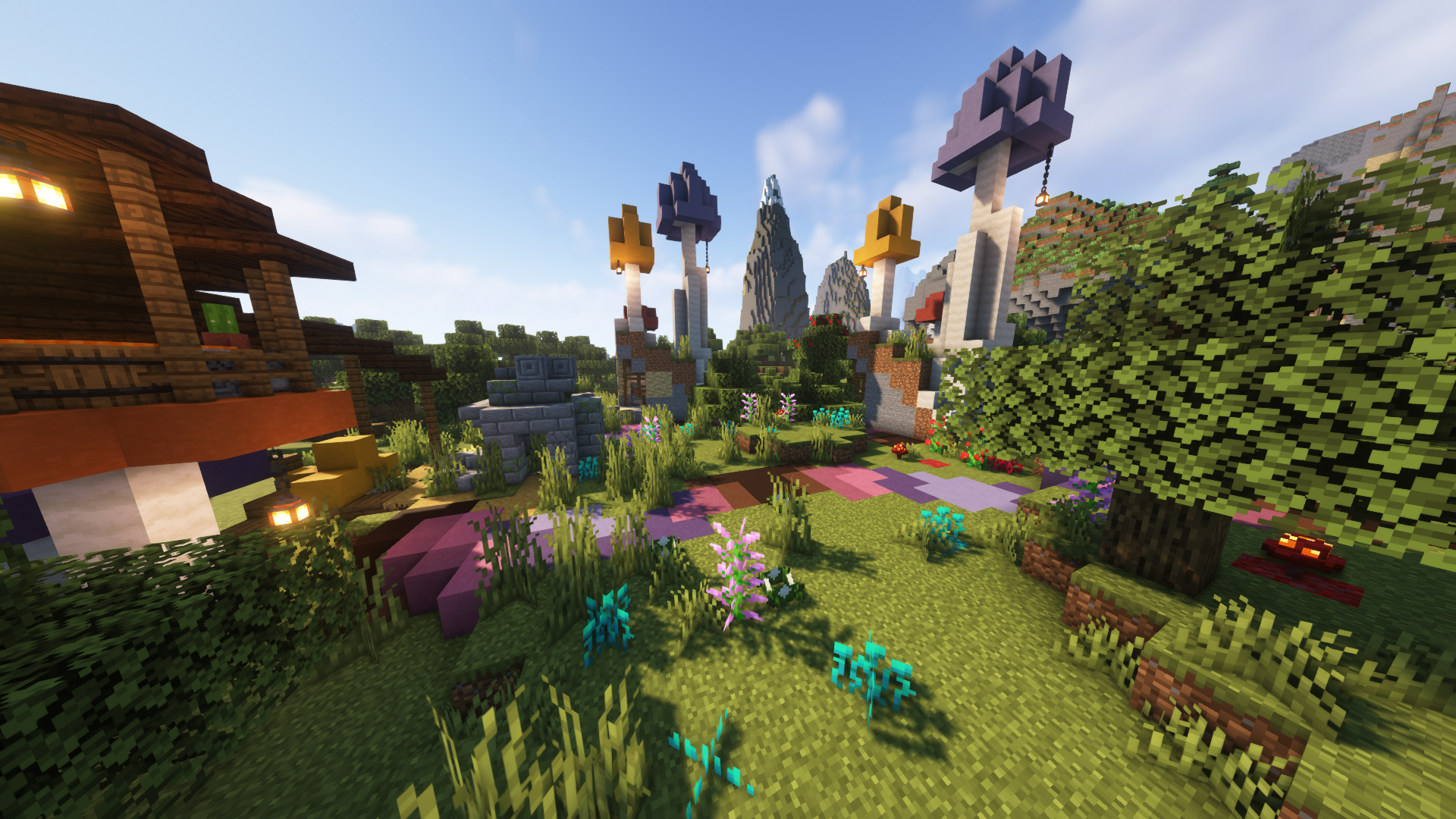
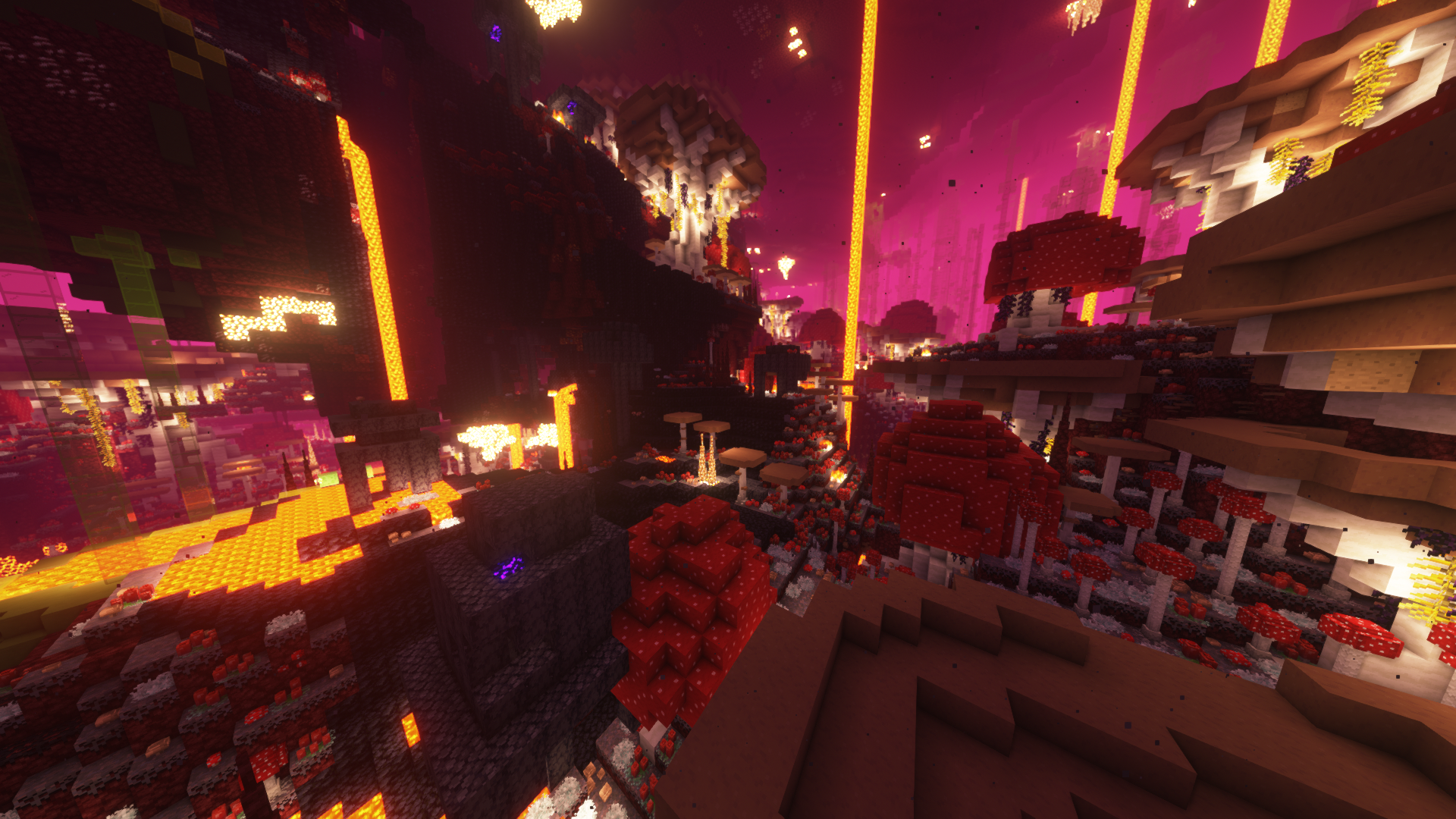
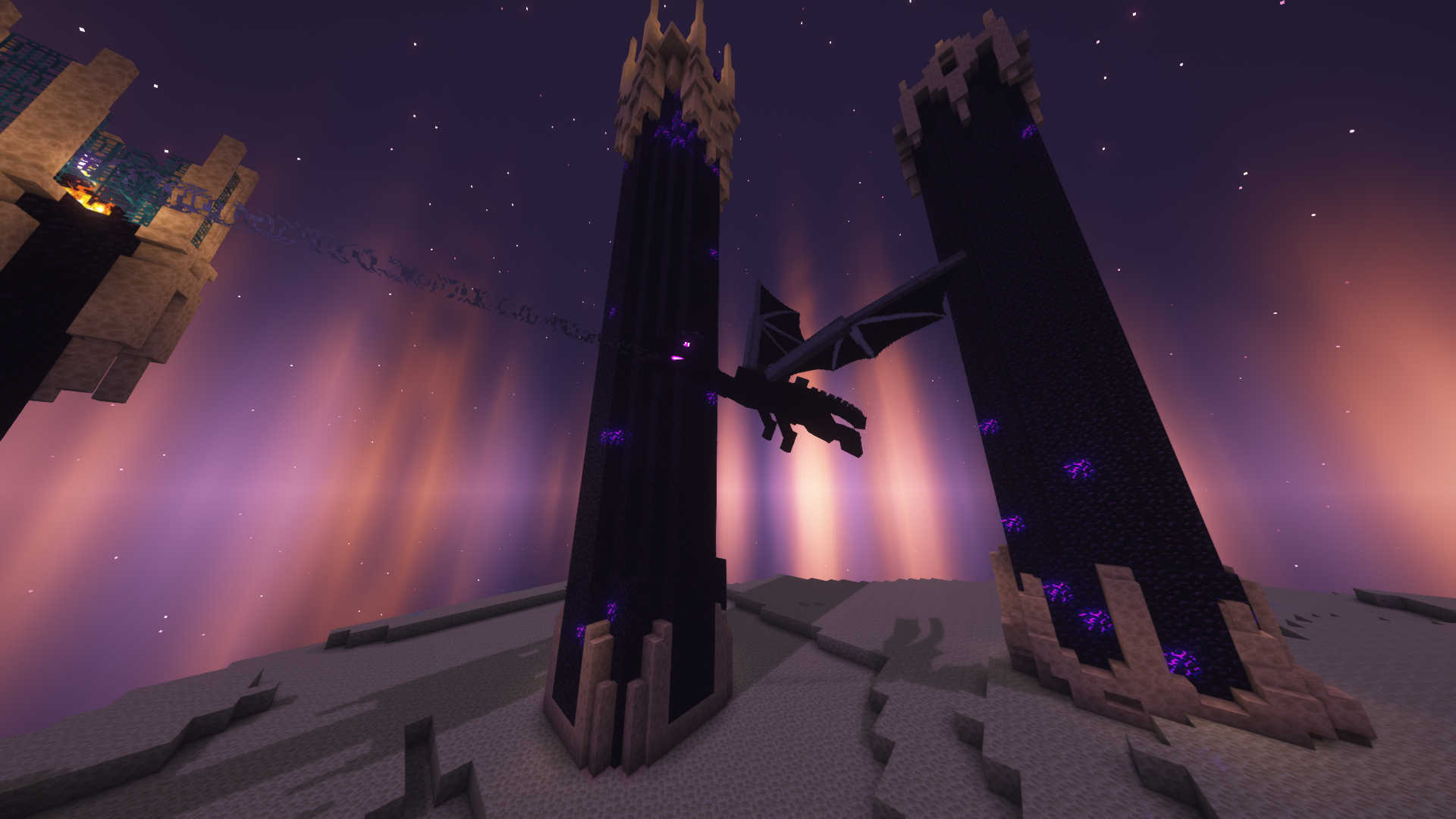
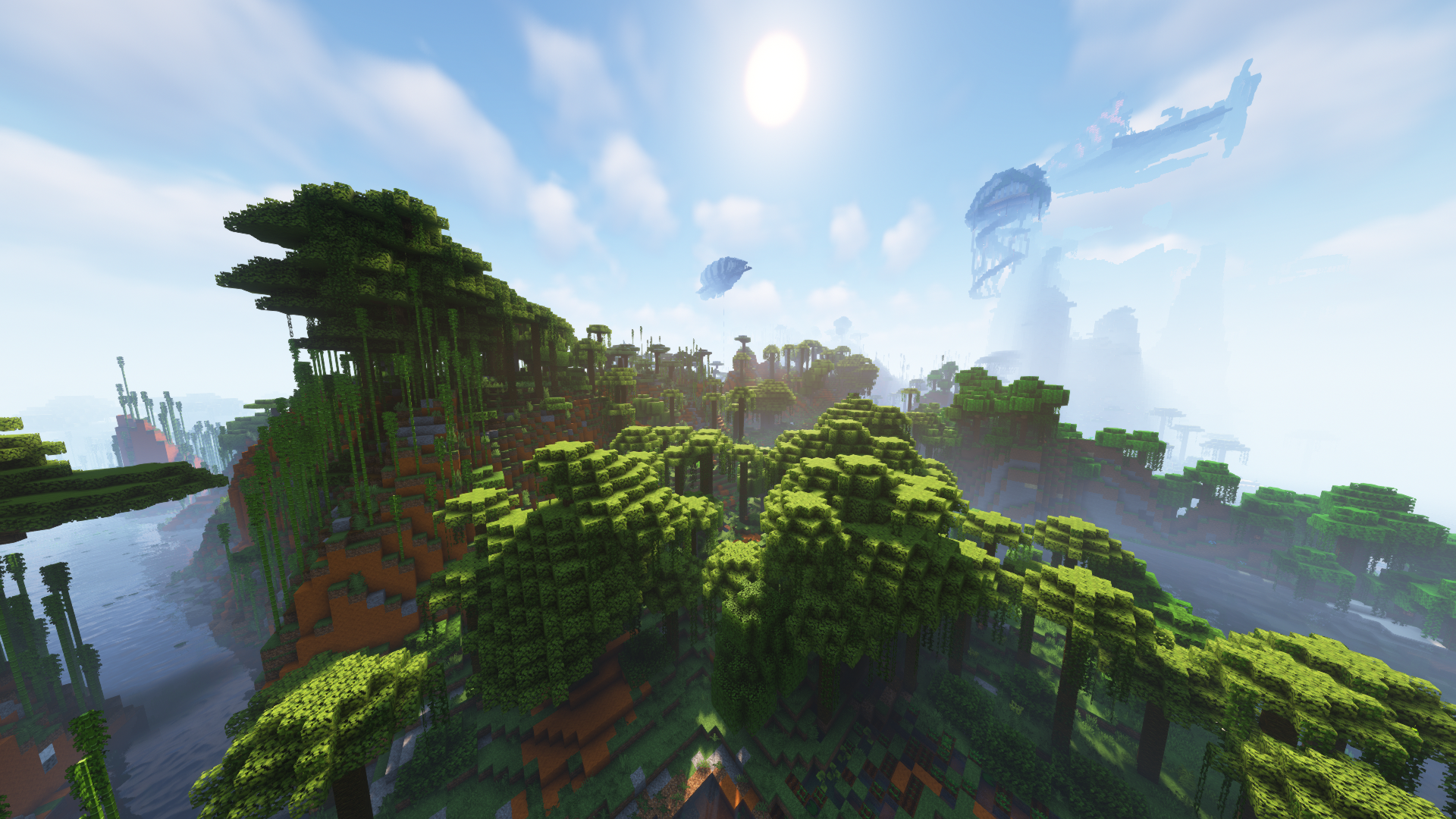
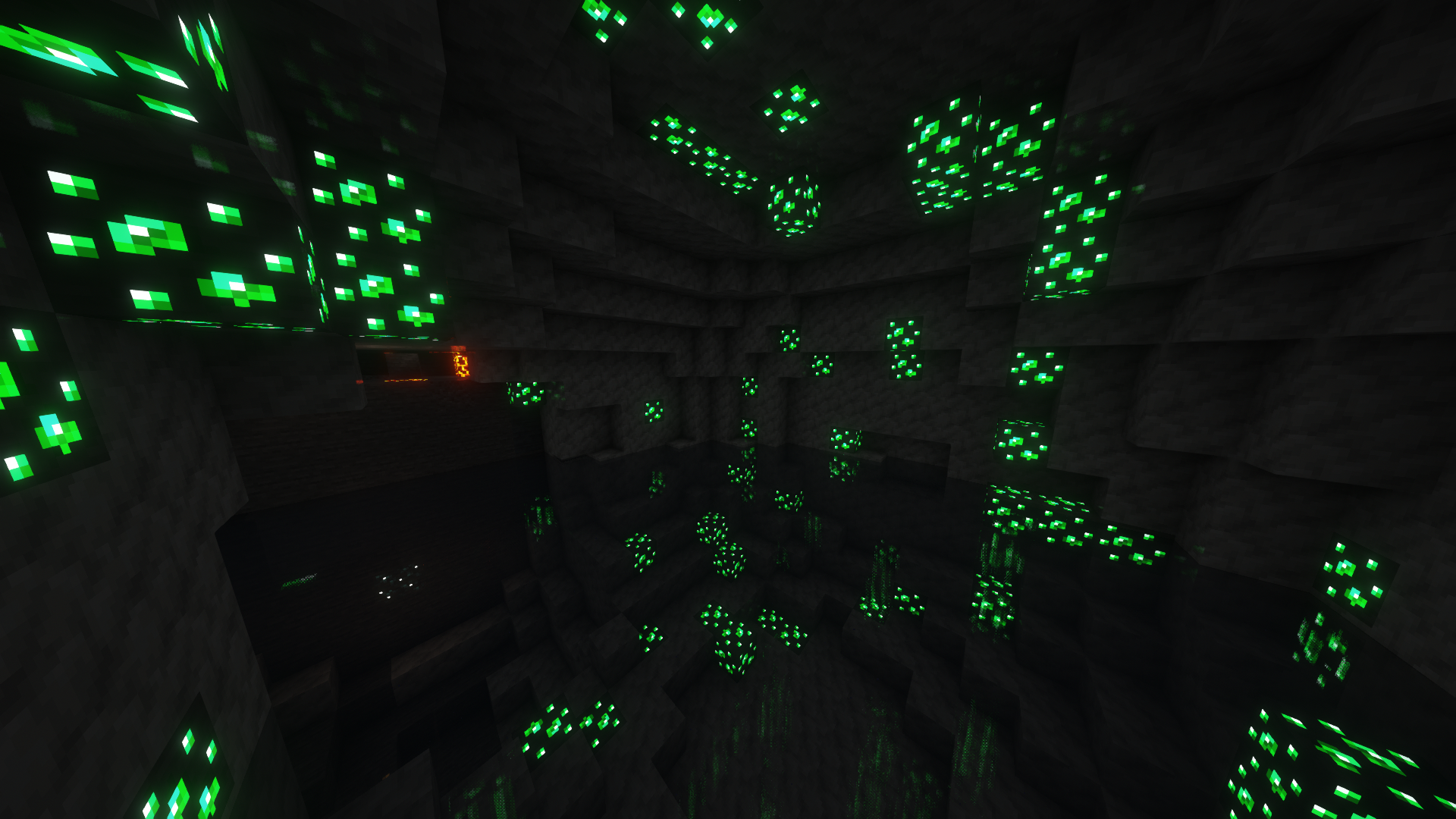
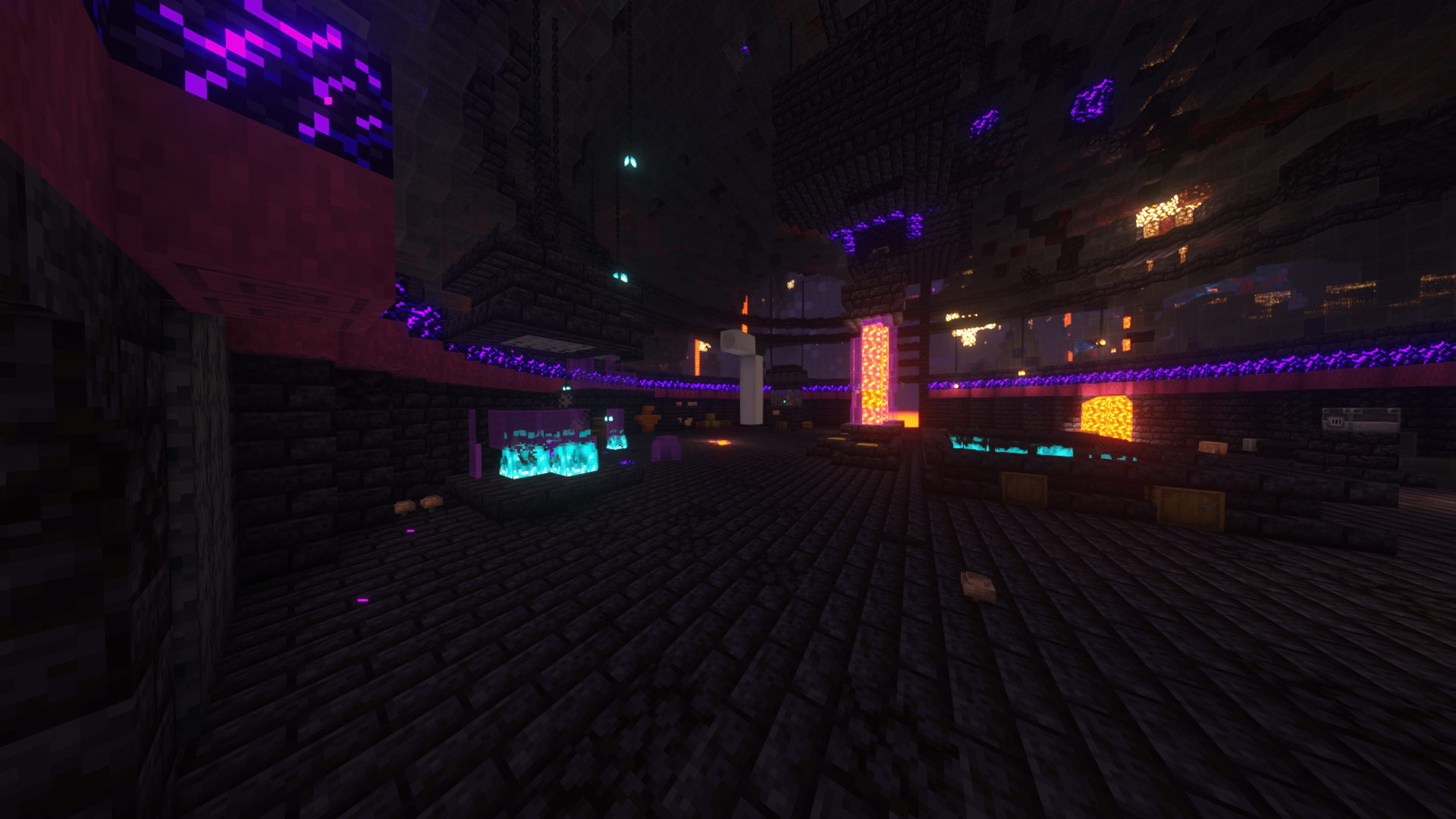
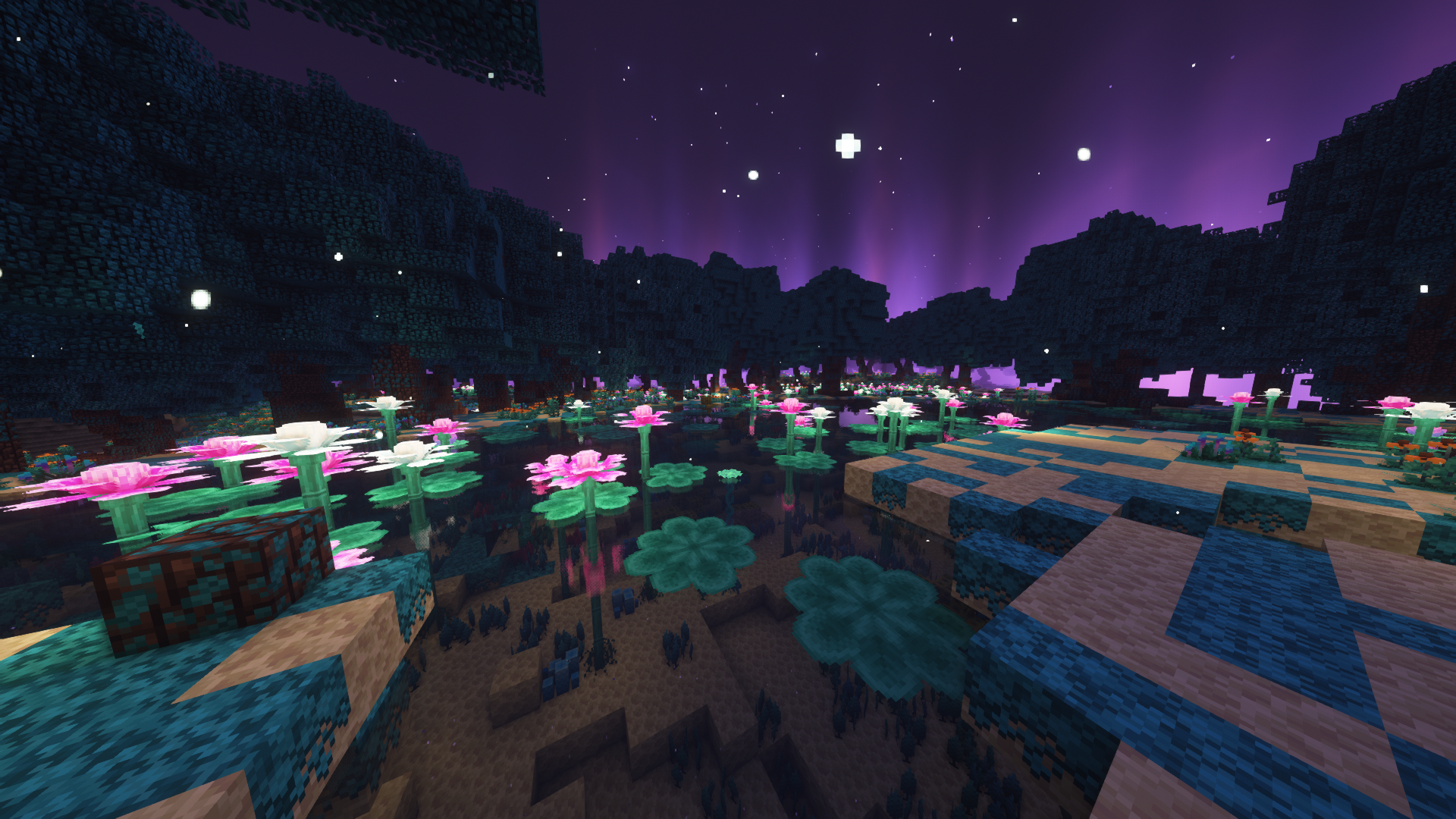
- 超多的生物群系和结构,主世界、下界、末地三个维度均有,开启光影后,画面的每一帧都值得成为你的壁纸。
- 完善的功能性辅助模组,小地图、血量显示、装备显示、一键整理、连锁砍树、鼠标整理等模组一应俱全。
- 配有一系列优化模组,大幅降低内存占用并提高帧数。
- 更多实用的物品,奇特的药水和附魔,更多新奇的方块、生物,一些独特的自定义配方。
- 生存多元化,包含了建筑、探索、种植、红石、存储、运输等方方面面的模组。
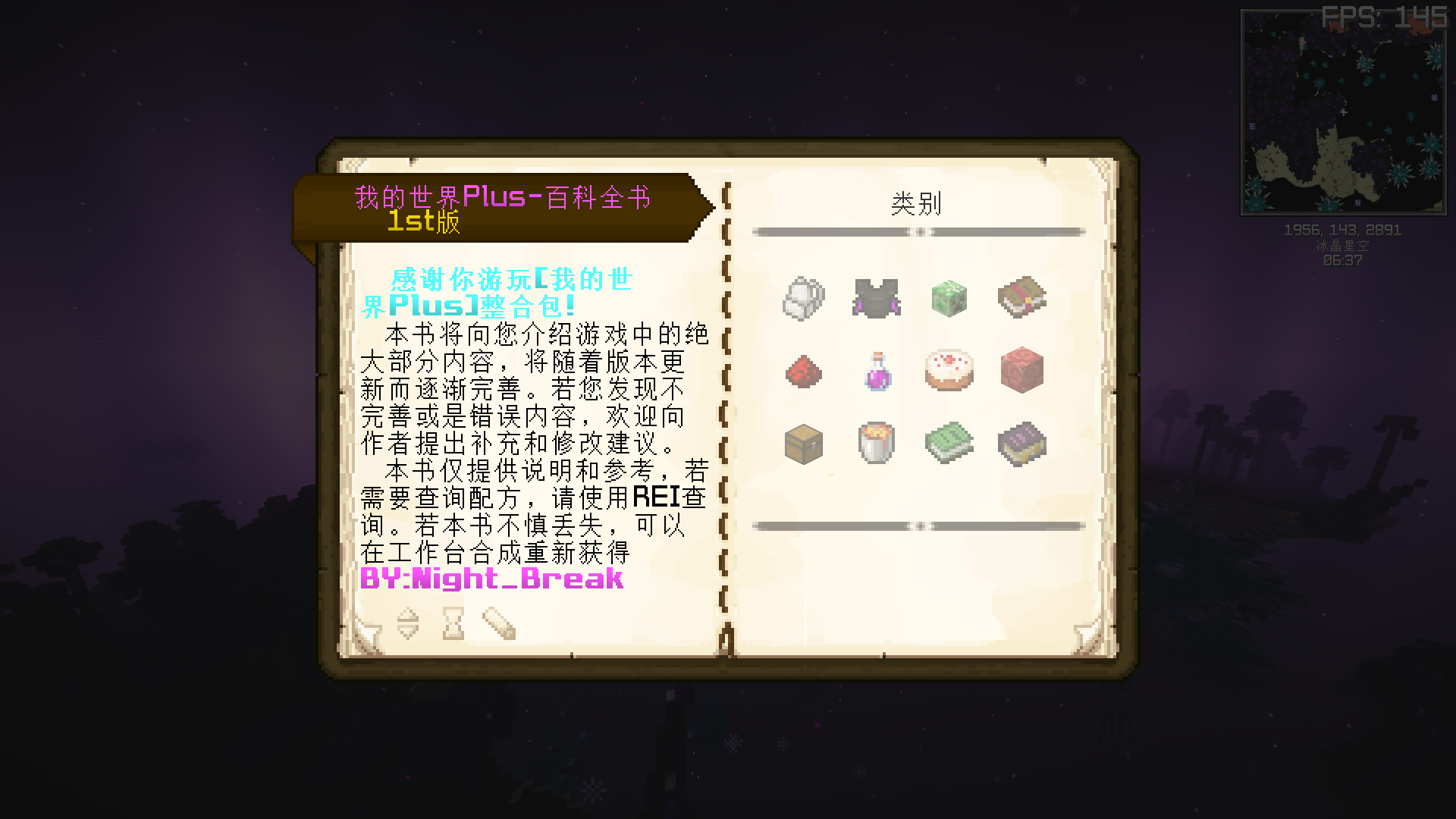
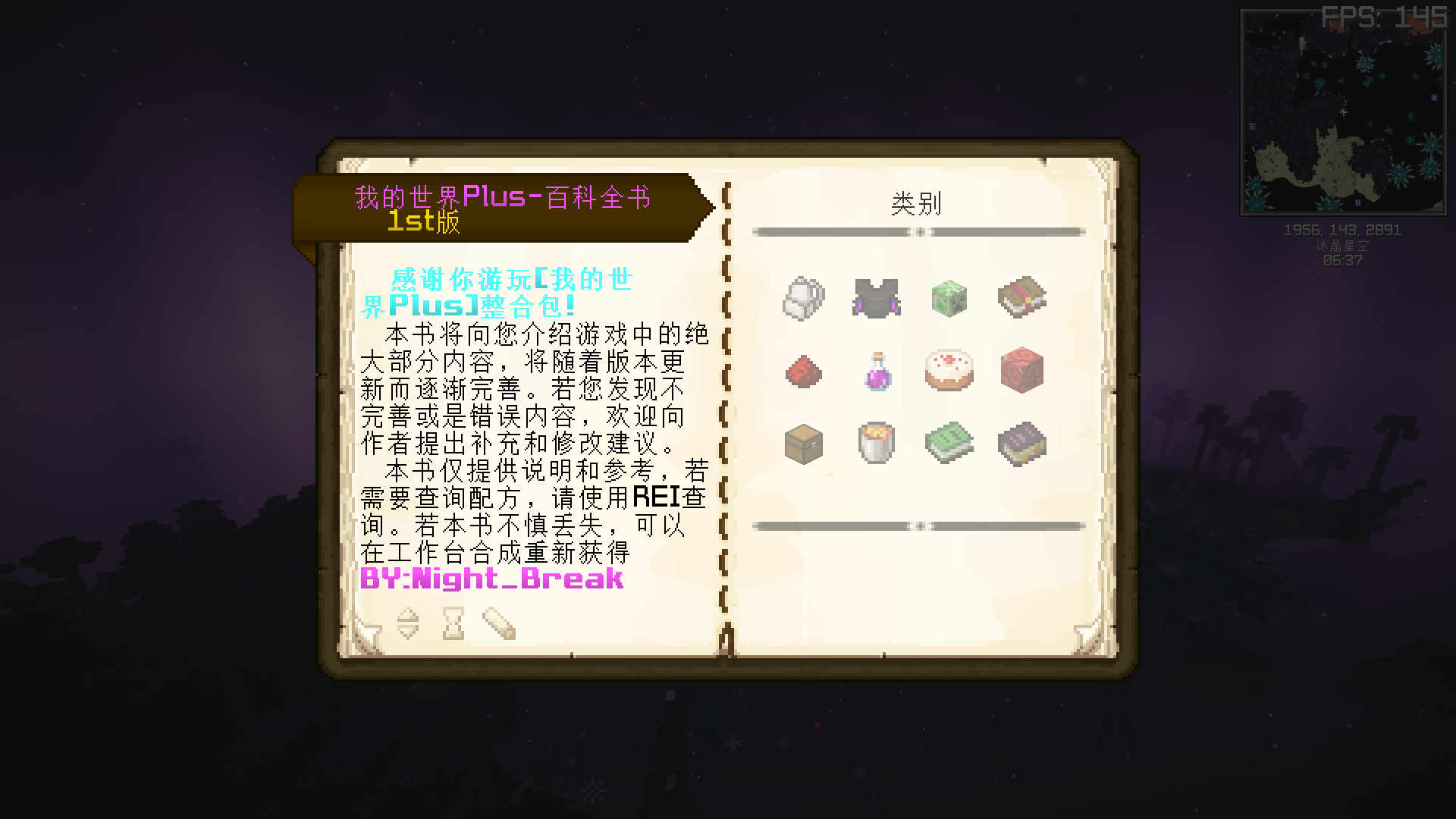
- 自制百科全书,内含大量游戏内容介绍,配合REI使用,带你了解游戏中的各种模组、各种物品的玩法和功能。
- 带有服务端,且增加了一些适合多人游戏使用的模组,推荐多人游玩。
- 各种改善游戏体验的轻量化模组。
- No too powerful monsters or too complex brain burning machines here. You can play easily and comfortably or play the hardcore mode.
- A lot of biomes and structures in overworld, nether, and the end. If you open the shader, every frame of the game screen can be used as your wallpaper.
- Perfect functional auxiliary mods, including Xaero’s Minimap, InventoryHUD, InventoryProfilesNext, FallingTree, MouseTweaks and so on.
- It is equipped with a series of optimization mods to greatly reduce the memory occupation and increase the number of frames.
- There were more practical items, peculiar potions, enchantment, novel blocks, creatures, and some unique customized recipes.
- The game content was varied, including buildings, exploration, planting, red stones, storage, transportation and other aspects.
- Include a self-made encyclopedia, which contains a number of game content introduction, so that you can learn all the mods in this modpack.
- It also has a serverpack and adds some mods that were suitable for multiplayer games. It was recommended for playing with your friends.
- Various lightweight mods to improve the game experience.
图片欣赏 / Images
数据包 & 资源包 / Datapacks & Resourcepacks
常见问题
MCPLUS – FABRIC 支持哪些 Minecraft 版本?
MCPLUS – FABRIC 基于 Minecraft Java 版 1.18.1、1.18、1.17.1,使用 Fabric 加载器。
MCPLUS – FABRIC 怎么安装?
点本页「前往下载」拿到整合包文件(Modrinth 的是 .mrpack,CurseForge 的是 .zip),在 PCL2 或 HMCL 启动器里选择「导入整合包」,启动器会自动装好 Minecraft、加载器和全部模组。建议在启动器里给游戏分配 4–6 GB 内存。
MCPLUS – FABRIC 开服需要多大内存?
推荐服务器内存 12 GB。在线人数多、或者建了大量机器和区块加载器时,可以再加 2–4 GB。
怎么和朋友一起玩 MCPLUS – FABRIC?
点本页的「一键开服」,选好配置后会自动安装 MCPLUS – FABRIC 的服务端,几分钟就能开好。把服务器地址发给朋友,大家用同一个版本的整合包连进去就行。

评论
登录后评论和评分