MC meets Create
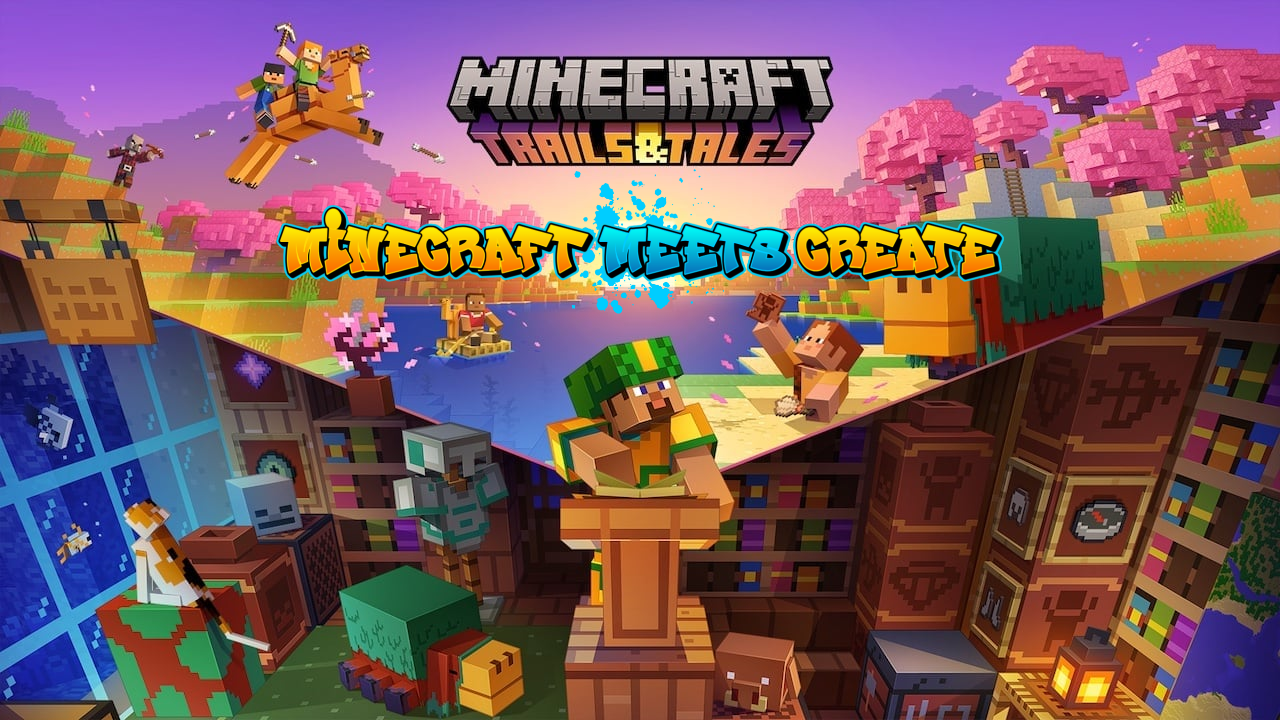
This modpack focuses on the "Create" mod. As a small support, the modpack uses a non-high-tech storage system and improved chests and barrels.
介绍
This modpack focuses on the “Create” mod. As a small support, the modpack uses a non-high-tech storage system and improved chests and barrels.
It is enhanced with some Quality of Life mods that make life a little easier.
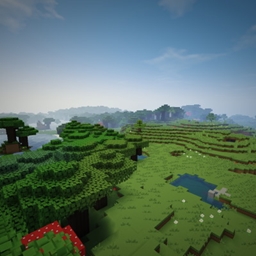
The world is expanded with new Vanilla like biomes, so discoveries have their joy far away from the “Create” mod.
This modpack is basically finished. But over time, a few interesting mods will be added as soon as they have found their way into 1.20.
An official server is available.
Server-Pack is available
For help, accessing the server and downloading the server pack, please use the Discord
Official discord server: https://discord.gg/pxs8Vjt68p
Modlist:
- AttributeFix
- Better Advancements
- BetterF3
- Bookshelf
- Clumps
- Controlling
- Create: Drinks
- Dark Mode Everywhere
- ‘Dustrial Decor
- Explorer’s Compass
- Fast Leaf Decay
- FramedBlocks
- Jade
- Jade Addons (Forge)
- Just Enough Resources
- Mouse Tweaks
- Nature’s Compass
- Searchables
- Create: Steam ‘n’ Rails
- Structory
- TerraBlender
- TexTrue’s Rubidium Options
- Almost Unified
- AppleSkin
- Architectury API
- Artifacts
- Athena
- Create: Balanced Flight
- Balm
- Better village
- Biome Makeover
- Carry On
- MrCrayfish’s Furniture Mod
- Chipped
- Cloth Config API
- Comforts
- Connected Glass
- Construction Wand
- Corpse
- CosmeticArmorReworked
- CraftingTweaks
- Create
- Create Confectionery
- Create: Structures
- Create Stuff & Additions
- Create: Steam ‘n’ Rails
- Create Enchantment Industry
- Create Jetpack
- Create Crafts & Additions
- Create: Diesel Generators
- ChoiceTheorem’s Overhauled Village
- Cupboard utilities
- Curios API
- Deeper and Darker
- Dungeons and Taverns
- Rubidium Dynamic Lights
- Entity Culling
- FancyMenu
- FastSuite
- FerriteCore
- FTB Chunks
- FTB Essentials
- FTB Library
- FTB Ranks
- FTB Teams
- FTB Ultimine
- Funtional Armor Trim
- Fusion (Connected Textures)
- Geckolib
- Geophilic
- Handcrafted
- Immersive Aircraft
- Immersive Armors
- Immersive Paintings
- Immersive structures
- Simple Inventory Sorter
- Just Enough Items
- JourneyMap Integration
- Journeymap
- Konkrete
- Kotlin for Forge
- Library ferret
- Lootr
- Macaw’s Bridges
- ModernFix
- Moonlight Lib
- More Mob Variants
- More Overlays Updated
- Mystic’s Biomes
- No Telemetry
- Oculus
- Polymorph
- Reap Mod
- Repurposed Structures – Forge
- Resourceful Lib
- Rubidium
- Rubidium Extra
- Smoothchunk mod
- Sophisticated Backpacks
- Sophisticated Core
- Sophisticated Storage
- spark
- Storage Drawers
- Structure Essentials mod
- SuperMartijn642’s Core Lib
- Supplementaries
- Supplementaries Squared
- Tom’s Simple Storage Mod
- Trade Cycling
- Twigs
- Simple Voice Chat
常见问题
MC meets Create 支持哪些 Minecraft 版本?
MC meets Create 基于 Minecraft Java 版 1.20.1、1.20,使用 Forge 加载器。
MC meets Create 怎么安装?
点本页「前往下载」拿到整合包文件(Modrinth 的是 .mrpack,CurseForge 的是 .zip),在 PCL2 或 HMCL 启动器里选择「导入整合包」,启动器会自动装好 Minecraft、加载器和全部模组。建议在启动器里给游戏分配 4–6 GB 内存。
MC meets Create 开服需要多大内存?
推荐服务器内存 12 GB。在线人数多、或者建了大量机器和区块加载器时,可以再加 2–4 GB。
怎么和朋友一起玩 MC meets Create?
点本页的「一键开服」,选好配置后会自动安装 MC meets Create 的服务端,几分钟就能开好。把服务器地址发给朋友,大家用同一个版本的整合包连进去就行。
Kaffeekirsche 的其他作品
查看全部 →
Create Cherry Addon
This is an Addon for Create. It is used in the MC meets Create Modpack!
CCM 1.19.2 – Create Colony and Magic
Lowtech, exploration and town/building-based vanilla+ modpack focused around Minecolonies and create mod.
Pandora Survival [deprecated]
Survival, Magic, Tech and mroe
评论
登录后评论和评分