
MaxFlameFPS
An ultra-optimized performance pack designed to boost your FPS while maintaining a smooth vanilla experience.
截图
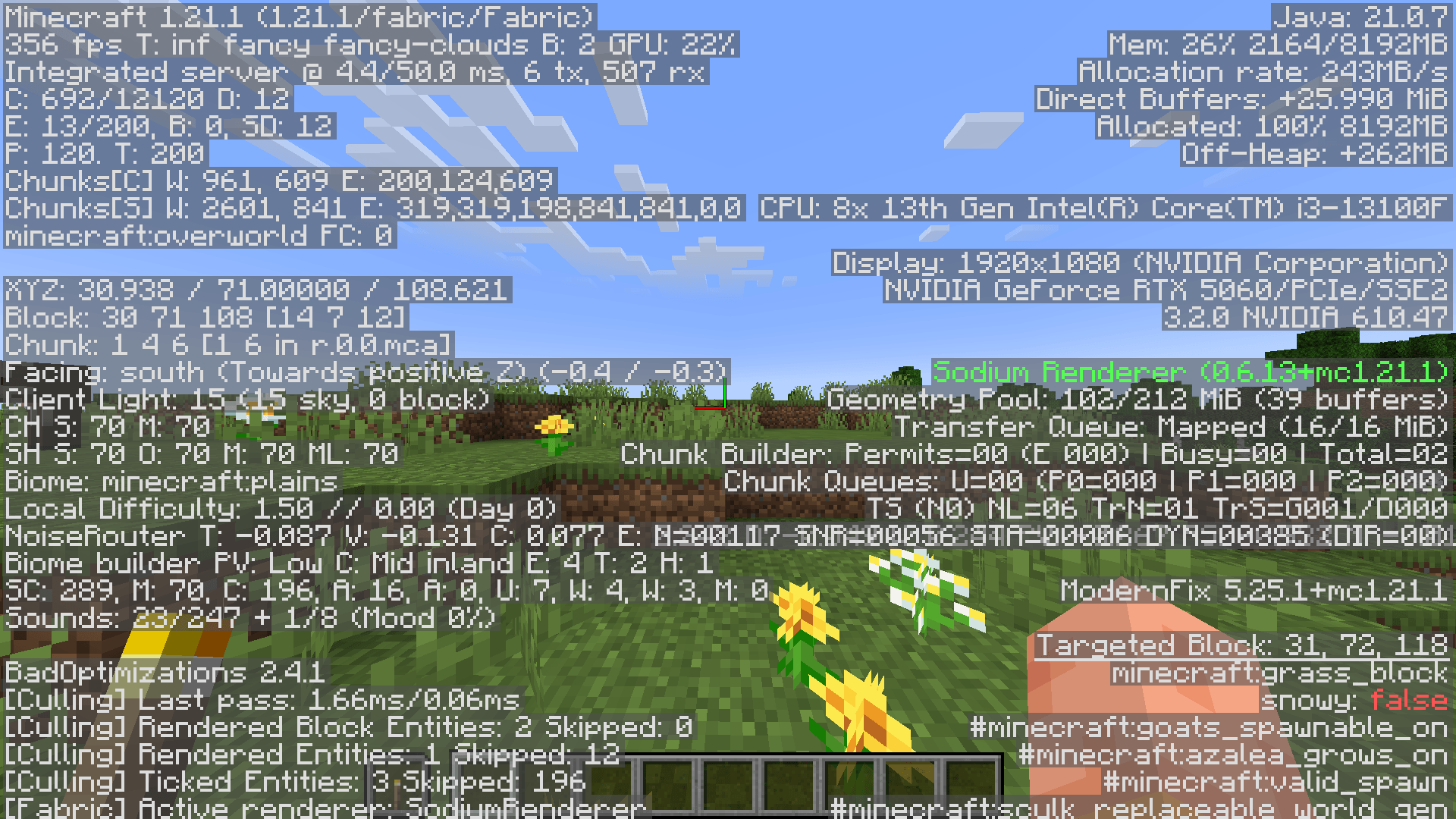
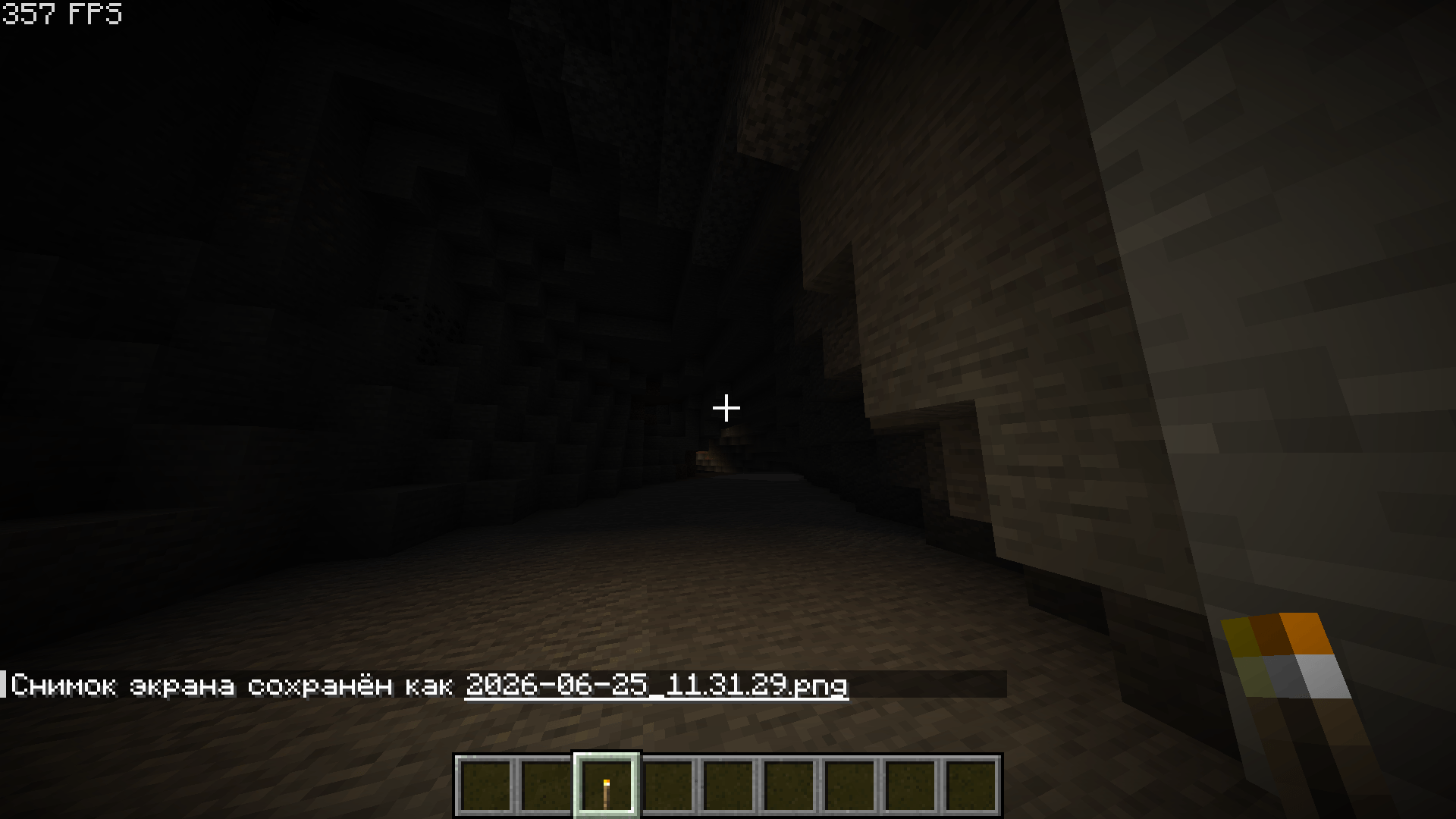
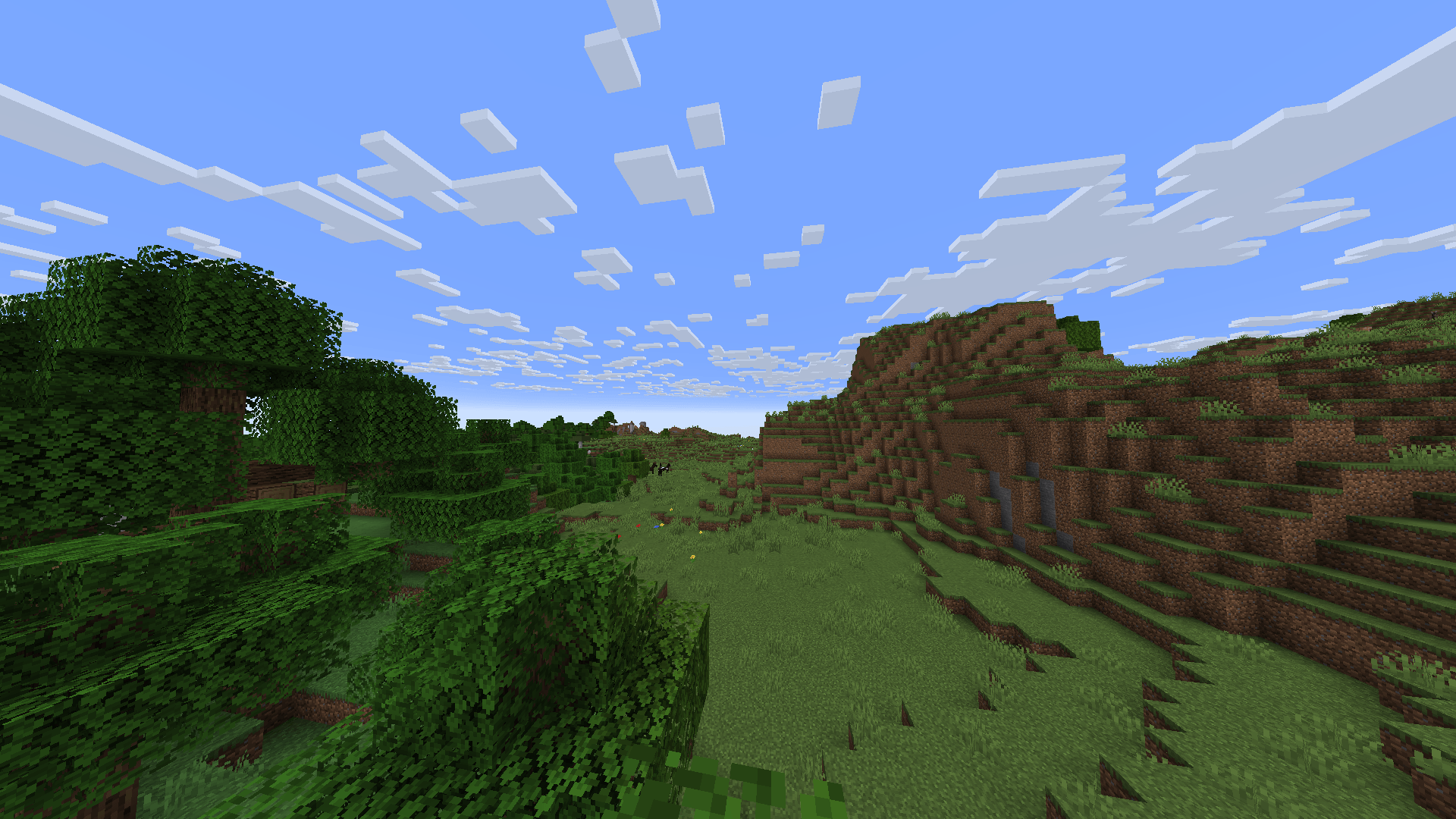


介绍
MaxFlameFPS is a professional, high-performance optimization pack designed to completely transform your Minecraft experience. It carefully balances maximum framerate gains with essential quality-of-life features to deliver a flawless, lag-free Vanilla+ experience.
Key Features:
⚙️ Essential Vanilla+ Enhancements: Includes Simple Voice Chat for seamless communication, a smooth zoom feature, dynamic lighting, and a convenient in-game language switching interface. Enjoy enhanced network play stability and smoothness, all thoroughly optimized to increase your comfort without compromising your FPS.
🛡️ PvP & Performance Resource Packs: Pre-installed custom resource packs featuring reduced fire textures and smaller shields to significantly improve visibility and performance — perfect for competitive PvP servers and a cleaner look for the vanilla game version.
💻 Hardware Friendly: Built specifically for entry-level to mid-range PCs and laptops. It breathes new life into weaker hardware, turning stuttering frames into a smooth and comfortable gameplay experience.
✨ Shader Ready: Optimization doesn’t mean sacrificing graphics. On mid-range systems and laptops, this pack allows you to use your favorite shaders while maintaining an excellent, comfortable framerate.
🍃 Zero Bloat: No gameplay-altering modifications or resource-heavy software. Just pure performance, stability, and comfort.
⚠️ Technical Requirements (Important!)
This modpack now requires Java 25 to run.
Please ensure you have Java 25 installed and selected in your launcher settings before launching the game. If you are using a launcher like Prism or similar, you can easily download Java 25 directly within the Java settings of your launcher.
常见问题
MaxFlameFPS 支持哪些 Minecraft 版本?
MaxFlameFPS 基于 Minecraft Java 版 1.21.1,使用 Fabric 加载器。
MaxFlameFPS 怎么安装?
点本页「前往下载」拿到整合包文件(Modrinth 的是 .mrpack,CurseForge 的是 .zip),在 PCL2 或 HMCL 启动器里选择「导入整合包」,启动器会自动装好 Minecraft、加载器和全部模组。建议在启动器里给游戏分配 4–6 GB 内存。
MaxFlameFPS 开服需要多大内存?
推荐服务器内存 12 GB。在线人数多、或者建了大量机器和区块加载器时,可以再加 2–4 GB。
怎么和朋友一起玩 MaxFlameFPS?
点本页的「一键开服」,选好配置后会自动安装 MaxFlameFPS 的服务端,几分钟就能开好。把服务器地址发给朋友,大家用同一个版本的整合包连进去就行。
bobrkyrva 的其他作品
查看全部 →
TACZ Ammo Drops
Lightweight TACZ addon. Get 3-8 ammo back from hostile mobs for the exact gun you used. Automatic support for custom gunpacks out of the box, no extra library mods required, and under 4 KB!

System Failure(Horror)
A psychological horror experience designed to push your limits in an environment of perpetual shadow and mystery.

Last Survivor (TACZ)
A hardcore weapon-focused survival modpack featuring 100+ firearms, craftable tanks, evolving mutants, zombie hordes, weapon customization, custom mechanics and 20+ optimization mods.

System Failory
An atmospheric horror modpack focusing on survival, exploration, and psychological tension.
评论
登录后评论和评分